
Day 12 of 15 Days of Advanced SQL Series

Welcome back peeps. Hope all’s well. Last two weeks have been crazy busy at work for me (plus I was traveling).
Day 2 : SQL Basics, Query Structure, Built In functions Conditions
Day 4 : Set Theory Operations, Stored Procedures and CASE statements in SQL
Day 6 : Subqueries, Group by, order by and Having clauses in SQL and Analytical Functions
Day 7 : Window Functions, Grouping Sets and Constraints in SQL
Day 8 : BigQuery Basics, SELECT, FROM, WHERE and Date and Extract in BigQuery
Day 9 : Common Expression Table, UNNEST Clause, SQL vs NoSQL Databases
Day 10 : Triggers, Pivot and Cursors in SQL
Day 14 : MySQL in Depth
Day 15 : PostgreSQL inDepth
Anyways, For Day 12 of 15 days of Advanced SQL, we will cover —
Query Optimizations in SQL
Performance tuning in SQL
Github for Advanced SQL that you can follow —
Projects Videos —
All the projects, data structures, SQL, algorithms, system design, Data Science and ML , Data Analytics, Data Engineering, , Implemented Data Science and ML projects, Implemented Data Engineering Projects, Implemented Deep Learning Projects, Implemented Machine Learning Ops Projects, Implemented Time Series Analysis and Forecasting Projects, Implemented Applied Machine Learning Projects, Implemented Tensorflow and Keras Projects, Implemented PyTorch Projects, Implemented Scikit Learn Projects, Implemented Big Data Projects, Implemented Cloud Machine Learning Projects, Implemented Neural Networks Projects, Implemented OpenCV Projects,Complete ML Research Papers Summarized, Implemented Data Analytics projects, Implemented Data Visualization Projects, Implemented Data Mining Projects, Implemented Natural Leaning Processing Projects, MLOps and Deep Learning, Applied Machine Learning with Projects Series, PyTorch with Projects Series, Tensorflow and Keras with Projects Series, Scikit Learn Series with Projects, Time Series Analysis and Forecasting with Projects Series, ML System Design Case Studies Series videos will be published on our youtube channel ( just launched).
Subscribe today!
System Design Case Studies — In Depth
Complete Data Structures and Algorithm Series
Github —
Let’s get started with Day 12.
Query optimizations in SQL are techniques used to improve the performance of SQL queries. Some common query optimization techniques include:
- Indexing: Creating indexes on frequently searched columns can greatly improve query performance.
- Joining tables: Joining tables correctly can help retrieve data in a more efficient way, it’s important to understand the different types of joins and when to use them.
- Selecting only the necessary data: Retrieving only the data that’s needed can help reduce the amount of data that needs to be processed.
- Using proper filtering: Filtering the data correctly can help reduce the number of rows that need to be processed.
Implementation —
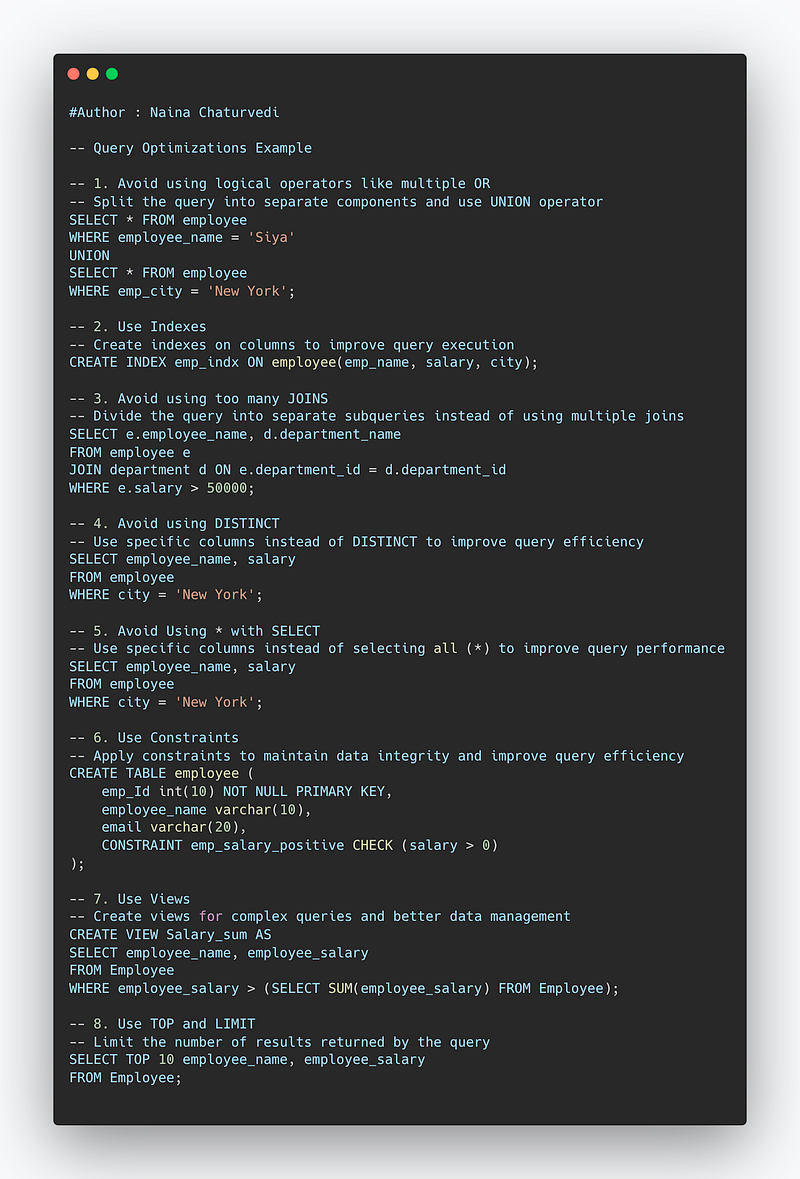
-- Query Optimizations Example

-- 1. Avoid using logical operators like multiple OR
-- Split the query into separate components and use UNION operator
SELECT * FROM employee
WHERE employee_name = 'Siya'
UNION
SELECT * FROM employee
WHERE emp_city = 'New York';

-- 2. Use Indexes
-- Create indexes on columns to improve query execution
CREATE INDEX emp_indx ON employee(emp_name, salary, city);

-- 3. Avoid using too many JOINS
-- Divide the query into separate subqueries instead of using multiple joins
SELECT e.employee_name, d.department_name
FROM employee e
JOIN department d ON e.department_id = d.department_id
WHERE e.salary > 50000;

-- 4. Avoid using DISTINCT
-- Use specific columns instead of DISTINCT to improve query efficiency
SELECT employee_name, salary
FROM employee
WHERE city = 'New York';

-- 5. Avoid Using * with SELECT
-- Use specific columns instead of selecting all (*) to improve query performance
SELECT employee_name, salary
FROM employee
WHERE city = 'New York';

-- 6. Use Constraints
-- Apply constraints to maintain data integrity and improve query efficiency
CREATE TABLE employee (
    emp_Id int(10) NOT NULL PRIMARY KEY,
    employee_name varchar(10),
    email varchar(20),
    CONSTRAINT emp_salary_positive CHECK (salary > 0)
);

-- 7. Use Views
-- Create views for complex queries and better data management
CREATE VIEW Salary_sum AS
SELECT employee_name, employee_salary
FROM Employee
WHERE employee_salary > (SELECT SUM(employee_salary) FROM Employee);

-- 8. Use TOP and LIMIT
-- Limit the number of results returned by the query
SELECT TOP 10 employee_name, employee_salary
FROM Employee;
Performance tuning in SQL refers to the process of identifying and resolving performance bottlenecks in a database. Some common performance tuning techniques include:
- Monitoring and analyzing SQL performance metrics such as CPU usage, memory usage, and disk I/O
- Identifying and resolving common performance bottlenecks such as slow queries, table locking, and index fragmentation.
- Updating statistics, indexes and database structure.
- Scaling the database and hardware resources.
- Optimizing queries by analyzing the execution plans.
Query Optimizations in SQL
A SQL statement can be written in various ways. An optimized SQL query depends on how the data is stored.
An optimized SQL query helps develop a better execution plan, used to analyze the runtime duration of the queries, Indexes which help fasten the query execution and organize the tables in most optimized way to make read and write operations faster and efficient.
Query optimization is the process of implementing the most efficient and optimal techniques that can be used to improve query performance and the runtime ( as well as other metrics).
This also includes optimal utilization of the resources, use of indexes to make the execution faster and better analysis of the performance metrics.
In order to optimize queries, there are many techniques that one can use —
1. Don’t use logical operators like multiple OR
SQL server evaluates OR after analyzing each component/condition that OR is used with and thus results into low performance.
Instead spilt the query into various components/parts and use UNION operator.
Example —
SELECT * FROM employee
WHERE employee_name = ‘Siya’
UNION
SELECT * FROM employee
WHERE emp_city = ‘Newyork’
2. Use Indexes
Indexes are very useful as they help speed up the query execution and helps faster retrieval of the data.
Syntax —
CREATE INDEX index_name
ON table (column_1, column_2, …column_n)
There are two types of indexes —
- Implicit indexes — indexes that are created by databases internally to store, retrieve faster and efficiently.
- Composite indexes — indexes that are created by using multiple columns to uniquely identify the data points.
Syntax —
CREATE UNIQUE INDEX index_name
ON tableName (column1, column2, …)
Example —
CREATE INDEX emp_indx
ON employee(emp_name, salary, city)
To drop the indexes —
ALTER TABLE table
DROP INDEX index_name
3. Dont use to many JOINS
JOINS make two or more tables join together which leads to additional overload which in turn affects the efficiency of the SQL query.
Instead of using many joins in the same SQL statement, divide the SQL query into separate subqueries.
4. Avoid using DISTINCT
DISTINCT helps to remove the duplicates and select unique values of the columns. In order to remove duplicates, the processing time needed to process large amount of data is slow which makes the SQL query very inefficient.
5. Avoid Using * with SELECT
Instead of using * which retrieves all the data from the rows, use specific columns especially when dealing with large amount of data. Along with it use indexes which will help fasten the data retrieval process.
6. Use Constraints
In order to avoid ambiguity in the data, we use Constraints which helps us better manage our data. These are nothing but rules which help us maintain integrity of the data and are applied at two levels —
- Table level — applied to the whole table
- Column level — applied to the data which is stored in the columns
Format —
CREATE TABLE table_name
(
column1 datatype constraint1,
column2 datatype constraint2,
….
)
Example —
CREATE TABLE employee
(
emp_Id int(10) NOT NULL UNIQUE,
employee_name varchar(10),
email varchar(20)
)
In the above example we are using, NOT NULL and UNIQUE constraint.
7. Use Views
Views are helpful in creating complex queries and implementing readability in the SQL statements. Views also help in maintaining data integrity as it shows an accurate and consistent views of data in the database. Most importantly, this helps in providing better security to the data.
Syntax —
CREATE VIEW view_name AS SELECT t1, t2, t3…tn ( column_name) FROM table WHERE condition
To update a view —
CREATE OR REPLACE VIEW view_name AS SELECT t1, t2, t3…tn ( column_name) FROM table WHERE condition
Example —
CREATE VIEW [Salary_sum] AS SELECT employee_name, employee_salary FROM Employee WHERE employee_salary > (SELECT SUM(employee_salary) FROM Employee)
8. Use TOP and Limit
TOP sets the limit on the no of results returned upon running the query. To make sure you get what you want to retrieve, use Top and Limit to see the snapshot/sample of the results.
SELECT TOP 10
employee_name, employee_salary
FROM Employee
Snippet —
Performance tuning in SQL
It’s the process which is used to improve the performance of the SQL queries i.e reduce the amount of time needed to run the query.
Three things that severly affect the query run time —
- Aggregations — which requires a lot of computational overhead
- Joins — Increases query run time
- Size of the table — If the table size is large ( say ~ 1 million rows) then performance of the SQL query worsens.
So in order to optimize the performance —
- Reduce the table size — Filter the data and save it in a temp table and use it to run the queries.
- Use Limit — It helps limit the result samples.
- Don’t use multiple joins
4. SET STATISTICS TIME ON to track which query is performing poorly during both compilation and execution time.
Implementation —
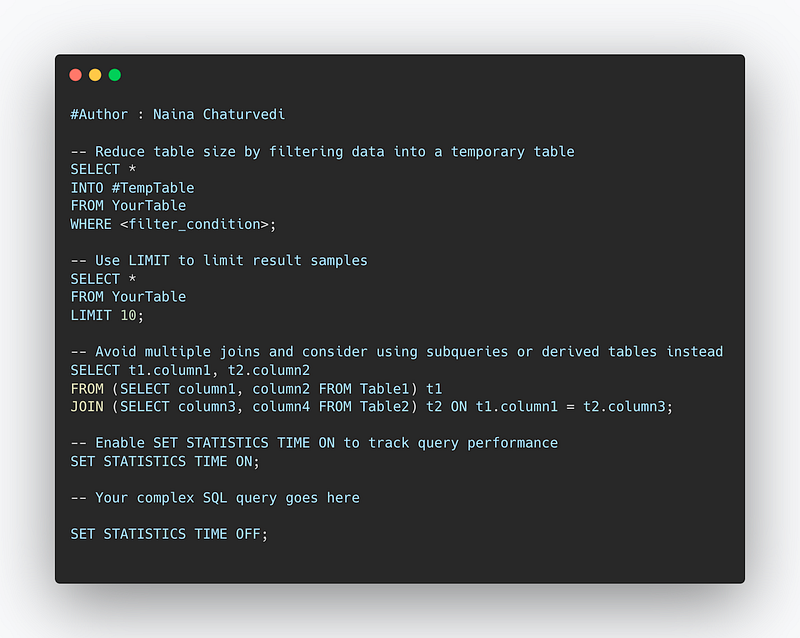
-- Reduce table size by filtering data into a temporary table
SELECT *
INTO #TempTable
FROM YourTable
WHERE <filter_condition>;

-- Use LIMIT to limit result samples
SELECT *
FROM YourTable
LIMIT 10;

-- Avoid multiple joins and consider using subqueries or derived tables instead
SELECT t1.column1, t2.column2
FROM (SELECT column1, column2 FROM Table1) t1
JOIN (SELECT column3, column4 FROM Table2) t2 ON t1.column1 = t2.column3;

-- Enable SET STATISTICS TIME ON to track query performance
SET STATISTICS TIME ON;

-- Your complex SQL query goes here

SET STATISTICS TIME OFF;
Snippet —
Complete Implementation —
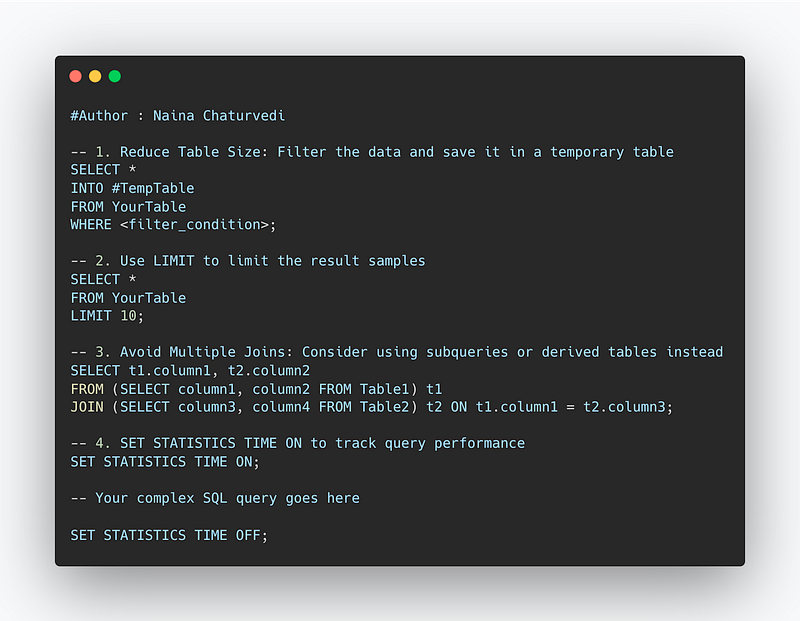
-- 1. Reduce Table Size: Filter the data and save it in a temporary table
SELECT *
INTO #TempTable
FROM YourTable
WHERE <filter_condition>;

-- 2. Use LIMIT to limit the result samples
SELECT *
FROM YourTable
LIMIT 10;

-- 3. Avoid Multiple Joins: Consider using subqueries or derived tables instead
SELECT t1.column1, t2.column2
FROM (SELECT column1, column2 FROM Table1) t1
JOIN (SELECT column3, column4 FROM Table2) t2 ON t1.column1 = t2.column3;

-- 4. SET STATISTICS TIME ON to track query performance
SET STATISTICS TIME ON;

-- Your complex SQL query goes here

SET STATISTICS TIME OFF;
Reduce Table Size:
- Create a temporary table (
#TempTable) and store the filtered data using theSELECT INTOstatement. ReplaceYourTablewith the actual table name and<filter_condition>with the appropriate filtering condition. - By reducing the size of the table, you can work with a smaller dataset, resulting in faster query execution.
Use LIMIT:
- Use the
LIMITclause to restrict the number of rows returned by the query. Adjust the limit number (e.g.,LIMIT 10) based on your requirements. - Limiting the result set helps optimize query performance, especially when you only need a subset of the data.
Avoid Multiple Joins:
- Instead of using multiple join statements, consider using subqueries or derived tables.
- The example demonstrates using subqueries to create temporary result sets (
t1andt2) and then joining them based on the specified conditions. Adjust the subqueries and join conditions based on your table structure and requirements.
SET STATISTICS TIME ON:
- Enable the
SET STATISTICS TIME ONstatement to track the query performance. - It provides information about the time taken for query compilation and execution.
- Wrap your complex SQL query with this statement to analyze its performance and identify any bottlenecks.
Snippet —
That’s it for now.
Find Day 13 Below —
Let me know if you have questions in the comment section below. Subscribe/ Follow, Like/Clap as it would encourage me to write more in my free time
Stay Tuned!!
Read More —
11 most important System Design Base Concepts
6. Networking, How Browsers work, Content Network Delivery ( CDN)
13. System Design Template — How to solve any System Design Question
Some of the other best Series —
30 days of Data Structures and Algorithms and System Design Simplified
Data Science and Machine Learning Research ( papers) Simplified **
100 days : Your Data Science and Machine Learning Degree Series with projects
Complete Data Visualization and Pre-processing Series with projects
Exceptional Github Repos — Part 1
Exceptional Github Repos — Part 2
Tech Newsletter —
If you are interested, you can join my newsletter through which I send tech interview tips, techniques, patterns, hacks — Software Development, ML, Data Science, Startups and Technology projects to more than 30K readers. You can subscribe to Tech Brew :
For Python Projects —
For complete 60 days of Data Science and ML : Day 1 — Day 60 : Quick Recap of 60 days of Data Science and ML
Follow for more updates. Stay tuned and keep coding!
For other projects, tune to —
Build Machine Learning Pipelines( With Code)
Recurrent Neural Network with Keras
Clustering Geolocation Data in Python using DBSCAN and K-Means
Facial Expression Recognition using Keras
Hyperparameter Tuning with Keras Tuner
Custom Layers in Keras


