
camunda with spring boot example
Now lets build an spring boot camunda project:
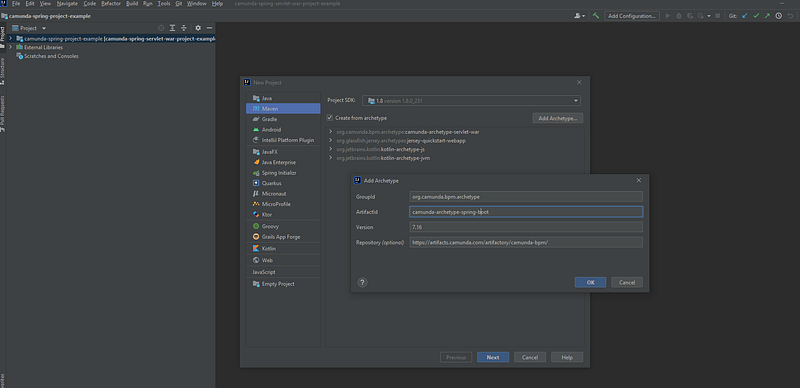
First of all we need to add camunda archetype-spring-boot to our intellij maven project
groupId: org.camunda.bpm.archetype
ArtifactId: camunda-archetype-spring-boot
version : 7.16.0
Repository: https://artifacts.camunda.com/artifactory/camunda-bpm/
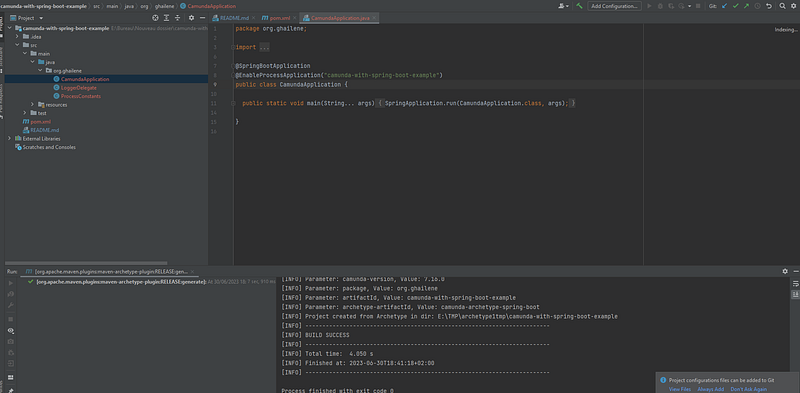
CamundaApplication class => is the entry point of the application @EnableProcessApplication => is responsible of bootstrap the camunda
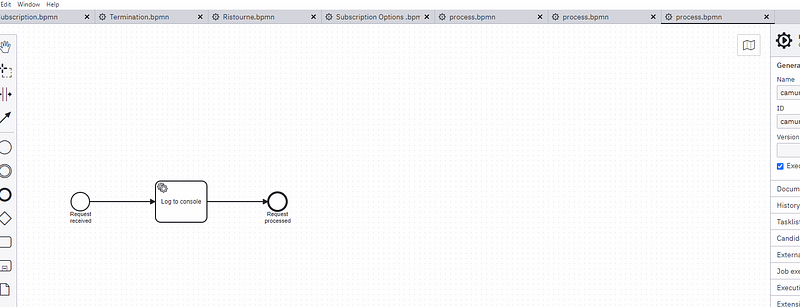
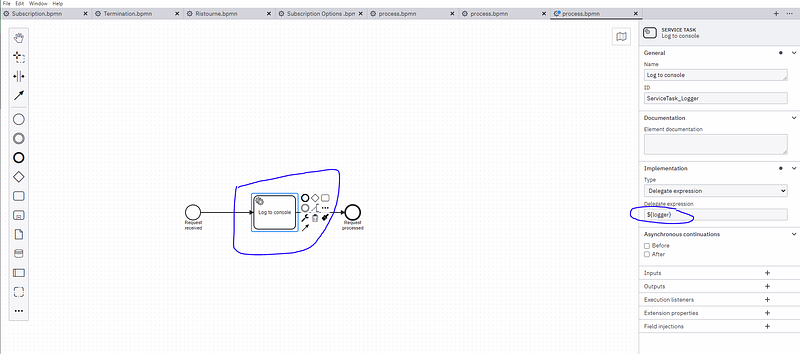
The default bpmn file existing :
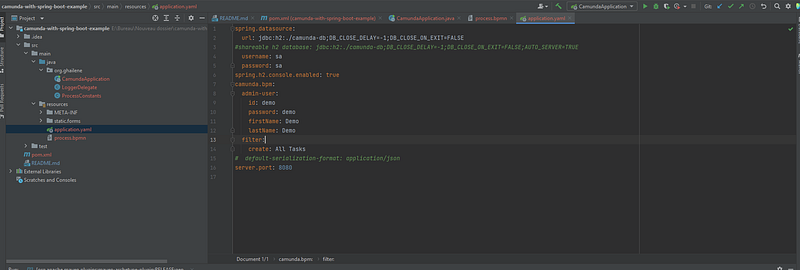
=============application.yaml=================
contains different properties about the application :
the used database is h2 in memory database
the user name
the password
the port
use can also add more user in the config
=================The project structure====================
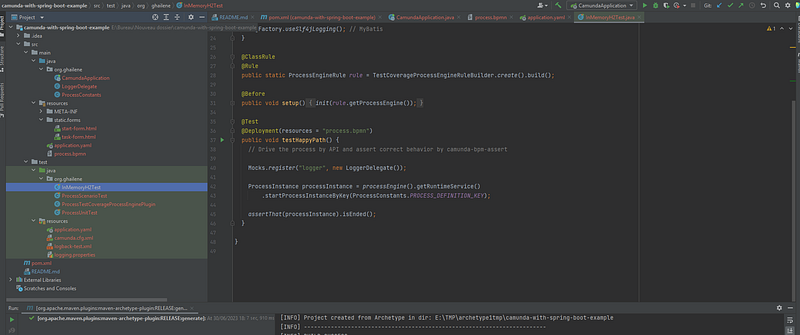
==========Run the application and server==============
mvn install to generate the jar :
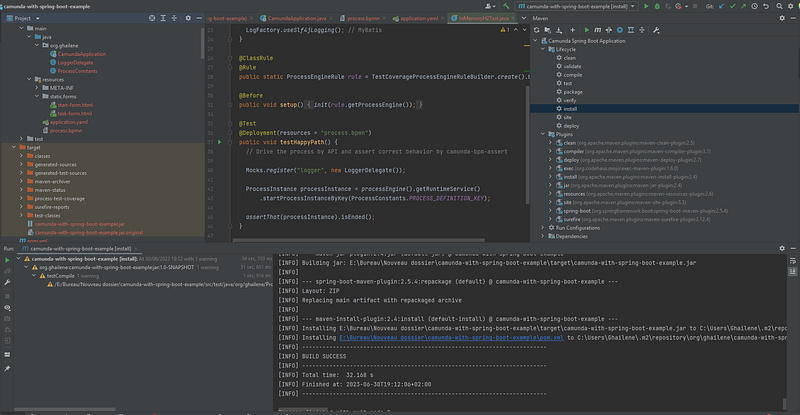
the run the server by going the main class and click run java application:
the server is up on port 8080:
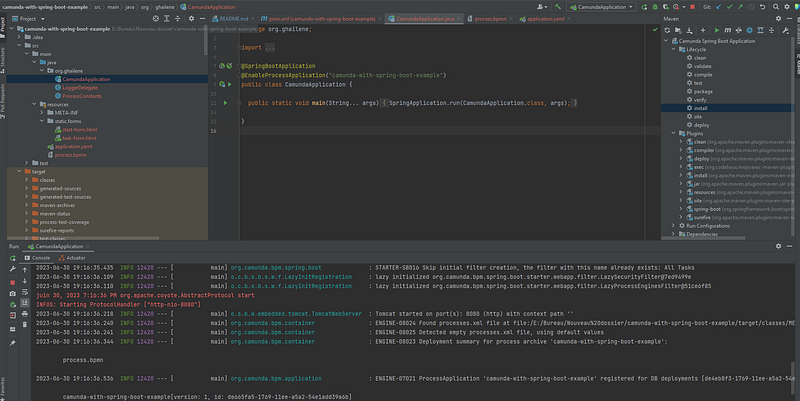
open localhost:8080 to enter to the camunda webapp:
Now we can run our process :
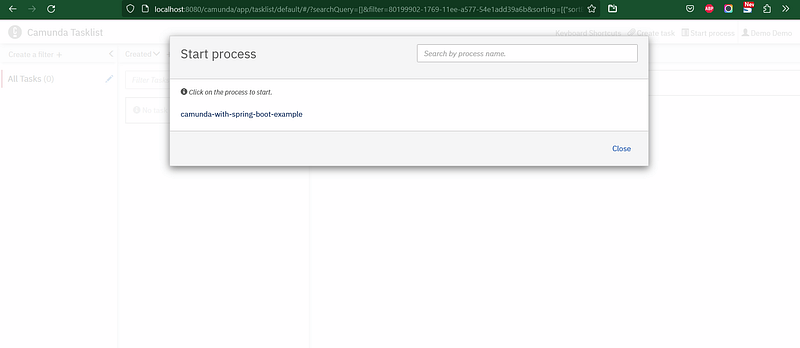
we can see the service task of log will print the log into our spring boot application console:
in the application console:

Thanks you for seeing my post, don’t hesitate to contact me for further informations.
Other Camunda topics:
camunda task events notifier camunda genericuser task listener in camunda task marker multi-instance taskmarker loop in camunda feel language camunda how to work with dmn how to work with dmn how-to-use-embedded-task-form-in-camunda all-about-camunda-database error-handling-in-camunda sub-process-in-camunda gateways-in-camunda camunda-with-spring-boot-example task-in-camunda events-in-camunda


