Free AI web copilot to create summaries, insights and extended knowledge, download it at here
4513
Abstract
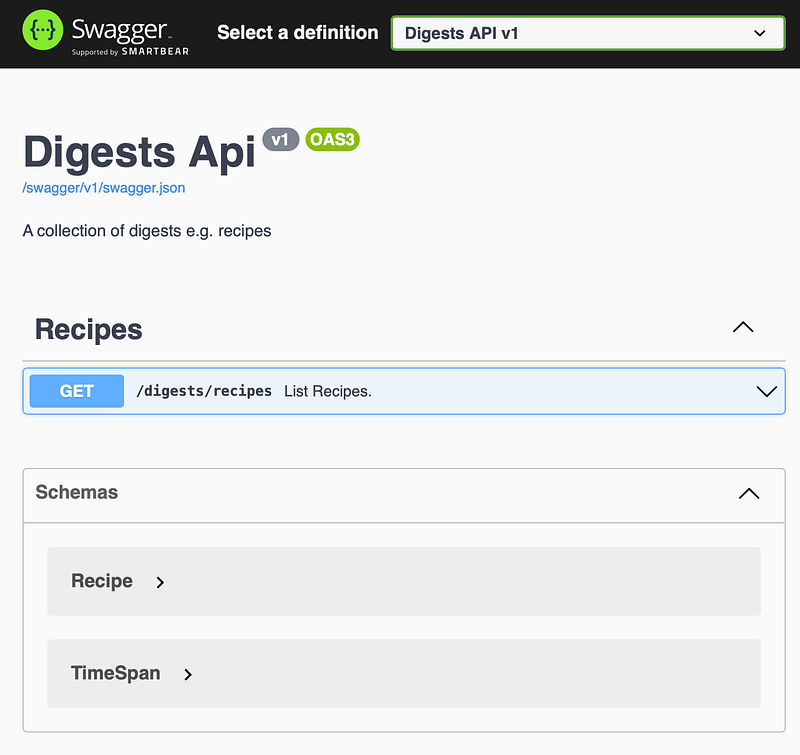
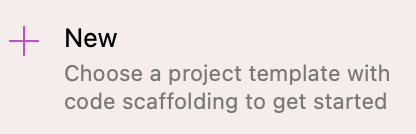
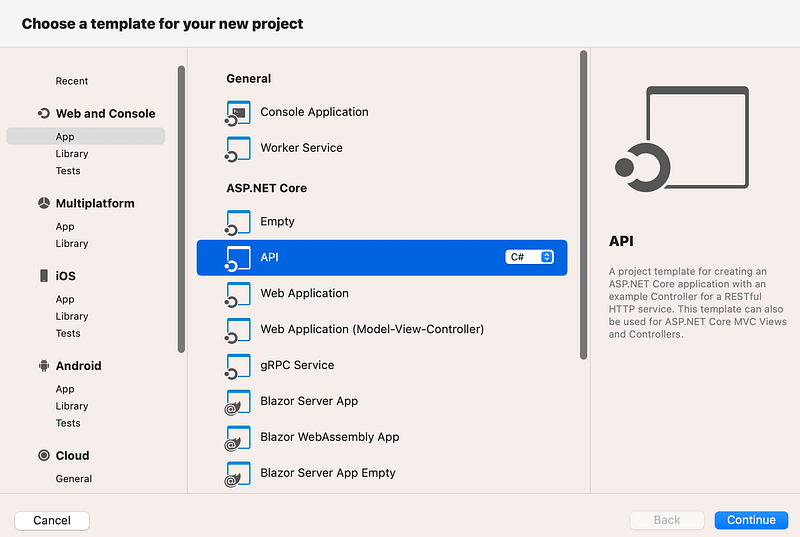
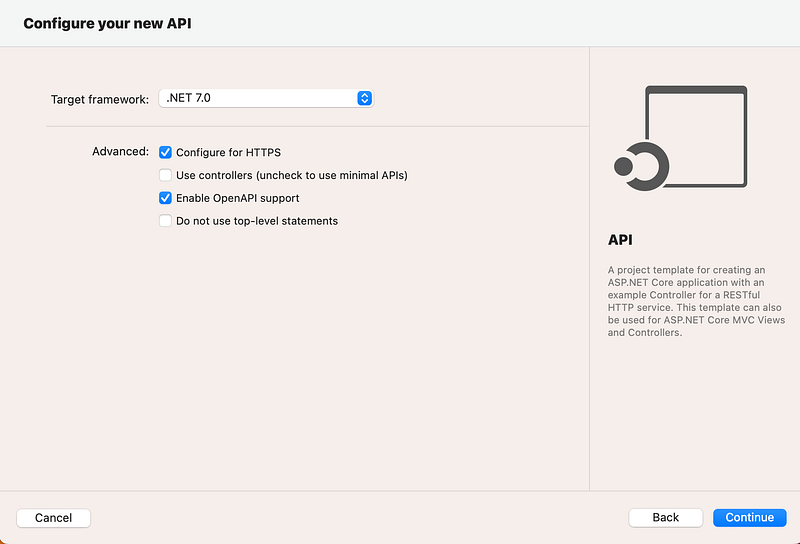
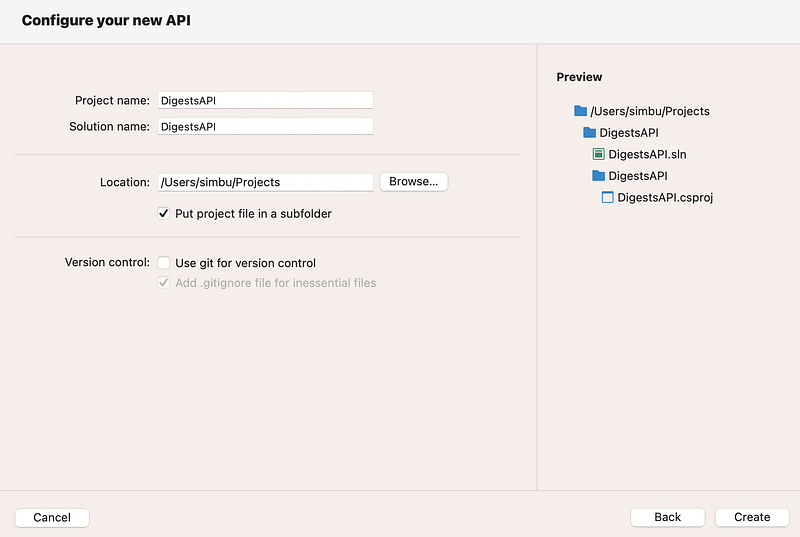
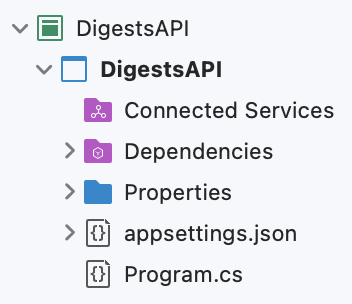
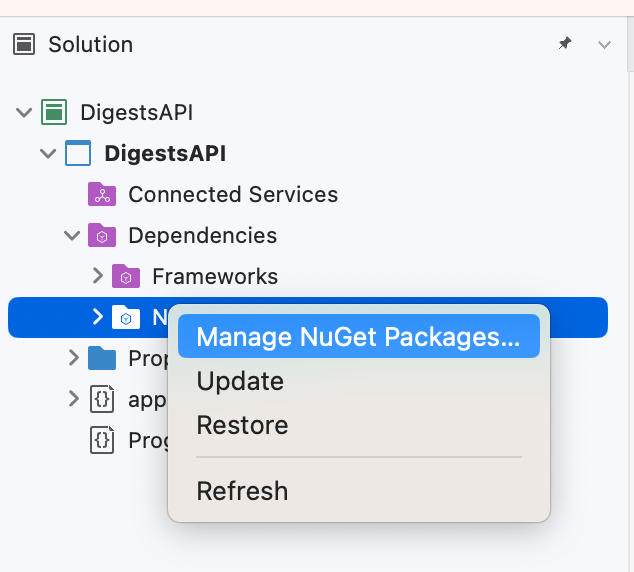
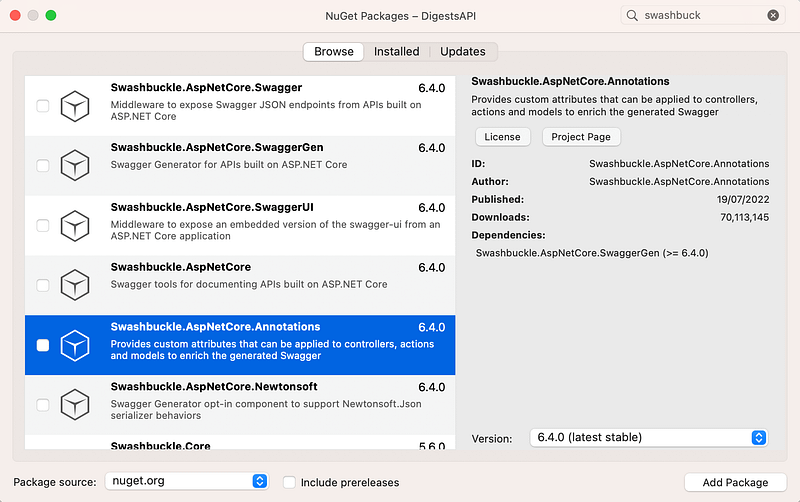
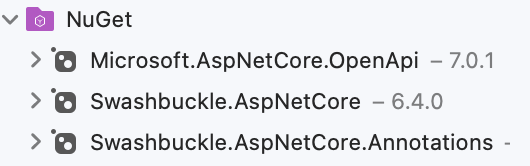
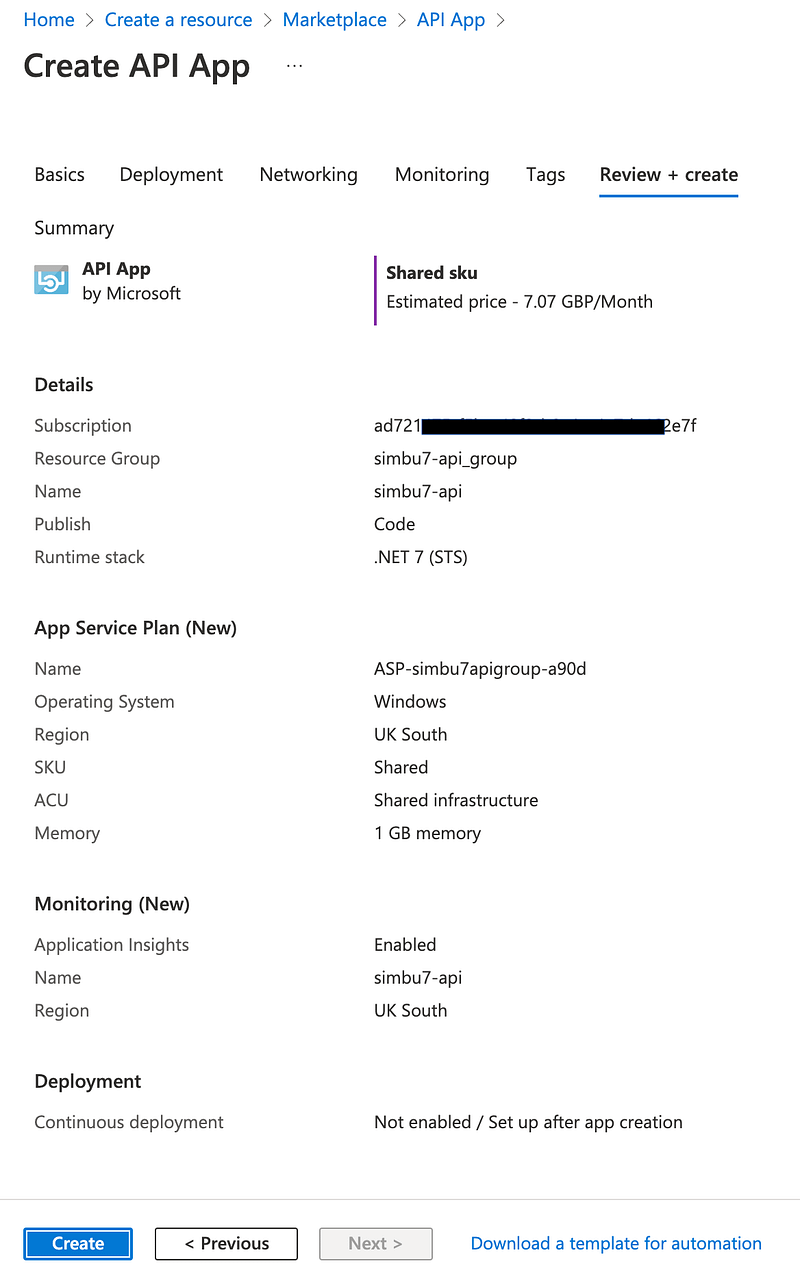
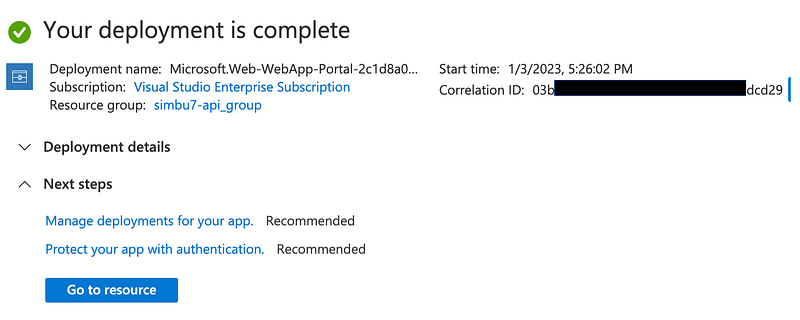
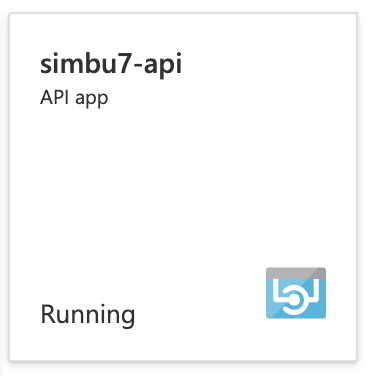
dmedium.com/v2/resize:fit:800/1*R_8Z3VjcFygksse6d8h9LQ.png"><figcaption>Enter the project name and location.We have ignored git version control as we will create the repository online before we add the project.</figcaption></figure><p id="c290">Click create and your project is created:</p><figure id="9e92"><img src="https://cdn-images-1.readmedium.com/v2/resize:fit:800/1*g8qIuqhfLrDp5OI-WKt9Dg.png"><figcaption>New project files</figcaption></figure><p id="ef2f">Then add the Swashbuckle annotations package:</p><figure id="a77c"><img src="https://cdn-images-1.readmedium.com/v2/resize:fit:800/1*zTNuBRj6Yh2j4lzJ5jGXSg.png"><figcaption>Select manage nuget under dependencies</figcaption></figure><figure id="1a33"><img src="https://cdn-images-1.readmedium.com/v2/resize:fit:800/1*1QKaaR9sw7MoK_HHf1X7Ig.png"><figcaption>Select the swashbuckle annotations package</figcaption></figure><p id="2353">And it gets downloaded and added to the project:</p><figure id="35ef"><img src="https://cdn-images-1.readmedium.com/v2/resize:fit:800/1*lmO8Le2CsYXdTGI9-_ppRA.png"><figcaption>Shows new dependency on annotations</figcaption></figure><p id="b646">And replace the code in program.cs with this:</p><div id="ef42"><pre><span class="hljs-keyword">using</span> Microsoft.OpenApi.Models;
<span class="hljs-keyword">using</span> Swashbuckle.AspNetCore.Annotations;
<span class="hljs-keyword">var</span> builder = WebApplication.CreateBuilder(args);
<span class="hljs-comment">// Add services to the container.</span>
builder.Services.AddEndpointsApiExplorer();
<span class="hljs-comment">// Learn more about configuring Swagger/OpenAPI at https://aka.ms/aspnetcore/swashbuckle</span>
builder.Services.AddSwaggerGen(options =>
{
options.SwaggerDoc(<span class="hljs-string">"v1"</span>, <span class="hljs-keyword">new</span> OpenApiInfo
{
Description = <span class="hljs-string">"A collection of digests e.g. recipes"</span>,
Title = <span class="hljs-string">"Digests Api"</span>,
Version = <span class="hljs-string">"v1"</span>
});
options.EnableAnnotations();
});
<span class="hljs-keyword">var</span> app = builder.Build();
<span class="hljs-comment">// Configure the HTTP request pipeline.</span>
<span class="hljs-keyword">if</span> (app.Environment.IsDevelopment())
{
app.UseSwagger();
app.UseSwaggerUI(c =>
{
c.SwaggerEndpoint(<span class="hljs-string">"/swagger/v1/swagger.json"</span>, <span class="hljs-string">"Digests API v1"</span>);
});
}
app.UseHttpsRedirection();
<span class="hljs-comment">// Recipes API</span>
app.MapGet(<span class="hljs-string">"/digests/recipes"</span>, [SwaggerOperation(summary: <span class="hljs-string">"List Recipes."</span>, description: <span class="hljs-string">"Gets a list of all Recipes."</span>)] () =>
{
<span class="hljs-keyword">var</span> recipes = <span class="hljs-keyword">new</span> Recipe[]
{
<span class="hljs-keyword">new</span> Recipe(
<span class="hljs-string">"How to boil an egg"</span>,
<span class="hljs-string">"https://www.theguardian.com/lifeandstyle/2014/nov/11/how-to-boil-an-egg-the-heston-blumenthal-way"</span>,
<span class="hljs-string">"Heston Blumenthal"</span>,
TimeSpan.FromSeconds(<span class="hljs-number">630</span>),
<span class="hljs-string">"https://i.guim.co.uk/img/static/sys-images/Guardian/Pix/pictures/2014/11/5/1415205733799/4bfbd71a-6cd0-4494-833f-eaaed20a15b3-1020x612.jpeg?width=620&quality=45&auto=format&fit=max&dpr=2&s=ca3a95d7e761d267eff1b79b58cc4849"</span> )
};
<span class="hljs-keyword">return</span> recipes;
})
.WithName(<span class="hljs-string">"GetRecipes"</span>)
.WithTags(<span class="hljs-string">"Recipes"</span>);
app.Run();
<span class="hljs-function"><span class="hljs-keyword">internal</span> <span class="hljs-keyword">record</span> <span class="hljs-title">Recipe</span>(<span class="hljs-params"><span class="hljs-built_in">string</span> Title, <span class="hljs-built_in">string</span> RecipeLink, <span class="hljs-built_in">string</span> Author, TimeSpan Duration, <span class="hljs-built_in">string</span> Thumbnail</span>)</span>
{
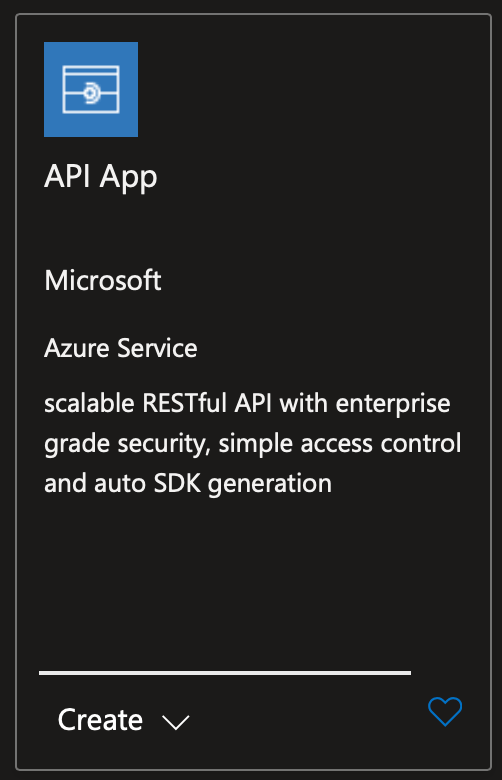
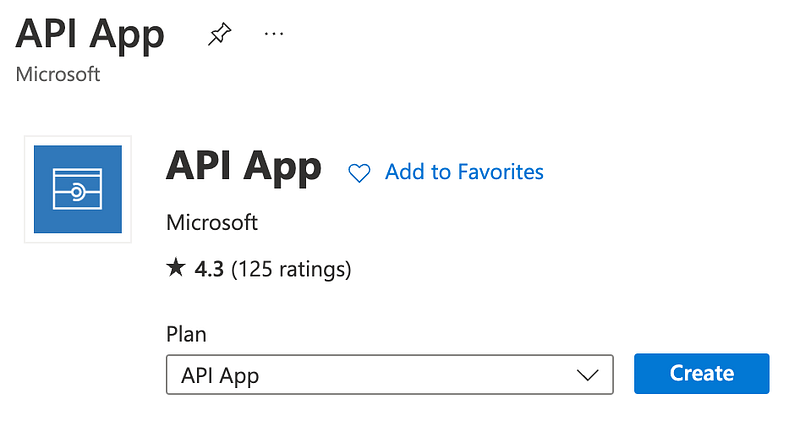
}</pre></div><p id="552d">That’s it, just run it to check it opens in the browser and works.</p><h1 id="c982">Creating an API App in Azure UI</h1><p id="5a3a">In your Azure portal search for and create your new service.</p><figure id="bf08"><
Options
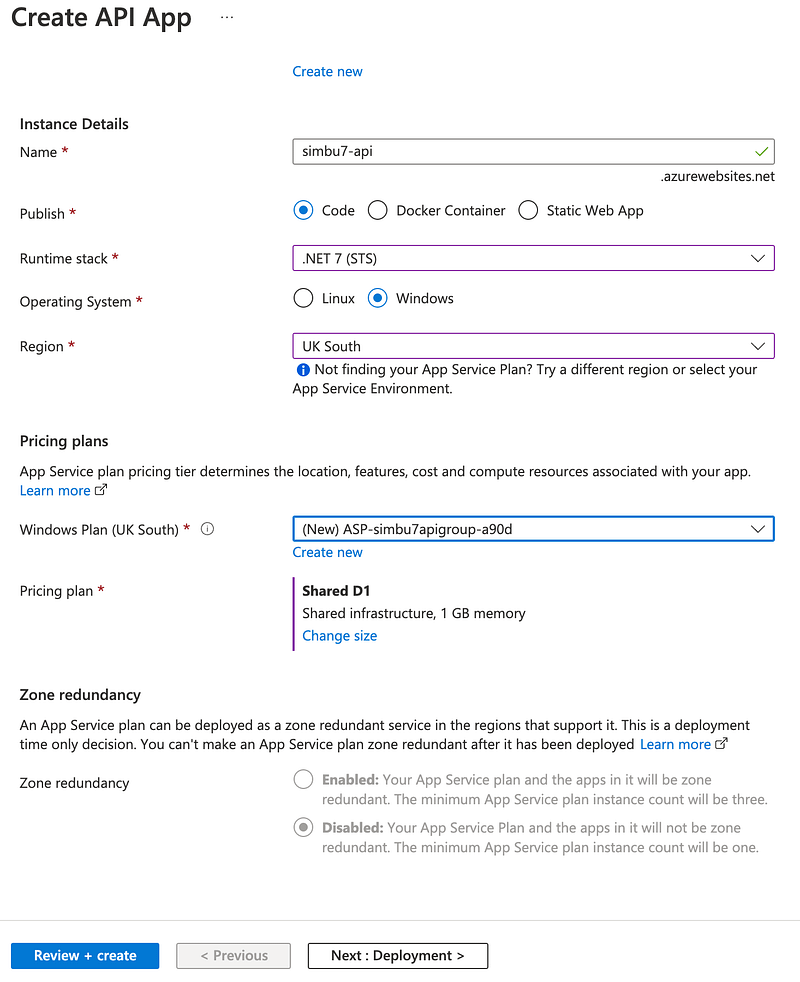
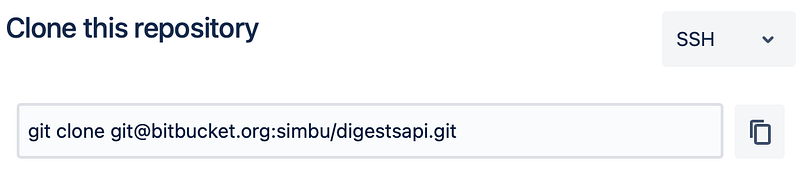
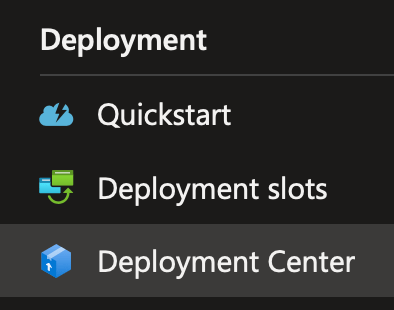
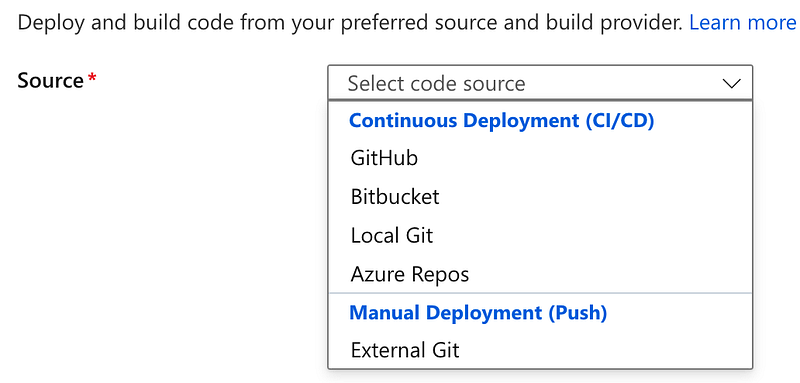
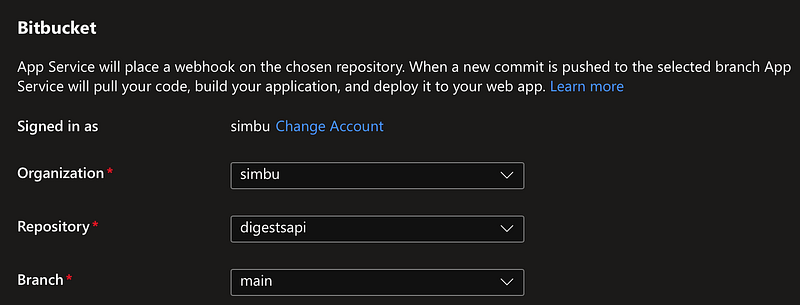
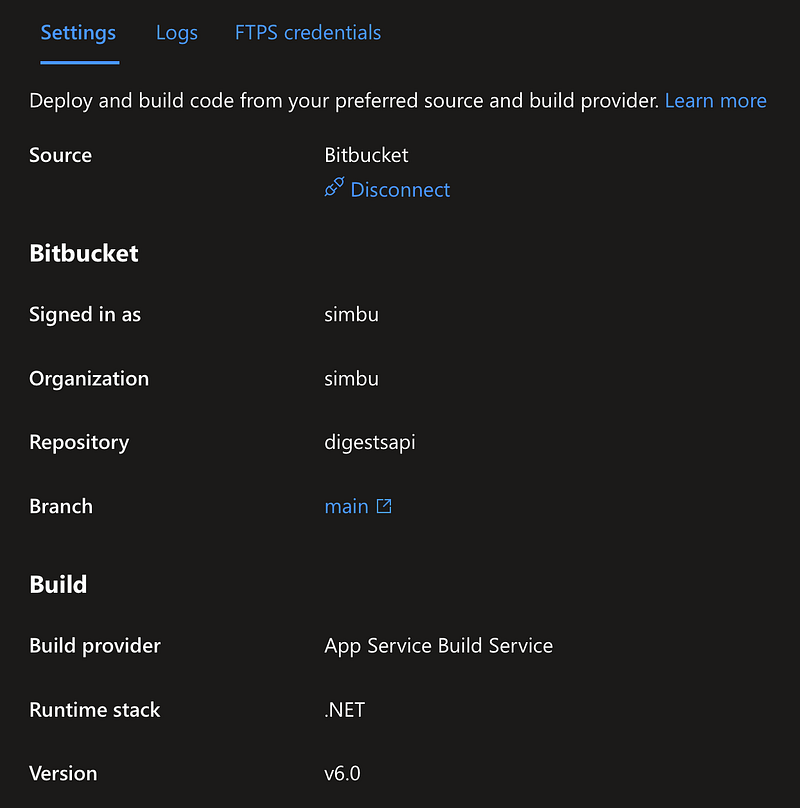
img src="https://cdn-images-1.readmedium.com/v2/resize:fit:800/1*dQth7YCgY82lXuIJlpuvEg.png"><figcaption></figcaption></figure><figure id="b9ac"><img src="https://cdn-images-1.readmedium.com/v2/resize:fit:800/1*GN1NHqVB4h2iNCA9d-rNwA.png"><figcaption></figcaption></figure><figure id="b2ab"><img src="https://cdn-images-1.readmedium.com/v2/resize:fit:800/1*9lZONBJRPPnxZLwtVVTvlg.png"><figcaption>Configure the API app options</figcaption></figure><figure id="23b2"><img src="https://cdn-images-1.readmedium.com/v2/resize:fit:800/1*mIYWRD0sgJ_TIRdd9COC4w.png"><figcaption>Review and create</figcaption></figure><figure id="86fa"><img src="https://cdn-images-1.readmedium.com/v2/resize:fit:800/1*JQ_3uYRWhtFGA5EHCvAglQ.png"><figcaption>Deploying…</figcaption></figure><figure id="b32b"><img src="https://cdn-images-1.readmedium.com/v2/resize:fit:800/1*7y5BvmexkYGMhTr8CF2HYw.png"><figcaption>Application created message</figcaption></figure><figure id="1c57"><img src="https://cdn-images-1.readmedium.com/v2/resize:fit:800/1*gFgxHE3UDdFmULJaCoF19w.png"><figcaption>Pin to your dashboard</figcaption></figure><figure id="9747"><img src="https://cdn-images-1.readmedium.com/v2/resize:fit:800/1*lVdRsMrWIqv7rBTUei8Ssg.png"><figcaption>Status in your dashboard</figcaption></figure><h1 id="b8d7">Add API to source control (git)</h1><figure id="7312"><img src="https://cdn-images-1.readmedium.com/v2/resize:fit:800/1*uG_RWYUCfYPei02RICS96w.png"><figcaption>create a new online git repository, can be other providers, azure, github etc..</figcaption></figure><figure id="3dbe"><img src="https://cdn-images-1.readmedium.com/v2/resize:fit:800/1*dM6ZCmX2bGl3ZN6G2_jeEg.png"><figcaption>New git repo</figcaption></figure><figure id="44c5"><img src="https://cdn-images-1.readmedium.com/v2/resize:fit:800/1*yKPgz_sdXqRtlijuw6R8kw.png"><figcaption>Clone it on your computer</figcaption></figure><p id="ea97">Move the API source code into it, check it in and upload the changes:</p><div id="182f"><pre><span class="hljs-symbol">git</span> <span class="hljs-keyword">add</span> .
<span class="hljs-symbol">git</span> commit -m<span class="hljs-string">"Digests API"</span>
<span class="hljs-symbol">git</span> <span class="hljs-keyword">push</span> origin</pre></div><h1 id="49dc">Setup Deployment in the API App</h1><figure id="3aea"><img src="https://cdn-images-1.readmedium.com/v2/resize:fit:800/1*dEpkWvg3tQYgcsUhiZiUXg.png"><figcaption>Click on Deployment Center under deployment in your new API app</figcaption></figure><figure id="49b5"><img src="https://cdn-images-1.readmedium.com/v2/resize:fit:800/1*dn20BZMO9EwkeB9wbu4MXw.png"><figcaption>Select source location, in our case bitbucket</figcaption></figure><figure id="dd20"><img src="https://cdn-images-1.readmedium.com/v2/resize:fit:800/1*udfZAa5bUhcax0WdOEQ70Q.png"><figcaption>Authorise access to Bitbucket source code</figcaption></figure><figure id="a931"><img src="https://cdn-images-1.readmedium.com/v2/resize:fit:800/1*SNfmKFpoYPglcoj_JgQ5hg.png"><figcaption>Grant access</figcaption></figure><figure id="7eb5"><img src="https://cdn-images-1.readmedium.com/v2/resize:fit:800/1*kEpjYUdbp5Aq6eVDF6Pzrw.png"><figcaption>select source code repository and branch and click save</figcaption></figure><figure id="386c"><img src="https://cdn-images-1.readmedium.com/v2/resize:fit:800/1*rzi_2VH-A5HbZczRMTc4GQ.png"><figcaption>Deployment setup</figcaption></figure><figure id="368c"><img src="https://cdn-images-1.readmedium.com/v2/resize:fit:800/1*YqZp0V7NdvWgxlVhyrsptw.png"><figcaption>New deployment settings</figcaption></figure><h1 id="fcb0">Deploy the new API in Azure API App</h1><p id="cf05">Now you can use sync to publish the API from BitBucket:</p><figure id="61ae"><img src="https://cdn-images-1.readmedium.com/v2/resize:fit:800/1*mVtN4UWthKRvSdLAKFSpkQ.png"><figcaption></figcaption></figure><figure id="e8a0"><img src="https://cdn-images-1.readmedium.com/v2/resize:fit:800/1*SkwPLenBntRA0o6rgVb7fQ.png"><figcaption></figcaption></figure><figure id="e821"><img src="https://cdn-images-1.readmedium.com/v2/resize:fit:800/1*TFQ-m1ByStf7TDP8BKd6Tg.png"><figcaption></figcaption></figure><h1 id="8bc3">BackBurner</h1><p id="8ff2">More work on CI/CD to automate integration and deployment when PR’s are accepted.</p><h1 id="727a">Links</h1><ul><li><a href="https://azure.microsoft.com/en-us/products/app-service/api/">API Apps</a></li><li><a href="https://learn.microsoft.com/en-GB/azure/app-service/overview">App Service overview</a></li></ul></article></body>