

Flutter — Microsoft API Management secured with AD — MSAL for the Web
This is the sixth part of a mini series to show how to secure your Flutter applications using Microsoft technologies:
- Web API — Setting up your Web API with Visual Studio.
- APIM Service — Creating an API management service in Azure.
- Secure Gateway — Securing requests through the API gateway.
- MSAL — Authenticating your Flutter app on iOS.
- MSAL — Authenticating your Flutter app on Android.
- MSAL — Authenticating your Flutter app on the Web.
- Hosted API — Hosting your Web API’s in Azure.
- Secure Hosted API — Secure requests with the APIM Gateway
In this article we show how to get an access token by authenticating against an Azure AD from a website.
I started by adding the javascript MSAL package to support website login:
msal_js: ^2.14.0And a script tag into web/index.html file to load msal js code:
<!-- MSAL.js -->
 <script
  type="text/javascript"
  src="https://alcdn.msauth.net/browser/2.14.2/js/msal-browser.min.js"
  integrity="sha384-ggh+EF1aSqm+Y4yvv2n17KpurNcZTeYtUZUvhPziElsstmIEubyEB6AIVpKLuZgr"
  crossorigin="anonymous">
 </script>
Then I created a new authentication service that uses msal js for authentication and changed the authenticationServiceProvider to use it when it detects the application running in a browser.
To enable login I added the web platform and redirect url to the app registration in the Azure portal.
Ta Da
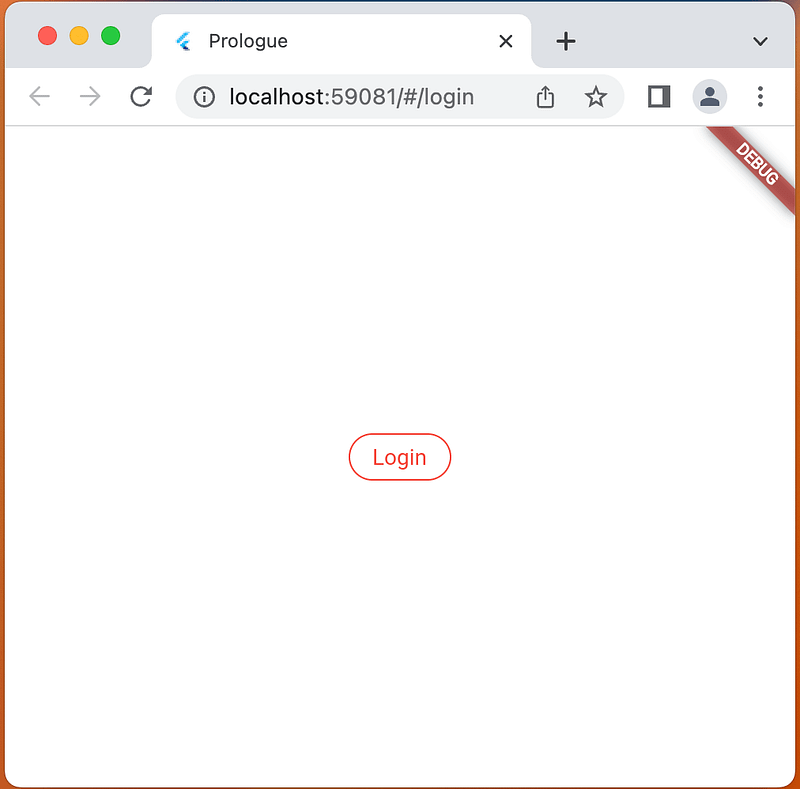
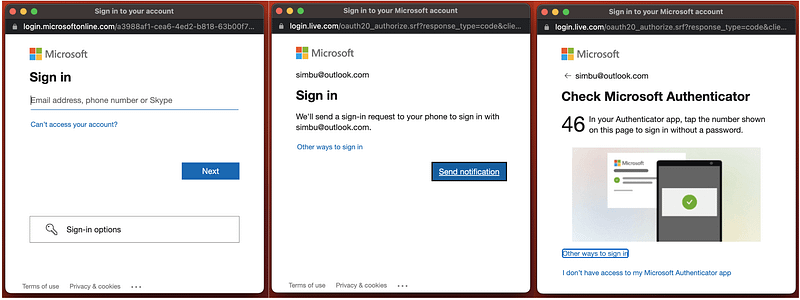
XP
Add web platform to App Registration
Login into your Azure Portal and select Azure Active Directory..App registrations from the menu and open the DigestableMe registration we created in the last article, select Authentication from the sub menu and add the SPA platform:
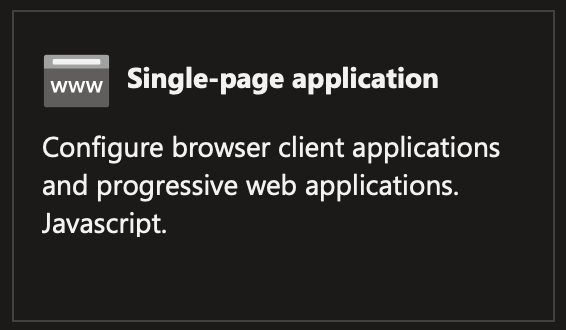
And add the redirect url:
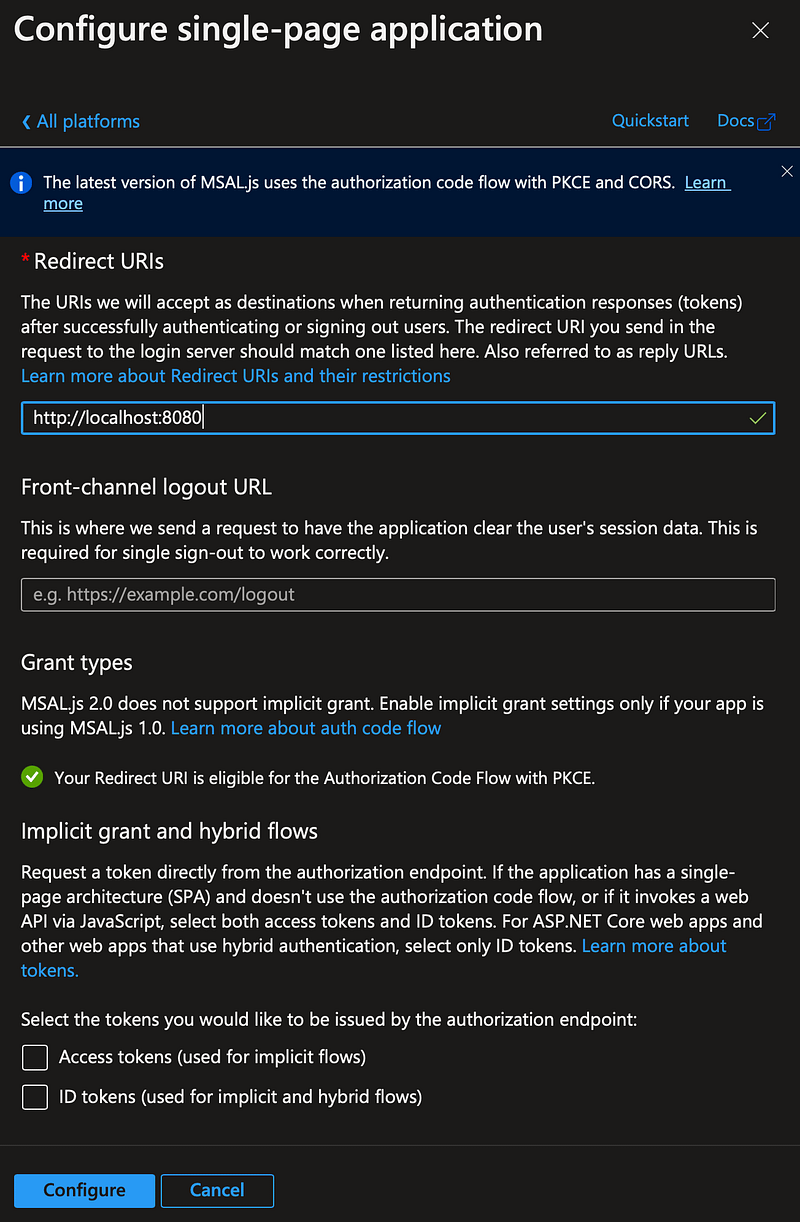
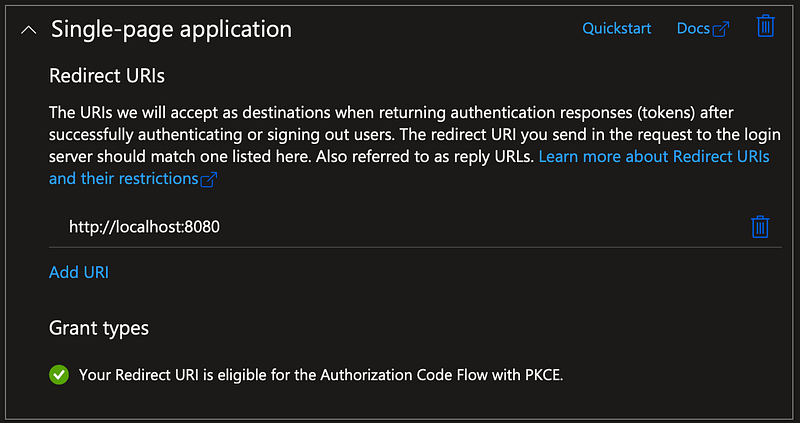
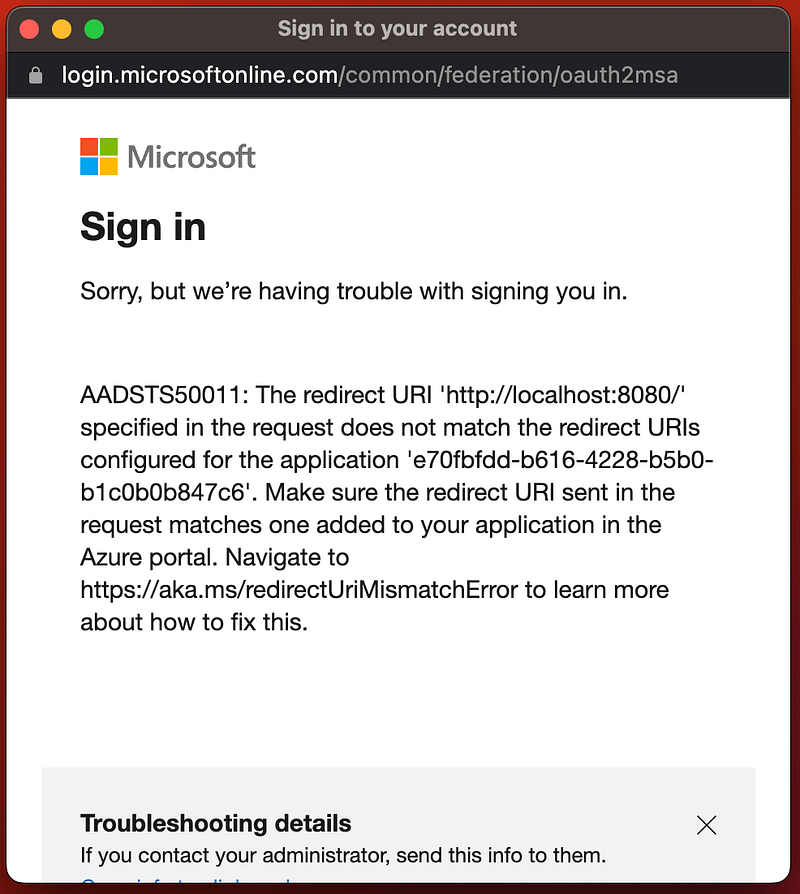
If your not sure what the redirect url is then just sign in and get it from the sign error message:
The SPA platform fits our micro app architecture and is required to avoid CORs errors we get when using the Web platform:
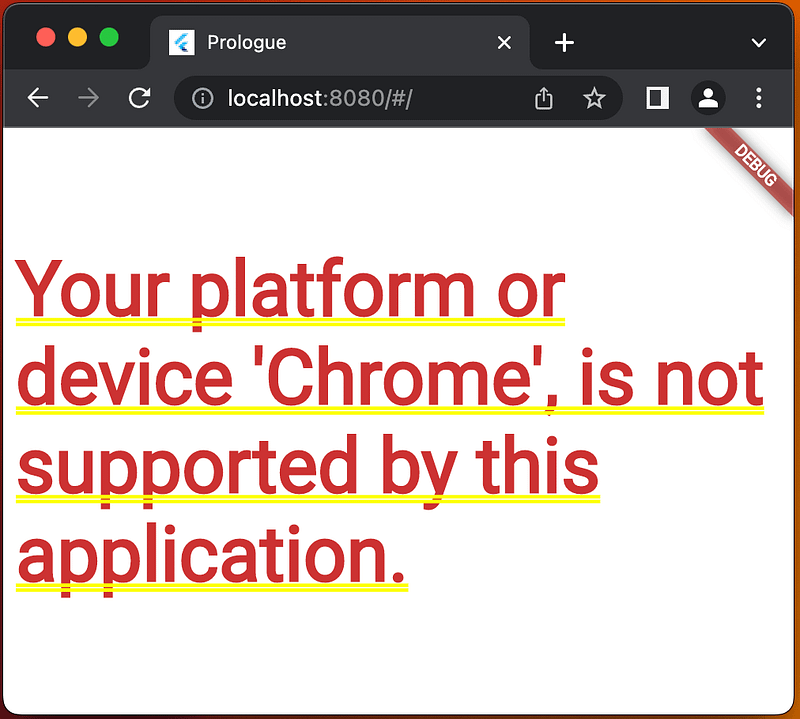
invalid_request: 9002326 - [2022-12-30 08:17:29Z]: AADSTS9002326: Cross-origin token redemption is permitted only for the 'Single-Page Application' client-type. Request origin: 'http://localhost:8080'.
Trace ID: 9aa78483-78d4-4434-82ab-4f164b619001
Correlation ID: 6f745c05-bb6a-4b68-9848-f299eea08561
Timestamp: 2022-12-30 08:17:29Z
Authentication service selection
AuthenticationService authenticationService = environment == Environments.live
      ? isWebsite
          ? MsalJsAuthenticationService()
          : MsalAuthenticationService()
      : StubbedAuthenticationService();
MSAL js authentication service
msal_js_authentication_service,dart:
Future<LoginResult> _getResult() async {
    AuthenticationResult? result;
    AccountInfo;
    String? res;

    await _intPca();

    // Redirect experience
    //https://pub.dev/packages/msal_js/example
    //final loginRequest = RedirectRequest()..scopes = GlobalEnvironmentValues.instance.scopes;
    //await publicClientApp!.loginRedirect(loginRequest);

    try {
      // Popup experience
      result = await publicClientApp!.acquireTokenPopup(
          PopupRequest()..scopes = GlobalEnvironmentValues.instance.scopes);
      var loginResult = LoginResult(
          result.account?.homeAccountId ?? "",
          result.account?.username ?? "",
          result.accessToken,
          result.account == null ? "failed no msg" : "success");
      return loginResult;
    } on AuthException catch (ex) {
      res = ex.message;
    }

    return LoginResult("", "", "", "Failed: $res");
}
Proof Key for Code Exchange
RFC 7636 : Proof Key for Code Exchange (PKCE, pronounced “pixy”) is a specification about a countermeasure against the authorisation code interception attack.
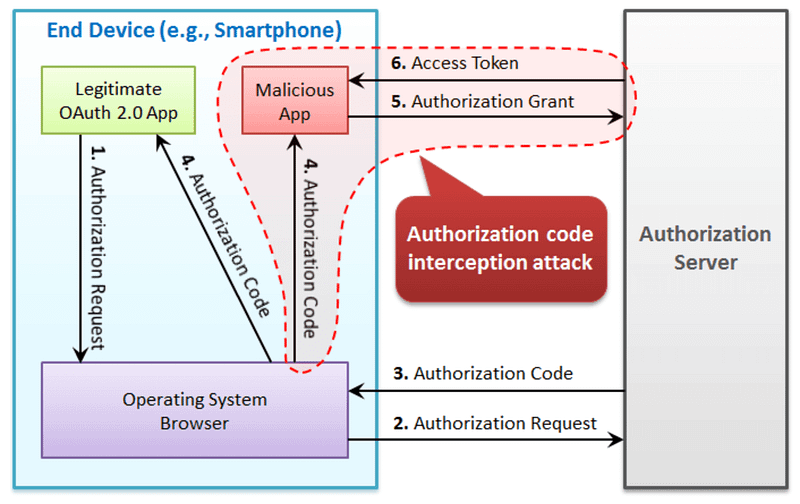
This PKCE mechanism:
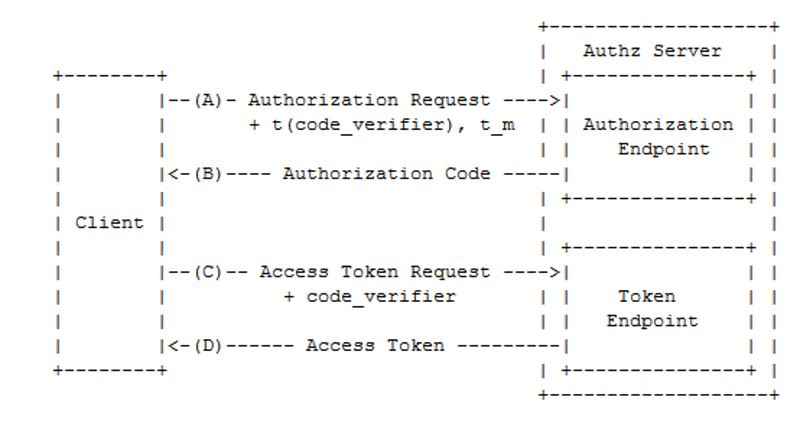
enables an authorisation server to reject a token request from a malicious application that does not have a code verifier.
See Proof Key for Code Exchange (RFC 7636) for details.
BackBurner
Sign out and silent authentication
Account sign out, silent authentication and biometric login will be addressed in future articles.
Key service tests and status
I’ve deliberately not covered the authentication services, with integration or smoke tests as it is just wiring, I will probably add these at a later date if the code gets more complex, or I need to confirm environment status after deployment.
I was thinking about adding key service status indicators in settings, to allow users to check availability in the event of problems, which would go some way.
The best solution would be to have an external service that monitors status and push status changes to the app.
Sign In experience
I’ve implemented a popup sign in experience, but will look to move to a redirect one that requires a little more work around deep linking and provide the front channel logout url that requires https.


