

Flutter — Microsoft API Management secured with AD — MSAL for iOS
This is the forth part of a mini series to show how to secure your Flutter applications using Microsoft technologies:
- Web API — Setting up your Web API with Visual Studio.
- APIM Service — Creating an API management service in Azure.
- Secure Gateway — Securing requests through the API gateway.
- MSAL — Authenticating your Flutter app on iOS.
- MSAL — Authenticating your Flutter app on Android.
- MSAL — Authenticating your Flutter app on the Web.
- Hosted API — Hosting your Web API’s in Azure.
- Secure Hosted API — Secure requests with the APIM Gateway
In this article we show how to get an access token by authenticating against an Azure AD on an iPhone.

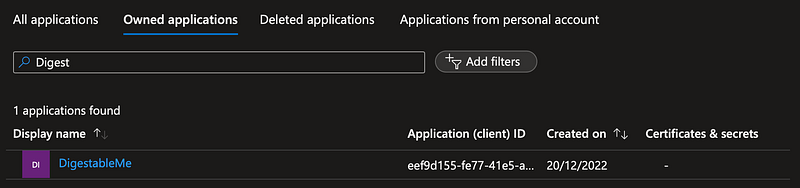
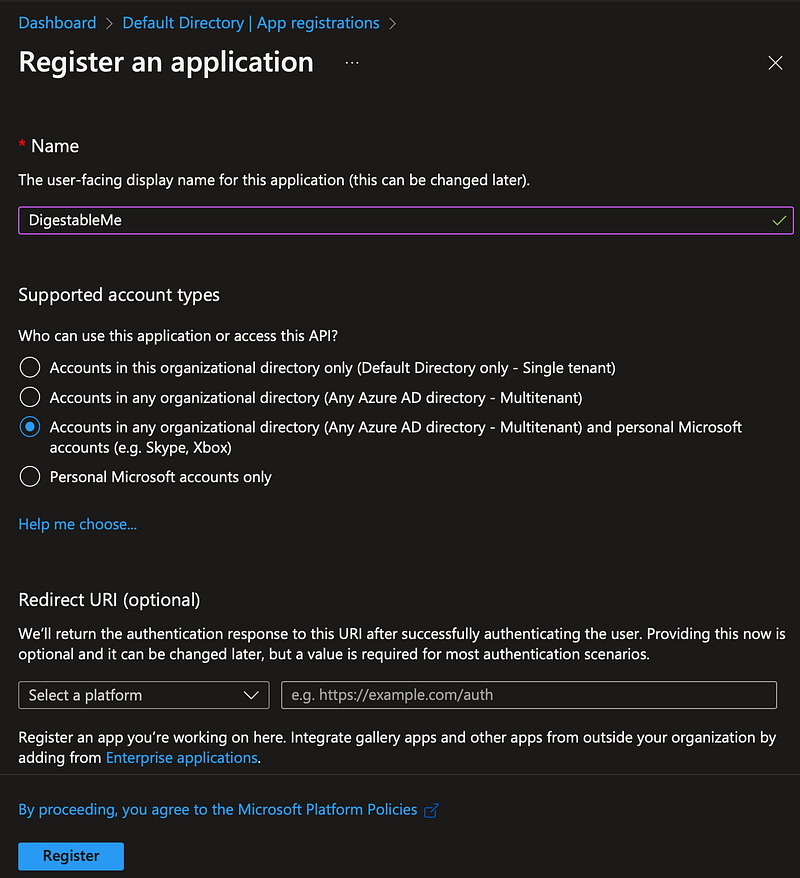
The first step was to register the application in my Azure Active Directory:
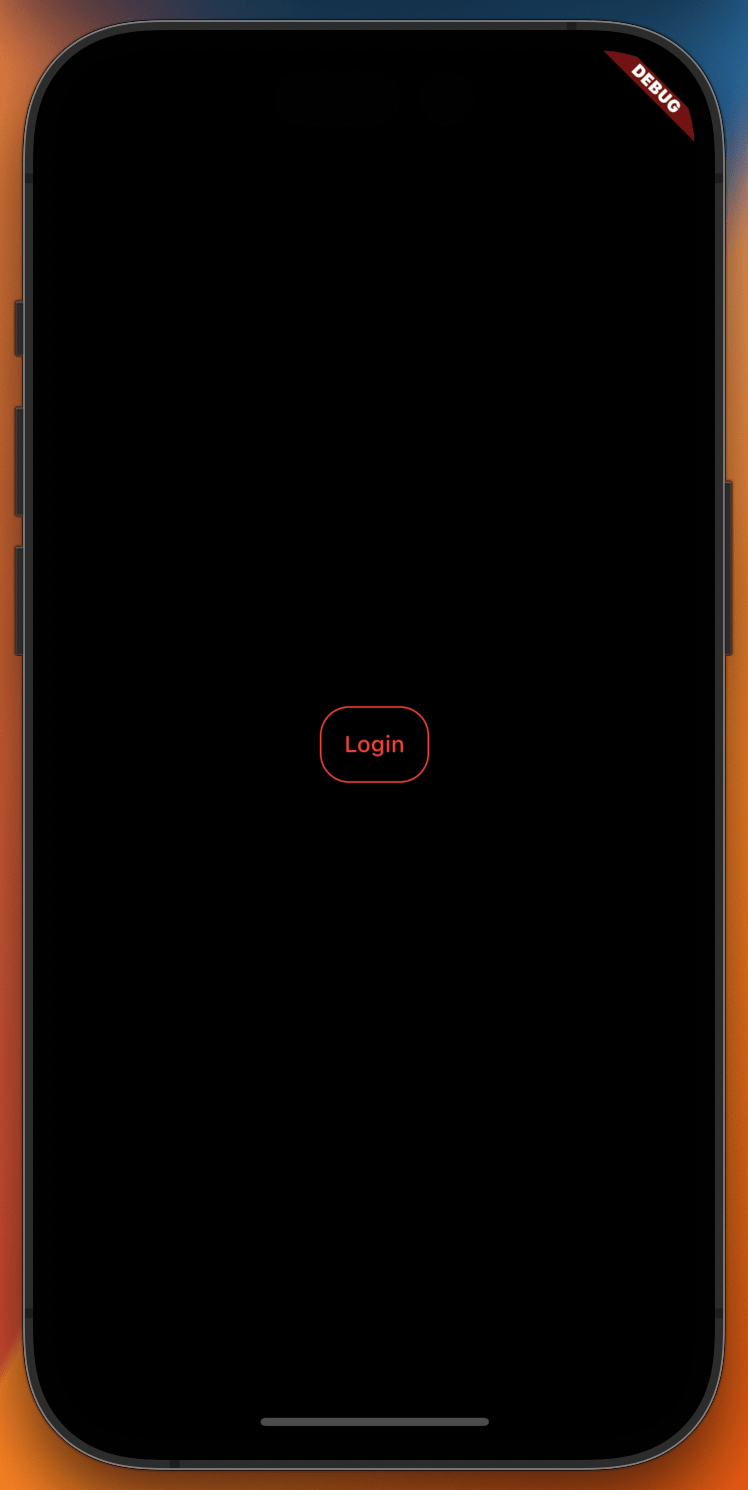
Then I added a login button and code to the login screen to make the call to the new Authentication service and store the access token on success:
onPressed: () => ref
                .watch(authenticationServiceProvider)
                .signIn()
                .then((value) => storeToken(ref, value)),
The authentication service uses a package azure_ad_authentication to support making calls to the Microsoft Access Layer (MSAL) on iOS, Android and the web as each require platform specific setup that you can find in the package notes.
You can find more details on each step in the XP section below.
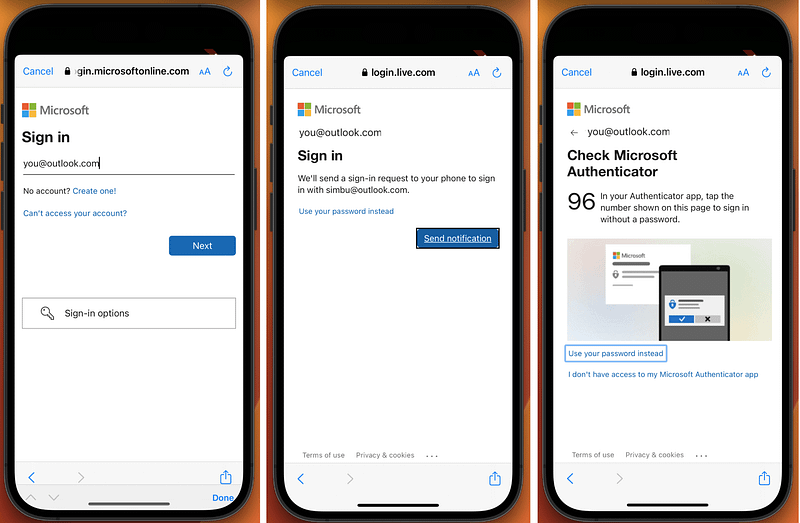
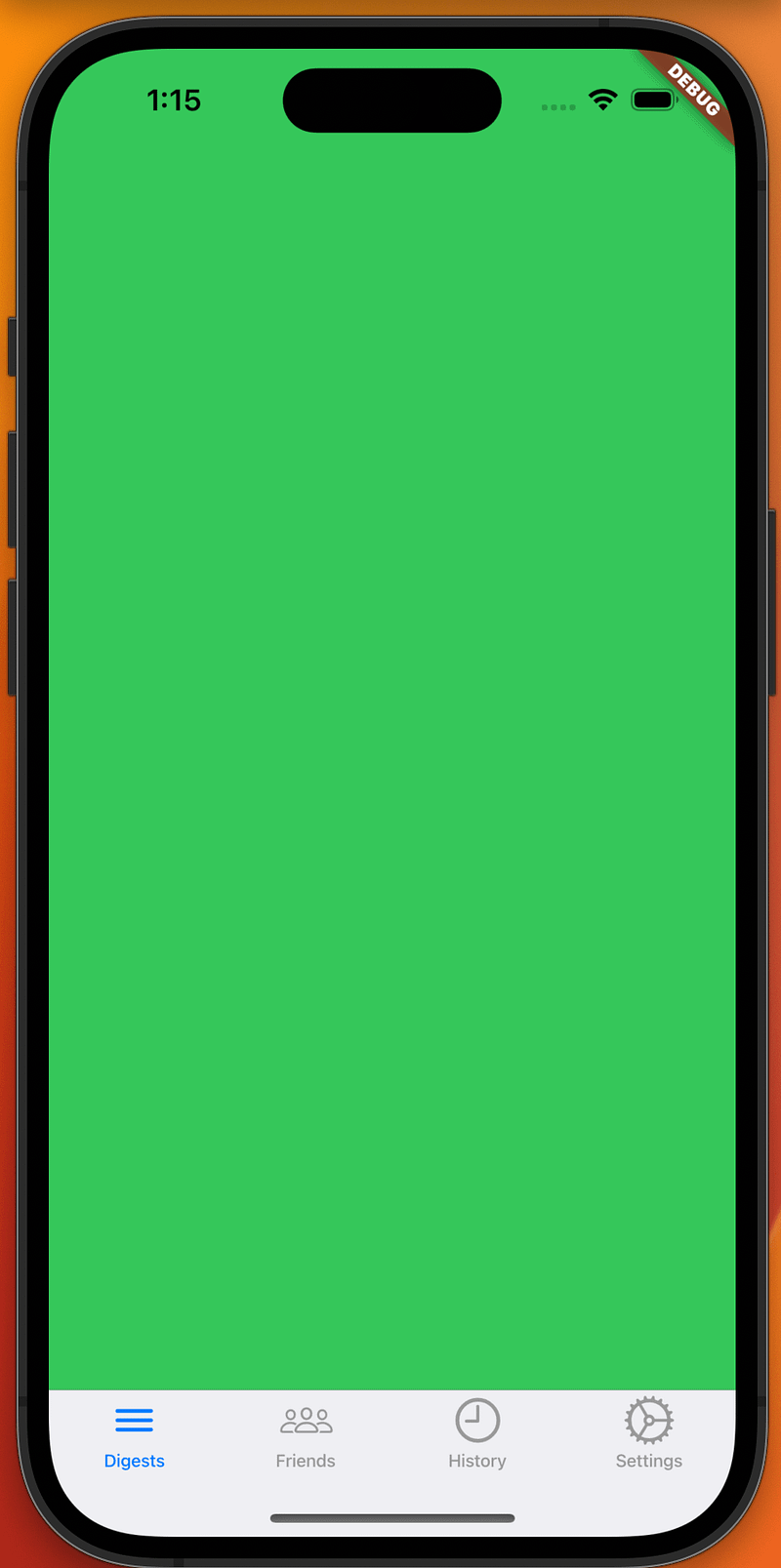
Ta Da
XP
Registering the application in Azure AD
Login into your Azure Portal and select Azure Active Directory and then App registrations from the menu.
Click on “New registration” and name your application, select an account type and register it.
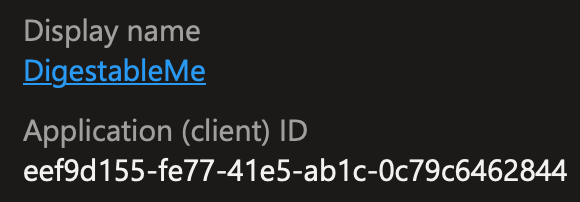
Make a note of the client ID and then click on endpoints and note the auth url.

Next click on the Authentication sub-menu and Add a platform:
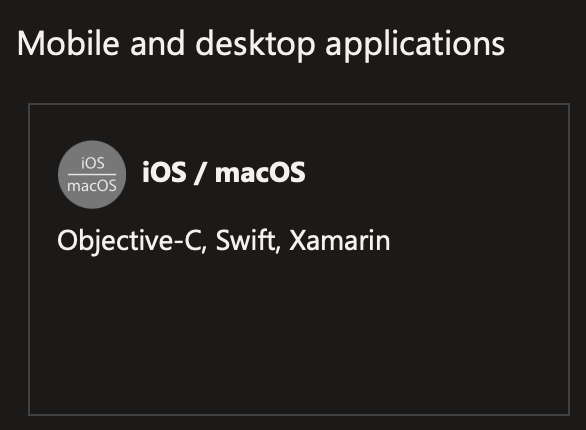
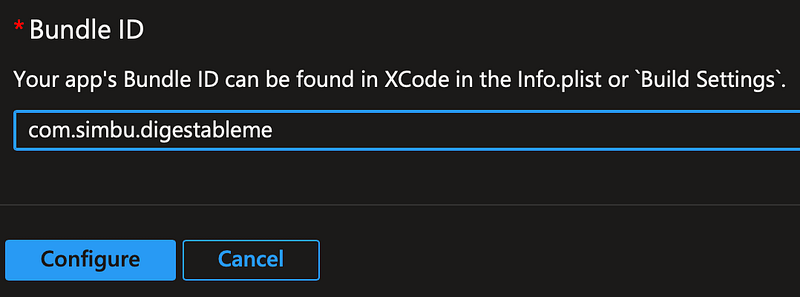
The bundle id just needs to be unique so
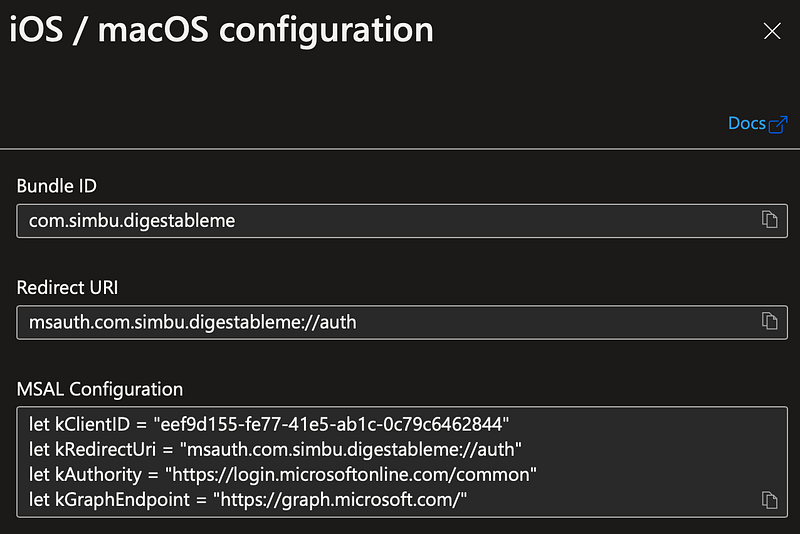
That’s it, your app is registered.
I then added the authority, client Id and scopesto the app_config_
{
    "authority": "https://login.microsoftonline.com/common",
    "application_client_id": "11aa1a1a-a111-1111-aa11-1aa1aa1aa1a1",
    "auth_scopes": "user.read"
}
Secrets & Config files
I’ve add a file that is not checked in using .gitignore:
example/app_config_secret.json
It can use to run the application and test authentication with Azure AD
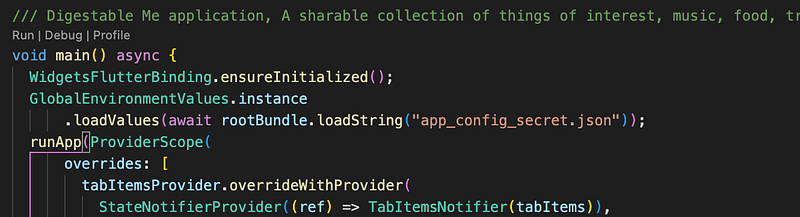
There are now three config files in the project to support testing:
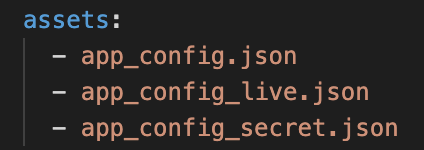
The original app_config.json is for development and ignores authentication.
app_config_live.json is used by the integration tests to test routing & authentication.
app_config_secret.json is used to test against my Azure AD and contains secrets that are not checked in.
You can create your own ‘app_config_secret.json’ file that points to your Azure AD service.
Microsoft Access Layer (MSAL)
Microsoft authentication library (MSAL), is not just one but a set of libraries to support web, mobile and desktop development, its purpose is to make it easy to authenticate and authorise users and applications.
I feel happier leaving this client code to Microsoft, as we can easily update the package to stay up to date with latest security patches.
MSAL uses the shared system web browser to make authentication requests and cache authenticated accounts, how it caches the account is abstracted by MSAL and we can rely on it to be the most secure method available.
With each platform having its own MSAL library I’ve decide to use the azure_ad_authentication package to abstract the platform specific implementations.
Azure Ad Authentication Package
There are a number of dart packages for MSAL authentication, I chose azure_ad_authentication because it was recently updated and has a great pub score of 140 out of 140.
The package includes native MSAL implementations for iOS, Android and the web, each require platform specific configure to work, which is detailed in the package instructions.
For iOS I completed the these steps:
Add a new keychain in Xcode:
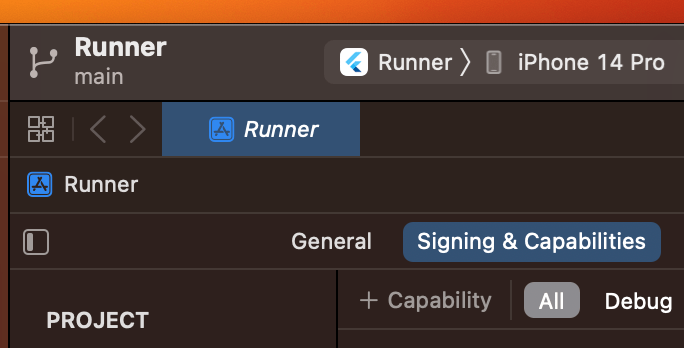
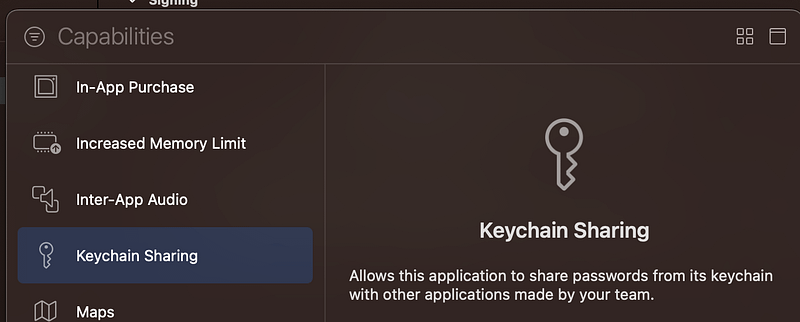
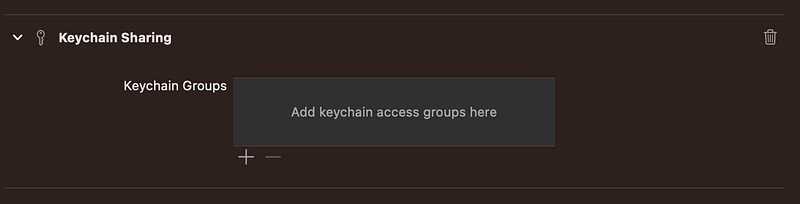
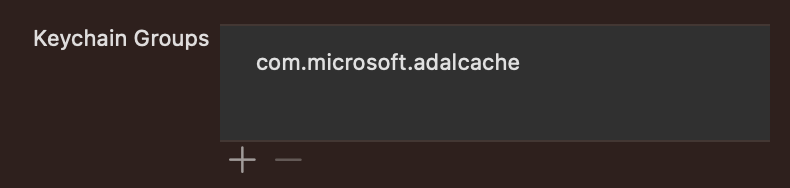
Add An Entitlement for the new Keychain
Add it to the Runner.entitlements file:
<dict>
	<key>keychain-access-groups</key>
	<array>
		<string>$(AppIdentifierPrefix)com.microsoft.adalcache</string>
	</array>
Add Redirect URI
Add the application redirect URI scheme to the Info.plist file to allow the identity server to respond to the iPhone or iPad:
<?xml version="1.0" encoding="UTF-8"?>
<!DOCTYPE plist PUBLIC "-//Apple//DTD PLIST 1.0//EN" "http://www.apple.com/DTDs/PropertyList-1.0.dtd">
<plist version="1.0">
<dict>
	...
	<key>CFBundleURLSchemes</key>
    <array>
        <string>msauth.$(PRODUCT_BUNDLE_IDENTIFIER)</string>
    </array>
</dict>
</plist>
Note: URI schemes present an attack vector, so you will need to carefully consider that actions your application takes in response.
Add the query schemes
Add LSApplicationQueriesSchemes to info.plist to allow making call to Microsoft Authenticator if installed. Note that “msauthv3” scheme is needed when compiling your app with Xcode 11 and later.
...
	<key>LSApplicationQueriesSchemes</key>
	<array>
		<string>msauthv2</string>
		<string>msauthv3</string>
	</array>
</dict>
</plist>
Add the package to the project
Add the azure_ad_authentication dart package to the DigestablePrologue project :
# Azure Ad package Msal login for Android, iOS and MacOs,
# AD refund information user and token and expiration time session
  azure_ad_authentication: ^1.0.4
Debugging Authentication Configuration Issues
I lost a bit of time to a config error because the SwiftAzureAdAuthentication plugin added by the azure_ad_authentication package was not returning the error from MSAL, just a text message “CONFIG_ERROR”_:
create the application and return it
        //MSALPublicClientApplication(configuration: config)
        if let application = try? MSALPublicClientApplication(configuration: config)
        {
            // application.validateAuthority = false
            return application
        }else{

            result(FlutterError(code: "CONFIG_ERROR", message: "Unable to create MSALPublicClientApplication", details: nil))
            return nil
        }
I found this plugin code by opening Xcode and searching for “MSALPublicClientApplication”, which is deeply nested:

But it can be found, amended it and debugged in Xcode, so I added the following code and a break point:
do{
    let application = try MSALPublicClientApplication(configuration: config)
  } catch {
    print(error)
  }
Which allowed me to surface the error, a simple dyslexic spelling “simub” instead of “simbu”:
0] (null) "MSALErrorDescriptionKey" : "The required app scheme \"msauth.com.simub.digestableprologue\" is not registered in the app's info.plist file. Please add \"msauth.com.simub.digestableprologue\" into Info.plist under CFBundleURLSchemes without any whitespaces and make sure that redirectURi \"msauth.com.simub.digestableprologue://auth\" is register in the portal for your app."MSAL Authentication Service
The environment in the app_config_
"environment": "live",Is used by the authentication service provider to inject the per environment service:
AuthenticationServiceStateNotifier selectAuthenticationServiceByEnvironment() {
  var environment = GlobalEnvironmentValues.instance.environment;

  AuthenticationService authenticationService = environment == Environments.live
      ? MsalAuthenticationService()
      : StubbedAuthenticationService();

  return AuthenticationServiceStateNotifier(authenticationService);
}
The AD config values are loaded when the application is started from the same app_config_
return await AzureAdAuthentication.createPublicClientApplication(
        clientId: GlobalEnvironmentValues.instance.applicationClientId,
        authority: GlobalEnvironmentValues.instance.authority);
When
(authenticationServiceProvider).signIn()is called the iOS MSAL plugin method
aquireToken()is called via the azure_ad_authentication package to start the authentication process, it then slides up a web view to complete sign in with the user.
Redirect URL
The iOS redirect URL in info.plist
msauth.com.simbu.digestableprologueNeeds to match the redirect specified in the Azure app registration:

Sound & Vision

Packages
Links
- The basics of modern authentication — Microsoft identity platform
- Future builder
- Validation differences by supported account types (signInAudience)
- Sign in users and call Microsoft Graph from an iOS or macOS app
- App sign-in flow with the Microsoft identity platform
- Authentication fundamentals: Federation | Azure Active Directory
- Authentication fundamentals: Web single sign-on | Azure Active Directory
- Five Gotchas while using MSAL with Azure AD


