avatarTristan Wolff

Summary

Midjourney's new "Describe" feature simplifies the process of generating prompts for AI image creation by analyzing existing images and providing users with multiple prompt options to refine and produce new images.

Abstract

Midjourney has introduced a "Describe" feature that allows users to create detailed prompts for AI-generated images by analyzing any existing image. Users can drag and drop or upload an image to receive four suggested prompts, which can be further customized or used as-is to generate new images. This tool enhances the convenience of prompt crafting, which was previously possible through more complex methods such as CLIP Interrogator or Hard Prompts Made Easy. The feature is versatile and can be applied to various styles, including anime using Midjourney's Niji V5 model, and it encourages exploration in different domains such as re-imagining classic art, creating cinematic shots, or working with historical images.

Opinions

  • The author suggests that the "Describe" feature is a significant improvement in the ease of crafting prompts for AI image generation.
  • The feature is seen as versatile, allowing for a wide range of applications across different artistic styles and subjects.
  • The author encourages users to experiment with the tool, implying that it can be a fun and creative process.
  • By providing the option to tweak the generated prompts, the tool is considered user-friendly and adaptable to specific user needs.
  • The author seems to be an advocate for the integration of AI in creative processes, as indicated by their invitation to follow their work on AI & Creativity on Twitter and Medium.

Midjourney’s New “Describe” Feature Makes You A Prompt Genius

Craft prompts based on ANY existing image
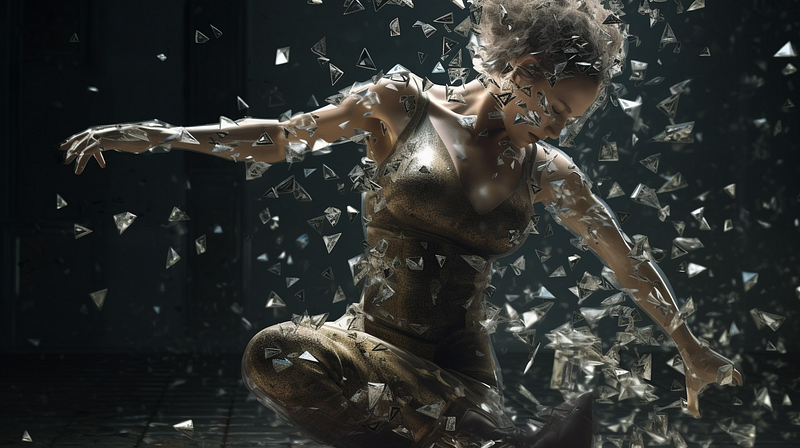
Image by author & Midjourney

Midjourney’s new “describe” feature is nothing new to the avid prompt crafter. Using tools like CLIP Interrogator or Hard Prompts Made Easy you could already analyze images, get a prompt that would recreate it (or something similar), and take it from there.

However, Midjourney made the whole process so much more convenient.

Here’s how.

How To Use The “Describe” Feature

Using the new tool is pretty easy, just type

/describe

Then drag&drop or upload any image.

After a few seconds you get 4 prompts to choose from.
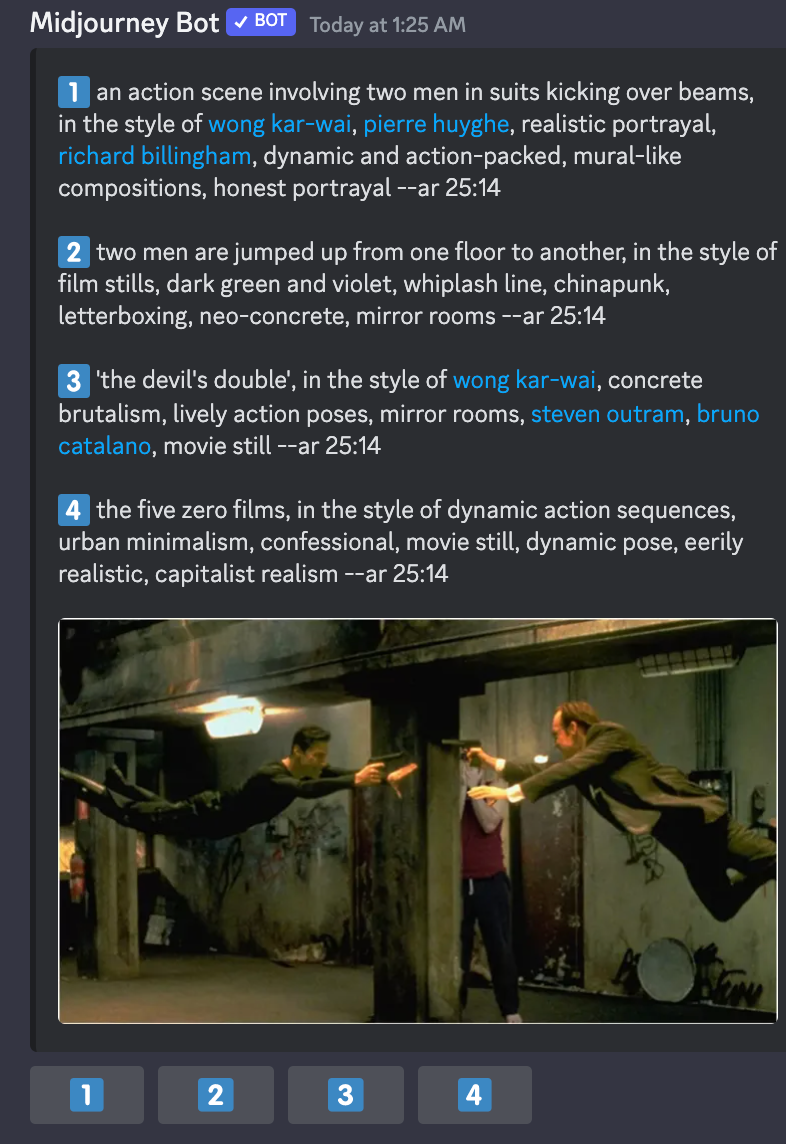
If you click on one of the options you are given the option to tweak the prompt if you want to.

If you don’t, hit enter and you’re image is generated.

In the above case, I decided to change the prompt and run it through Midjourney’s latest anime-trained model: Niji V5.

To do this, I just had to add

--niji 5
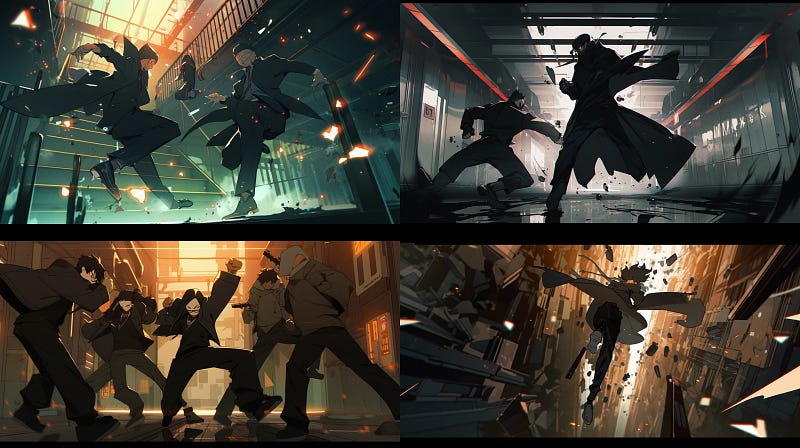
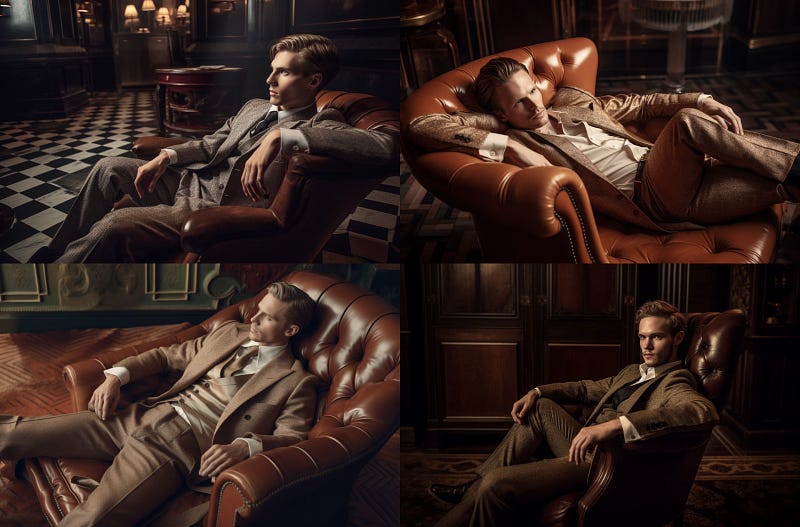
Image by author & Midjourney

Obviously, there are so many ways you can take this.

For example, why not re-imagining a Pollock painting?
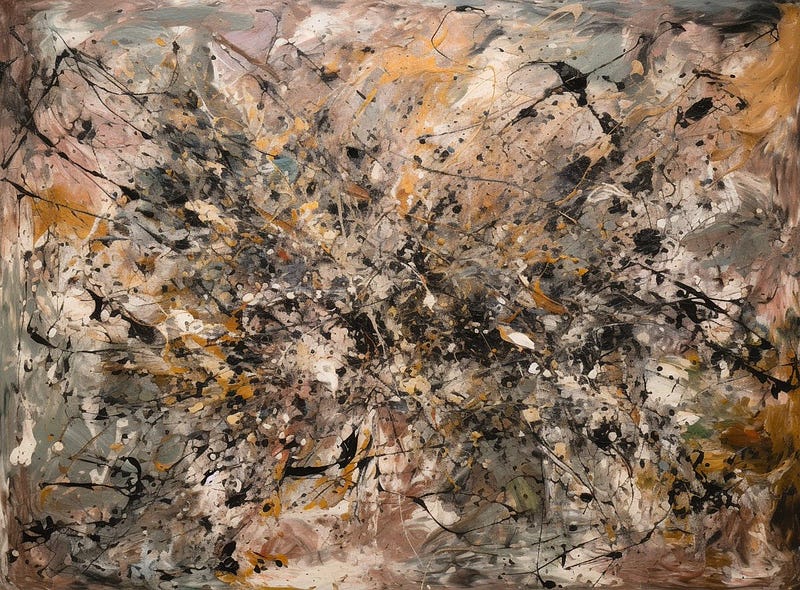
Image by author & Midjourney

Explore cinematic shots:

Image by author & Midjourney

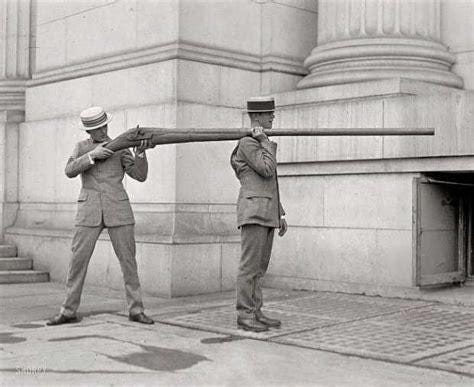
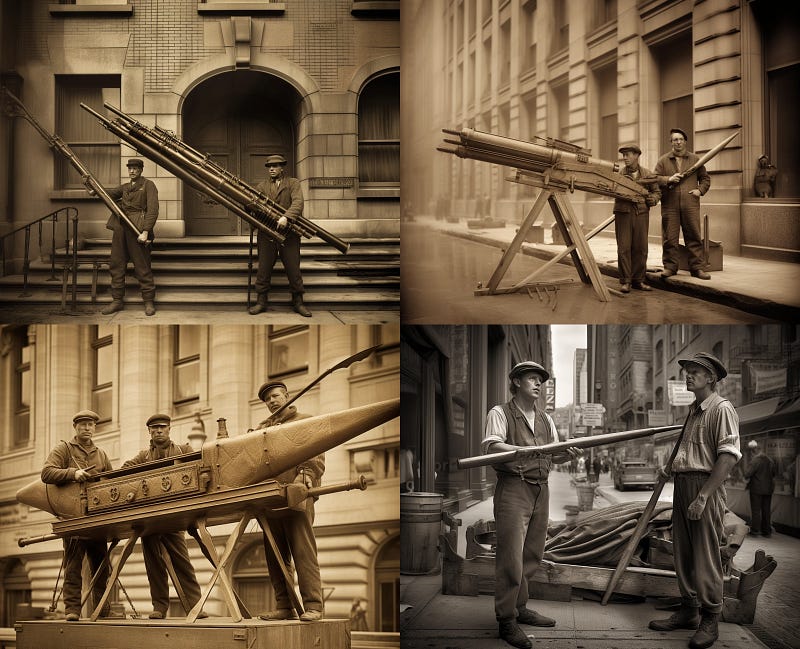
Or work with historic pictures:

It’s up to you. Have fun exploring! 🚀

➡️ For more information about AI & Creativity, follow me on Twitter or Medium (use my referral link to get full access to all my articles and those of thousands of other writers).

➡️ If you like my content, why not leave a “clap” at the end of this article, so more people can see it?

Artificial Intelligence
Art
Creativity
Design
Midjourney
Recommended from ReadMedium