avatarTristan Wolff

Summary

Midjourney has released Niji V5, an advanced model for anime-style rendering with new features such as a "stylize" parameter and the ability to render in wide aspect ratios.

Abstract

The Midjourney team has introduced Niji V5, a significant update to their anime-rendering model, which promises a leap forward in anime aesthetics. Users can access the new features by adding the --niji 5 parameter to their prompts. Niji V5 includes a "stylize" parameter that allows for fine-tuning of the anime rendering intensity, ranging from 0 to 1000. Additionally, the new model supports rendering in wide aspect ratios, a feature not available in previous versions. The author encourages users to experiment with the new model, particularly by using the "/describe" command to generate prompts and then applying the " -- niji 5" parameter for enhanced results.

Opinions

  • The author suggests that Niji V5 is a major upgrade for anime aesthetics, implying a significant improvement over the previous "old" Niji model.
  • The inclusion of the "stylize" parameter is praised, as it provides users with control over the anime rendering style, similar to how Midjourney V5 handles photorealism.
  • The ability to render anime images in wide aspect ratios, such as 24:10 cinematic widescreen, is presented as a notable addition that was previously lacking in Niji models.
  • The author expresses enthusiasm for the new capabilities, encouraging readers to have fun exploring the features of Niji V5 and to follow their Medium and Twitter profiles for more insights on AI and creativity.

Introducing Niji V5: Next Level Anime-Rendering With Midjourney

A Leap Forward in Anime Aesthetics
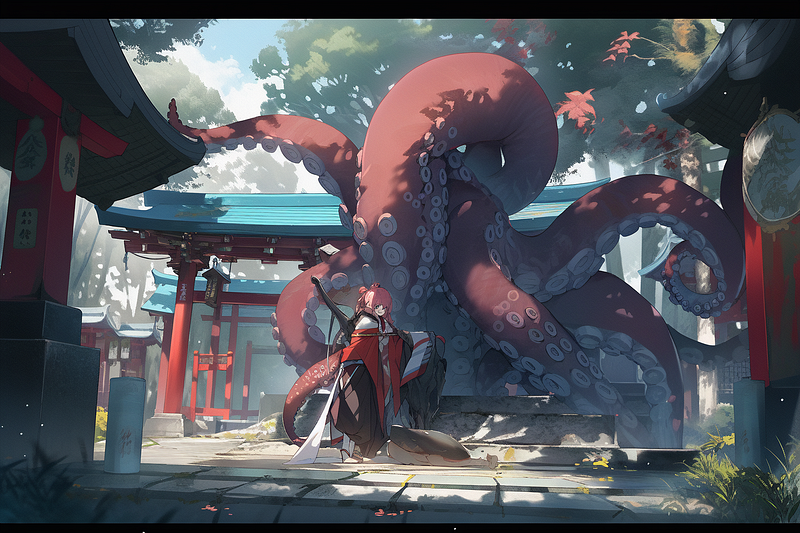
Image by author & Midjourney

The Midjourney team just announced the testing of a brand new version of Niji, a model specifically designed for anime aesthetics. It’s basically the V5 update for anime — so say hello to Niji V5, a major upgrade for anime aesthetics.

Here’s how to use it:

How to use Niji 5

To get started, just add the following model parameter to your prompts:

--niji 5

That’s all.

You will immediately see the model’s improvements if you compare it to the “old” Niji model.

--niji
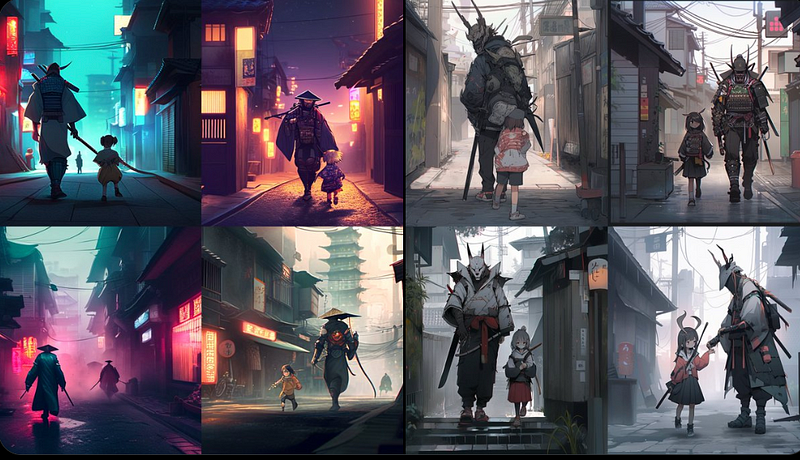
Left: old “ — niji” model, right: latest “ — niji 5” model (by author & Midjourney)

Niji V5 comes with a “stylize” parameter that takes values from 0 to 1000 (100 being default). This allows you to fine-tune how strongly you want the new model to act out its tendency to render everything in an anime (pretty similar to how Midjourney V5 has a tendency towards photorealism)

Use it like this:

--niji 5 --stylize [VALUE FROM 0 TO 100]
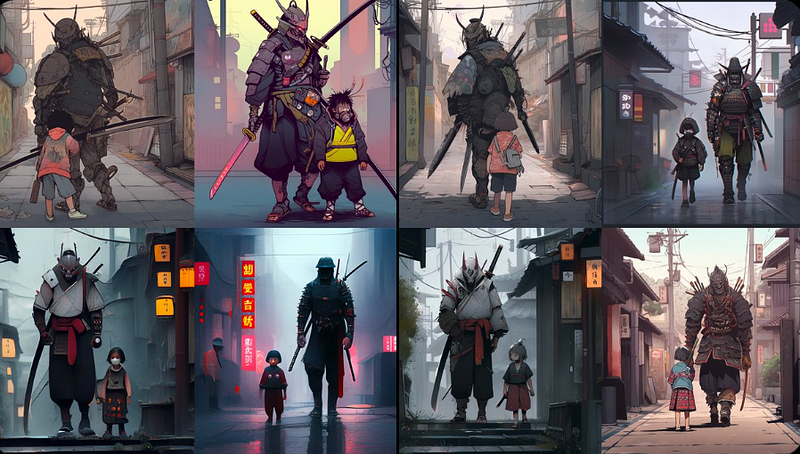
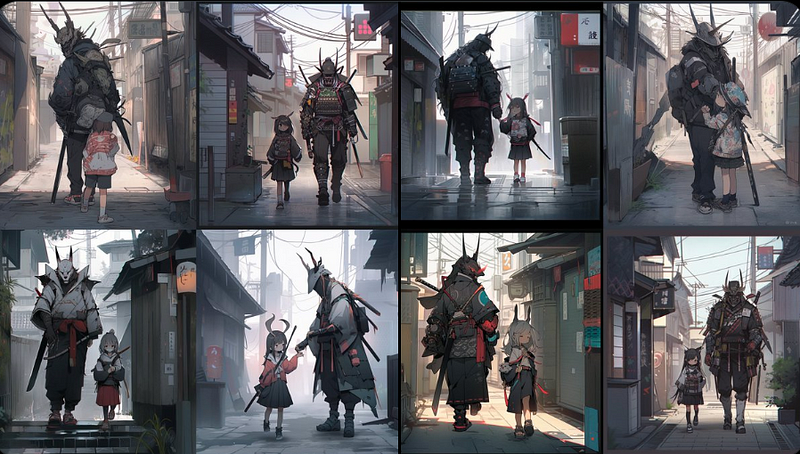
From left to right: increasing “stylize” values (images by author & Midjourney)

Another great addition, which Midjourney quietly introduced with Niji V5, is the possibility to finally render anime images in wide aspect ratios. Something that has not been possible with the previous Niji models.

Here’s one in 24:10 cinematic widescreen.
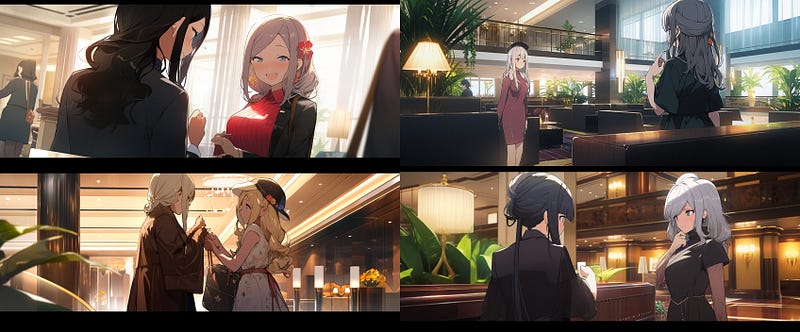
Image by author & Midjourney

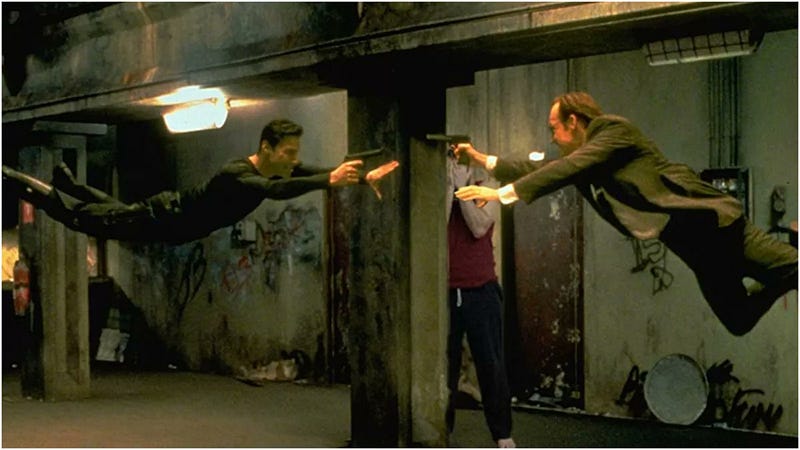
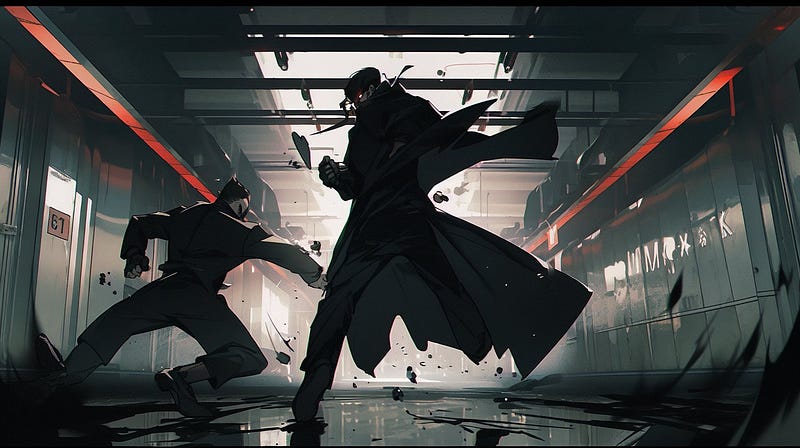
One thing you should definitely try: use the new “/describe” command to create a prompt and then running it through “ — niji 5”:
Have fun exploring!

➡️ For more information about AI & Creativity, follow me on Twitter or Medium (use my referral link to get full access to all my articles and those of thousands of other writers).

➡️ If you like my content, why not leave a “clap” at the end of this article, so more people can see it?

Stay up to date with the latest news and updates in the creative AI space — follow the Generative AI publication.

Artificial Intelligence
Creativity
Anime
Art
Design
Recommended from ReadMedium