A Complete Guide on How to Develop an E-Commerce Platform
We will build an E-Commerce Platform from Scratch using Vue, and Spring Framework
In this course, you will learn how to build an e-commerce platform from scratch. First, you have to be familiar with Java and Springboot, which we will use to build the backend and Vuejs for the frontend.
You can test the application here.
Live Demo
Frontend
https://github.com/webtutsplus/ecommerce-vuejs
https://simplecoding-ecommerce.netlify.app/
Backend
https://github.com/webtutsplus/ecommerce-backend
https://limitless-lake-55070.herokuapp.com/swagger-ui.html
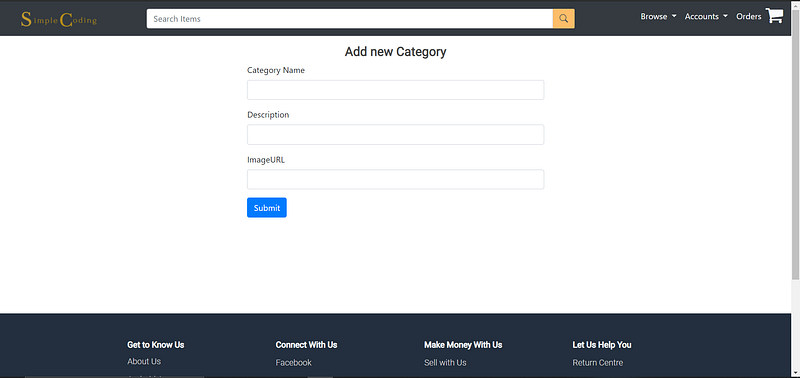
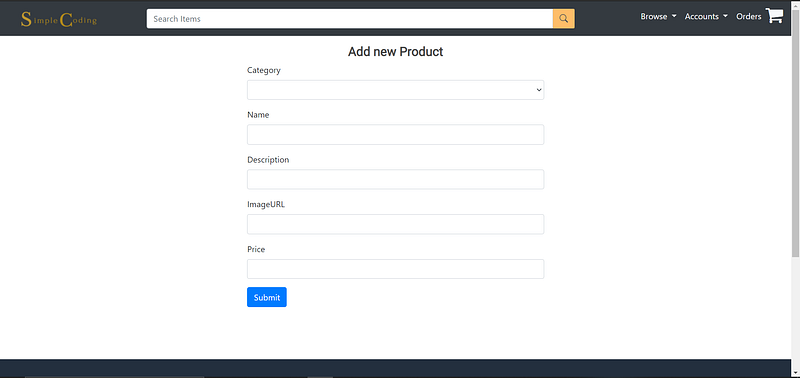
1. Admin Panel: Add Product and Categories
Every e-commerce app need products organised into categories
So now let’s add the products and categories section to our app
In this tutorial, we will display the products and the categories of various products in our app.
Clicking on a particular product will show its details and also the options for buying it, adding to the cart, and adding to the wishlist section.
Backend
you can watch product api’s video here.
Frontend for Product
Product and Category Add and Display Video
Image upload service
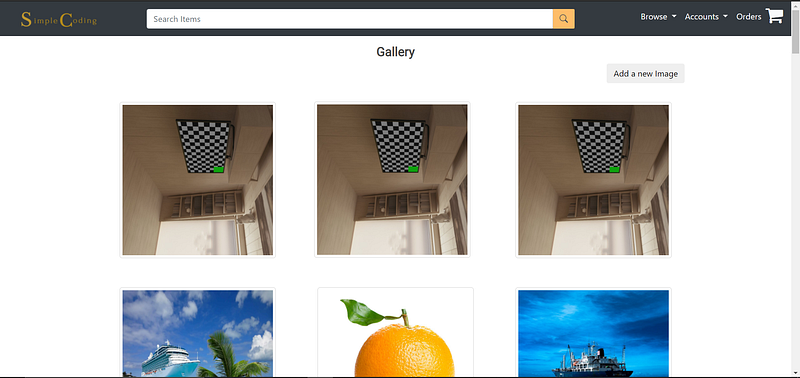
We will develop a file upload service, which will be used for image upload in our e-Commerce App using Java Spring Boot
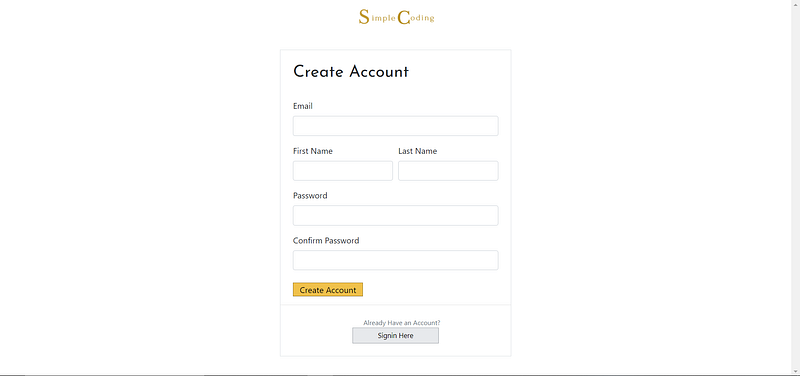
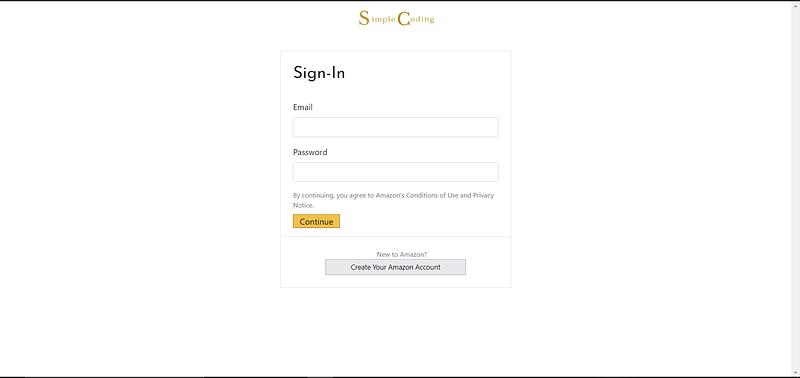
2. Building Authentication (sign up & sign in)
In this tutorial, we will learn how to implement authentication of users.
Backend
Frontend
3. Building Front end for Customers
After building the admin panel, now we are going to show products to customers.
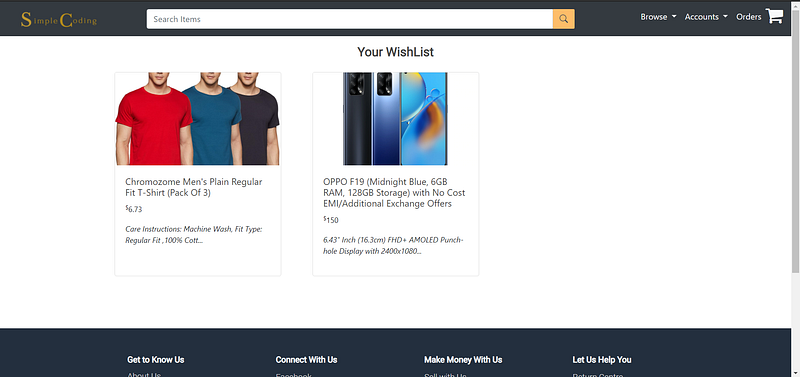
4. Adding a Wishlist Feature
In this tutorial, we will implement the feature for saving the products not in the cart but in the wishlist section.
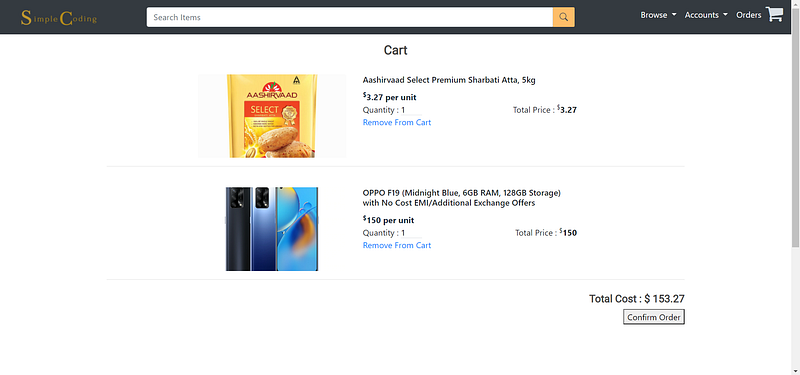
5. Shopping Cart Feature
In this tutorial, we will implement the important feature of any e-commerce app i.e shopping cart.
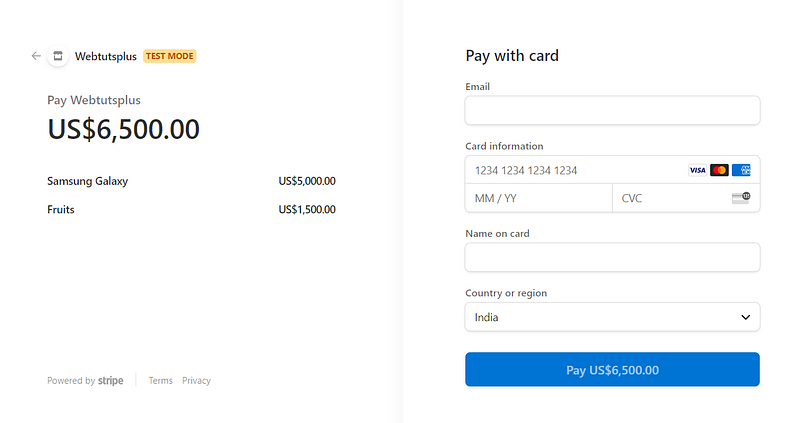
6. Checkout using Stripe
In this tutorial, we will implement yet another important feature of any e-commerce app i.e. payment method
7. Place Order and Order History Feature
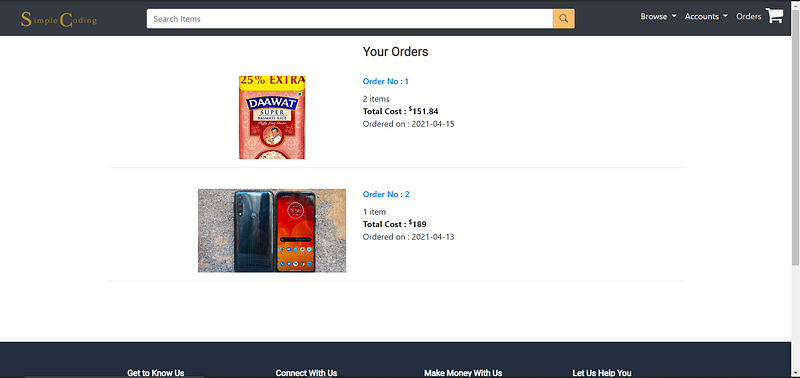
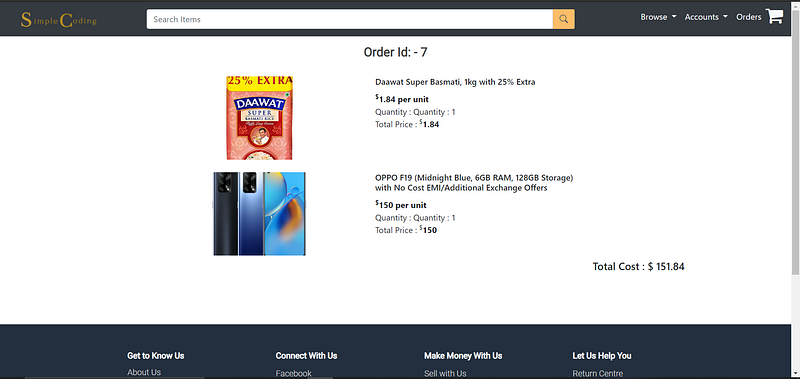
Next Step, we will implement the feature for placing the order and displaying the order history of a particular user.