10 Unusual Prompt Ideas For Midjourney You Probably Didn’t Know Yet
Step Up Your AI Image Generation Game With These 10 Midjourney Prompts
In this post, you’ll get to know Midjourney prompts to render
- Stained Glass Windows
- 3D Logos
- Photo Sequences
- Minimalist Photography
- B/W Illustrations
- Early Cinematography
- Cinematic Images
- Knolling Pictures
- Cartoon Characters
- LOLcats
This is kind of a sequel to “10 Amazing Techniques for Midjourney.” Have fun trying them out!
Stained Glass Windows
/imagine prompt: [anything], stained glass window
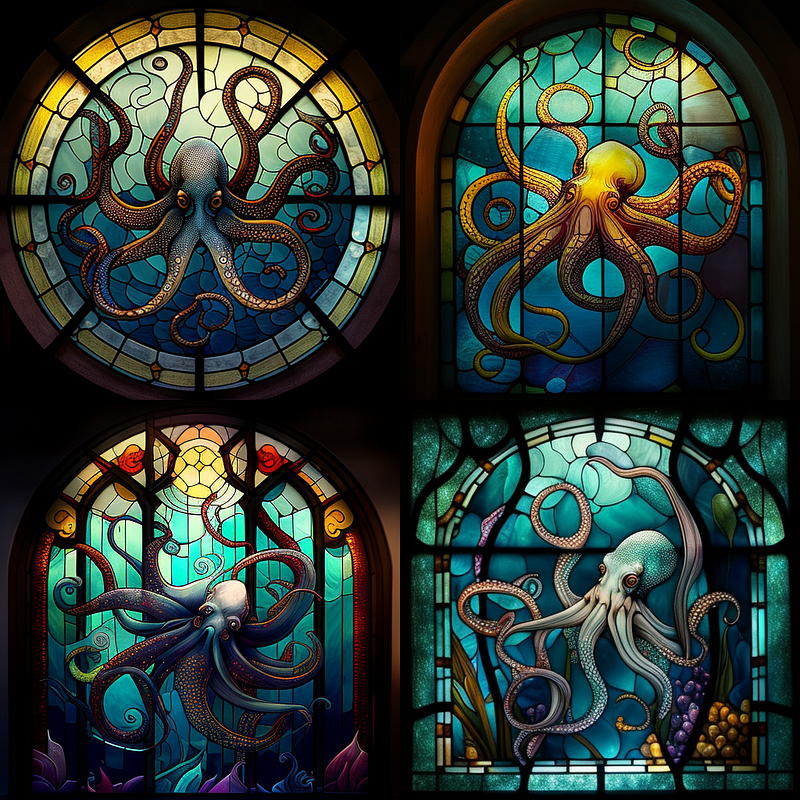
… you can turn the windows fullscreen with
/imagine prompt: [anything], stained glass window, close up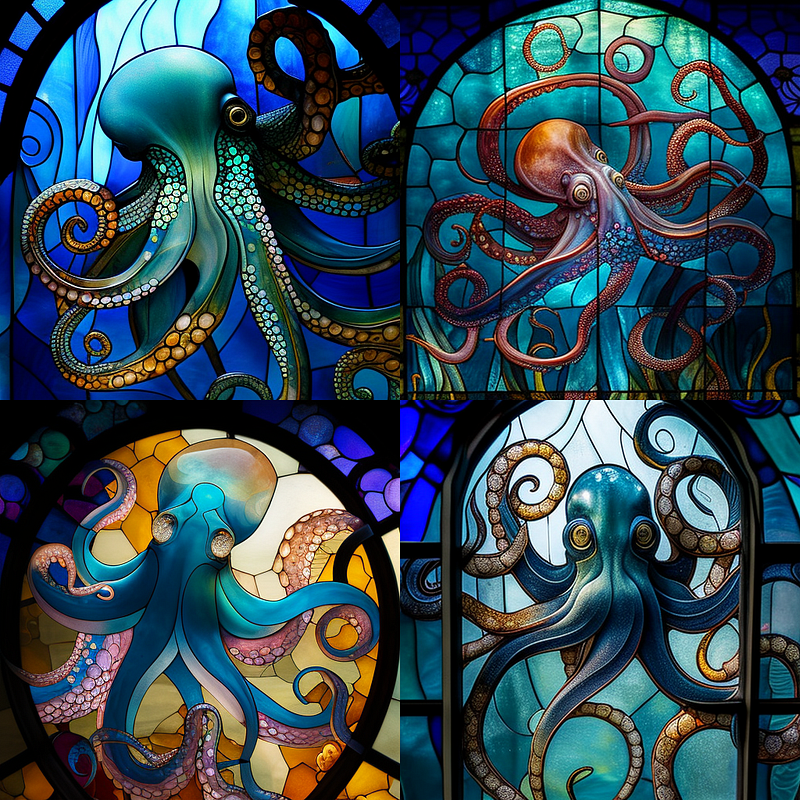
… zoom in further with
/imagine prompt: [anything], stained glass window, close up --no frame border window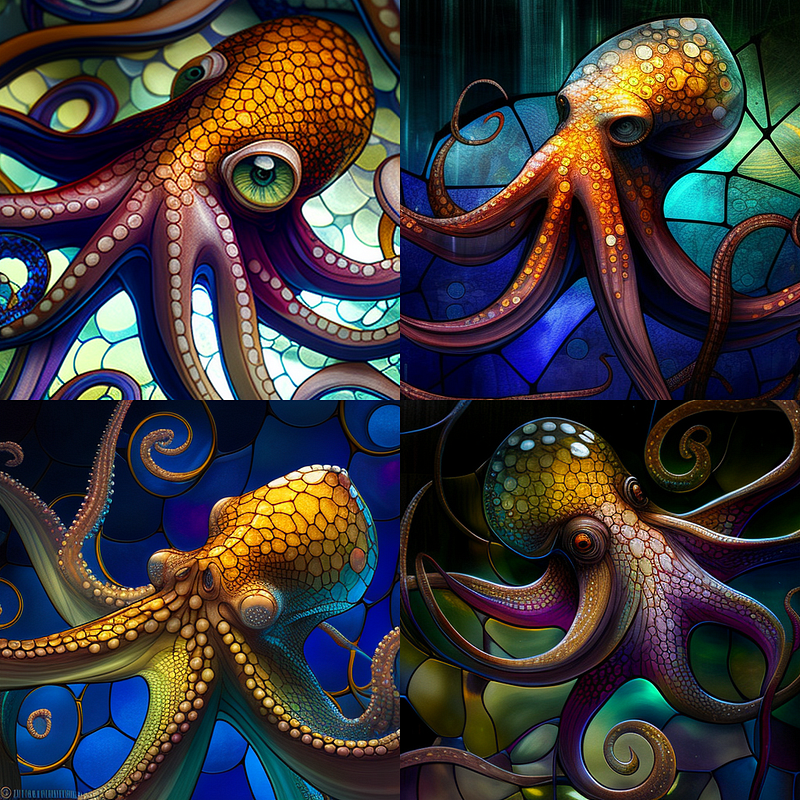
3D Logos
Besides prompting for logos directly, there is another neat way to create 3D logos for your projects: using the “product photography” suffix plus enforcing a solid background like so
/imagine prompt: [logo/project/business description], product photography,
white background --no background --no frame
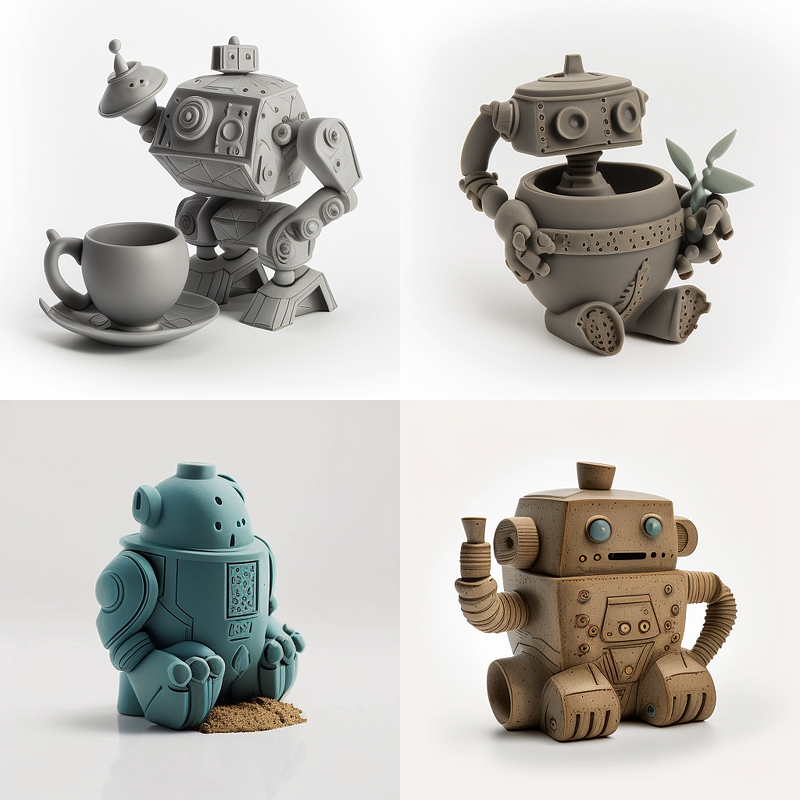
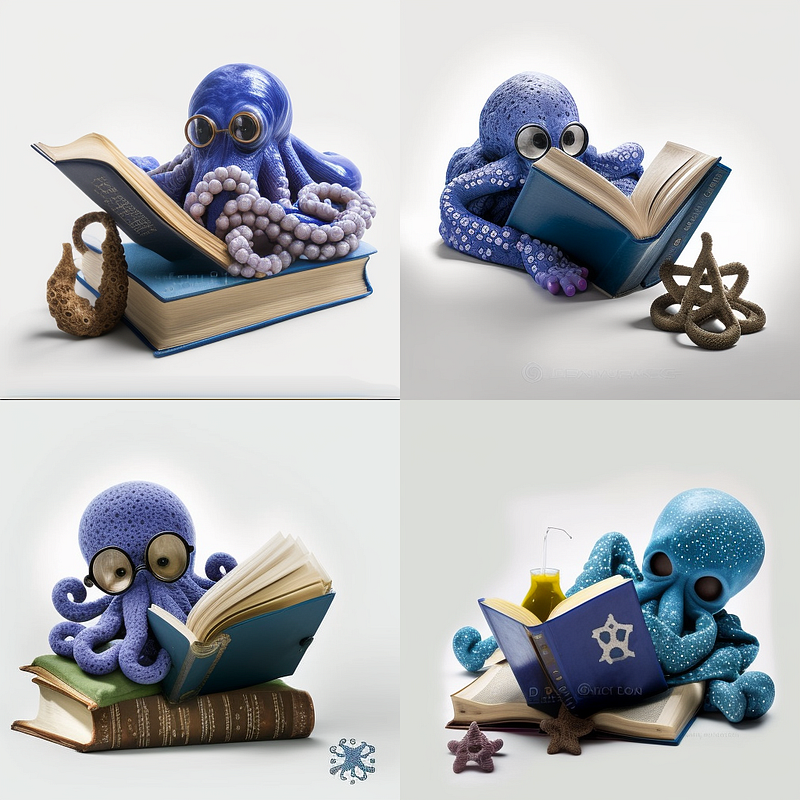
Photo Sequences
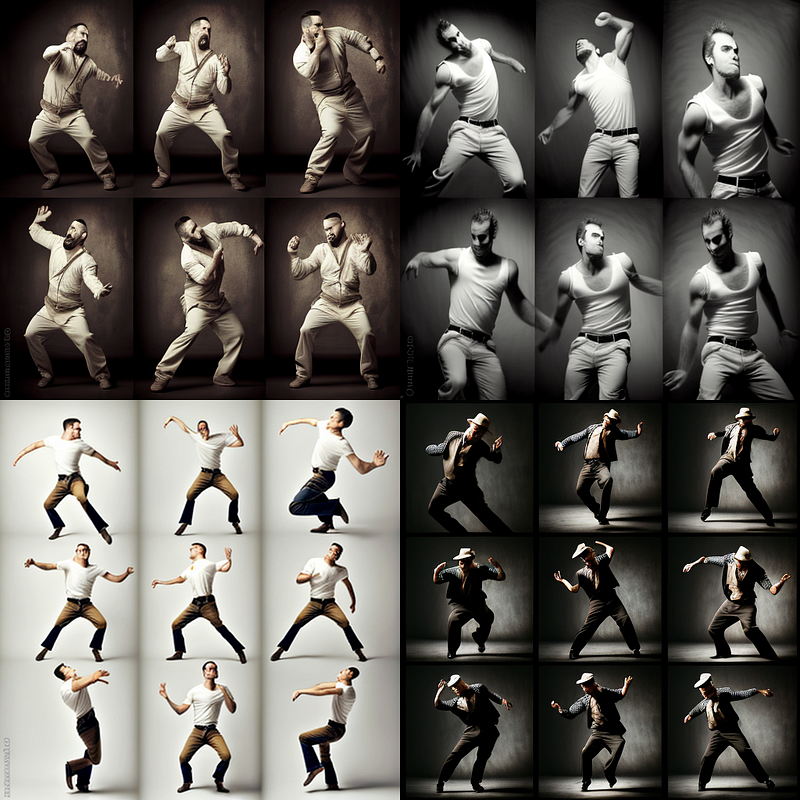
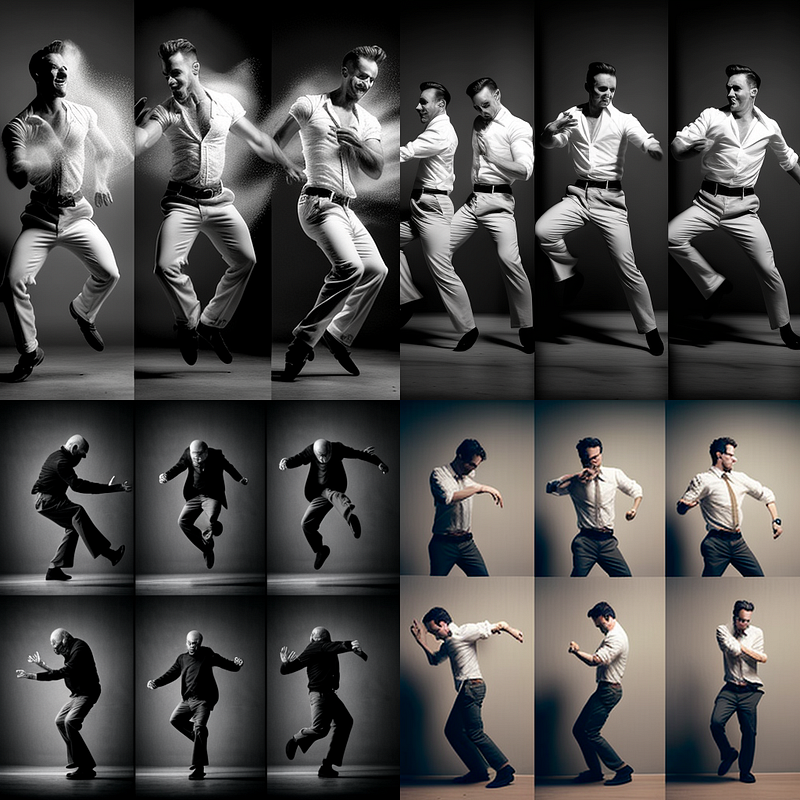
A neat way to create a series of images on a given topic, scene or character:
/imagine prompt: photo sequence of [anything]
Minimalist Photography
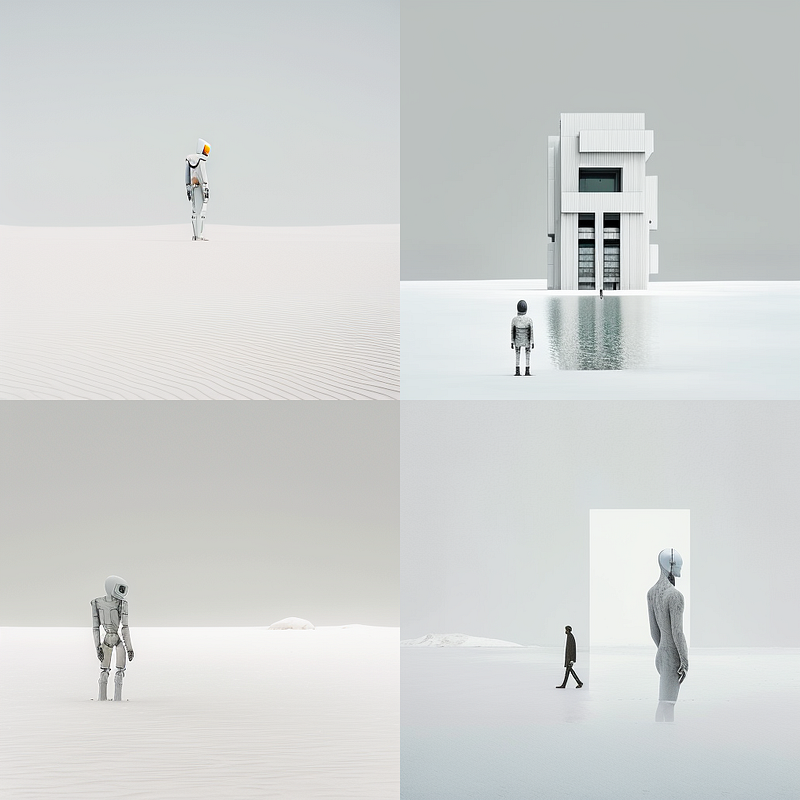
I find this one very useful when I want to control things both in artistic renderings as well as in mood boards and storyboards. It’s a great suffix to boil down your renderings to the essence is “minimalist photography”.
/imagine prompt: [scene/object], minimalist photography
/imagine prompt: humans and artificial intelligence, the future, minimalist photography
Quick B/W Illustrations
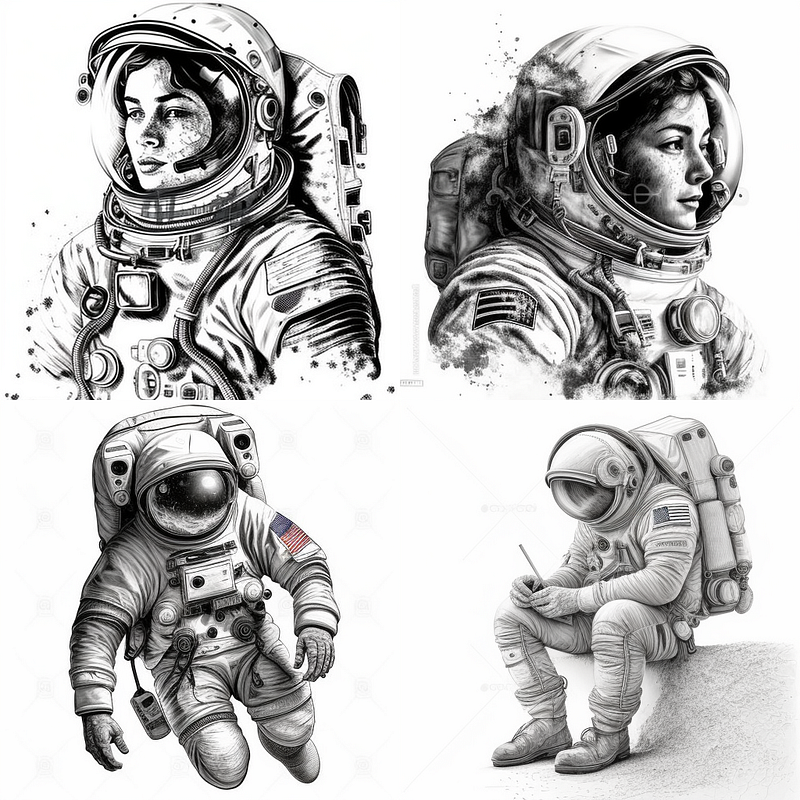
This one is useful when you are short on time and need to create clean b/w illustrations quickly.
/imagine prompt: [anything], coloring image, black and white, white background
--no background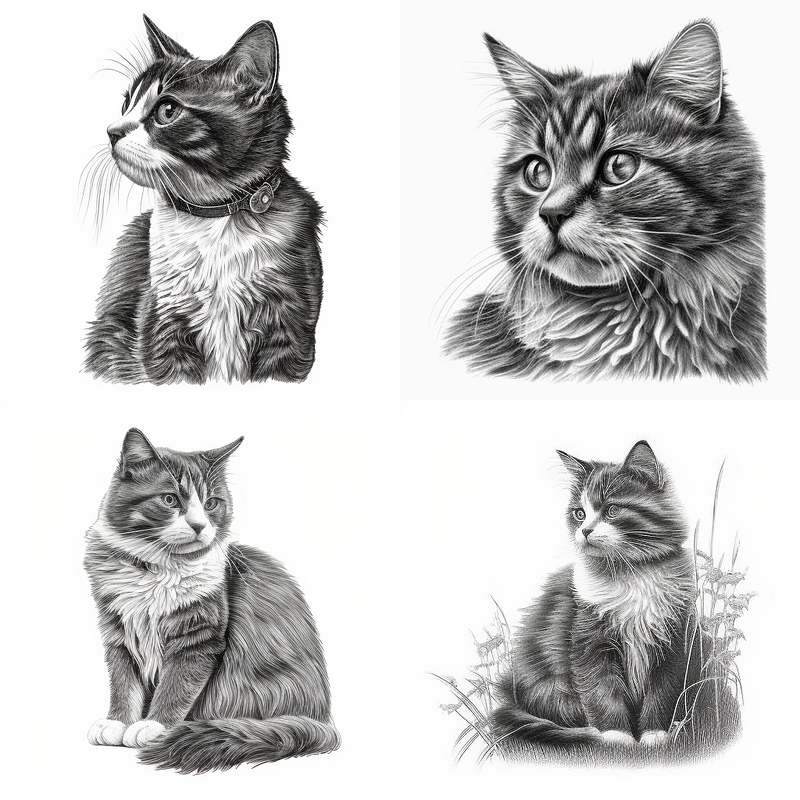
Early Cinematography
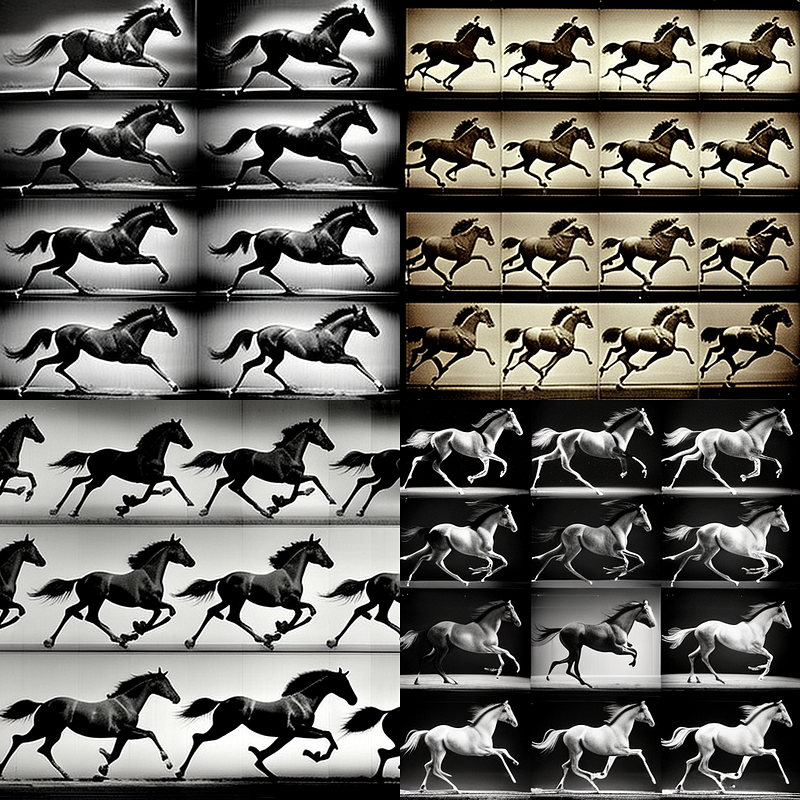
In 1878 Eadweard Muybridge placed 12 cameras along a horse race track to create a series of sequential photographs. The man became so famous for “chronophotography of animal locomotion” that you can ask Midjourney to render in the style of his work:
/imagine prompt: [anything], Muybridge sequence
Cinematic Prompts
Cinematography with Midjourney has become such an enormous topic that I’ve put together a comprehensive three-part series on creating cinematic prompts:
Part One:
Part Two:
Part Three:
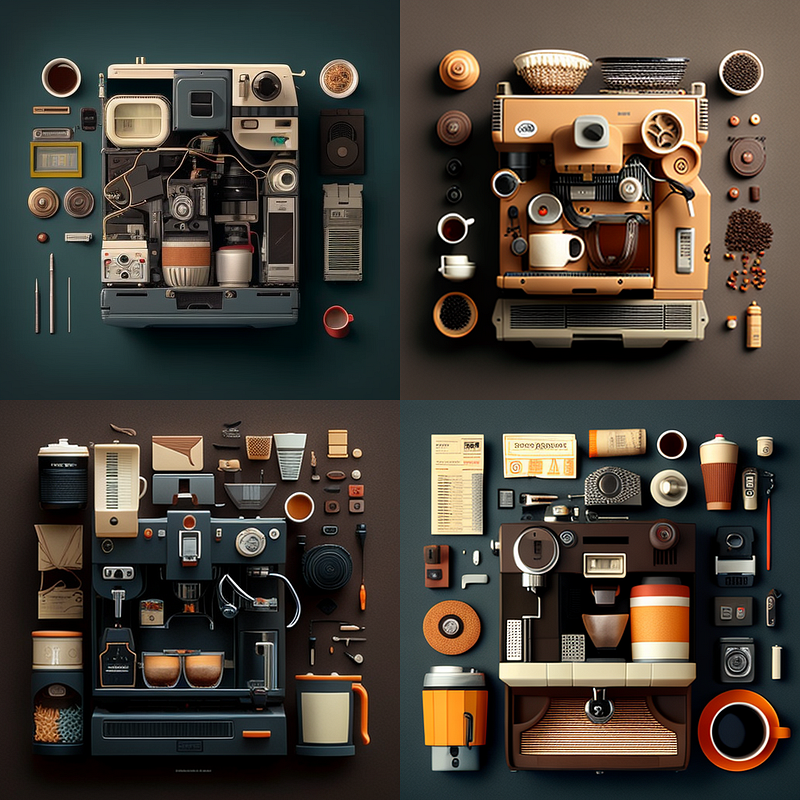
Knolling
While working on a project for the American furniture brand Florence Knoll, janitor Andrew Kromelow developed the habit of arranging tools in a neat rectangular formation. Hence the term knolling. This one gives interesting results and is also a great tool to find out which “associations” Midjourney has to a certain topic or object.
/imagine prompt: [scene/object description], knolling
Be The Muse
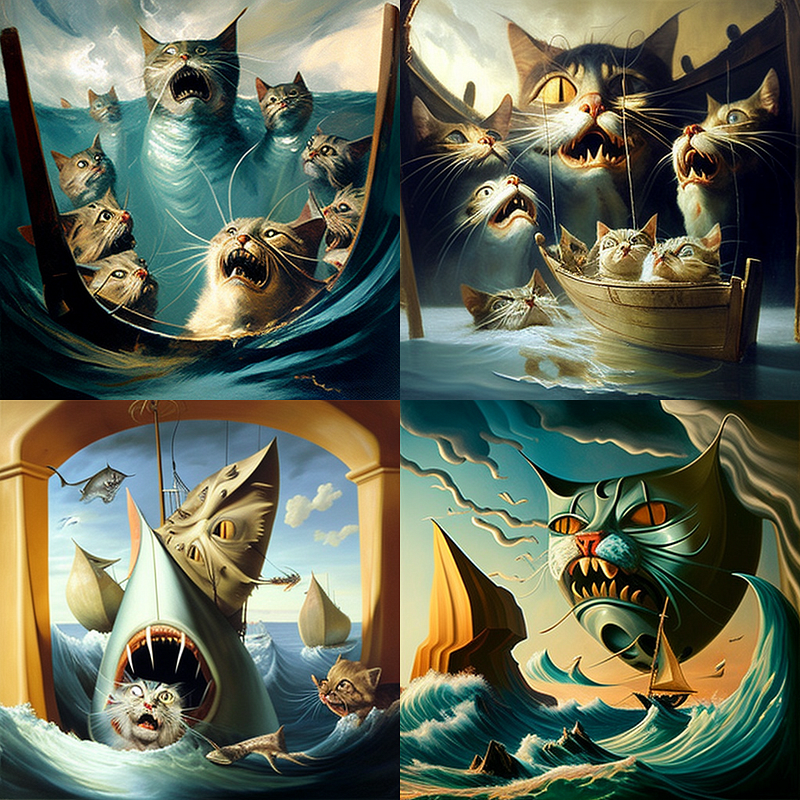
… and let artists be inspired by whatever you want.
/imagine [scene/object description], painting by [artist] inspired by [anything]/imagine cats, painting by salvadore dali inspired by jaws
Creating Cartoon Characters
If you need to come up with characters drafts quickly, try this one:
/imagine [character description],
8k, white background --ar 2:3
--no background --no shadow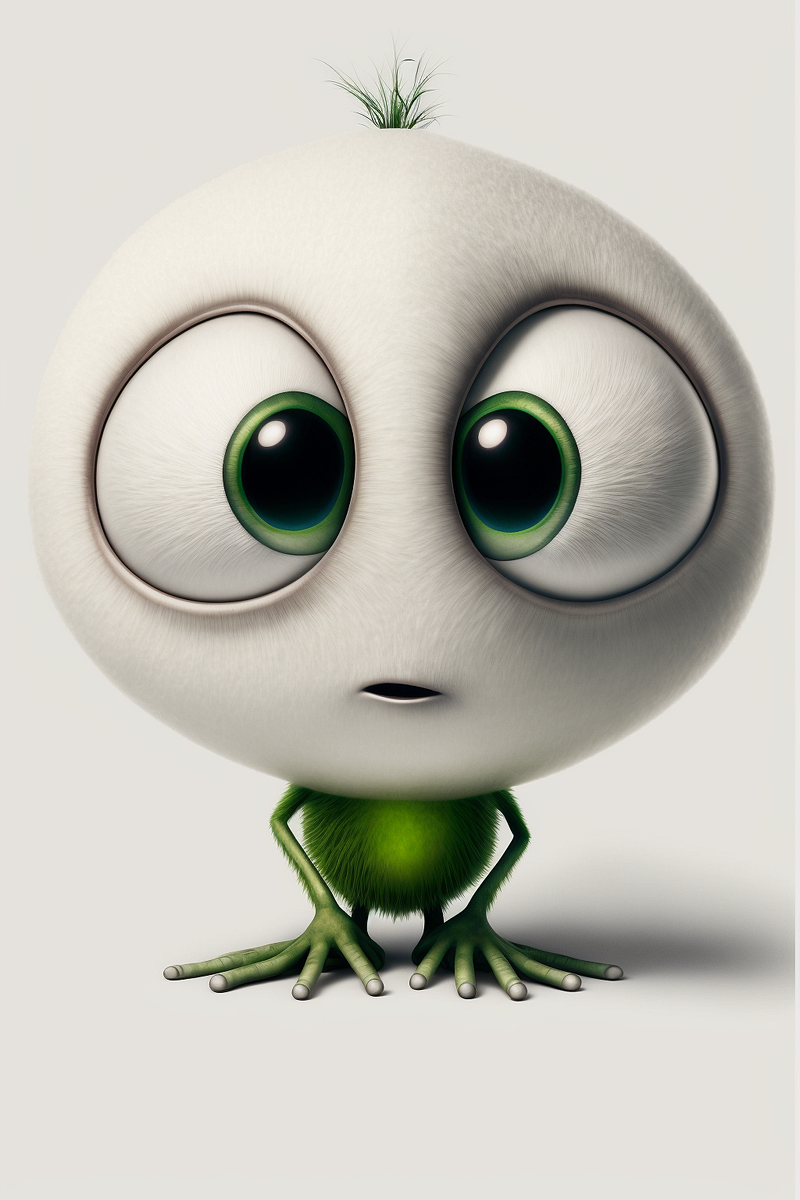
LOLCat Photobombing
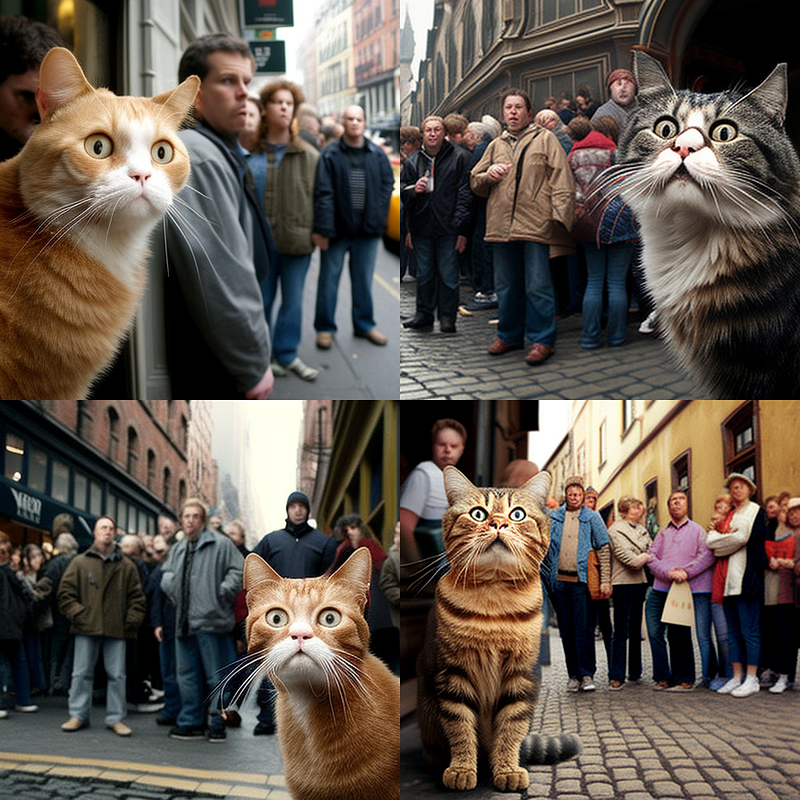
Lastly, one to experiment with. :) Actually, you can create pretty funny greeting cards with this one. Drop me one on Twitter if you like. :)
/imagine prompt: [scene/object], LOLcat photobombing