
10 Amazing Techniques For Midjourney You Probably Didn’t Know Yet
Step Up Your AI Image Generation Game With These 10 Midjourney Techniques
Here’s a quick overview of what we’ll cover in this post:
- Create images based on your drawings
- Create mood boards instantly
- From origami to broccoli models
- Magazine Cover Art
- Electron Microscope Photography
- New Movies
- Create Logos
- New Art Styles
- Create UX/UI Mock-Ups
- Fine-tuning with chaos command
- Consistent characters
Without further ado, here are 10 amazing things you can do in Midjourney that you might not know yet (if you do not have a Midjourney account yet, check out this tutorial to set one up).
Create images based on your drawings
First, create a rough sketch.
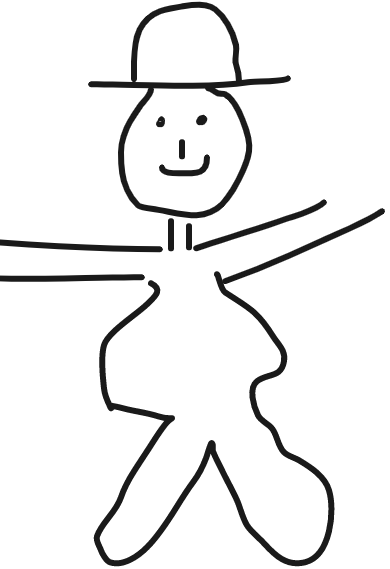
Then upload it to imgur.com and copy the “Image Link”
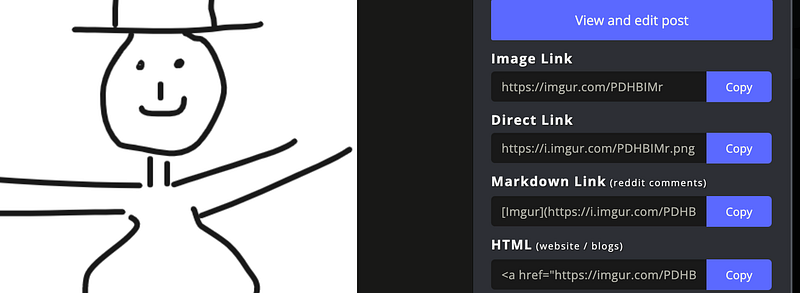
In Midjourney, use the image link as an image prompt like so:
/imagine prompt: https://imgur.com/PDHBIMr man with a black hat and a black dress, 8k, white background --no background --ar 2:3
What is happening here:
- using “white background” in order to get a blank background that can be changed later
- “ — no background” enforcing the blank background (not just white, e.g. white walls or buildings, but blank)
- using “8k” has a simple styling specification (you can get into more detail here like cartoon or film styles, artist/style references, emotional expressions, etc.)
- “ — ar 2:3” sets the aspect ratio to portrait format
We get this handsome fella:
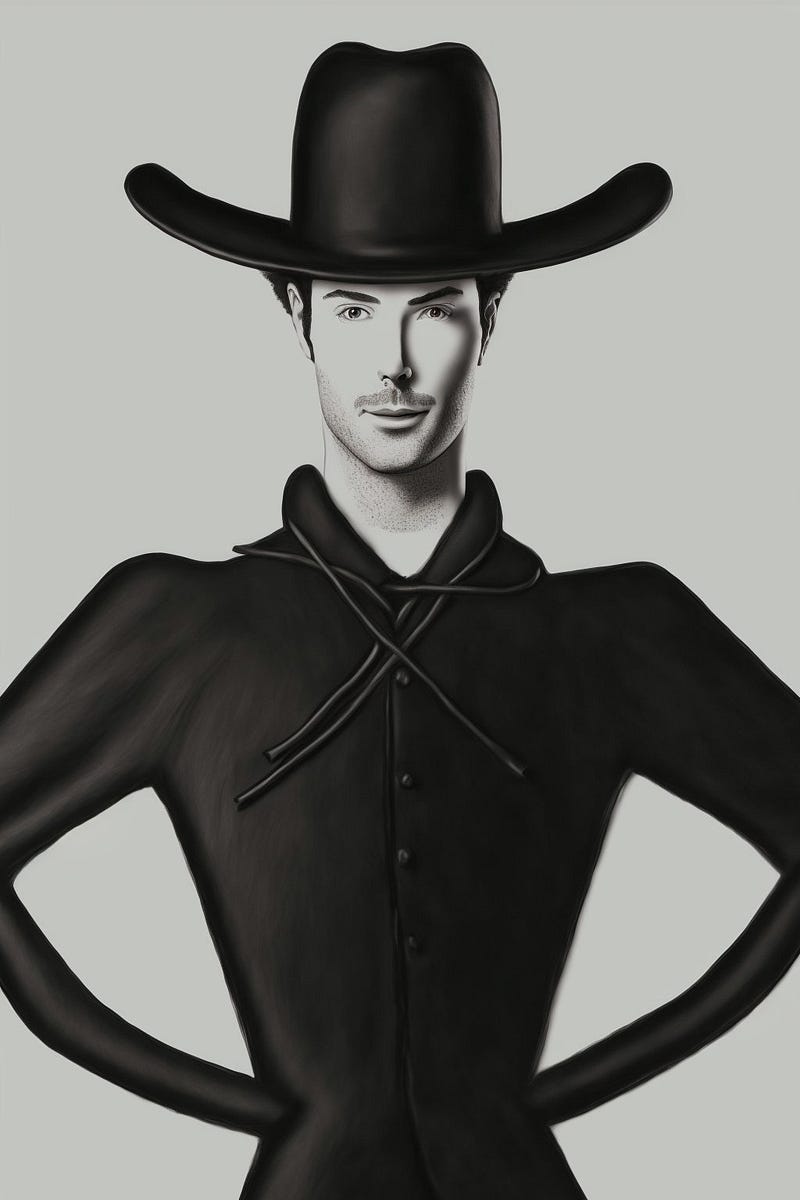
Next, we create a background with
/imagine prompt: an alien moon landscape
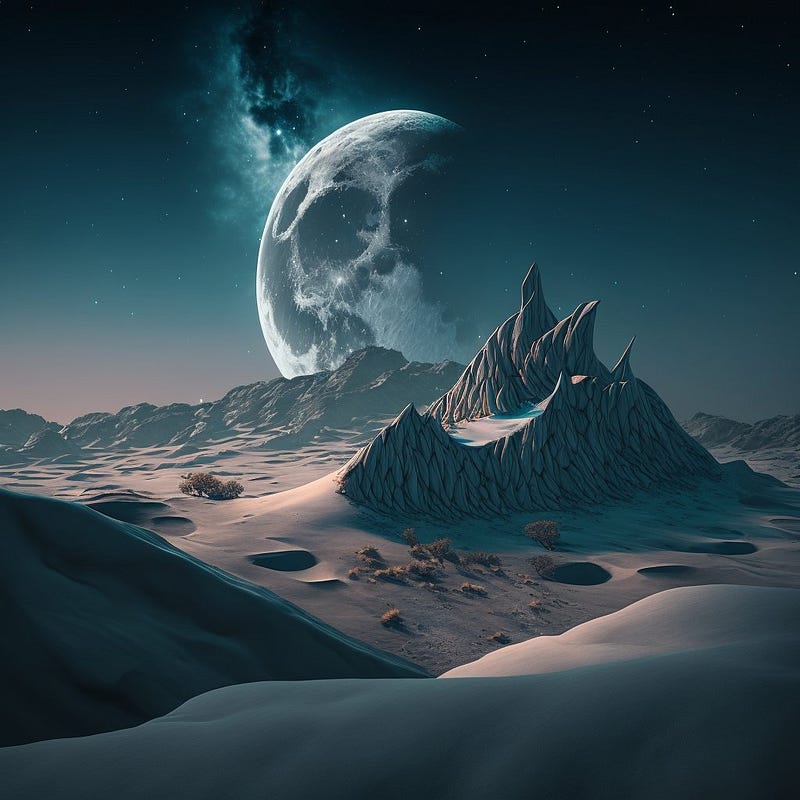
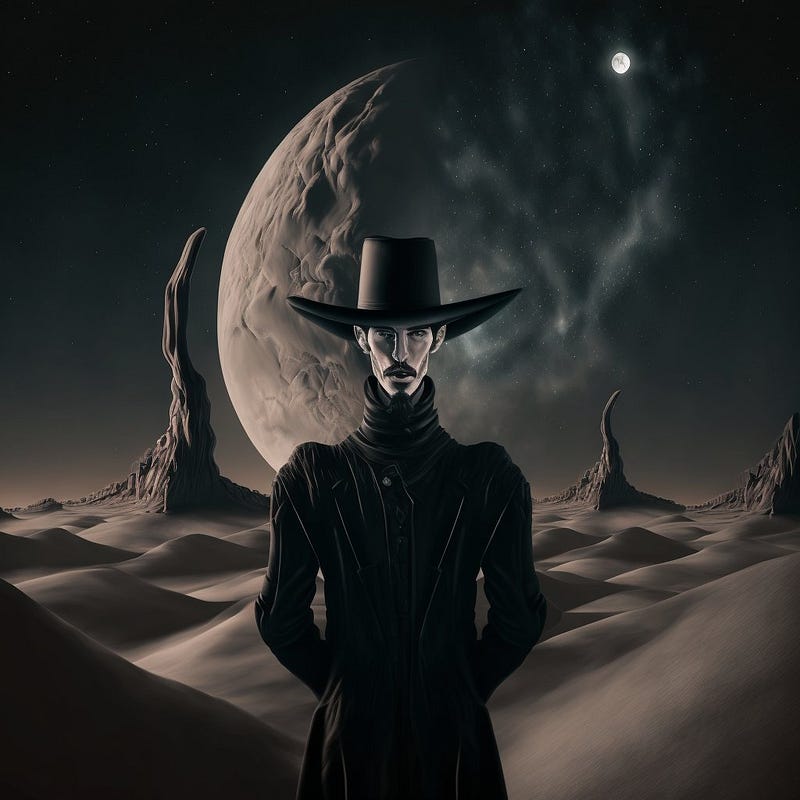
Finally, we copy the links of our cowboy render and the landscape (right click -> copy image url) and use them together as image prompts:
/imagine prompt: <IMAGE LINK TO COWBOY> <IMAGE LINK TO LANDSCAPE> a cowboy on a moon
And we get:
Create mood boards instantly
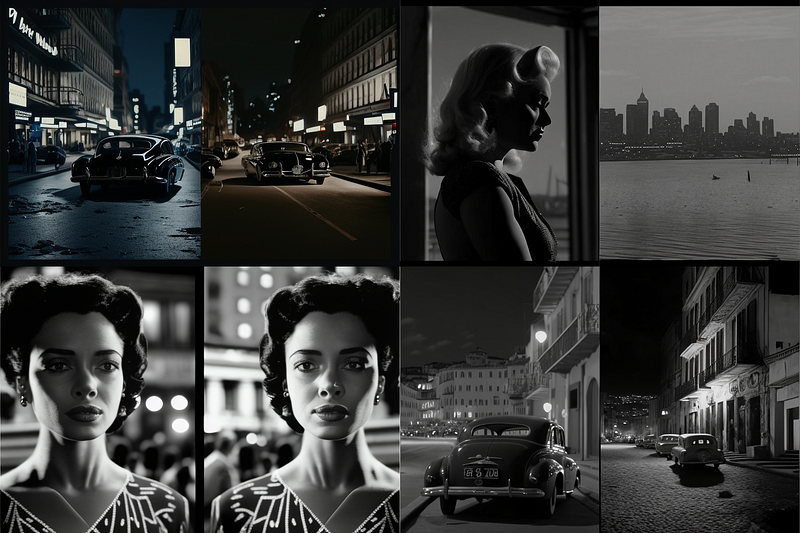
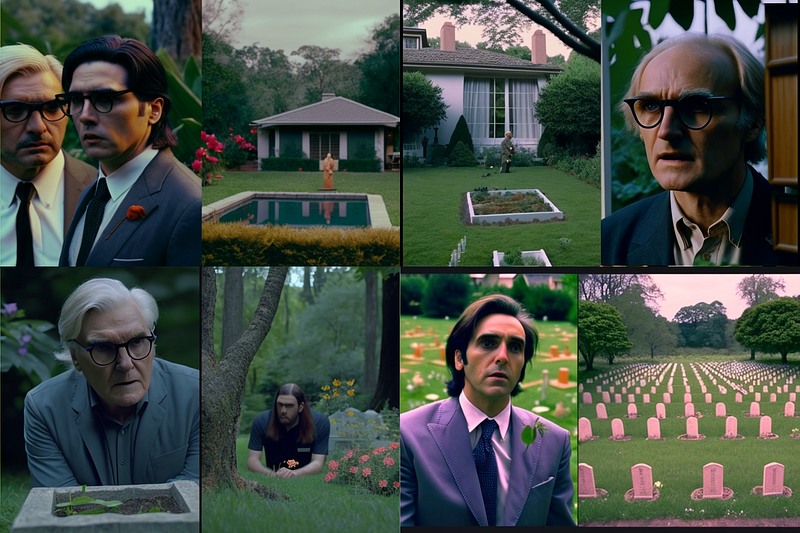
Quick & easy mood board generation by adding “split screen, wide shot” at the end of your prompt:
/imagine prompt: film still, film noire, split screen, wide shot, 8k — ar 3:2
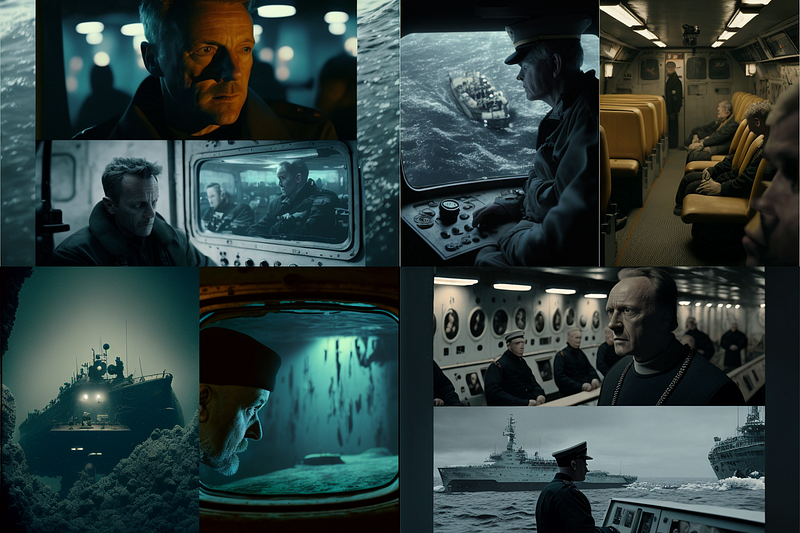
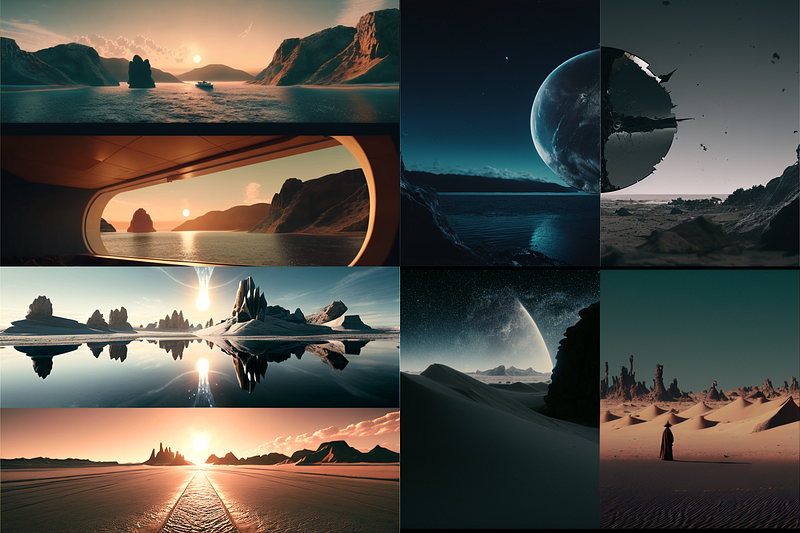
More images created with the same technique:
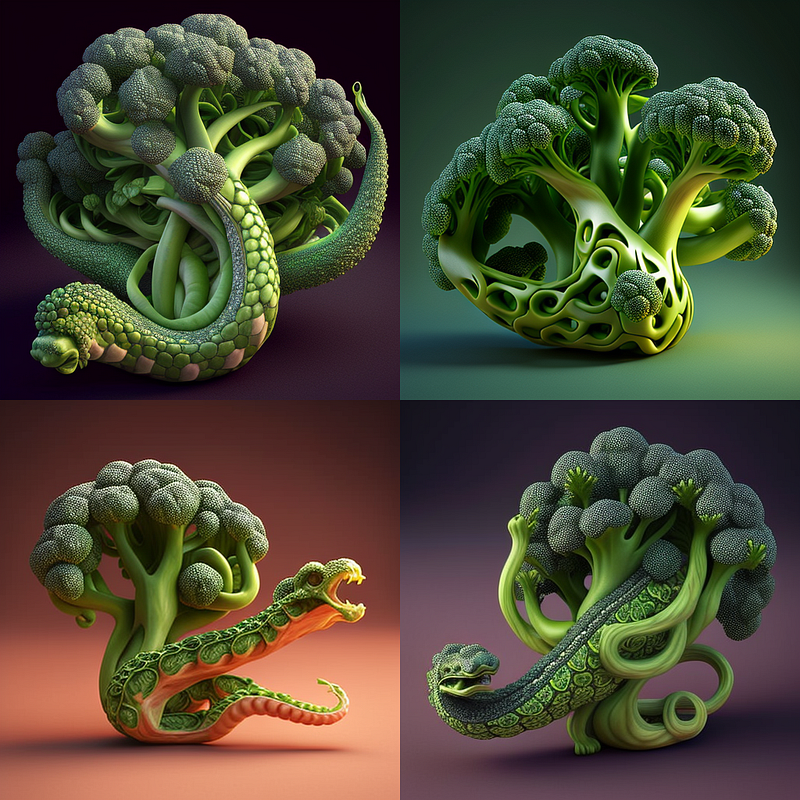
From Origami to Broccoli Models
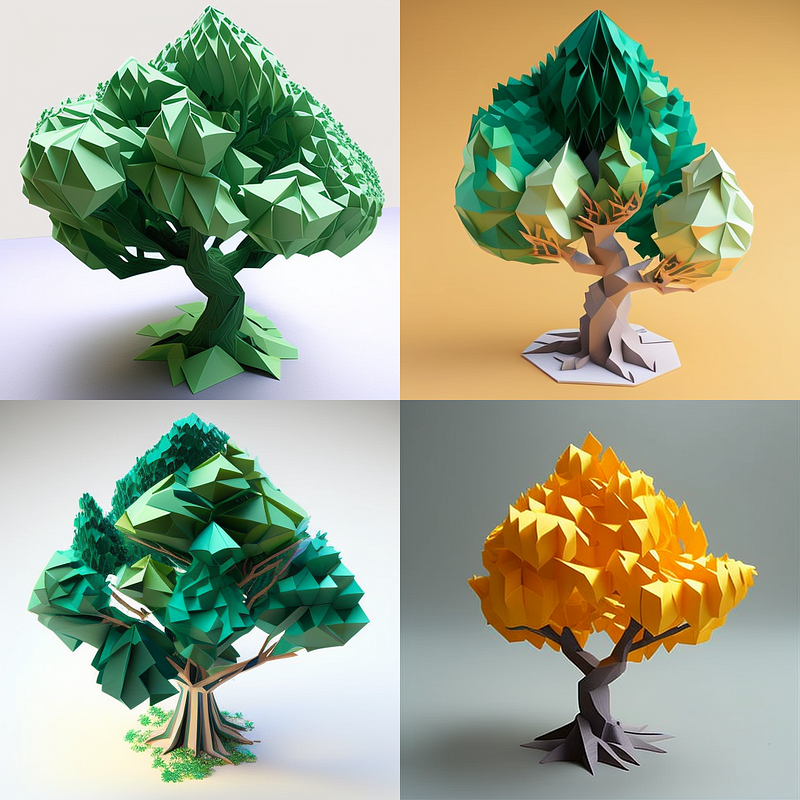
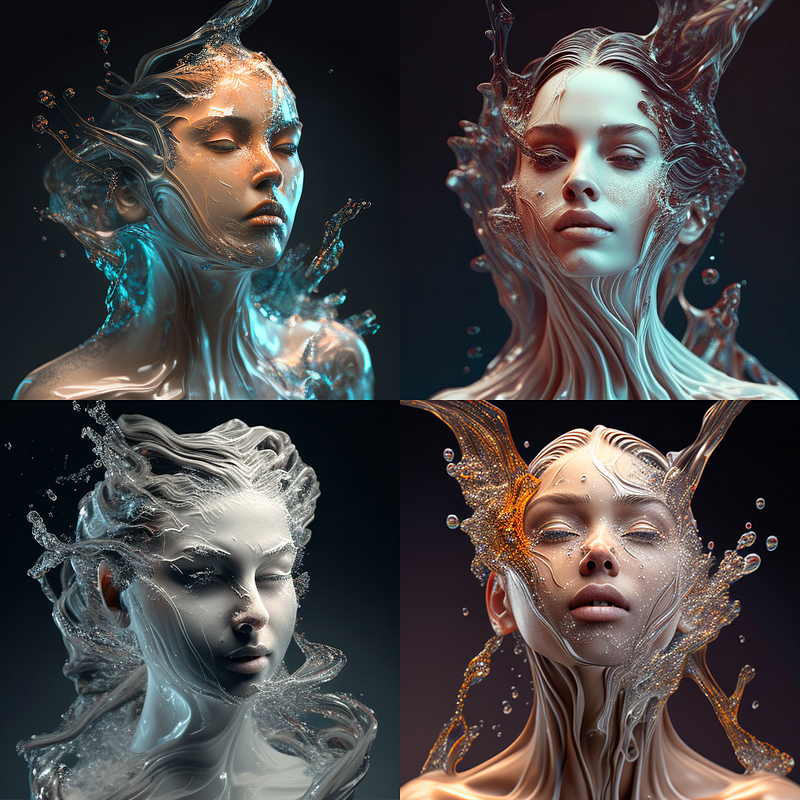
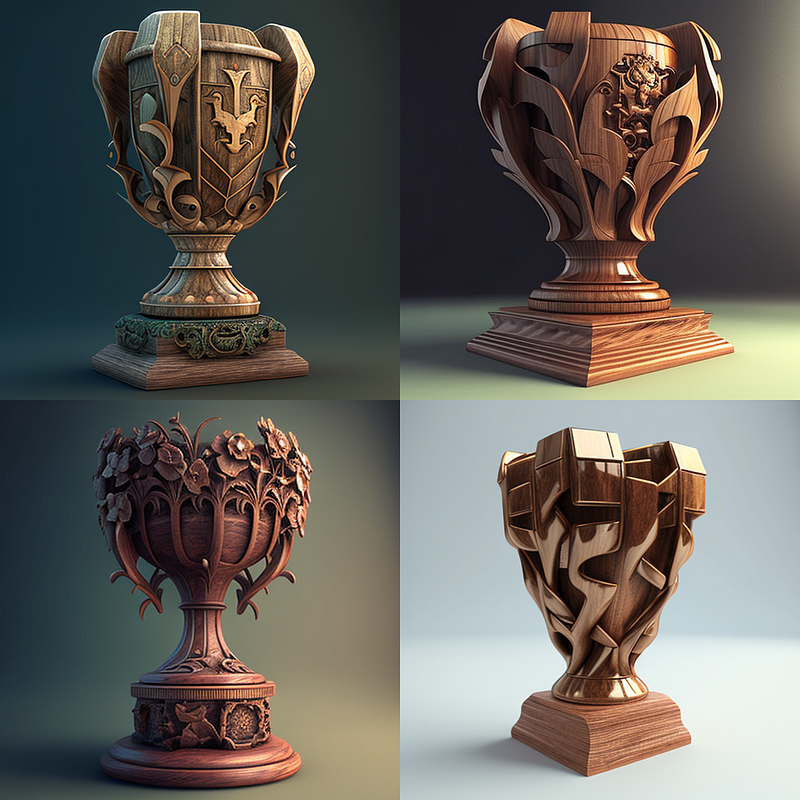
I started with origami but found out you can model everything into anything with the formula
/imagine prompt: 3D [MATERIAL] model of [OBJECT]
Here are some examples, can you guess the materials? :)
Magazine Cover Art
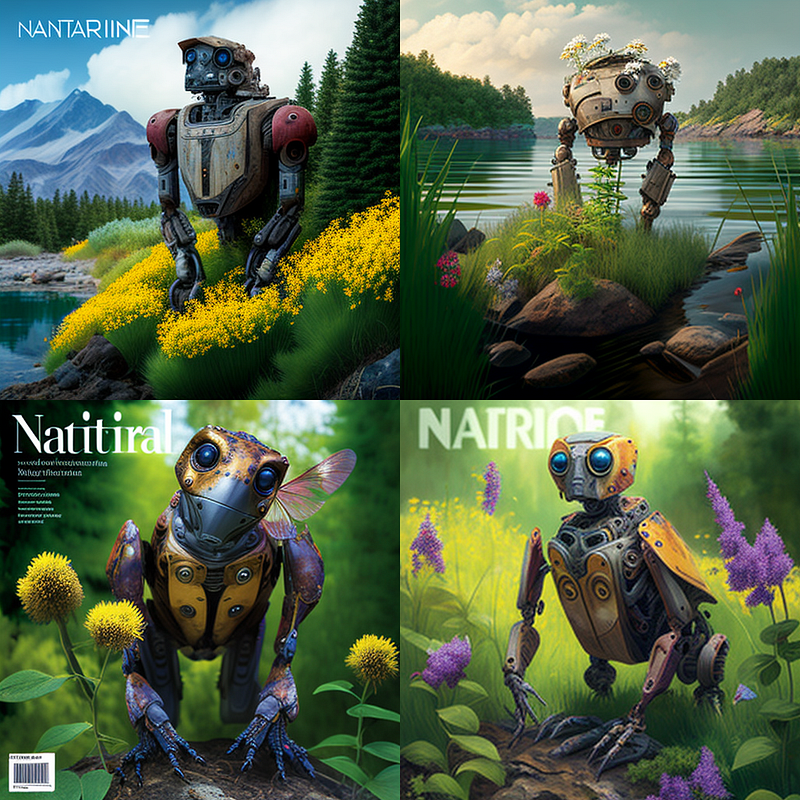
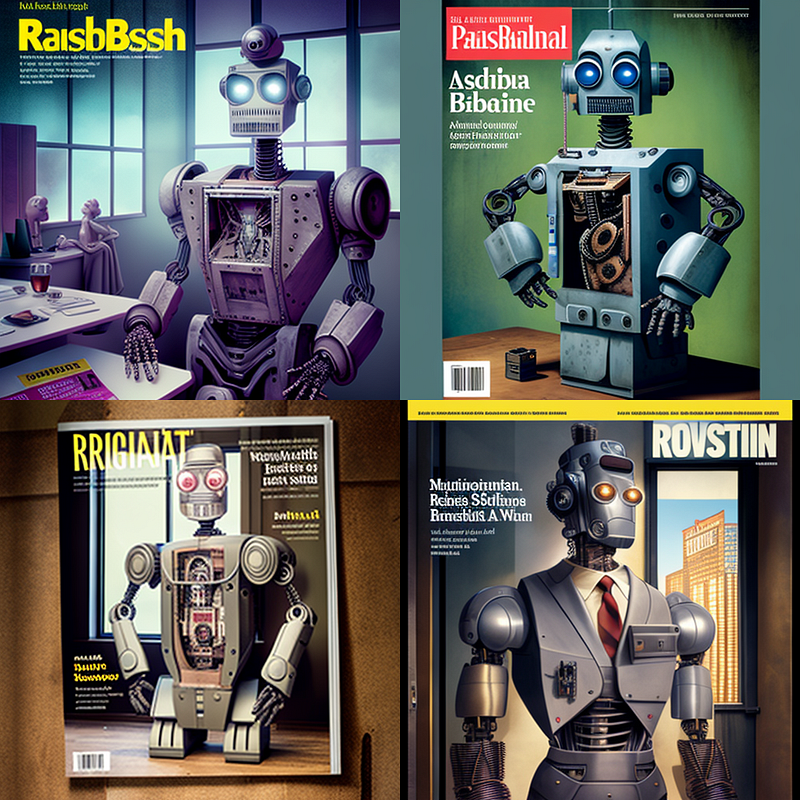
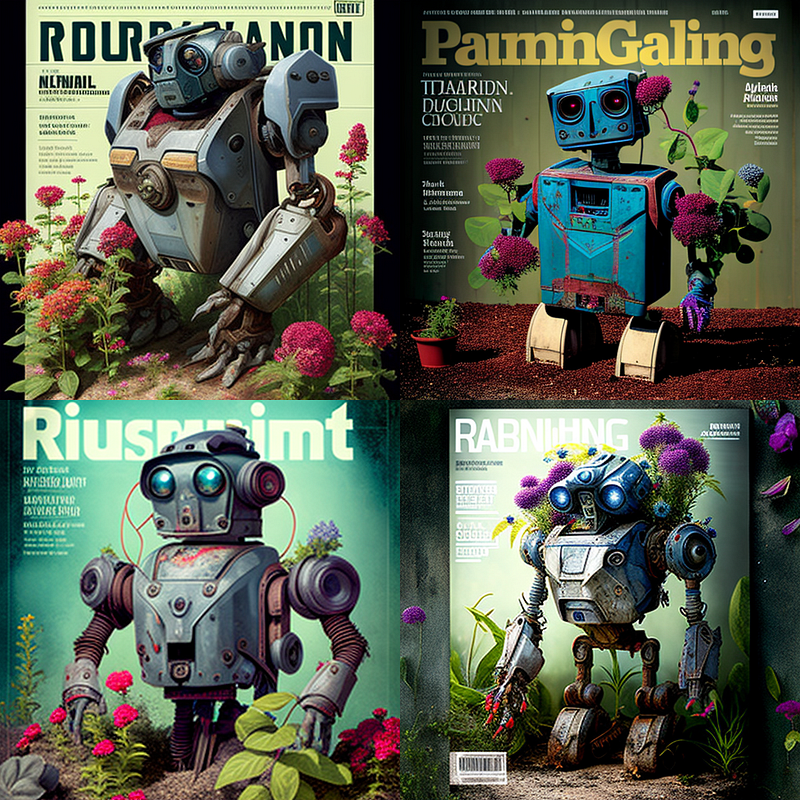
A very effective way to get high-quality artistic images in a specific style is to refer to magazine covers.
You can use existing magazines like “Nature” or “Vogue”, or come up with made-up ones or only specify the theme as in “origami magazine” or “home improvement magazine”.
The prompt works like this:
/imagine prompt: [SCENE DESCRIPTION], [MAGAZINE TITLE or DESCRIPTION] magazine cover
(note that you can use “ — no text words logos titles letters” to reduce all sorts of text you would usually find on a magazine cover)
Here’s “a robot” as SCENE DESCRIPTION and “nature magazine cover”, “business insider magazine cover” and “diy gardening magazine cover” as MAGAZINE TITLES:
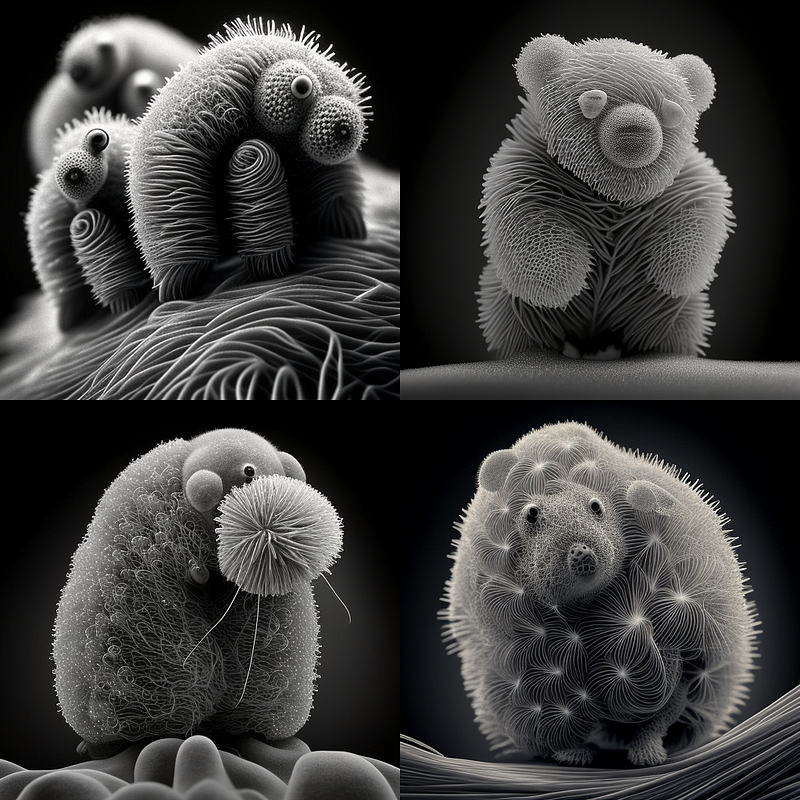
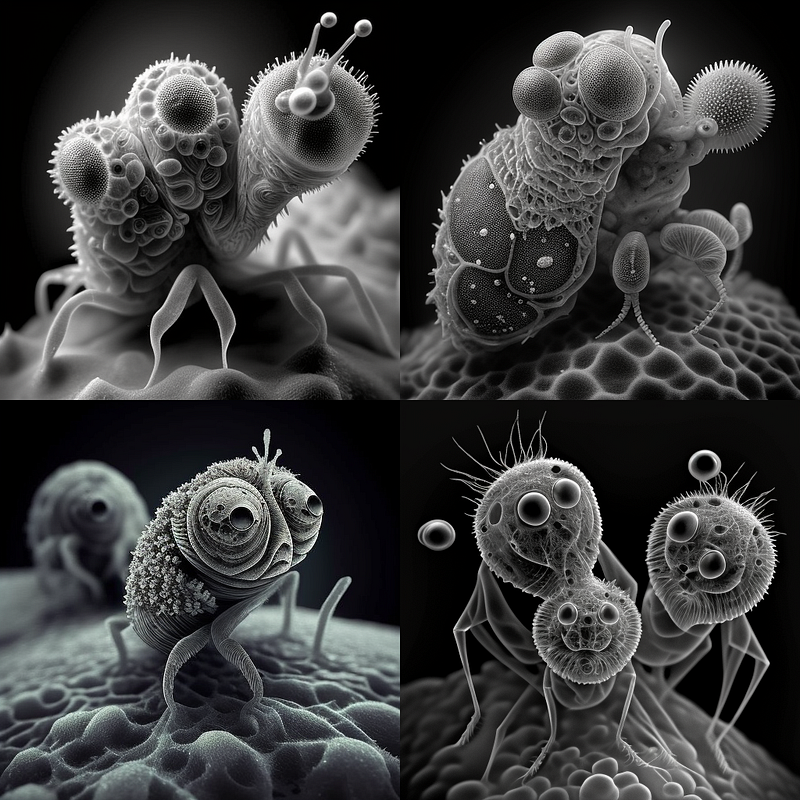
Electron Microscope Photography
This one is simple and a lot of fun as well:
/imagine prompt: [ANYTHING], electron microscope photography
New Movies
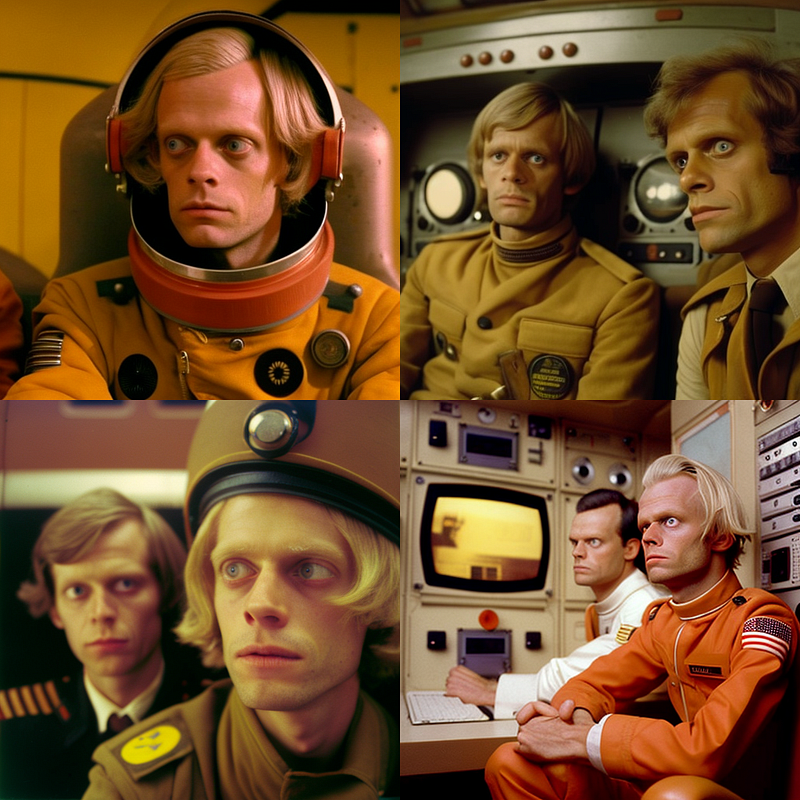
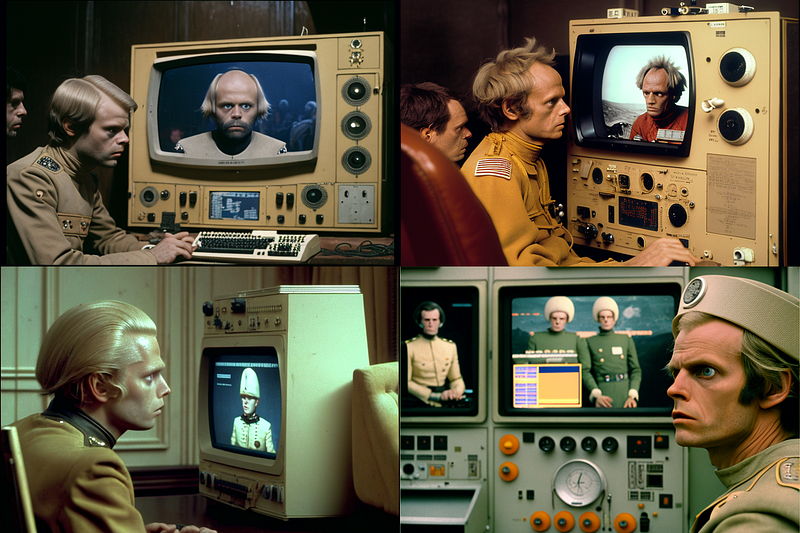
There are a few ways of getting great results with rendering scenes from new movies, two prompt anatomies that work amazingly well are these:
/imagine prompt: film still, [INSERT SCENE DESCRIPTION, GENRE, ACTORS etc.], style by [INSERT DIRECTOR OR CINEMATOGRAPHER] — ar 3:2
or
imagine prompt: footage from [INSERT SCENE DESCRIPTION, GENRE, ACTORS etc.], directed by [INSERT DIRECTOR OR CINEMATOGRAPHER] — ar 3:2
(“ — ar 3:2” is used to get a more film-like format. Unfortunately, wide screen or super wide screen is only possible in the old V3 version of Midjourney and has not yet been implemented in the current V4)
Here’s an example with “1970 space comedy with Klaus Kinski” as FILM SCENE DESCRIPTION and “Wes Anderson” as DIRECTOR.
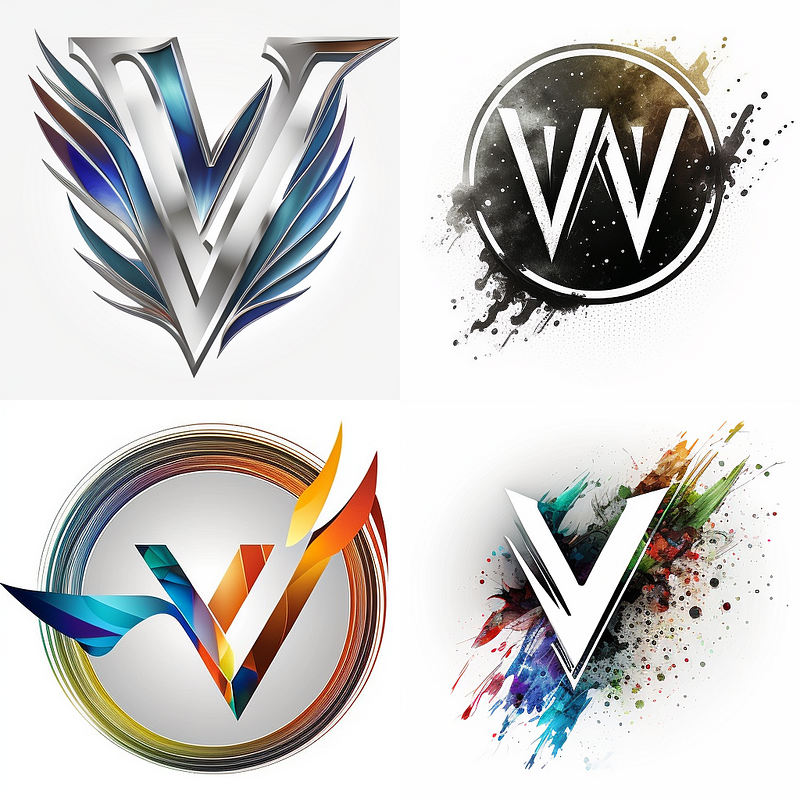
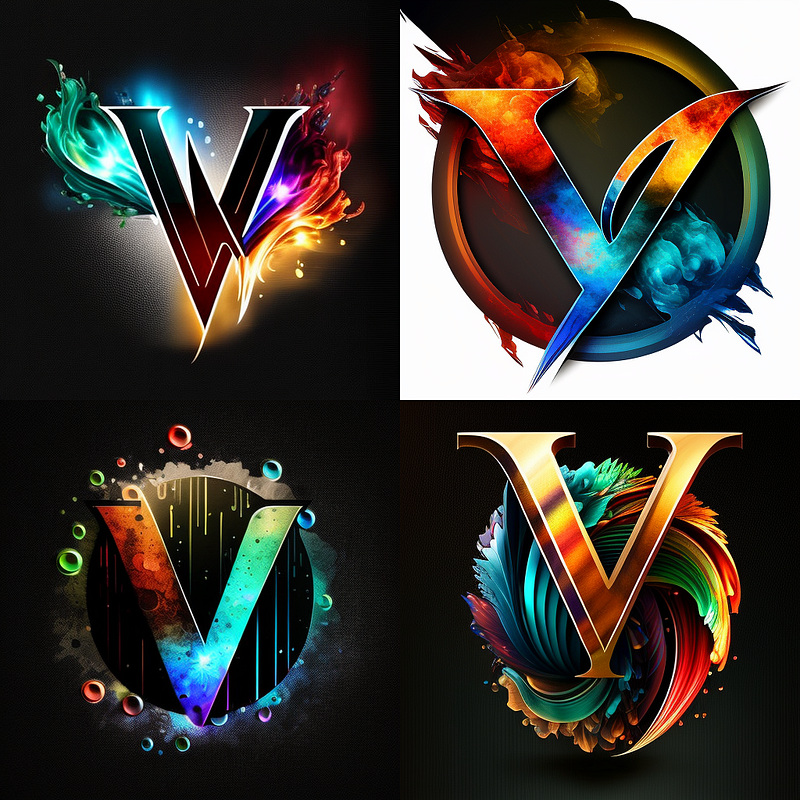
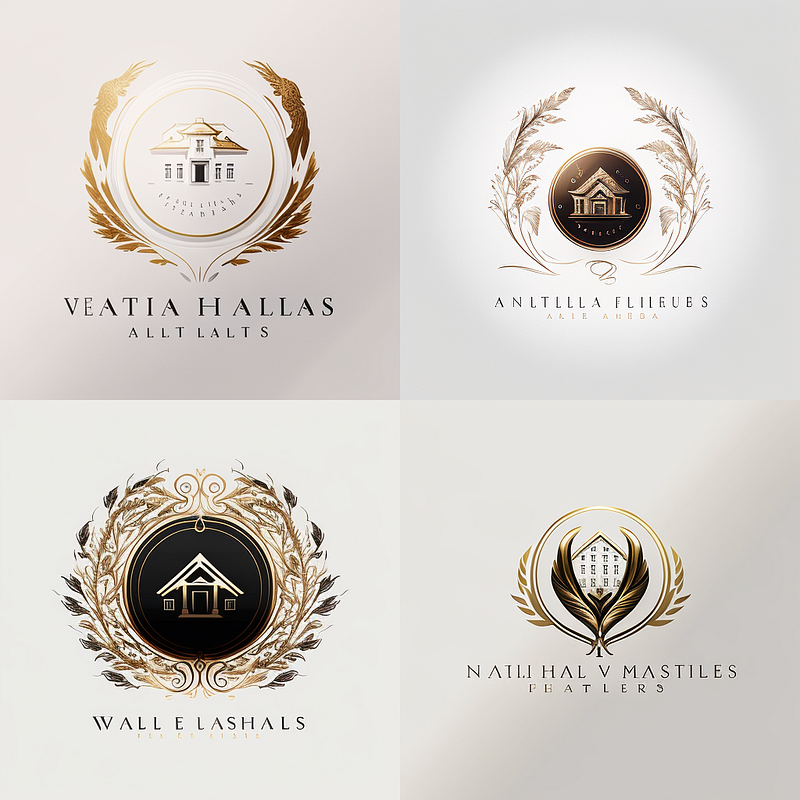
Create Logos
Creating logos is another fun thing to do with Midjourney. Again, use a combination of “white background, no text” (or any other background color)and “ — no text letters words” to enforce a clean picture, you might just want to transform it into a transparent PNG later
/imagine prompt: logo for [DESCRIPTION OF COMPANY/USE CASE/DESIGN], white background, no text — no text letters words
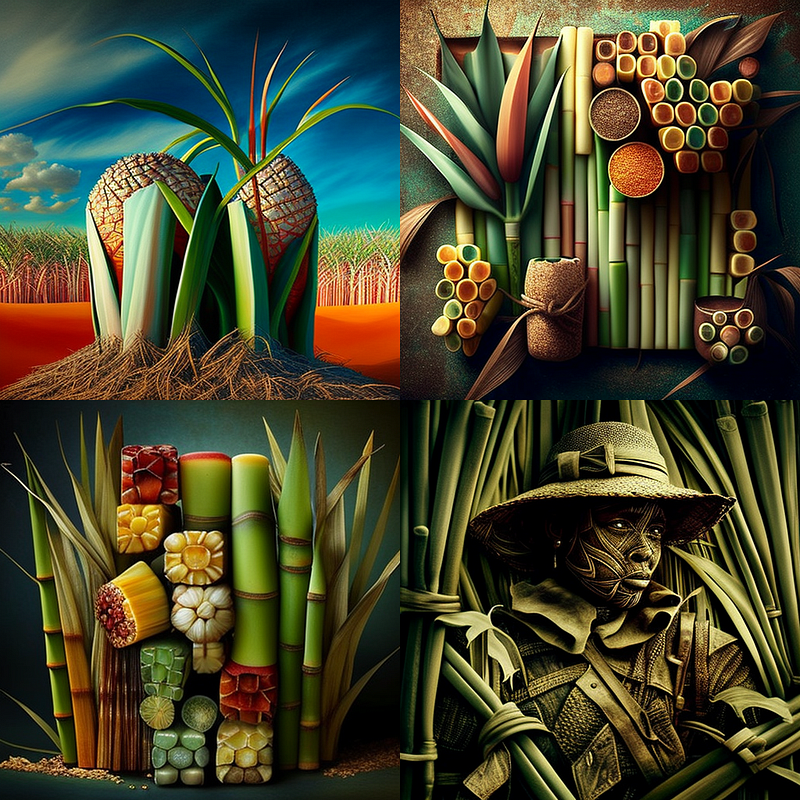
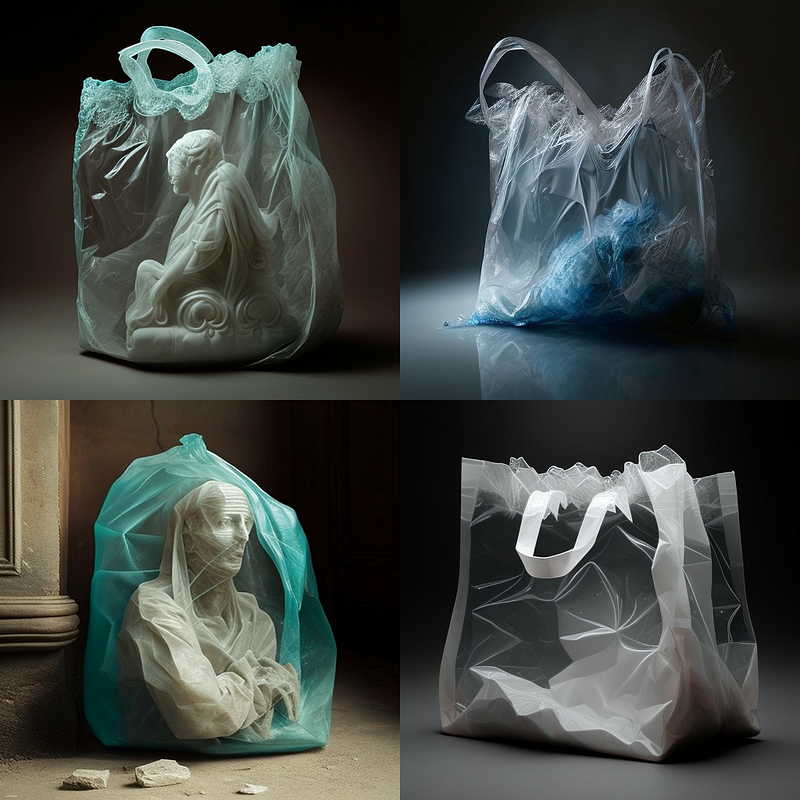
New Art Styles
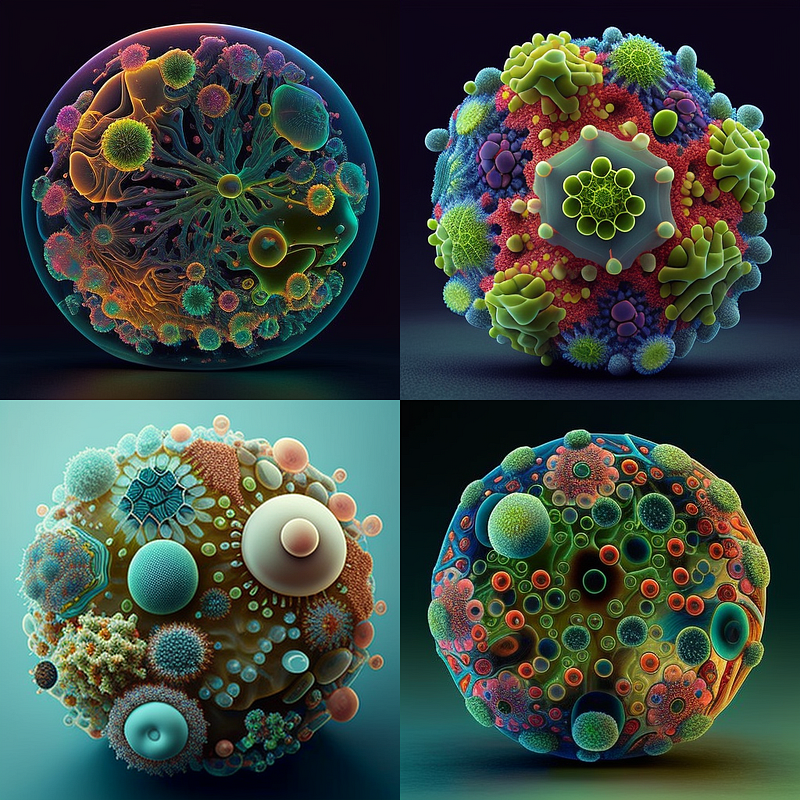
This one sounds simple, but it can lead to astonishing discoveries you can then further exploit. It is very similar to the “model” approach above:
/imagine prompt: [MATERIAL] art
E.g. Microbe Art, Sugar Cane Art, Plastic Bag Art …
Create UI/UX Mock-Ups
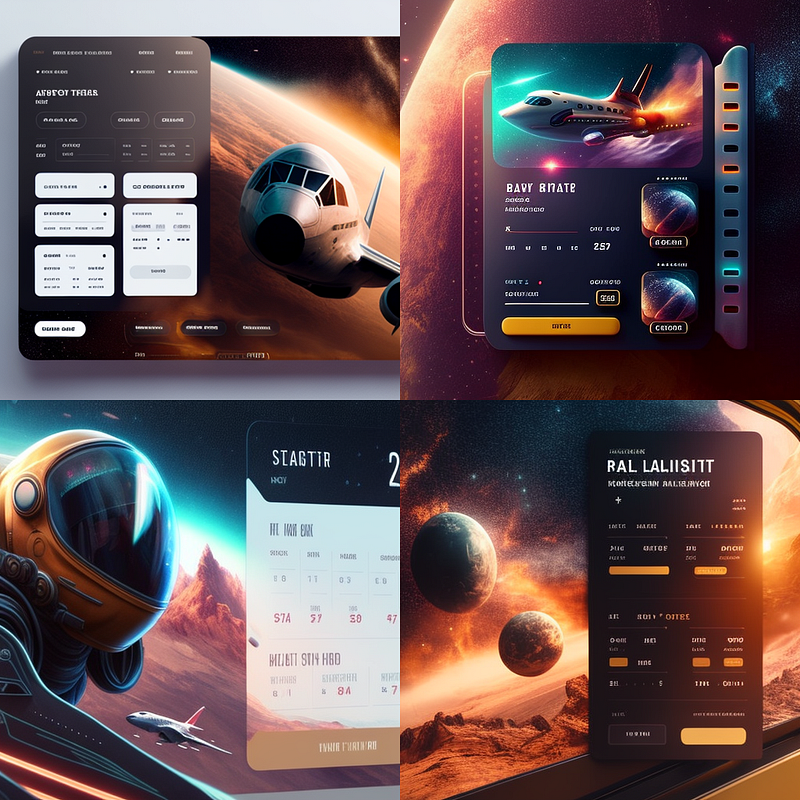
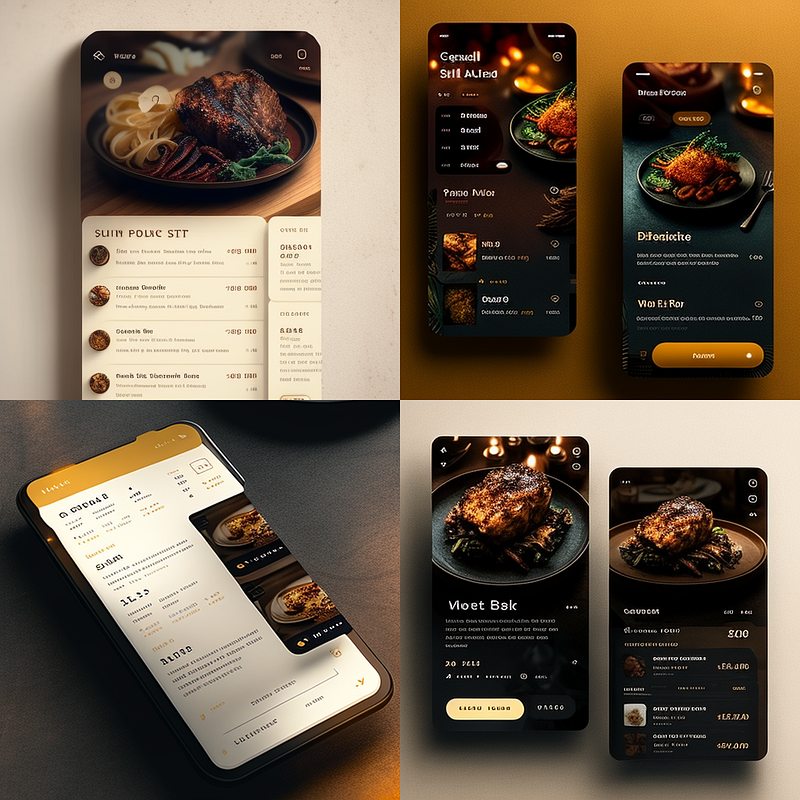
Midjourney let’s you generate UI/UX mock-ups super fast: you can be very specific about what the logo shall represent, but you might want to enforce a solid color background here as well to make sure you can export the image into a presentation for example.
It’s as simple as
/imagine prompt: UI/UX mock-up for [INSERT USE CASE/APP/COMPANY]
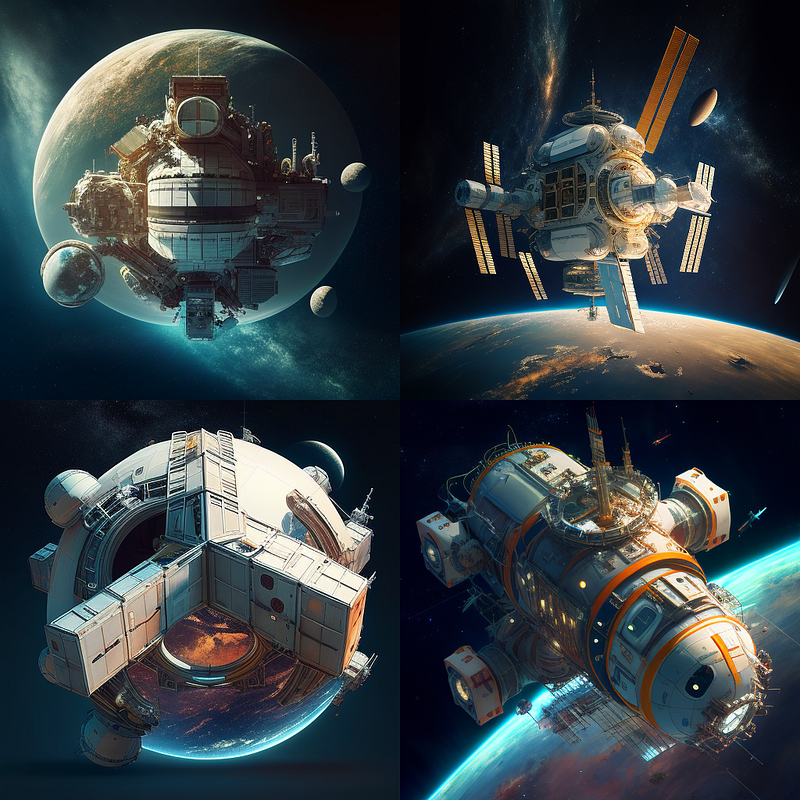
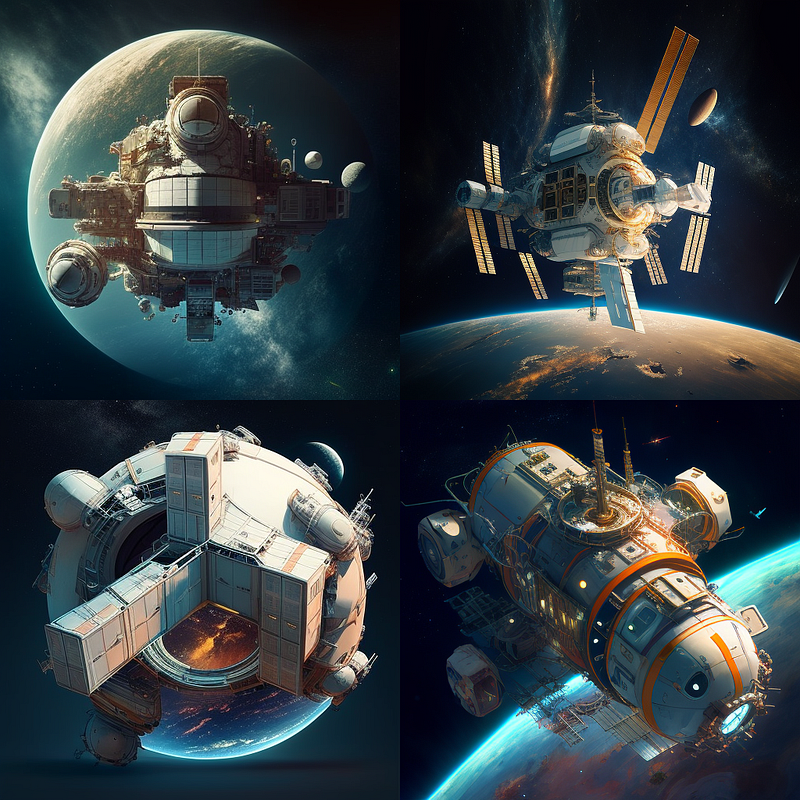
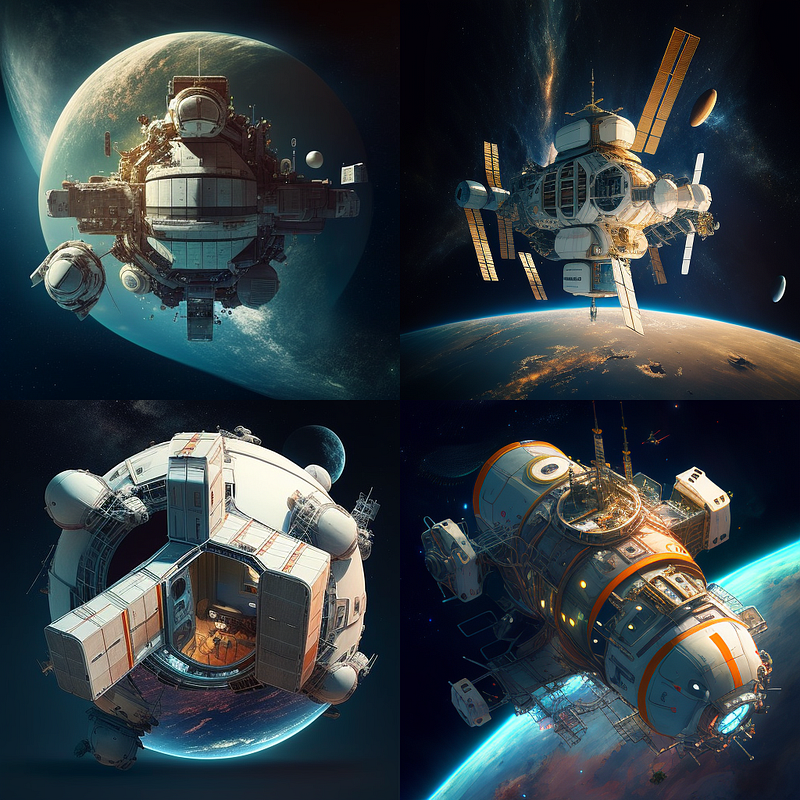
Fine-tuning with chaos command
These last two are more advanced techniques, so I will just outline their basic workflow and link to in-depth article I wrote about them.
The first one is a recent discovery I made and something I didn’t come across anywhere yet. It utilizes one of the most undervalued commands in Midjourney, the “chaos command”, to to fine-tune your images.
Here’s how it works:
- You add the “chaos command” with a baseline value, e.g. “ — chaos 3”
- You add the “seed command” to be able to later alter your images, e.g. “ — seed 12345”
So for example a prompt like this:
/imagine prompt: a space station — chaos 3 — seed 12345
You can now make small changes to the image composition by deviating from the chaos-baseline in 0.2 or even 0.1 steps, like so:
/imagine prompt: a space station — chaos 3.1 — seed 12345
Here’s a more detailed description of the concept:
Create consistent characters
Here is a more detailed piece I wrote about how to keep characters consistent AND change the scenery around them. It focuses on using Midjourney as a means for storyboarding and ideation but will help anybody looking for more consistency in their renders.
Consistency becomes a major issue when working on storyboards or concept art. I wrote a couple of articles about different ways to achieve consistency, especially with characters, e.g. here.
For consistency using the “seed command” check out this article.
Leave a clap 👏 if you liked this article and feel free to follow me on Medium for more posts about AI & Creativity, Sci-Fi & Writing, Dadaism & Philosophy…


