
Consistent Results with Midjourney: How to Use the Seed Command
What is the Seed Value?
Midjourney offers the ability to create complex and visually stunning images with just a few keystrokes. However, if you want more consistency in your projects, Midjourney’s default settings, which allow for quick-and-easy results, are more of a problem.
Look at the results of this prompt:
/imagine a black cat on a sofa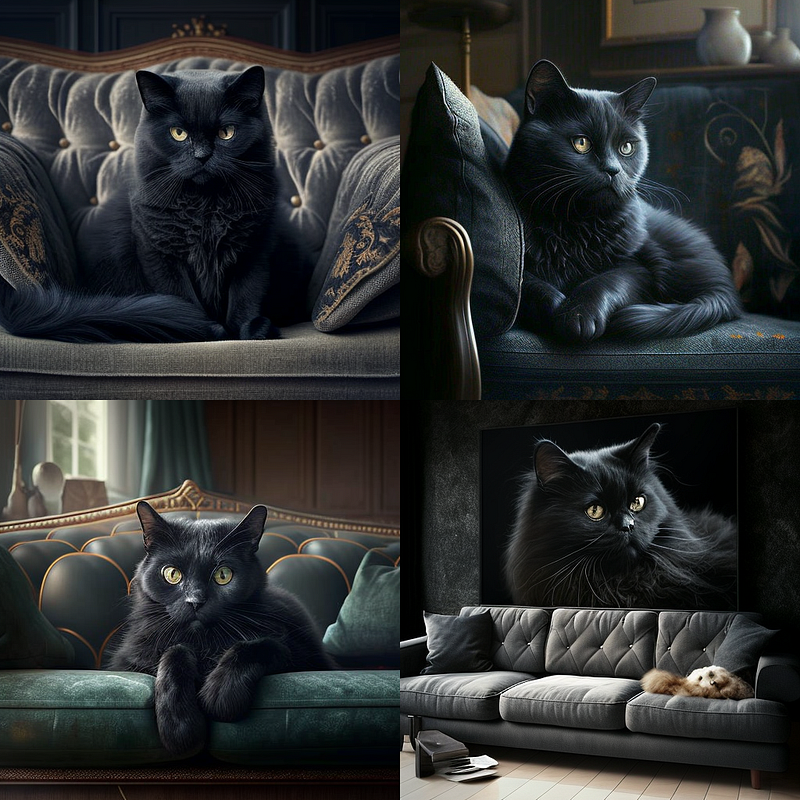
Pretty cool for accomplishing that with just a basic description, right? Now let’s just run the same prompt again:
/imagine a black cat on a sofa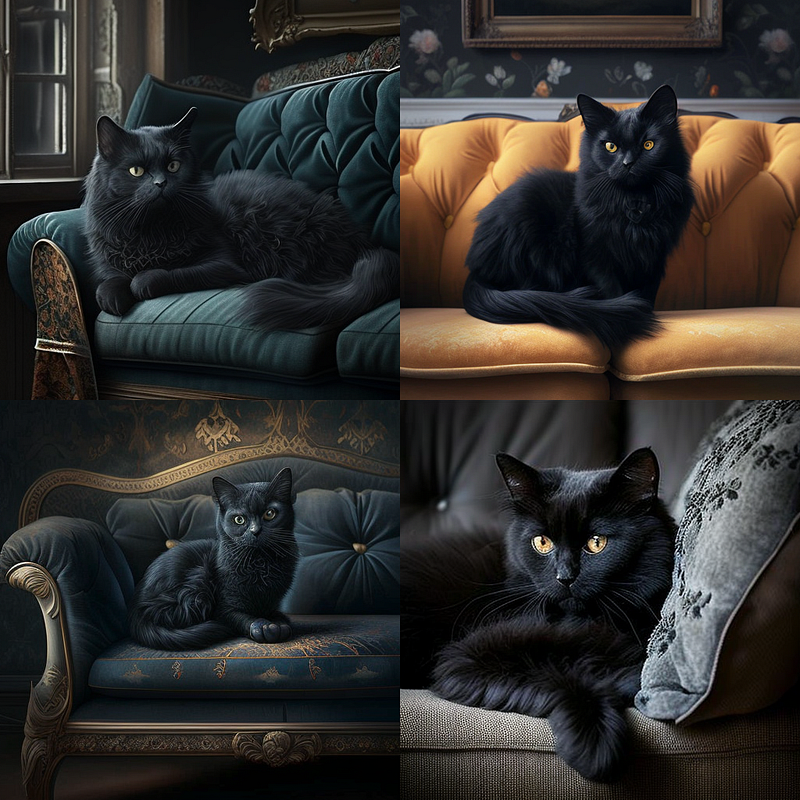
Awesome. But completely different cats and sofas!
The reason for this: under the hood Midjourney uses randomness to generate your images. Think of it like this: by default, Midjourney selects a random seed value in each generation process that defines the type of noise pattern Midjourney uses to generate the image you want. This seed value is simply a number used to introduce a random but consistent element of “noise” into the process.

The number itself is not of particular importance, since it is used to make the results random. However, it does mean that Midjourney will use a different number at each prompt, which will produce different results unless you define a specific seed value. This is where the “seed command” comes in.
Seed Command to the Rescue
By using the seed command, we can force Midjourney to use a specific starting point for our prompt, so that if we use the same seed with the same prompt, we will get the same results.
To set the seed value, we use the “seed” parameter and add a random number:
/imagine a black cat on a sofa --seed 1234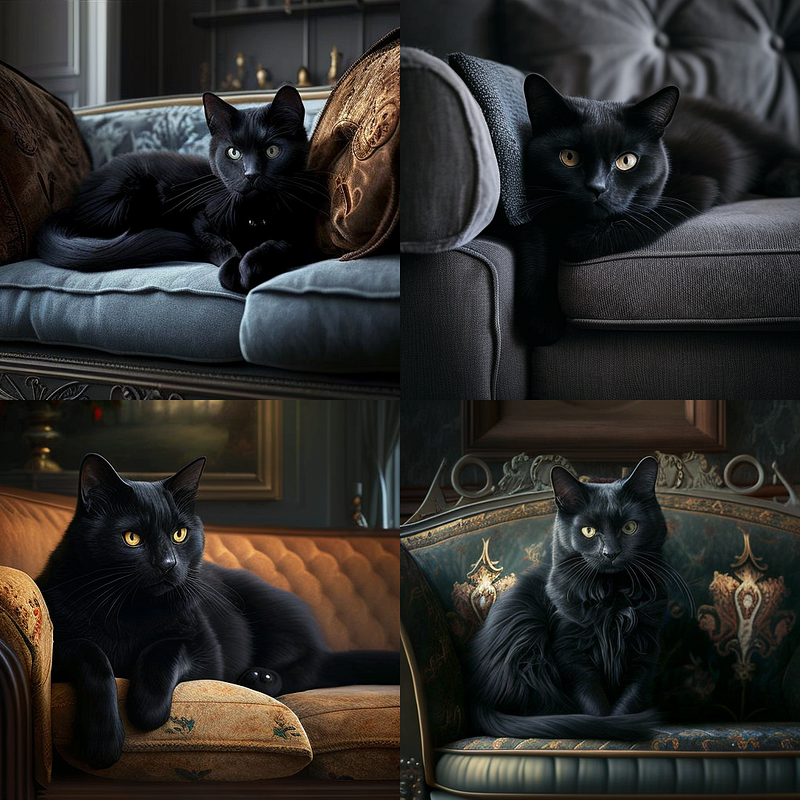
Finding the Seed Value
Pretty cool. But what if you didn’t specify the starting value, but want to revise an image where you left off? Let’s go back to our first cat images.
Since we didn’t specify a starting value with the “seed” command, Midjourney just took a random seed value and started from there. So what we do is ask the Midjourney bot for the seed value it used — it’s that simple. We scroll down to the Midjourney bot message that contains this image grid, click on the message’s reaction button, and then click on the envelope icon. Ta-da! (If you do not find the envelope in the reaction menu immediately, try typing “envelope” in the search bar within the reaction menu)
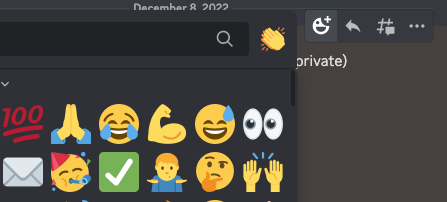

You’ll immediately get a direct message from the Midjourney Bot with the desired information:
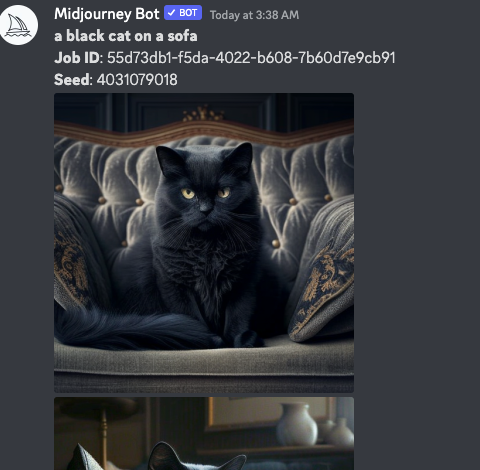
Alright, our seed value has been 4031079018. Now if we use this prompt:
/imagine a black cat on a sofa --seed 4031079018We get the same image we created before:
The “sameseed” command in Midjourney Version 3
There is one more thing to know about seed commands. If you use the “old” Midjourney version 3 by specifying the parameter “v 3”, you can also set the same seed value for all images, which results in an image grid whose individual images have only small deviations from each other.
/imagine a black cat on a sofa --sameseed 1234 --v 3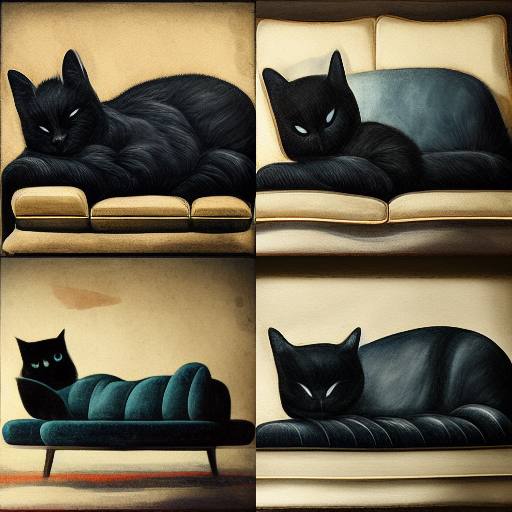

Summary
- The straightforwardness of Midjourney brings with it the problem that randomness makes it difficult to obtain reproducible results.
- The Seed command allows users to define a specific seed value resulting in more consistent results.
- This is especially useful if you need to create multiple images for a project, go back to where you left off and take a different pathway, or ensure that your images always look the same.


