avatarTristan Wolff

Summary

The undefined website provides guidance on using the "chaos" command in Midjourney to alter the composition and details of images and characters by adjusting the chaos parameter in conjunction with a fixed seed value.

Abstract

The article on the undefined website discusses an advanced technique for users of Midjourney, an AI-driven image generation platform. It explains how employing the "chaos" command can subtly change the scenic composition or character traits in generated images. By setting a baseline with a specific chaos value and seed, users can incrementally adjust the chaos parameter to produce a series of images with varying degrees of change. The article illustrates this process with examples, including GIFs that show the gradual transformation of images as the chaos value is altered. It also directs readers to additional tutorials for mastering consistent results with Midjourney by using the seed command. The article encourages experimentation and creativity, suggesting that even small adjustments to the chaos parameter can lead to significant differences in the AI-generated output.

Opinions

  • The "chaos" command is presented as a versatile tool for exploring different interpretations of a prompt beyond its conventional use.
  • The author implies that using a fixed seed in conjunction with the chaos parameter allows for more controlled experimentation with image variations.
  • The article suggests that the chaos parameter can be fine-tuned in small increments to achieve desired changes in composition and character details.
  • The inclusion of GIF examples demonstrates the author's view that even subtle shifts in the chaos value can produce noticeable and sometimes amusing differences in the images.
  • The author appears to be an advocate for the creative use of AI in art, as evidenced by the linked articles that discuss the positive impact of AI on human creativity and the potential of AI in storytelling and concept art.

Leverage Chaos to Transform Your Scenery and Characters: How to Change Composition and Character Traits with Midjourney

The “chaos” command, usually a tool to explore possible interpretations of a prompt, can also be used as a hack to alter the scenic composition of Midjourney images or make subtle changes to their details.

Here you can see a compositional change achieved with this command:
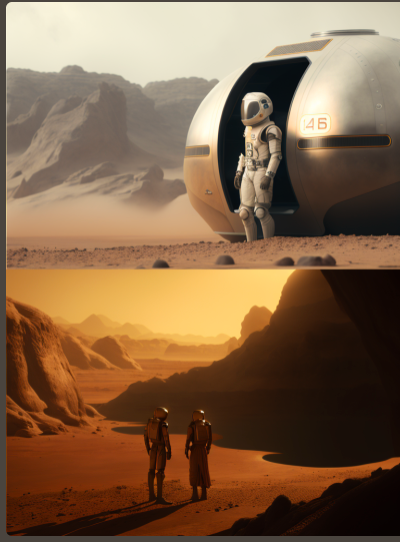
Both images were created using the same prompt and the same seed. What changed was the value of the chaos parameter.

Here is another example, can you see the differences?
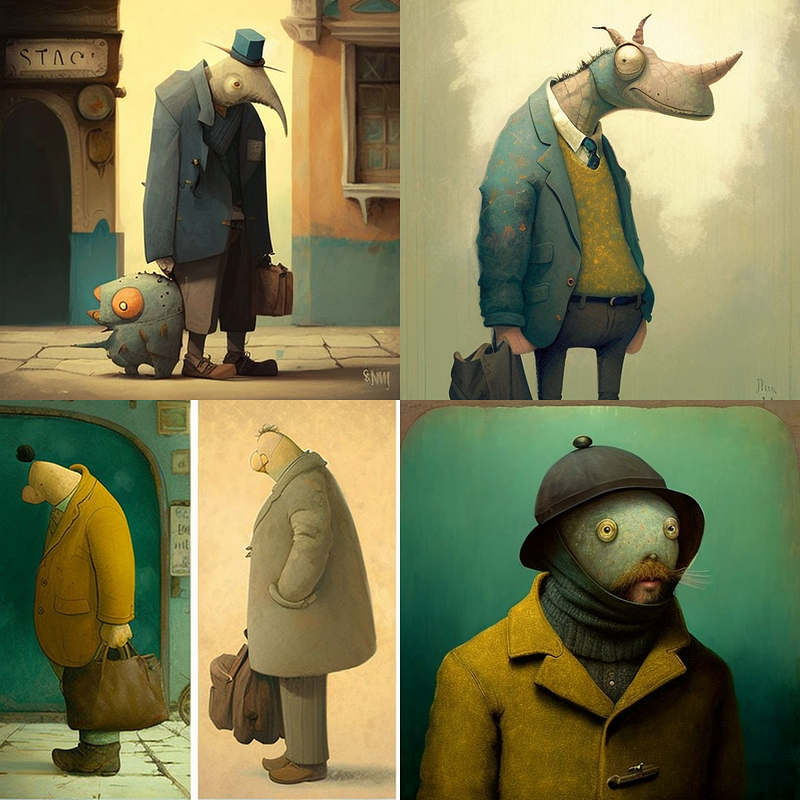
To do this, you set a “chaos” baseline with an initial prompt like

/imagine [image description] --chaos 3

Additionally, you should already define a seed value, otherwise, you will have to retrieve it from the Midjourney bot later. If you are not familiar with using the seed parameter, check out this tutorial.

/imagine [image description] --chaos 3 --seed 100

Now that you have your chaos baseline set, you can run the prompt again and change the chaos value incrementally each time. For example:

/imagine [image description] -chaos 3.2 --seed 100

Do this in as small or as big steps as you like. Here’s a GIF of a series of images with a baseline of 3 and deviation steps of 0.2:
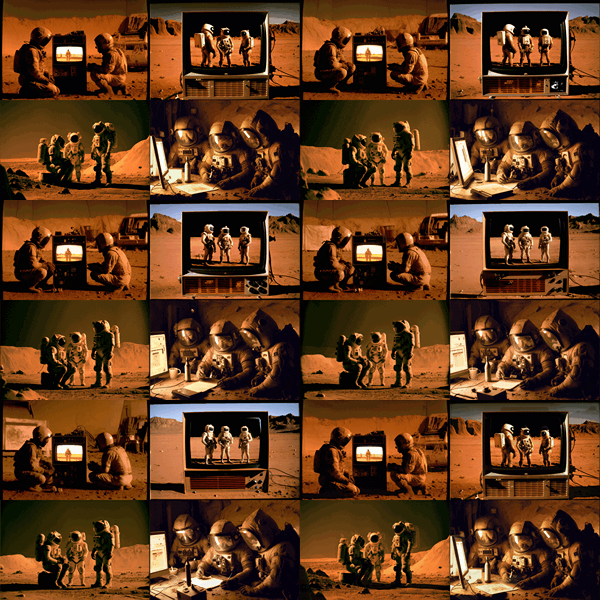
Another GIF example, again with a baseline of 3 but with a step size of 0.1:
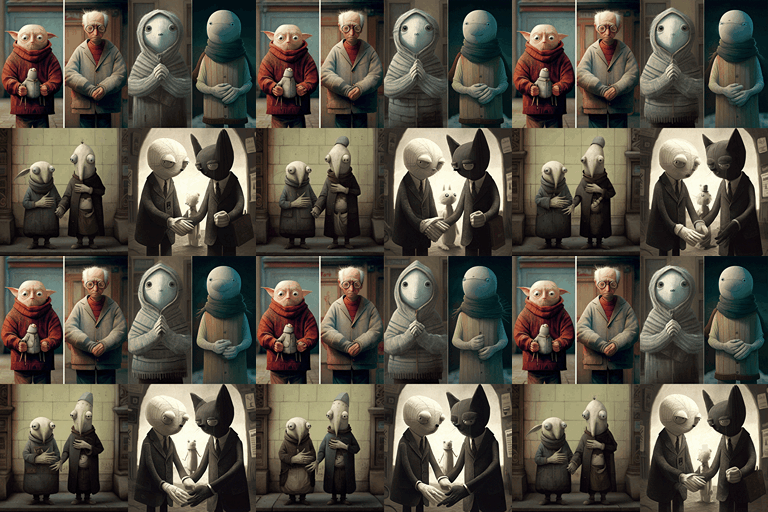
Notice the subtle changes in composition (and the change in the number of fingers)? 😂

Have fun creating!

Ai Art
Midjourney
Ai Image Generator
AI
Hacks
Recommended from ReadMedium