
10 Mac Apps for October
What a fruitful month we had. As expected, we received product announcements from Apple in which they introduced their new iPhones alongside iPad, and Apple Watches.
Sadly, we didn’t receive any Mac updates, which makes me think about the importance of October for Mac users. However, I feel we will get the update to macOS Monterey alongside new MacBook Pro models at a conference this month.
With that being said, here are 10 new Mac apps for October in the categories of reference, utility, design, finance, health, and productivity.
1. Zavala
Organizing is most apparent in our daily lives through how we set up our belongings. Sometimes, our thoughts and ideas are so scattered around our minds that we miss many great opportunities to use them. For those times, we need a tool to organize them in a structured way.
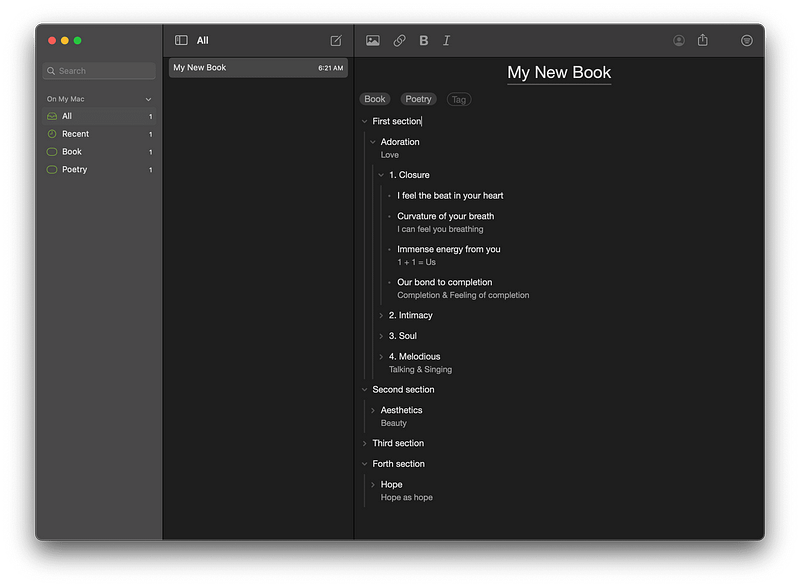
Zavala is an outlining tool that allows you to organize your thoughts in a hierarchal way. I used it to structure my book’s chapters, and it works super well. Zavala supports OPML file format, and it syncs your documents using iCloud.
There are many great features in Zavala, and I encourage you to look at their AppStore page to learn about them.
🔐 Privacy: No data collection
💳 Price: Free!
☑️ Compatibility: 📱iPhone, 📱iPad, 💻 Mac
🧩 Design: Decent looking
⭐️ Rating: Insufficient data
🔗 Download: AppStore
🌐 Research: Website
2. MacYTDL
No matter what browser or extension you use to improve your watching experience on YouTube, it will never feel as buttery smooth as it is to simply play that video as a local file on your Mac.
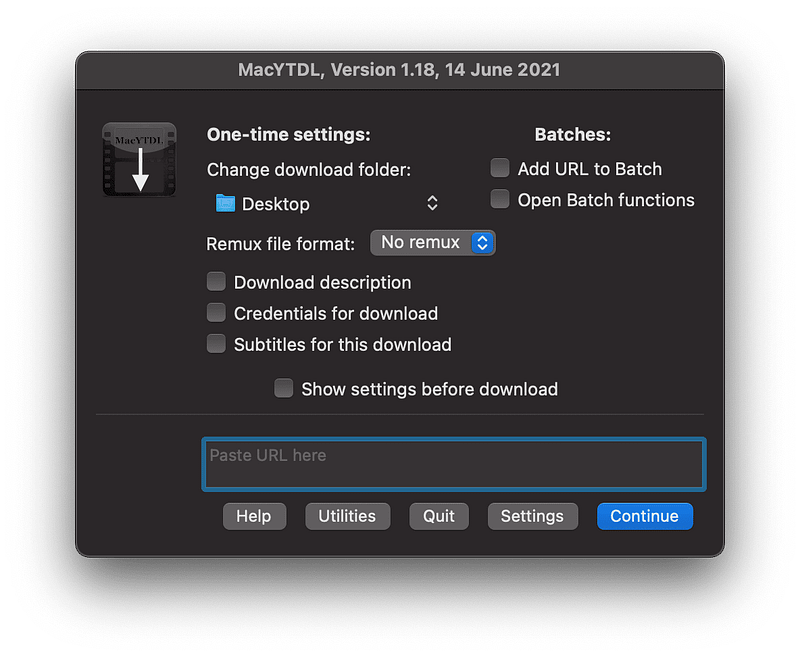
MacYTDL is a utility that allows you to download YouTube videos for free without much hassle. Furthermore, it will enable many configurations to curate the app and get the best experience for you.
MacYTDL lacks a proper user experience design but provides a great set of options to improve its functionality. If you have come across free YouTube downloader applications, let us know in the response section.
🔐 Privacy: Data is not yet provided
💳 Price: Free!
☑️ Compatibility: 💻 Mac
🧩 Design: Displeasing
⭐️ Rating: Not available
🔗 Download: GitHub
🌐 Research: Website
3. Pika
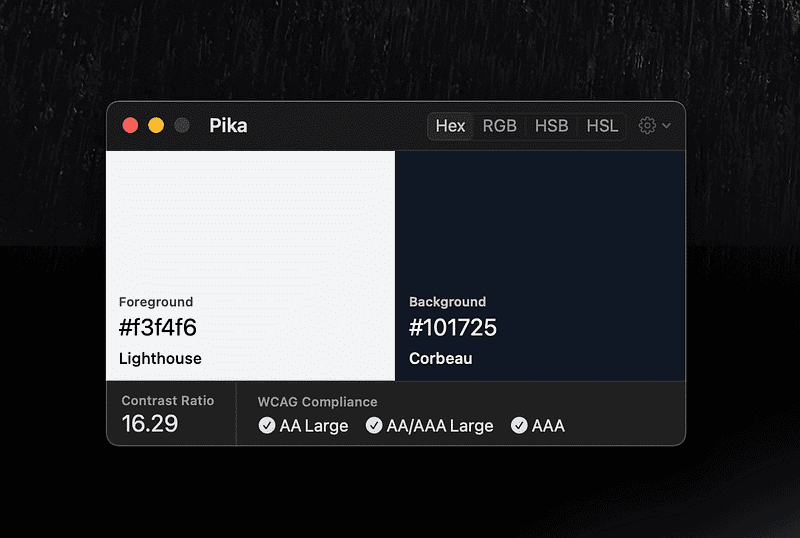
In your design process, you often want to be accurate in picking colors that meet WCAG compliance. That basically means a proper choice of identifiable colors that don’t bring any readability difficulty for users.
Pika is a free app that has a simple user interface alongside an incredible set of features. For example, you can easily adjust a keyboard shortcut to invoke Pika and pick the color on your screen.
If you are looking for a useful utility to help you meet accessibility standards, then give Pika a chance.
🔐 Privacy: Data is not yet provided
💳 Price: Free!
☑️ Compatibility: 💻 Mac
🧩 Design: Aesthetically pleasing
⭐️ Rating: Not available
🔗 Download: Website
🌐 Research: Website
4. Expenses
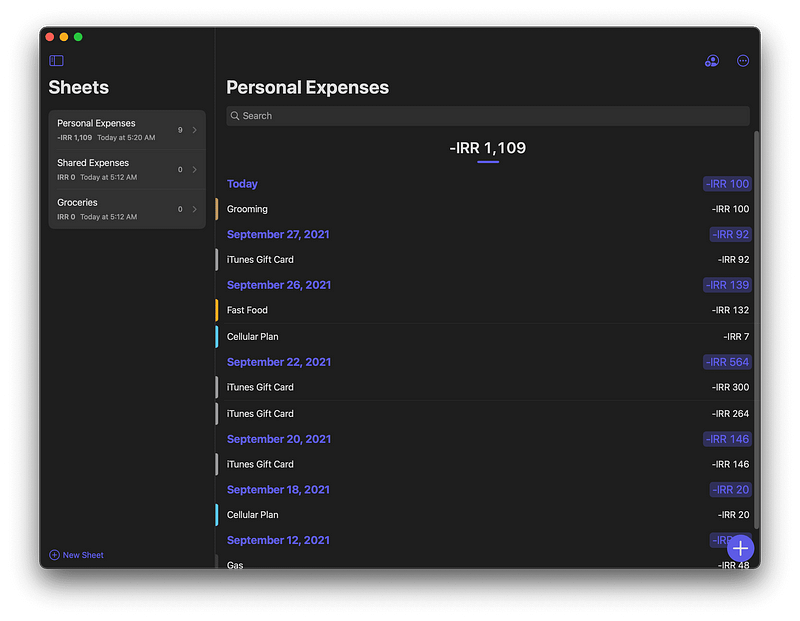
Managing your finance should not be difficult. You have to be in control, which is precisely one of the best things the Expenses offers. Using this app, you won’t need to worry about privacy-invading tools in most finance apps.
The great thing about Expenses is how easy it is to create sheets and log your daily expenditure. The user interface is clean, simple, and intuitive. Navigating around different sheets and sections is easy and if you own an iPad, using this app feels like an excellent experience for a large touch display.
If you are looking for an all-in-one solution to manage your finances with extensive control over the app’s functionalities, then give Expenses a chance. Trust me, It is that good of an app.
🔐 Privacy: No data collection
💳 Price: $5.99
☑️ Compatibility: 📱iPhone, 📱iPad, 💻 Mac
🧩 Design: Aesthetically pleasing
⭐️ Rating: 4.7 out of 5 (324 ratings)
🔗 Download: AppStore
🌐 Research: Website
5. Noizio
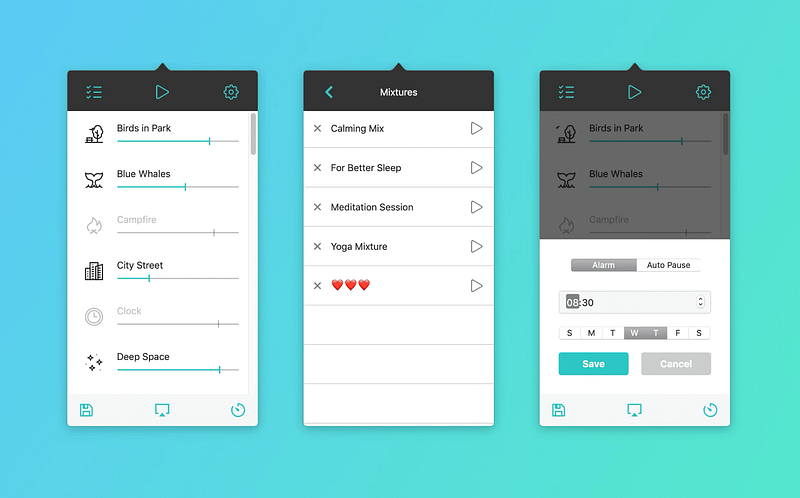
We are no strangers to uninvited noises from outside. You might be working in a shared workspace. You might work from a café. Wherever you work, it might not be easy to deal with surrounding sounds, and that is why I am introducing Noizio.
With Noizio, you will have an elevated experience of listening to a soothing and calm sound.
Noizio lives in the menu bar and allows you to easily invoke the app using shortcuts. For example, I use CMD + Shift + P to play the sound from Noizio without opening it, and it has been beneficial to me.
🔐 Privacy: No data collection
💳 Price: $9.99
☑️ Compatibility: 💻 Mac
🧩 Design: Displeasing
⭐️ Rating: Insufficient data
🔗 Download: AppStore
🌐 Research: Website
6. Hush
If you are using Safari to surf the web, I strongly recommend Hush. It is a free extension that removes privacy-invasive tracking and messages that force you to accept website cookies.
Hush doesn’t impact your memory, and it does not slow your browsing experience. In addition, websites look cleaner and more minimal after enabling the extension.
🔐 Privacy: No data collection
💳 Price: Free!
☑️ Compatibility: 📱iPhone, 📱iPad, 💻 Mac
🧩 Design: Decent looking
⭐️ Rating: 4.8 out of 5 (139 ratings)
🔗 Download: AppStore
🌐 Research: Website
7. Paste — Clipboard Manager
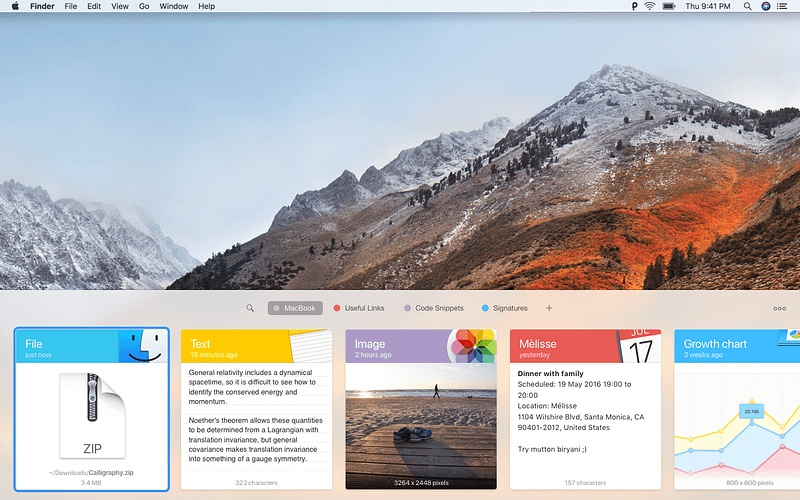
To many users, it is imperative to be able to access their clipboard history. There are situations when you use your iPhone and want to access your previous clipboard history to retrieve something.
There are plenty of use cases for accessing your clipboard history, and that is why I’m introducing Paste. Paste is a well-designed app that allows you to access your clipboard history on your Mac and other devices. Whether you own an iPhone or an iPad. The app is available to all of them.
Personally, accessing my clipboard history from a Mac Mini at home to my Macbook Pro at work is necessary, and this app does it all.
🔐 Privacy: Collects personal data
💳 Price: Subscription $14.99 per year
☑️ Compatibility: 📱iPhone, 📱iPad, 💻 Mac
🧩 Design: Aesthetically pleasing
⭐️ Rating: 4.5 out of 5 (3423 ratings)
🔗 Download: AppStore
🌐 Research: Website
8. LinkBin
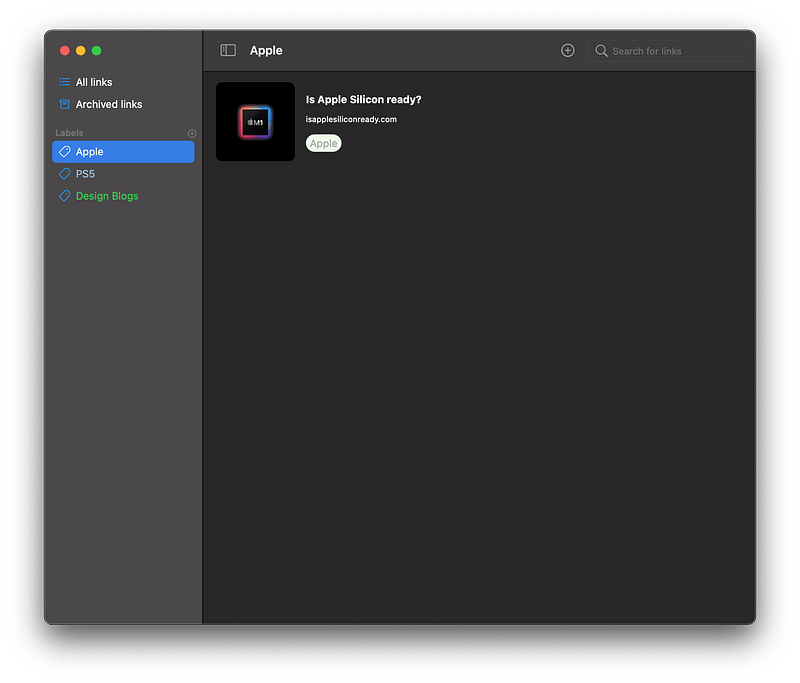
I usually come across many product launches while surfing the web, and I don’t have the time to research all of them despite many being super interesting. I used to email the URL of those websites to review later, but not anymore. So now, I use the help of a brand new app called LinkBin.
LinkBin is a simple utility in which you’ll be able to save links to access later. It uses iCloud, and that means easy access to your links on all your devices.
The app is very new and needs a lot of refinement, but I can count on it for doing what it is supposed to do.
🔐 Privacy: No data collection
💳 Price: $0.99
☑️ Compatibility: 📱iPhone, 📱iPad, 💻 Mac
🧩 Design: Displeasing
⭐️ Rating: Insufficient data
🔗 Download: AppStore
🌐 Website: Not Found
9. Sorted 3
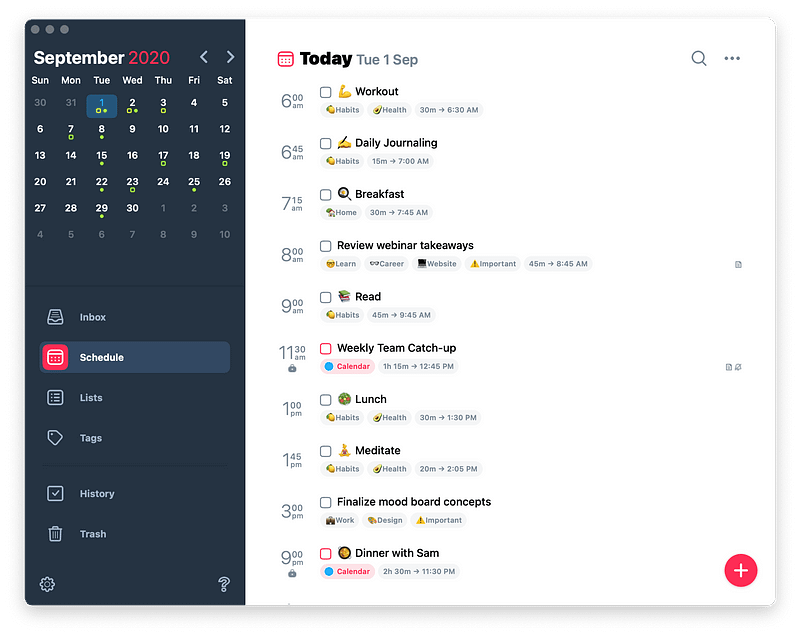
Sorted is a productivity app in which you’ll be able to access and manage your ToDo list alongside your calendar. In addition, Sorted is one of the few apps on the AppStore that does not require a subscription to work.
Sorted can be used for free with many features available without upgrading, but some critical features like iCloud sync require an upgrade.
You can use Sorted to plan your day with a feature called Auto-Schedule. There is also the ability to add attachments to your tasks which is helpful for educational tasks.
🔐 Privacy: No personal data collection
💳 Price: Multiple In-App Purchases
☑️ Compatibility: ⌚️Apple Watch, 📱iPhone,📱iPad, 💻 Mac
🧩 Design: Aesthetically pleasing
⭐️ Rating: 4.7 out of 5 (653 ratings)
🔗 Download: AppStore
🌐 Research: Website
10. LetsView
Last month when we received iOS 15, and iPadOS 15, I was very excited to try all the new features on the latest upgrades from Apple. However, what I was more excited to try was the new macOS Monterey. Unfortunately, it has not come out yet, and I suspect we must wait a couple more weeks until its release.
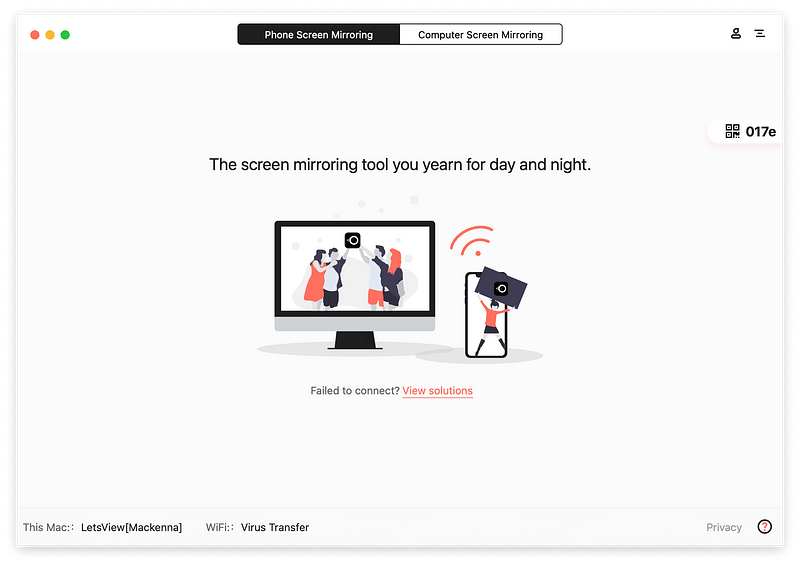
macOS Monterey is an excellent upgrade from Big Sur, and one of the best features in it is the ability to use AirPlay and cast your iPhone’s screen to your Mac. However, until the upgrade is ready and published to the public, I suggest using LetsView to share your iPhone or iPad’s screen on your Mac.
LetsView has a simple interface that allows you to use AirPlay from your iPhone to your Mac. The features are not limited to iPhones, as you can also cast your Mac’s screen to another Mac.
🔐 Privacy: Collects personal data
💳 Price: Free!
☑️ Compatibility: 💻 Mac
🧩 Design: Decent looking
⭐️ Rating: Not available
🔗 Download: Website
🌐 Research: Website
This story was the October edition of 10 monthly apps for Mac. If you have enjoyed reading it, please give it a few claps, and share it with your friends.
If you know other cool apps for Mac and want to be featured in the following editions of monthly apps for Mac, leave a comment in the response section alongside your Medium username.
I would appreciate it if you support me by becoming a Medium member using the link below:
Here are the previous editions of monthly Mac apps:


