
Build Your Own Micro-Frontend Ecosystem
Get started with micro-frontends, a novel way to run multiple applications that feel like just one application
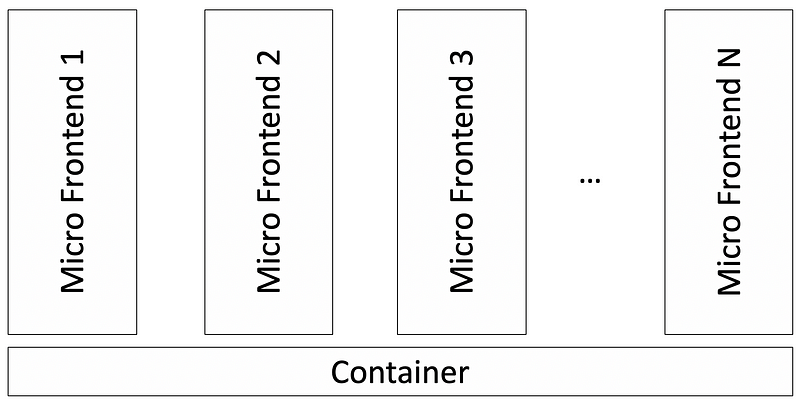
Micro-frontend architecture is a design approach. It modularizes a monolithic application into multiple independent smaller applications, which are called micro-frontends. Micro-frontends can also be spelled as micro front-ends, micro frontends, micro front ends, or microfrontends.
The goal of the micro-frontend approach is decoupling. It allows each micro-frontend to be independently implemented, tested, upgraded, updated, and deployed. A thin micro-frontend container launches multiple micro-frontends.
We have published two articles:
- “5 Steps to Turn a Random React Application Into a Micro Front-End”
- “3 Steps to Turn a Random React Application Into a Micro-Frontend Container”
After these two pieces of work, we gained deeper knowledge of how micro-frontends and their containers work. We no longer view the container as a single application, packaged or bundled by micro-frontends. We proposed a new term, micro-frontend ecosystem, and provided a demo for it.
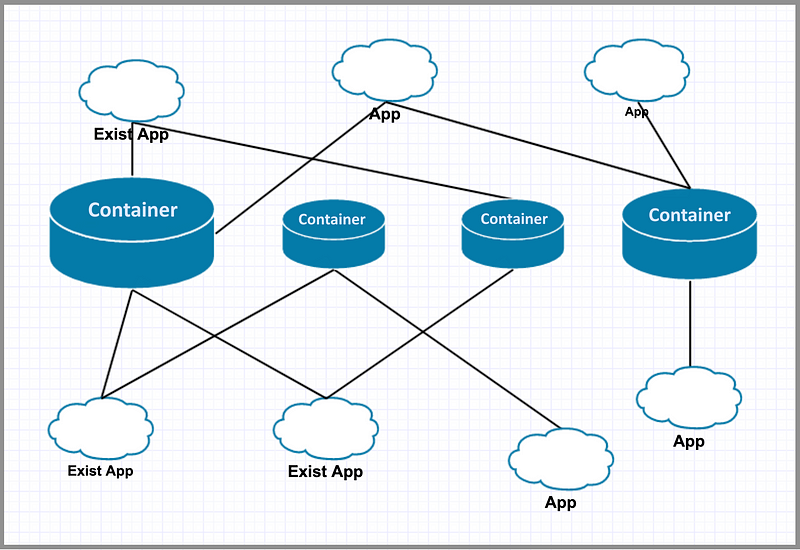
In a cloud or on-premises environment, there are multiple containers running. Micro-frontend containers are also called application containers or app containers. They can be thin containers or thick, existing application–converted containers. These containers launch other micro-frontends on demand. Meanwhile, there are multiple micro-frontends running. They’re also called micro-frontend applications. They can be new applications written as micro-frontends or existing application–converted micro-frontends.
Each micro-frontend can serve multiple containers simultaneously. Meanwhile, each container picks up a number of micro-frontends in this ecosystem to fabricate a specific UI. With available building blocks (micro-frontends) in the ecosystem, we speed up the process to develop versatile UIs.
The Demo
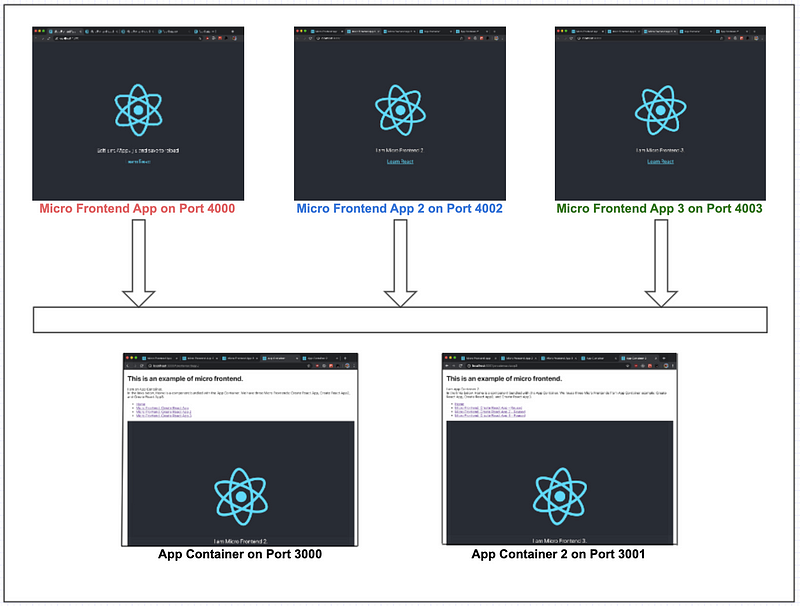
The above is the testbed for our demo. There are three micro-frontend applications and two application containers. Micro-frontend applications are captured in this repository, and application containers are captured in this repository.
Here are the steps on how to run the demo:
1. Create a directory to host the demo
$ mkdir ~/demo2. Install the first micro-frontend on port 4000
$ cd ~/demo
$ git clone https://github.com/JenniferFuBook/micro-frontend.git
$ cd micro-frontend
$ npm i
$ npm start
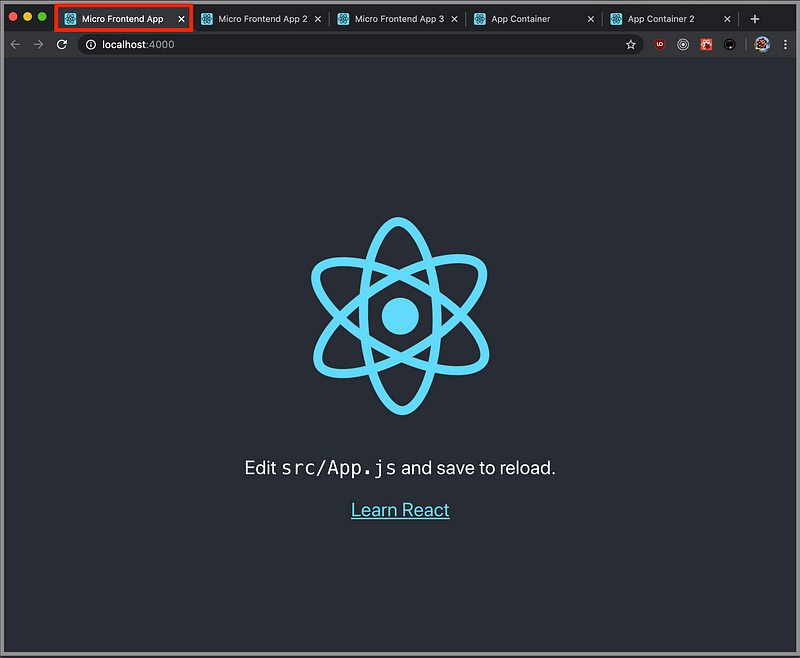
This step can be verified with Micro Frontend App running on port 4000.
3. Install the second micro-frontend on port 4002
$ cd ~/demo
$ git clone --single-branch --branch microfrontend2 https://github.com/JenniferFuBook/micro-frontend.git micro-frontend2
$ cd micro-frontend2
$ npm i
$ npm start
This step can be verified with Micro Frontend App 2 running on port 4002.
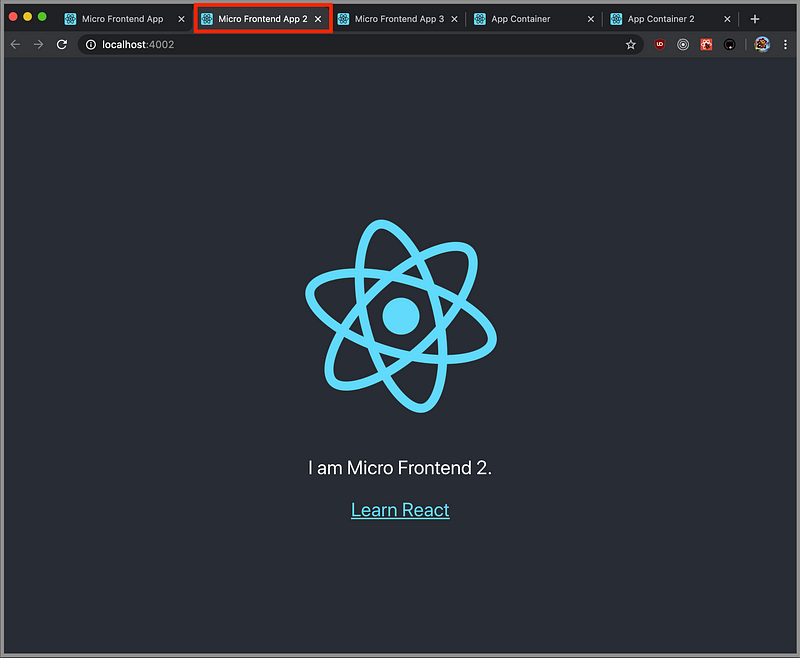
4. Install the third micro-frontend on port 4003
$ cd ~/demo
$ git clone --single-branch --branch microfrontend3 https://github.com/JenniferFuBook/micro-frontend.git micro-frontend3
$ cd micro-frontend3
$ npm i
$ npm start
This step can be verified with Micro Frontend App 3 running on port 4003.
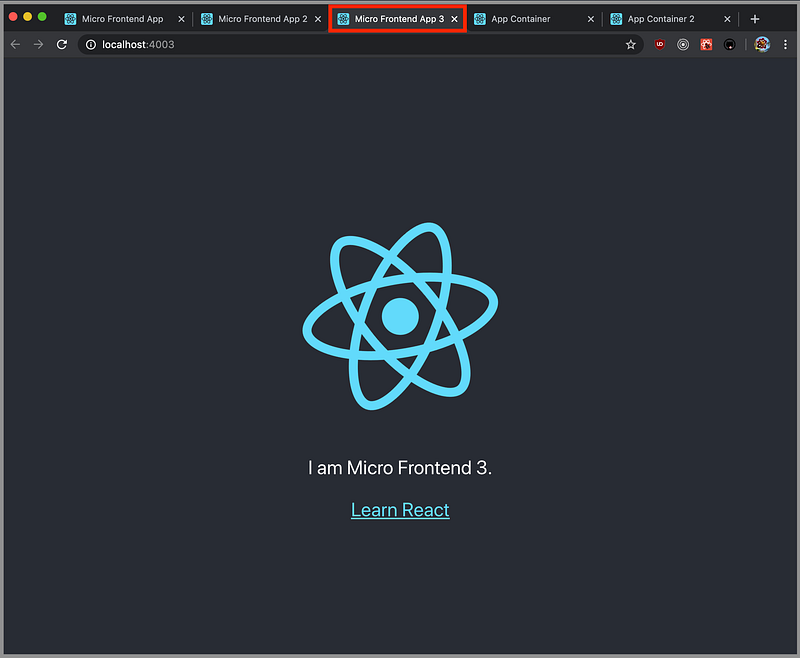
5. Install the first application container on port 3000
$ cd ~/demo
$ git clone --single-branch --branch original https://github.com/JenniferFuBook/app-container.git
$ cd app-container
$ npm i
$ npm start
This step can be verified with App Container running on port 3000.
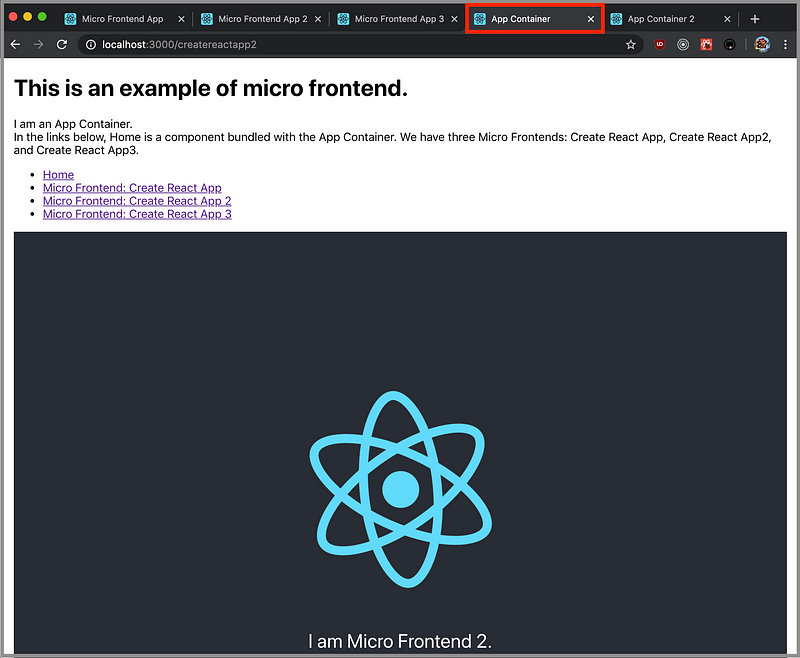
Make sure all of the links are working:
- The
Homeroute shows a normal component that’s part of theApp Container - The original
Create React Appshows a micro-frontend application on the routecreatereactapp Create React App 2shows a micro-frontend application on routecreatereactapp2.Create React App 3shows a micro-frontend application on routecreatereactapp3.
6. Install the second application container on port 3001
$ cd ~/demo
$ git clone --single-branch --branch container2 https://github.com/JenniferFuBook/app-container.git app-container2
$ cd app-container2
$ npm i
$ npm start
This step can be verified with App Container 2 running on port 3001.
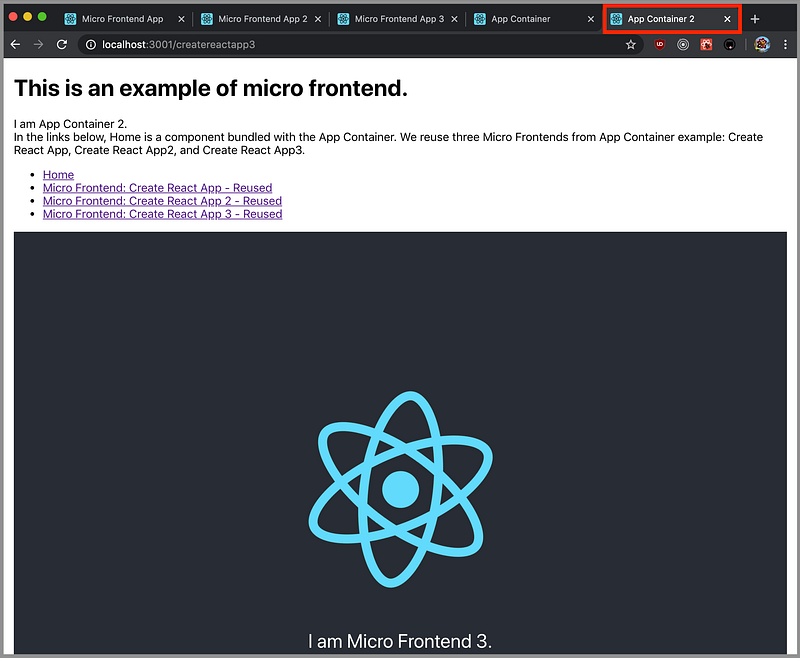
Make sure all of the links are working:
- The
Homeroute shows a normal component that’s part of theApp Container - The original
Create React Appshows a micro-frontend application on the routecreatereactapp. This micro-frontend is shared withApp Container. Create React App 2shows a micro-frontend application on routecreatereactapp2. This micro-frontend is shared withApp Container.- The
Create React App 3shows a micro-frontend application on routecreatereactapp3. This micro-frontend is shared withApp Container.
7. Launch the whole demo in one command
At this point, the demo runs two application containers as separate UI applications. They share three micro-frontend applications that are running in the ecosystem.
As we mentioned in the second article, the concurrently command can be used to launch the whole demo in one command.
Set the following alias in the Bash profile:
alias runDemo='cd ~/demo/app-container; concurrently "npm start --prefix ~/demo/micro-frontend" "npm start --prefix ~/demo/micro-frontend2" "npm start --prefix ~/demo/micro-frontend3" "npm start --prefix ~/demo/app-container2" "npm start"'runDemo will start everything in one command. In this way, we start multiple applications in the ecosystem.
Conclusion
We built this demo based on Cam Jackson’s algorithm. The contract between containers and micro-frontends are two interfaces: the render function and the unmount function. Details are explained in the previous two articles.
In the micro-frontend ecosystem, each micro-frontend acts as a content server, which serves its manifest file to a requesting container. The sharing mode is at the source-code level. A container loads source code from a micro-frontend and creates a new instance through a script tag. Although this demo is made with source-code sharing, this architecture is extendable to various levels of sharing.
Part of this work was contributed by Jonathan Ma.
Thanks for reading. I hope this was helpful.
This is a series about micro-frontends. The following is a list of other articles:
- “5 Steps to Turn a Random React Application Into a Micro Front-End”
- “3 Steps to Turn a Random React Application Into a Micro-Frontend Container”
- “You Don’t Have to Lose Optimization for Micro-Frontends”
- “10 Decision Points for a Micro-Frontend Approach”
- “6 Steps to Create a Multi-Version React Application”
- “Micro Frontends Using Webpack 5 Module Federation”


