
6 Steps to Create a Multi-Version React Application
React 17 comes with the power to lazy load and deep integrate multiple versions of React
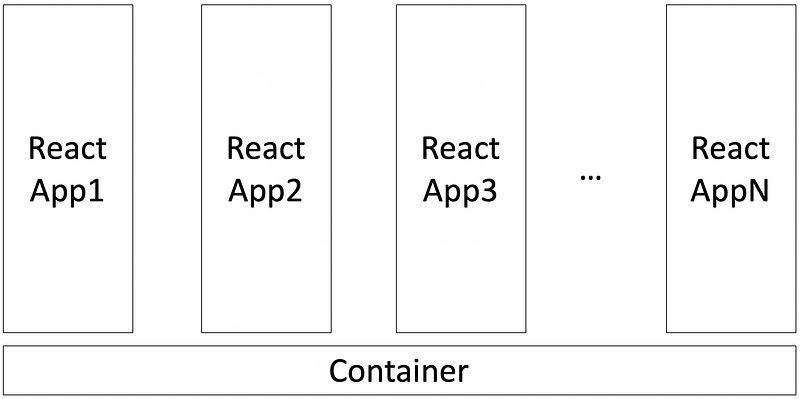
The React team said that there are no new features in React 17, but [email protected] comes with the power to lazy load and deep integrate multiple versions of React. This no-feature is larger than any feature, which is a stepping stone for a paradigm that allows modern new apps to coexist with existing legacy ones.
This hybrid approach is meant to be an escape hatch, not the norm. Using a single version of React is the best practice, which removes a lot of complexity and saves you from multiple package downloading. However, this is still a powerful alternative in an environment with legacy code.
In 5 Steps to Turn a Random React Application Into a Micro Front-End, we have drawn the above architecture diagram that launches multiple React applications, legacy and new, that work together as one application. Does it sound like a different option for a similar problem?
Our example is inspired by Demo of Gradual React Upgrades. We will refer to it as The Demo.
Based on our tryout, there are six steps to create a multi-version React application.
Step 1: Move New Code to Src/Modern Directory
As always, we start with the Create React App.
npx create-react-app my-app
cd my-app
npm start
Since we are going to put multiple React apps into the same repository, we need to set up namespaces. Here is the directory structure.
src
 ├─ modern // new code: React 17
 ├─ legacy // legacy code: React 16.3.1 - could be lower version
 └─ shared // shared code - common source
We move everything in src to src/modern.
$ ls
App.css          index.css        App.js
index.js         serviceWorker.js. App.test.js
logo.svg         setupTests.js
In addition, copy package.json to src/modern, and make some modifications:
At line 2, change it to a proper name. Keep all dependencies, and remove the rest of the sections.
At line 9 and line 10, React versions has been upgraded to 17.0.1.
The react-scripts package is removed from the dependencies list.
Step 2: Move Legacy Code to src/legacy Directory
The legacy code is put under src/legacy.
$ ls
App.css          index.css        App.js
index.js         serviceWorker.js. App.test.js
logo.svg setupTests.jsAt line 2, change it to a proper name. Keep all dependencies and remove the rest of the sections.
At line 9 and line 10, the React versions has been kept to 16.13.1.
Thereact-scripts package is removed from the dependencies list.
Step 3: Change Root package.json
The following root package.json is copied and adapted from The Demo. The previously removed sections are put back here, with a lot more things.
At line 2, change it to a proper name.
Lines 5 - 7 are dependencies which include the build dependencies (react-scripts) and possibly React-agnostic libraries (redux in The Demo).
Lines 38 - 41 are some help utilities for copy files (cpx) and parallel/sequentially running tools (npm-run-all).
These utilities are used in scripts (lines 8 - 22), which copies shared files to both modern and legacy directories, and installs, builds and watches them. If you want to create a different directory structure, these scripts need to be adjusted.
Lines 23 - 25 are for eslintConfig.
Lines 26 - 37 are for browserslist.
Run install i. It generates src/modern/node_modules and src/modern/node_modules.
Step 4: Set Up Environment Files
As VSCode starts to show 5K changes and eslint displays errors for node_modules, we need to set up a few environment files.
Configure .env to enable eslint for static code analysis:
EXTEND_ESLINT=trueConfigure .eslintignore to ignore eslint errors for these directories:
node_modules
build
src/*/shared
Configure .gitignore to exclude these directories/files for source code control:
node_modules
build
.DS_Store
src/*/shared
Now it shows changes of 32 files. Things are in good shape.
Step 5: Set Up src/index.js
We invoke npm start, and get the following error:
Could not find a required file.
  Name: index.js
  Searched in: /Users/fuje/app/react-app4/src
Okay, we need to set up src/index.js, which points to src/modern/index.js.
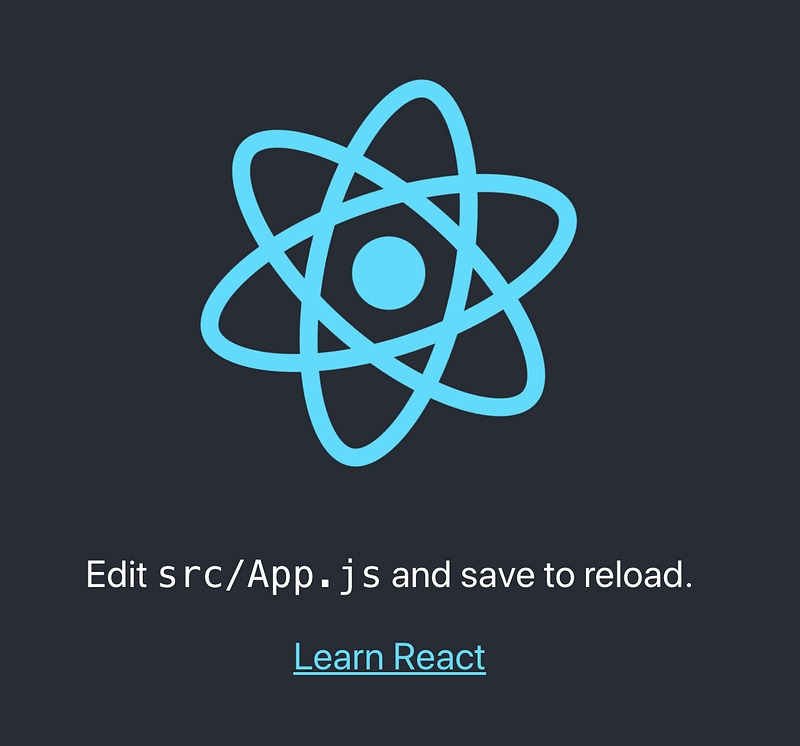
import './modern/index';Try again with npm start. We see this familiar Create React App:
Step 6: Build a Bridge Between Legacy and New Apps
We have one version of React running. Since the goal is to mix legacy and new apps, the legacy app needs to be loaded into the new app.
At line 5, the legacy app is lazy-loaded, and it is used at lines 22 - 24.
The text in line 13 is modified to show that it’s from the modern app.
Run npm start, we see the modern app running together with the legacy React.
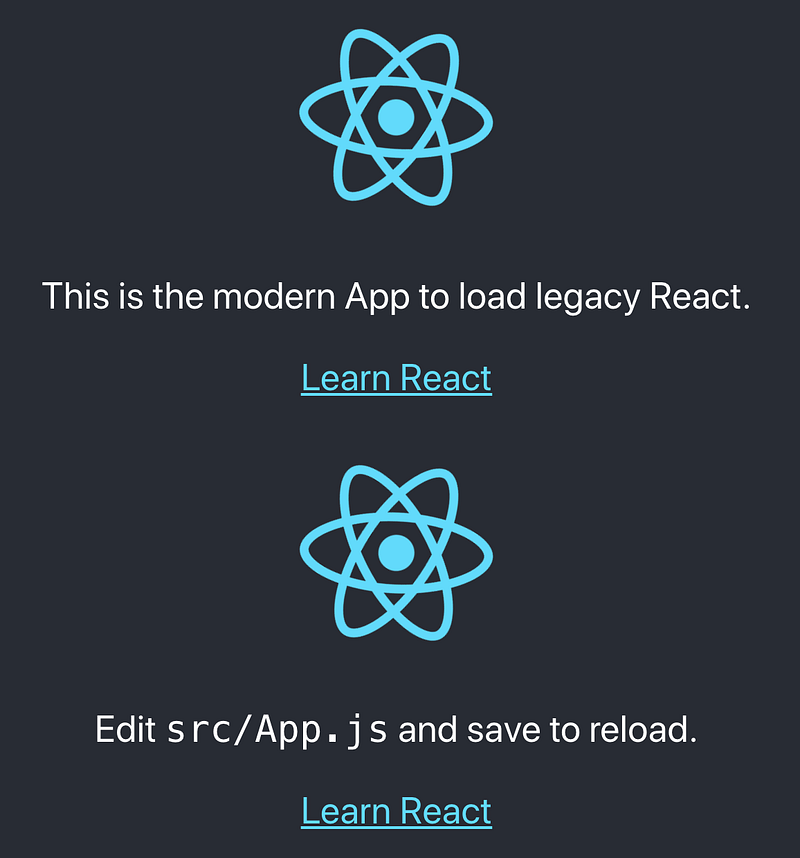
So far, so good.
We add useState hook into src/legacy/App.js:
Lines 22-24 create a button to be clicked.
Then we encounter the following error:
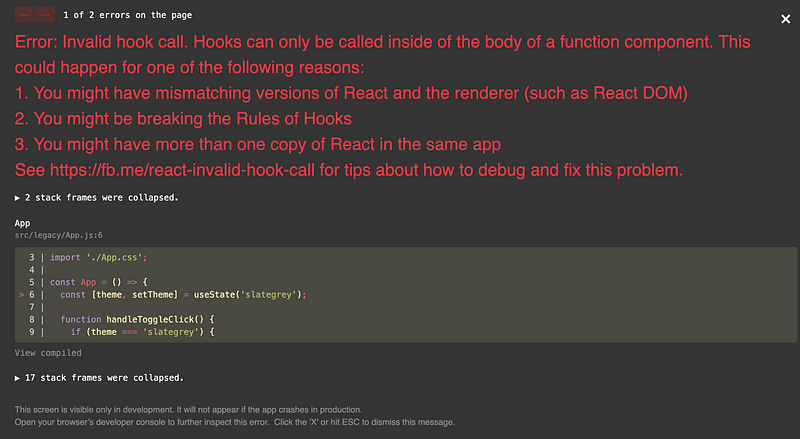
Oh, what happened?
A bridge between legacy and new apps needs to be built.
Instead of calling React.lazy, line 6 calls lazyLegacyRoot, which is defined inside src/modern/lazyLegacyRoot.js:
This is one end of the bridge. At lines 17-19, it dynamically imports createLegacyRoot from the legacy code. Then calls two useLayoutEffect (lines 25-33 are for creating, lines 36-40 are for updating) to re-render the code with the new version React.
useLayoutEffect’s signature is identical to useEffect, but it fires synchronously after all DOM mutations. Updates scheduled inside useLayoutEffect will be flushed synchronously before the browser has a chance to paint.
Let’s see the other end of the bridge:
Lines 8-10 defines a method to render.
Line 11-13 defines a method to unmount.
With the two ends of the bridge, we make the multi-version React app work properly:
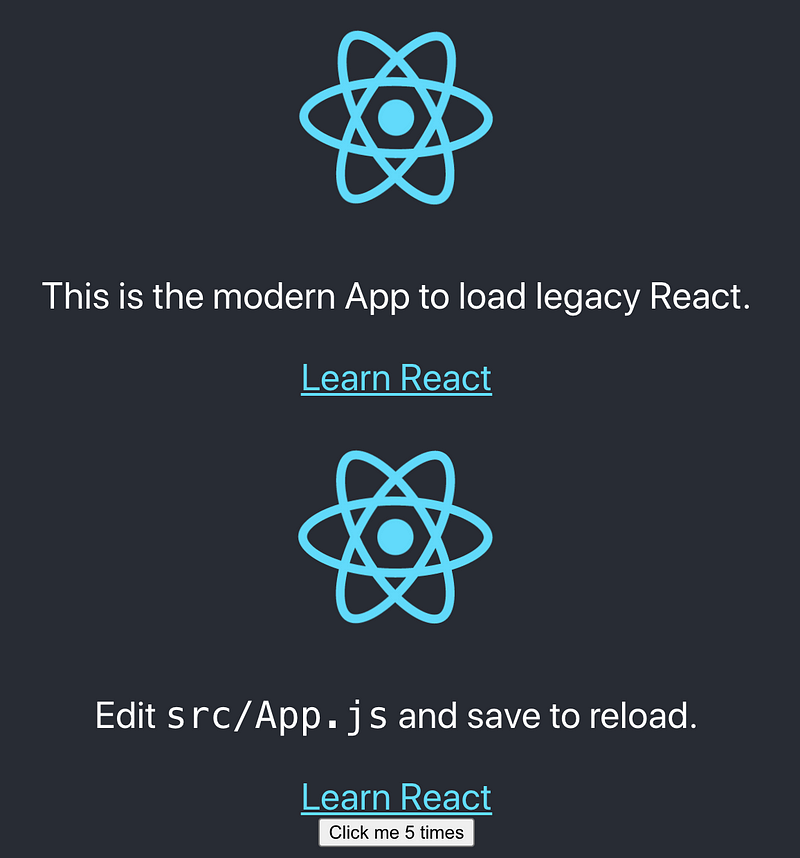
The Demo
The demo can be downloaded and run:
git clone https://github.com/reactjs/react-gradual-upgrade-demo.git
cd react-gradual-upgrade-demo
npm i
npm start
It includes two routes:
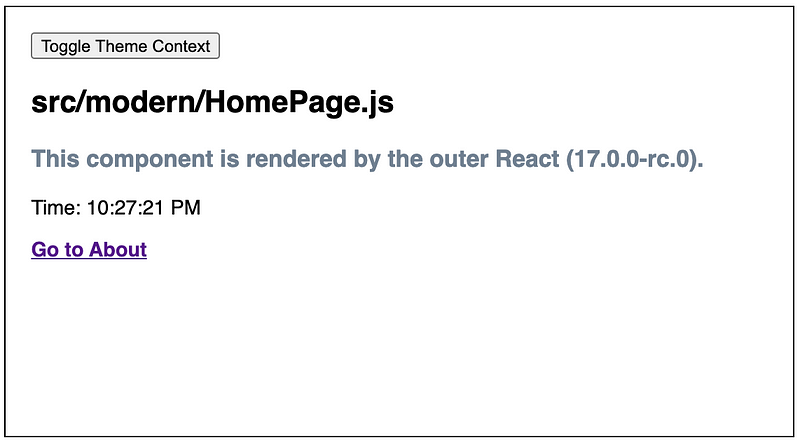
- The Home route: It shows the new app only. The visible components are rendered by React 17.
- The About Route: It shows a UI mixed with the legacy and new app. The components outside of the dotted lines are rendered by React 17, and the components inside of the dotted lines are rendered by React 16.8.6.
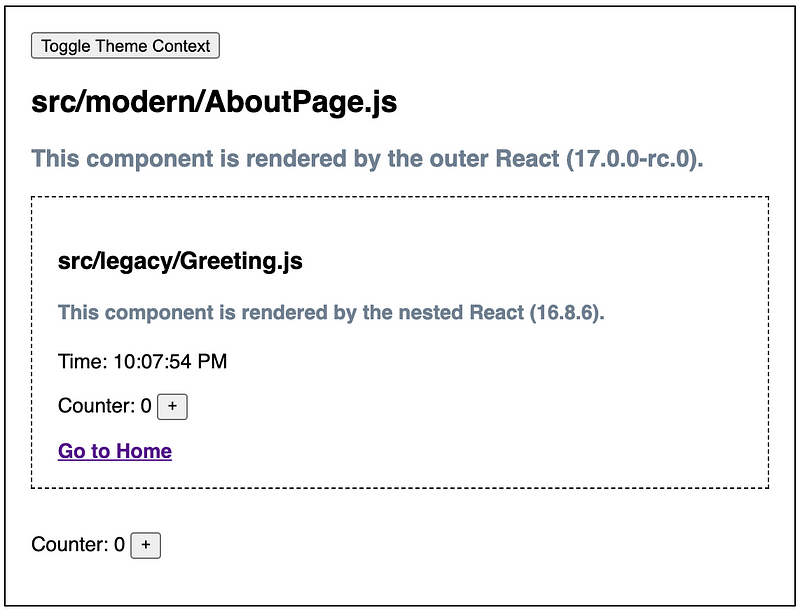
The demo is more advanced than the example we described here. It shows how to share a theme as a global context and how to share a Redux store (for counter) between apps. It also shares useTime hook and the clock display. It is worthwhile to download The demo and take a deep dive into it.
Try out the six steps we summarized to create your own multi-version React application. React 17 provides the capability of lazy load and deep integration of multiple versions of React.
Conclusion
React 17 is here. It changes synthetic React events, as well as some other features. Read this for more information.
React 17 is a major release. We need to move to React 17 to access the capability to not move so fast in the future. Cool?
Thanks for reading. I hope this was helpful. You can see my other Medium publications here.


