
3 Steps to Turn a Random React Application Into a Micro-Frontend Container
Get started with micro-frontends, a novel way to run multiple applications that feel like just one application
After publishing “5 Steps to Turn a Random React Application Into a Micro Front-End,” I was asked, “Your steps are simple to understand and easy to follow. But how do we adopt Cam Jackson’s demo to our project?”
That’s a good question. This leads to the second article of this series: “3 Steps to Turn a Random React Application Into a Micro-Frontend Container.”
What’s a micro-frontend approach? The term micro frontend first came up in ThoughtWorks’ Technology Radar in November 2016. It extends the concepts of microservices to front-end development. As this is a new word, it’s been spelled as micro-frontends, micro front-ends, micro frontends, micro front ends, and microfrontends.
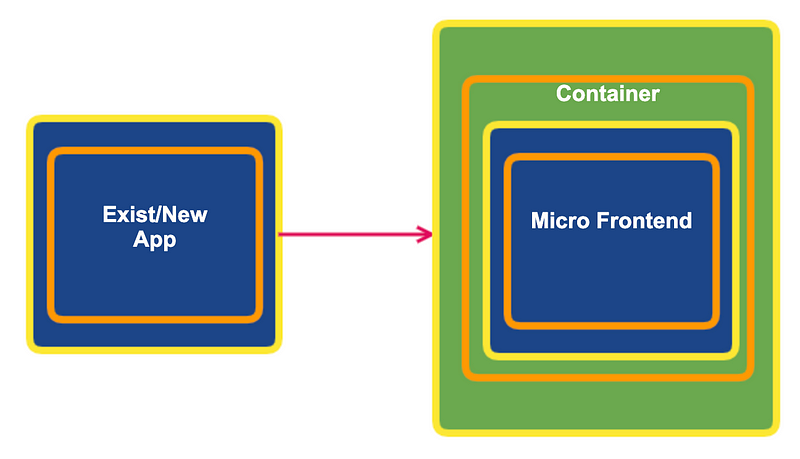
The following diagram shows how it works. The front-end development has to be decoupled to be some existing production code and a few new developing applications. At the bundling stage or runtime, these applications are loaded into a micro-frontend container. The container runs it as if the micro-frontend is its own component and provides seamless workflow to users.
The App Container
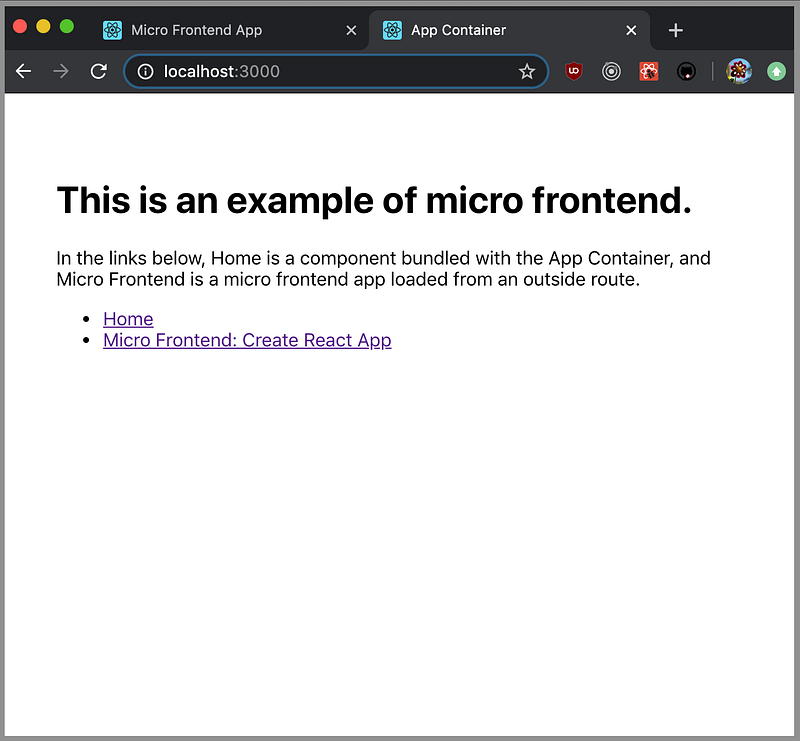
Our pick for a random React application is Create React App. We named it App Container and adapted the code to have the following routes:
http://localhost:3000: A default route presents two options —HomeandMicro Frontendhttp://localhost:3000/home: TheHomeroute shows a normal component that’s part of theApp Containerhttp://localhost:3000/createreactapp: TheMicro Frontendroute shows a micro-frontend application
The Micro-Frontend App
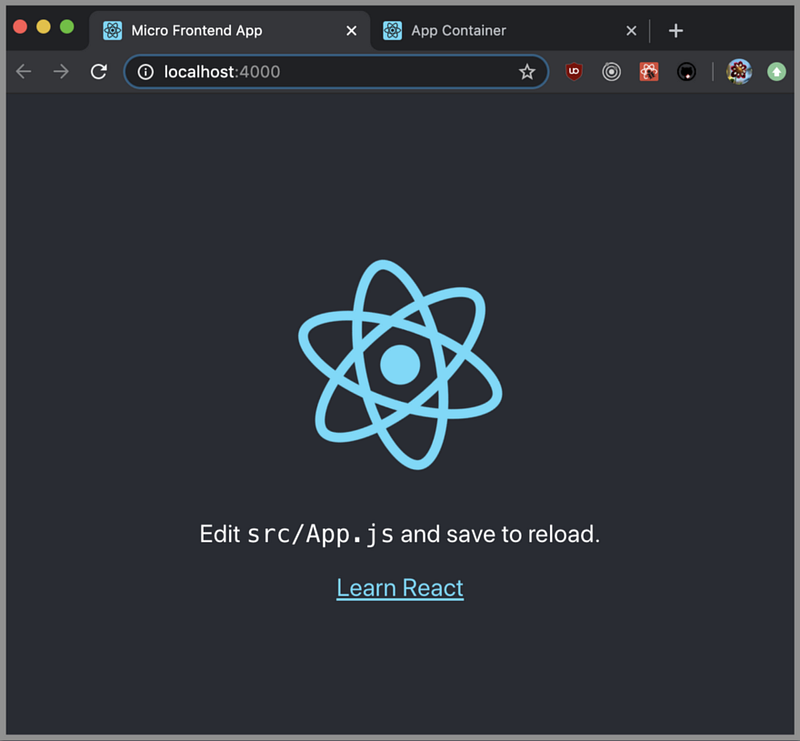
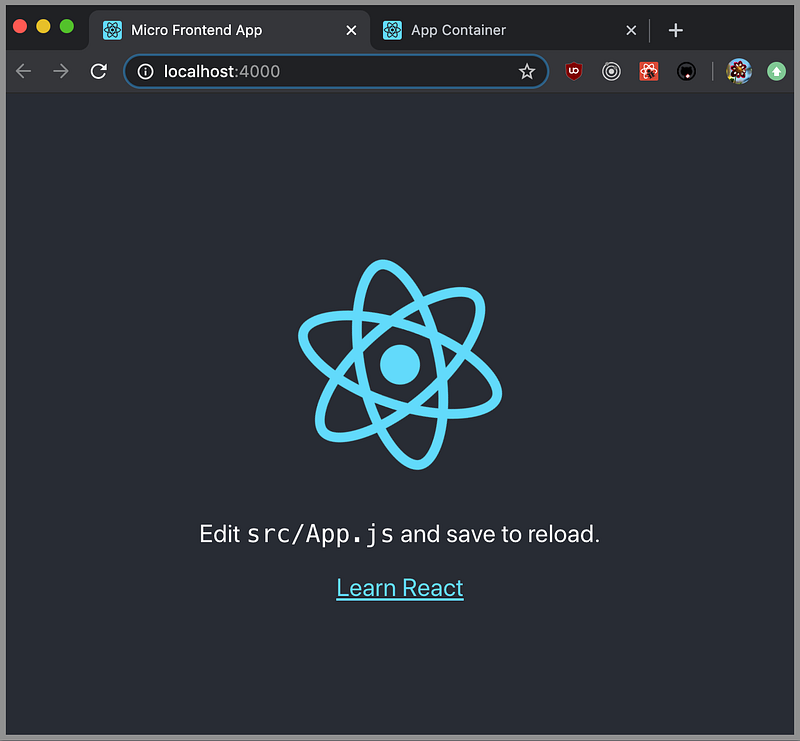
The micro-frontend app is also derived from Create React App. We named it Micro Frontend App and followed our five steps to make it a micro-frontend application. It’s running on http://localhost:4000.
1. Copy the File ‘MicroFrontend.js’ into the 'src' Directory
Cam Jackson’s centerpiece work is MicroFrontend.js.
It picks up a manifest file from a running application and launches the application through a script tag.
We copied Cam Jackson’s MicroFrontend.js into our src directory and did a small modification on line 19.
2. Configure Your .env File to Set Up a Host for Each Micro-Frontend Application
In the .env file, we need to set up a host for each micro-frontend application. For our micro-frontend app, Create React App, we set the port to 4000. It must match the real port that Create React App is running on.
REACT_APP_CREATEREACTAPP_HOST=http://localhost:40003. For Each Micro-Frontend Application, Create a Micro-Frontend Component and Use a Route to Invoke It
Here’s the modified src/App.js for the micro-frontend container.
Lines 7-13 generate a micro-frontend component, CreateReactApp.
How does the app container launch this micro-frontend application? The container launches it through a route’s component (see line 64).
What is a route’s component? It’s a component that’s rendered when that route matches the URL. The router will inject props into this type of component, including history, location, params, route, and routeParams, when it’s rendered.
Why do we invoke a micro-frontend as a route’s component? It’s because a micro-frontend needs props that are available to a route’s component, such as history.
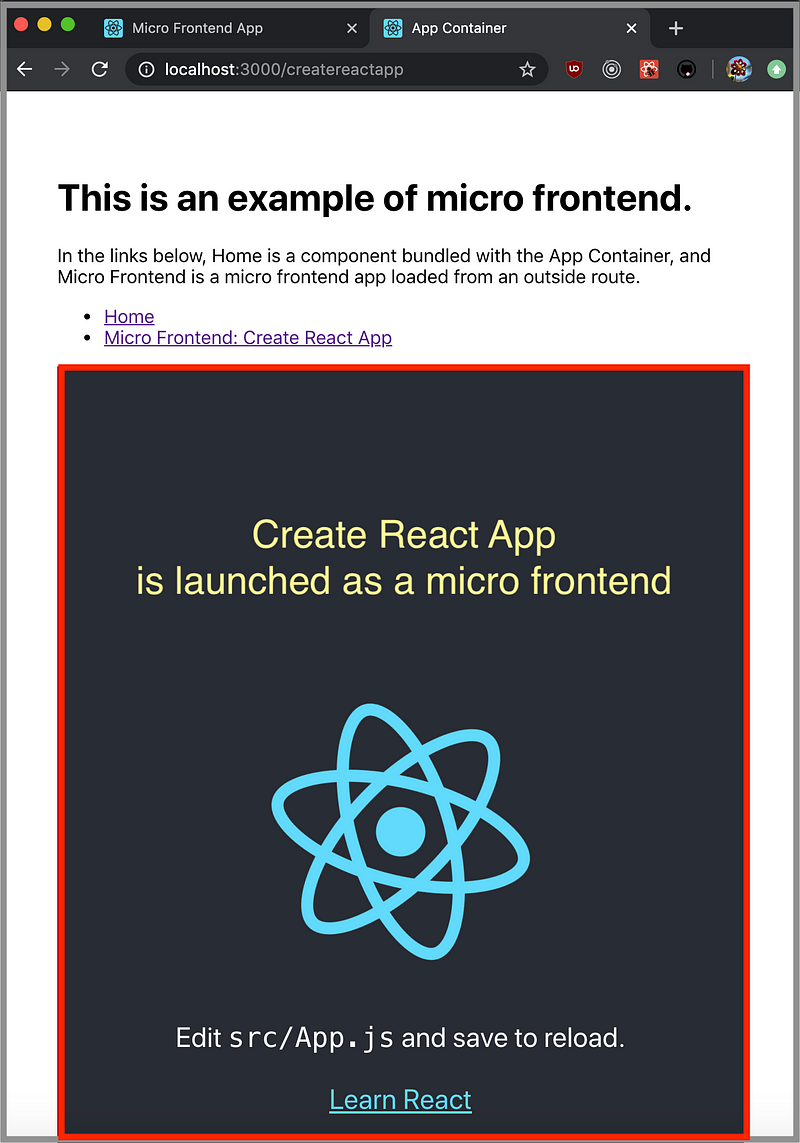
With this, we created an app container that can launch micro-frontends. In the following screenshot, Create React App is launched as a micro-frontend, marked by a red box.
The Code Repositories
There are two code repositories for this example:
- The app container: The three-step converted application container is located here.
git clone https://github.com/JenniferFuBook/app-container.git
npm i
npm start- The micro-frontend app: The five-step converted micro-frontend application is located here.
git clone https://github.com/JenniferFuBook/micro-frontend.git
npm i
npm start
The launch command
We go to each repository to npm start the app container and the micro-frontend app. The app container only functions properly after all micro-frontend apps are up and running.
There’s a nicer way to launch multiple applications in a specific sequence. The concurrently command is leveraged to start the whole application in one command. Assume these two repositories are in your home directory. Set the following alias in your Bash profile:
alias runBoth='cd ~/app-container; concurrently "npm start --prefix ~/micro-frontend" "npm start"'runBoth will start both the app container and the micro-frontend app. In this way, we can run multiple applications but have it feel like just one application.
Isn’t that nice?
Conclusion
We built an example with one one app container and one micro-frontend app. It provides foundation for further exploration in micro-frontends world.
Part of this work is contributed by Jonathan Ma.
Thanks for reading. I hope this was helpful.
This is a series about micro-frontend. The following is a list of other articles:
- “5 Steps to Turn a Random React Application Into a Micro Front-End”
- “Build Your Own Micro-Frontend Ecosystem”
- “You Don’t Have to Lose Optimization for Micro-Frontends”
- “10 Decision Points for a Micro-Frontend Approach”
- “6 Steps to Create a Multi-Version React Application”
- “Micro Frontends Using Webpack 5 Module Federation”


