
5 Minimal iPad Apps
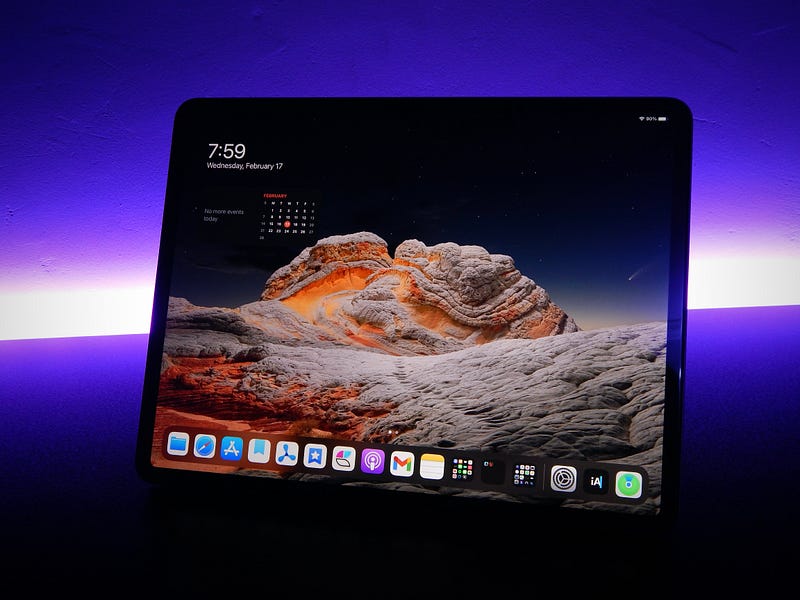
Minimalism seems to have become a trend these days. Don’t mind how it is interpreted by individuals. Just focus on the truth.
In the movie: Cloud Atlas, a great scene described it as:
Truth is singular. Its versions are mistruths.
What I learned from minimalism is to: focus on what brings you the most values and reduce the clutter.
I tend to use this ideology in my personal life and digital life; that is why today, you’ll find some fantastic iPad apps supporting multiple devices.
1. Craft
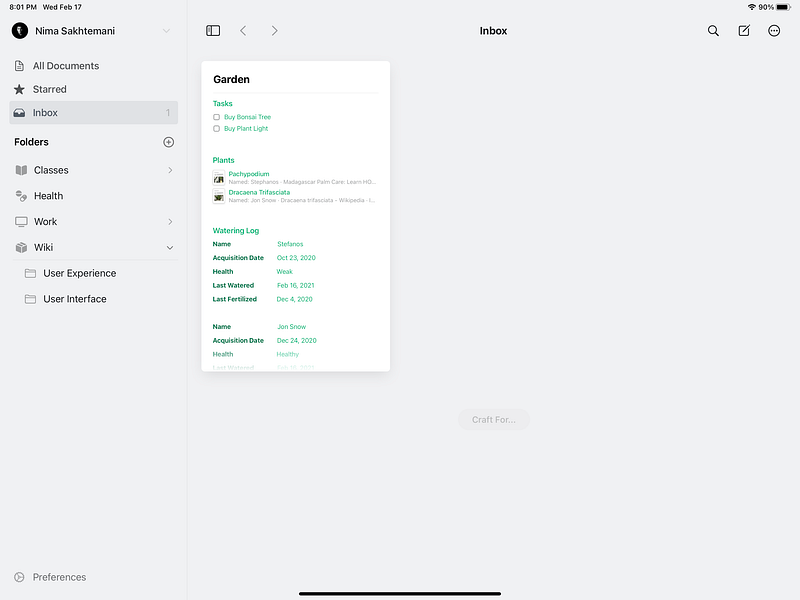
There is nothing better than a universal app explicitly written for the Apple platform. Craft is a document and note-taking application where you can share your thoughts and ideas and create connected notes.
It features markdown support, sharing, export, and works on iPhones, iPads, and Macs.
The animations run super smooth. The app is lightweight. After using it for more than two weeks, I haven’t encountered any major bugs or crashes.
It supports offline mode, so when your internet goes dark, you can still use the app.
The premium price is a little bit expensive but totally worth it.
A good competitor to Craft is Notion; however, I am super frustrated with Notion. The Notion is slow, buggy, and doesn’t work well in offline mode. It also doesn’t have as good of a performance as Craft.
You can buy the premium subscription of Craft for $44.99/year from the App Store.
2. PDF Viewer
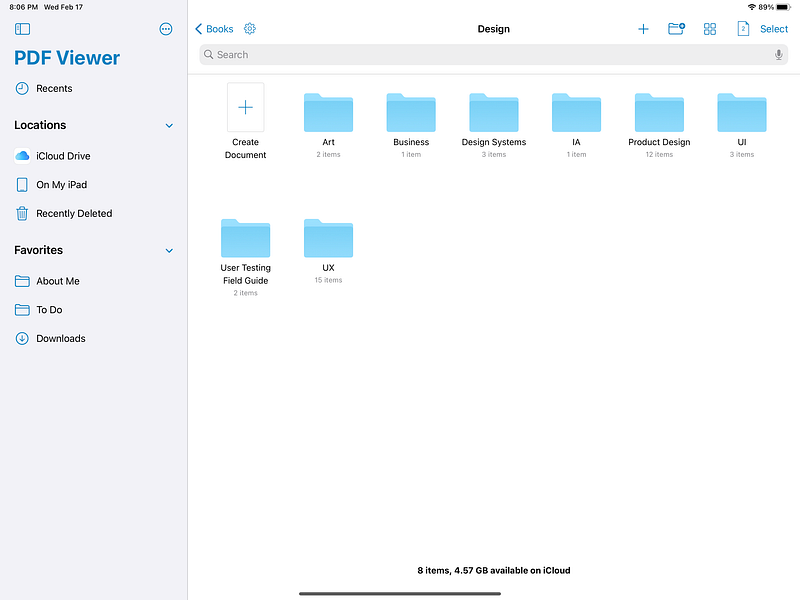
I have searched the App Store for an app with proper support for PDF files; most of them were either buggy or super expensive until I found this app, and you will be amazed at how well it runs.
The annotations features are fantastic. You can note specific parts of your books, annotate text and even images.
It runs on iPhones, iPads, and Macs. It actually runs flawlessly. There are no performance issues, and the app does a great job of remembering the state it was left on.
I usually take one month to read a 300-page book. That means running this app for 30 days and not closing it — not once has the app crashed or forgotten which page I was at; it even restores its state after restarting the iPad.
A great use-case is signing documents with extensive support for Apple Pencil.
Lastly, a great privacy feature is password protecting your documents.
You can buy the premium subscription of PDF Viewer for $19.99/year from the App Store.
3. iA Writer
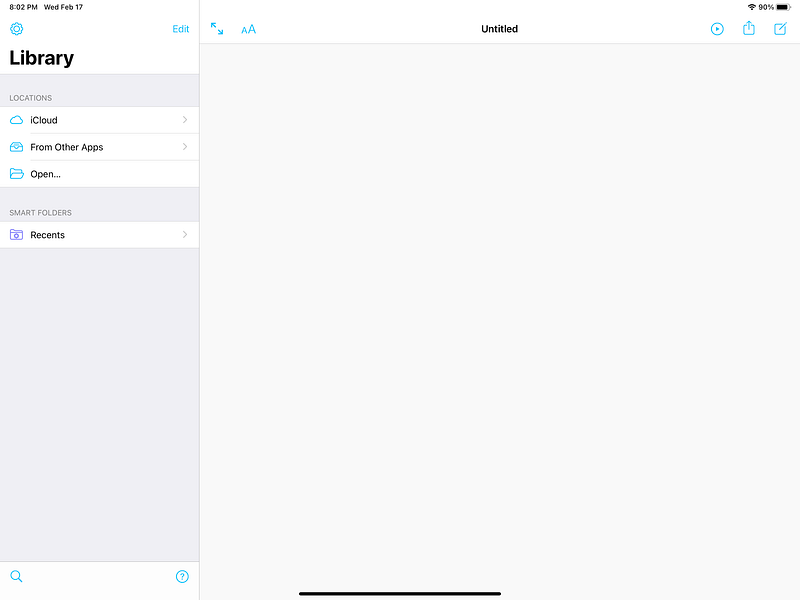
There is no shortage of note-taking apps in the thousands of apps on the App Store, especially if you are looking for a text editor with extensive markdown support.
iA Writer’s primary focus is on minimalism, and you can see that the first time you create a file and start writing in it. There is no clutter; it just wants you to focus on writing.
You can use cloud storage to sync your notes across all your devices. The app supports templates and exporting in popular blogging platforms, PDFs, and multiple other famous formats.
Suppose you are a writer, someone who cares a lot about his tools’ cleanliness and neat organization. In that case, this is definitely an excellent option for you.
The style check feature is excellent when you want to remove clichés and unnecessary repeating from your text.
Lastly, you can preview your text in PDF without exporting it first, which is excellent when you want to make sure your markdowns are correctly used, and your content looks good.
You can buy the iA Writer from the App Store for $29.99.
4. Bear
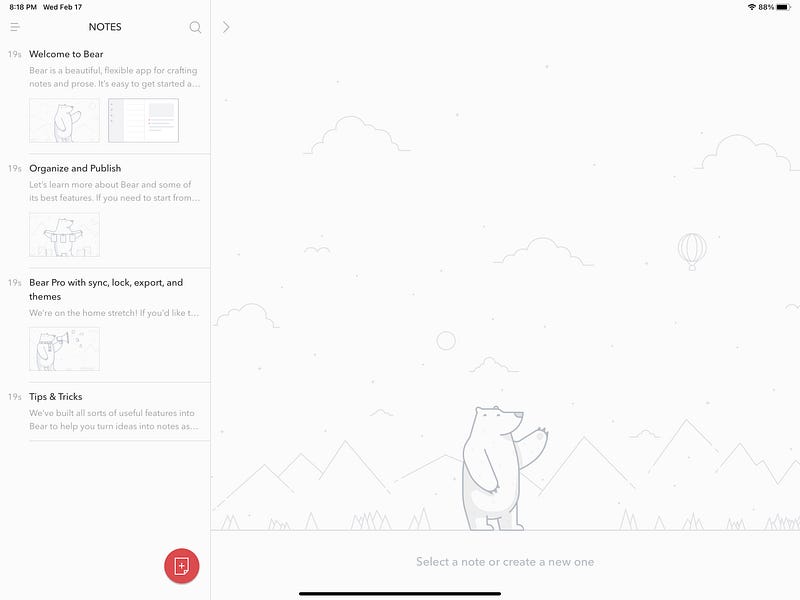
I haven’t found any app as simple as Bear. It just works! Bear is super light, supports Apple Watch, iPhones, iPads, and Macs. Doesn’t drain your battery and uses iCloud to synchronize your notes making the synchronization super quick.
Bear supports markdown. It also comes with over a dozen different beautiful themes. Each has its gorgeous app icon and an excellent style for your text editor.
It uses tags to organize your notes and intelligently chooses an appropriate icon based on the tag’s name.
A missing feature in the note-taking apps is to archive notes; fortunately, Bear supports that, and you can quickly get rid of unusable old notes.
The app is very minimal, designed with keeping small details in mind, and supports Apple Pencil.
If you are still not convinced of Bear’s potentials, then simply look at the upcoming features of their new text editor. You’ll be amazed at how great of a tool it will become soon.
You can buy the premium subscription of Bear for $14.99/year from the App Store.
5. Day One
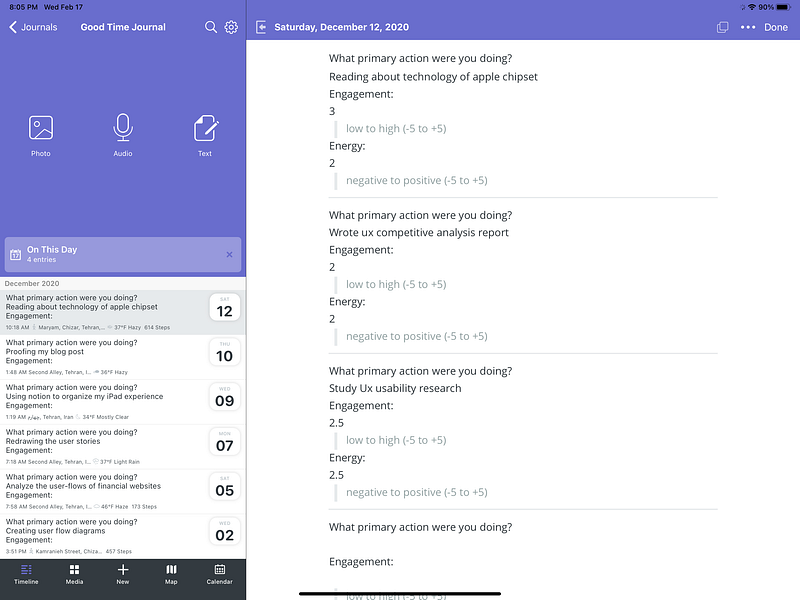
Most of the people I have seen who used Day One have been long-term users of it. By the long-term user, I mean people who have written journals in it for over 5 years. I am happy to be one of the many who are on their path to becoming a five-year user.
Writing every day improves your skills as a writer and gives you the confidence to share your voice.
If you are dealing with difficulties in life and need a place to talk about it, your first option could be this app. Suppose you haven’t written about your feelings and experiences throughout your day in a journal. In that case, you are missing out and mentally draining yourself.
The practice of daily journaling improves your life and Day One is intelligent in reminding you of when to write with unobtrusive notifications and offering templates. Hence, you worry less about technicalities and focus on clearing your mind.
Day One runs on iPhones, iPads, and Macs. It supports Apple Pencil.
You can buy the premium subscription of Day One for $34.99/year from the App Store.
Thanks for reading this article. I hope you have enjoyed it. If you have suggestions for minimal apps for the iPad, let me know in the response sections and I will include them in my next write.
Thank you again, and if you enjoyed this article, give me some claps as that helps me a lot.
You can also read my previous articles if you like Apps:


