
10 Valuable iPhone Apps for February
Apps change the way we use our phones. The right ones make us achieve productivity and functionality in our daily lives. We live in a glorious era where we can observe the process of applications evolving through time by enhancing themselves with each operating system revisions.
In this article, I will introduce 10 iPhone apps to manage your finances, create to-do tasks, track your habits, calm your mind, make coffee, and much more.
This article is published in February, and I will aim to publish these articles each month.
1. Nudget: Spending Tracker
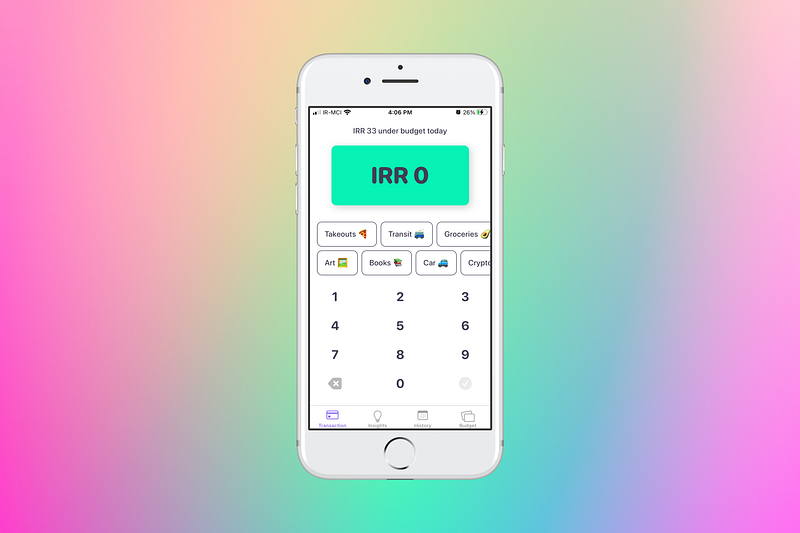
Keeping track of your expenses should be taught in school; the need for financial awareness, especially in today’s day and age, is more than a necessity. Nudget, the app by Sawyer Blatz is on the right track to get us closer to having a mindful relationship with our money.
What amazes me is how simple the user experience is — entering your expense is quick, and associating the category is as easy as selecting them on the same screen.
There is a section for insights where you will get a report on your expenditures, observing what you spent most, and many other useful reports which can be filtered by day, week, month, quarter, and year.
There are a history section and another tab for budgets to set your income and associate thresholds for recurring expenses, spending money, and savings.
The user interface is focused on apple design guidelines and supports dark mode.
Nudget supports many currencies and can even help you export your transactions.
It also comes with other great features such as changing app icon and support for iOS 14 HomeScreen widgets.
Nudget is available on iPhones and iPads, supports iCloud sync, and offers extra protection with support for touchID and faceID.
The only catch is the lack of support for Mac OS, which I’m hopeful an update version will add soon since the developer is such an awesome guy.
You can buy Nudget from the App Store for $3.99.
2. The Great Coffee App: For Those Who Love Coffee
The feeling when you use an app that gives you no banner or ads to deal with is dearly missed in many of today’s applications.
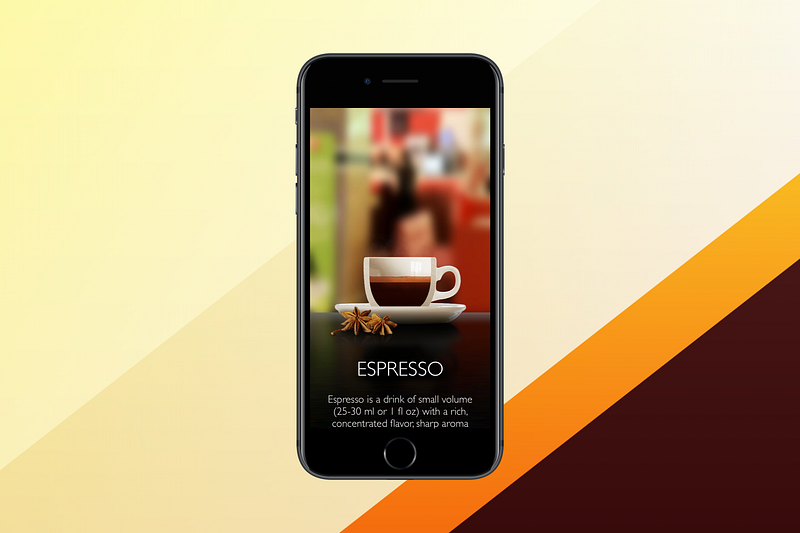
The Great Coffee is an app that teaches you:
- Different types of drinks based on espresso
- Brewing methods
- Minimally explains each drink
- Provide Nutrition facts
- Give you a visual look into each part of the drink
- Video tutorials with enough explanations
The app is designed minimally and runs well on all iPhones and iPads. However, the user interface on the iPad could have been more optimized.
Overall, as a coffee enthusiast, I can’t help myself but use it and try different versions of Espresso-based drinks.
You can buy The Great Coffee App for $3.99 from the App Store.
3. Make Time App: Focus On Your Tasks
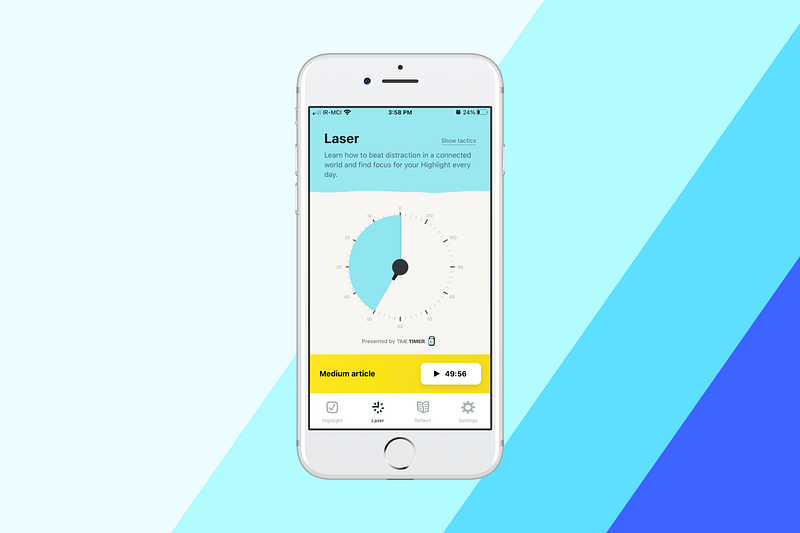
Based on a book with the same name, this app has a specific approach to amplifying your productivity. Simply open the app, write down the highlight of your day then specify a time.
You can navigate to the Laser tab, where you’ll be able to set a timer and make yourself entirely focused on that highlight.
At the end of the day, the app will give you a notification so that you reflect on your highlight by asking a couple of simple questions.
The user interface is super simple, built using the same colors used in the book.
I used the app for two weeks, and it made me feel different about how my time is spent based on the highlight of the day, which makes every day seem purposeful.
The concept works for me, it might not work for you, yet I suggest giving it a try.
You can download Make Time App for Free from the App Store.
4. The Wallpaper & Background App
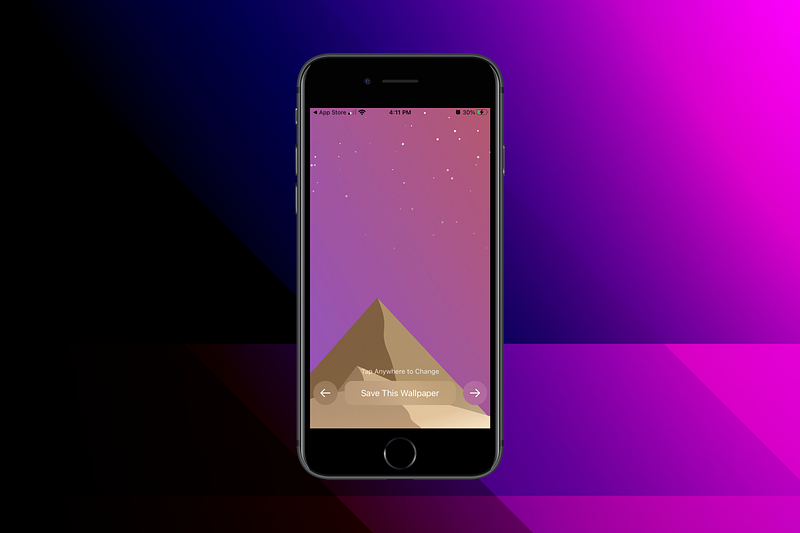
If you are a fan of different customizable wallpapers, you are in for a treat. This app brings wallpapers with many computer-generated variations. You can also install it on all your devices because it supports Macs, iPads, and iPhones.
Tapping the sides of the screen changes to the other variation of wallpaper.
You can hold your finger on the save button to get the option of exporting the wallpaper for the following sizes:
- HomeScreen Widget (available on iOS 14)
- Apple Watch
- iPhone
- Full HD
- 4k
- 5k
The app recognizes your device‘s native resolution, and offers appopriate export option, which is such a great feature.
You can buy The Wallpaper & Background App for $1.99 from the App Store.
5. Mindlist — Todo List & Planner
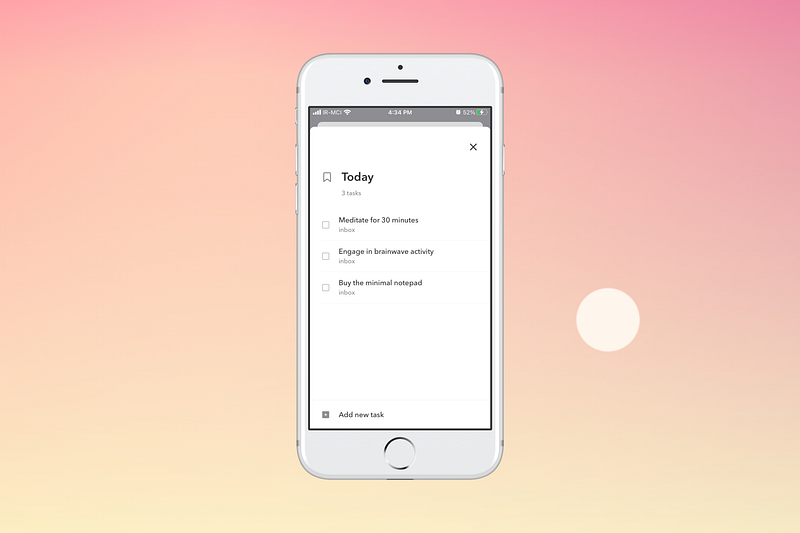
Talk about a real minimal todo application; this app brings the basic essential features of a reminders app in a minimal design with tons of white space.
There is no distraction, and everything runs smoothly. The developer has made Mindlist available for iPhones, iPads, and Macs. However, if you own an Apple Watch, you can’t use your to-do tasks.
Some notable things about this app are:
- No ads
- Integration with the calendar
- Some customizability options
- Support for dark mode
- Superfast performance
- Support for list creation
There are so many to-do apps in the App Store that each promise functionalities that might be not useful for you, and if you are looking for a cheap solution to manage your tasks and don’t own an Apple Watch, this is a good option.
You can buy the premium version of Mindlist for $2.99 (In-App Purchase) from the App Store.
6. Ananda: Binaural Programs to the Rescue
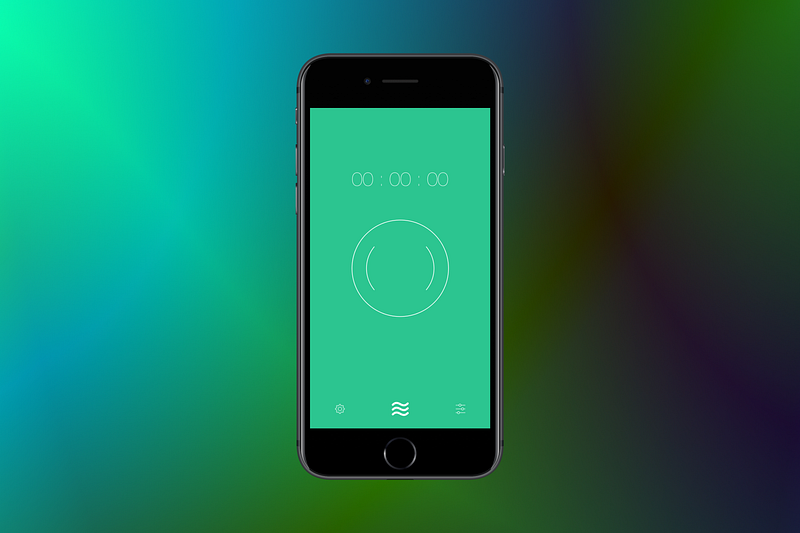
I have been a long-term user of apps that provide binaural sounds, and it might not work for everyone. Still, after listening to nature’s songs mixed with them, I can feel more energized and focused on the task at hand.
If you are studying for school or university and have a big exam coming, then don’t miss this app. It has no complication, and the user experience writing is done splendidly.
There are 13 binaural programs. Some of the categories are:
- Waking up
- Meditation
- Conscious Thinking
There are two problems with the app. First, it does not support iPads and Macs. Two, it does not get updated as often as you’d like.
Make sure to use the reminders feature in the settings screen to develop a habit and see if it improves your life after a week of use.
The best use-case I found for using this app is while writing or working on a project.
You can buy Ananda from the App Store for $2.99.
7. Tweet 2 Image: Turn Tweets into Images
The bookmark feature on Twitter is great, especially when you bookmark tweets about minimalism, zen lifestyle, and organizing.
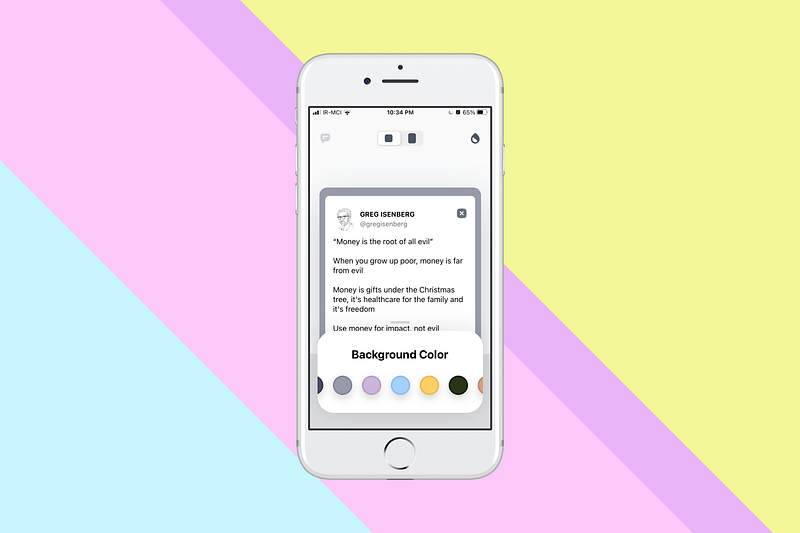
One of the most recent apps that made me organize my bookmark section in the Twitter app is Tweet 2 Image. It works very well. Doesn’t collect any data about you and offers different colors for the background of your tweets.
As someone who uninstalls Twitter and only installs it when I need to check something out, this app is a tremendous help for me.
I simply create an image out of my favorite bookmarked tweets, then upload them to a special folder on iCloud and open that folder every day.
Here is a sample Tweet image created from this app:
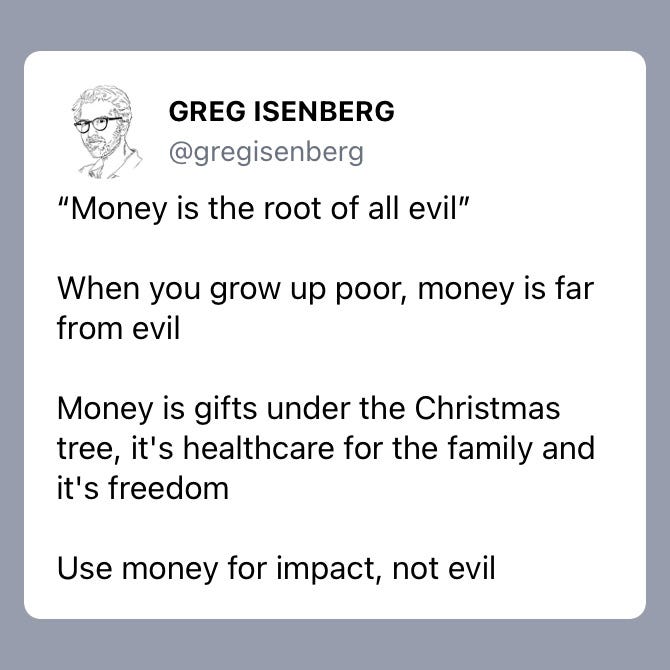
You can buy Tweet 2 Image from the App Store for $1.99.
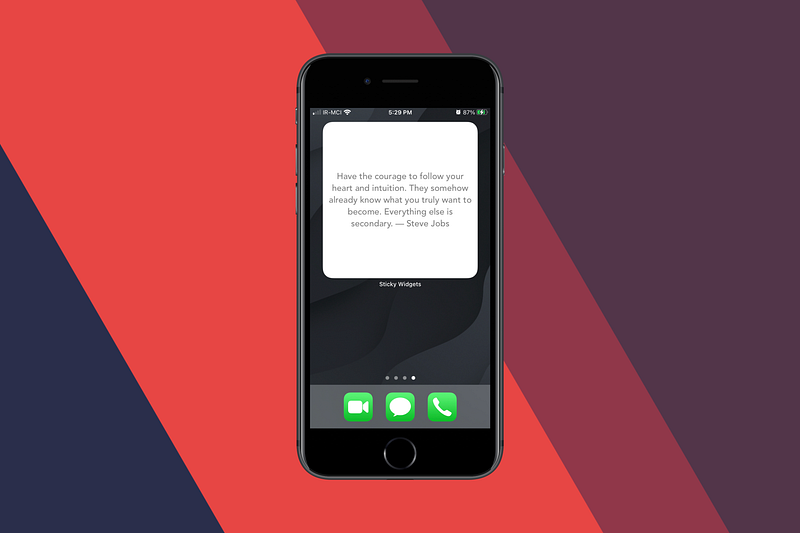
8. Sticky Widgets: iOS 14 Sticky Note Widget
My first interaction with sticky notes was when I had a Windows 7 operating system. I found it super useful for writing down some of the primary objectives in a day.
I used it to manage my tasks and write down quotes from Steve Jobs — Those were the days.
After owning an iPhone, I couldn’t find any widgets like that until iOS 14 arrived, and I could place a sticky note widget with the help of this app.
It is super useful and allows you to create as many notes as possible. It also allows customizable colors for the widgets. You will be able to choose from different fonts and font sizes.
It supports iPads as well, so if you own both devices, the iCloud sync feature will synchronize all your data across the platform.
I wish the iPad allowed putting widgets in any area of the Home Screen, as does the iPhone. Hopefully, the next version of the iPad OS will bring that feature.
You can buy the premium version of the Sticky Widget for $2.99 (In App- Purchase) from the App Store.
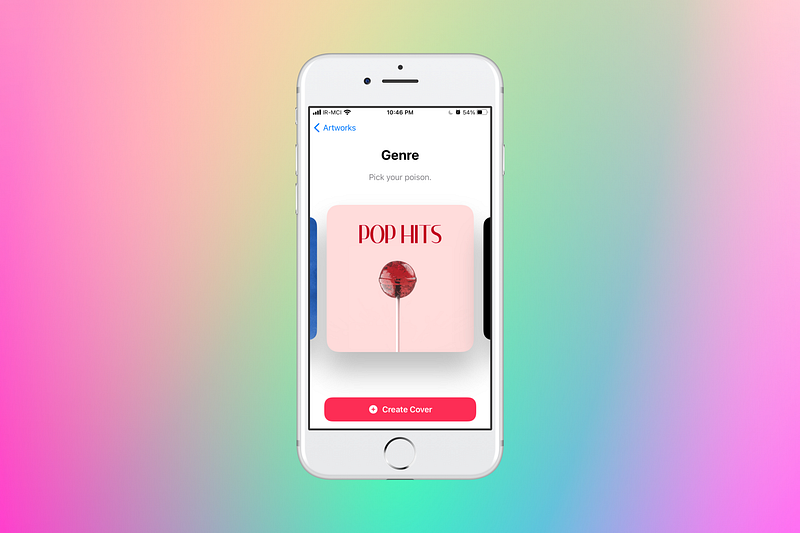
9. Denim: Playlist Cover Maker
My Spotify playlist was a mess before this app. I had almost 15 playlists with no cover and awful naming. As a minimalist, I was ashamed to leave my digital content like that, so I decided to reorganize my playlists.
The renaming was easy, but finding an excellent cover to explain and identify the type of songs in a playlist was difficult. I tried to use apps like Canva to create something unique but failed to do so due to the cluttered UI. So, I came across Denim, a new app that provides playlist covers by category and offers a vast selection range.
You can type your own text inside the cover and export it for Spotify or Apple music, which is excellent since the app knows the exact size for each platform.
The app’s problems are its bugginess with smaller size iPhones and lack of support for iPads or Macs.
Overall, it works fine, and I don’t have high expectations for it since this app’s use case is for special moments, and once done, I tend to remove it from my device.
You can buy Denim’s premium version for $1.99 (In-App Purchase) from the App Store.
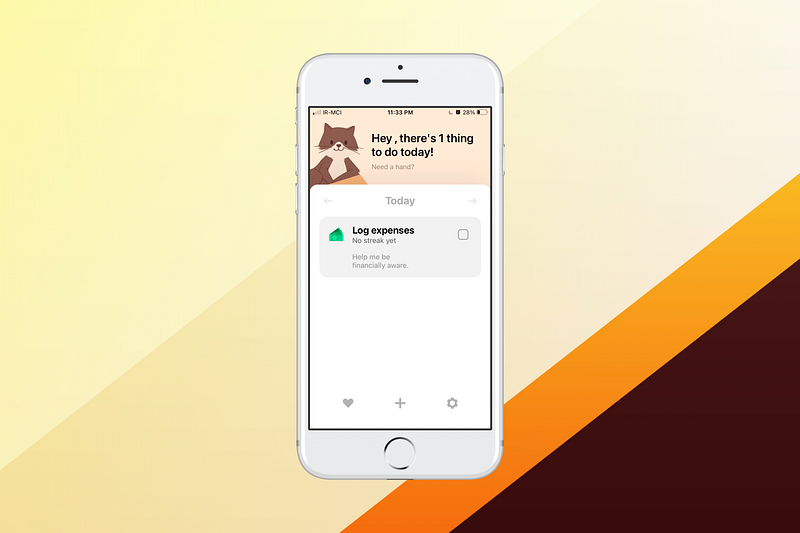
10. Henry: Habits & Wellbeing
Forming new habits is usually a challenge, especially for those who can’t remember the new set of behaviors required to make a life change. That is where Henry comes into play. Henry is an app that helps you form new habits by writing them in the app, setting a time, and enabling notifications. The app will do the reminding for you.
Henry supports iPhones, iPads, and Macs. It comes with a cute set of animal stickers, which get unlocked when you become persistent in forming your new habits.
The app has high customizability features, such as offering different icons for each habit. Also, the App icon can be changed and it has iCloud sync.
The cool thing about Henry is that it actually explains the psychology behind how habits work and offers nature songs to help you become stay focused.
The problems I found with it are lack of dark mode support and sluggishness in the Mac app. Other than that, it works really well.
You can buy the Henry app from the App Store for $1.99.
Thank you for reading this article. If you enjoyed this month’s issue, give me some claps and if you know other cool apps, let me know so I’ll include them in my next write.
Check out my other articles here: