
5 must-have Mac apps

Five excellent Mac apps that are specially designed to make use of the software and run smoothly. Every one of the applications introduced in this article has perfect integration with Mac OS and uses the features that will make your life easier.
1Password
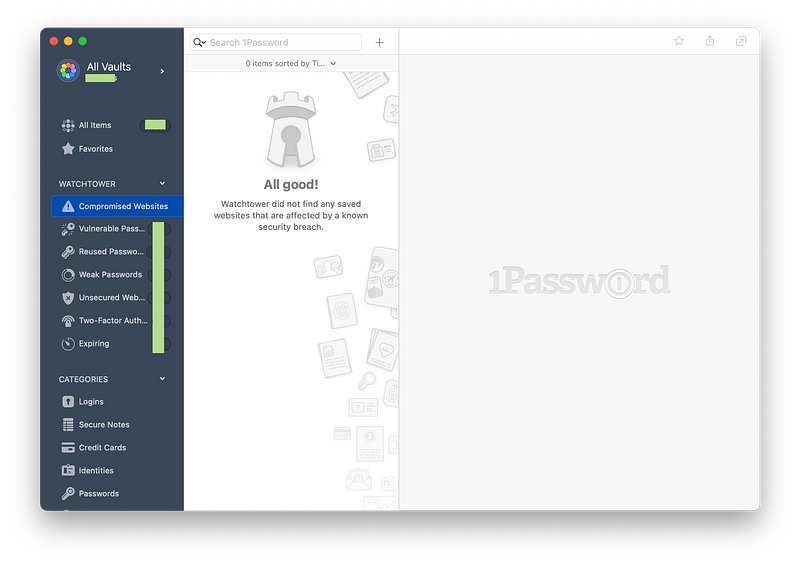
When you look at the competition, no password manager comes this close to a very well designed user experience.
1Password is feature-rich, constantly updated, and features excellent extensions for popular browsers such as Chrome, Firefox, and Safari.
The app doesn’t consume lots of resources and pops up when you press CMD + \ anywhere to fill in the passwords.
One of this app’s remarkable features is its integration with an Apple Watch, which lets you unlock the app using the watch on the Macs with a secure enclave.
It is a subscription-based app and will cost $3.99/m or $35.99/y, which is a little bit expensive but worth it, in my opinion.
You can download the app from the App Store here:
Day One
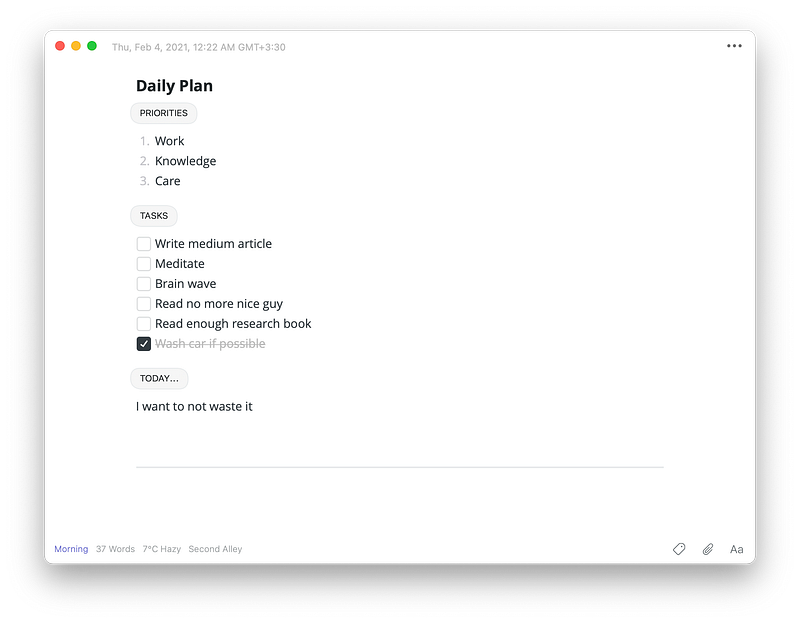
Once used, you can never return to any other app; it is that good. Keeping a journal is a healthy habit and has proved to enhance your reflection on life.
One of the reasons I journal is to write down the things I need to do in a day, so I plan to be as productive as possible. With the help of a feature called Templates, it is super facile to create an entry and add your plans.
The most important part of this app is writing your reflections of the day you spent and evaluating the problems you are dealing with in your life.
The app comes with a great set of features such as:
- Password protection which is a must-have for your privacy
- Reminders to help you remember your daily journaling
- Templates for easily creating journals
- Menu-bar window to quickly create a new entry
- The ability to upload photos and videos
Day One costs $3.99/m or $34.99/y.
You can download Day One for your Mac from the App Store here:
GoodLinks
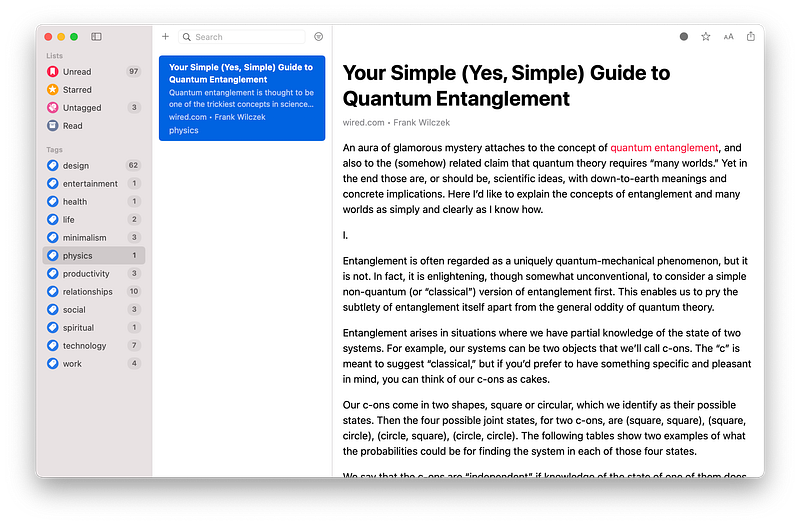
If you are not a fan of the subscription model and want to use an app that runs smoothly, works without crashes or bugs, then GoodLinks is for you.
GoodLinks is one of the most underrated apps for the Apple platforms, including iOS, iPad OS, and Mac OS.
It has a one-time purchase fee and is a solid deal for an app that helps you read your articles at a later time.
One of the great things about it is its optimization for the M1 Macs. There are also a great set of features such as:
- iCloud Sync which means no need to create an account, and super fast synchronization between Apple devices
- Tagging system to help you organize your articles
- Unlike many other apps, GoodLinks does not track your data
- Being a universal app
GoodLinks costs $4.99 and is available to purchase from the App Store here:
Mimestream
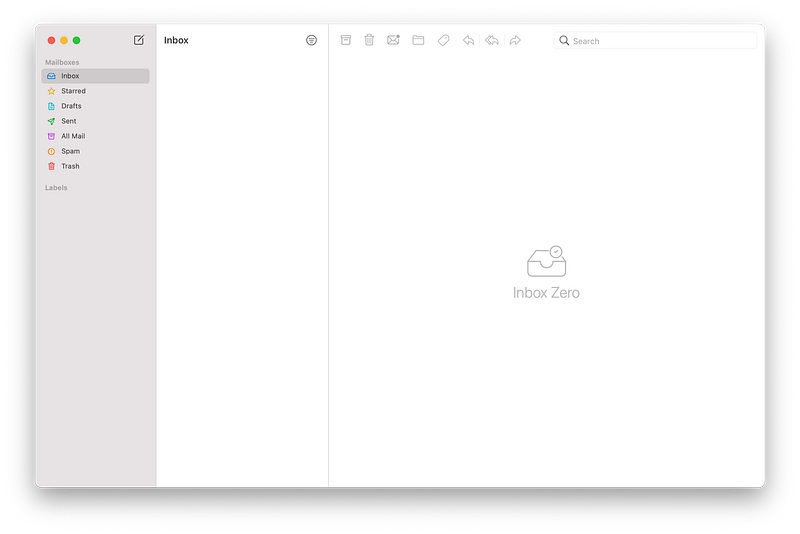
When an app is designed to prioritize user experience over unnecessary features, I believe it has succeeded in accomplishing its mission. Mimestream is one of those apps that focuses on delivering the best experience for managing your emails.
Out of all the mail clients out there, Mimestream stands out from the rest because of its simplicity and lightness; it runs super quick and feels like an app designed by Apple.
Mimestream comes with a great set of features such as:
- Making use of Gmail API for better integration with Gmail
- Labeling system to help you organize your messages
- M1 Mac support so it runs even faster on the newest Apple silicon Macs
For the time being, it is in the beta phase and does not cost anything.
You can download Mimestream from here:
Ulysses
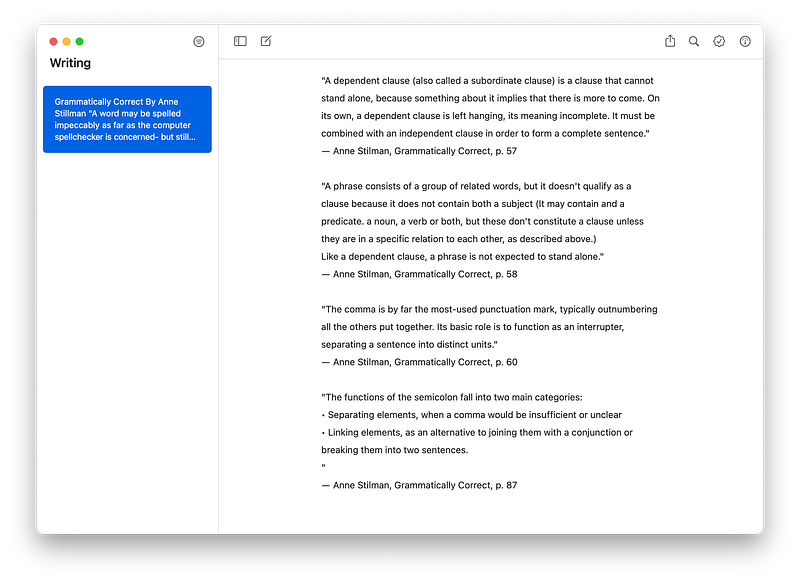
Ulysses is one of those apps with a little bit of a learning curve, but once you get to know them, you can’t live without them.
It is feature-rich, lightweight, and intentionally designed to bring you Focus when writing anything.
The minimal design helps you concentrate on your subject, and it even comes with a feature to help you know how much it takes to read what you have written.
Ulysses comes with so many features that I would love to talk about someday. Still, they would probably make this article too long to read, so I summarize it in top five features:
- Excellent Spellcheck system which helps you notice your typing issues, and grammatical mistakes along with many others.
- Advance export system to help you create PDFs, Word Documents, and eBooks.
- Integration with famous blogging platforms such as WordPress, Medium, and Ghost.
- iCloud Sync so everything is synchronized quickly and available on all your Apple devices.
- Markup editor gives you the flexibility to extend your texts’ styling without the need to take your hands off the keyboard.
Ulysses comes with a subscription plan for $5.99/m or $49.99/y and is available to download from the App Store here:
Thanks for reading this article; I hope you have enjoyed it, and if you know other great apps that you can’t live without, let me know in the response section, and I will add them in my next write.


