
10 macOS Wishlists Before WWDC 21!
Mac has been one of the best operating systems out there. It provides a wide range of professional applications which run efficient and fast. I believe we are just at the beginning of the revolution for the macOS and Apple will provide remarkable features in their upcoming versions of the operating system.
During writing this story, the current release is macOS Big Sur which has brought so many wonderful features to the developer community. It has allowed them to bring their iPhone and iPad applications into the OS without too much hassle.
We also had the introduction of M1 processors, the first Apple Silicon running the entire Mac with blazing fast performance and efficient battery management. The number of developers converting their apps to run on the M1 has been outstanding.
This story will cover 10 wishes for the upcoming release of macOS. I hope this article could bring some ideas for anyone who is interested in the future of this operating system.
#1. Ability To Remove Default Apps
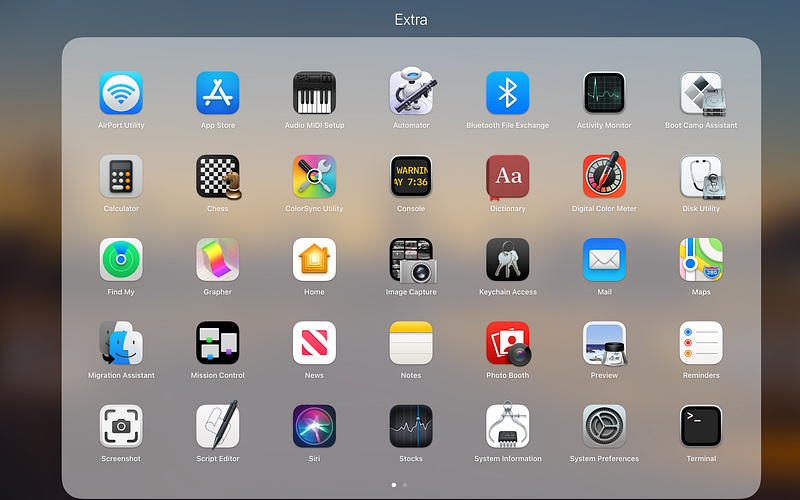
The amount of stock apps on the Mac is a little too much in my opinion. Not everyone wants to use Boot Cap Assistant to install other operating systems on their device. Not everyone will use the default Mail app for managing their emails. We should be able to completely uninstall these apps the same way we do so on our iOS devices.
I understand that some apps are essential to exist. Apps such as Siri and Preview are essential for the macOS to function correctly, but, the majority of what exists as utility apps on the Mac should be user-removable.
#2. Redesign Of The System Apps
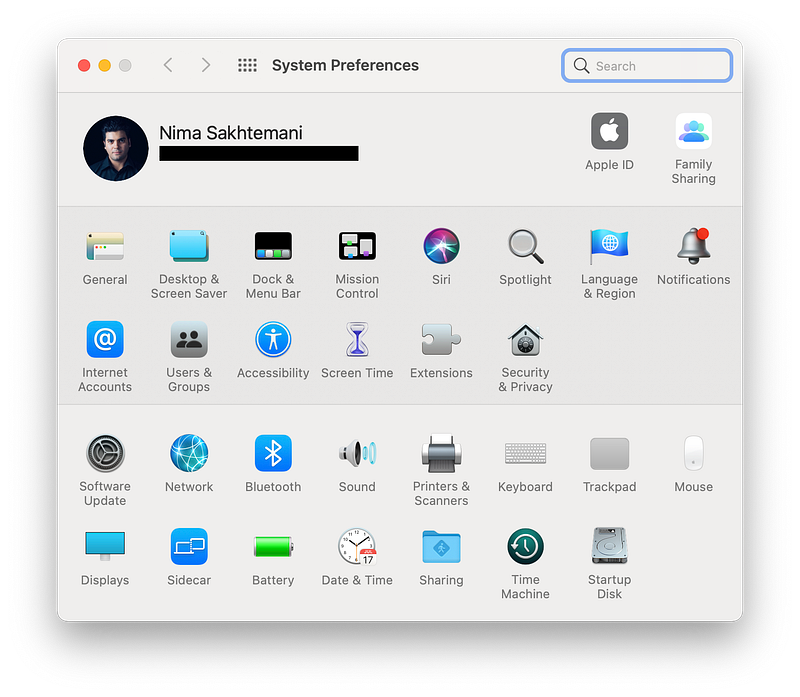
Some main apps such as System Preferences, and LaunchPad have stayed almost untouched since many previous OS X releases. As a designer myself, I know it is wrong to redesign the whole concept since users are familiar with these user interface designs. I would like if the same interface gets a fresh UI regarding the previous form factor, so users don’t get confused over the new designs.
Another app that is really annoying to use is the default macOS LaunchPad. It seems to be an interface for touch devices, but Apple has clearly made the statements on why they won’t implement a touch screen on Macs. It also pains me to drag-and-drop an app into a folder as it keeps dodging from my cursor. I think a design revamp will benefit many people.
One last app I would love to see a major redesign of is the TextEdit app. It is such a useful yet almost forgotten app on the platform. It should have a minimal interface with support for markdown languages.
#3. A Dedicated Keychain App
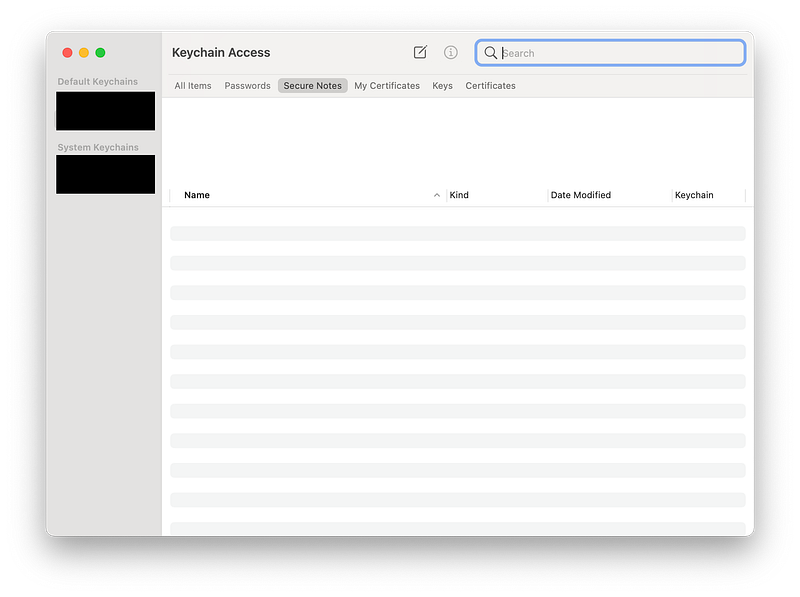
Apple has a weird implementation of the Keychain app. It is a system utility on the iOS and the iPadOS, but on the Mac it is both an app and a system utility. I wish it had a redesign where it could import all passwords from Safari and help us manage them. For the longest time, I’ve been a 1Password customer, but I think their monthly subscription is a little bit expensive and I would love it if Apple made its own service with a perfect minimal user interface.
Having a dedicated Keychain app for iOS, iPadOS, and macOS would be fantastic. Specially for those who heavily rely on the iCloud ecosystem.
#4. Combination of Automator and Shortcuts App
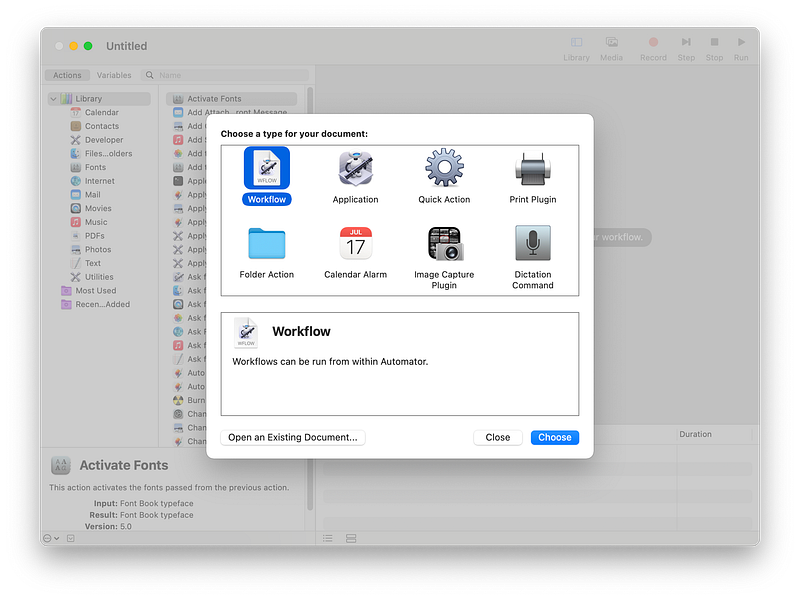
The introduction of Siri Shortcuts in iOS and iPadOS was wonderful. With a simple user interface, anyone can create their own unique workflow. They can also share any shortcut with iCloud.
Being able to save any app’s icon, or convert live photos to GIF animations make two of the most used shortcuts on my iPhone. Why can’t I have the same thing on Mac? I believe the Mac’s automator is much more advanced and capable than the Shortcuts app, but it lacks in user experience department where using the app tends to be complex for novice users.
All in all, I would like a combination of the Automator and Shortcut’s app to create a more streamlined simpler experience for more users.
#5. Dedicated Settings Panel For The AirPods
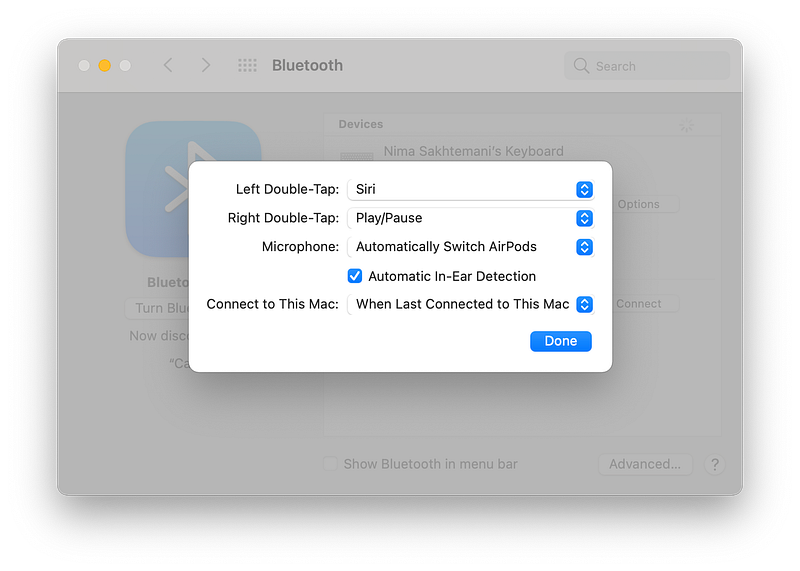
The seamless integration between AirPods and almost all Apple devices is what powers the fantastic user experience most users talk about. I love my AirPods. I love them so much that they are with me almost everywhere I go.
One of the greatest features that was introduced a year ago was instant connection of AirPods with Apple devices. When you switched from the iPhone to your Mac, they would automatically connect, but the problem with that great idea was its implementation. The AirPods mistakingly switch to the previous or next device without your intent.
The current situation with the AirPods make me wish if there was a panel in the system preferences where I could adjust more settings and alleviate some of the common problems I interact with daily.
#6. A Music App That Looks More Like The iOS Counterpart
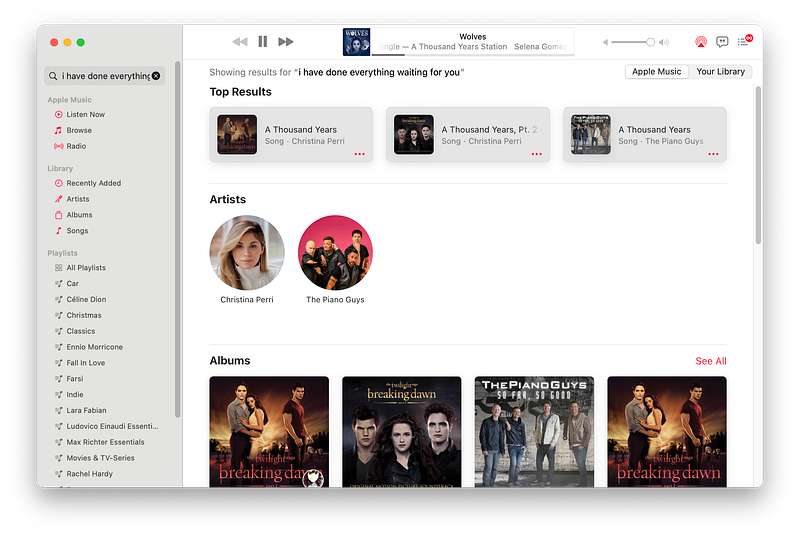
Apple Music is one of the best music streaming services out there. It has a simple user interface with lots of animations and a modern feel to it. I love it. However, the iOS Music app is miles better than the one on the macOS.
The current Music app on Mac seems like an iTunes rip-off where it works and feels like that. iTunes was one of the apps I didn’t like. With the introduction of macOS Big Sur, Apple introduced an iTunes-less experience for managing your Apple devices which was great news for me.
Once I installed the app, I thought: well… We got rid of iTunes and that is great! But sadly, I was wrong. There is the footprint of iTunes in many apps now. It extends to Finder, Podcast app, Music app, and other areas.
I hope with the new version of macOS, we get a newer revamped experience.
#7. Putting Widgets On Desktop
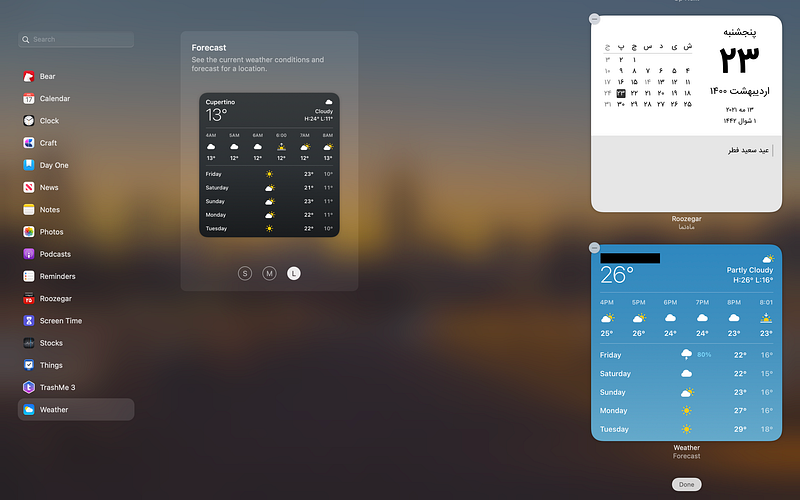
Back in 2010 when Windows 10 was starting to become famous and installed on more machines to overtake older operating systems, I remember a very nice feature on it. The one where you could open a program called Sticky Notes and have a widget on your desktop. A widget which gave you the ability to write your tasks, notes, whatever you wanted and have in on your desktop.
The macOS comes with an app called Stickies which does the same job, however, a sticky note widget is not something I prioritize to have on my desktop these days. What I want is the ability to place any widget in any size on my desktop.
Imagine having your Things 3 widget on your desktop with a transparent background. It will make the Mac look more functional in my opinion.
I hope with the next release of Mac OS, we get this feature.
#8. Improved Spotlight Search

Spotlight Search is one of the most used utilities on my Mac. I use it for quick calculations, searching the web, defining words with the built-in dictionary and much more. It is a small yet mighty app, however, it is not as user-friendly or usable as its competitors.
Apps like Alfred have a better approach to quickly load what you need. Why can’t Spotlight do better than that? We see minor improvements to the Spotlight Search on each revision of macOS, but it needs to be more powerful.
#9. Dedicated Siri App
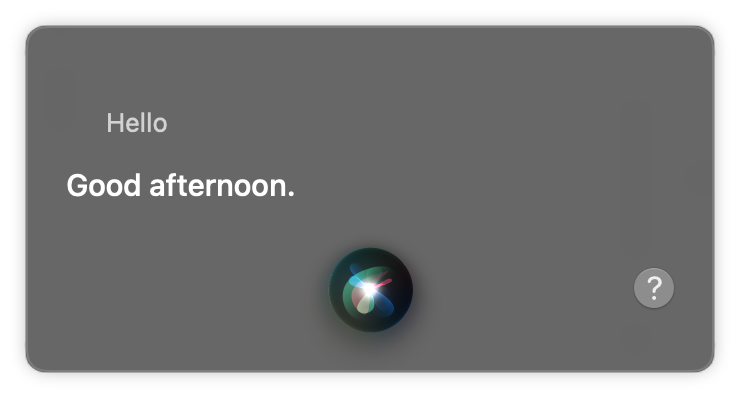
Siri is not a great virtual assistant. Whether it being used on my iPhone, iPad, or Mac. It just doesn’t cut it for a useful utility. I have so many wishes for it to become a more personal assistant. A true second brain where you can actually rely on to do your secondary tasks.
Siri can be so much more than a simple web search tool that uses text to speech. Siri can be so useful that would make you feel like you are talking to Samantha in the movie: Her.
An assistant that could analyze your needs, do your secondary tasks, set appointments based on the context of using an app and so much more.
I believe the start to make that future happen is having a dedicated Siri app that runs on the background and becomes available any moment you need.
#10. Dedicated Weather App
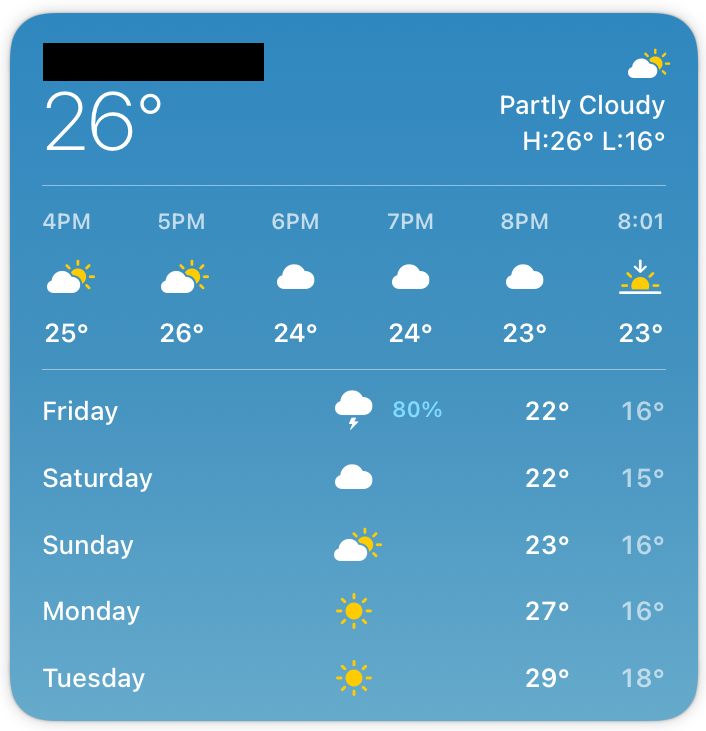
I don’t get what makes Apple take so long to develop a weather app. If they make one for the iPad, they can simply port it on Mac. But does a simple weather satisfy all our needs? Mostly No. Here is why: A weather app that simply reports the temperature and humidity might not be useful for some of us.
A weather app in which the context is taken into account makes a powerful companion for many people. What I mean by that is having a contextually aware weather app for events for the week. It could be things as simple as predicting a better appointment based on the temperature to knowing when is the best time for setting a date to go out with your significant other.
I hope apps get as advanced as that.
The macOS Big Sur is one of the matured operating systems out there. We have a redesigned experience, a fresh user interface with new sounds and interactions. Everything works better than the previous versions, and I’m delighted to see the progression of technology.
The Worldwide Developer Conference will happen on June 7th, 2021, and I’m super excited to see what Apple is going to bring for the Mac community.
Thank you for reading this story. Writing a wishlist is such a joy specially for someone like me who has been the fan of Apple for a long time. If you have any predictions and ideas that you think would be cool to see in the upcoming Mac release, let me know in the response section.
Here are some interesting stories I’ve previously written.