
The most beautiful innovation of Midjourney 5.2: the consistent style
Making different images that maintain a certain style with Midjourney 2.0 has become a reality.
In my opinion, this is the best innovation introduced in version 5.2 of Midjourney.
Hello, I’m not sure if you already know me, but I’m a digital entrepreneur, and here on Medium.com, I share everything I learn about new technologies, tools, and techniques that can bring innovation to our online business.
These resources allow content creators to enhance their productivity, creativity, and develop new business ideas.
Artificial intelligence is undoubtedly one of the key technologies that has greatly improved our productivity, and Midjourney is unquestionably one of the best applications in the field of generative artificial intelligence.
That’s why I’m eager to share the various advancements that this AI is making, and the topic of this story, in my opinion, represents one of the best advancements brought by version 5.2.
I’m talking about the ability to effortlessly generate images that, although different, can maintain the same style.
This is ideal, for example, for those involved in creating illustrative content such as children’s books.
It’s also beneficial for those who sell images or prints on various mediums and need to preserve a consistent style.
To better understand what I’m talking about, I invite you to follow along with this story so that everything will become clearer.
With version 5.2 of Midjourney, by enabling the REMIX option in the settings, the V1, V2, V3, and V4 buttons allow us to create not just similar versions of an image, but versions that maintain the same style while depicting different subjects with astonishing results.
Without the REMIX function activated, the V1, V2, V3, and V4 buttons simply allowed us to create slight variations of a specific image.
However, now, with REMIX active, we are able to maintain the style while modifying the subject.
Let me give you an example.
Let’s say we are creating illustrations featuring different types of animals.
The first prompt we provide to Midjourney is as follows:
cute little bear watercolor with ink stains, illustration style --c 35 --s 200 --ar 16:9
Essentially, we want to create a cute little bear painted with watercolors and ink stains, using an illustrative style, chaos level 35, artistic level 200, and a 16:9 format.
The result we obtained is as follows:
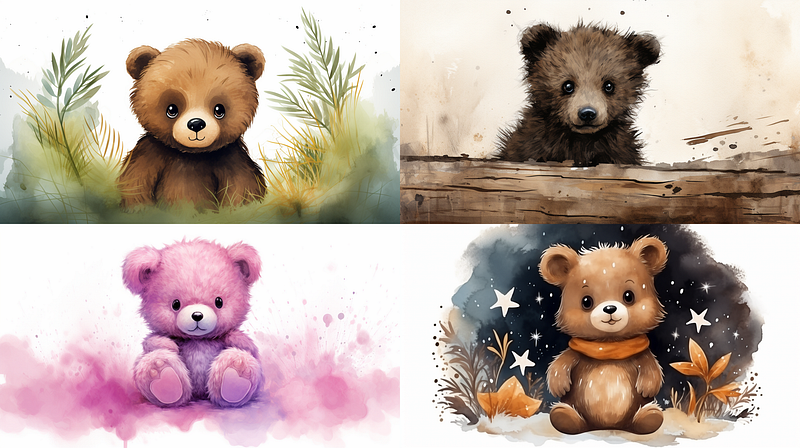
Let’s suppose that the image style we were looking for in our illustrations corresponds to option number 4.
Great! Now, if we activate the Remix mode in version 5.2 of Midjourney and click on V4, it won’t automatically create four new images similar to option 4.
Instead, a field will open up where we can customize the prompt, allowing us to modify only the subject while keeping everything else unchanged.
For example, I replaced the little bear with a penguin, and the result was as follows:
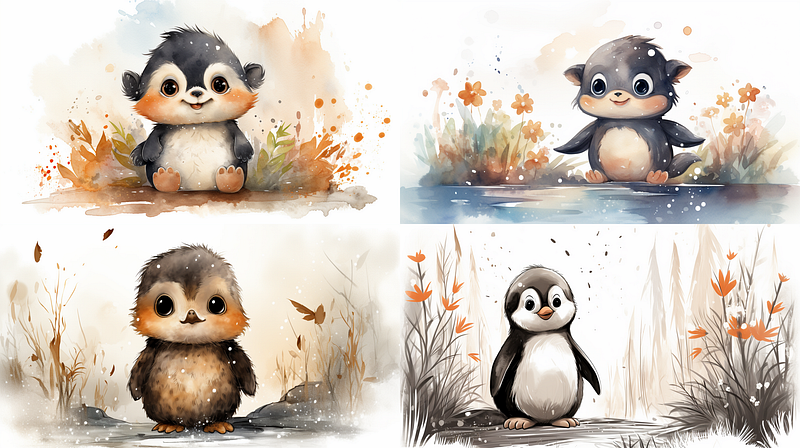
As you can see, it generated four images that have the style of the fourth bear image you selected.
I pressed V4 again for the bear and asked it to create a little lion for me. The result was as follows:
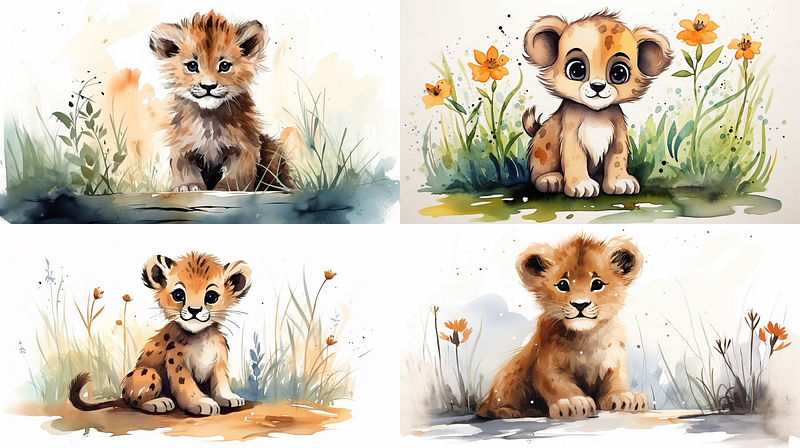
As you can see, four more images depicting a little lion have been generated, maintaining the same style as the initial bear.
Essentially, we have been able to determine the right prompt, the one that allows us to generate the exact image we want.
We can use the same prompt to create different images with the same style by only modifying the subject.
Now, with this opportunity, you can unleash your creativity and start creating a series of images that all maintain the same style.
What do you think of this new feature? Let me know in the comments!
If you are also interested in generative artificial intelligence to create new and exciting images from scratch, then I invite you to also read the following stories:
Thank you for reading ,my story!
Would you like to receive my articles directly to your inbox.
If you are intent instead on starting to create passive income for yourself through writing, then simply activate your membership on Medium with a membership costing $5 per month. Registering from the following link will support me at no additional cost to you. Register now! 🫵