
How to Create a Vector Image with Midjourney
Revolutionizing Vector Image Creation with Artificial Intelligence: Unleash Your Creative Potential
It is now well known that with the right prompt, you can use Midjourney to create an image that represents any idea you have in your mind.
With Midjourney, you can unleash your creativity and transform it into an image.
But how amazing would it be to convert an image created with Midjourney into a vector image that you can edit to your liking using programs like Adobe Illustrator? Or enlarge it as much as you want to make it suitable for any type of printing using programs like Canva?
Not familiar with what a vector image is? Let me explain it to you right away.
A vector image is like a graphic magic that is drawn with a special pen. Instead of being composed of tiny colored dots (pixels) like regular images, this special image is made up of lines, curves, and geometric shapes.
It’s like an artistic puzzle that comes to life through secret instructions.
Imagine having a magic brush that can mathematically describe the shape of every object.
This brush creates anchor points that connect the dots in the right way to create smooth lines and fascinating curves.
You can change the size, color, or shape of these objects at any time, and the vector image magically adapts without losing its sharpness.
Vector images are like acrobats of graphics.
They can perform somersaults, high jumps, and various tricks without ever losing their splendor.
No matter how big or small they are, they maintain unmatched quality. They are like visual chameleons that adapt to any size or purpose.
Vector images are used by design and digital art wizards to create unique logos, stunning illustrations, and even complex diagrams.
They are perfect for high-quality printing enchantments because they can be enlarged or reduced without losing any detail.
So, if you are looking for graphic magic that allows you to transform your imagination into reality, vector images are exactly what you need!
Now that we have a clear understanding of what a vector image is, let’s see how to create one using Midjourney.
First, we need to create it with a specific prompt.
The prompt I use is as follows:
Cute St. Bernard puppy dog vector art, pixar style, flat color --no outline --s 250
This is the result
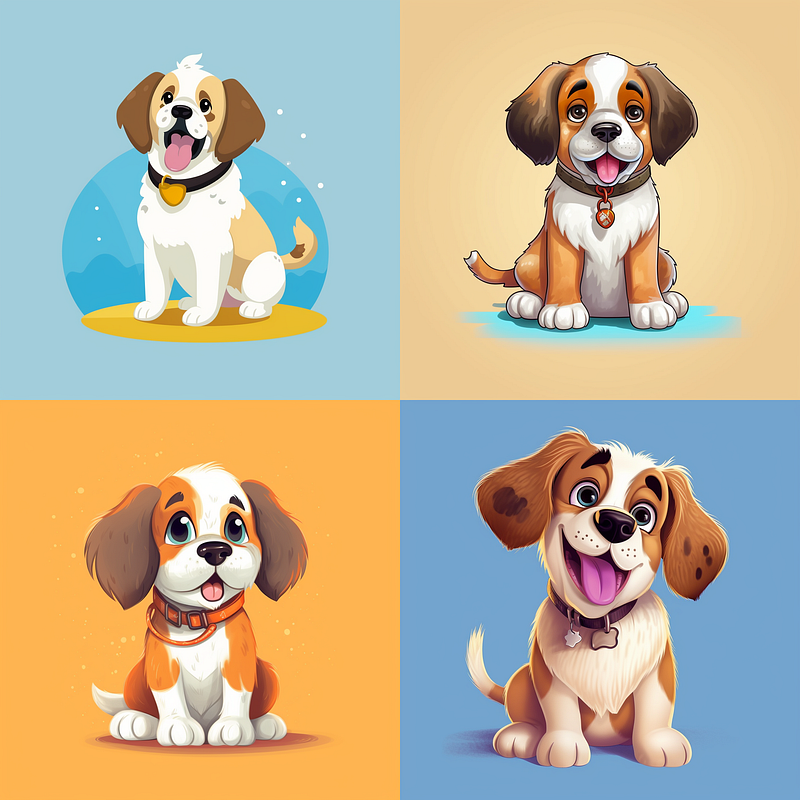
As you can see in the prompt, I first included the subject, in this case, an adorable Saint Bernard puppy, then specified that it should be created in “vector art”, which is essential for image preparation.
Next, I indicated the style, followed by specifying “flat color”.
I added the parameter “no outline” to indicate that it should be isolated and without borders. Finally, to give it an artistic touch, I included the parameter “s 250”.
It seems that the result is excellent.
Now we need to choose which image to use from the four options provided by Midjourney and then proceed with the upscale. I have chosen the third one.
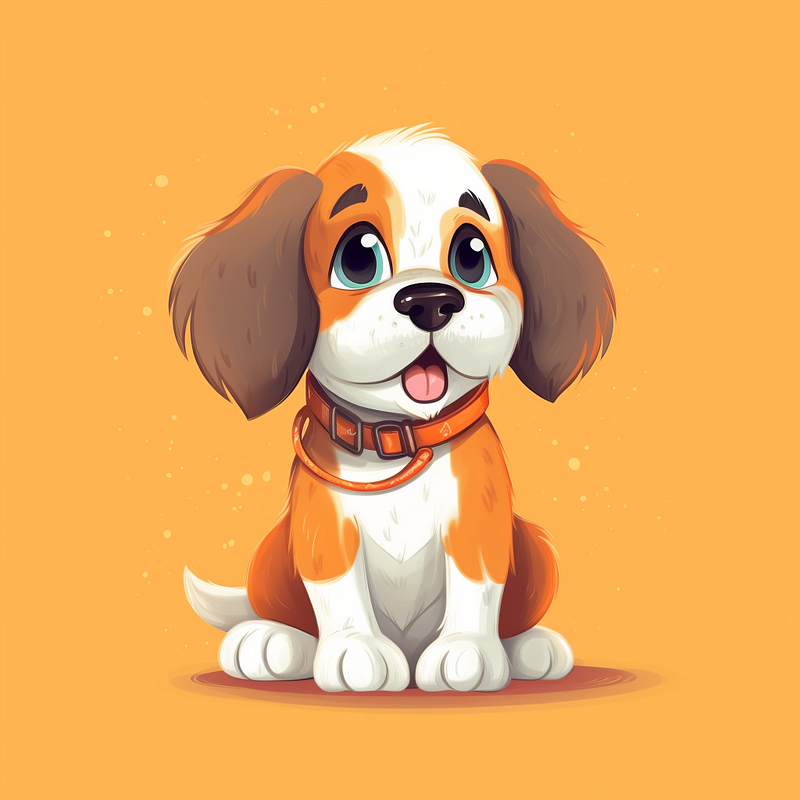
Now we have to vectorize this image and we can do it for example with a free application like vectorizer.ai 👍.
In very few seconds the image is vectorized to us and the result is, in my opinion, more than satisfactory.
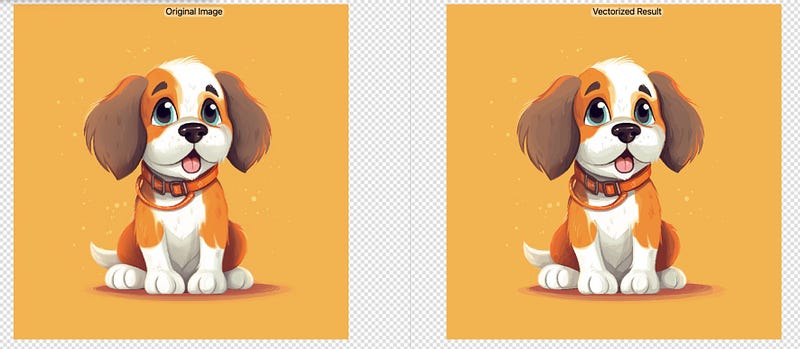
Now all that’s left is to download the vectorized image, saving it, for example, as an .svg file, and use it as we desire.
For instance, we can go to Canva, create a project with dimensions of 5000px by 5000px, import our vectorized image, and thus create an image suitable for printing on t-shirts or other mediums.
Since it’s a vector image, we can enlarge it as much as we want without losing its quality.
What do you think about that? Give it a try and let me know in the comments.
I hope you enjoyed this story, and if you appreciate this type of content created for online business owners or those seeking tools, techniques, and skills to manage their online business effectively, then start following me so that you’ll be notified every time I publish new content that may be of interest to you.
Goodbye, and until next time.
Thank you for reading ,my story!
Would you like to receive my articles directly to your inbox. Then sign up here! 👈
If you are intent instead on starting to create passive income for yourself through writing, then simply activate your membership on Medium with a membership costing $5 per month. Registering from the following link will support me at no additional cost to you. Register now! 🫵