
Midjourney 5.2 has arrived: the zoom-out function is truly fantastic!
Midjourney 5.2 news! Are you curious to know what’s new? Here you go.
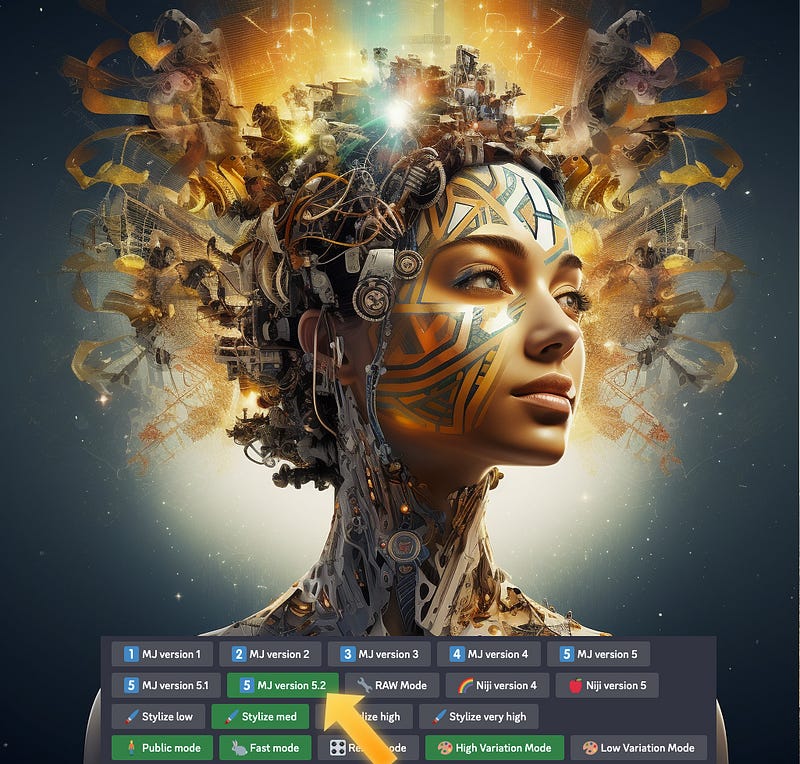
The innovation of generative artificial intelligence has revolutionized the creative process by enabling the generation of visual content based on textual descriptions or prompts.
This technology has opened up new possibilities for artists, designers, and creators across various industries.
With the ability to translate abstract concepts into tangible visual representations, generative AI serves as a powerful tool for sparking creativity and exploring uncharted territories.
Midjourney, in particular, has emerged as a prominent AI in this field, making significant contributions to the creative landscape.
Its sophisticated algorithms and deep learning capabilities allow it to generate highly detailed and imaginative images based on textual inputs.
From conceptualizing characters and landscapes to envisioning futuristic designs, Midjourney pushes the boundaries of what is creatively possible.
By harnessing the power of generative AI, creatives can tap into a wellspring of inspiration, leveraging Midjourney’s capabilities to overcome creative blocks, discover novel ideas, and expand their artistic horizons.
As Midjourney continues to evolve and refine its algorithms, it remains at the forefront of AI-driven image generation, leaving an indelible mark on the history of artificial intelligence in this temporal phase.
This is what we have learned from the latest announcement on the Midjourney Discord server.
What has changed in V5.2?
- New Aesthetic Method
- Clearer images and enhanced aesthetics
- Better text comprehension and coherence
- More variety (unfortunately, sometimes you may need to roll multiple times to obtain what you want!).
- The degree of stylization that is applied to your image may now be strongly influenced by the — stylize command (more like in V3). The default value for this command, which ranges from --stylize 0 to --stylize 1000, is --stylize 100.
The new “High Variation Mode”
- Makes all variation jobs significantly more varied by default and is enabled.
- Toggle this type, go to options, and then select a different variety.
- You can select the strength of variety you want under all upscales.
New command /shorten
- By doing so, you can “analyze” a prompt and receive advice on which terms might be crucial and which ones might not be.
A new “Zoom Out” function
‘Zoom out’ buttons are now present underneath all upscales, allowing you to resize the image [Zoom Out 1.5x] [2x Zoom Out] ejects the camera and adds information from all sides.
Making a square makes a non-square image square by adding details to its two corners [Custom Zoom] (advanced) gives you a popup text box that lets you adjust the prompt, aspect ratio, and precise zoom as you zoom out.
Set --zoom 1 and then modify --ar to your aim to change the aspect ratio.
This option aims to get rid of the black bars from your earlier pictures.
PLEASE NOTE: There may be unforeseen changes in the upcoming weeks. To get the most testing and eyes on it, we are automatically activating V5.2.
Anytime you want to return, just type /settings and select V5.1'. Only V5.2 supports high variation mode, and Shorten does not function with multiple prompts.
Now let’s test some new features.
Let’s take image upscaling as an example, and immediately notice the new buttons that appear below it: Vary (Strong), Vary (Subtle), Zoom Out 2x, Zoom Out 1.5x, Custom Zoom.
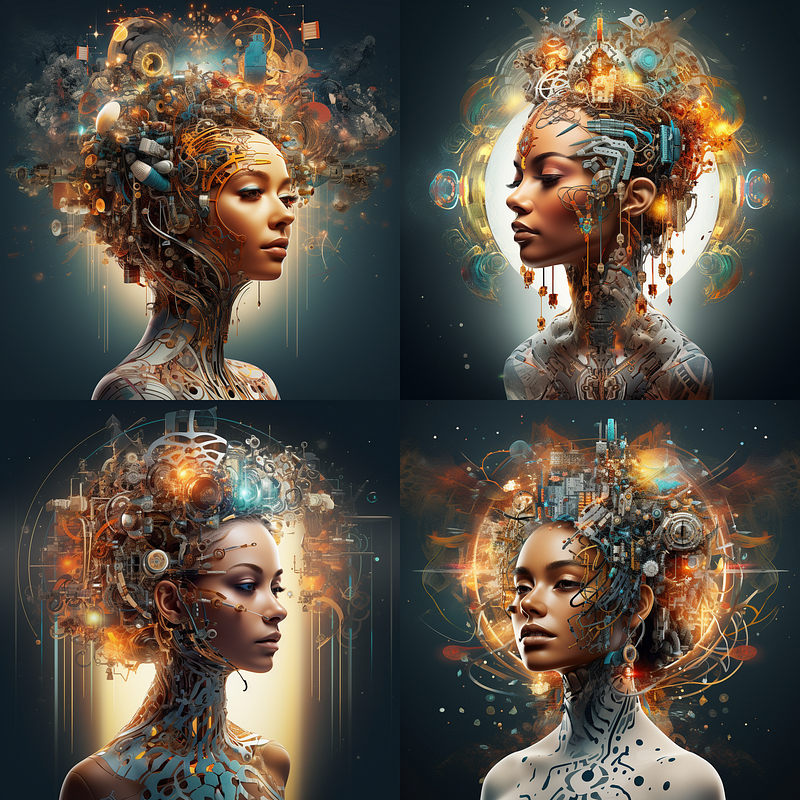
By clicking on Vary (Strong), the following image was generated:
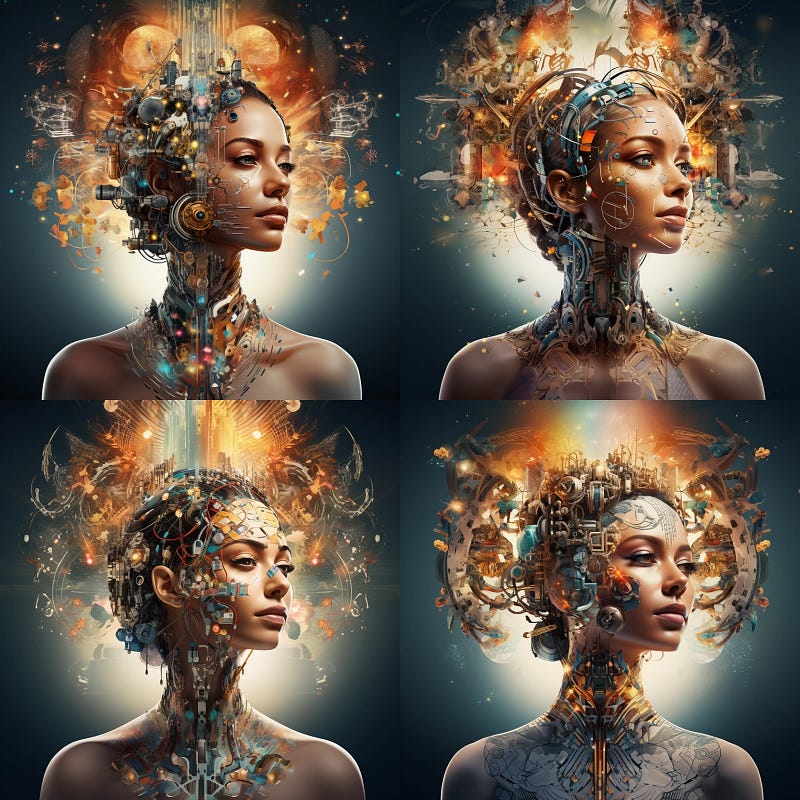
By clicking on Vary (Subtle), the following image was generated:
Clicking on Zoom Out 2x performs a zoom out of the image, inventing a border for it. These are the four solutions it offers:
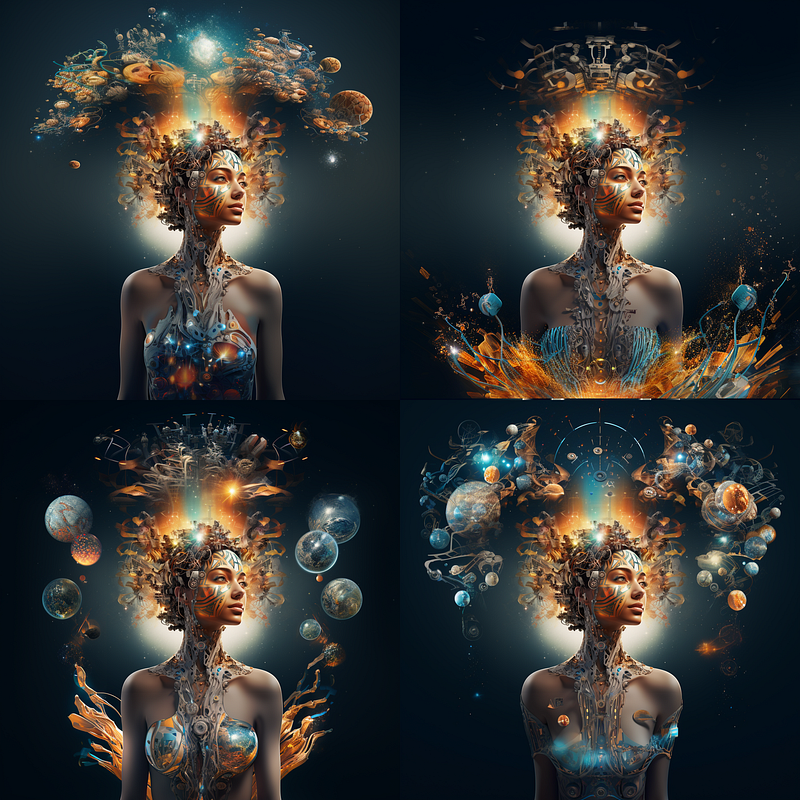
As you can see, it practically generates an outline around the main image from scratch that perfectly complements it. Fantastic!
Zoom Out 1.5x and Custom Zoom do the exact same thing as Zoom Out 2x, but with varying degrees of zoom.
What do you think? Let me know in the comments.
If you, like me, are interested in the fascinating world of artificial intelligence that allows us to generate images from ideas that come to mind, start following me if you haven’t already, because in my blog, I will share everything I learn about it.
You will also find other articles related to this topic, such as the following:
...and much more!
Thank you for reading ,my story!
Would you like to receive my articles directly to your inbox. Then sign up here! 👈
If you are intent instead on starting to create passive income for yourself through writing, then simply activate your membership on Medium with a membership costing $5 per month. Registering from the following link will support me at no additional cost to you. Register now! 🫵