
Midjourney v5.1 has arrived. Let’s see what’s new!
For all Midjourney enthusiasts, I am here to talk about the new version of Midjourney V5.1, and to compare it with the previous version, V5.
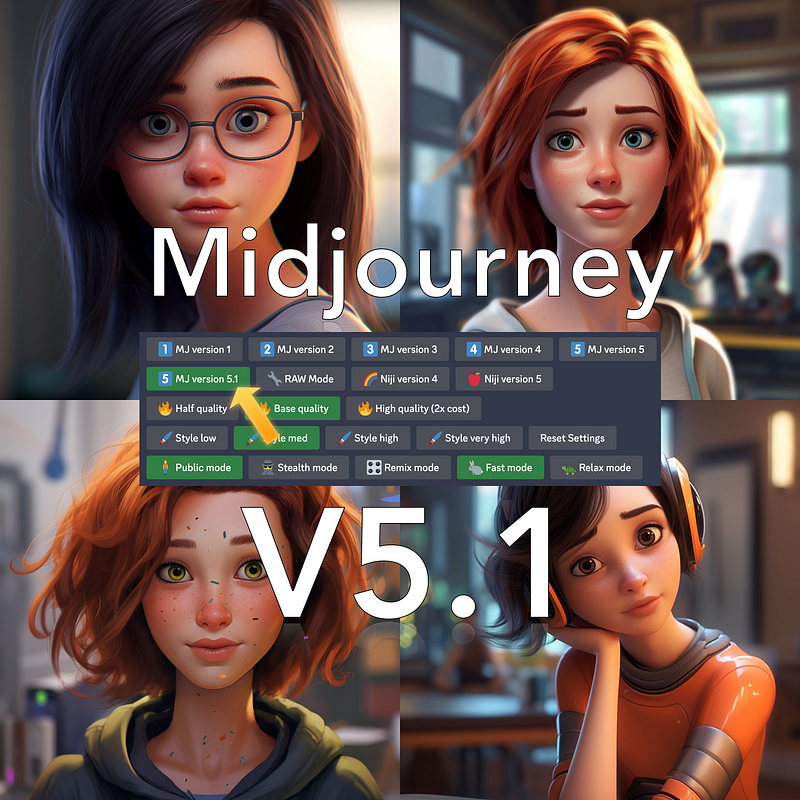
I have read their announcement, and it seems that there are fundamental improvements in the coherence and understanding of prompts, thanks in part to the RAW mode, which we will discuss later in this story.
Efforts have been made to improve the coherence of images based on the prompt used, and there has been an improvement in the AI’s understanding of the prompt, making it easier for users to describe the image they want to be realized by Midjourney.
Essentially, Midjourney V5.1 should be better able to interpret written prompts, both in a fragmented way, as was done with V4, and in an extremely descriptive way, as allowed by V5.
But now, let’s not waste time and compare Midjourney V5 and V5.1. To do so, I like to go directly to the field.
So, I open Discord, set the version to 5.1 in Settings, and immediately start working by typing some prompts I have already used for the previous version, V5, but this time we will make it come to life with V5.1.
Let’s start with a fantastic plate of spaghetti.
The prompt used is as follows:
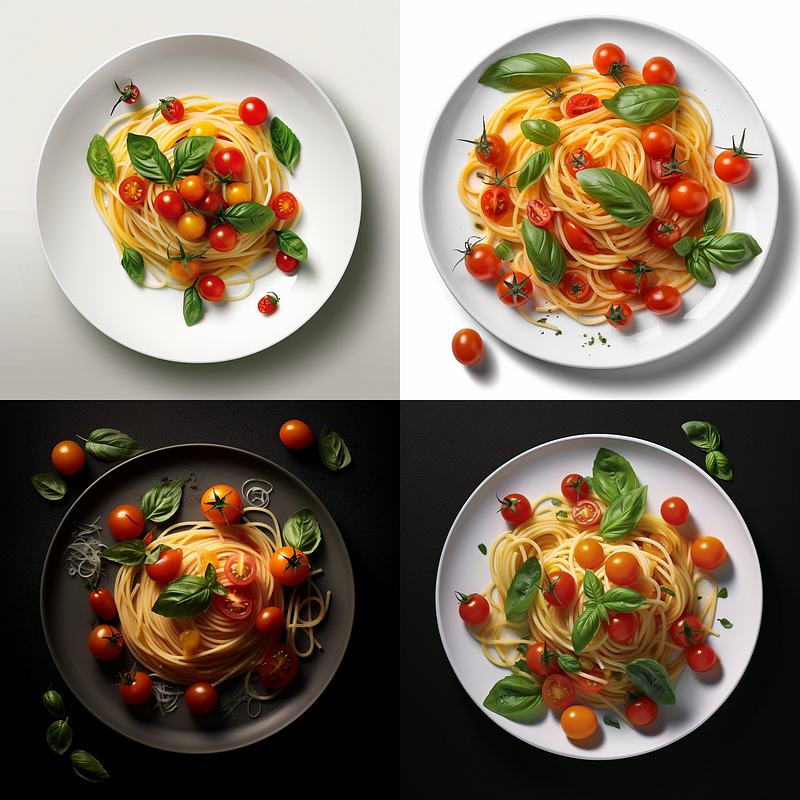
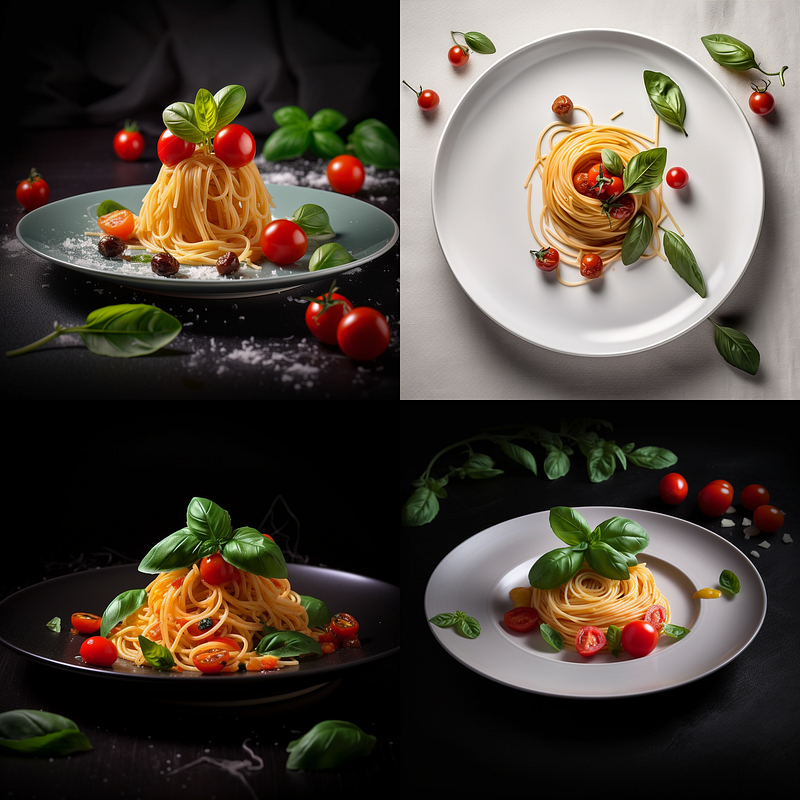
food photo, spaghetti plate with fresh cherry tomato and a basil leaf, extremely appetizing, high detail, professional magazine — q 2
On the V5.1 version, the result was the following:
while on the V5 version, the result was this:
What do you think? Which of the two results do you like better? Let me know in the comments.
Here we are with another test.
After the first courses, let’s move directly to the second courses, a nice slice of roasted meat.
This is the prompt:
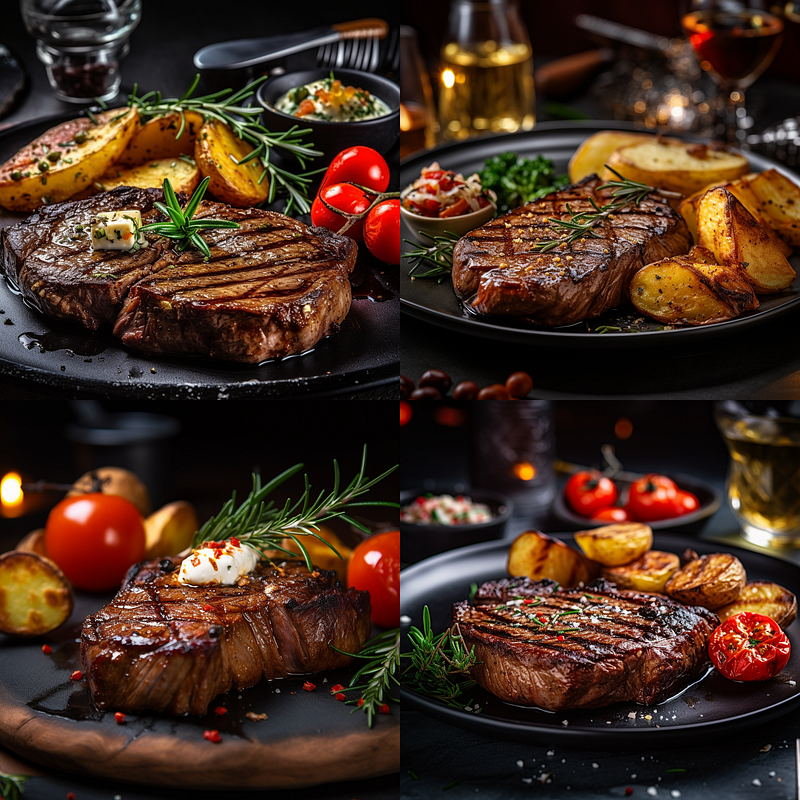
food photo, Grilled steak with a side of baked potatoes, extremely appetizing, high detail, professional magazine --q 2
This is the result obtained with the V5.1 version of Midjourney:
While this is the result obtained with the V5 version of Midjourney:
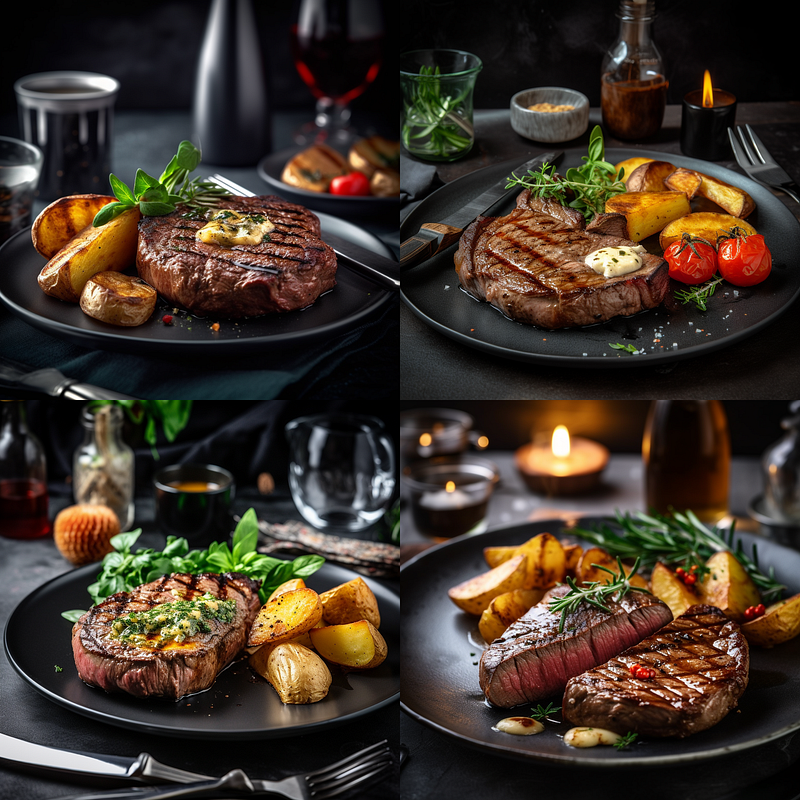
Which of the two results do you prefer?
Again, let me know in the comments.
Now, let’s switch to a completely different genre and move on to the creation of some stickers that we have already made with the V5 version.
The prompt we will use is the following:
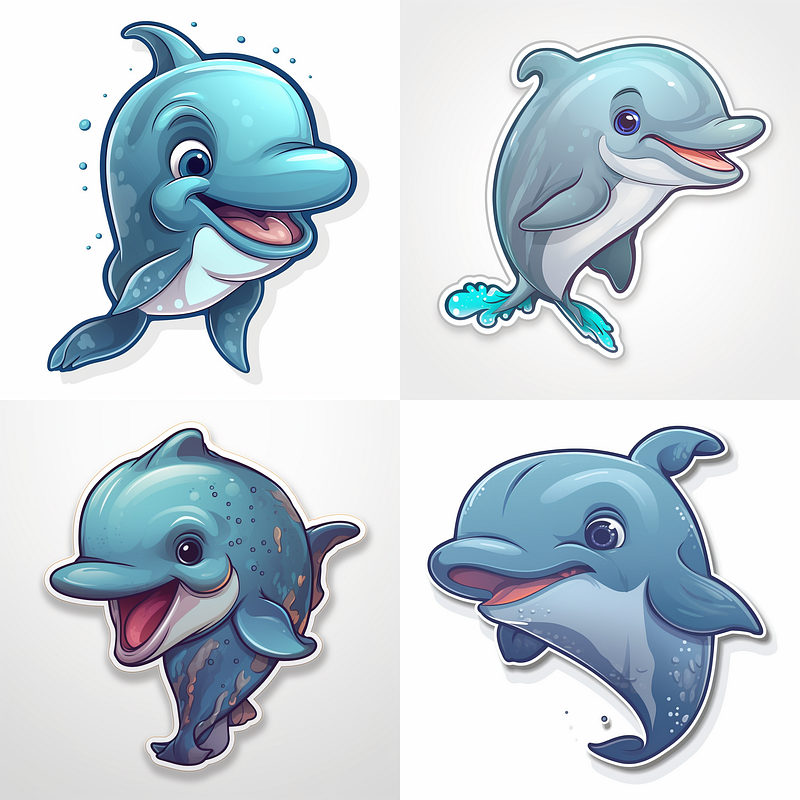
cute dolphin, Sticker, Cheerful, Contour, Vector, Cool Colors, Pixar, White Background, Detailed
This is the result we obtained with the V5.1 version of Midjourney:
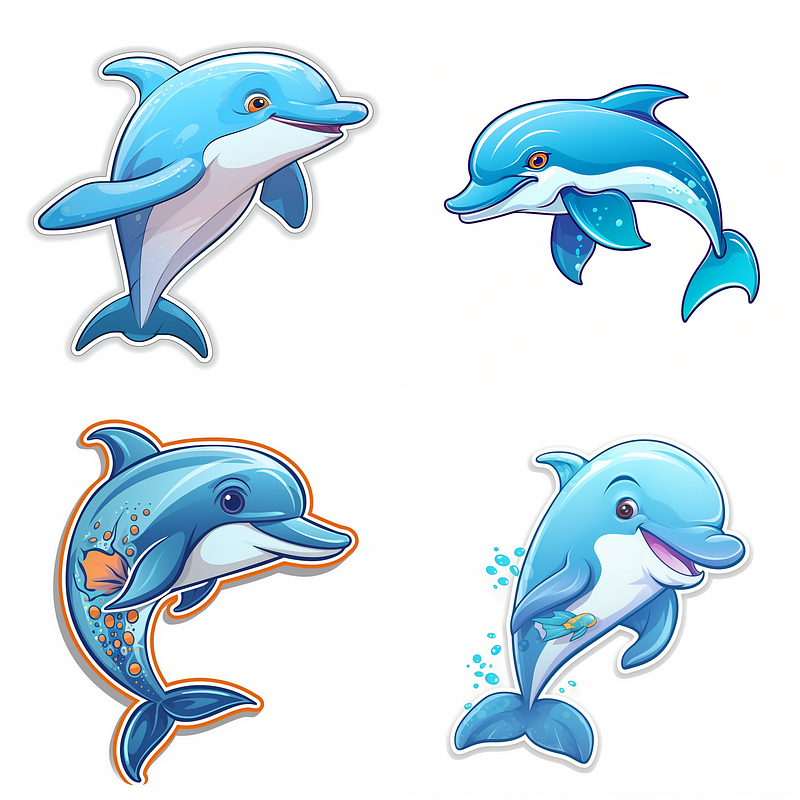
While this is the result we obtained with the V5 version:
But now, let’s move on to faces.
This is the prompt used to obtain the result of a beautiful and young girl photographed in a seaside area:
portrait of a beautiful blond girl in her 20s, a marina in the background, clear facial features, photograph, accent lighting, global illumination — uplight
The result obtained with the V5.1 version of Midjourney is the following:
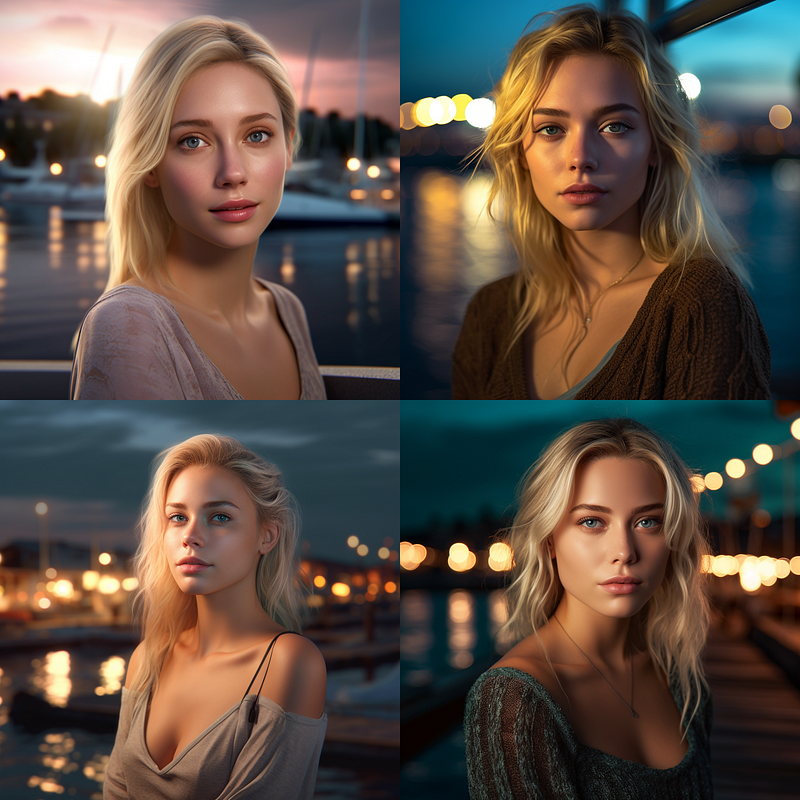
While this is the result obtained with the V5 version:
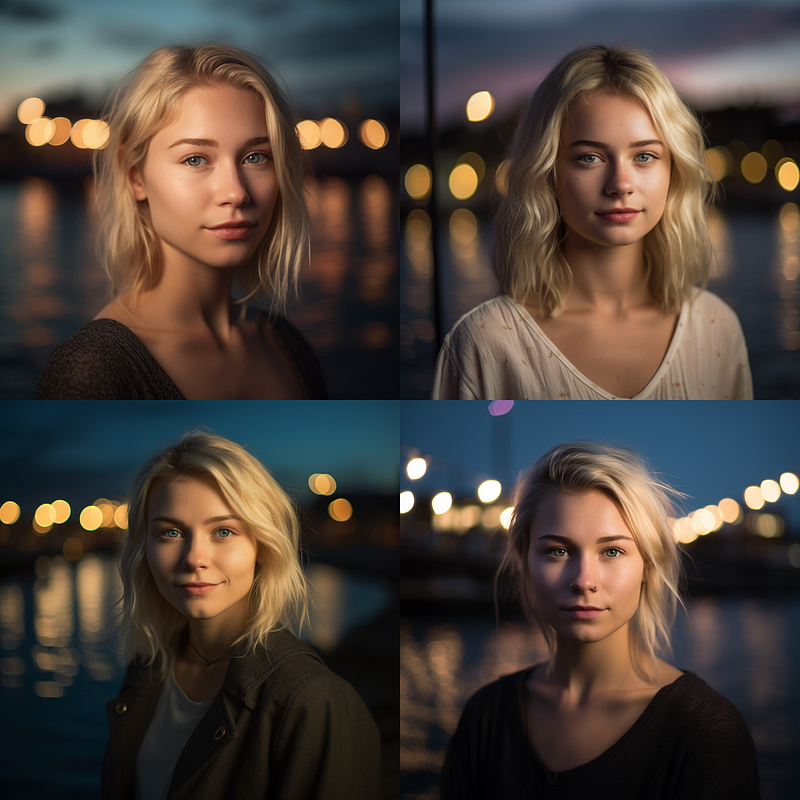
For this image, we also have the V4 version.
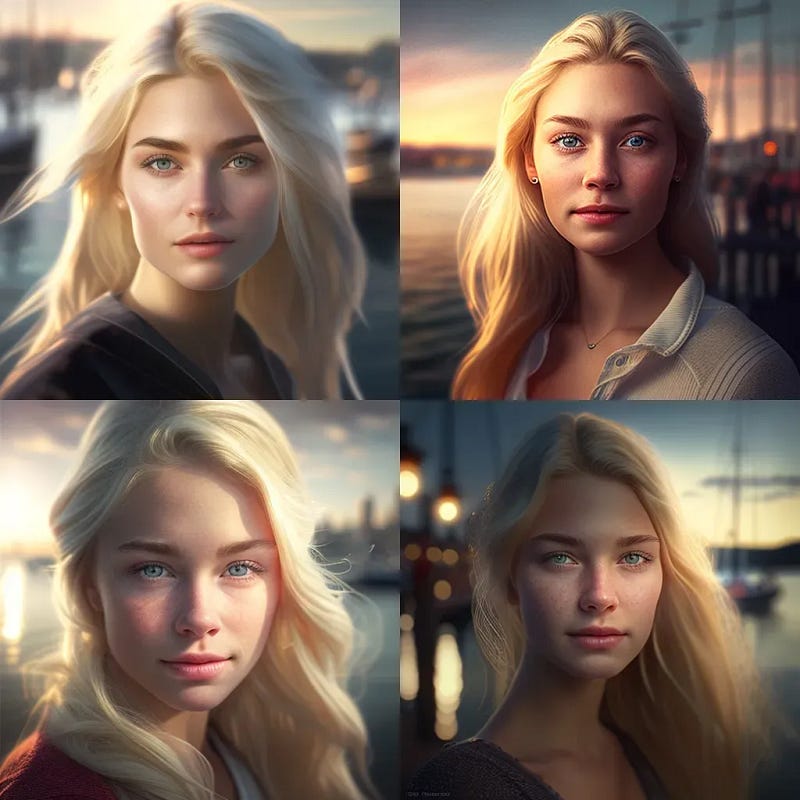
Which of the three results do you prefer? I would also appreciate it if you could show your preference in the comments.
Midjourney V5.1 RAW Mode
The RAW mode of Midjourney 5.1 can only be permanently activated if version V5.1 has been activated through settings, and it was introduced to allow the artificial intelligence to better understand a highly descriptive prompt provided by the user.
What does this mean?
To understand this aspect, we need to consider that Midjourney V5.1 was created to accept smaller prompts, leaving it up to the artificial intelligence to provide an optimal result.
However, if we need to obtain specific results that must meet certain requirements, which we cannot leave to Midjourney’s free interpretation, we must enter a highly detailed and extremely descriptive prompt.
But if we do not activate the RAW mode, Midjourney will continue to interpret the prompt at its discretion.
Therefore, if we want to create images with very specific details using version V5.1, we must activate the RAW mode.
If we prefer to use Midjourney V5.1 without the RAW mode, we will deactivate the RAW mode from the settings and, if necessary, add the following parameter to the end of the prompt: “ --style raw ”.
Now, I will show you an example using the same prompt we just saw to create an image of a girl in the foreground against a backdrop of a sea area, but this time using the RAW mode to understand how Midjourney V5.1 interprets our prompt in RAW mode.
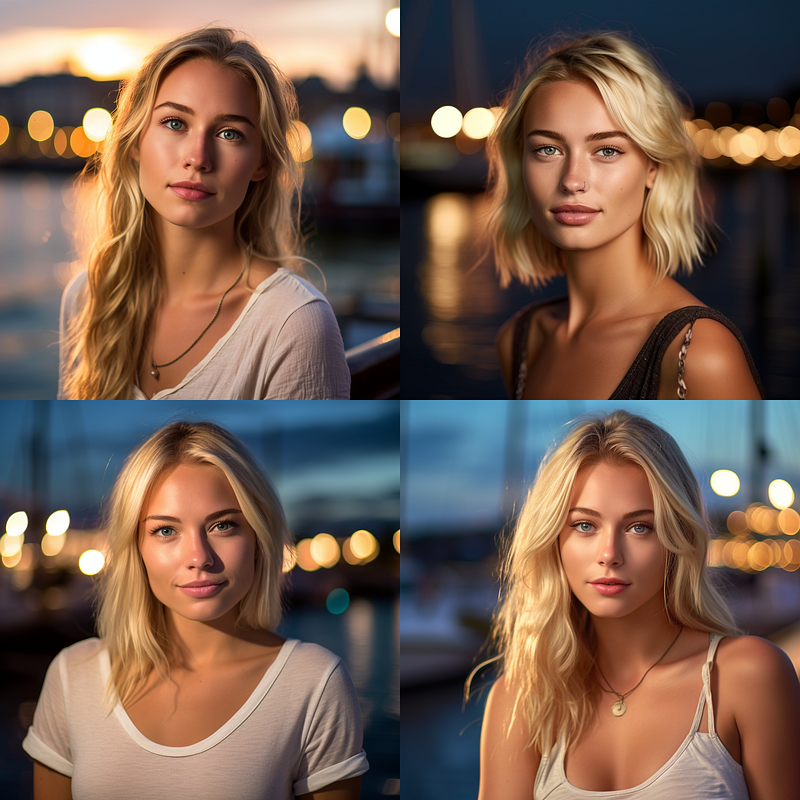
What do you think? Personally, I much prefer the result of the RAW mode.
I would appreciate receiving your feedback on this. If you’d like, you can also share your experiences and opinions in the comments.
If I discover any further news about Midjourney V5.1, I will be ready to share it with you on this page. For this reason, if you are interested in all of this, start following me so that you receive a notification every time I publish a new story.
You might also be interested in these stories:
Thank you for reading ,my story!
Would you like to receive my articles directly to your inbox. Then sign up here! 👈
If you are intent instead on starting to create passive income for yourself through writing, then simply activate your membership on Medium with a membership costing $5 per month. Registering from the following link will support me at no additional cost to you. Register now! 🫵