
Ricoh Recipes Jpeg Settings Apps for GR2 / GR3/ GR3x
Ricoh GR3 in-camera film simulation coloring settings : Kodak Chrome, BW, Color Slide, etc. A simple demonstration
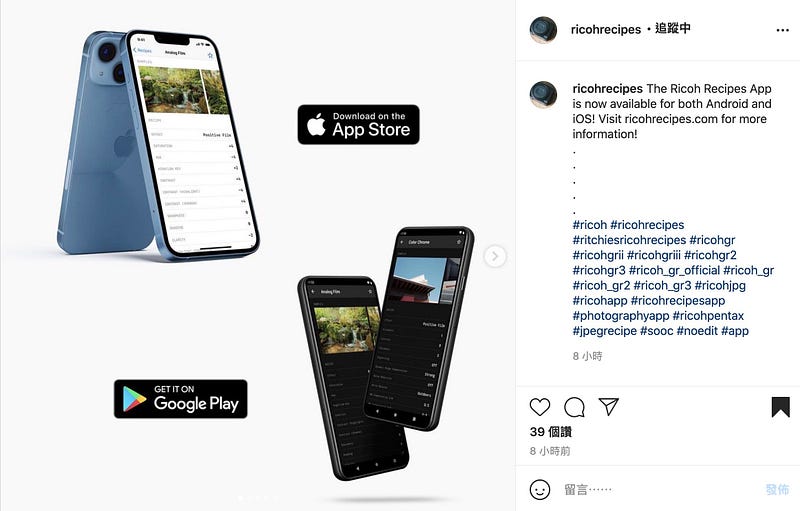
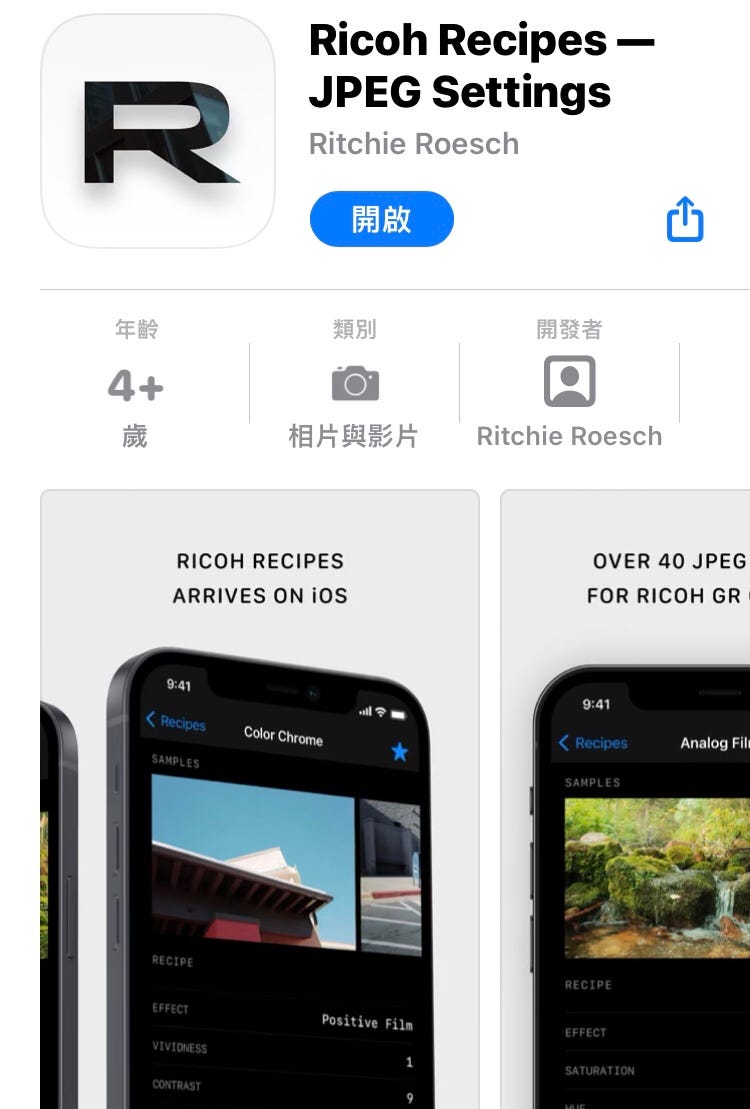
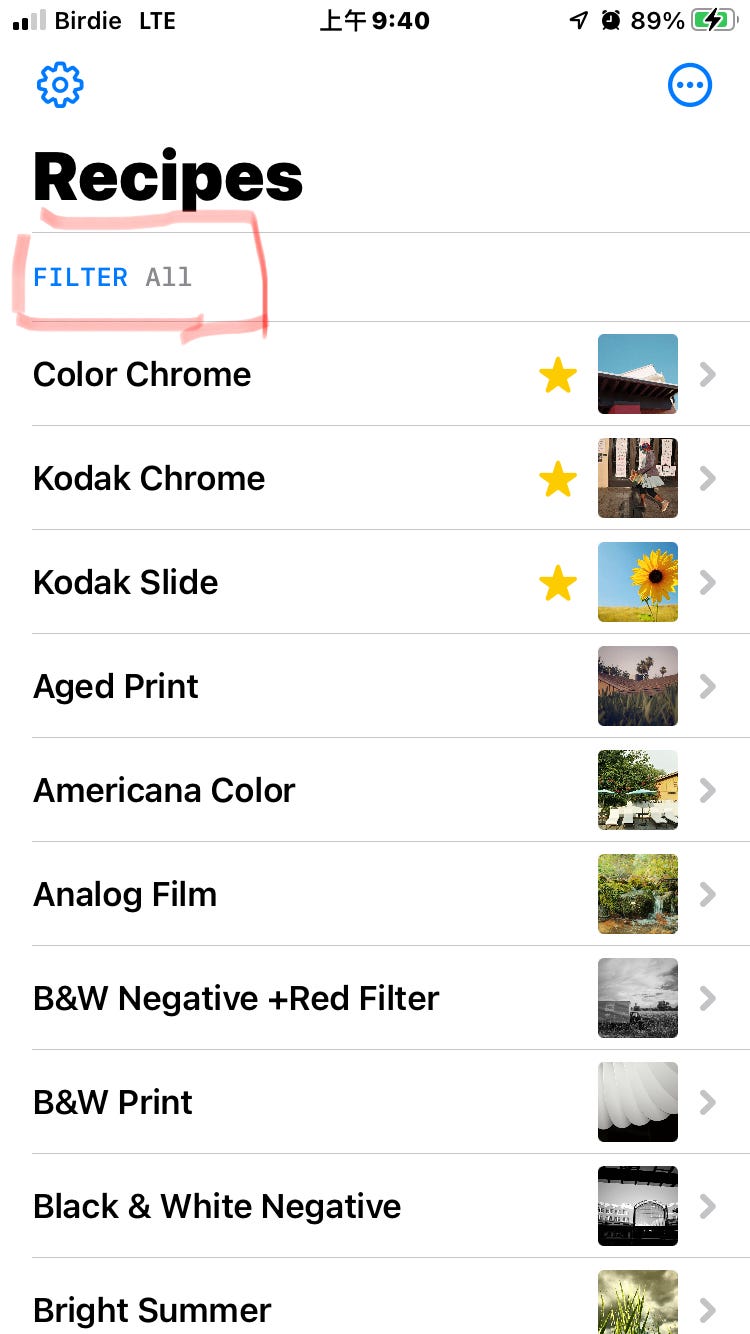
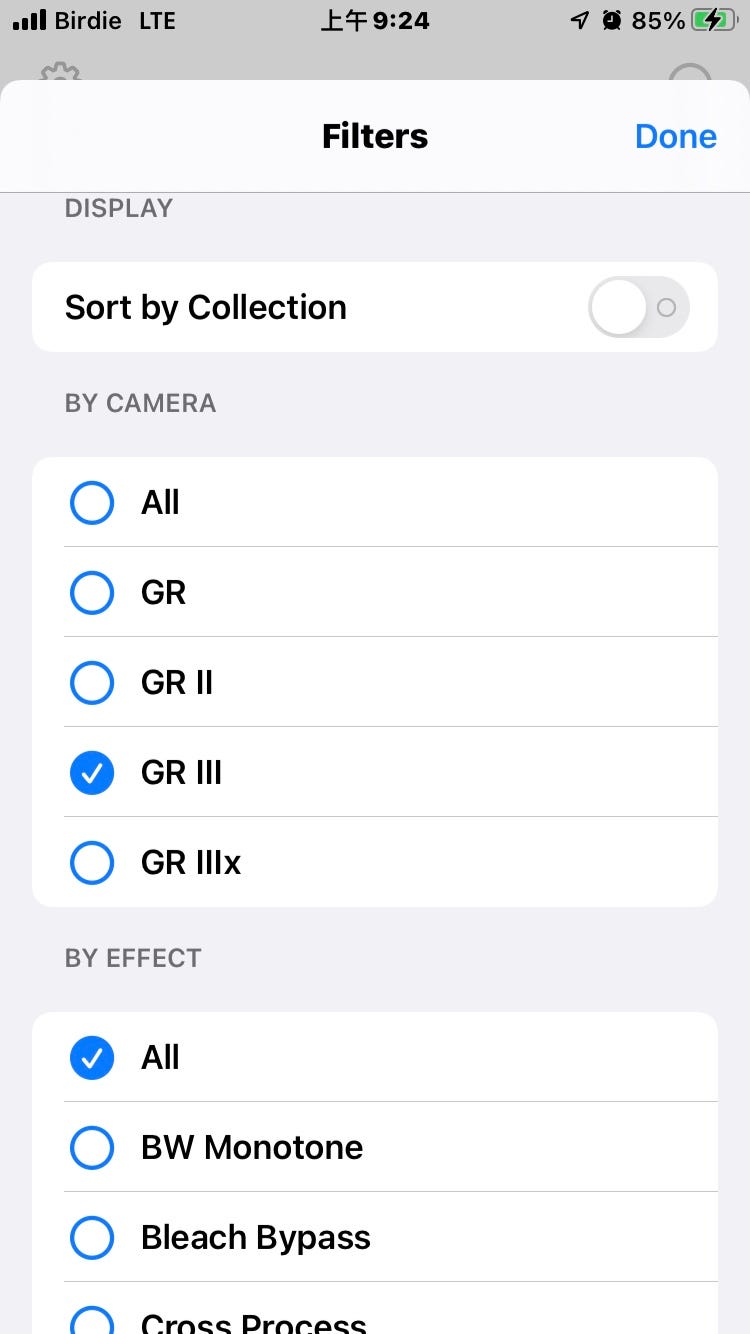
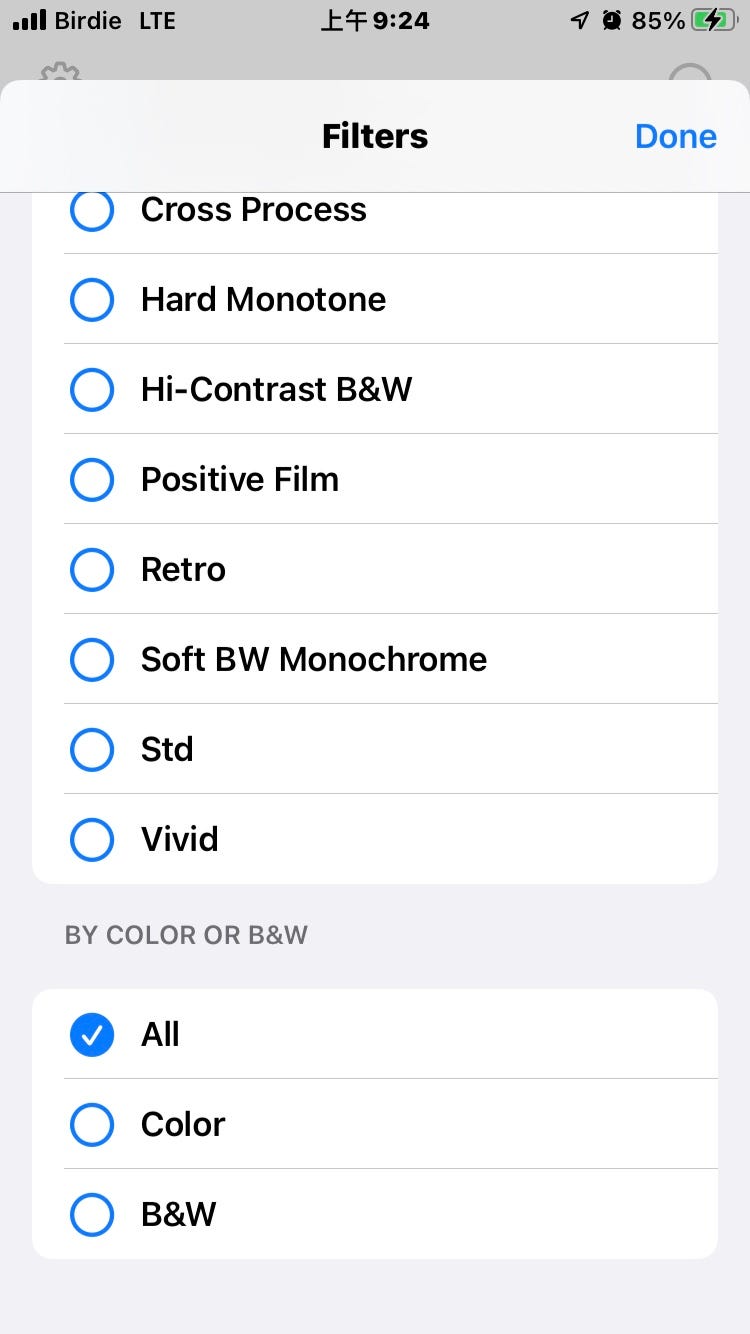
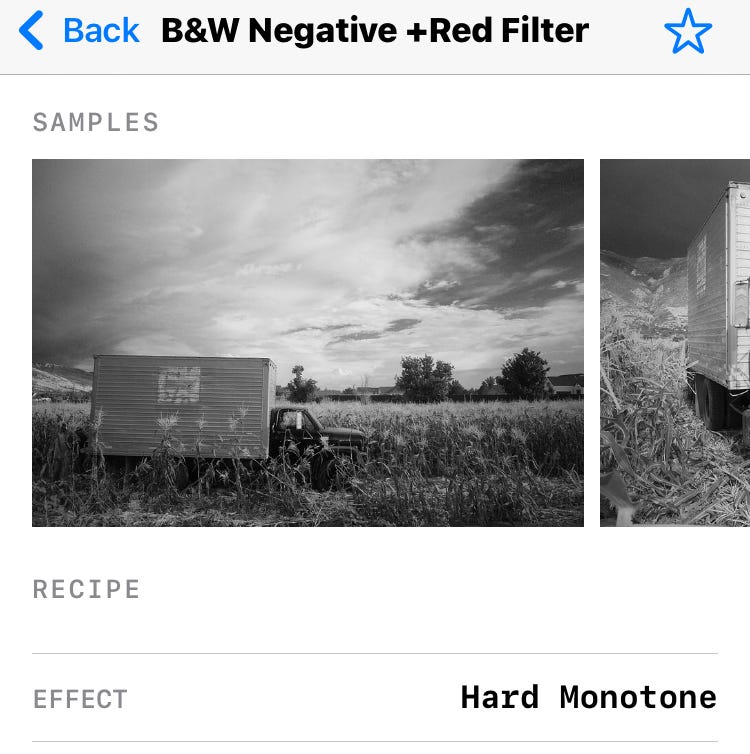
The Ricoh Recipes App get access to 40 recipes, 20 for Ricoh GR & GR II cameras, and 20 for the GR III & GR IIIx. Each recipe contains an assortment of sample images.
Ricoh Recipes App — RITCHIE’S RICOH RECIPES
The GR3 body stores six different body settings
You can store frequently used settings in six boxes… and then call out to U1/U2/U3 to quickly and easily change the parameters of the camera body…
I use RAW +JPeg to set the camera body to a different negative style file setting, resulting in another negative style file jpeg. Suppose a direct negative style file is produced. In that case, it is most likely that the exposure compensation value and the custom white balance setting are taken into account, and these two settings will have a significant impact on the final direct negative style jpeg…
Converting RAW to Jpeg in the camera body
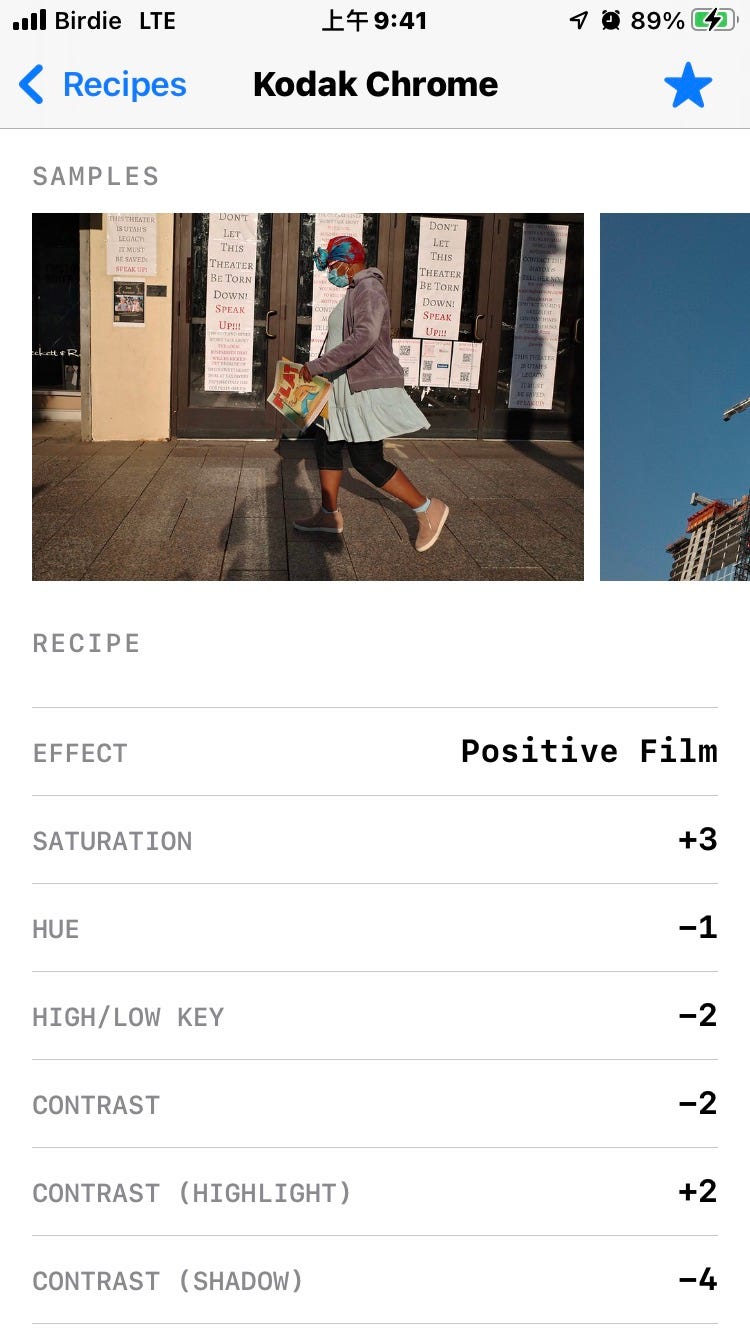
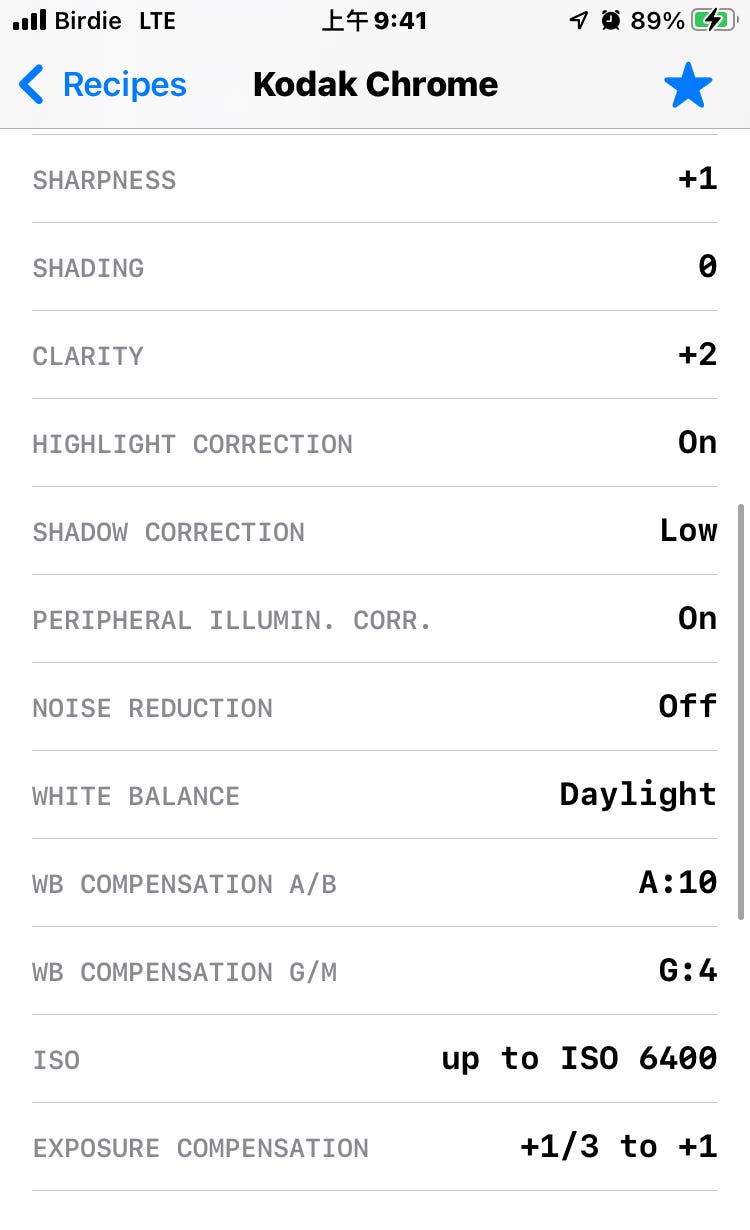
Kodak Chrome / GR3
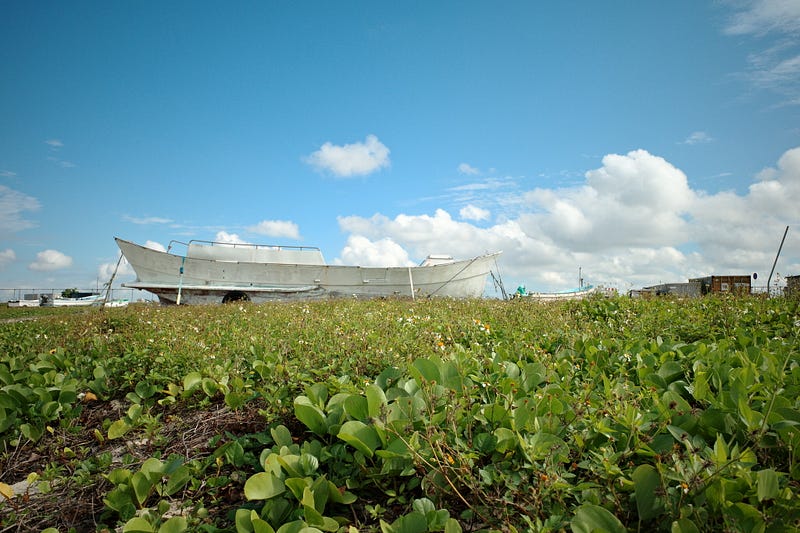
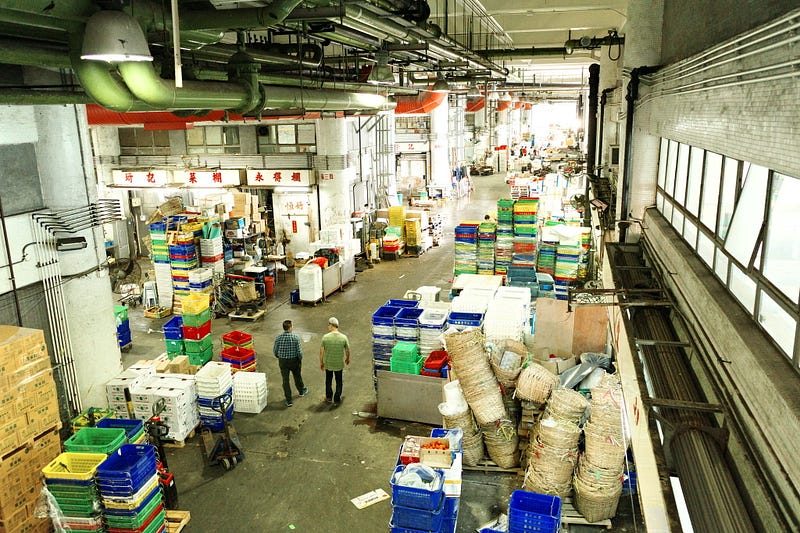
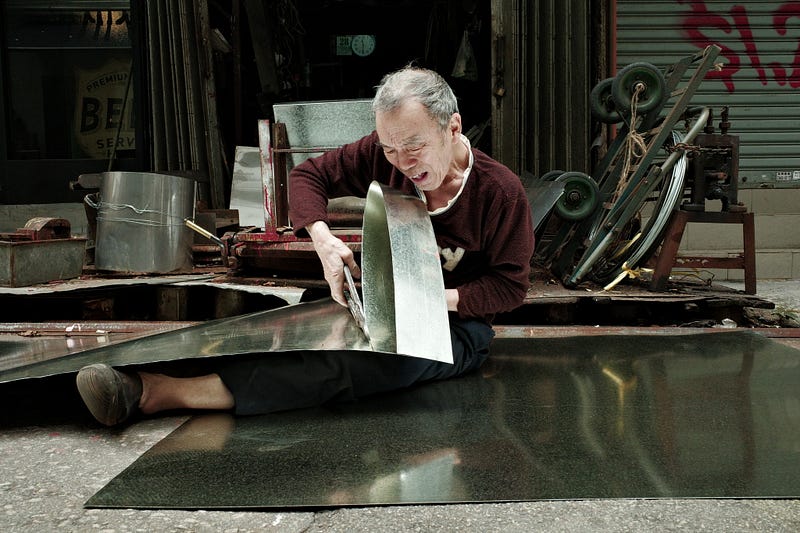
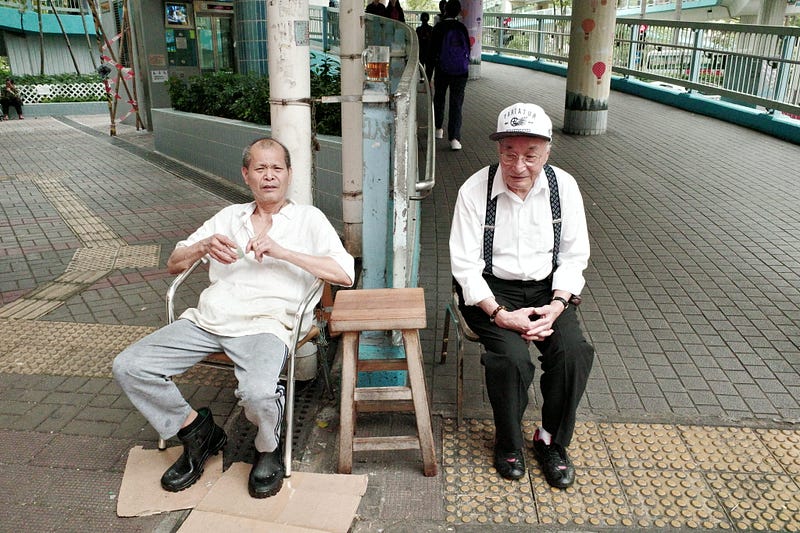
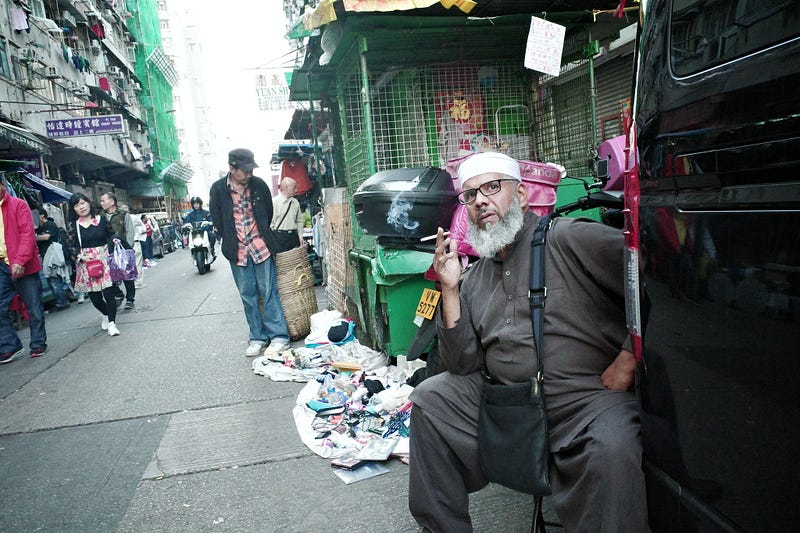
I tried to test the Kodak Chrome of RITCHIE’S RICOH RECIPES with an old GR3 RAW. All settings were done in the GR3 as well… I think I need to add +0.3–0.7 EV


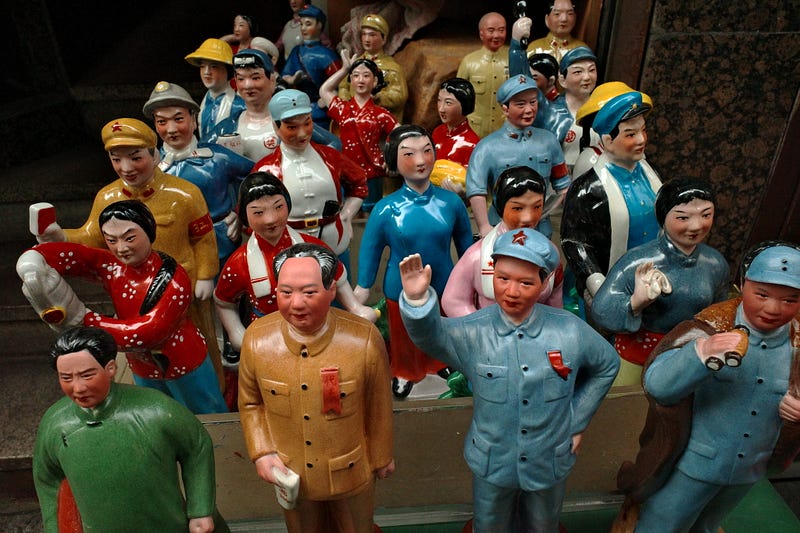
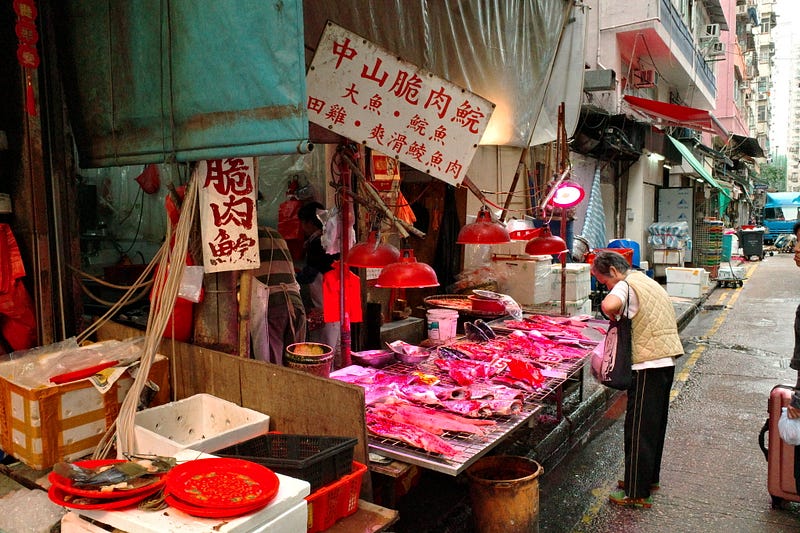
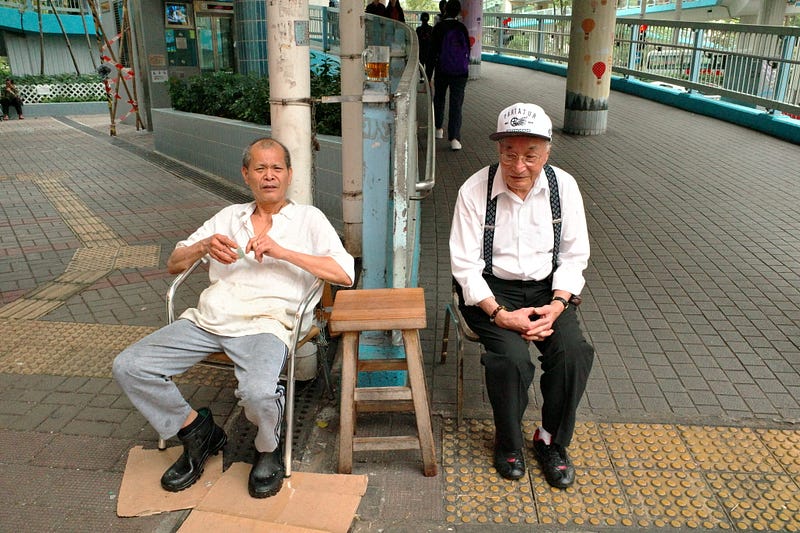
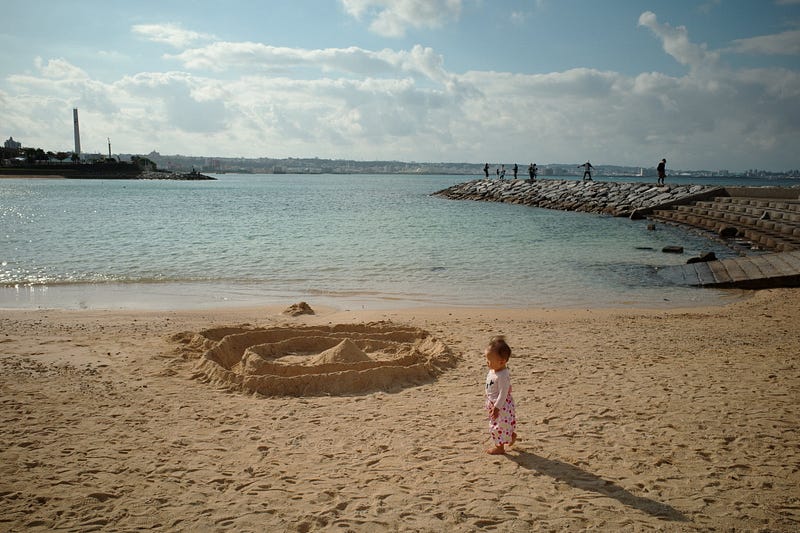
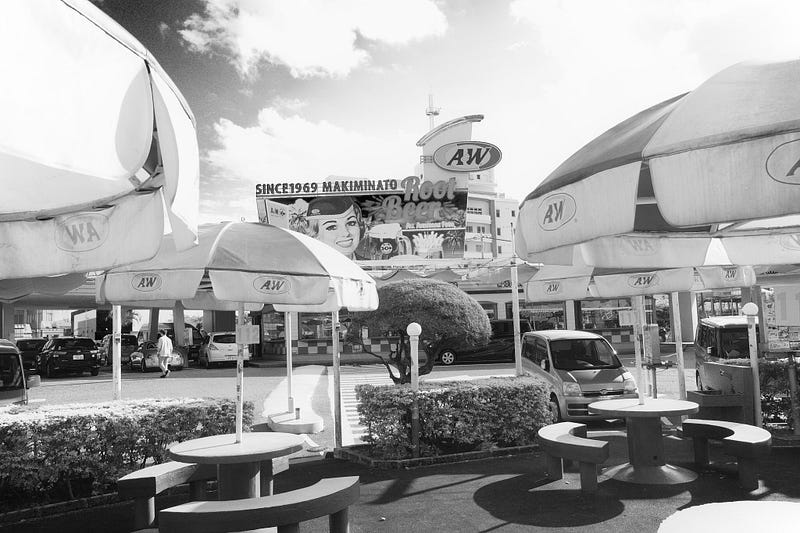
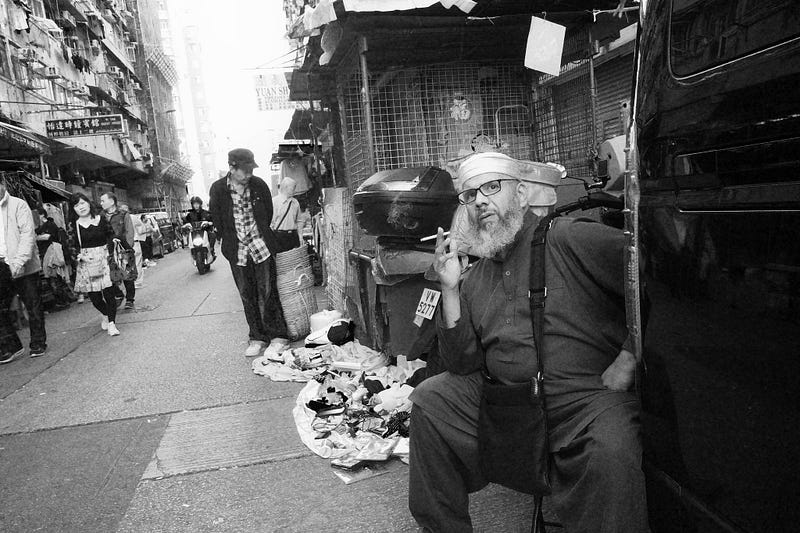
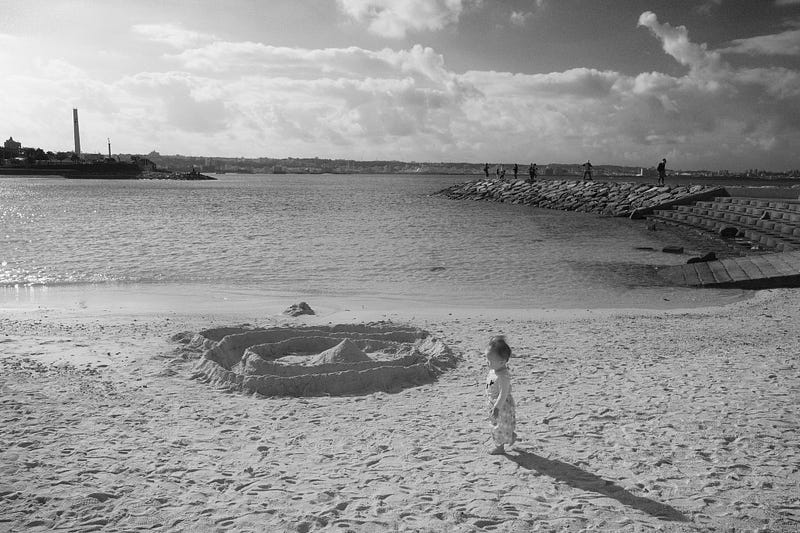

Color Slide with GR3
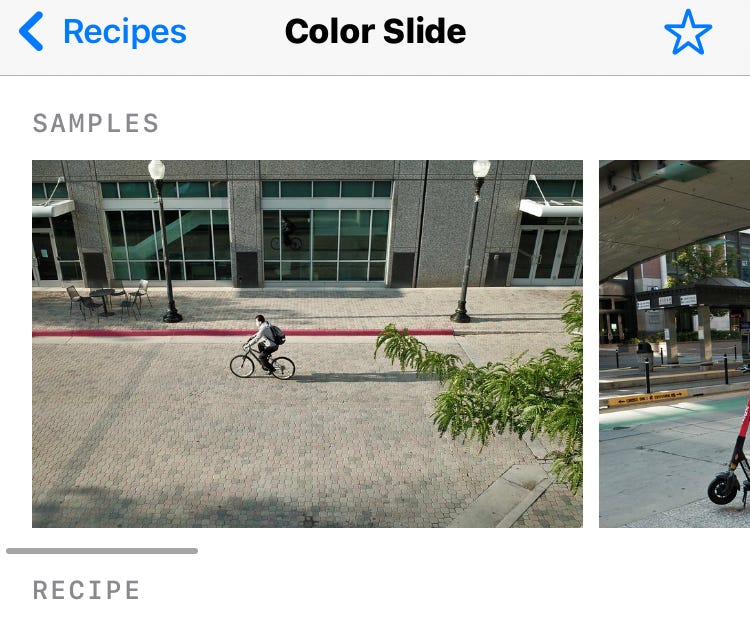
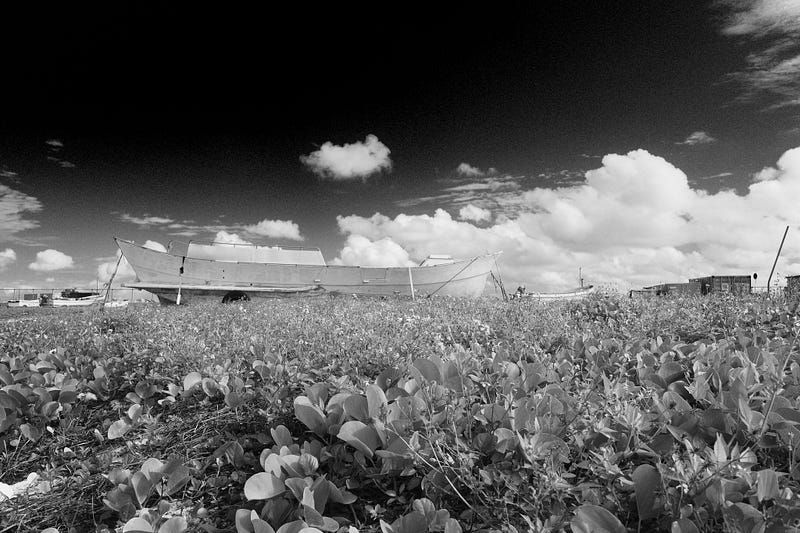
Only the parameters are set in GR3 and no further modifications are made.
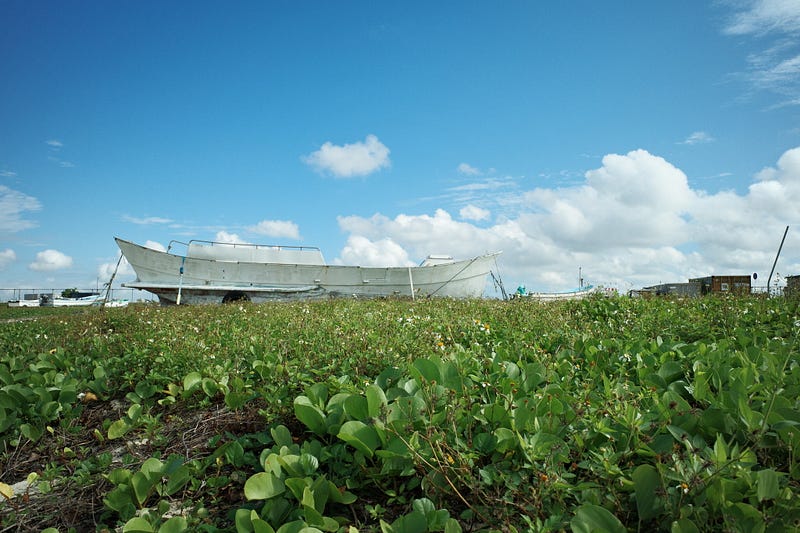
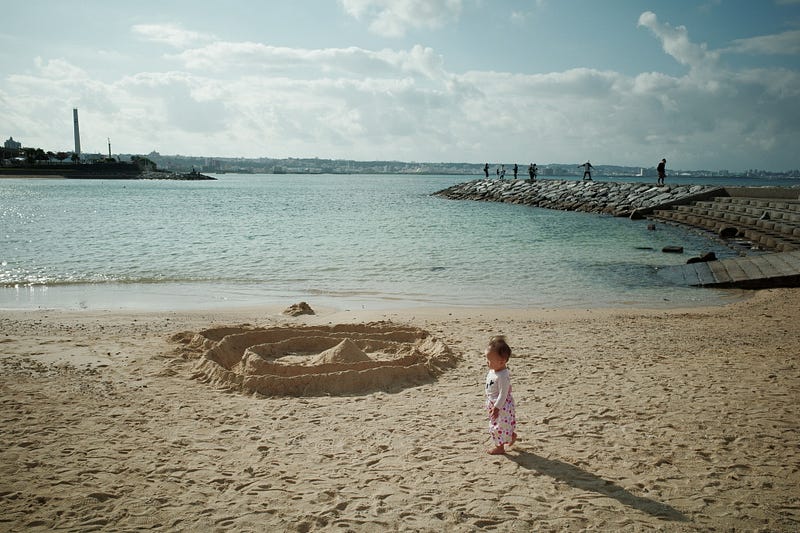
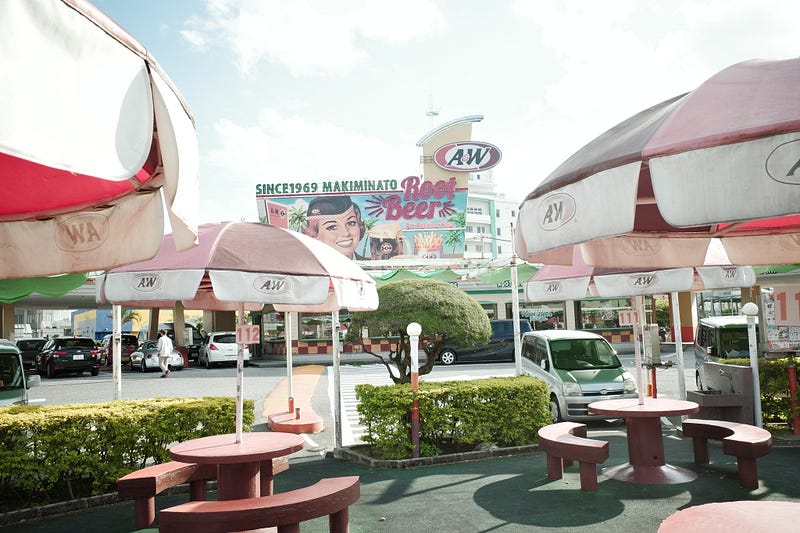
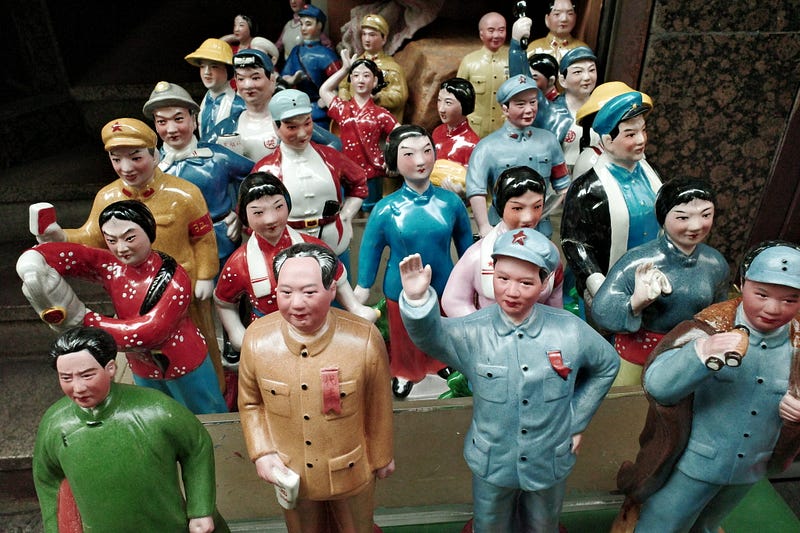

Conclusion
With the Ricoh Recipes Jpeg Settings Apps, GR users can do in-camera colour grading like Fujifilm User. So it doesn’t matter whether the negative style created by Ritchie Roesc is similar to the corresponding negative or not. The most important thing is that you can fine-tune it to get the colour combination you want…
Although I am not a fan of the in-camera body Jpeg, I still have a set or two of negative style settings in the camera for easy viewing when taking photos… It is a pity that I cannot save the AWB fine-tuning parameters for the time being… I hope that the GR3 1.5 Firmware will be able to complete or improve it…Development
Another GR3 Film Simulation Recipes articles:

IF you Like my reviews , please support me by buying me a coffee.

You can see all my articles at :
Other related articles by the author:
IF you Like my reviews , please support me by buying me a coffee.
Rokkorx’s Blog | Facebook https://www.flickr.com/photos/rokkorx/ https://www.instagram.com/samlee.hk/
If you like this post, feel free to give me a pat on the back and let me know you like it too XD
You can also follow me by pressing the Follow button, but unfortunately, you can’t set up a sneak preview XD. If you are willing to pay USD 1 per month for a cup of coffee, you can support me in my “Words are worth it, photos are worth it”. I have been writing blogs for more than ten years so that you may have read my Minolta articles, other equipment and photo tips in the past. It is not easy to maintain this interest in blogging. Today, many photographers like to shoot youtube or use pictures instead of writing, so in-depth introduction and evaluation may be a chore for many people. Still, I believe that words and photos have a specific value. I have many more pictures and photographs that I would like to share with you, and a little financial contribution from you would help me go further or write.
If you are interested in paying for a cup of coffee every month, subscribe to the author Patreon at:


