
Ricoh GR3 Applied different Film simulation recipes
E100G , Classic Chrome, Kodak Portra applied on GR3
Today we are going to introduce Ricoh GR3 Applied different Film simulation recipes to make the similar film looks …For many GR3 users, the direct camera’s Jpeg is necessary or attractive…
**you can use these setting for direct jpeg output
If u are shooting DNG file u can use gr3 internal “raw development” function to apply different film setting …
In fact, the easiest way to test the Film style file or different colour/custom white balance is through the “RAW Development” in the camera body… I put back the past GR3 DNG file (which placed on the computer) to the GR3 camera again and experience the effect of the direct camera settings through RAW processing again…
Different custom film style files require additional EV compensation. Still, the good thing is that “what you see is what you get”. The only bad thing is that the exposure compensation is only +/- EV1…
Simply try to share a few of my’s favourite GR3 film camera settings photos … all photos are GR3 RAW in the GR3 body adjustment settings made. The most commonly used is to modify the exposure compensation for different film style files, exposure compensation values are not the same. Or you can rely solely on the body jpeg. In fact, it is essential to make adjustments to the parameters on the spot. The difficulty is also quite a lot … the benefits of shooting RAW + Jpeg, you can use raw and then adjust the parameters to come up with more ideal, closer to their own ideas of the photo parameters …
You can store frequently used settings in six boxes … and then call out to U1/U2/U3, easy and fast to change the parameters of the camera body shooting. When you direct using the film simulation recipes, you may need to have +/- EV compensation for different Environment’s Need.
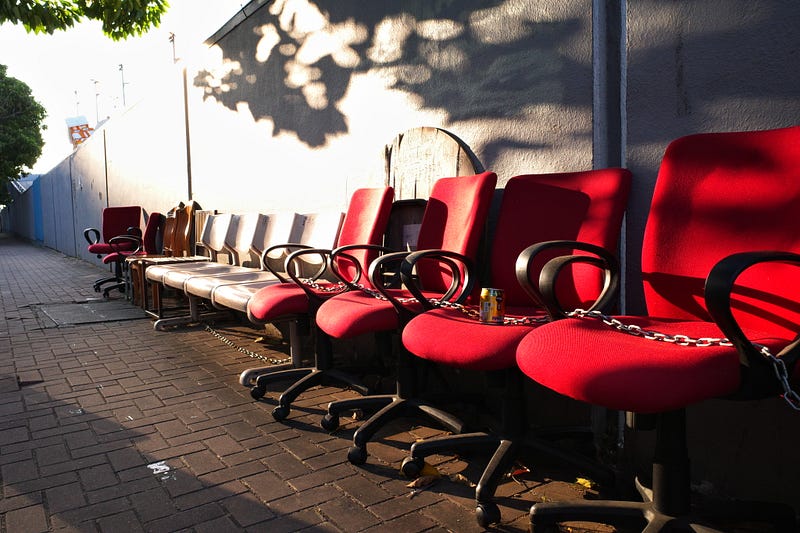
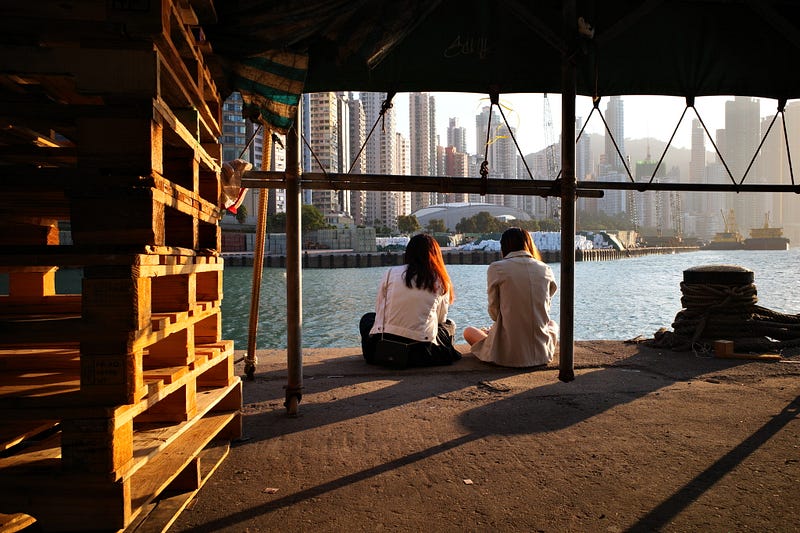
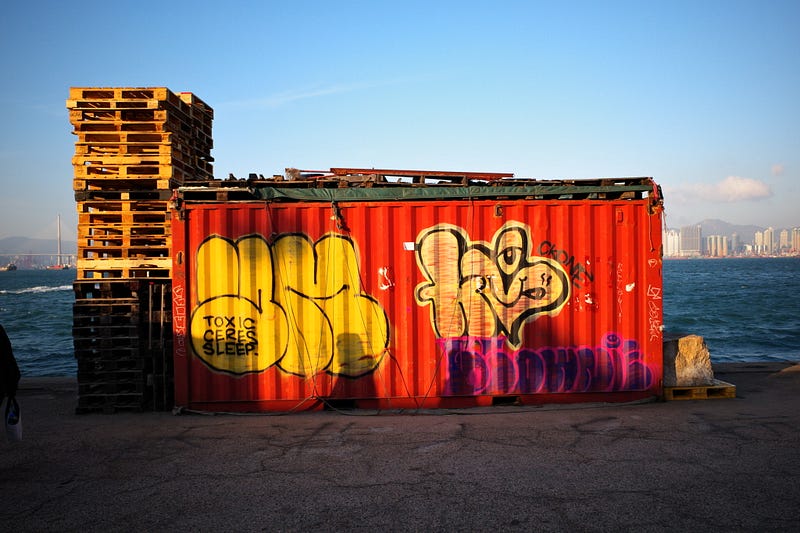
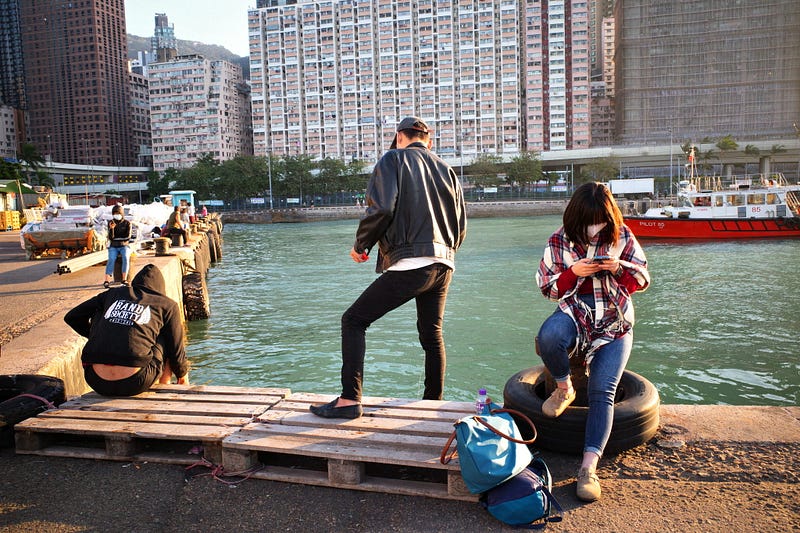
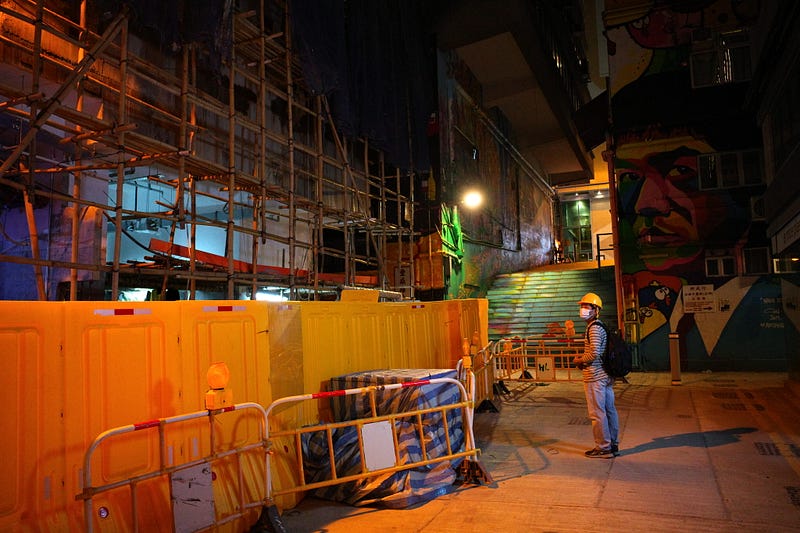
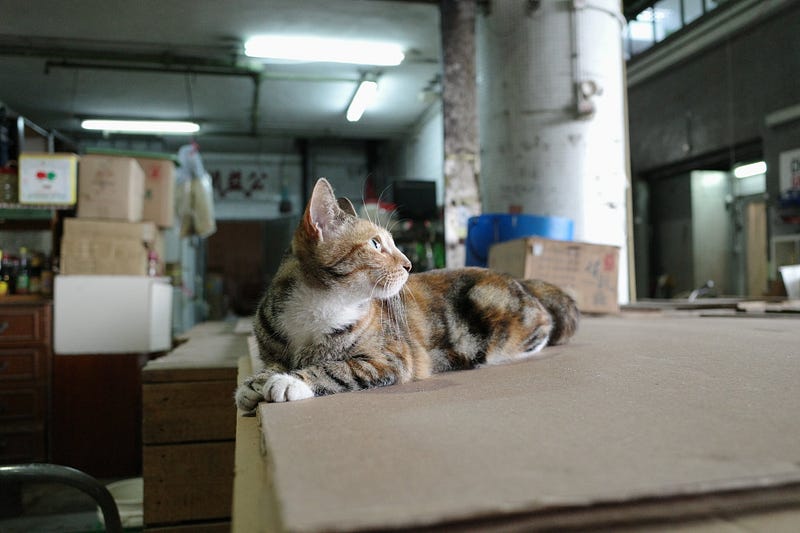
Kodak E100G / GR3
E100G settings are relatively my favourite or can be used as a permanent setting, although I think the saturation is more like E100vs. But overall, it is like the Kodak positive series, with the taste of GR2 positive in colour. Now the My primarily uses it as a preset…You can directly use this e100vs profile to take pictures
Camera Setting
- White Balance: Auto White Balance
- White balance compensation:M2A6
- Image Control:Standard
- Saturation:+3
- Hue:-1
- High/Low Key adjustment:-3
- Contrast:+3
- Contrast(Highlight) :+2
- Contrast(Shadow) :+2
- Sharpness:-2
- Shading:0
- Clarity:+1
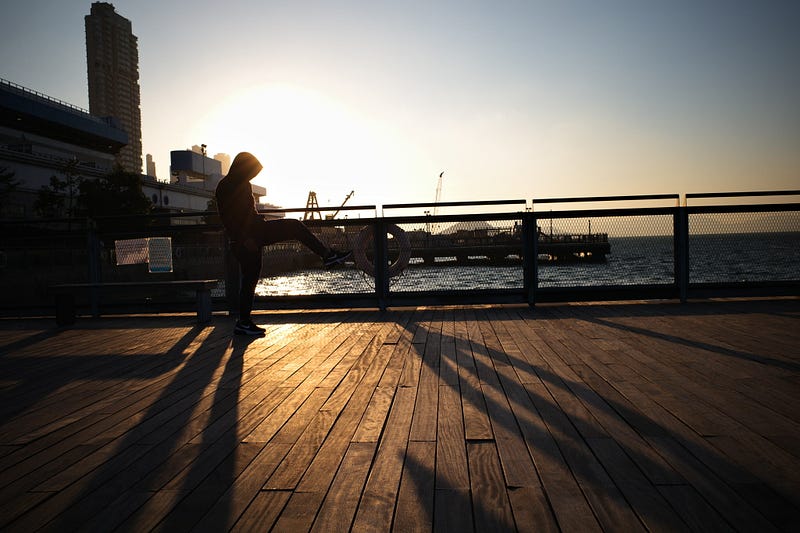
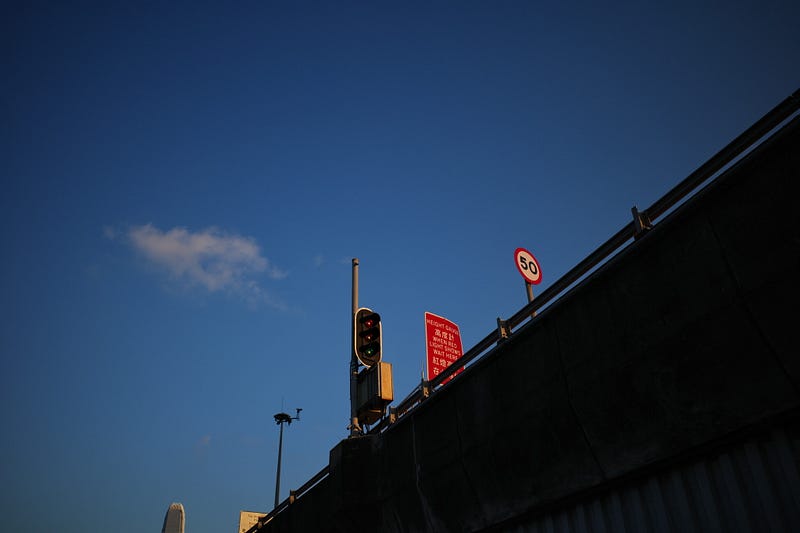
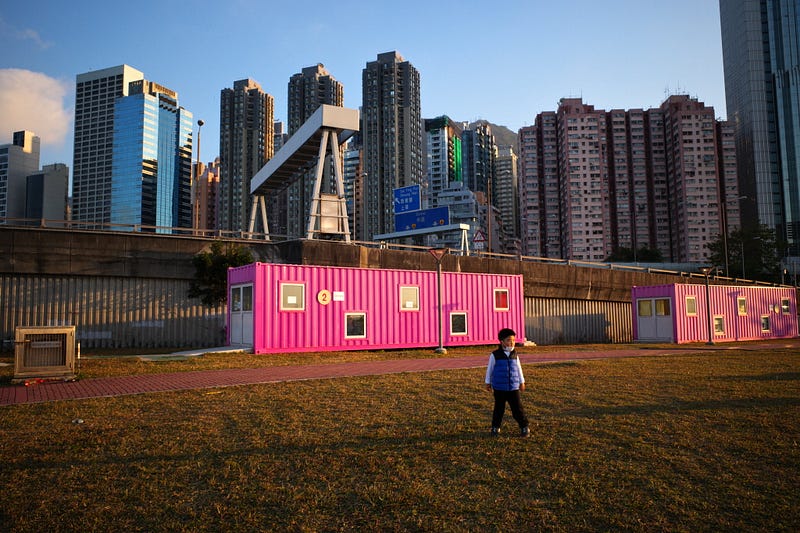
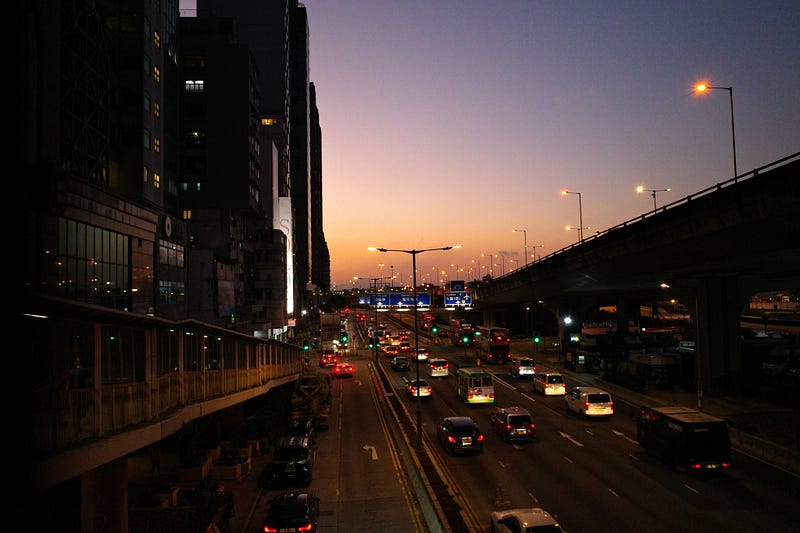

Kodak Classic Chrome
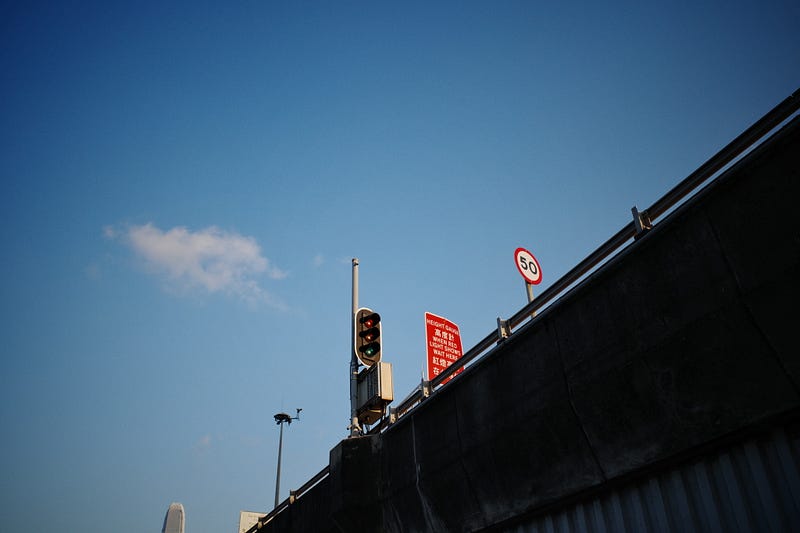
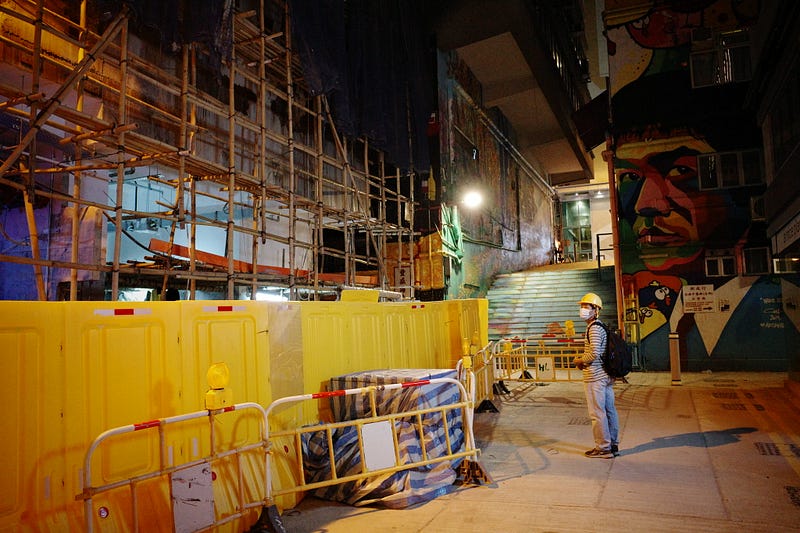
Fuji digital camera, I like to use the style file, of course, this setting is different from the Fuji body, but the overall tendency is also lower contrast, soft colors, enhance the dark contrast to obtain a calm effect…
Camera Setting
- White Balance: Auto White Balance
- White balance compensation:G6B9
- Image Control:Positive Film
- Saturation:+1
- Hue:+1
- High/Low Key adjustment: +3
- Contrast:+3
- Contrast(Highlight) :-4
- Contrast(Shadow) :-4
- Sharpness:-2
- Shading:-1
- Clarity:+1
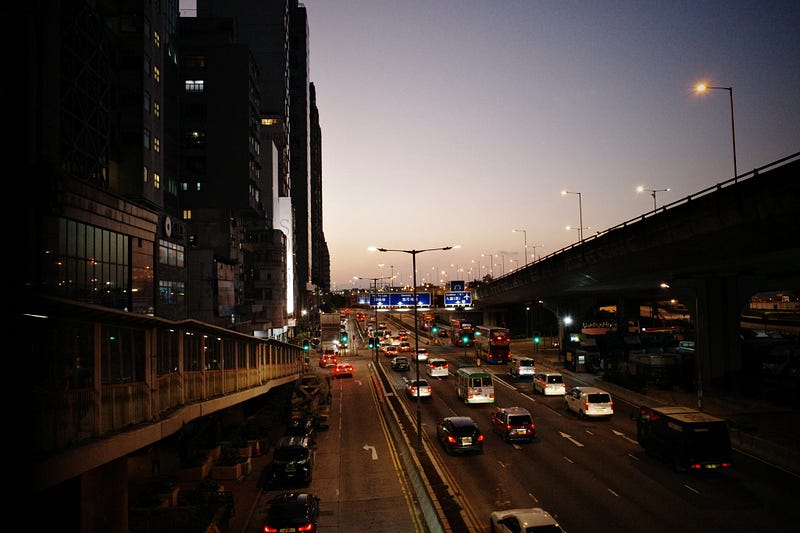
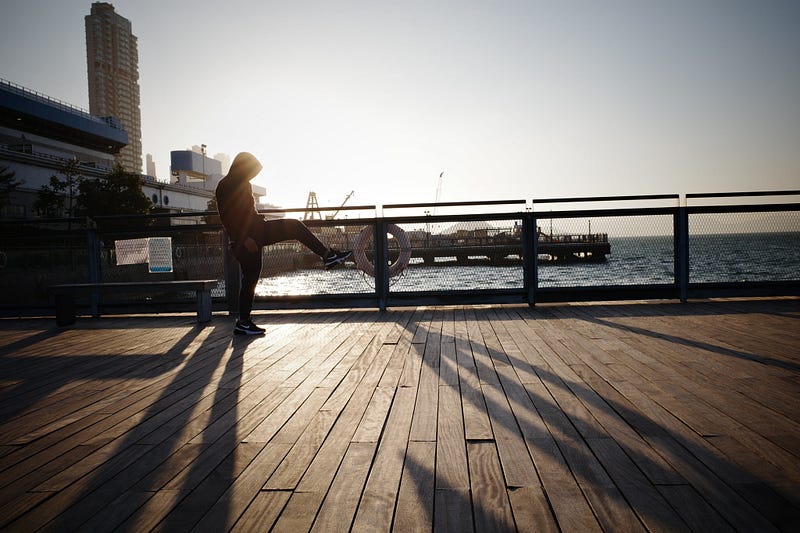
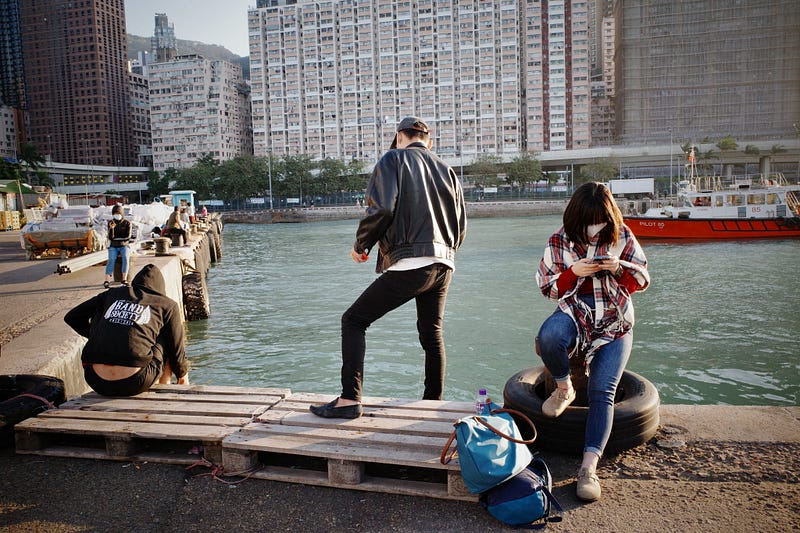
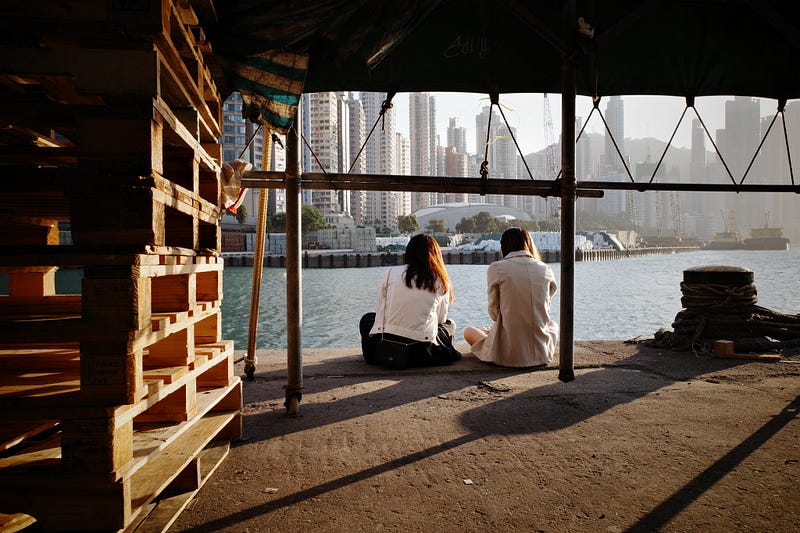
Kodak Portra 400
Portra setting is indeed very suitable for photographing people
Camera Setting
- White Balance: Auto White Balance
- White balance compensation:G2B12
- Image Control:Positive Film
- Saturation:+2
- Hue:-1
- High/Low Key adjustment: +4
- Contrast:+1
- Contrast(Highlight) :-3
- Contrast(Shadow) :-4
- Sharpness:-3
- Shading:+1
- Clarity:-2

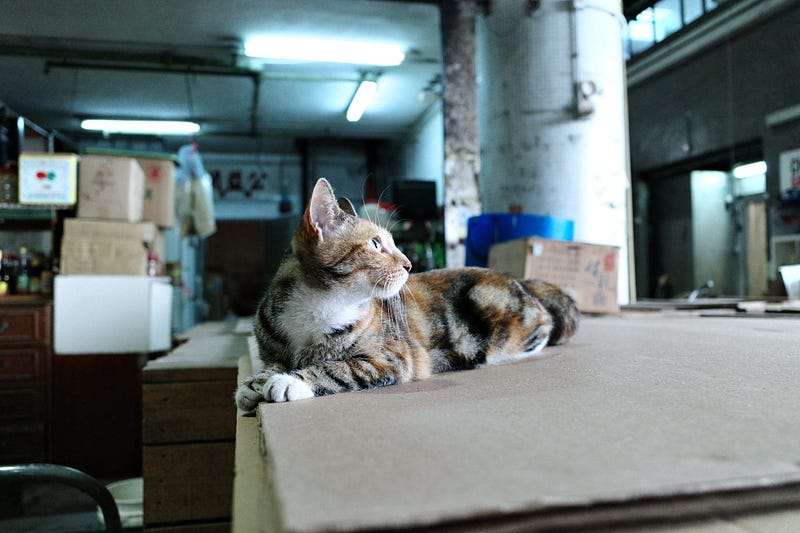
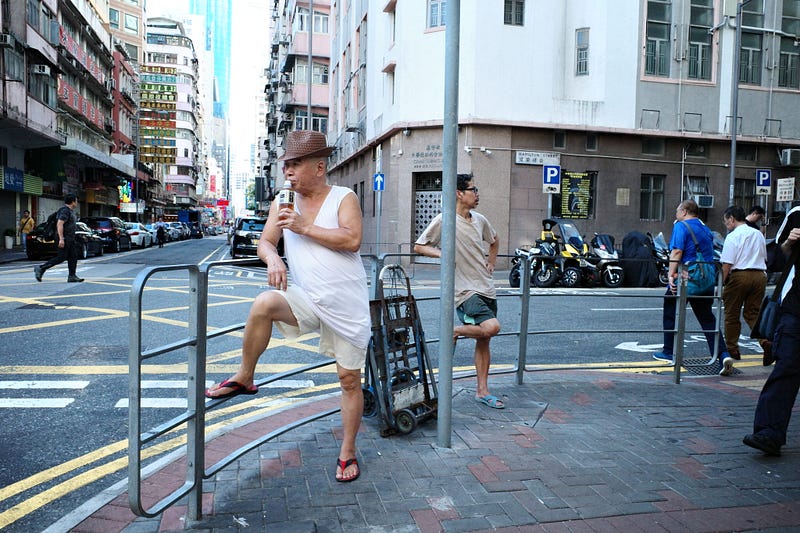
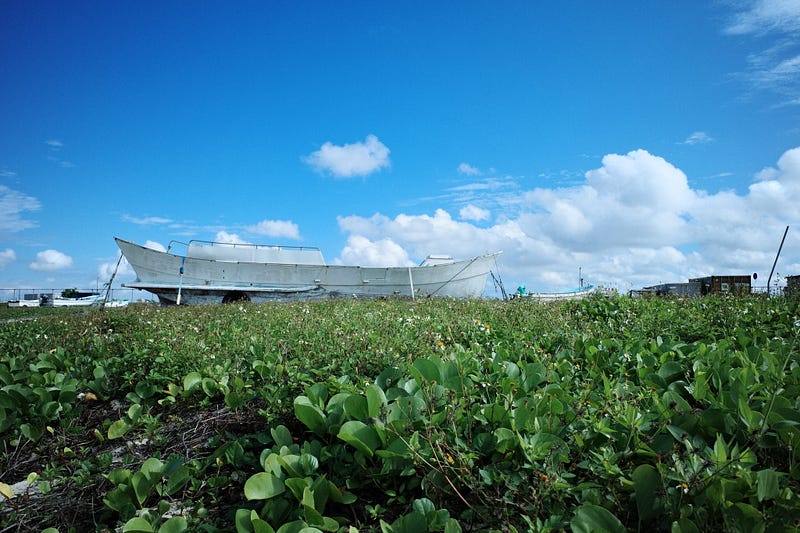
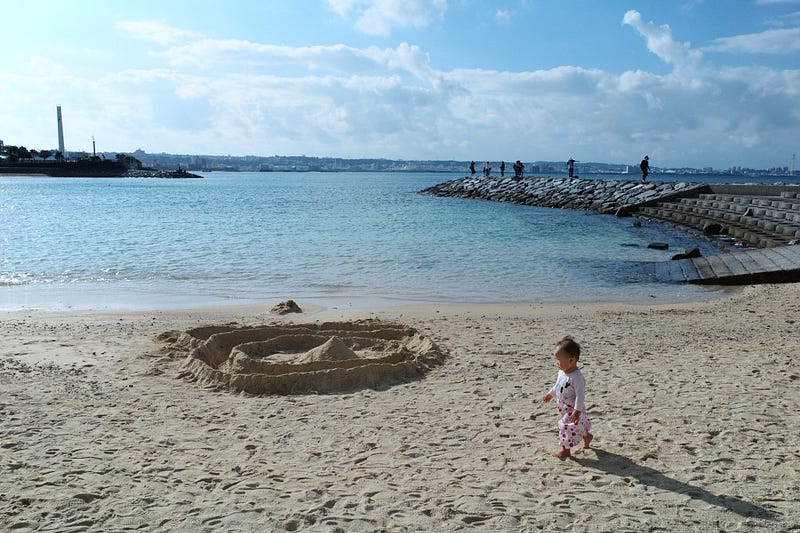
As you can see, the above photos are the GR3 photos I took in 2019, and I put the GR3 RAW files back on the GR3 for “RAW Development” as usual. No one is better than the other. It just depends on your shooting needs or whether you need to process the photos immediately…but I always feel that having an additional option to put in the body for backup is indeed a necessary and exciting thing…more importantly, I think the E100G negative style colour, when shooting usually, looking at the LCD composition will be satisfied with the GR2 colourful feeling, maybe the GR3 factory settings are too Plain
Conclusion
In this writing, As a photographer, you should admit that it is not possible or time to know all the functions and colours. Kodak / Fujifilm / Agfa series negatives themselves have gone through different eras. Just as We like to use the Portra when shooting people and E100vs negative style files when shooting sunset, I think if we can add our own fine-tuning under the efforts/experience of these Film setting will be easier and more convenient… Body adjustment camera settings parameters are actually just put Photoshop settings on the body, Do not worship the machine body straight out…
Film simulation recipes used in this article may not be your awareness of the taste of the film has all the different. The most important thing is actually through the continuous modification of the parameters to create your own favourite

IF you Like my reviews , please support me by buying me a coffee.

You can see all my articles at :
Other related articles by the author:
IF you Like my reviews , please support me by buying me a coffee.
Rokkorx’s Blog | Facebook https://www.flickr.com/photos/rokkorx/ https://www.instagram.com/samlee.hk/
If you like this post, feel free to give me a pat on the back and let me know you like it too XD
You can also follow me by pressing the Follow button, but unfortunately, you can’t set up a sneak preview XD. If you are willing to pay USD 1 per month for a cup of coffee, you can support me in my “Words are worth it, photos are worth it”. I have been writing blogs for more than ten years so that you may have read my Minolta articles, other equipment and photo tips in the past. It is not easy to maintain this interest in blogging. Today, many photographers like to shoot youtube or use pictures instead of writing, so in-depth introduction and evaluation may be a chore for many people. Still, I believe that words and photos have a specific value. I have many more pictures and photographs that I would like to share with you, and a little financial contribution from you would help me go further or write.
If you are interested in paying for a cup of coffee every month, subscribe to the author Patreon at:


