Midjourney: the ultimate guide to creating a full-body photograph
The secret of getting full-body shots without rerolls
Outpainting tools like [Pan] and [Custom Zoom] make it easier to create a full-body image. However, some prompt tricks can also be useful.
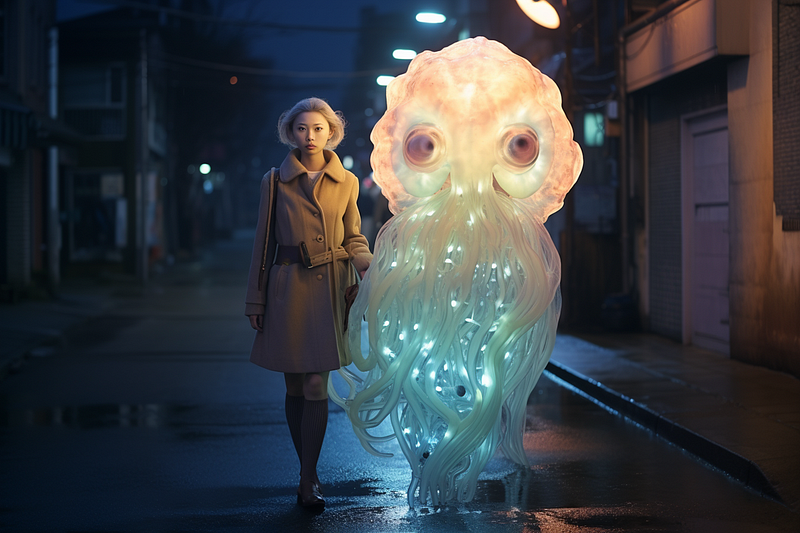
A full-body photo captures the main subject’s personality and style while depicting the location or background settings and the overall vibe of the visual.
Midjourney Outpainting features such as [Zoom Out], [Custom Zoom], and [Pan] have simplified the creation of full-body photos.
Suppose an image’s subject has been cropped. These outpainting features can restore the details by zooming out (Zoom Out and Custom Zoom), expanding the image canvas (Pan), or resizing the image to a different aspect ratio (Custom Zoom).
Take a look at these stories if you’re new to Midjourney’s Outpainting features: (1) Midjourney’s new Pan feature: 5 things you need to know (2) Midjourney Pan feature: 8 use cases.

There are a few minor issues with the outpainting features:
- [Zoom Out] makes the main subject smaller because the overall image size remains unchanged after zooming.
- [Pan] gives the image a “non-standard” aspect ratio because the image dimension increases by 512 pixels per pan. This can be an issue if you want to post the picture at recommended aspect ratio on Instagram (1:1, 4:5, and 16:9), Pinterest (2:3), or other platforms.
- You can use [Make Square] to restore the image to the default ratio of 1:1, but this will make the main subject smaller.
- For beginners, [Custom Zoom] and [Pan] can be intimidating because they require users to change or edit the prompt in another dialogue box. For the best results, [Pan] also requires users to activate
/remixmode.
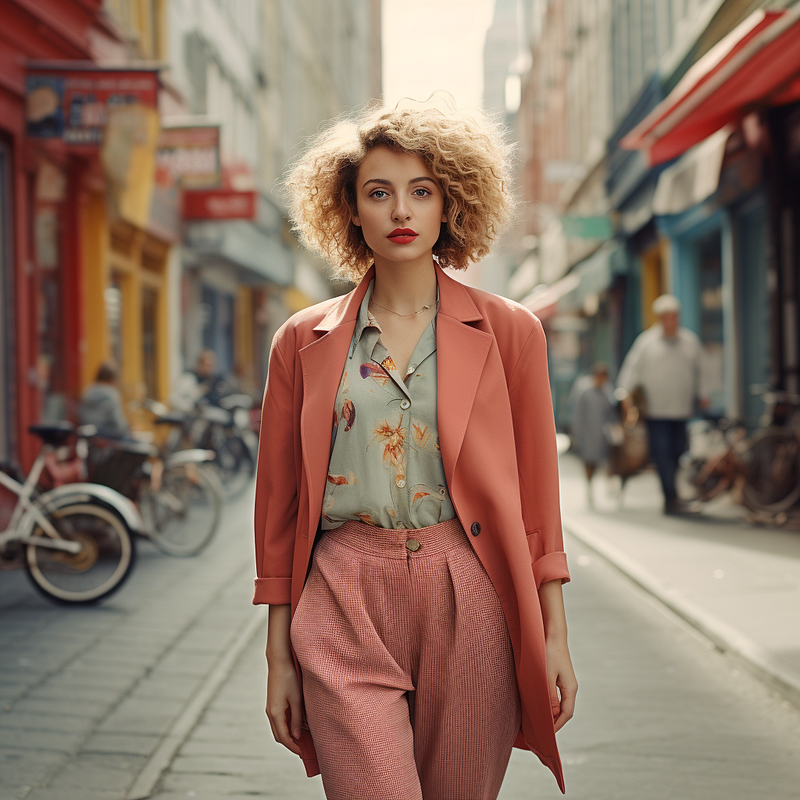
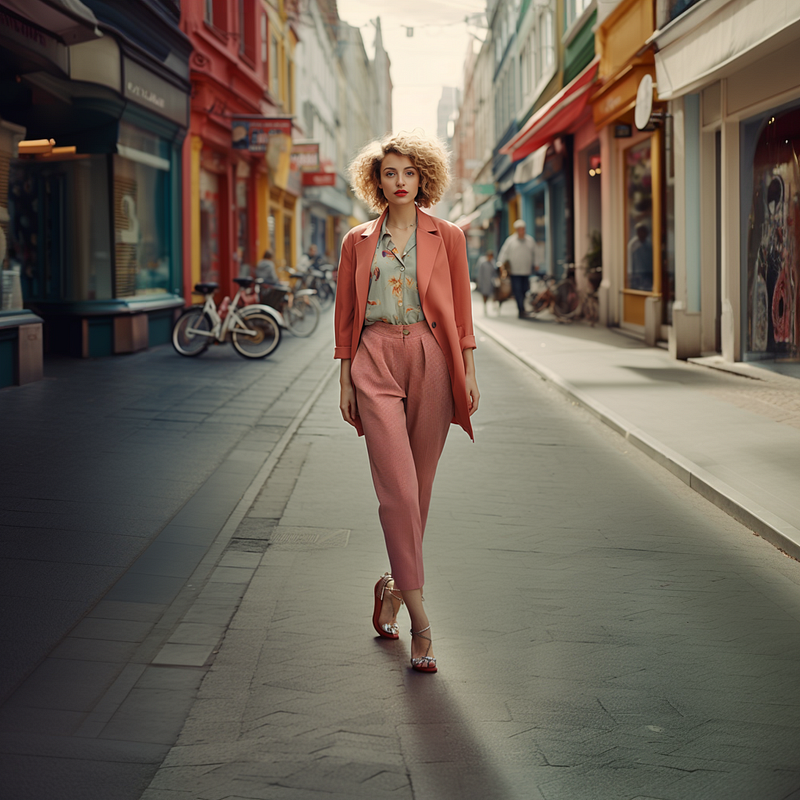
What if we could create a full-body image on the first try without re-rolling or using Outpainting?
Exploring the alternatives to outpainting
There are several methods for creating a full-body image:
- In the prompt, include key phrases related to the full-body image.
- Mention the word “shoes” in the prompt. E.g., “wearing shoes.”
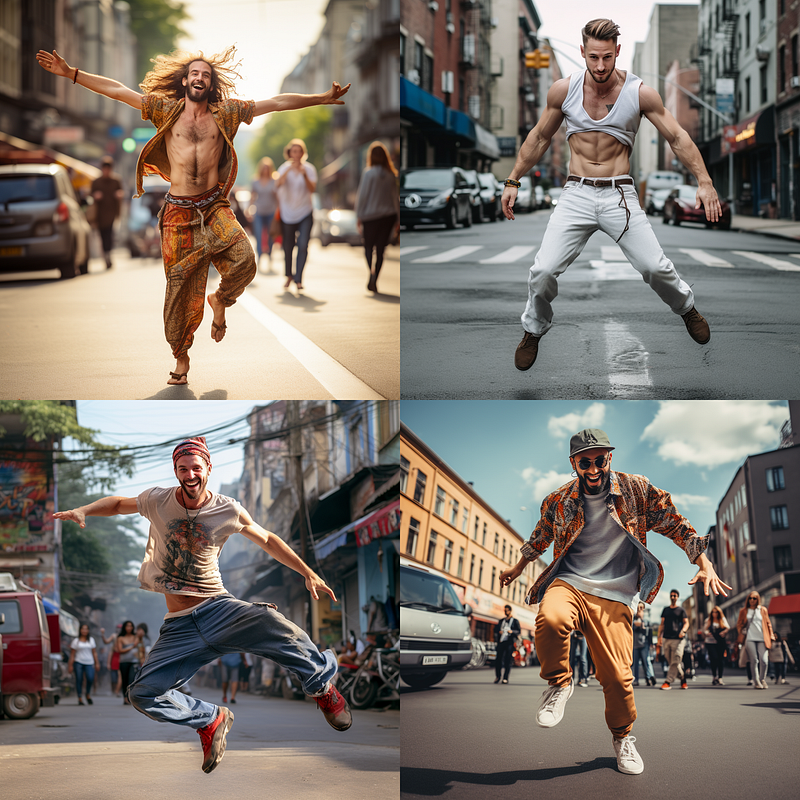
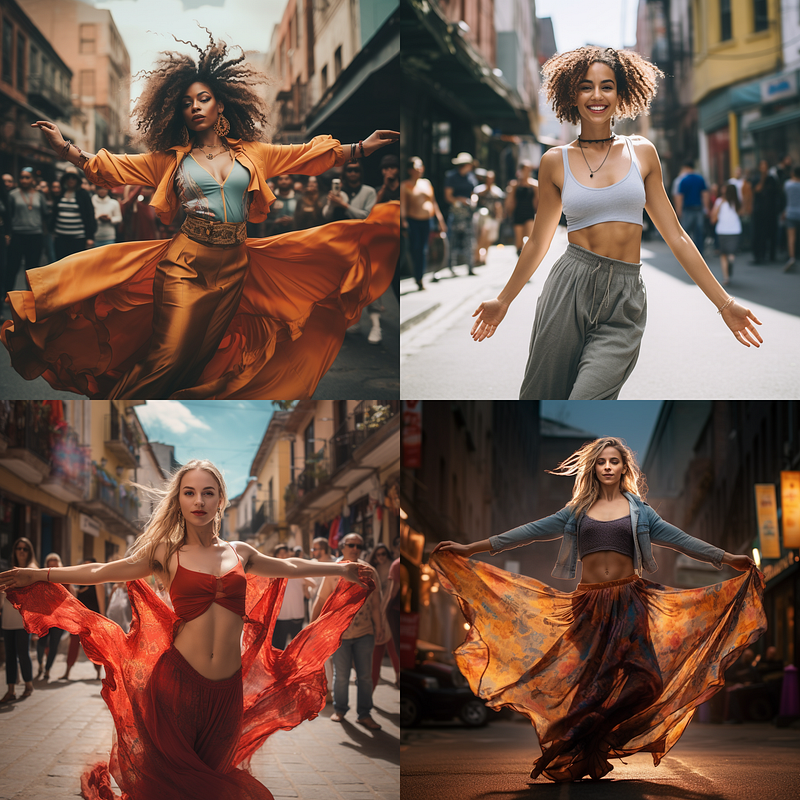
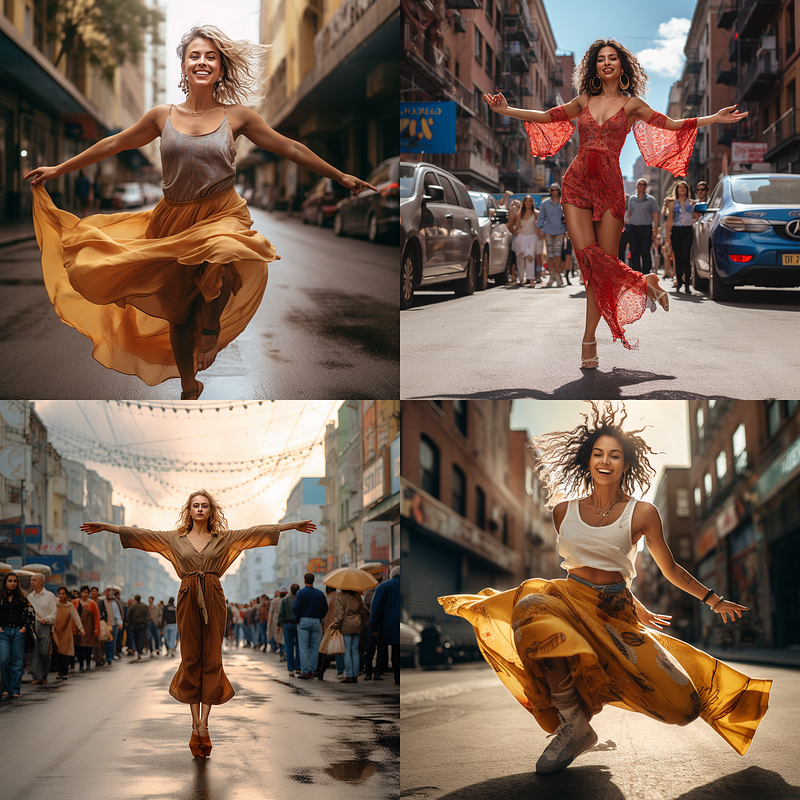
- Use action poses such as jumping or dancing (less reliable)
In this story, I’ll focus on the first item.
Mentioning shoes increases the likelihood of getting a full-body image, but sometimes the focus will be on the shoes.
- If you’re making a full-body image of a character who expresses facial emotions, such as smiling, sadness, or crying, use this technique to increase your chances of getting a full-body shot on the first try.
I won’t go into detail about action poses because they are less reliable for creating a full-body image. But if all else fails, try to use it and see if it can help.
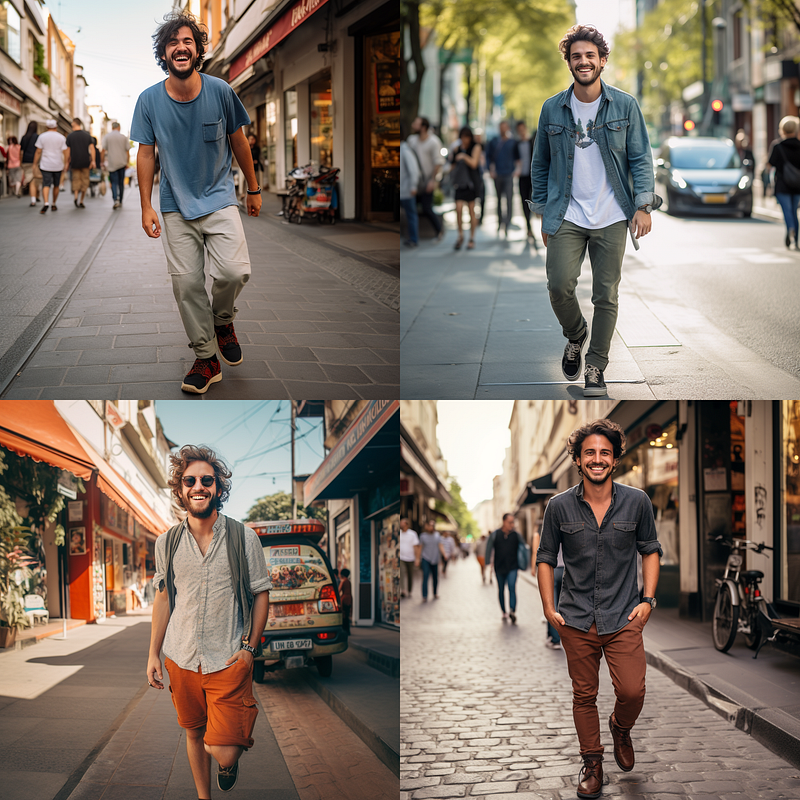
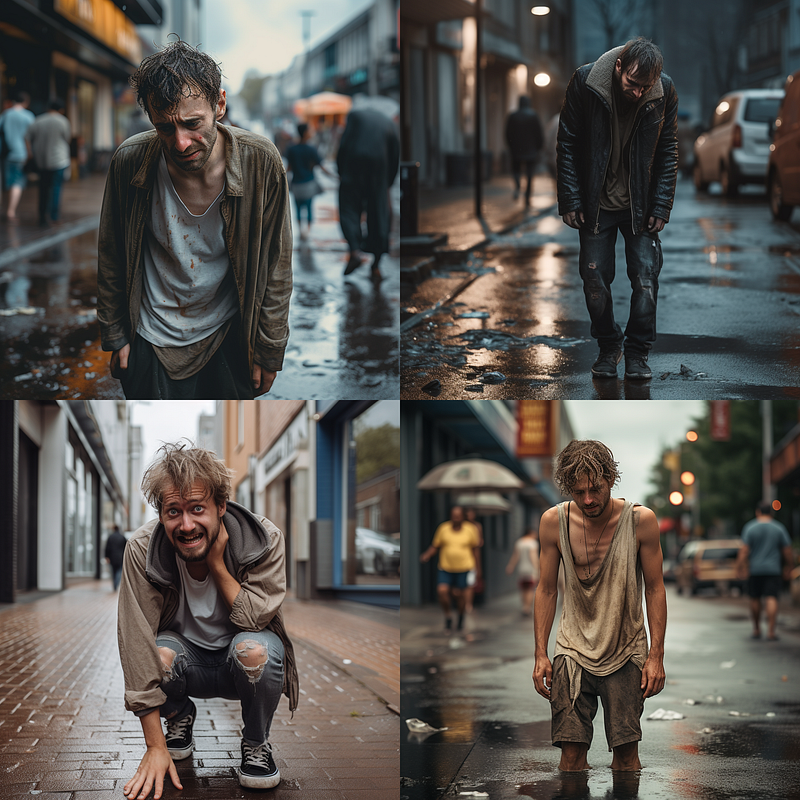
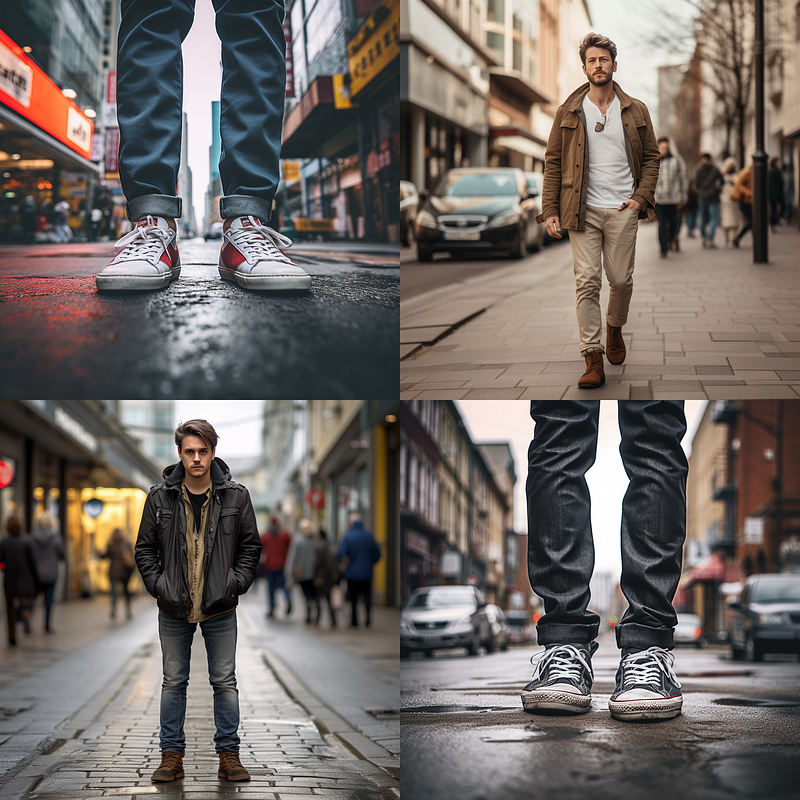
Using key phrases
Popular key phrases for full-body images include:
full-length portrait photo of full body shot photo of head-to-toe photo of
(new) all whole total body photo of
The final phrase is my new creation which appears to be redundant at first glance. But you’ll see later that it is quite useful.
Identifying the most useful key phrase(s) for generating a full-body image — You can skip this section if you just want to know the results and their applications
Here’s the summary of the testing process using Midjourney V5.2:
- Test subjects: a guy, a lady, and a fictional character (alien)
- Background and action setting: walking down the street
- Aspect ratios: 1:1 (default) and 2:3 (vertical format)
- Each key phrase will be prompted at least three times, and the results will be recorded.
- A score will be assigned to each generated image grid. Score 4 indicates that all four images in the grid are full-body images. A score of 3 indicates that there are only three full-body images. A score of 0 indicates that none of the generated images are full-body. For each key phrase, the total score is computed.
- To keep things simple, I’ll not show you the score in the results. I’ll just show you the key findings and applications.
The prompts used in the tests are:
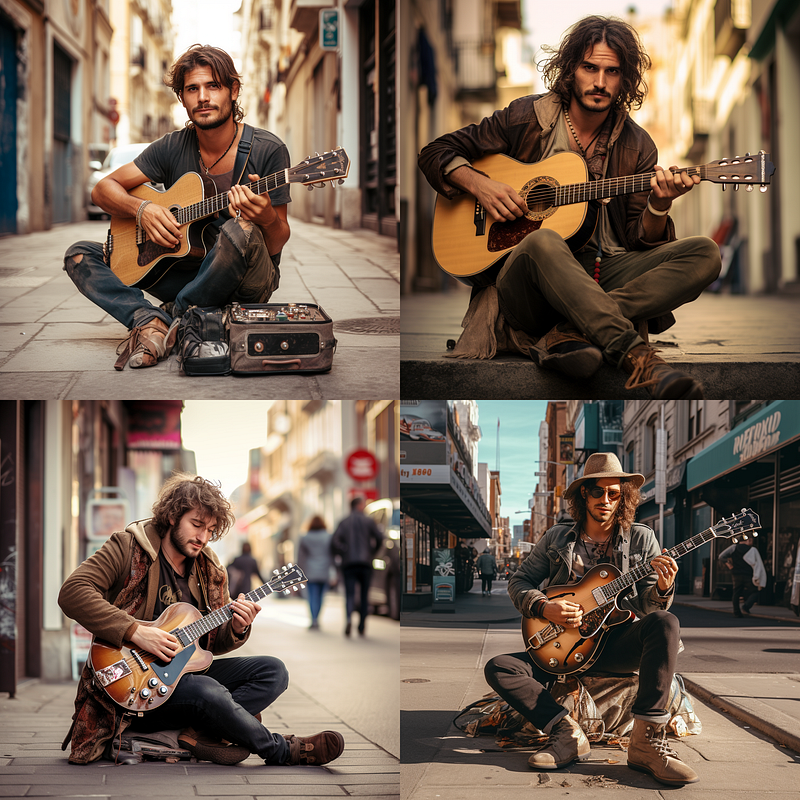
/imagine prompt: {full-length portrait photo of, full body shot photo of, head-to-toe photo of, all whole total body photo of} a guy walking down the street, looking at the camera
/imagine prompt: {full-length portrait photo of, full body shot photo of, head-to-toe photo of, all whole total body photo of} a lady walking down the street, looking at the camera
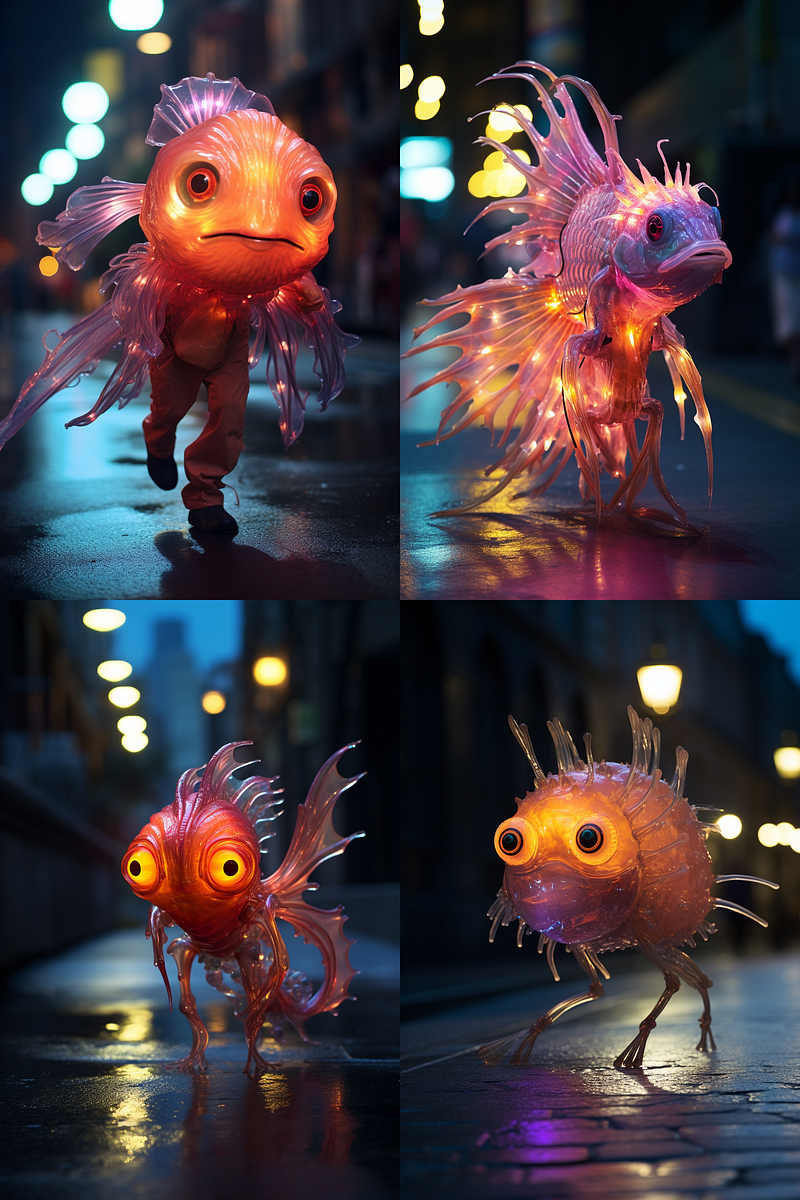
/imagine prompt: {full-length portrait photo of, full body shot photo of, head-to-toe photo of, all whole total body photo of} a fictional fish-like lifeform walking down the street, glowing fabulous, looking at the camera
The prompts will be tested with and without the --ar 2:3 parameter.
To test the key phrases, I’m using permutation prompts. If you’re unfamiliar with permutation prompts, don’t worry. It’s just a shortcut for combining multiple single prompts into one prompt, so I don’t have to type them all individually.
The prompt for each image can be found in the caption.
Key phrases to generate a full-body image of a guy and a lady
Key findings and applications in brief:
- To create a full-body image, use a 2:3 aspect ratio. At this aspect ratio, all four key phrases perform better. “all whole total body photo of” delivered the best results.
- Use “all whole total body photo of” to create a full-body image with the default aspect ratio (1:1).
- The key phrase “head-to-toe photo of” did not generate a full-body image at the aspect ratio 1:1 but was still somewhat functional at the aspect ratio 2:3. In general, this key phase has the worst performance compared to others.
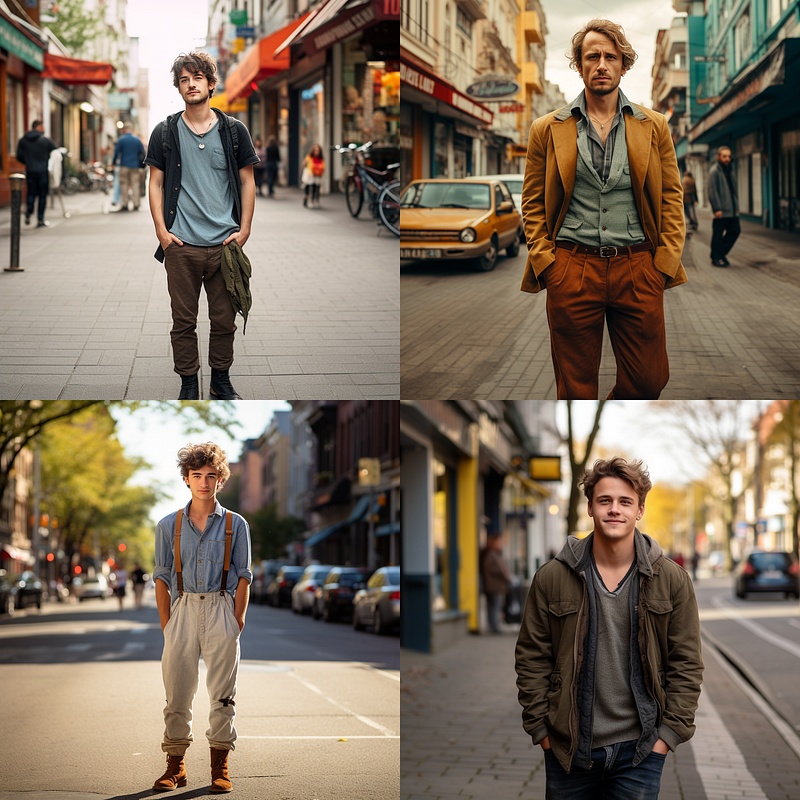
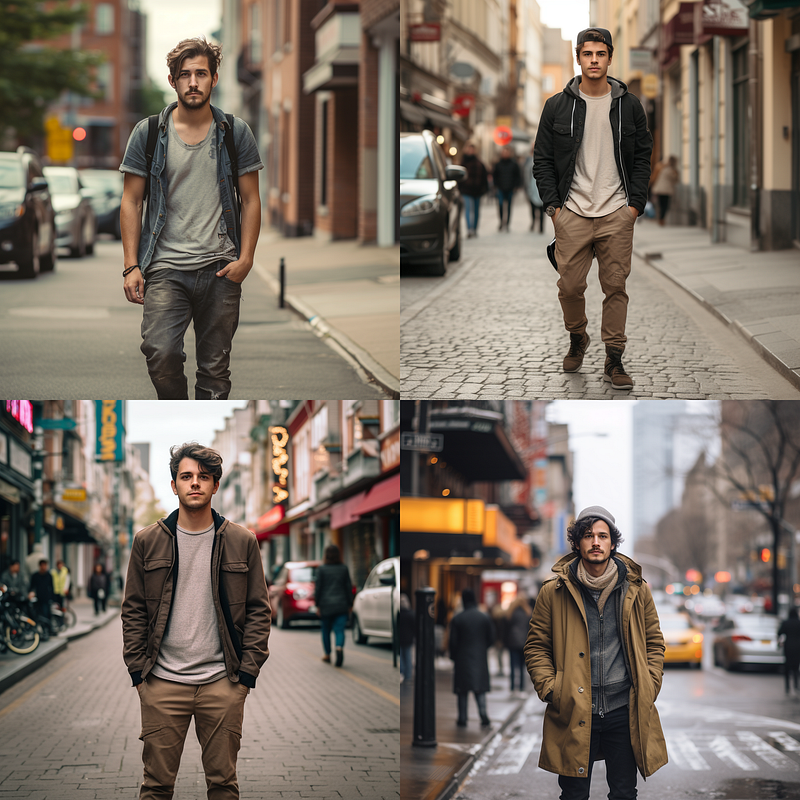
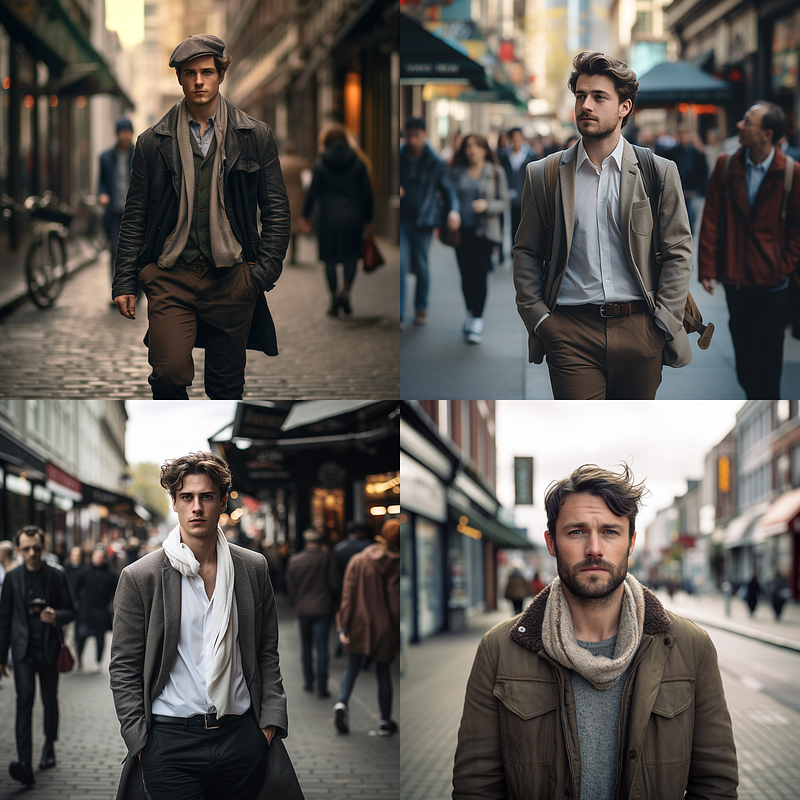
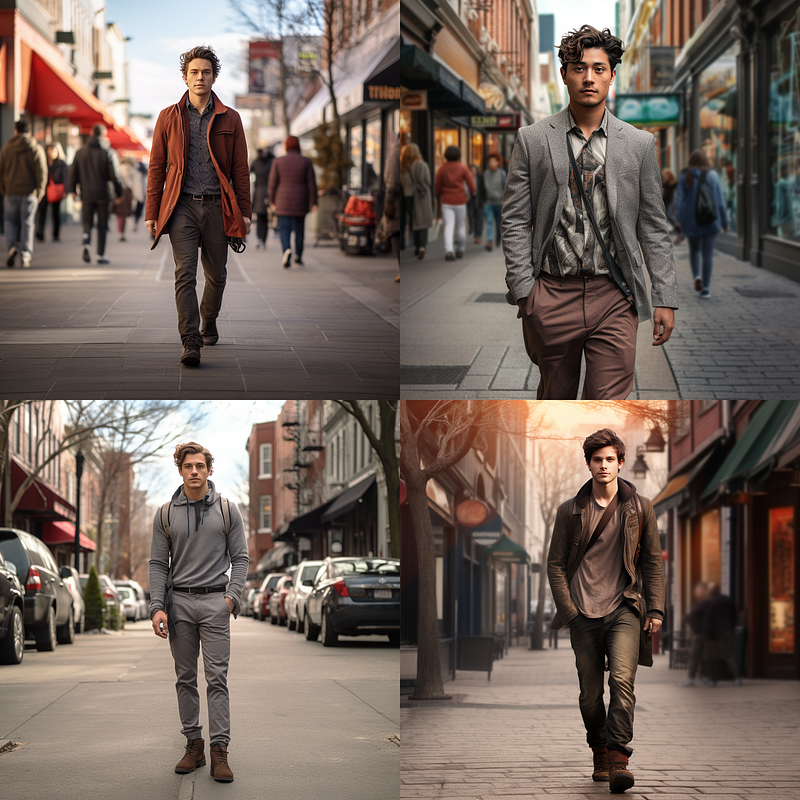
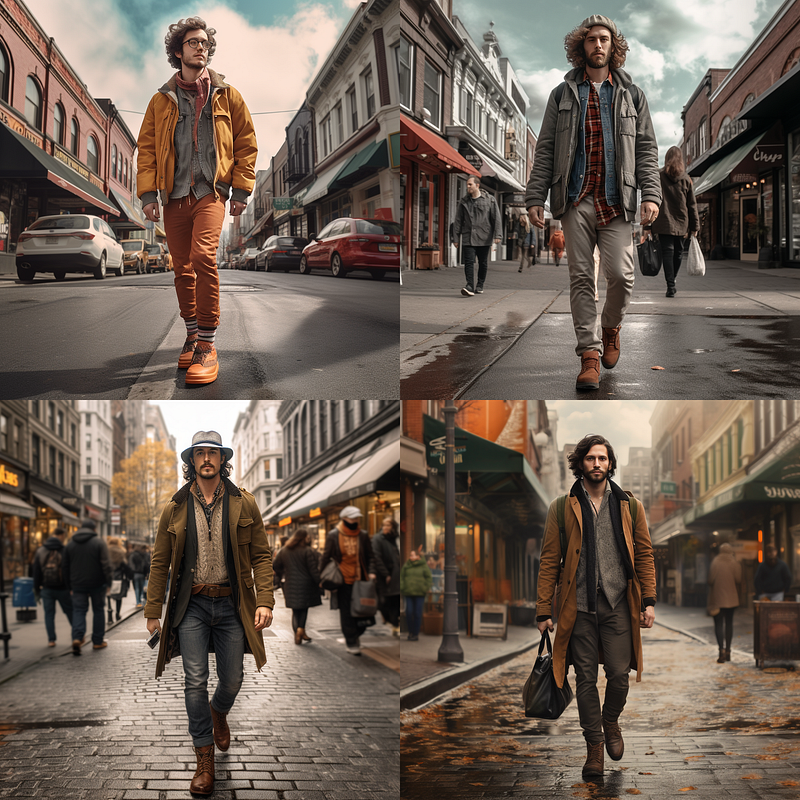
The aspect ratio of 2:3 generally yields better results.
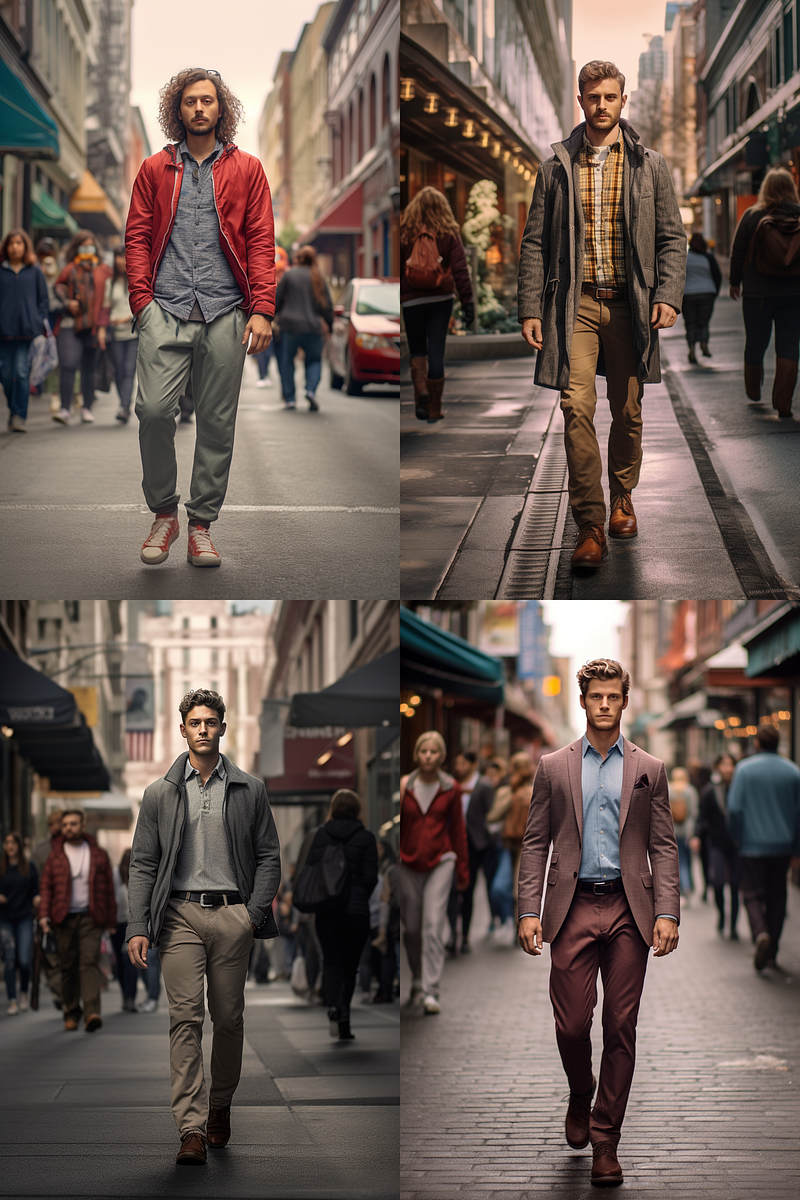
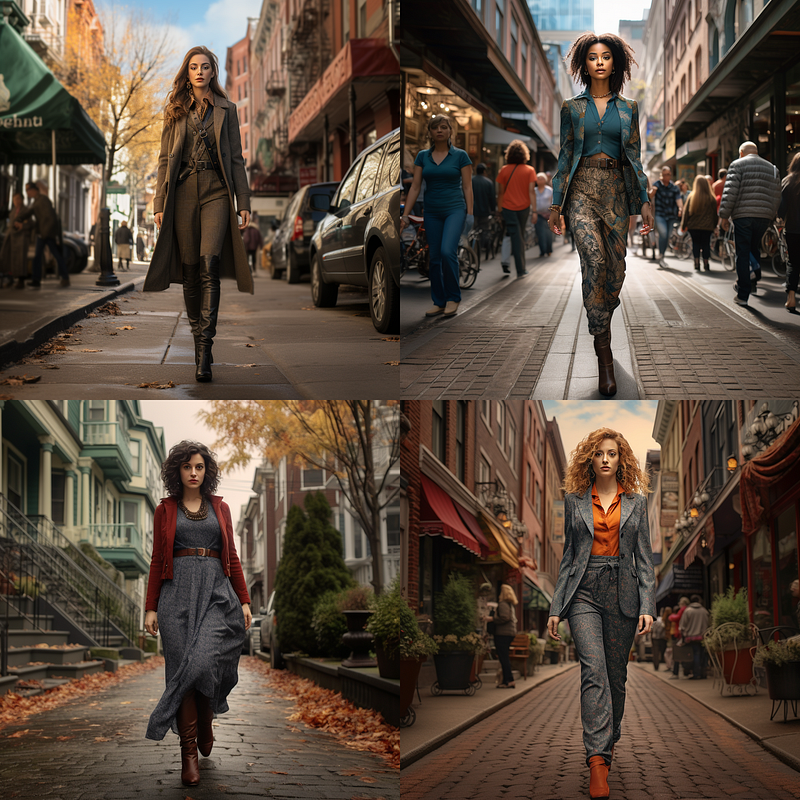
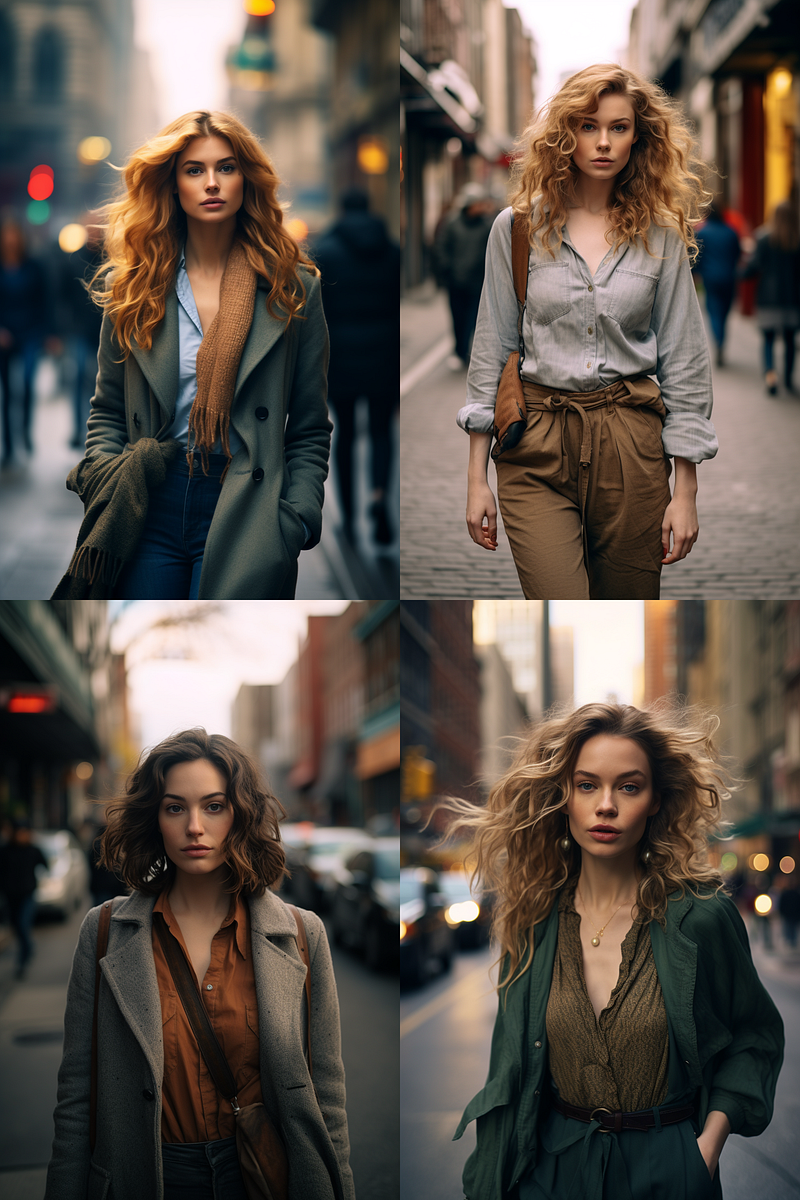
Key phrases to generate a full-body image of a fictional character
Key findings and applications in brief:
- None of the key phrases are required!
- When you create a fictional character, the Midjorney bot will automatically create a full-body shot of the alien.
- Even if there is no key phrase in the prompt, this prompt will generate the full-body shot.
- The word count for the Midjourney prompt is limited (around 40 words). Knowing that you can skip some words is helpful, especially if the prompt is long or complicated.
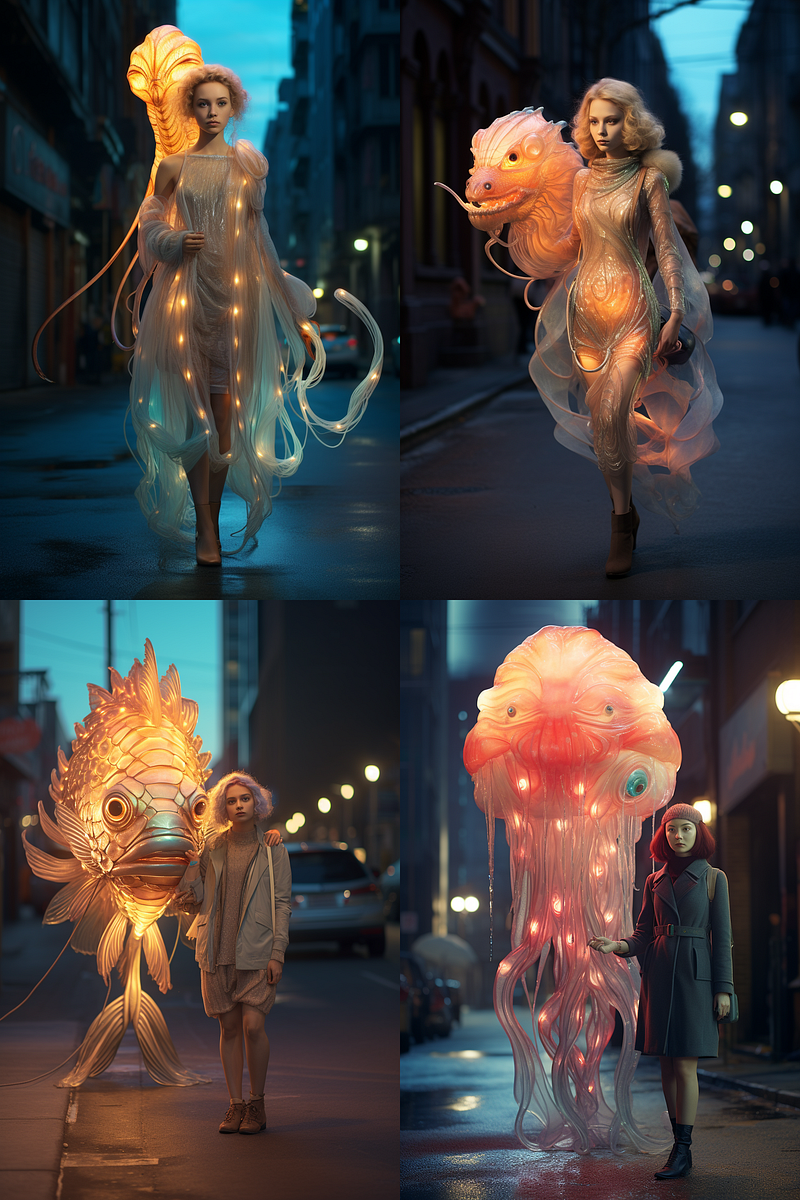
- However, if you add a human character to the image, you must re-enter the key phrase to create the full-body image.
- The key phrase “full-length portrait photo of” is the most effective, but other key phrases can also be used.
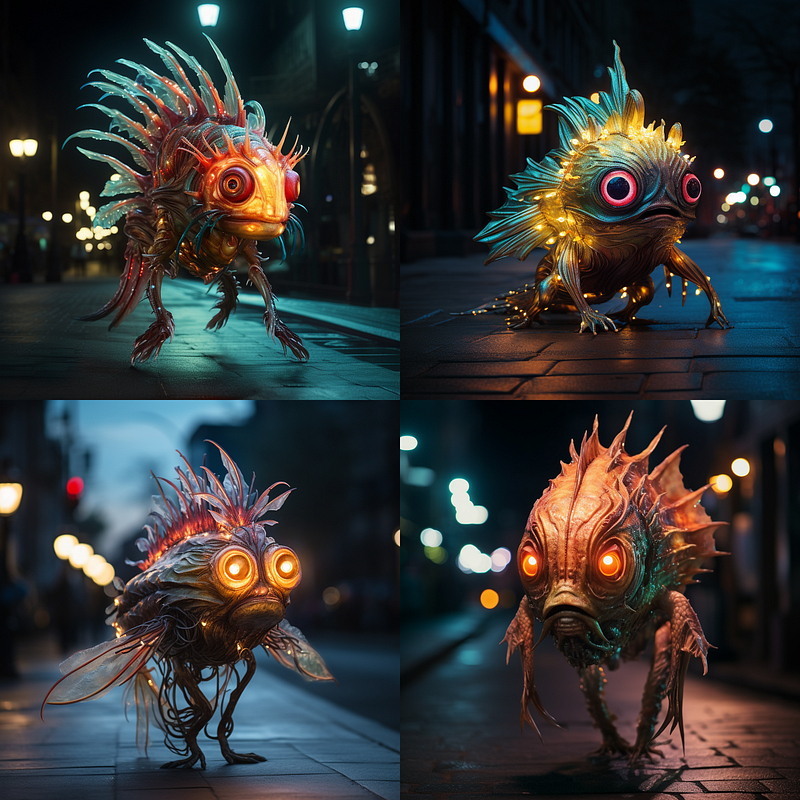
Action poses
Combine the key phrases with the action pose to increase your chances of getting full-body shots. However, the results are less reliable.
Alternatively, type “shoes” into the prompt or use outpainting to fix a cropped image.
Related stories
Conclusion
- Midjourney outpainting features are helpful for creating full-body photos, but they often make the main subject smaller in the image.
- To generate full-body images, use phrases such as “all whole total body photo of,” “full-length portrait photo of,” and “full body shot photo of.” The phrase “head-to-toe photo of” is the least reliable compared to the others.
- The 2:3 (vertical) aspect ratio and the phrase “all whole total body photo of” are the most useful and reliable.
- Mentioning the word “shoes,” for example, wearing shoes, can increase the likelihood of getting a full-body image. Use this technique for characters that express emotions (such as happy, sad, and so on).
- The Midjourney bot will automatically generate a full-body shot for the alien.
- However, if you add a human character to go with the alien, you must re-enter the key phrase to get the full-body image. In this case, the “full-length portrait photo of” is most effective.
I hope you like this story!
Please give me a clap or leave a positive comment to let Medium’s algorithm know that this story is helpful and has contributed to its platform’s success.
Your support inspires me to create similar or higher-quality content in the future!
Never miss a story. Follow me on Medium for updates, stories, and tips about Midjourney.
Join Medium today and read all my stories:
Get an email alert by signing up for a free email subscription here