
Midjourney’s new Pan feature: 5 things you need to know
“Pan” isn’t just for cooking. Use [Pan] for a “pan-oramic’ view of your creativity
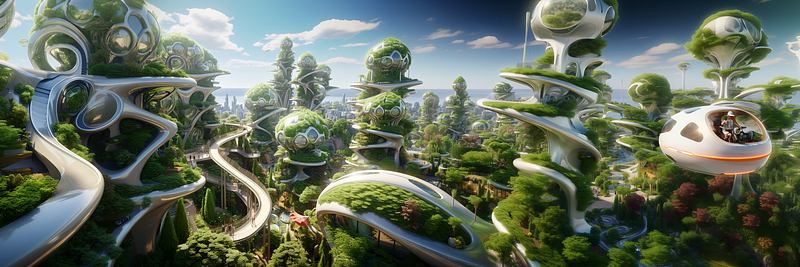
Midjourney (MJ) released a new Outpainting feature called “Pan” yesterday. Pan allows you to move your image in four directions: left, right, up, and down. MJ will automatically add more canvas and details as you pan your image.

What you need to know about the Pan feature:
(1) Pan is one of the Outpainting features.
- [Zoom Out 1.5x], [Zoom Out 2x], [Custom Zoom], and [Pan] all add more canvas to your original image. Their primary working mechanism is the same.
- Zoom produces an image with the same dimensions as the original, but the original image shrinks and becomes smaller within. Pan, on the other hand, will add 512 pixels either horizontally or vertically per pan.
- Outpainting buttons, including the new [Pan] feature, will appear after you have upscaled an image (by pressing the U1, U2, U3, or U4 buttons).
- Outpainting features, including [Pan], will keep your original image intact unless you mistakenly click the Variation buttons (V1, V2, V3, or V4), which will reset or wipe out the original image, forcing you to start over.
- Rerolls will only affect or change the canvas areas that have been added. The original image is preserved and unaffected.
- Variations are not supported on panned images. After panning an image, all variation buttons will disappear from the subsequent image grid.
(2) Pan expands the canvas in only horizontal or vertical directions. In contrast to [Zoom Out] and [Custom Zoom], both add more canvas surrounding the original image.
- You can either pan the image horizontally or vertically. But not both at the same time. For example, if you pan the image horizontally by clicking the left OR right Pan buttons, you can only extend the image horizontally in the next Pan. The buttons to pan vertically (up and down buttons) will disappear in the new image grid.
- Changing the panning direction is possible with a new, simple technique (the new story will be published).
- You cannot control the amount of pan. For now, MJ bot will decide that for you.
(3) Pan will shift your subject to one side in the panned image. For instance, if you pan right by clicking the right arrow, an additional canvas will be added to the right of the original image. Pan will shift your subject/object in the original image to the left.
- When you pan right, your image shifts to the left. An additional canvas will be added to the right.
- When you pan left, your image shifts to the right. Add more canvas to the left.
- When you pan up, your image will move down. Add more canvas to the top.
- When you pan down, your image will move up. Add more canvas to the bottom.
- The ability of the Pan to move your subject to one side distinguishes it from other Outpainting features.
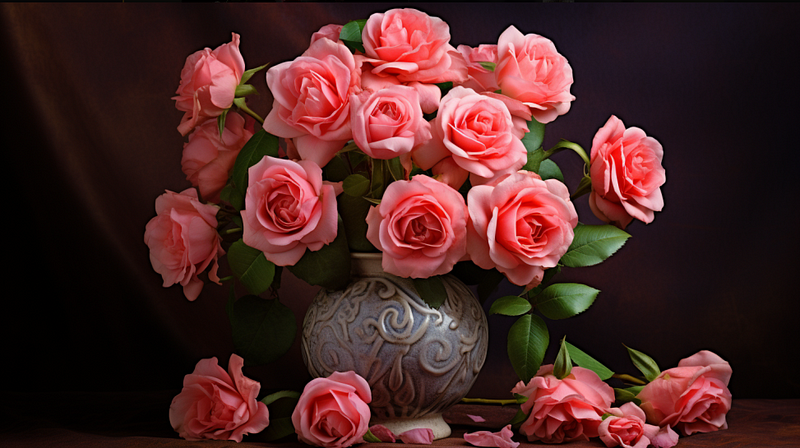
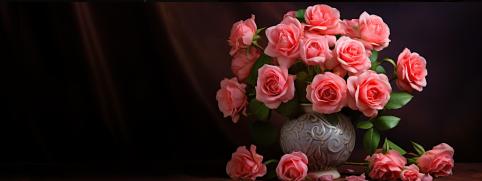
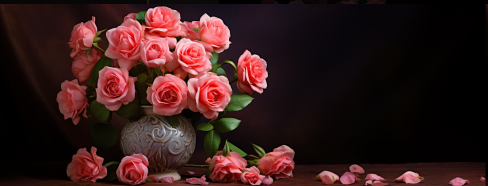
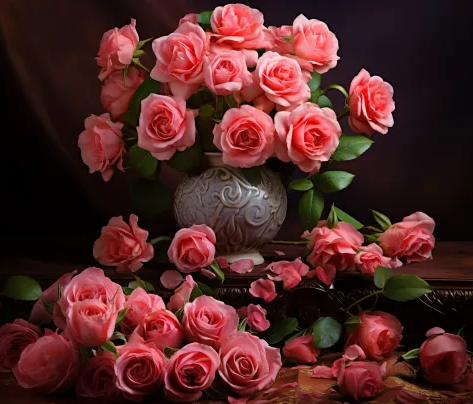
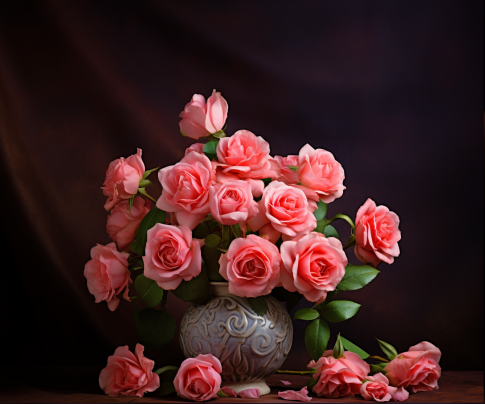
(4) Pan will automatically change the aspect ratio of your image as you pan it.
- You can keep panning, and MJ will keep extending your image by changing its aspect ratio for you, resulting in a very large image.
- You do not need additional software to stitch together the pan images to create a panoramic photo. Within MJ, you can create a panoramic image by repeatedly panning the image in a direction.
- If you zoom out on a panned image, MJ will reset and decrease the image resolution to the default size. Unexpectedly, resizing may increase the image details. You can read more about this finding in the “Use Cases” story (see below for the link).
- After several panning sessions, the image will be too large to send on Discord. Instead, you will receive a link to the panned image.
(5) Activate /remix. It’s a good idea to tell the MJ bot what you want to see in the new canvas as you pan your image. If you do not provide additional information, the bot will guess and generate the same image based on the original prompt. This could result in a strange, repeated image! I advise ON the remix mode whenever you use the Pan feature. Here’s how to activate the remix mode:
- Type /remix or /prefer remix (both are the same) to enable the /remix mode.
- To turn off the /remix mode, type the same thing again and hit enter to deactivate the remix mode.
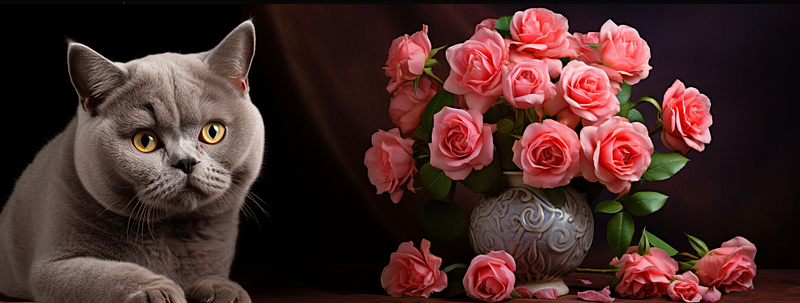
- To change what appears in the canvas, delete the existing prompt and enter a new one. For example, you can add a cat next to a bouquet of roses in a vase (before the cat smacks the vase down to the floor!).
What’s the difference(s) between creating a panoramic image by writing a prompt versus using the Pan feature?
- Pan enables you to continue extending your image to the left or right (horizontally) or up or down (vertically).
- You can also use Pan to add new details to the canvas, such as a new subject/object/person outside of the original image.
- A still image created by writing a prompt cannot be extended or expanded to include new details.
Conclusion
(1) Pan is the new addition to the Midjourney’s Outpainting features.
(2) With Pan, you can only expand your image horizontally or vertically. Not both.
(3) Pan moves your subject/object to one side
(4) Pan will automatically change your aspect ratio
(5) Activate /remix mode when using Pan
Do you find this article interesting? Do you have any additional suggestions to add to the list? Please let me know by leaving a comment.
*****************************************
Related stories:
Never miss a story. Follow me on Medium for updates, articles, and tips about Midjourney.
Join Medium today and read all my stories:


