
Boost your Midjourney creativity: 7 proven tips to supercharge your prompts
Help the bot understand you better.
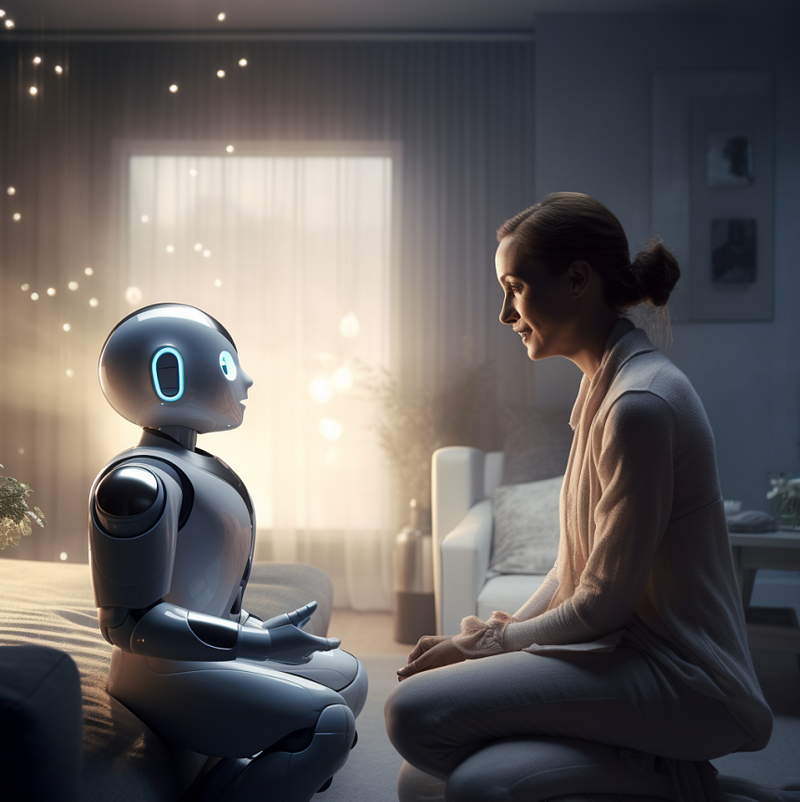
Crafting a Midjourney prompt is akin to conversing with a prodigious toddler robot who is still learning the nuances of the English language. Although the bot’s comprehension varies, there are moments when it grasps your intent perfectly. Occasionally, despite showing the bot the desired image, it might not meet your expectations. Unexpectedly, the bot may present you with captivating visuals that you didn’t ask for but leave you in awe. These happy accidents outweigh any previous frustration in writing prompts, rekindling your affection for this endearing bot time and again.
Even Midjourney fans like me who use Midjourney daily must keep up with all the changes and updates. Prompts that used to work in older versions might not work in the most recent ones. Some workarounds or tweaks needed for the old version are no longer required by the new one. To write good prompts, we need to add new changes or features to what we’ve learned about writing prompts in the past. We also need to be flexible and open to the new ways and possibilities each new version of the update could bring.
The super important but not always obvious source of new information — Official User Guide for Midjourney
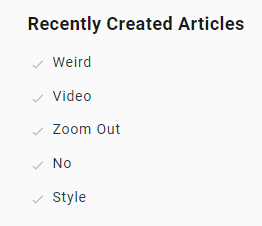
Beginners can’t do without the Midjourney (MJ) user guide to learn about MJ’s commands and parameters. But don’t think you can just read the user guide once and forget it once you know how to write MJ prompts. The MJ user guide is a “living document” constantly being updated as new features and versions of MJ emerge. For example, did you know the user guide now has recent articles about the –-weird, –-video, –-zoom out, etc.? Have you noticed that the description for the — no parameter has also been updated to show the user how to exclude multiple things using that parameter? So, it’s a good idea to check the user guide occasionally and reread it since there might be new things.
How to find the newest addition to the User Guide
Go to https://docs.midjourney.com/ and look at the bottom of the webpage. You will find a list of “Recently Created Articles”
7 tried-and-true tips for writing prompts
Okay, I can’t count the link to the official MJ User Guide as a tip. If not, you’ll be mad at me for wasting your time reading this article (just kidding). Here are the suggestions:
(1) A shorter prompt is better. Word order is important.
Word limits do exist for prompts. In your prompt, you can only use a certain number of words. In the current version of MJ, the practical word limit is about 40. Anything after 40 or more words is likely to be ignored.
The longer the prompt, the more ways the words can combine and interact. That means MJ has to go through all the possibilities and show only 4 images in your first image grid. In simple terms, getting the image you want will be more challenging. If you shorten your prompts, there will be fewer “random” combinations. This will increase your chances of getting the image you want.
Forget about the articles that said you should use ChatGPT to make long, detailed prompts. Not going to work. MJ’s memory is limited, so anything with more than 40 words likely won’t be read and will be hard to show up (“expressed” in your image grid). Instead, try a shorter prompt. With fewer words, each word in the prompt has more weight, making it more likely that your prompt will be expressed.
Position of the word matters. The most important are the first 5 words. Most likely, they will be in the first roll of your image grid. Words in the 6th through 20th spots may take two to three rolls or rerolls to show up.
The word that comes later in the prompt has less effect. The word at the end of the sentence has the least effect. “Effect” here refers to the possibility of appearing in the image grid.
The first subject or thing mentioned in the prompt often appears in the image’s center.
Exceptions:
(a) Besides the word’s position, the word’s “token strength” significantly impacts its power. In MJ’s jargon, “tokens” are pieces of words and phrases that the bot broke up and compared to its training data to make an image. Not all tokens are created equal. Some tokens have more power than others and are likelier to be expressed. WOPs, or “words of power,” are words that have a lot of power/influence. Using these words does make a difference in creating an image in MJ. I’ll tell you more about the WOP in a future article.
(b) The parameters, such as aspect ratio, tile, quality, etc., are not affected by their position in the prompt. You can put them at the end, and they work just fine.
(2) Try to replace prepositional phrases with adjectives, verbs, and specific words so MJ can better understand them.
MJ can’t interpret prepositional phrases reliably. So it’s better to avoid them. A preposition is a word or group of words before a noun, pronoun, or noun phrase to show direction, time, place, location, or spatial relationships or to introduce an object. Examples of prepositions include the words “in,” “at,” “on,” “of,” and “to.”
Instead of writing:
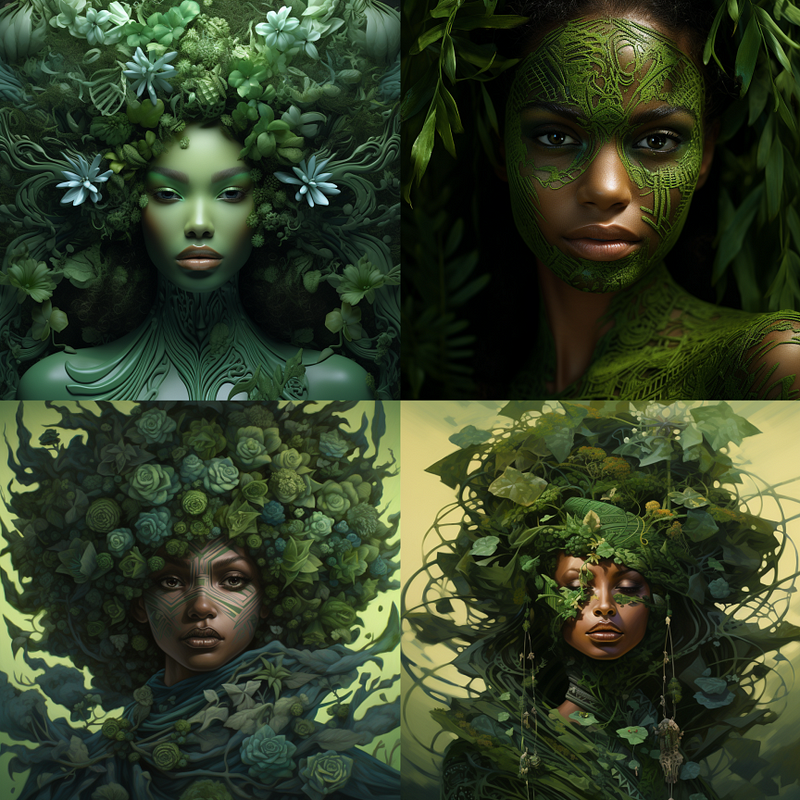
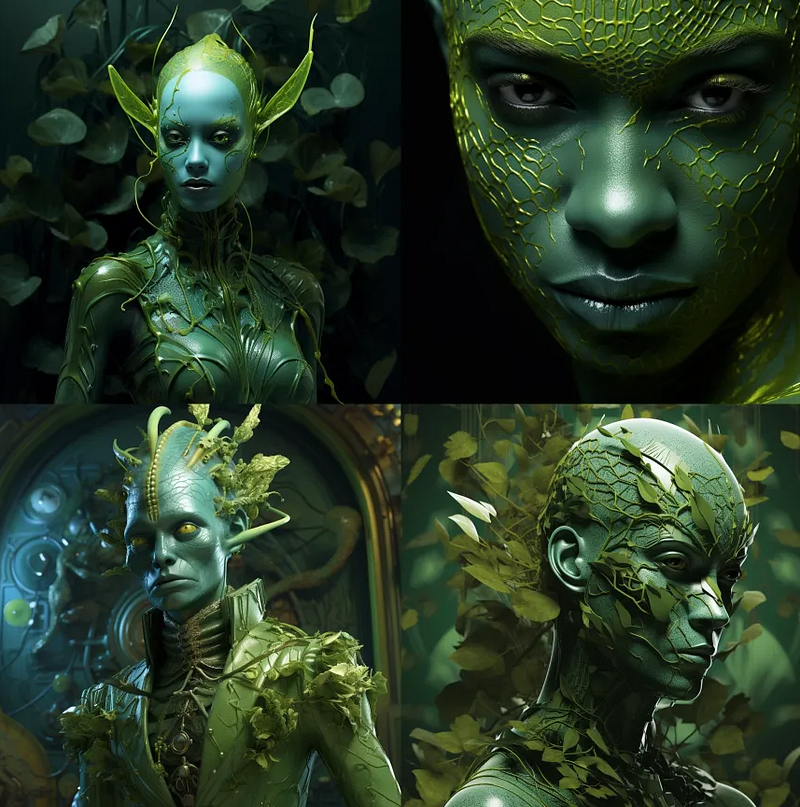
- skin of the color of green → green skin
- a boy with a big smile on his little face → cheerful boy
- a rabbit with carrots → a rabbit eating carrots
- a farmer with his chickens → a farmer feeding his chickens
- the chair in the middle of a room → the midmost chair in a room (2 words shorter)
But what if you’re not a native English speaker and have difficulty replacing prepositional phrases? Allow me to present my ChatGPT Rescuer prompt:
Condense the following prepositional phrase into 1–3 words. Be specific. The phrase: (put in your phrase).
Example: Copy-paste the ChatGPT prompt and put “skin of the color of green”. The prompt will become like this: Condense the following prepositional phrase into 1–3 words. Be specific. The phrase: skin of the color of green.
The output is “green-skinned.” Easy right? Note that this ChatGPT can’t introduce a new verb into a prompt. For that, you’ll have to use a bit of your imagination…
(3) Be ultra-specific
Use specific words or words relevant to your description and capable of summarizing it. Use the most specific and pertinent words. Being specific can shorten the prompt and trigger the MJ “archetypes” (typical model characters, actions, poses, or scenes), increasing the likelihood of getting the image you want.
Instead of writing:
- a guy swimming in the pool → a swimmer
- someone riding a bicycle -> a cyclist
- a man with a katana sword → a Samurai
- someone wearing a white lab coat working in a biological laboratory → a scientist
- a woman with a white lab coat and stethoscope → a doctor
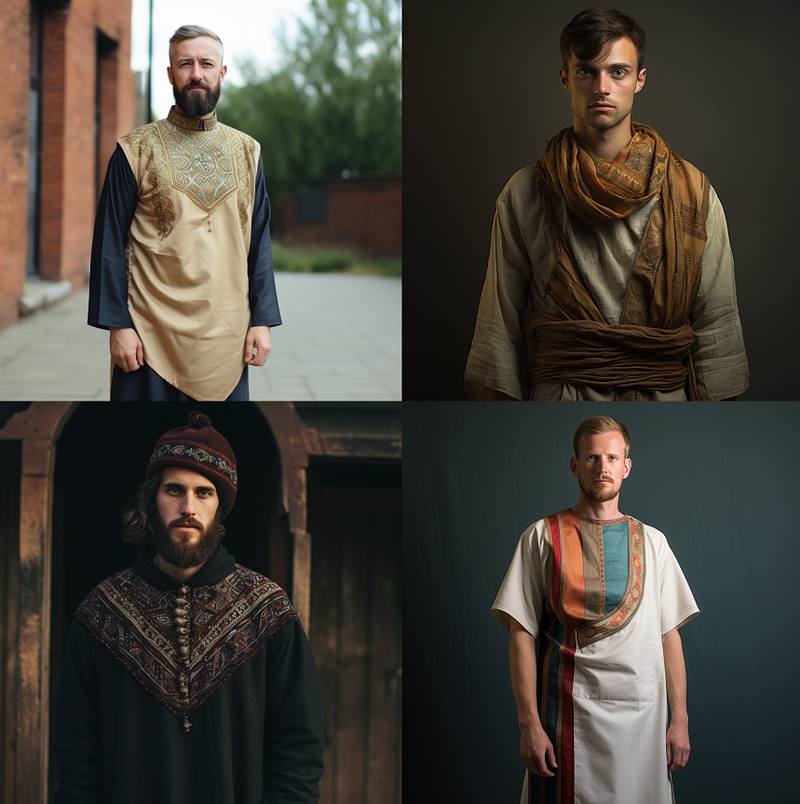
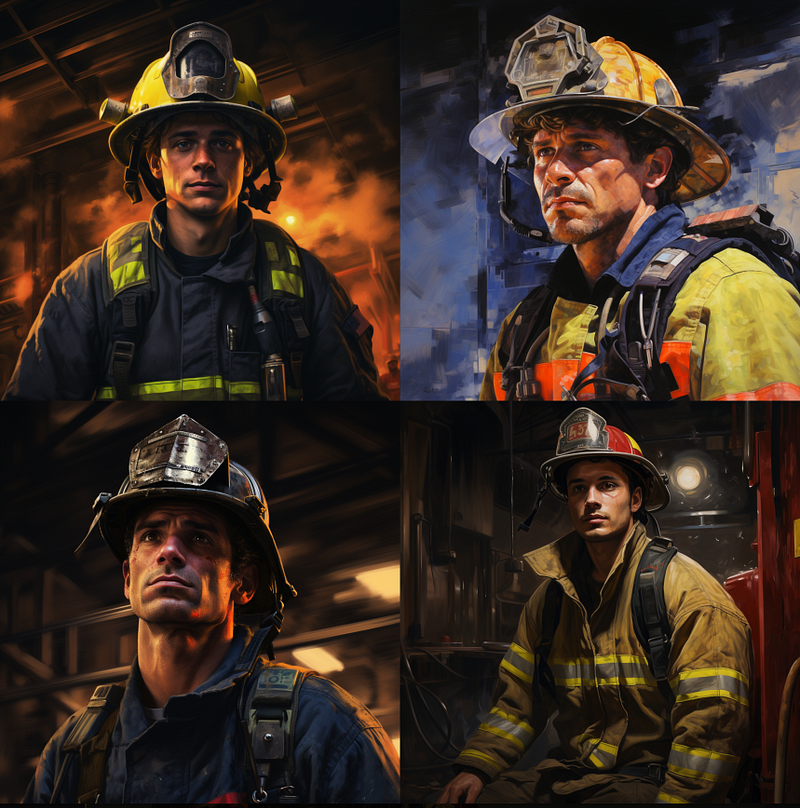
- a man wearing the tunic → the fireman
Need help finding the most specific word? Use the ChatGPT Rescuer prompt above!
(4) Minimize redundancy
Refrain from talking to Midjourney as if it were ChatGPT. MJ doesn’t know how to follow instructions; it only knows how to understand descriptions.
Use phrases and not a list of words. “A man eating a cake” is a better example than “man, eating, a cake.”
If you use a word list, what will happen? You will likely get panels or strips like in a comic book or graphic novel. Try making the prompt more grammatical to see if that makes any difference. Fix any “lists” you find in your prompt.
Reducing redundancies helps eliminate the number of possible combinations MJ has to compute, making the output more coherent.
Avoid the following words, which that were called “placebos” in MJ’s Discord FAQs: 4K, 8K, 16K, hyper, ultra, insanely, unreal engine, octane, etc.
Instead of writing:
- Closed fist → fist (because the fist is already closed. The word “closed” is redundant)
- Flower bouquet → bouquet
- Verdant green → green
- Single individual → individual
- Whole entirety → whole or entirety
Exceptions:
(a) Note that redundancy has its place in MJ’s “Cowbell” method. This technique “forces” MJ to display the missing portion of your prompt. More information about the Sliders and Cowbells method can be found in the Discord FAQs. Or you can also follow me on Medium, where I will write about this topic in greater depth in a future article.
(b) Some “fixed phrases,” such as “in the style of,” and “an illustration of” are typically used in writing the prompt. There is no need to shorten them.
(5) Use hyphenation or a compound word to increase the influence of your words
These techniques help MJ bot better understand what you are looking for.
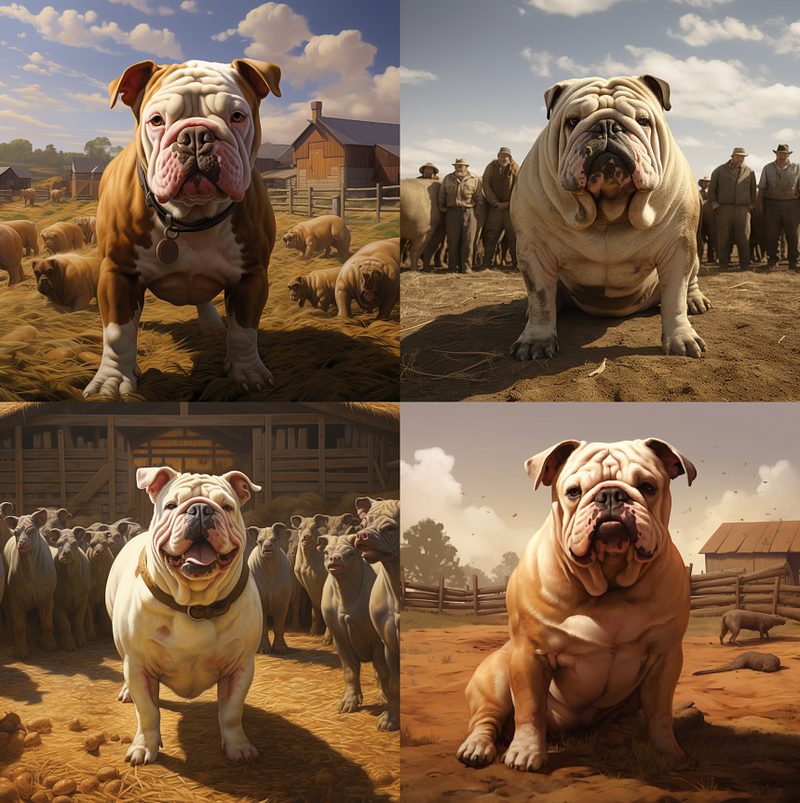
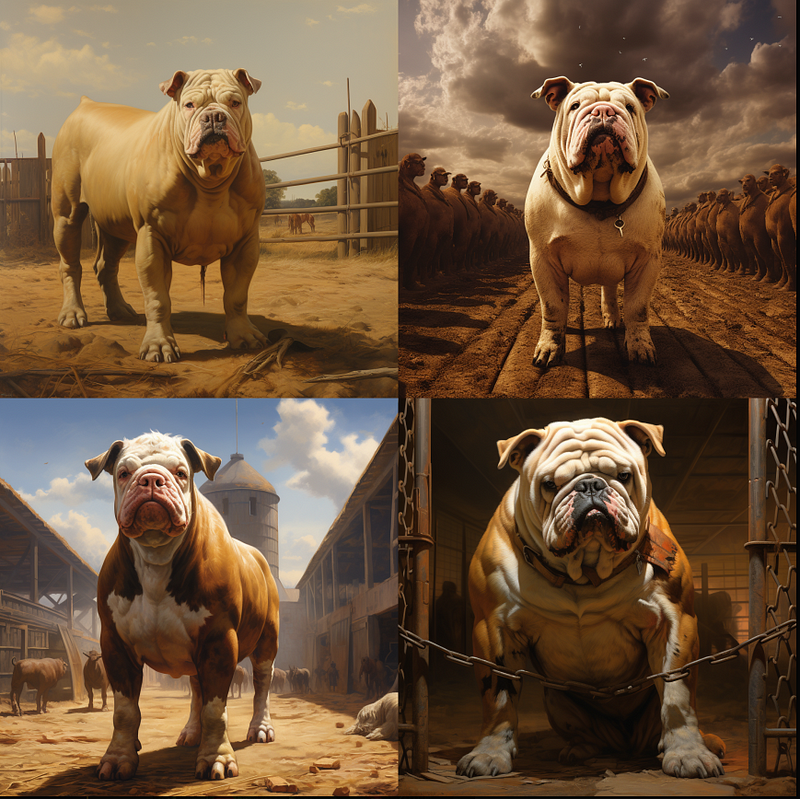
- Bird eating worms versus Bird-eating worms
- A bull dog in a cattle farm versus a bulldog in a cattle farm
- a gold fish hook versus a gold fishhook
(6) Specifying what you want in the prompt’s opening is critical
Avoid surprises by specifying your requirements. Is this a photograph or an illustration? Use “a photo of” for a picture. Remember to remove the words “photorealistic” and “hyper-realistic” if it’s a photograph. If you’re after an illustration, use “an illustration of” or “a painting of”.
Other examples:
If you are looking for icons, try “icons of”.
If you are looking for multiple items, try “in a set of”, “asset sheet”, “a collection of”
(7) Rerolls 3–5 times
Don’t fret if you don’t find what you’re looking for in the first image grid. It doesn’t necessarily mean your prompt has failed. Your prompt may require more than one opportunity to be expressed. The longer the prompt, the more ways the words can interact with one another. MJ must consider all possibilities; sometimes, your first image grid does not contain your desired image. When you click Vrolls (buttons with the “V” label) or rerolls, you’ll see additional images demonstrating how your prompt could be used differently.
Choose the image you want to pursue (Vrolls) or if you don’t like all of the options, click reroll to see more. If you still don’t see what you’re looking for after 3–5 rerolls or Vrolls, it’s time to troubleshoot your prompt and start over.
Conclusion
1) Make the prompt shorter. Be careful about where you put your keywords.
(2) Avoid any prepositional phrases
(3) Be very specific
(4) Minimize redundancy
(5) Use hyphens and compound words.
(6) Say what you want at the beginning of the prompt
(7) Rolls 3 to 5 times
Do you find this article interesting? Do you have any additional suggestions to add to the list? Please let me know by leaving a comment.
****************************
Related stories:
Never miss a story. Follow me on Medium for updates, articles, and tips about Midjourney.
Join Medium today and read all my stories: https://medium.com/@geekyanimals/membership


