
Complete Guide To Midjourney’s Permutation Feature
Getting the Most Out of Midjourney’s Amazing Update
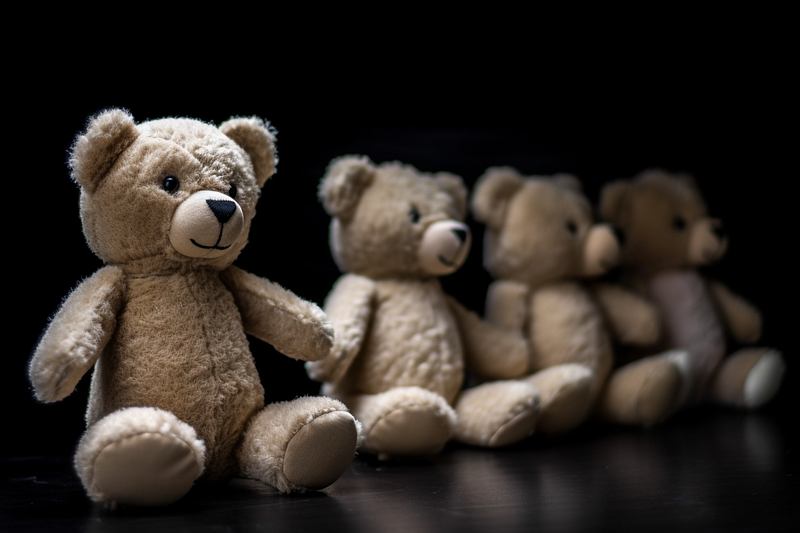
Midjourney just keeps adding new and amazingly useful features to their Discord-based image generation tool.
Just a few days after the introduction of the “describe” functionality, we get “prompt permutation”: a crucial upgrade for those who want to systematically refine their prompts or go on a wild safari through latent space!
Here’s what we will cover in this post:
- basic usage of prompt permutations
- style & genre permutations
- semantic fragmentation
- nested permutations
- negative permutations
- version permutations
- chaos permutations
- aspect ratio permutations
- stylize permutations
Requirements
To use prompt permutations, you must subscribe to Midjourney’s “Standard” or “Pro” plan.
Basic Usage
The prompt permutation works with curly braces. Everything inside {} is considered a permutation option.
A basic permutation prompt looks like this:
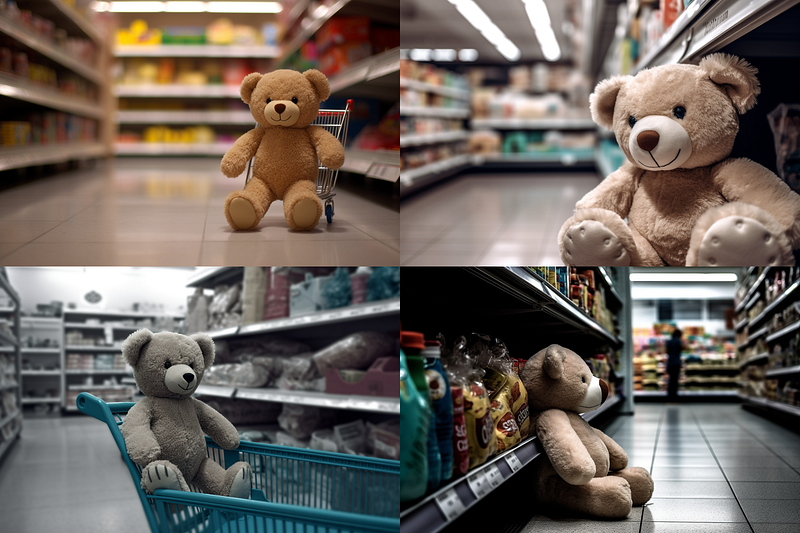
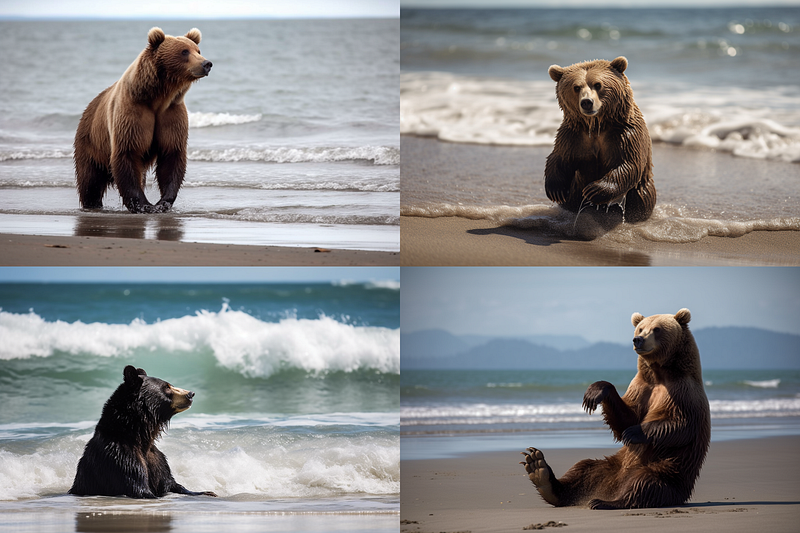
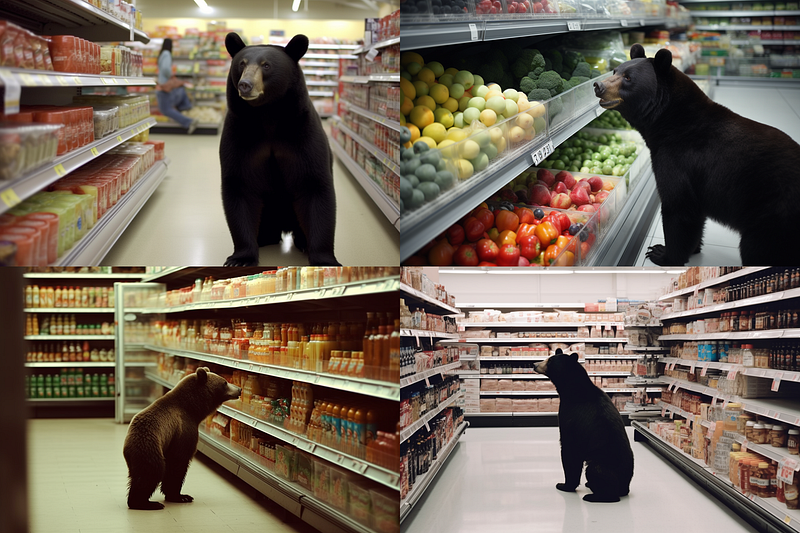
selfie of a {teddy, bear} at the {beach, supermarket}This prompt then gets split up into four separate prompts like this:
selfie of a teddy at the beach
selfie of a teddy at the supermarket
selfie of a bear  at the beach
selfie of a bear  at the supermarket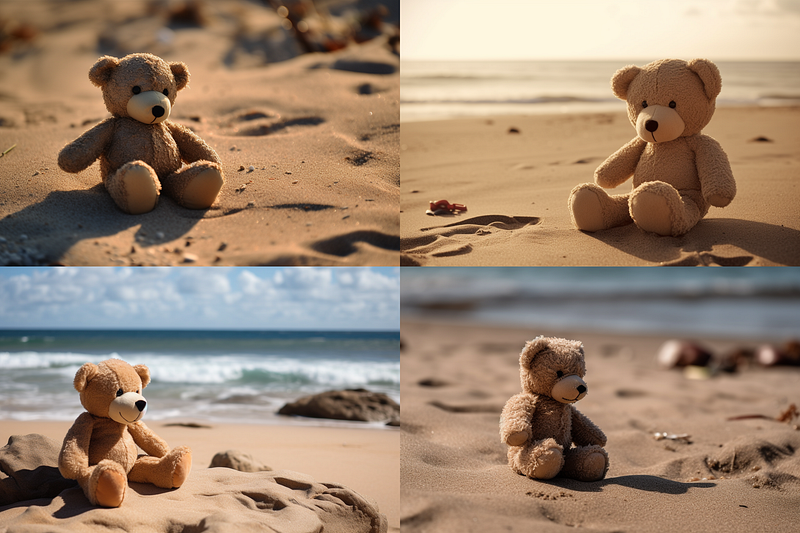
Style & Genre permutations
An amazingly powerful use case for permutations is the exploration of different style & genre combinations.
Here’s an example:
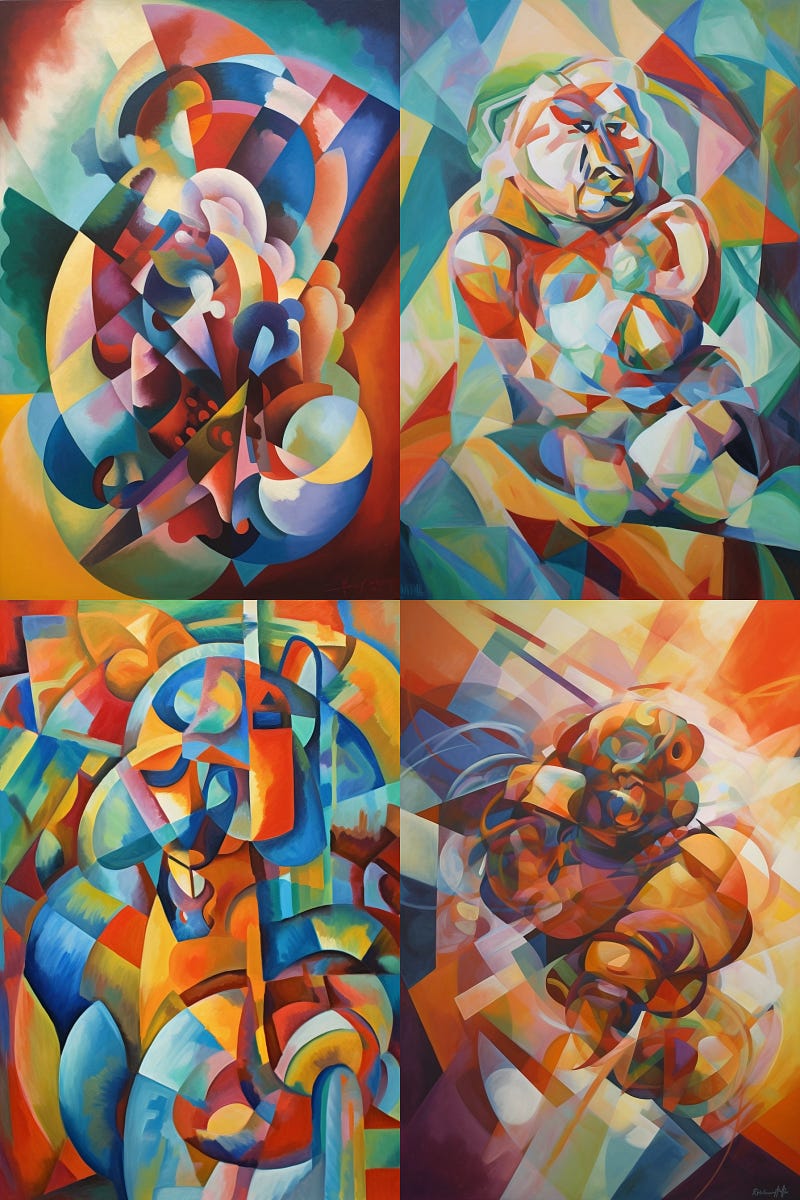
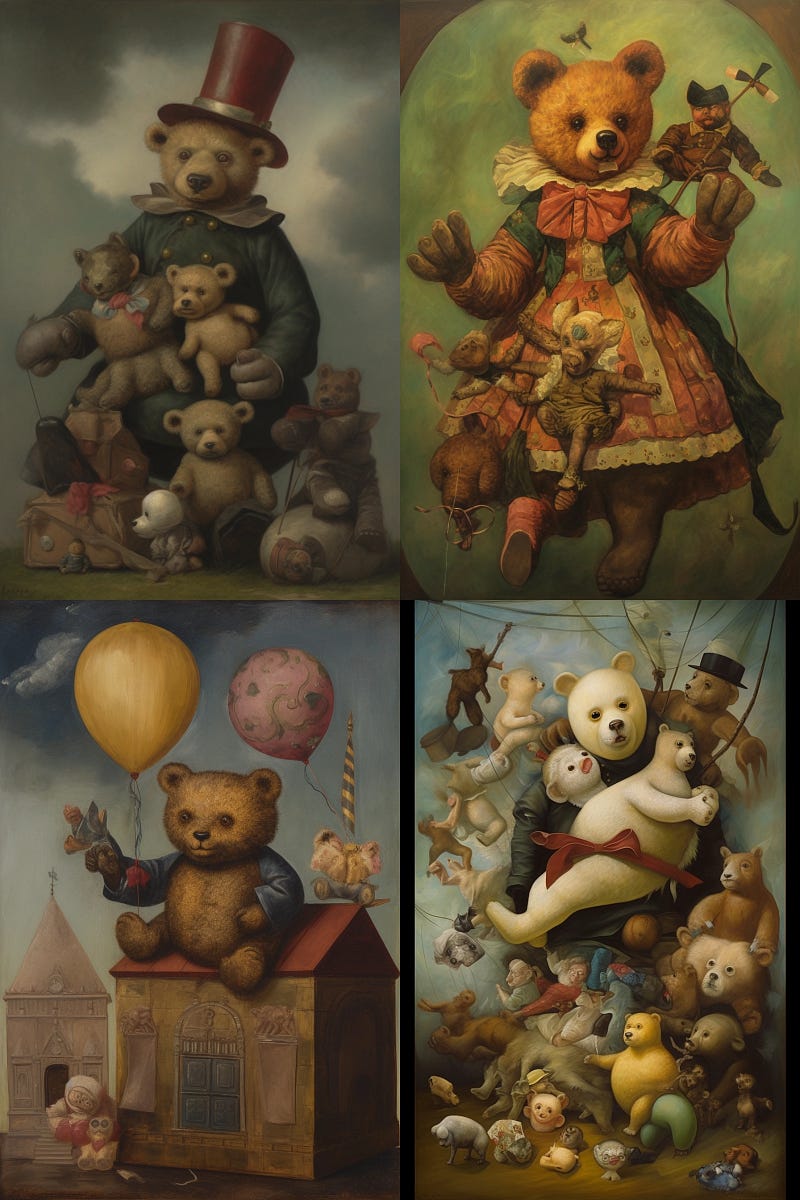
{allegorical, abstract} {dadaism, futurism} painting of a teddy --ar 2:3This gets translated into these four separate prompts:
allegorical, dadaism painting of a teddy --ar 2:3
allegorical, futurism painting of a teddy --ar 2:3
abstract, dadaism painting of a teddy --ar 2:3
abstract, futurism painting of a teddy --ar 2:3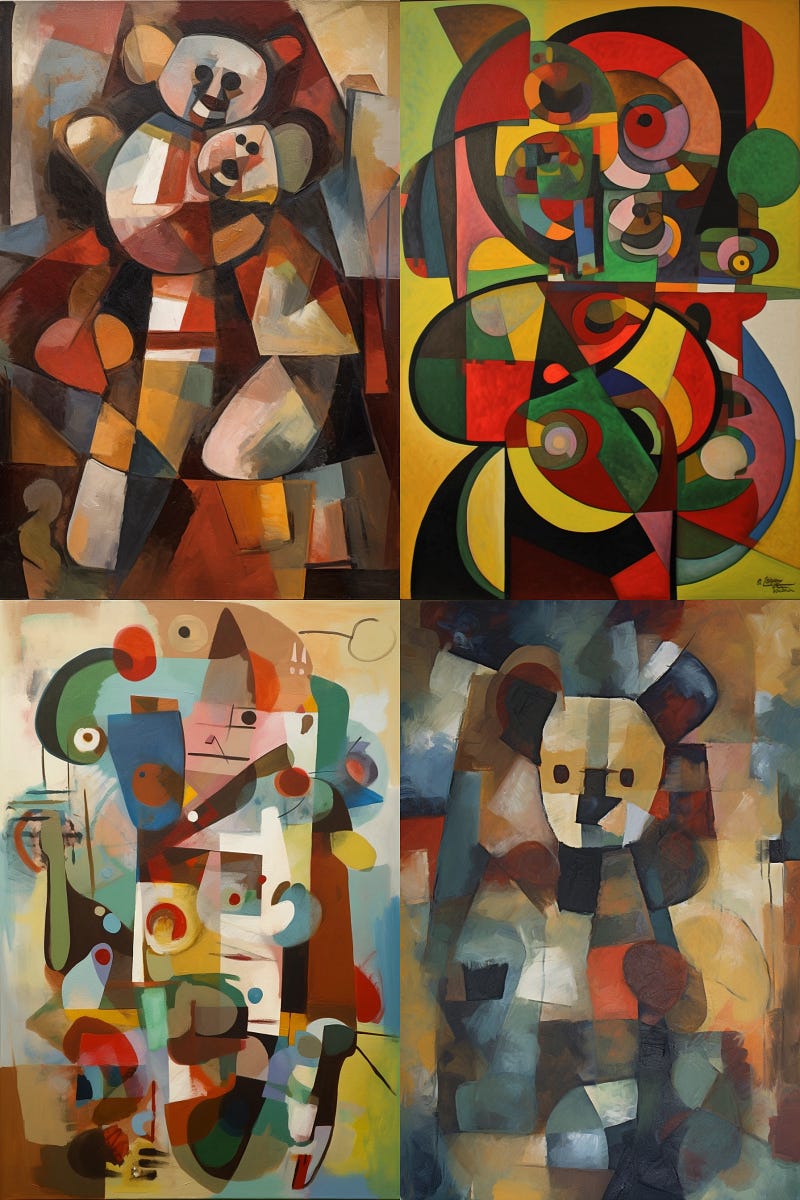
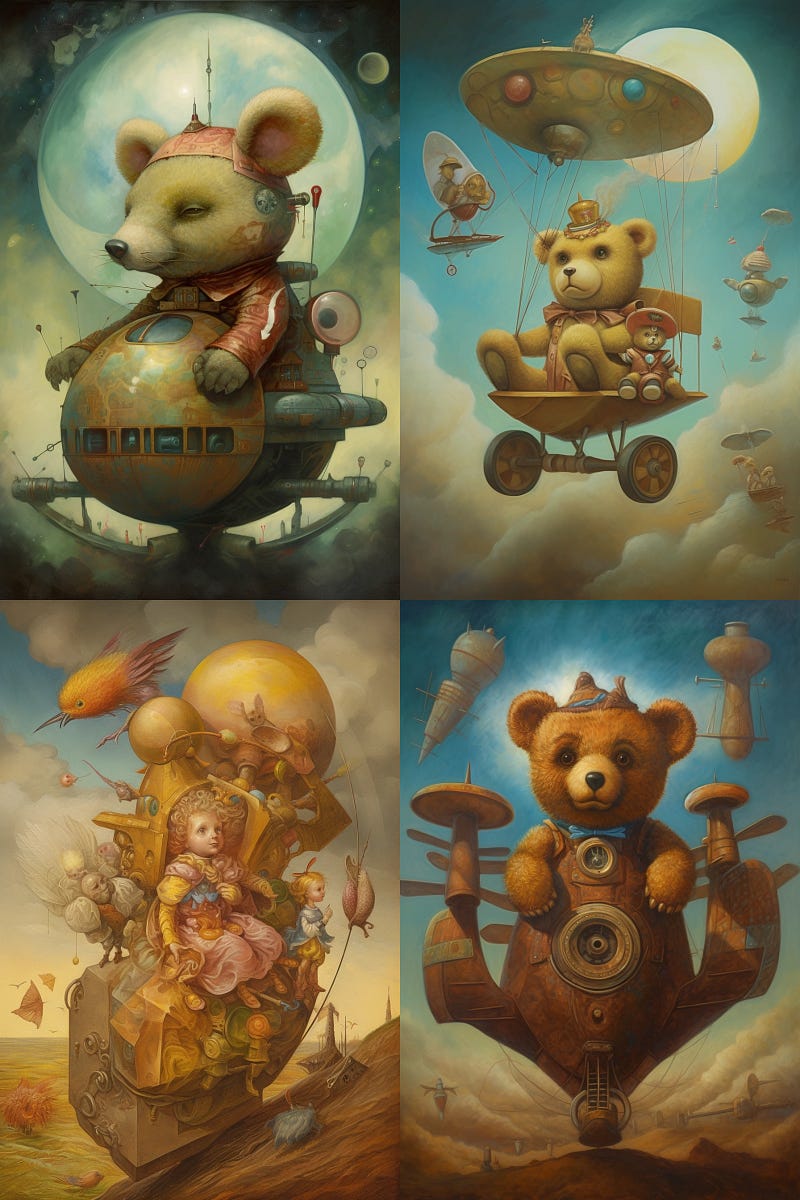
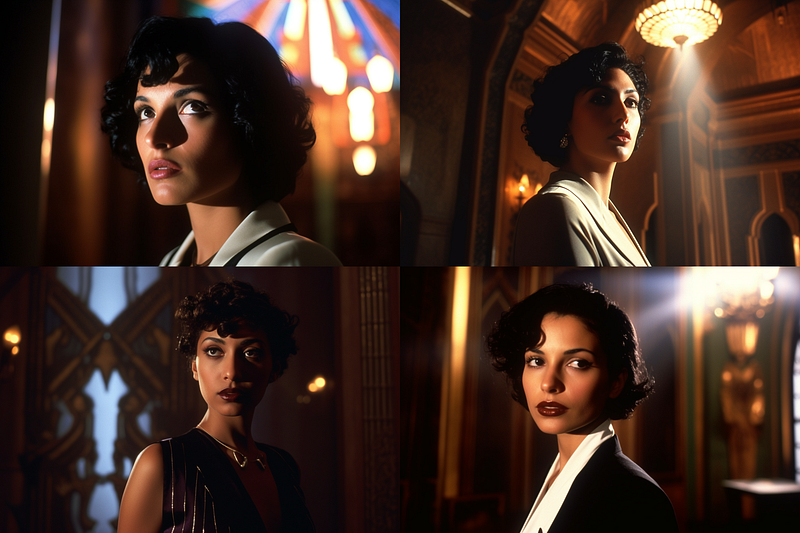
Especially helpful to explore variations in a cinematic context as well:
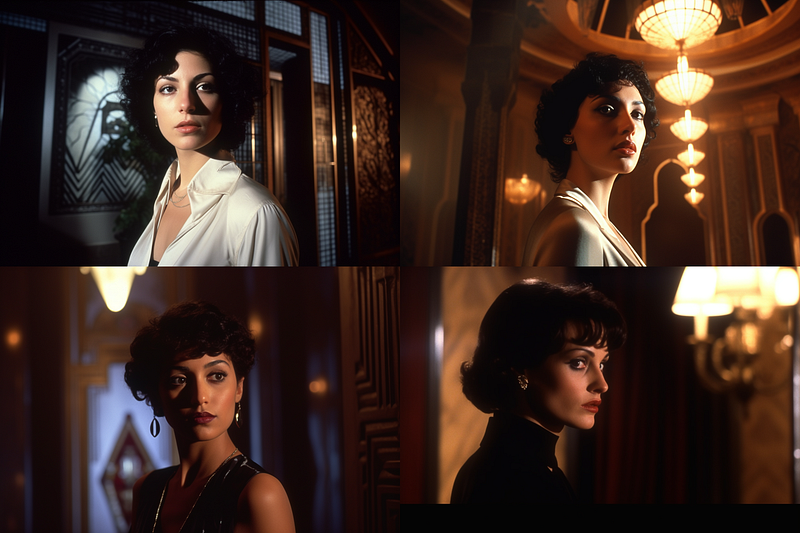
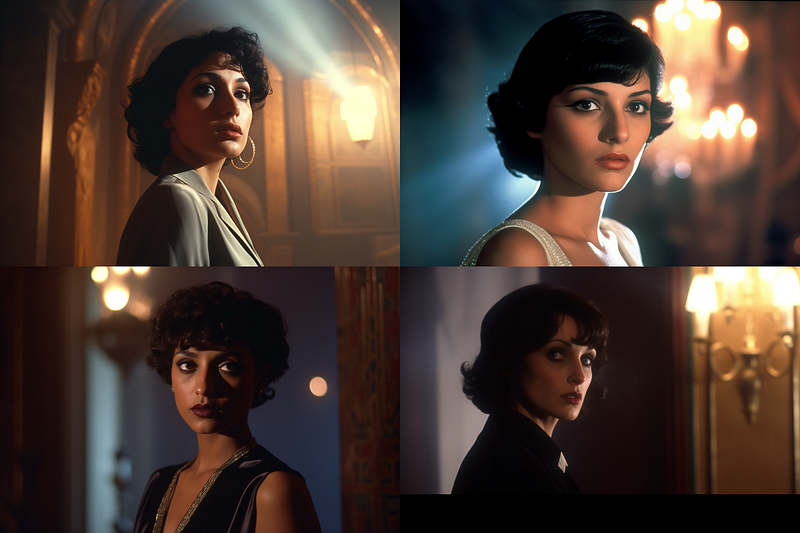
1980s spy movie, Medium closeup shot from low-angle,
a young Egyptian woman standing in an Art Deco Mansion,
{natural, artificial, dramatic, foggy} lighting
--ar 3:2 --seed 1000 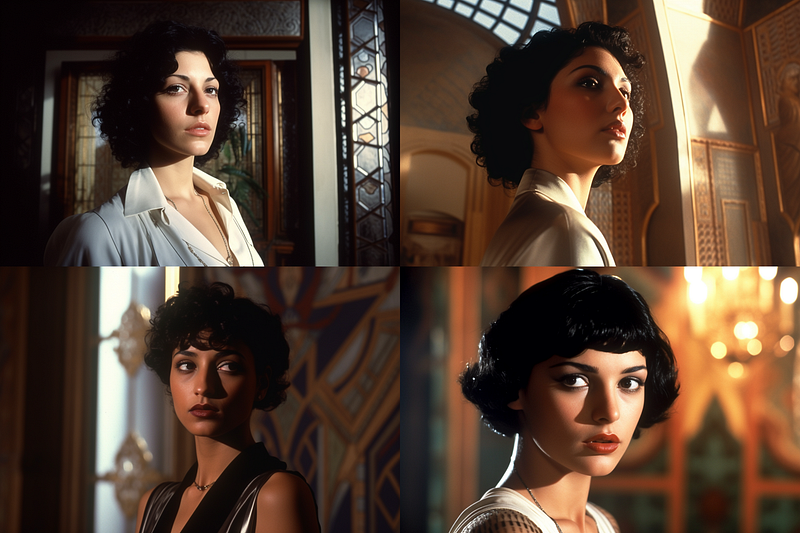
Semantic fragmentation
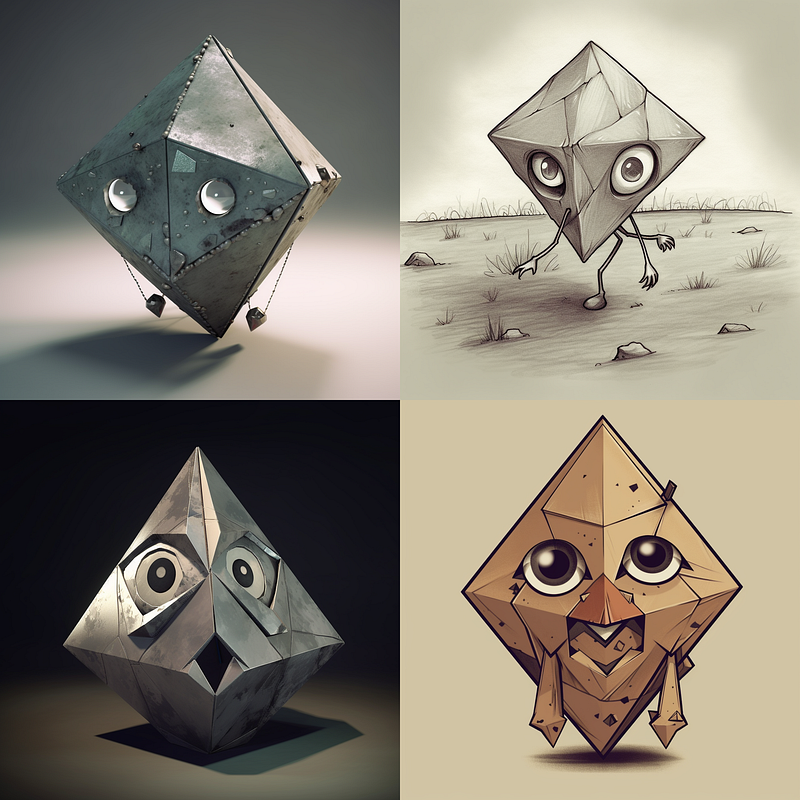
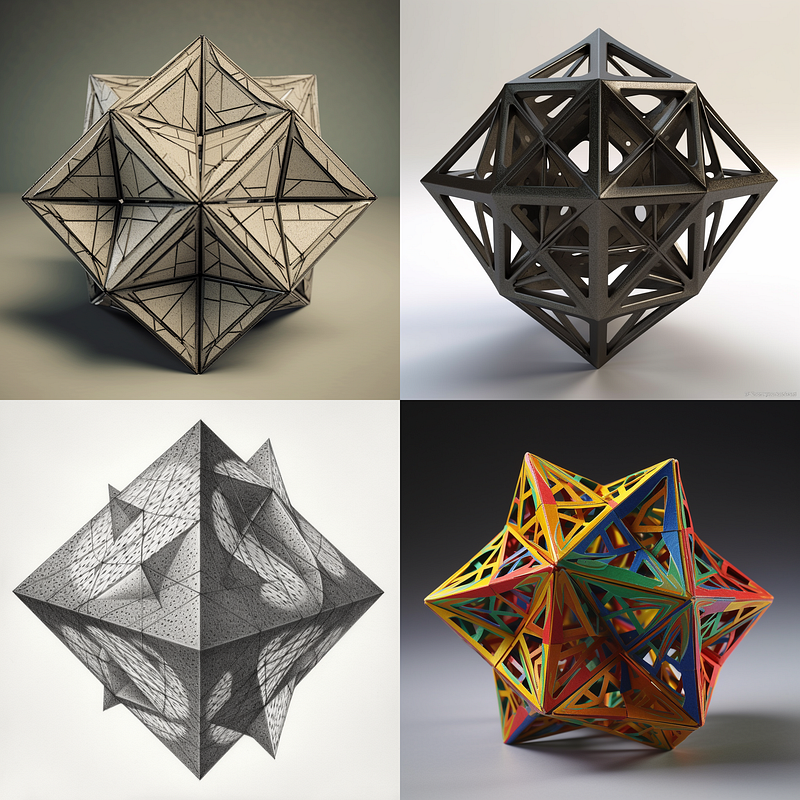
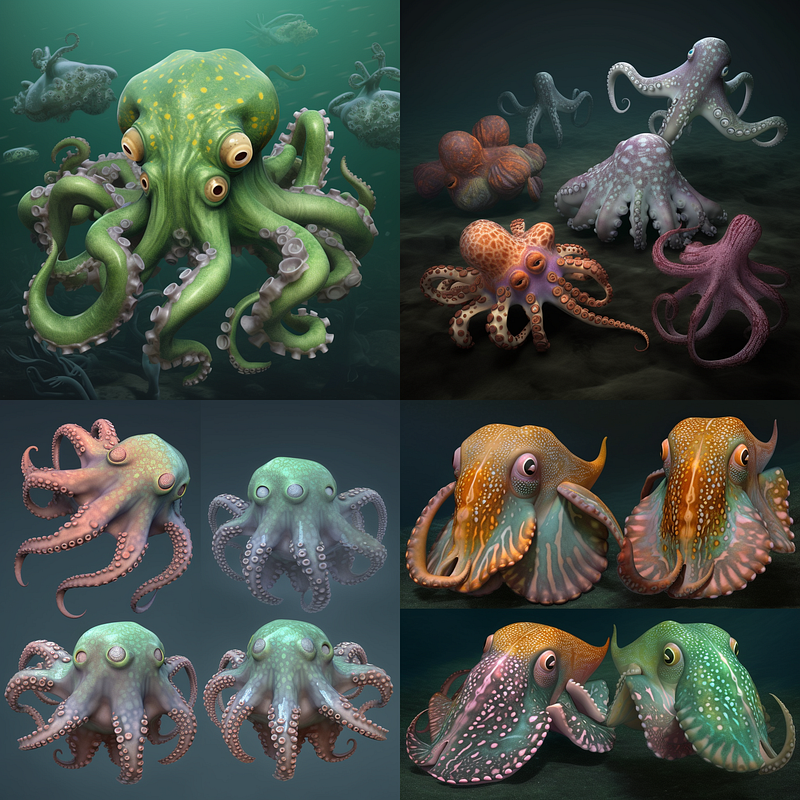
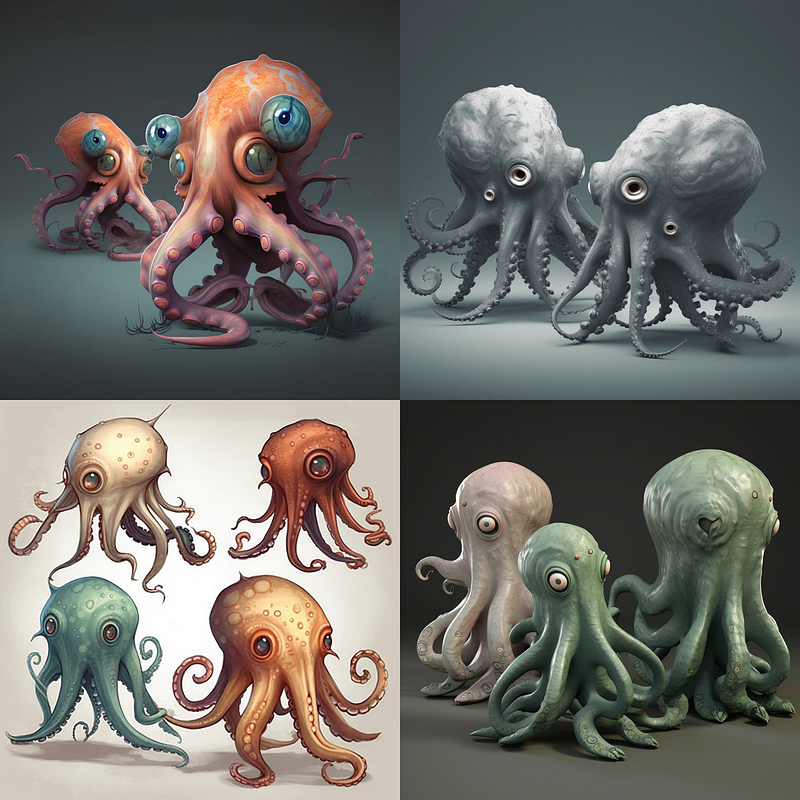
Another way to use the permutation function for prompt exploration is to create semantic fragments. Here’s what I mean by that:
{anthropo, iso}morphic oct{opodes, ahedron}This will give you:
Nested Permutations
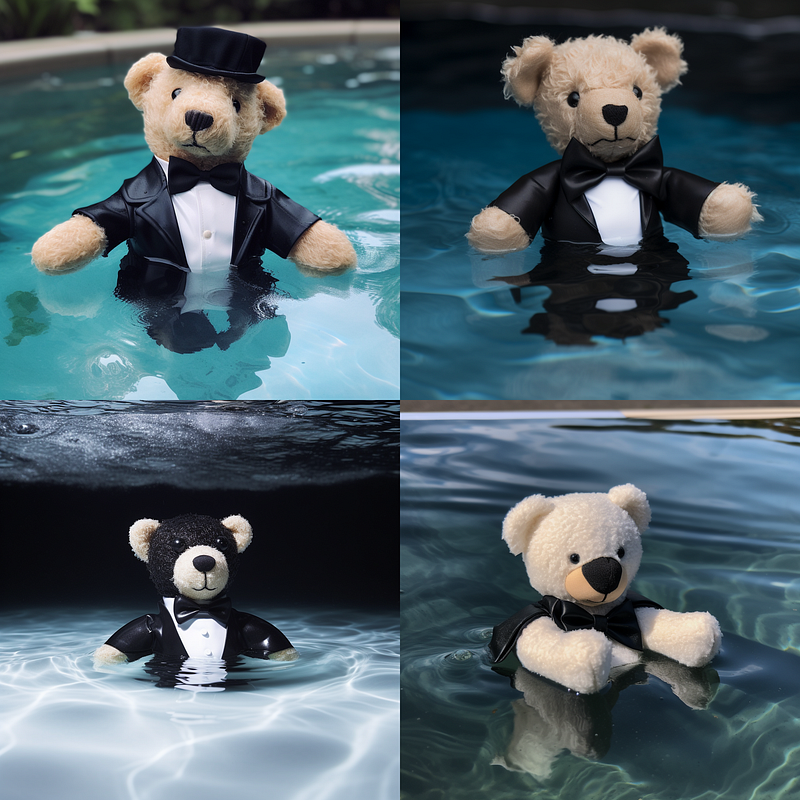
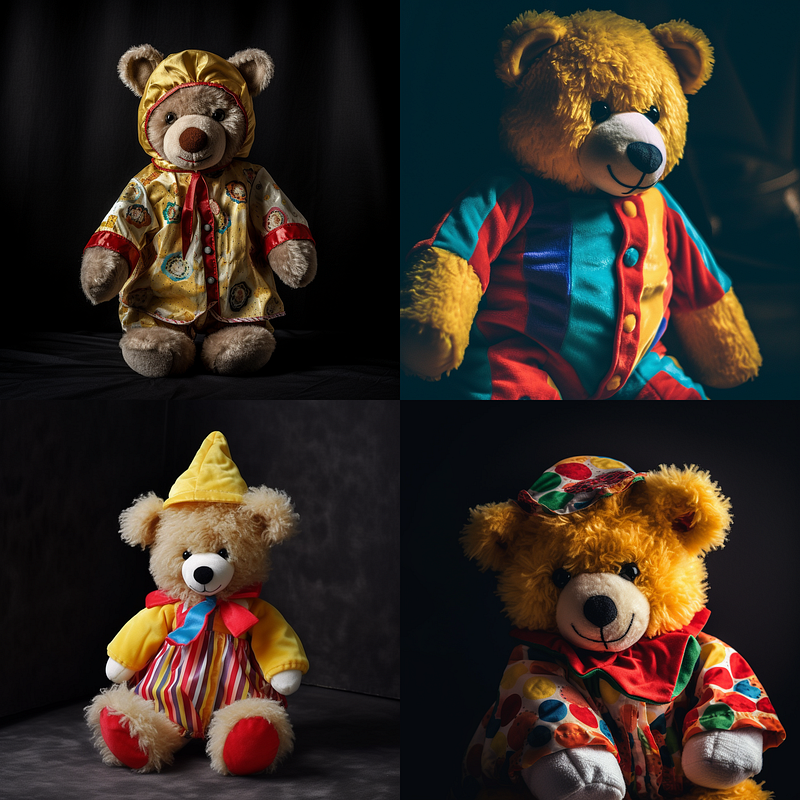
Similarly to semantic fragmentation but on a higher abstraction level, you can use nested permutations to explore and refine prompts.
a teddy in a {tuxedo {dancing, swimming}, clown costume}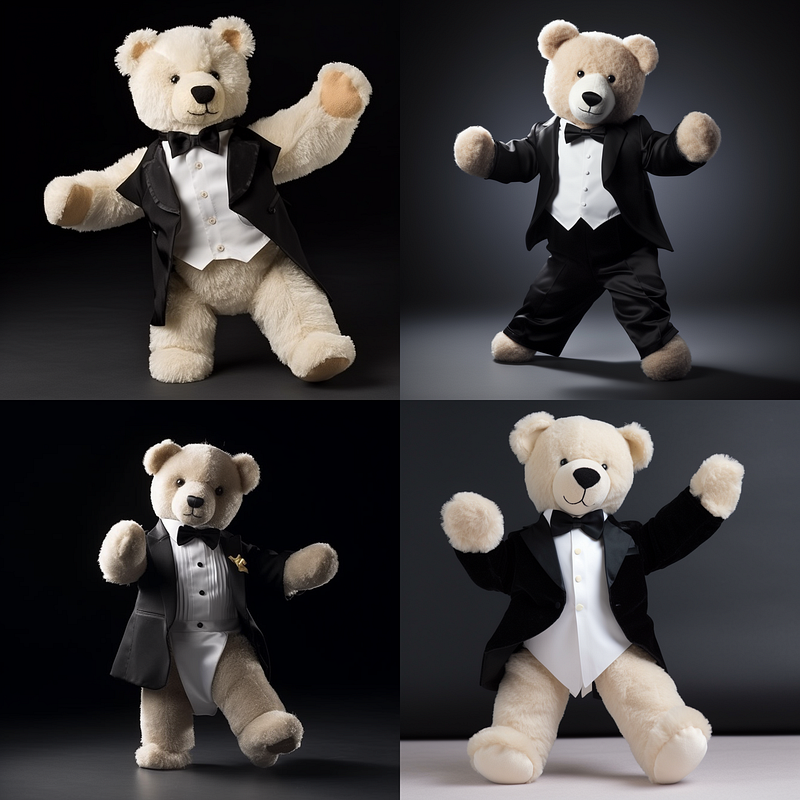
Negative Prompt Permutations
Permutation also works with parameters, e.g. to iterate through negative prompts.
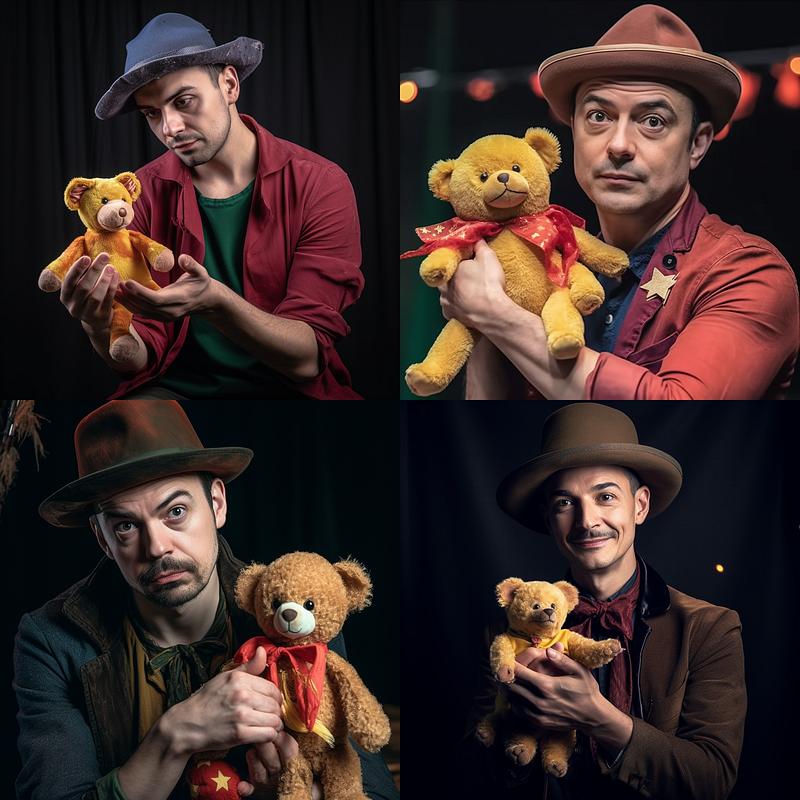
a magician holding a teddy --no {hat, tuxedo}Resulting prompts:
a magician holding a teddy --no hat
a magician holding a teddy --no tuxedo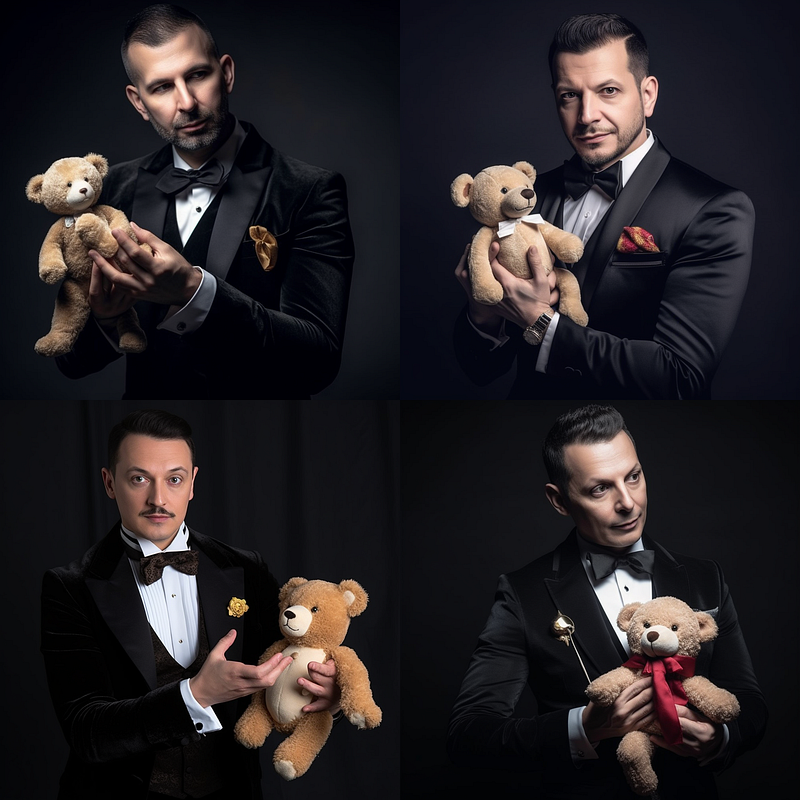
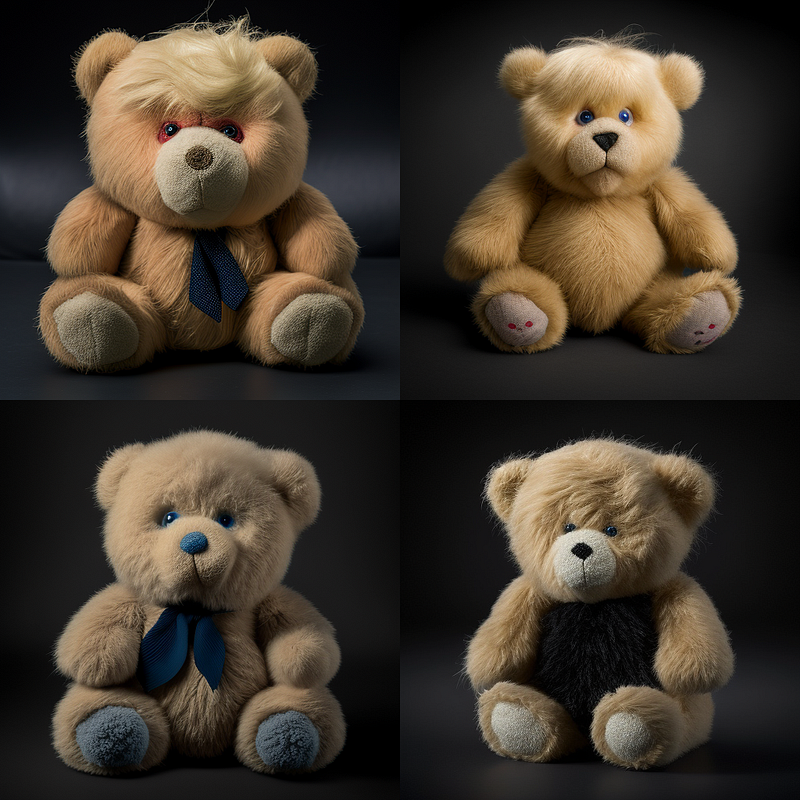
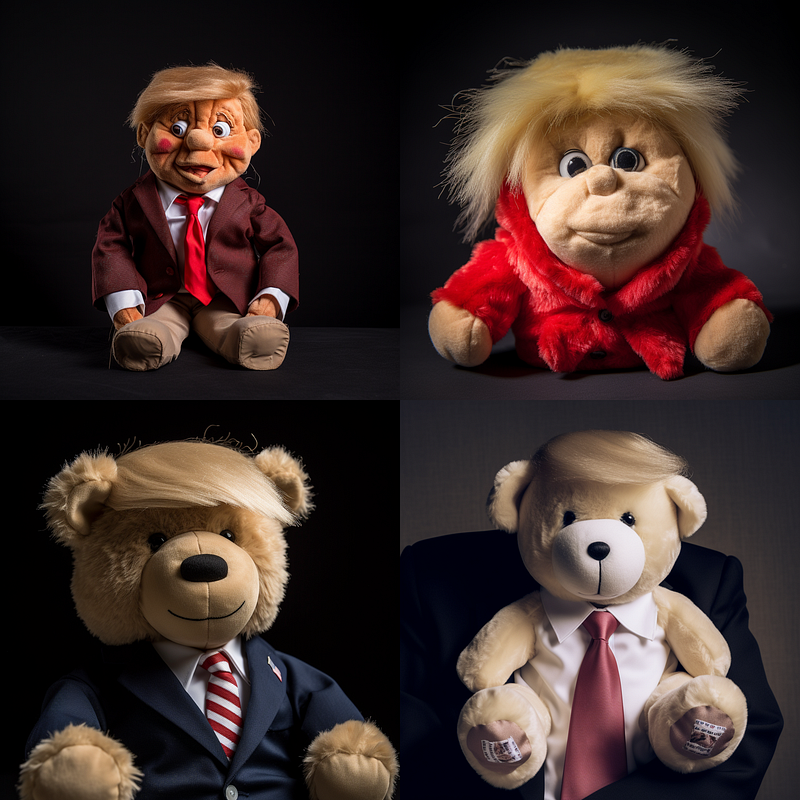
Version Permutations
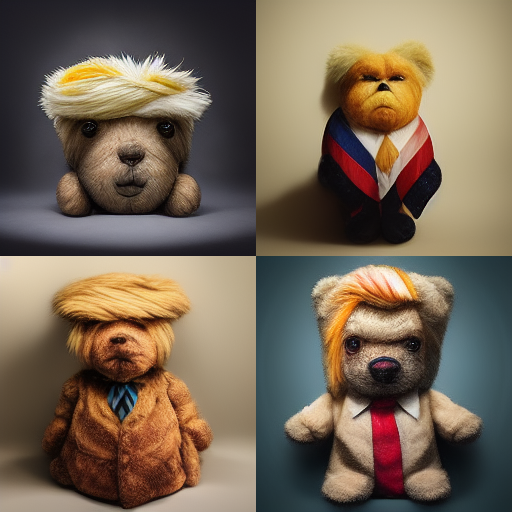
This is very useful to investigate version differences with a single prompt.
studio photography of a Donald Trump teddy --v {2,3,4,5}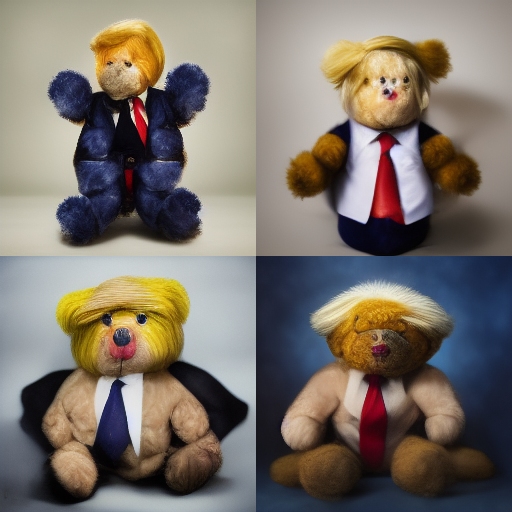
Chaos Permutations
You can examine the changes caused by the Chaos parameter with a range of Chaos values and a fixed seed. For example:
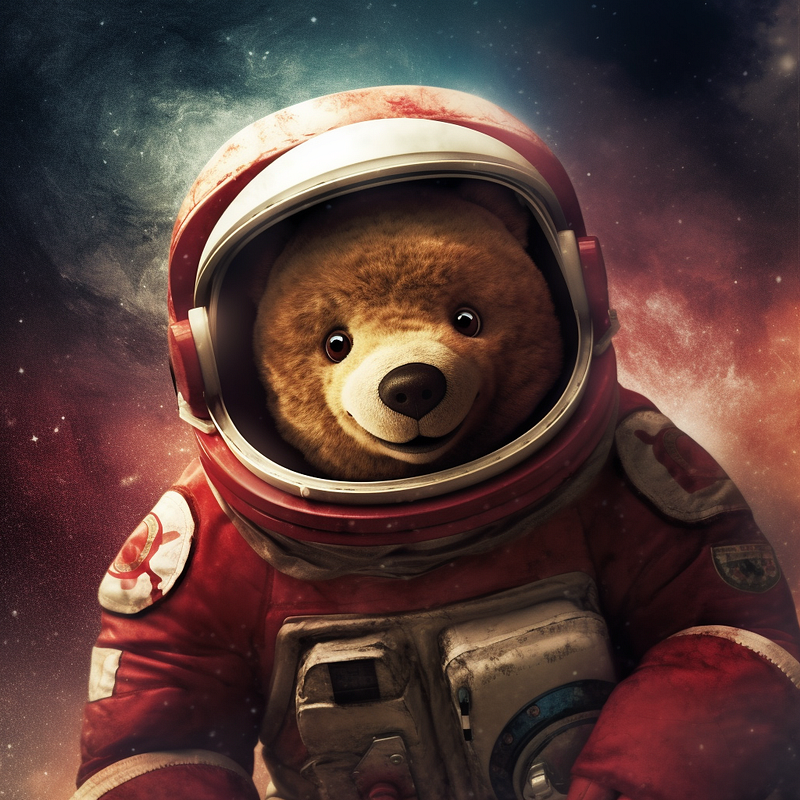
a teddy in space --chaos {0, 30, 60, 90} --seed 1000Resulting prompts:
a teddy in space --chaos 0 --seed 1000
a teddy in space --chaos 30 --seed 1000
a teddy in space --chaos 60 --seed 1000
a teddy in space --chaos 90 --seed 1000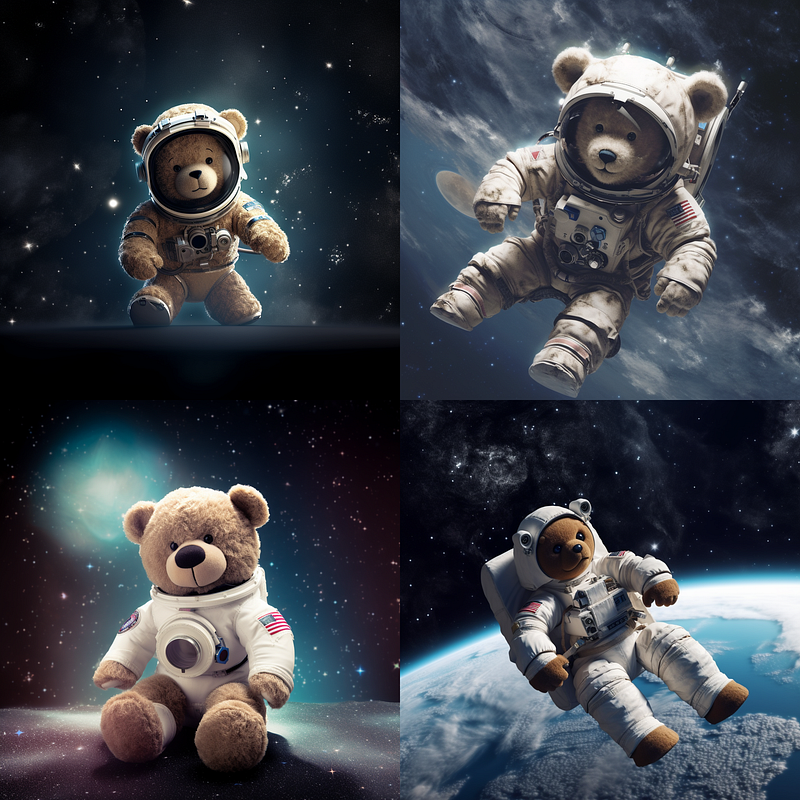
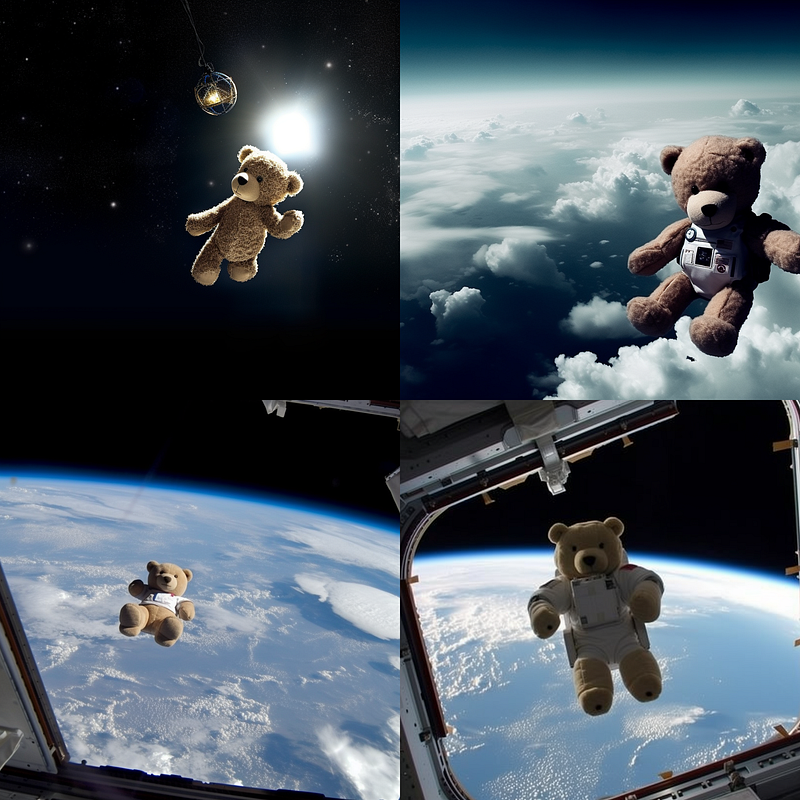
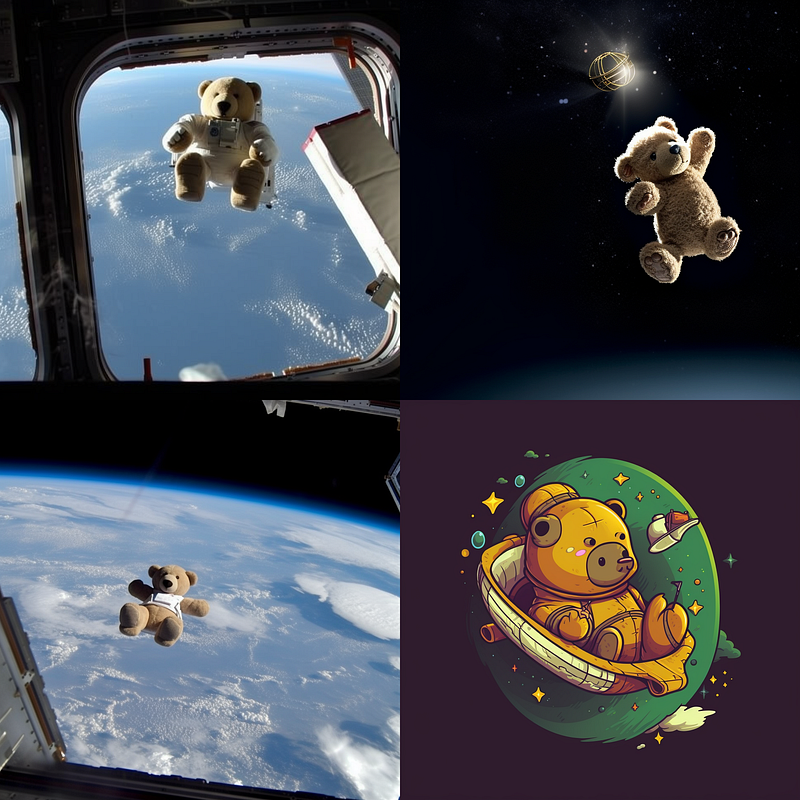
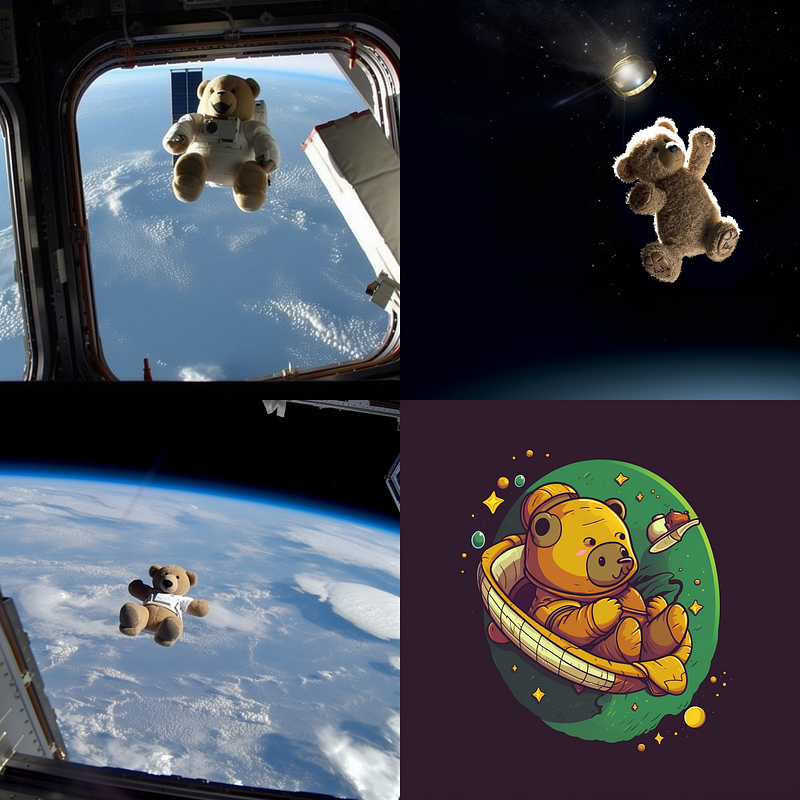
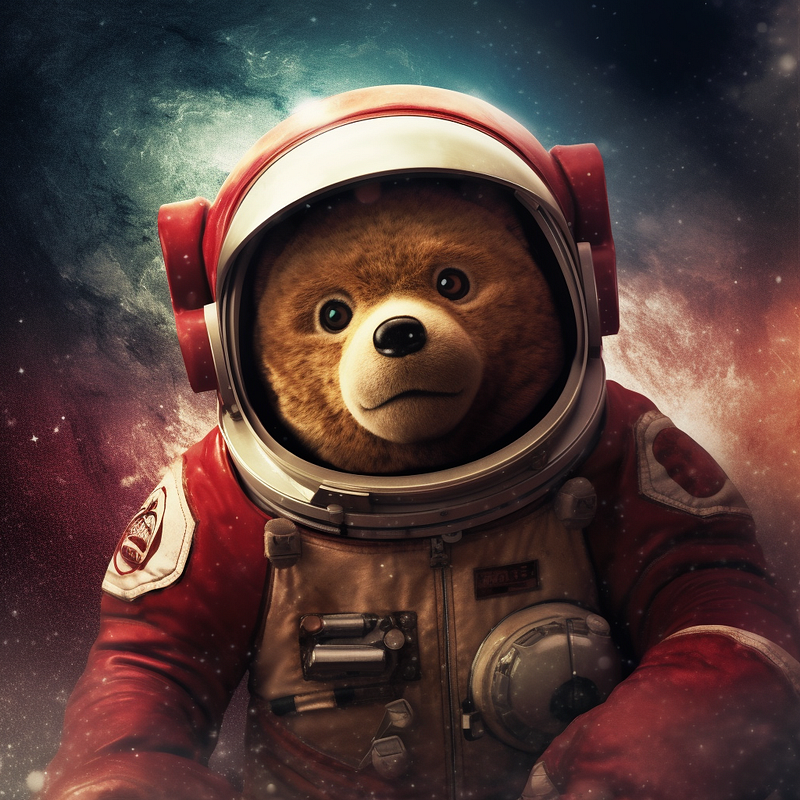
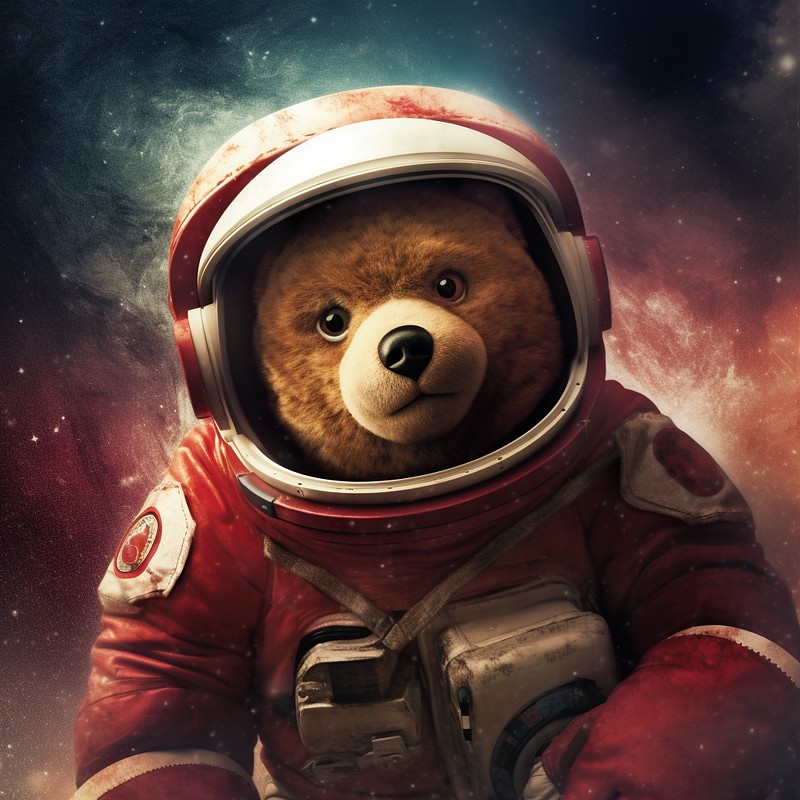
As I showed here, the Chaos value also works with floating point numbers, so you can create interesting subtle effects in combination with a fixed seed value.
a teddy in space --chaos 3.{1, 4, 7} --seed 1000Resulting prompts:
a teddy in space --chaos 3.1 --seed 1000
a teddy in space --chaos 3.4 --seed 1000
a teddy in space --chaos 3.7 --seed 1000
(upscaled images)
Aspect Ratio Permutations
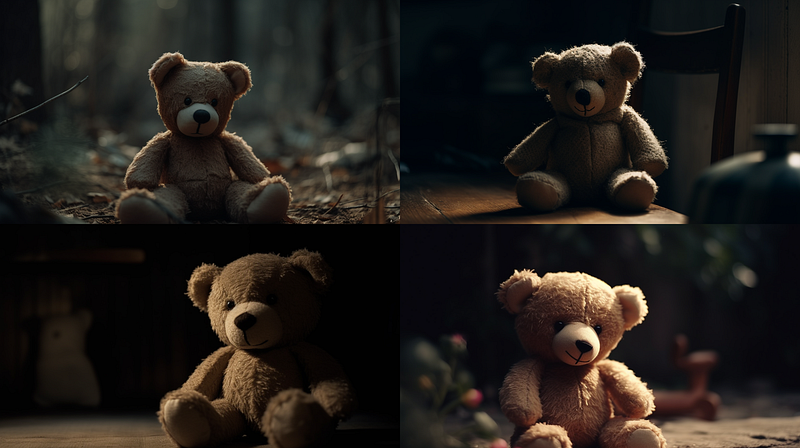
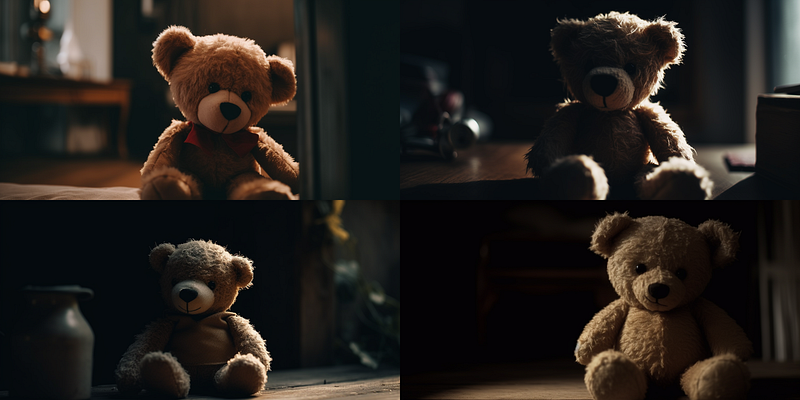
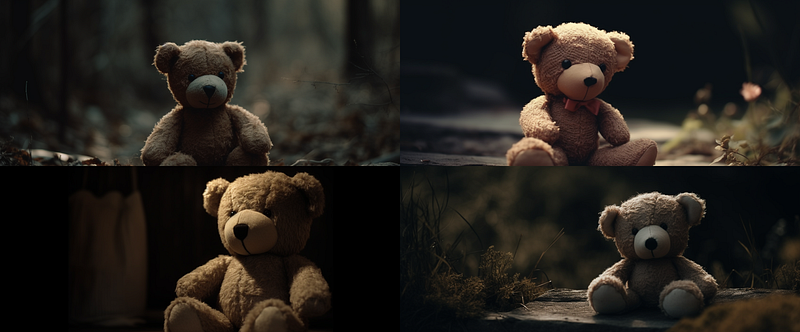
Run a prompt through different aspect ratios to explore compositional effects. Again, it helps to keep the seed fixed.
cinematic shot of a teddy --ar {14:9, 16:9, 2:1, 24:10} --seed 1000Resulting Prompts:
cinematic shot of a teddy --ar 14:9 --seed 1000
cinematic shot of a teddy --ar 16:9 --seed 1000
cinematic shot of a teddy --ar 2:1 --seed 1000
cinematic shot of a teddy --ar 24:10 --seed 1000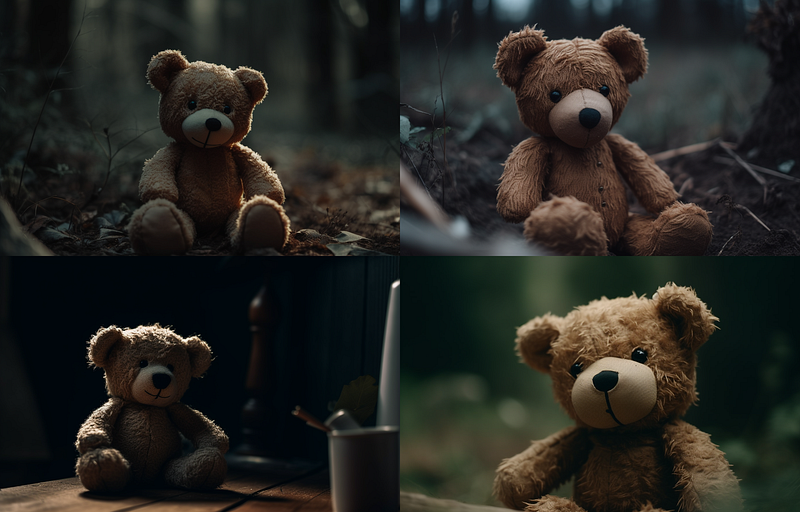
Stylize Permutations
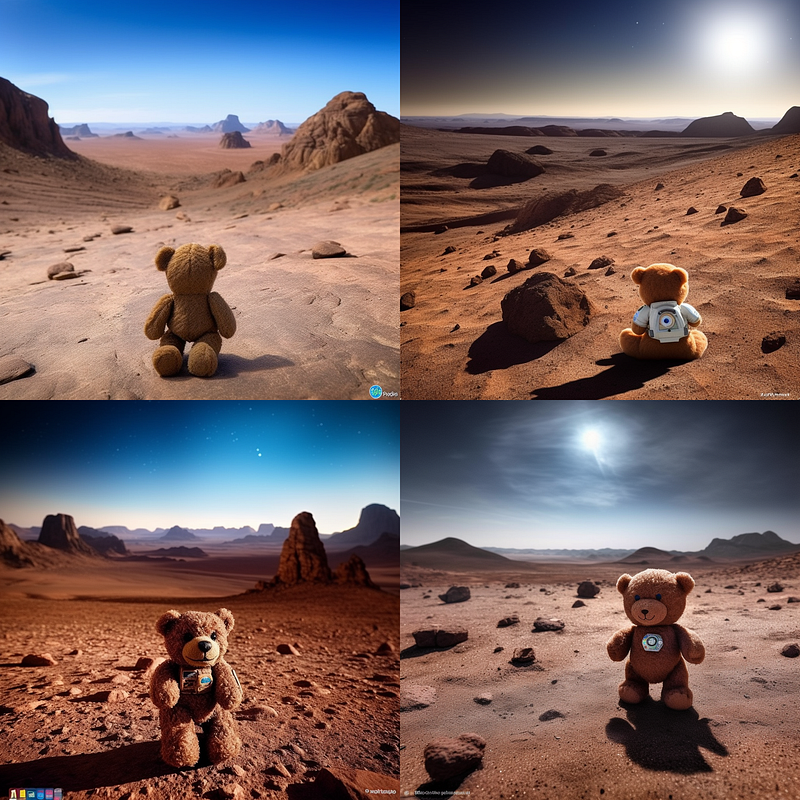
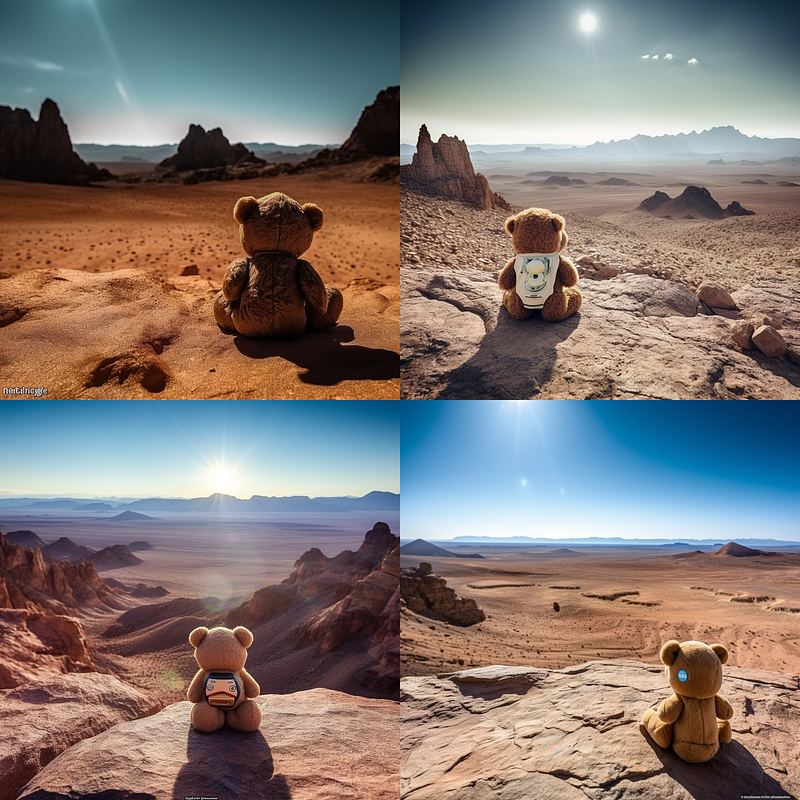
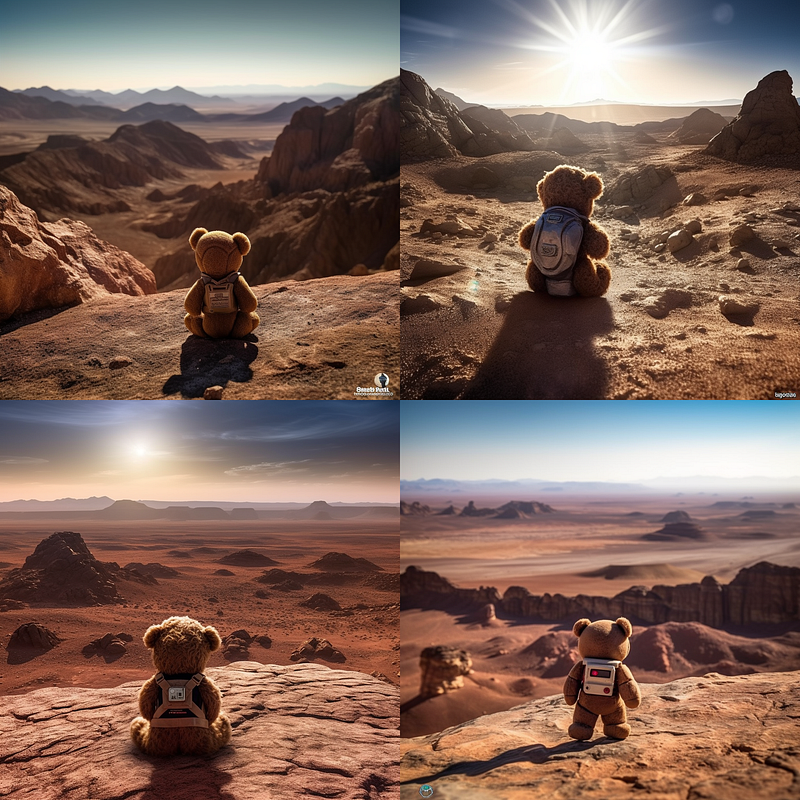
You can also run your prompt through different settings for the Stylize parameter. Keep the seed fixed to examine the changes that result from stylization effects.
a lone teddy bear stood on the rocky terrain of Mars,
its fur glistening with the dust of the planet. In the distance,
a towering mountain range cast long shadows across the vast landscape,
while the bear looked up at the stars above, wondering if anyone would ever
come to join it on this lonely planet --stylize {0,25,50,100} --seed 1000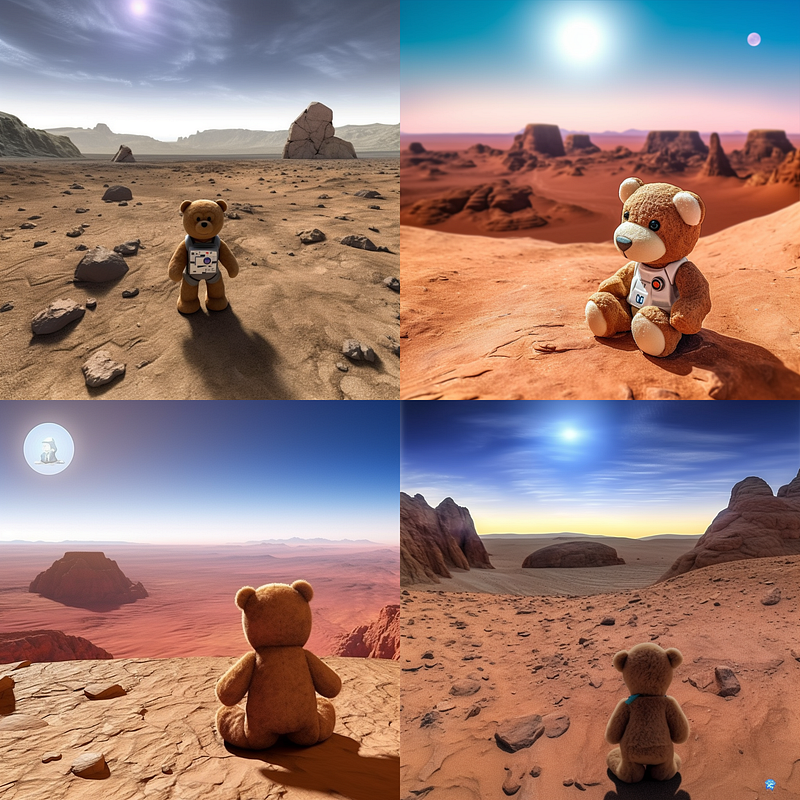
➡️ Follow me here on Medium for more articles about AI & Creativity
🚨 Check out Tales Of Tomorrow if you’re a creative who wants to stay on top of what’s happening with AI tech in the creative industry 🚨
😎 Consider using my referral link to get full access to all my articles (and those of thousands of other writers)
🙏 Like my articles? You would make me the happiest Medium writer if you leave some claps and comments below! 🙏


