
8 Ideas To Get Creative With Midjourney
Have some fun bringing your ideas to life with AI image generation
This one’s a follow-up to 10 Amazing Techniques For Midjourney and 10 Unusual Prompt Ideas For Midjourney.
In this post, we’ll look at the following fun and creative ways to use Midjourney:
- App icons
- Card games
- Business cards
- Cutting plotter templates
- Fashion & accessory design
- Fashion design
- Posters & Postcards
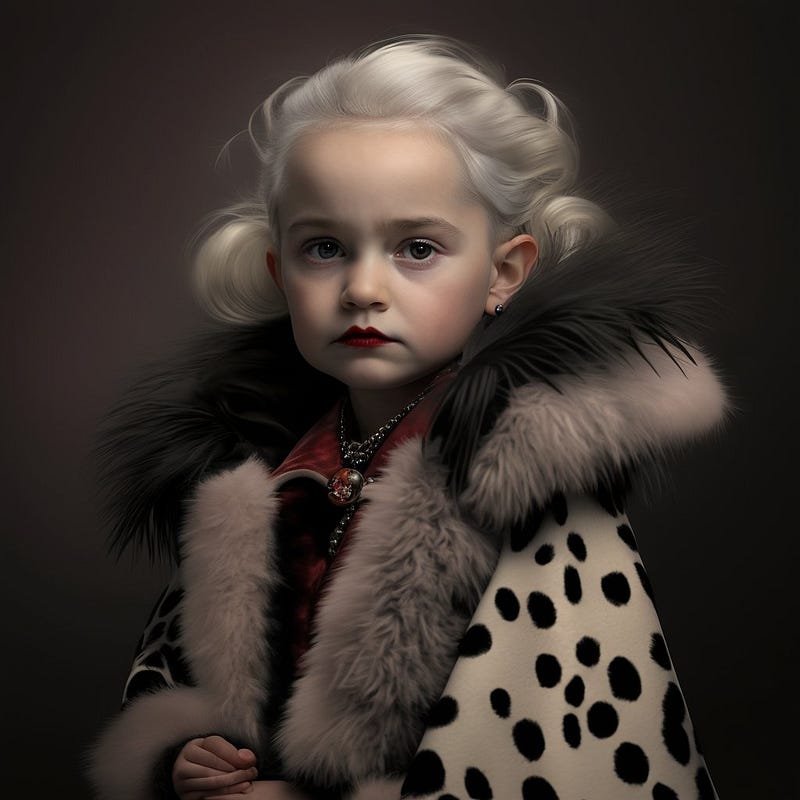
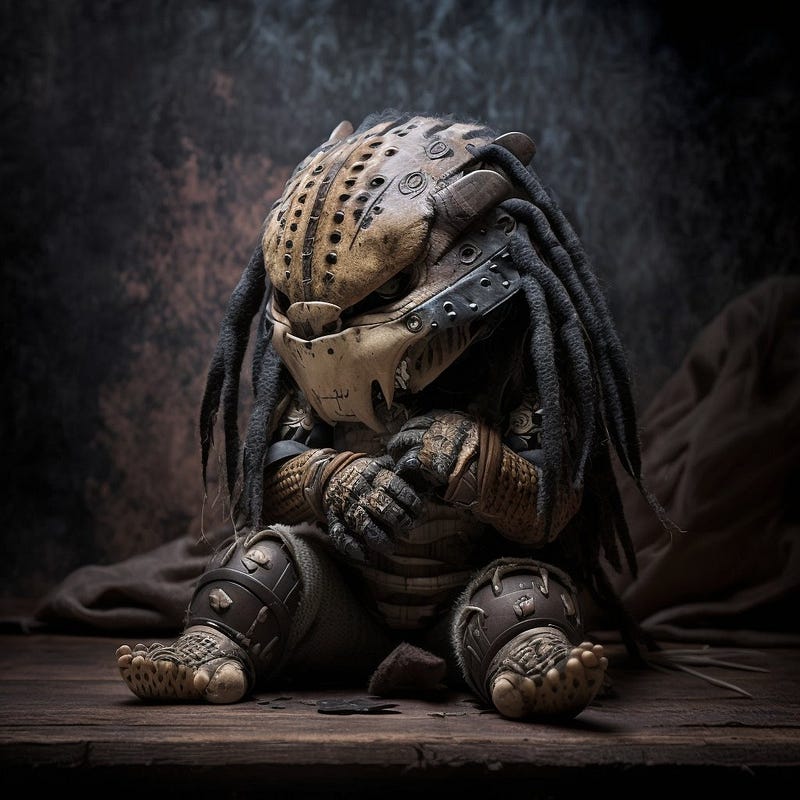
- “Anything As A Kid”
App Icons
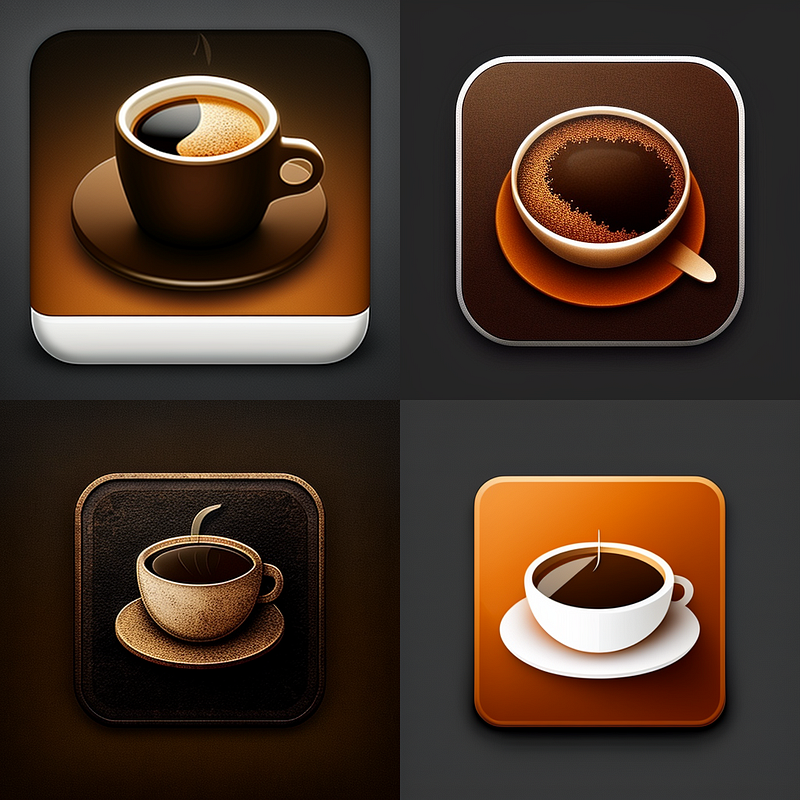
Let’s start with a straightforward one: custom icons. Whether you want to beautify your home screen or you’re looking for ideas for clients or your own company, here’s a basic prompt to get you started:
icon for app, [INSERT OBJECT/DESCRIPTION], high quality

of

app icon, [INSERT OBJECT DESCRIPTION], high quality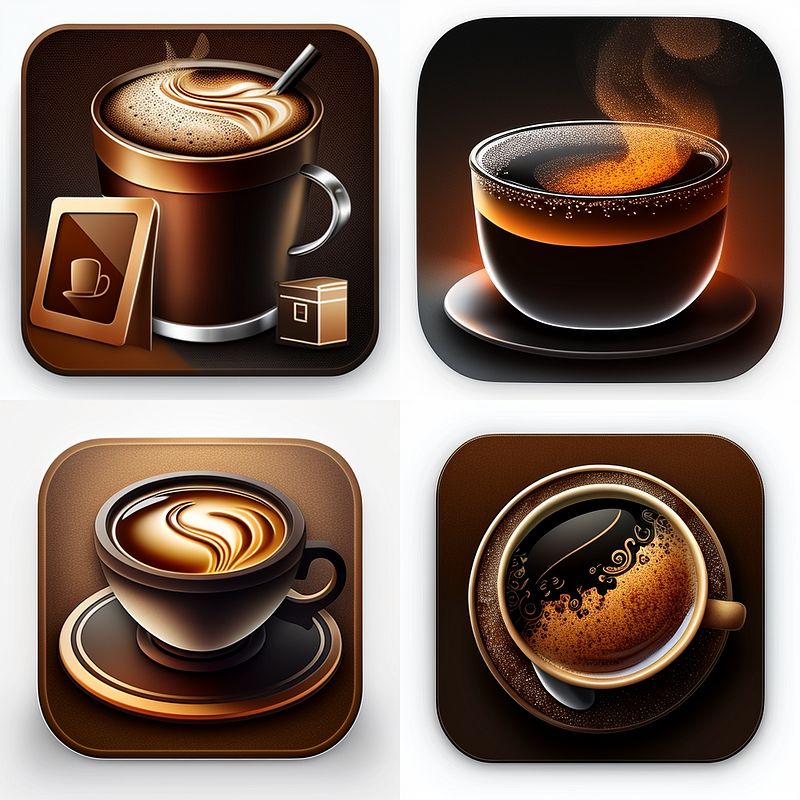
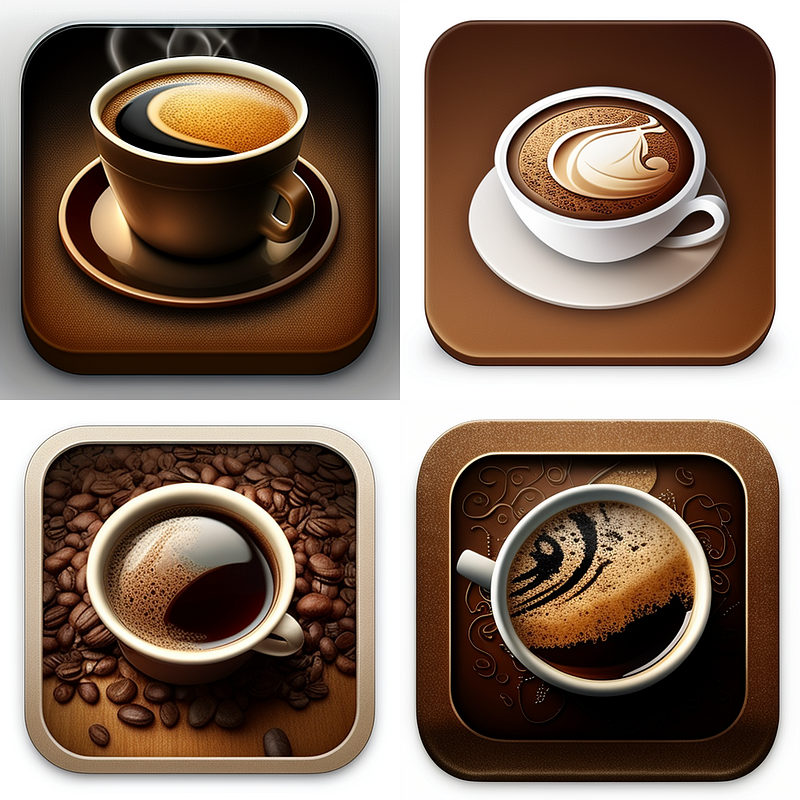
Interestingly, depending on the object/description you add, this might give you even better results:
icon for ios app, [INSERT OBJECT/DESCRIPTION], high quality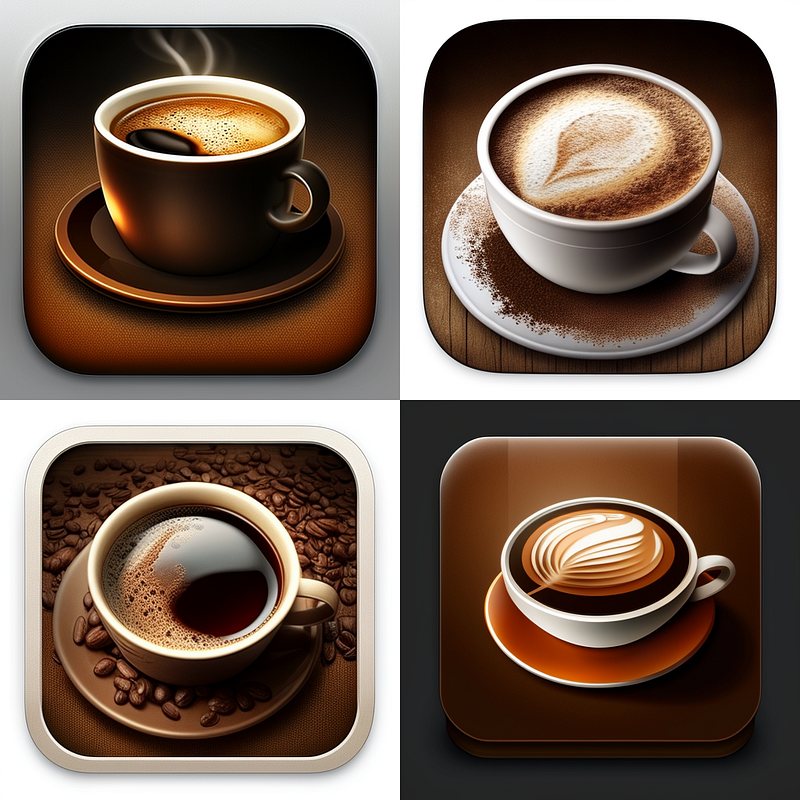
Some variations to give you a basic idea of where you can take this:
icon for ios app, coffee, high quality, abstract

or

icon for ios app, coffee, high quality, minimalism

or

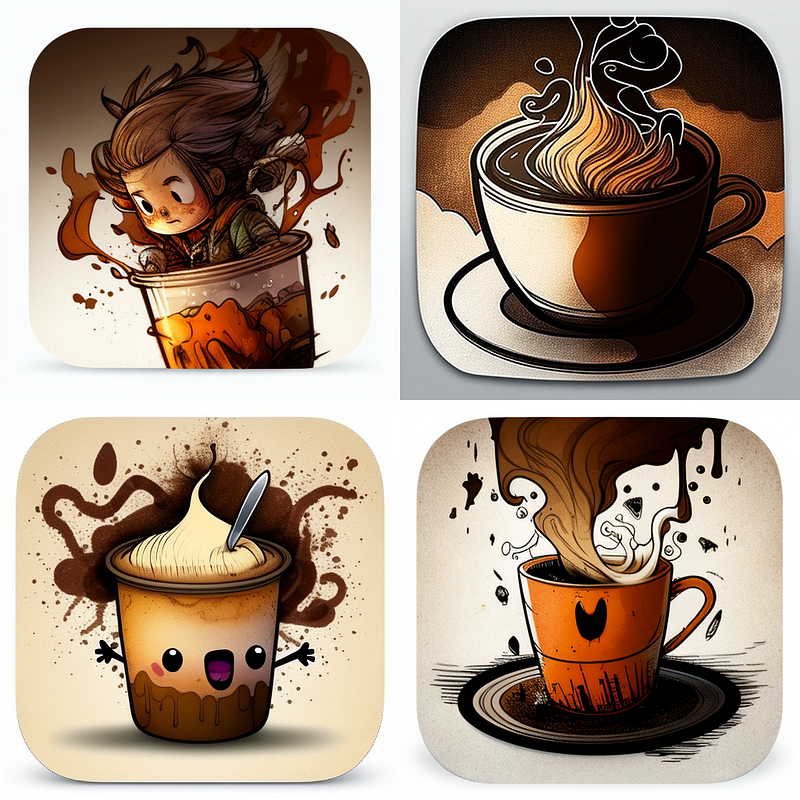
icon for ios app, coffee, high quality, kids drawing 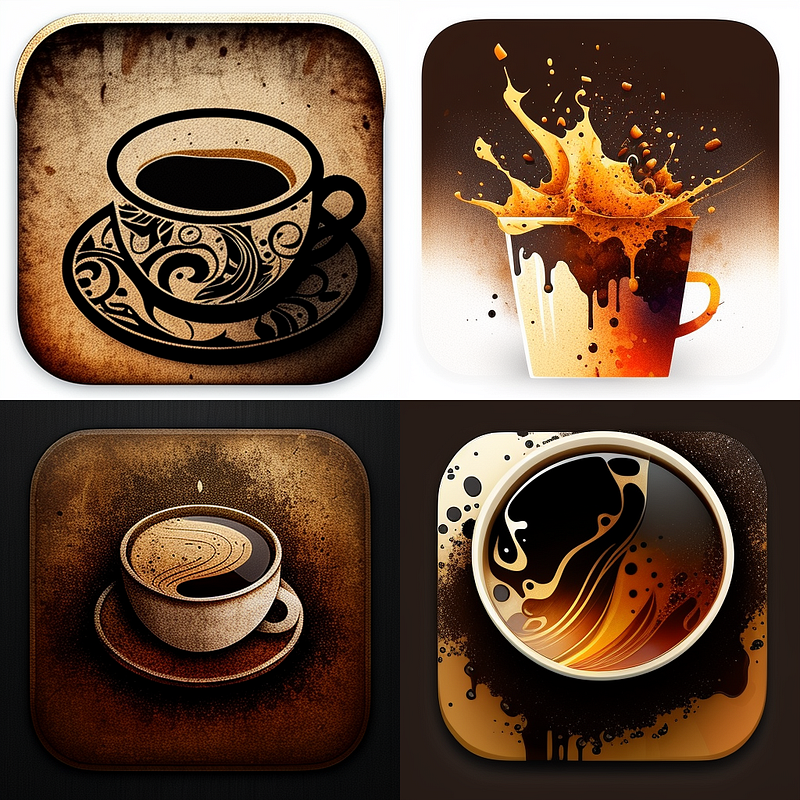
Card Games
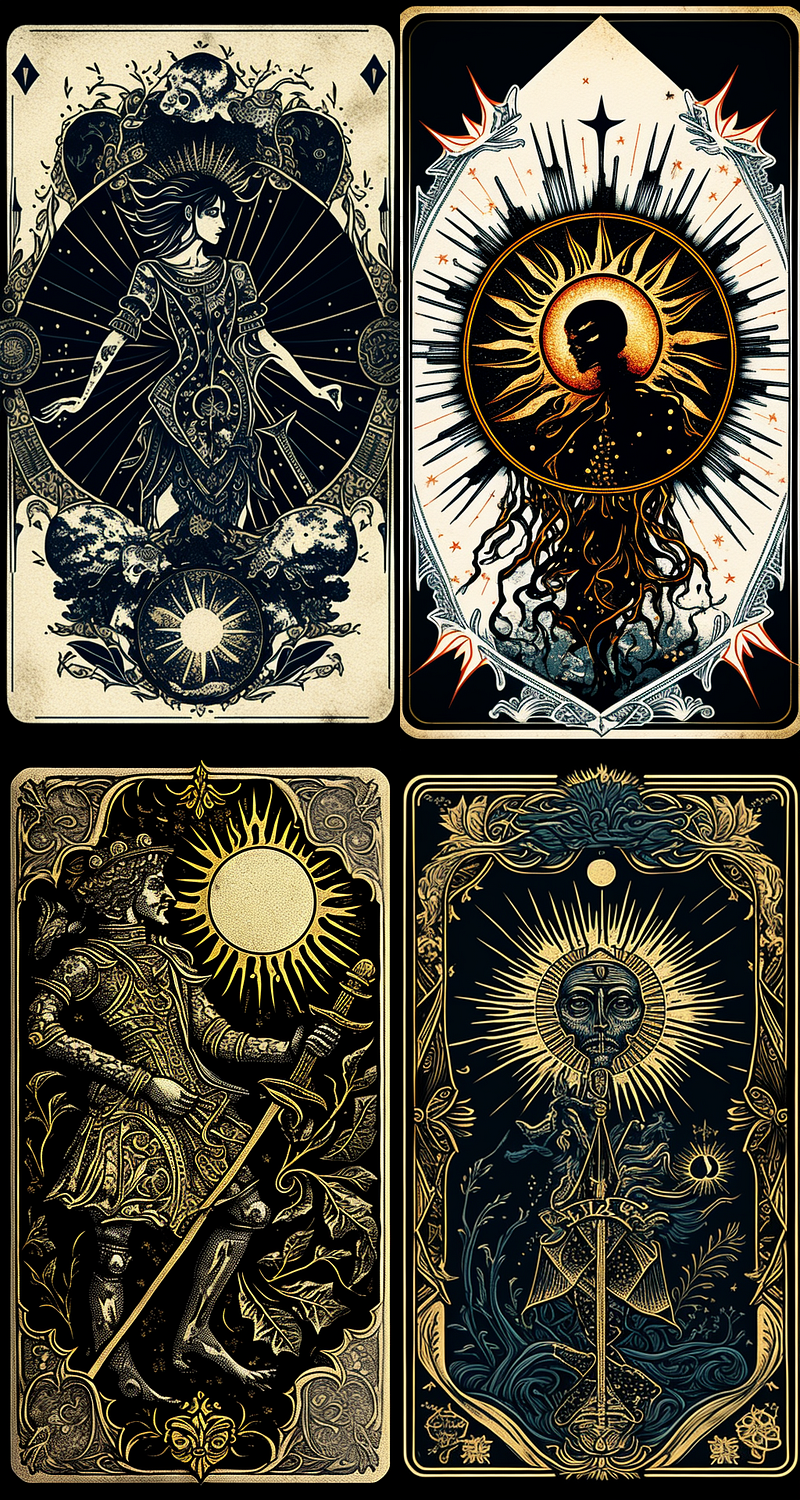
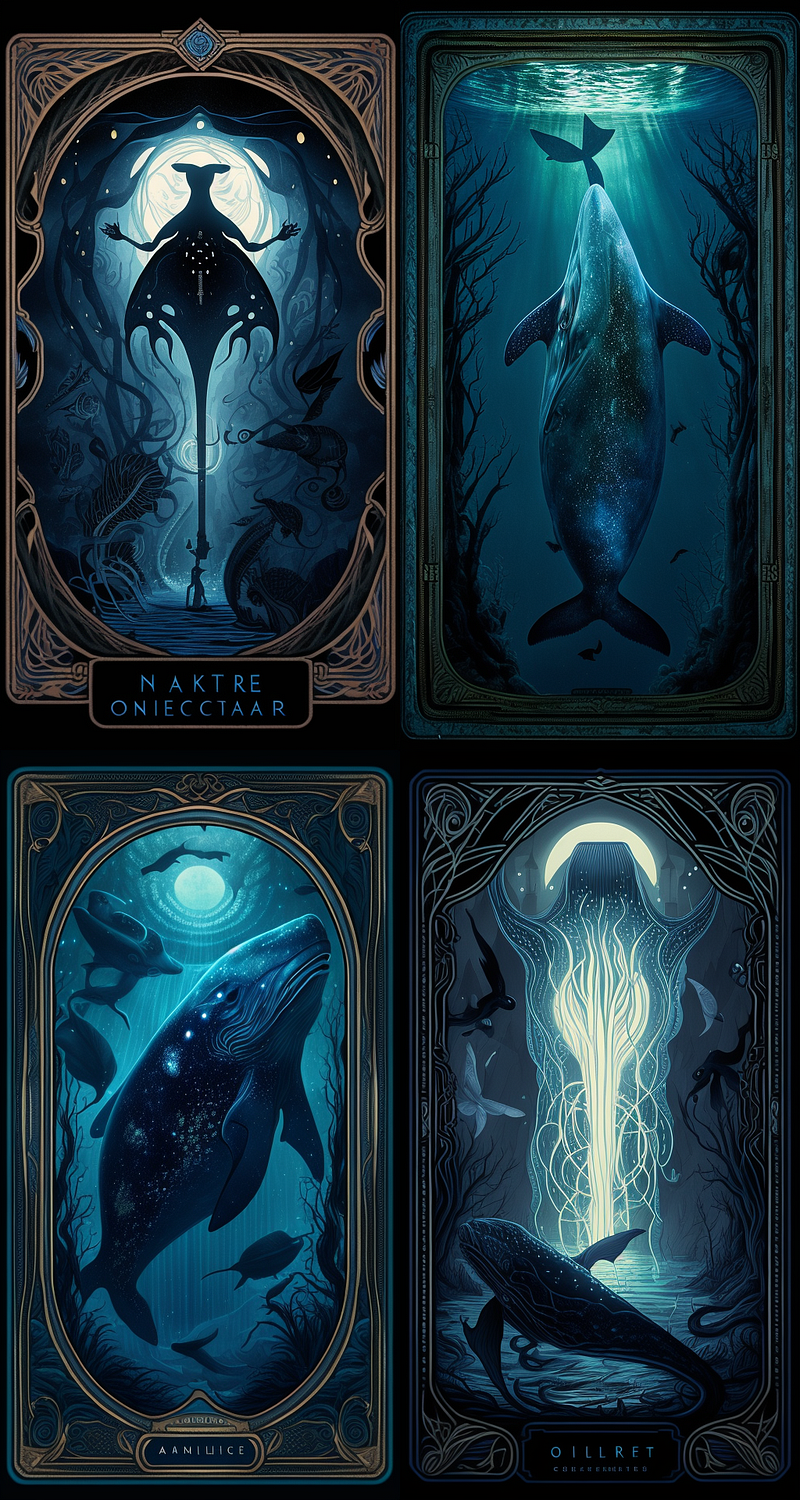
Why not create your own card game?
By the way, here’s how I created the gameplay for a card game with the help of chatGPT:
I would recommend doing this in three parts:
- Create the backside for your card game
- Create the front images for your card game
- Edit in an external graphics processing tool (Photoshop, GIMP, etc.) to add additional elements (text, card values, icons, and specific elements your game requires)
Then upload everything to an online card printing service or go to your local copy shop and have your game produced.
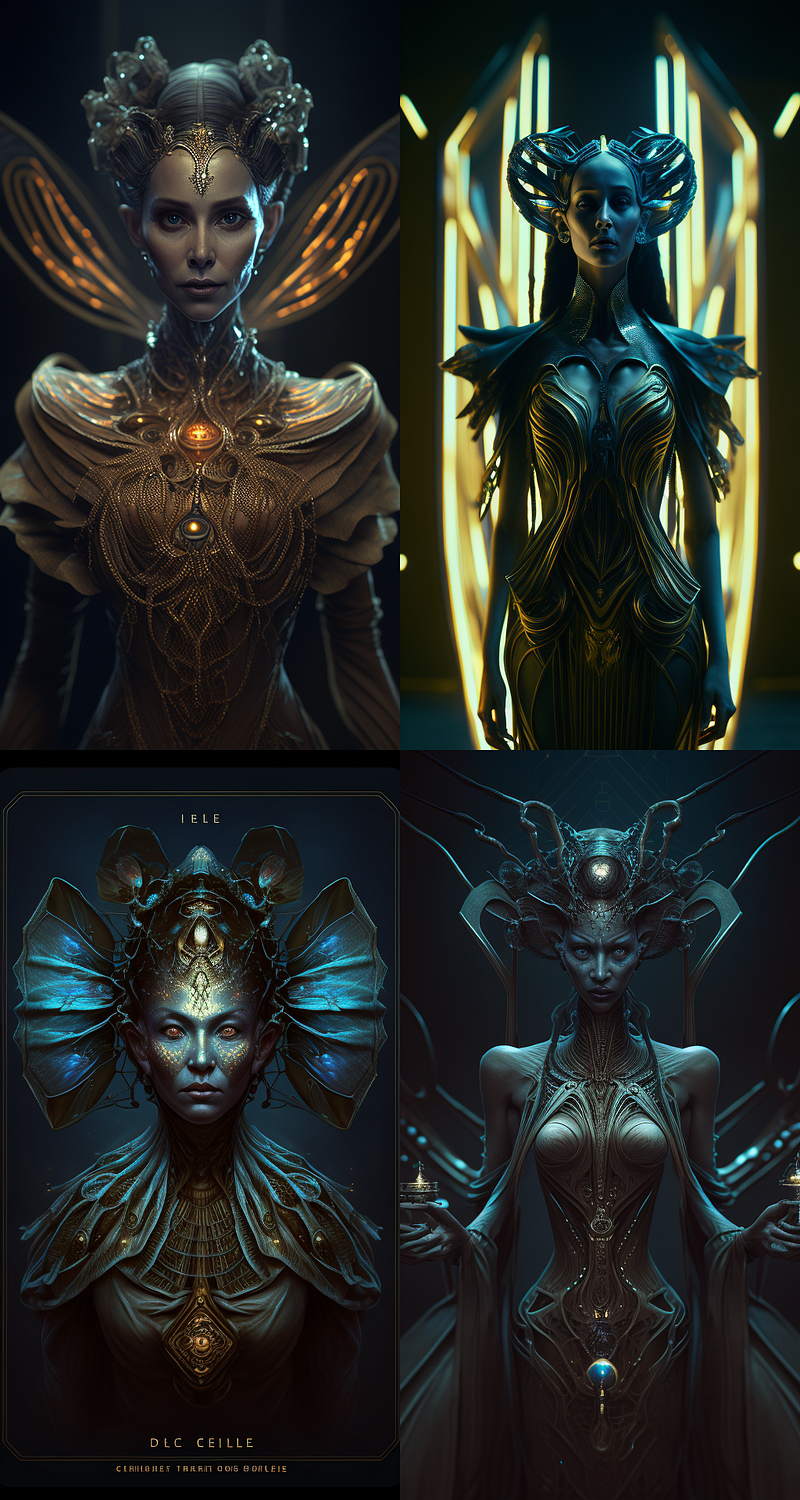
Here’s a prompt that works well:
oracle card, [insert character], [insert style description]
--ar 20:37 --no background text letter word
For example:oracle card, insectoid goddess, 8k, shot from movie, surreal volumetric
lighting, dark and magical atmosphere, mysteriousness
--ar 20:37 --no background text letter word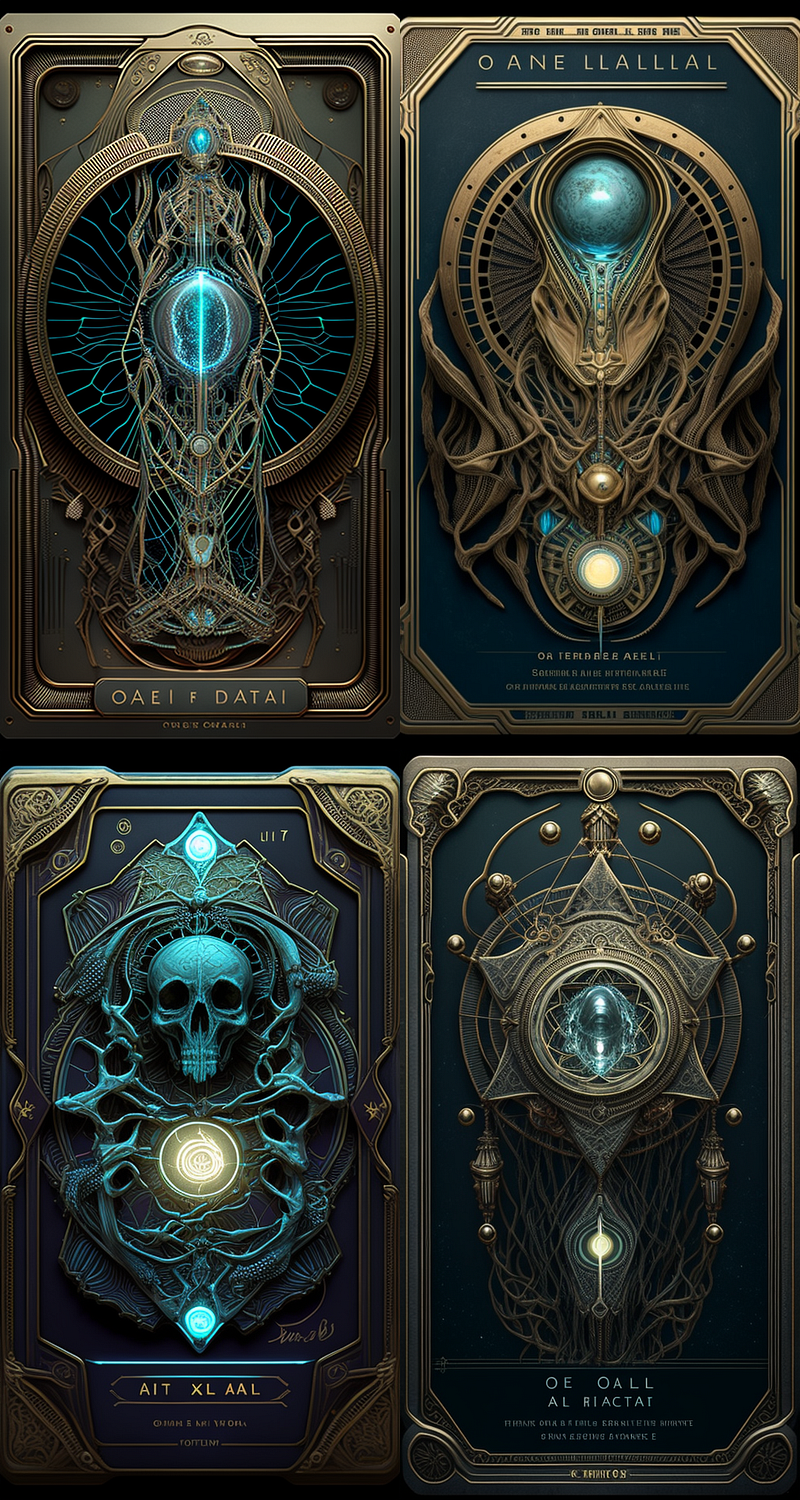
DIY Fashion & Accessory Design
You don’t need to spend a lot of money on some “unique” T-shirt or accessory design. Thanks to AI image generation, you can do all this by yourself.
Here’s how:
Fashion Design
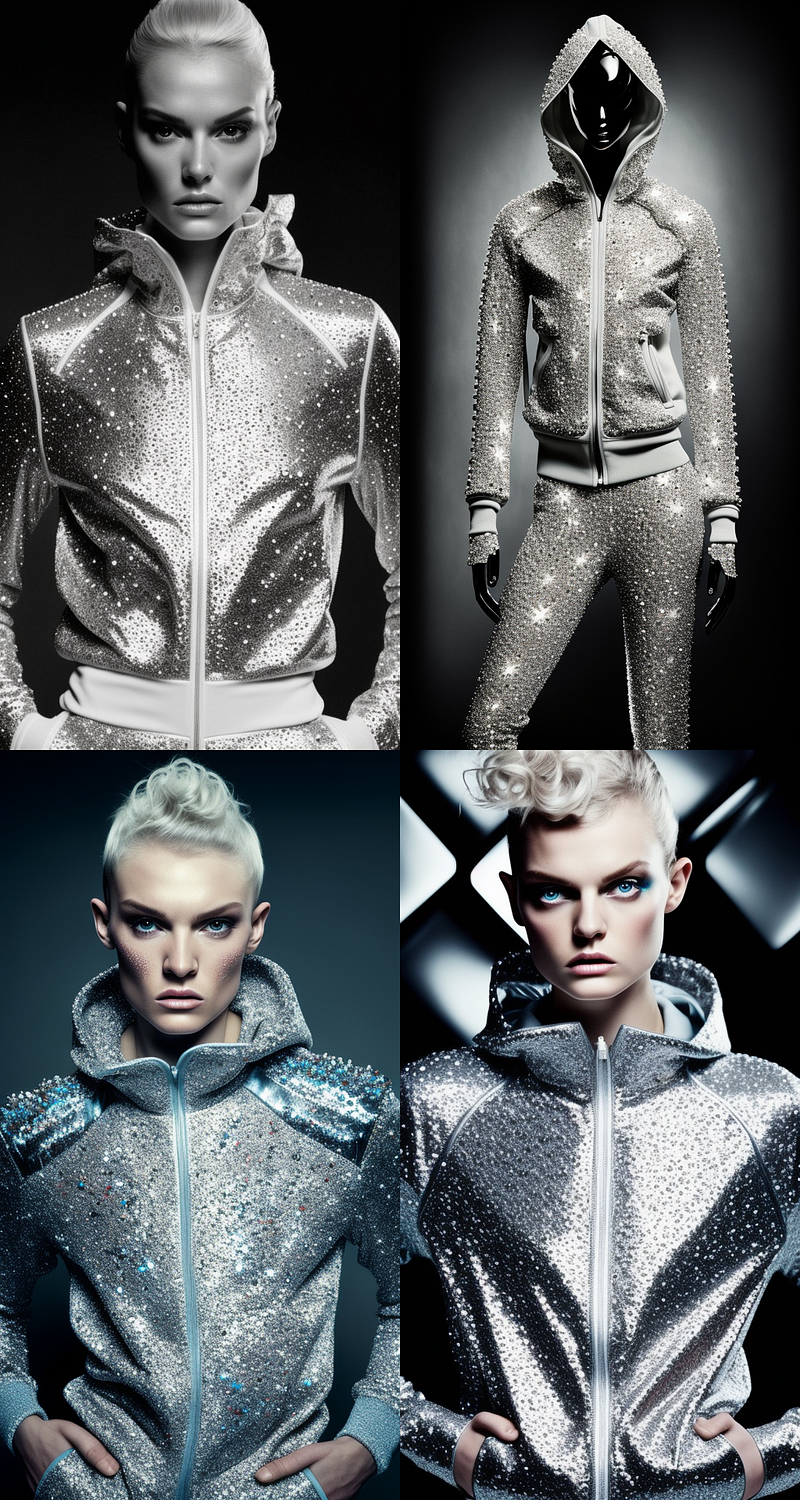
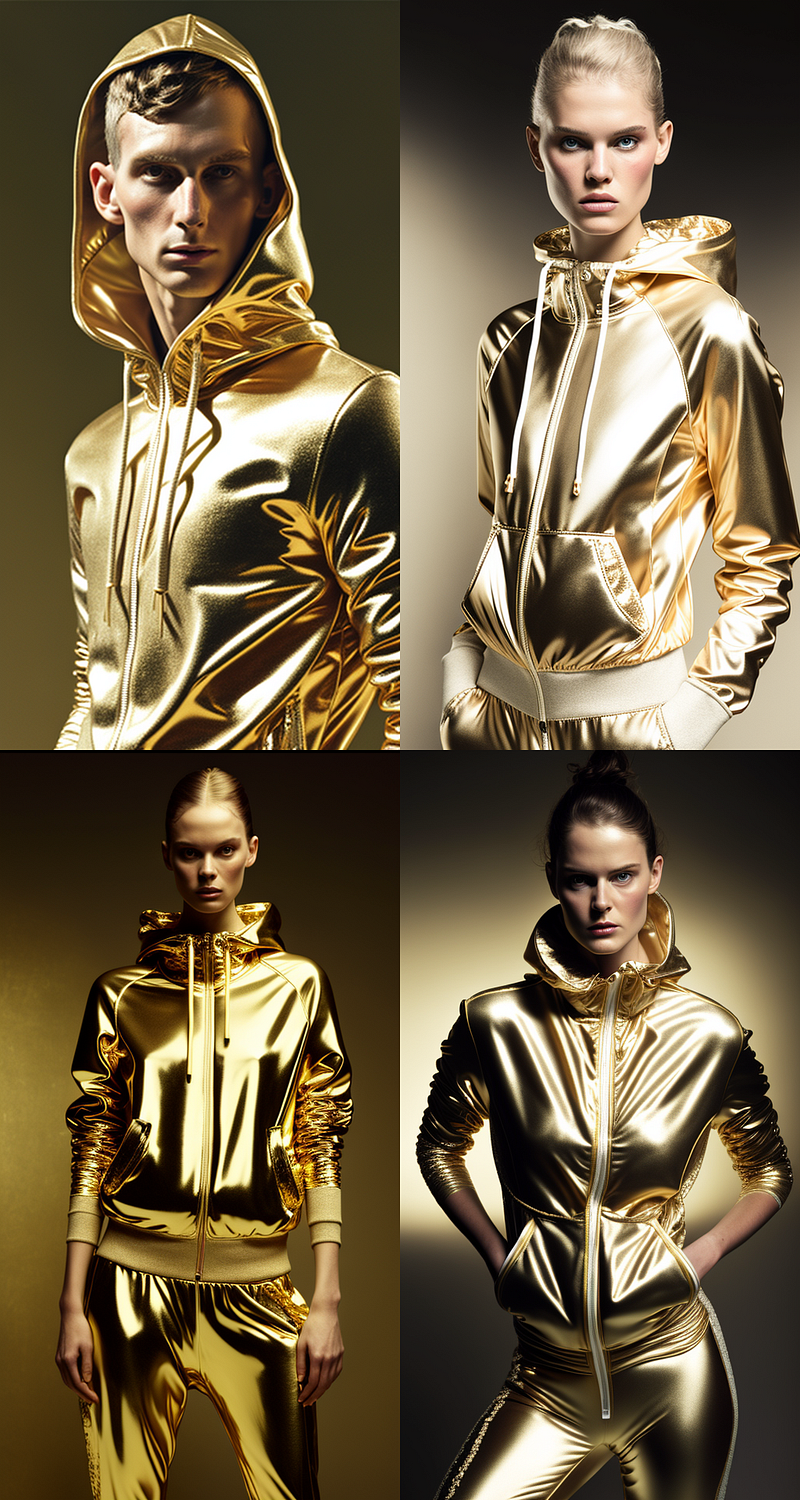
Whether you’re a professional designer or a hobbyist, you can use AI image generation to iterate through different designs in no time!
Here’s an example:
woman in [material or pattern] tracksuit, shot from fashion magazine --ar 20:37For example:woman in chinese porcelain tracksuit, shot from fashion magazine --ar 20:37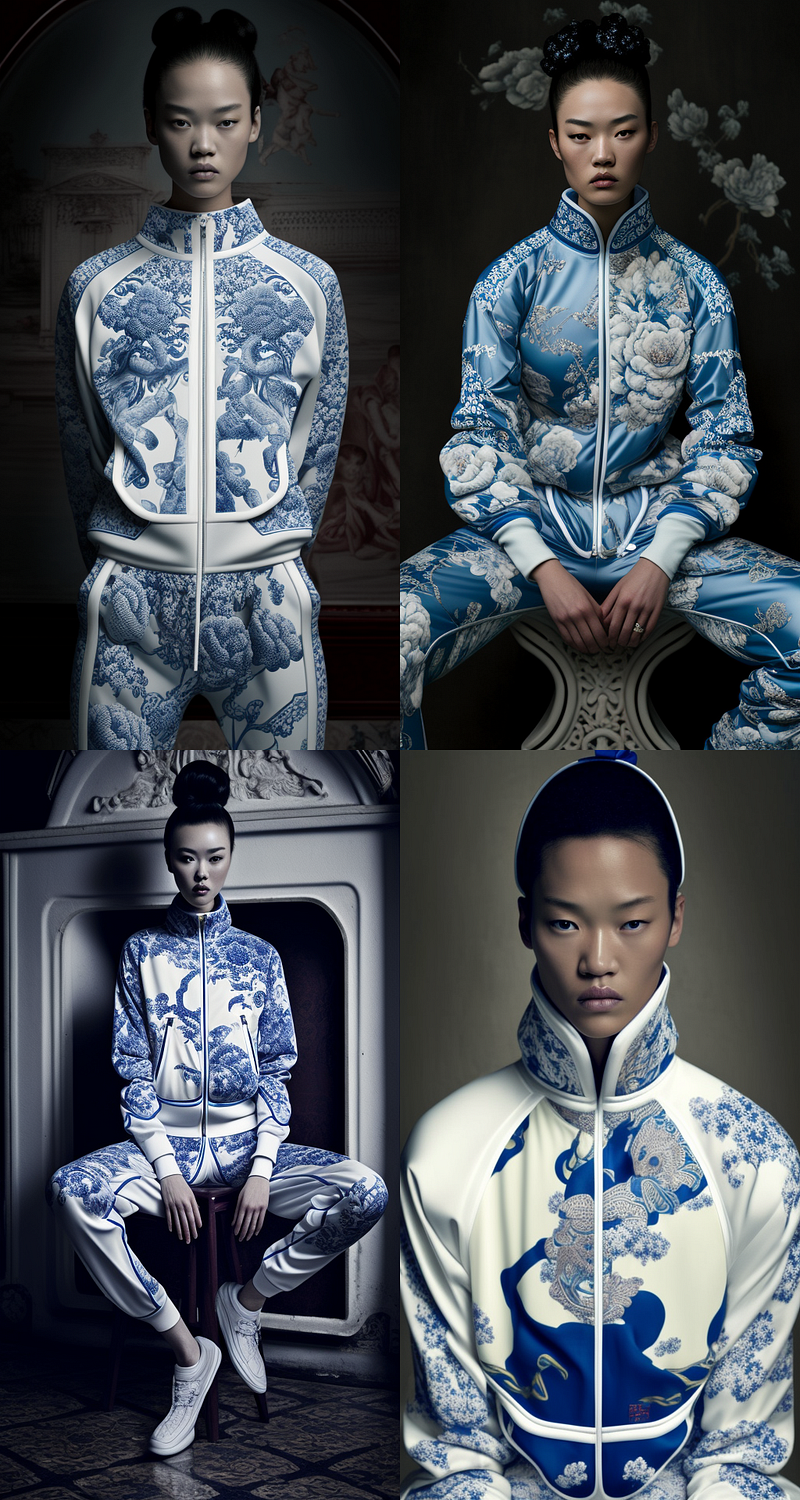
Business Cards
This is almost as much fun as creating card games. Actually, kind of a social engineering card game. Without getting too philosophical here, check out this workflow to create some business card designs:
- set our aspect ratios to business card standards, e.g. 1.75 (US) or 1.55 (EU), and if you wonder about business card standards in different countries, check this list,
- upload our design to online print shops,
- add text and info to create whatever you envision as your business card design.
Prompts like this one work just fine:
background image, [image description], [optional style description]
--ar 175:100 --no words letters text

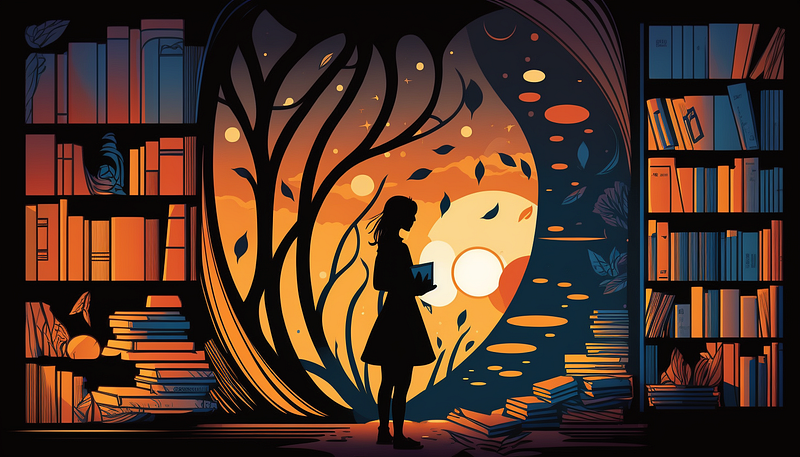
For example:
background image, abstract depiction of a book store, minimalism, monochrome
--ar 175:100 --no words letters text
Cutting plotter templates
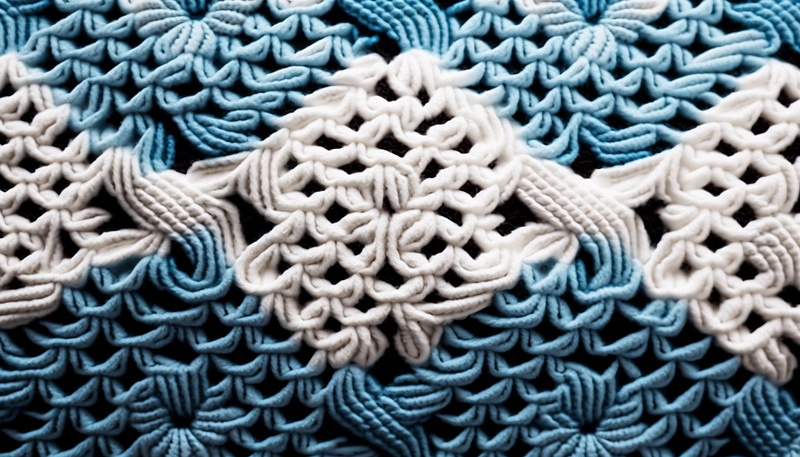
Most of the time this needs some re-rolls until you get the results your machine can handle. Once you found your template, prepare it according to your device’s requirements in Photoshop/GIMP and you’re set.
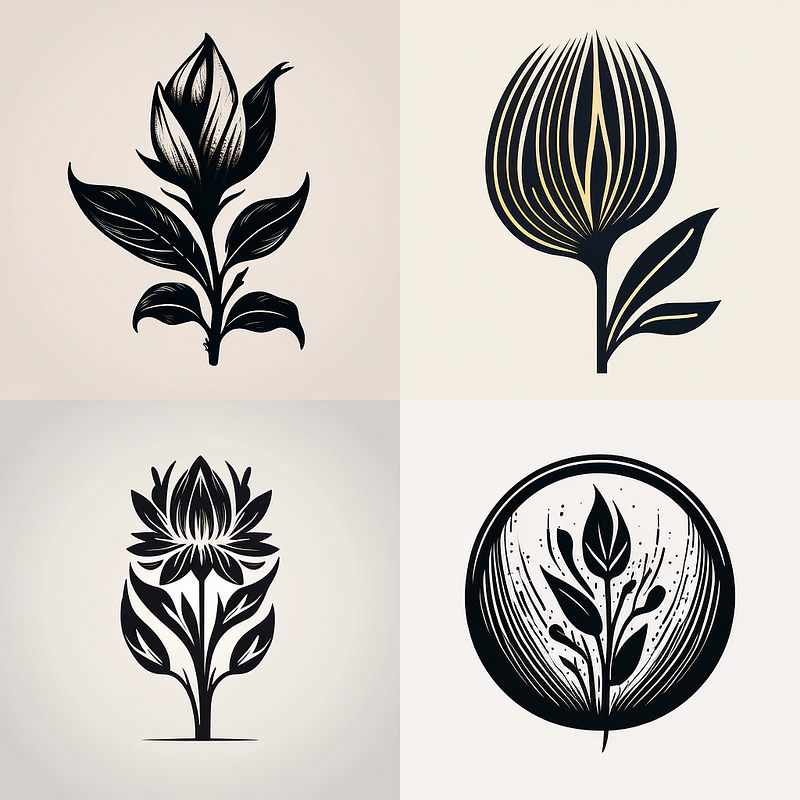
woodcut logo of [insert image description], minimalism, basic shapes,
pictogram style, black and white

For example:

woodcut logo of a flower, minimalism, basic shapes, pictogram style,
 black and white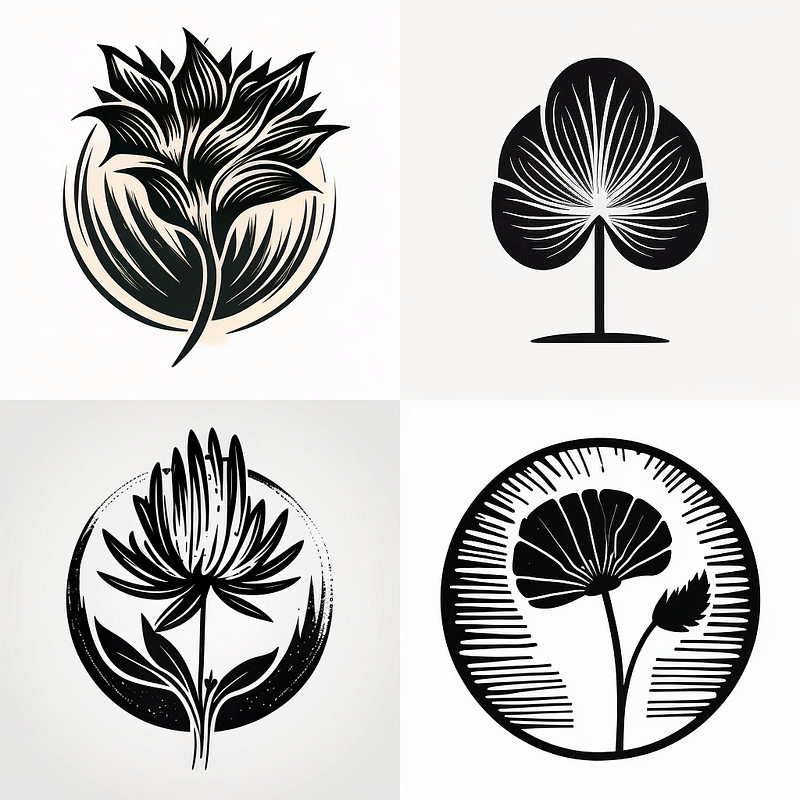
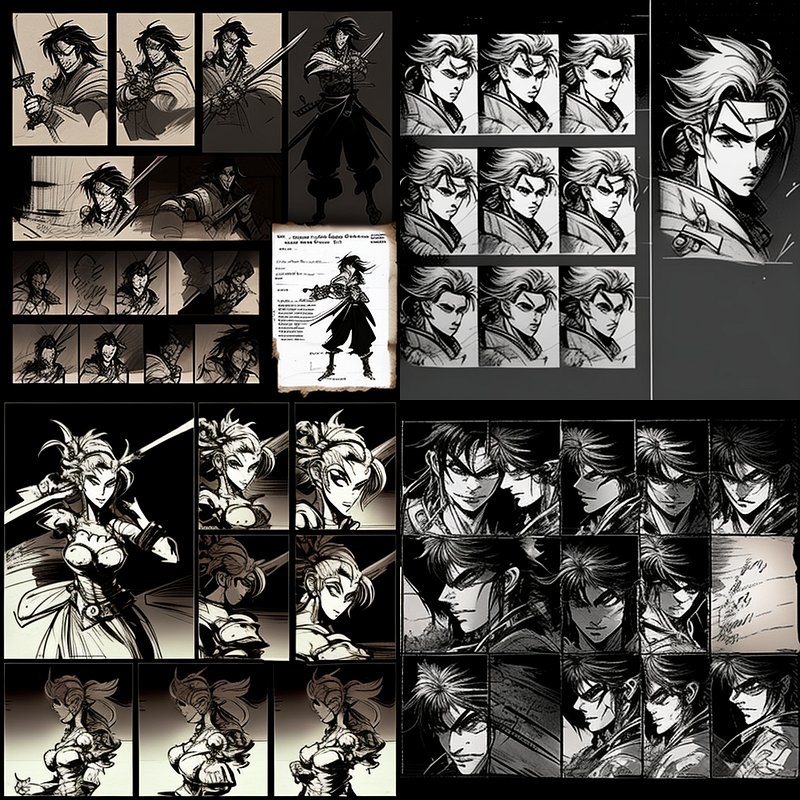
Character Studies
The “contact sheet” prefix is great if you need to come up with inspiration for characters quickly. You can then cut out those you like and use them for your consistent character creation.
contact sheet, [character description], [optional style description]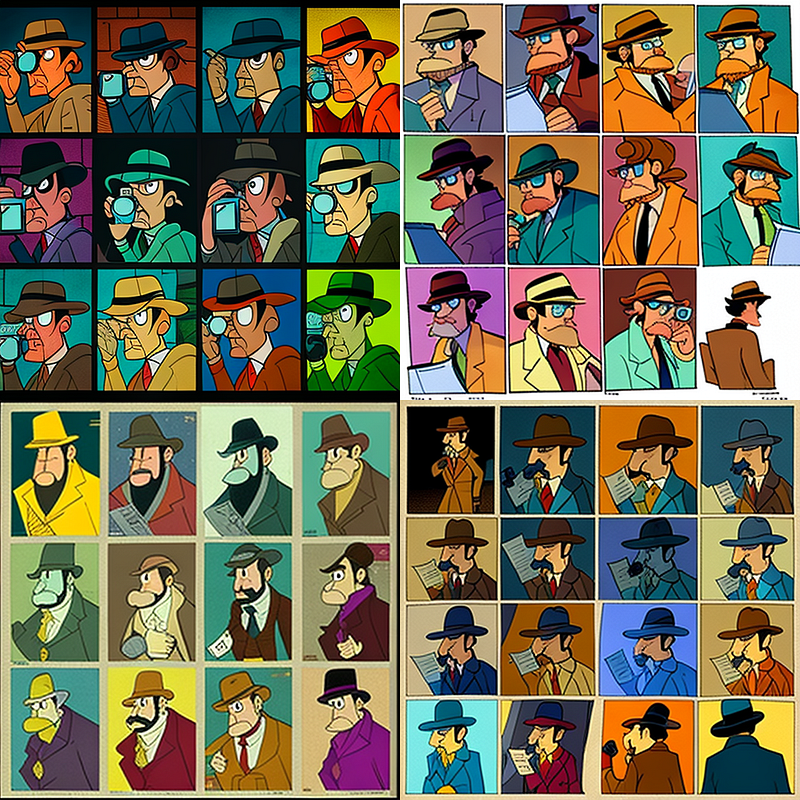
Split-Design Posters Or Postcards
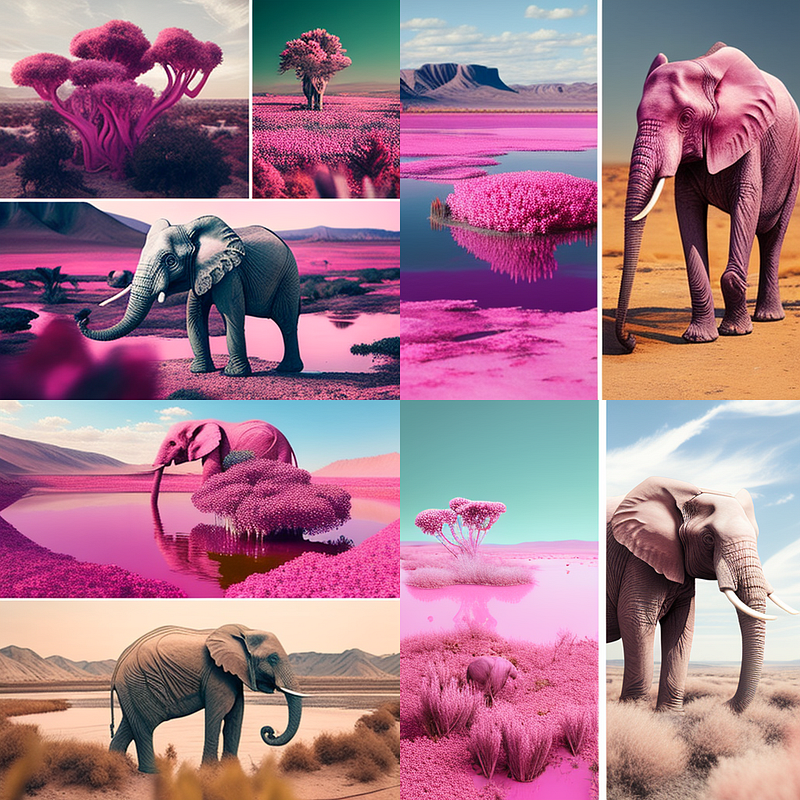
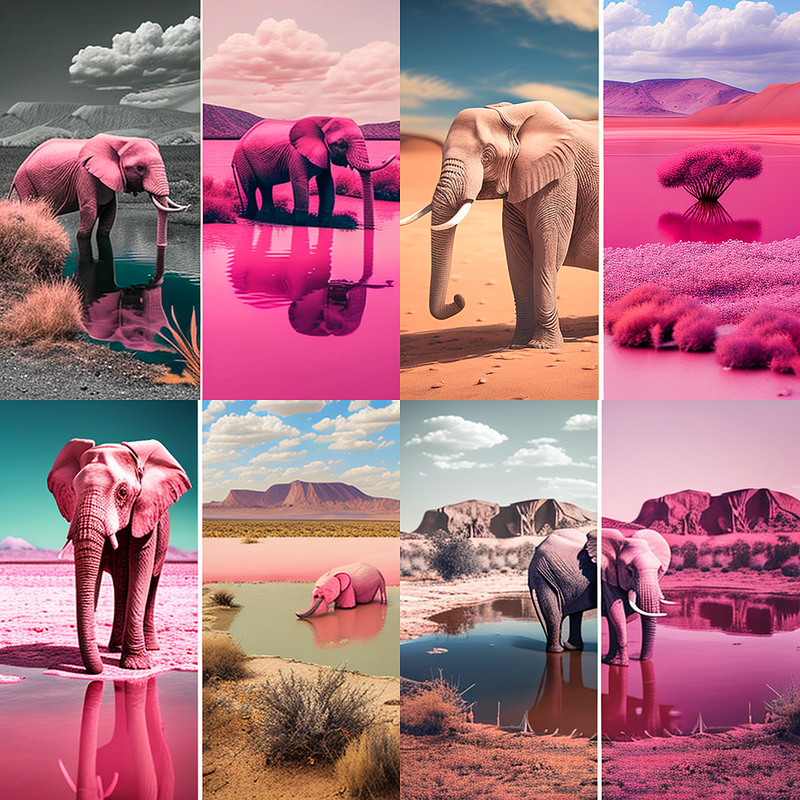
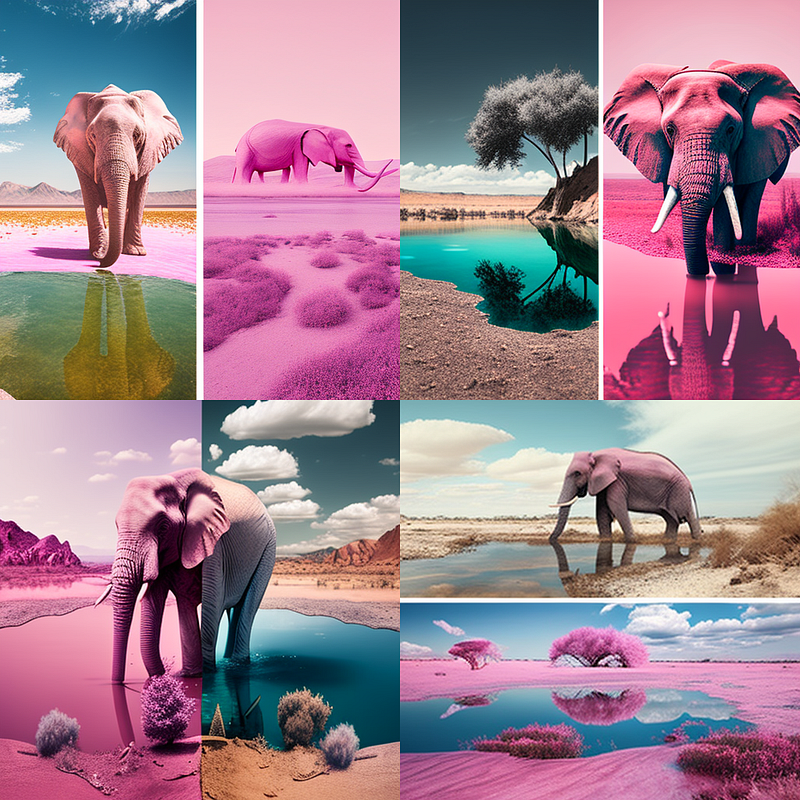
To create interesting posters or postcards, try creating “split-designs”. There are multiple way to do this, but I found these work extremely well:
[SCENE DESCRIPTION/OBJECTS], before and after photography

or

[SCENE DESCRIPTION/OBJECTS], top: left:

or

[SCENE DESCRIPTION/OBJECTS], split screen, wide angle
Each of them splits your image and creates interesting effects
Anything As Kids
Finally, you can have a lot of fun with this one. ;) Try it for yourself:
[PERSON/DESCRIPTION] as a kid, studio photography, 4k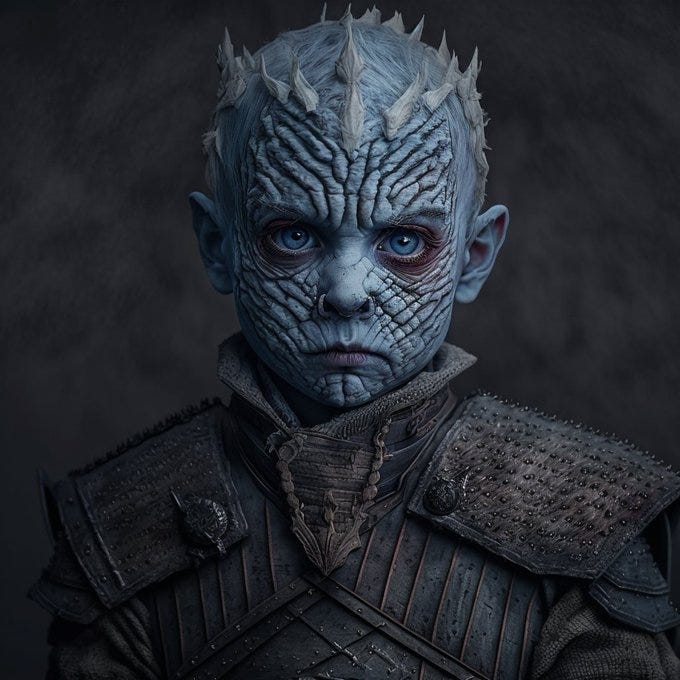
➡️ For more information about AI & Creativity, follow me on Twitter or Medium (use my referral link to get full access to all my articles and those of thousands of other writers).
➡️ If you like my content, why not leave a “clap” at the end of this article, so more people can see it?


