
5 Animated CSS Text Effects from Command Line
Use CLI to create animated header images
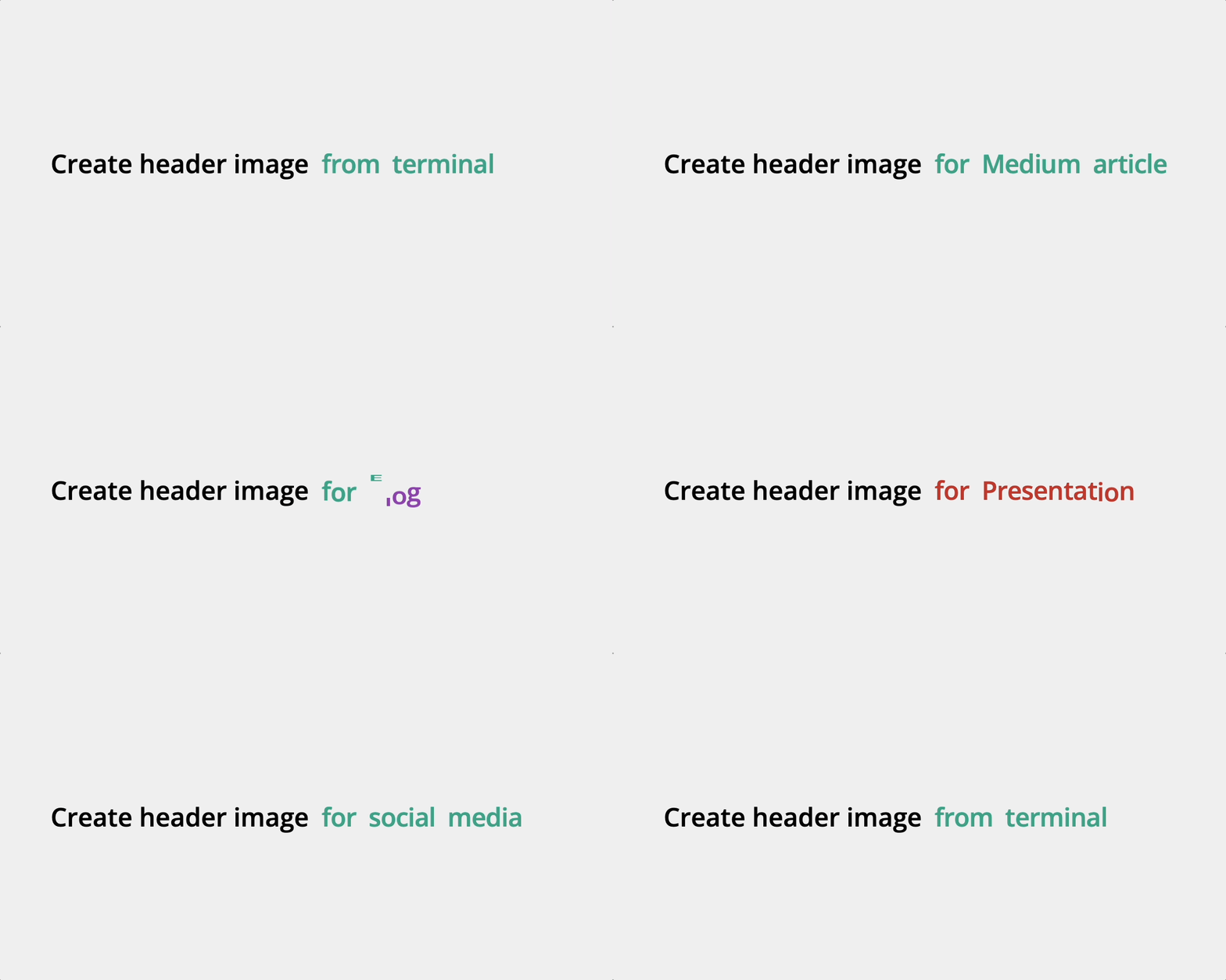
Table of Contents
· Introduction
· Installation
· Glow
· Shade
· Rotate
· Stripe
· Jump
· Conclusion
· More on CSS Text Effects from Command line
Introduction
Teffects can generate animated text effects. I introduced Neon and Blob in my last article. Both are text graphics that can also have animation effects. Since it is best to capture animation with GIF images, Teffects opens a browser after creating a PNG image. In this article, you will find CSS animated text effects added to Teffects.
If you prefer not to open a browser, use the +o or --no-open flag.
I used GIPHY Capture to create GIF images from a browser for all images in this article.
Installation
Homebrew
$ brew tap shinokada/teffects
$ brew install teffects
Awesome package manager
$ awesome install shinokada/teffectsApt
Download the latest Debian package from the releases page.
$ sudo apt install /path/to/teffects_XXXXX-X_all.debGlow

Glow is inspired by kiran raj r’s Css Text Effect — Glow Effect3. Each letter glows in order. Bash script calculates the timeing according to the string length.
The code for the above GIF image is:
$ teffects glow -t "Teffects Glow Effects"Options
Use the -b and -g options for background and glow colors. Enclose the hexadecimal code with quotes like, -b "#eee". Use the -l and -p options for letter padding and container padding. Use the -s option for the font size in vw unit and -t option for text you want to add.
$ teffects glow -h
Usage: teffects glow [options] [arguments]
Creates animaged glowing texts on a browser.
All parameters accepts --param value and --param=value form. OPTIONS DESCRIPTION
-o, --{no-}open A browser will be open as the default. Not to open it, use +o or --no-open.
-b, --bcolor BCOLOR Background color. Enclose with quotes. Default: #111
-g, --gcolor GCOLOR Grow color. Enclose with quotes. Default: #00c2ba
-l, --letterpadding LPADDING
Letter padding. Default: 10px. e.g. 5px 10px.
-p, --padding PADDING Container padding. Default: 100px. e.g. 50px 100px.
-s, --size SIZE Font-size. Use a number without a unit. Default: 6vw.
-t, --text TEXT Your text to print.
-h, --helpExamples
The following example changes the letter padding to 2px, container padding to 150px, glow color and background color.
$ teffects glow -t "Teffects Glow Effects" -l "2px" -p 150px -g "#d100c6" -b "#4e4a7c"
Shade
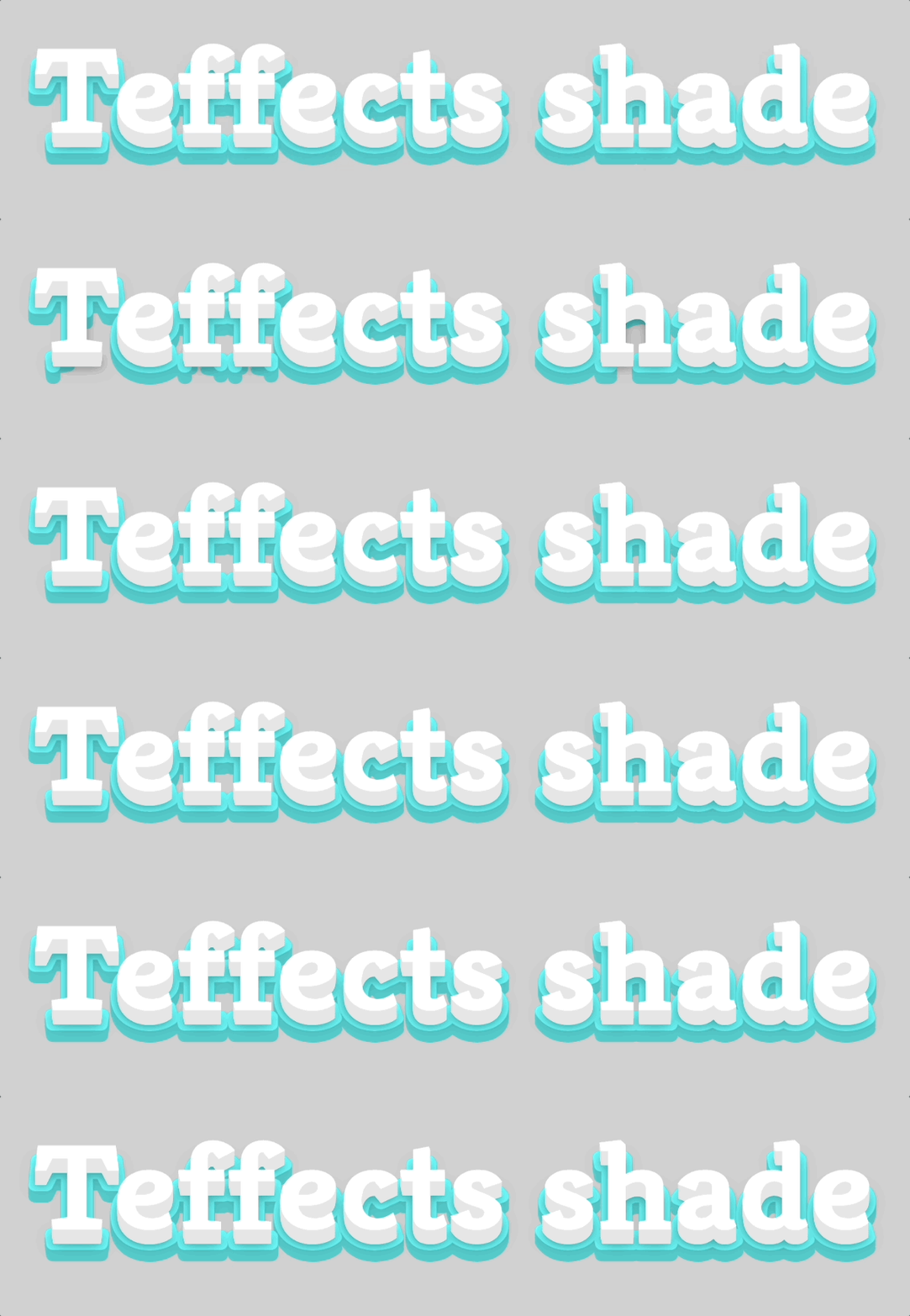
Shade is inspired by Rafael González’s Shaded Text. When the user hovers over texts with the cursor, it triggers animations. It generates an HTML and PNG image.
The default font size is 10vw and it only works for one line. You need to experiment with the font size and screen width to get the best results.
Options
You can change the background color using the -b option. Enclose the hexadecimal with quotes like, "#eee". The default image size is 1600px by 1200px and you can change them using the -w and -e options. Change texts using the -t option. Change the font size using the -s option and its unit is in vw. The default setting opens the created PNG image. If you prefer not to open it, use the +i or --no-image flag.
$ teffects shade -h
Usage: teffects shade [options] [arguments]
Creates animated shade-style texts.
All parameters accepts --param value and --param=value form.OPTIONS DESCRIPTION
-o, --{no-}open A browser will be open as the default. Not to open it, use +o or --no-open.
-i, --{no-}image A image will be open as the default. Not to open it, use +i or --no-image.
-b, --bcolor BCOLOR Background color. Enclose with quotes. Default: #d0d0d0
-e, --height HEIGHT Image height. Default: 1200px.
-d, --dir OUTPUT_DIR Output directory. Use an absolute path without a trailing slash. Default: /home/shinichi/.cache/teffects directory.
-s, --size SIZE Font-size. Use a number without a unit. Default: 10vw.
-t, --text TEXT Your text to print.
-w, --width WIDTH Image width. Use a number without px. Default: 1600px.
-h, --helpExamples
The following code changes the text, background color, font size, and the directory where you want to save the image.
$ teffects shade -t "MEDIUM" -b "#9161e2" -s 32 -d ~/Downloads
Rotate
Rotate is inspired by Rachel Smith’s Rotating text. You can find the example at the top of this article and is generated with the following:
$ teffects rotate -t "Create header image" -s 4 "for Medium article" "for Blog" "for Email" "for Presentation" "for social media" "from terminal"This command won’t create an image since it is best seen on a browser. It will open the default browser with rotating texts.
Options
Add the text you want to add using the -t option. Enclose with quotes if you have more than one word.
$ teffects rotate -h
Usage: teffects rotate [options] [arguments]
Creates animaged rotating texts on a browser.
All parameters accepts --param value and --param=value form. OPTIONS DESCRIPTION
-o, --{no-}open A browser will be open as the default. Not to open it, use +o or --no-open.
-b, --bcolor BCOLOR Background color. Enclose with quotes. Default: #eee
-p, --padding PADDING Container padding. Default: 100px. e.g. 50px 100px.
-s, --size SIZE Font-size. Use a number without a unit. Default: 6vw.
-t, --text TEXT Your text to print.
-h, --helpExamples
The following code changes the text and font size.
$ teffects rotate -t "You are" inspiring "kind and friendly" charming "energetic and funny" -s 5
Stripe
Stripe is inspired by Mandy Michael’s Animating striped text with background clip and gradients.
It creates striped texts with gradient shades. Use the -t option to add your text. Use the -s options to change the font size in the vw unit.
$ teffects strip -t "Lorem ipsum dolor sit amet" -s 8 -d ~/Downloads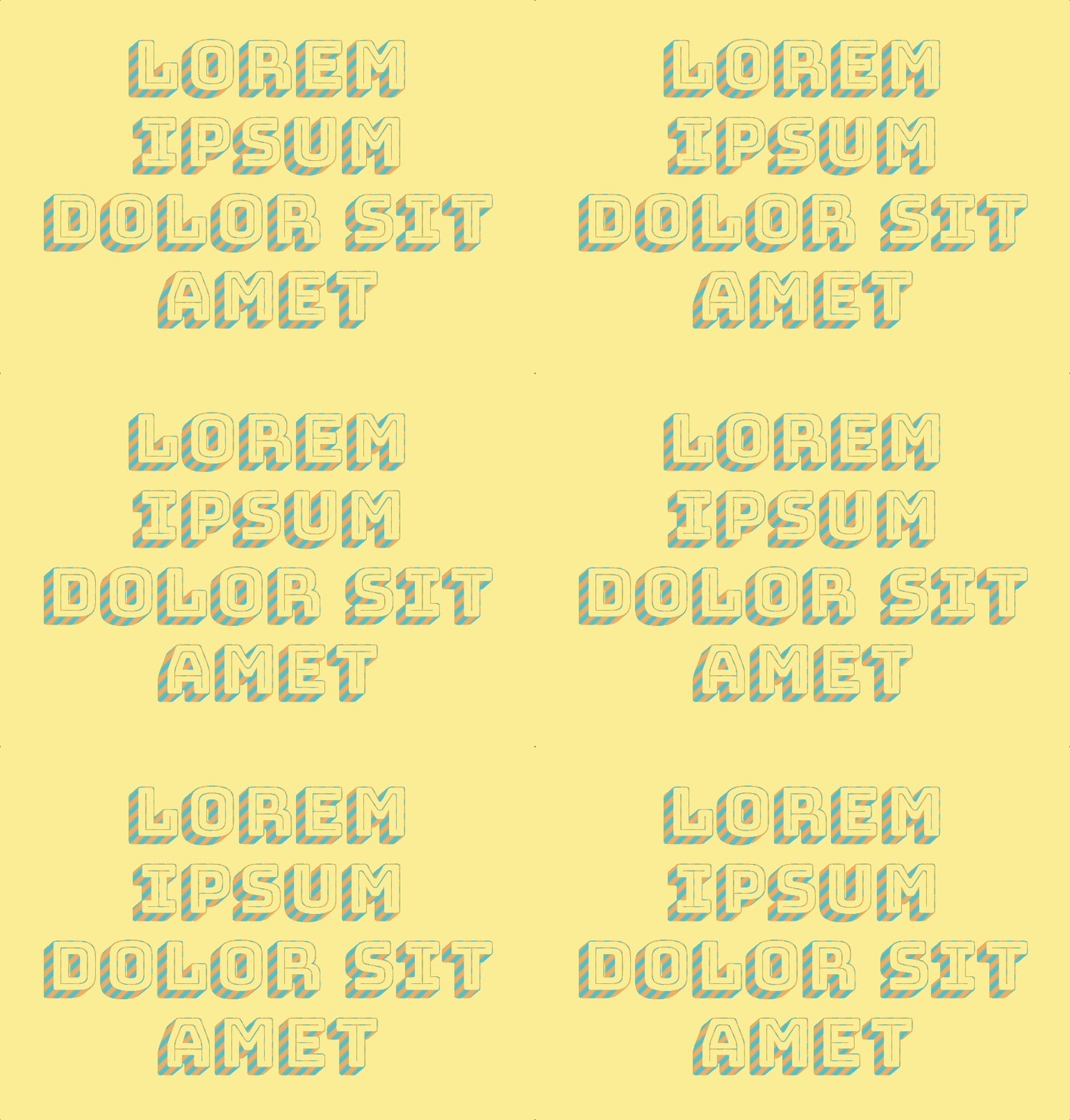
Options
The -b option change the background color. Enclose the hexadecimal code with quotes like -b "#eee". The image dimensions are 1600px by 1200px and you can change them by using the -w number and -h number options. The unit for dimensions is in px. If you prefer not to open it, use the +i or --no-image flag.
$ teffects stripe -h
Usage: teffects stripe [options] [arguments]
Creates animaged stripe-texts.
All parameters accepts --param value and --param=value form.OPTIONS DESCRIPTION
-o, --{no-}open A browser will be open as the default. Not to open it, use +o or --no-open.
-i, --{no-}image A image will be open as the default. Not to open it, use +i or --no-image.
-b, --bcolor BCOLOR Background color. Enclose with quotes. Default: #ffed94
-e, --height HEIGHT Image height. Default: 1200px.
-d, --dir OUTPUT_DIR Output directory. Use an absolute path without a trailing slash. Default: teffects/outputs directory.
-p, --padding PADDING Container padding. Default: 100px. e.g. 50px 100px.
-s, --size SIZE Font-size. Use a number without a unit. Default: 10vw
-t, --text TEXT Your text to print.
-w, --width WIDTH Image width. Use a number without px. Default: 1600px.
-h, --helpExamples
The following example changes the text, font size to 8wv, background color to grey, and height to 600px.
$ teffects stripe -t "Lorem ipsum dolor sit" -s 8 -e 600 -b "#eee" -d ~/Downloads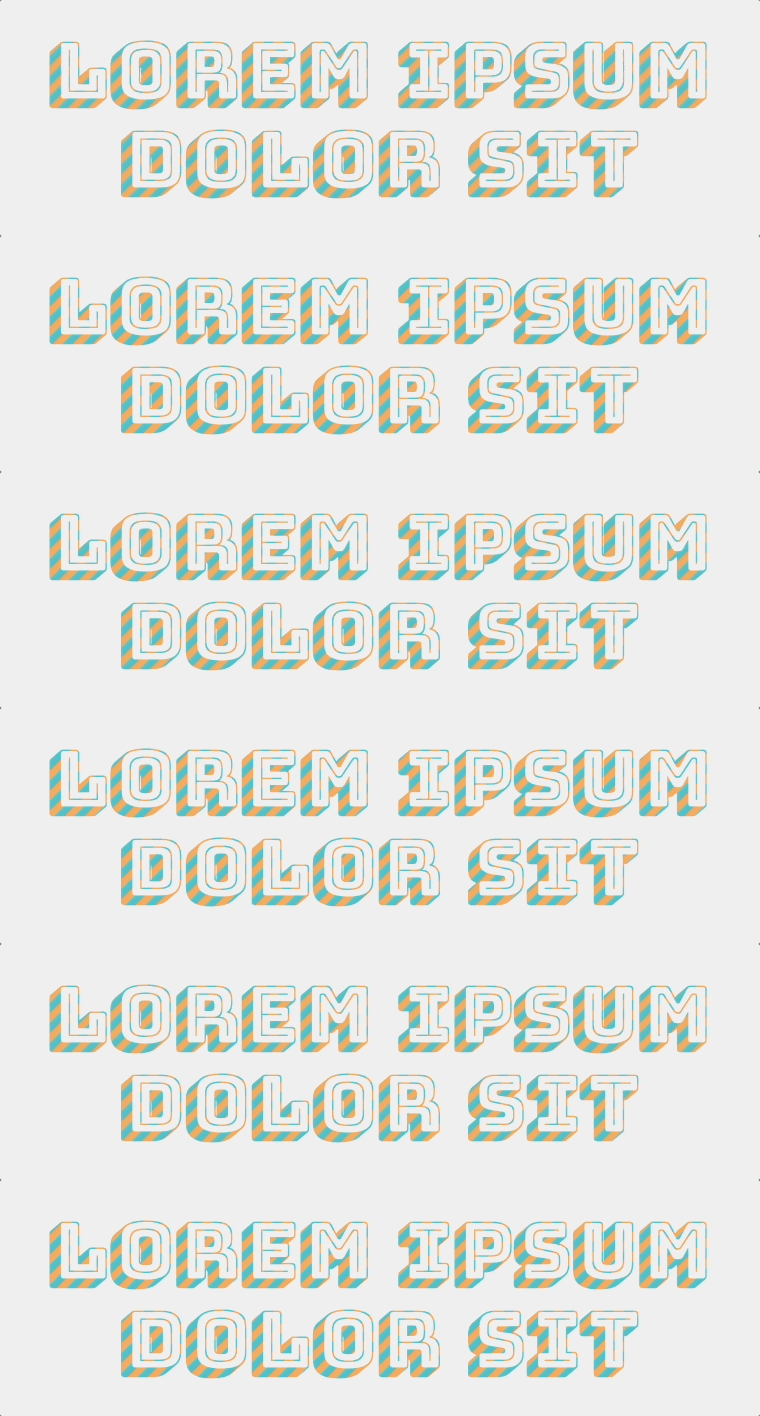
Jump
Jump is inspired by kiran raj r’s Css Text Effect — fade Effect. Bash script calculates the order according to the string length.
This won’t create a PNG image but it will open a browser to display the result.
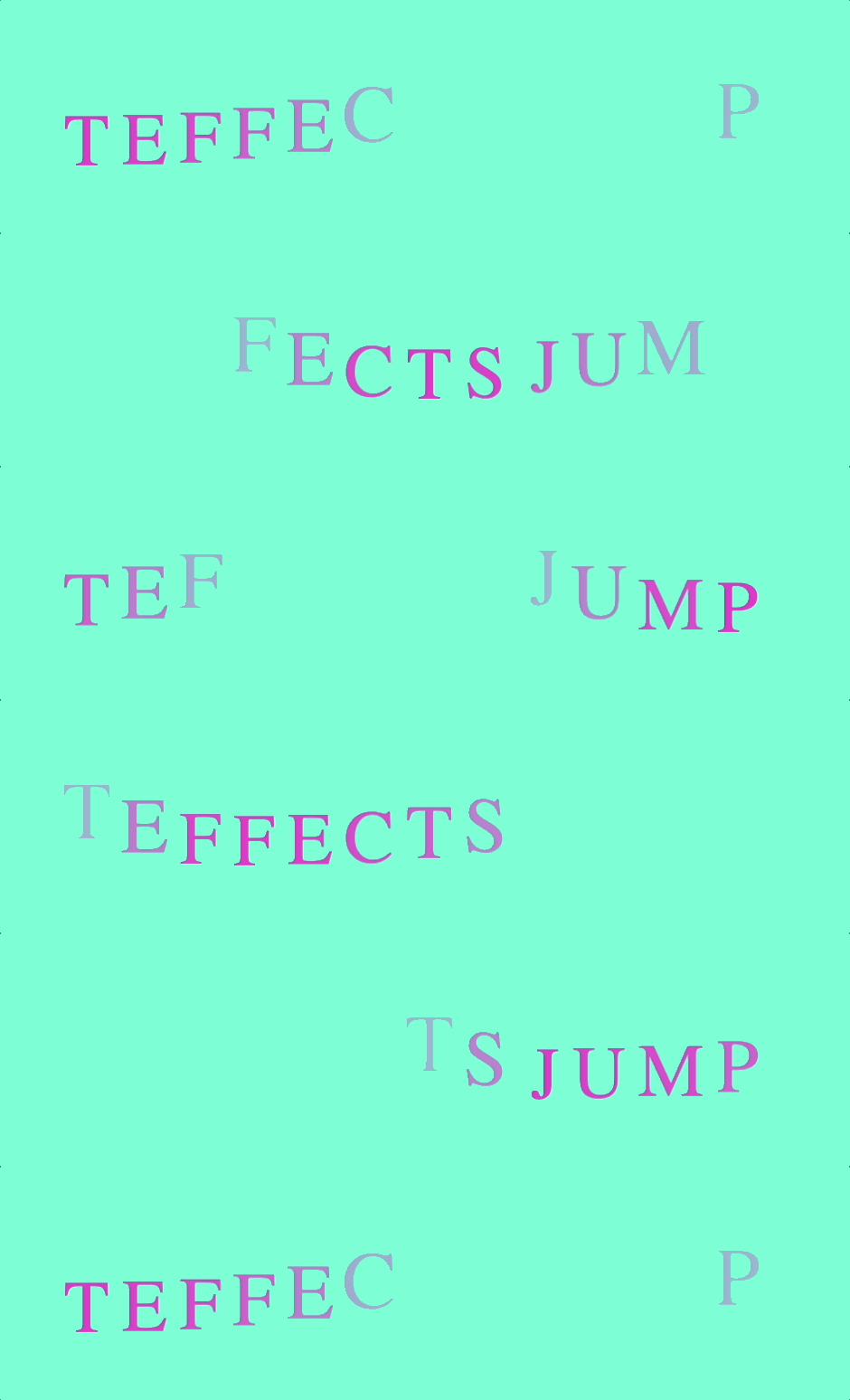
Options
Use the -b and -c to change the background color and font color. Enclose hexadecimal code with quotes like -b "#eee". Change the letter padding and container padding using the -l and -p options. The padding unit is in px. Use the text using the -t option and font size with the -s option.
$ teffects jump -h
Usage: teffects jump [options] [arguments]
Creates animaged glowing texts on a browser.
All parameters accepts --param value and --param=value form.OPTIONS DESCRIPTION
-o, --{no-}open A browser will be open as the default. Not to open it, use +o or --no-open.
-b, --bcolor BCOLOR Background color. Enclose with quotes. Default: aquamarine
-c, --color COLOR Font color. Enclose with quotes. Default: #de38c8
-l, --letterpadding LPADDING
Letter padding. Default: 10px. e.g. 5px 10px.
-p, --padding PADDING Container padding. Default: 100px. e.g. 50px 100px.
-s, --size SIZE Font-size. Use a number without a unit. Default: 6vw.
-t, --text TEXT Your text to print.
-h, --helpExamples
The following code changes text, font color, background color, and font size.
$ teffects jump -t "LOREM IPSUM" -c "#eee" -b "#EF6667" -s 4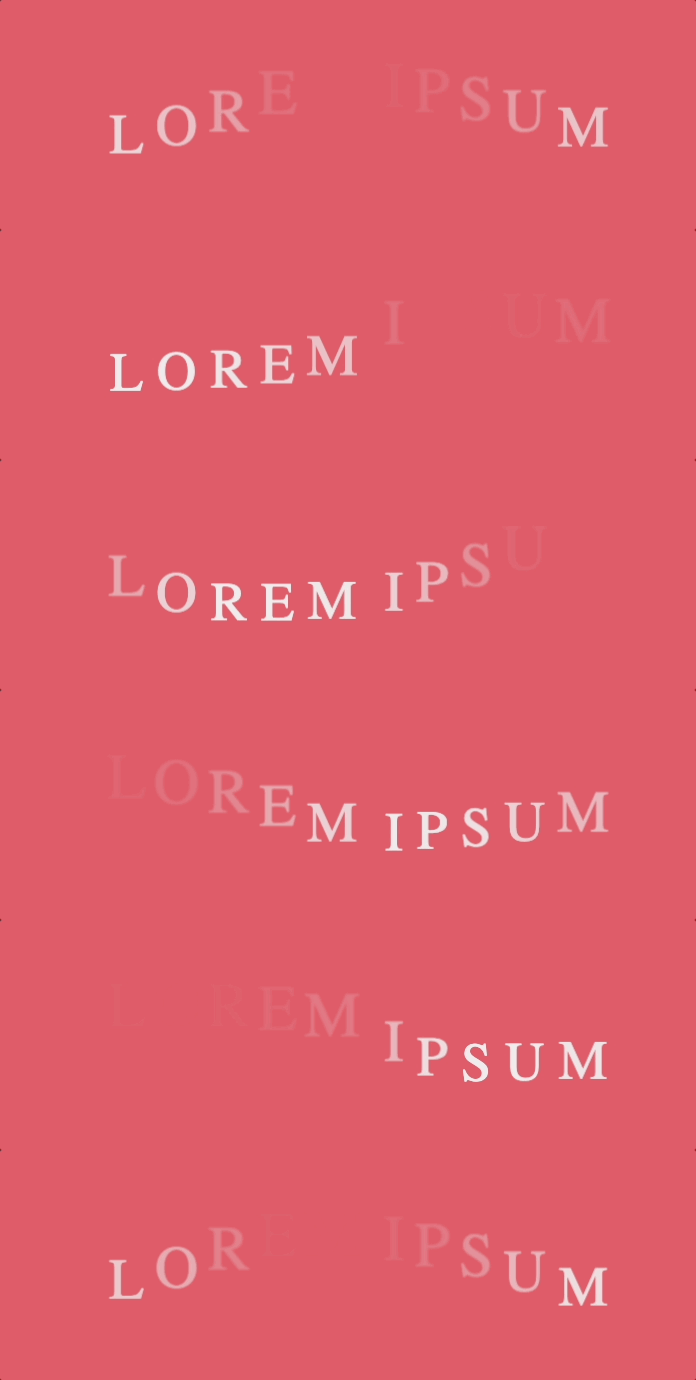
Conclusion
Using a GIF capture, you can use these images for your article, presentation, and email. Please let me know in the comment section if you are using it for your project.
Get full access to every story on Medium by becoming a member.


