
Bash Script to Clip an Image to Text
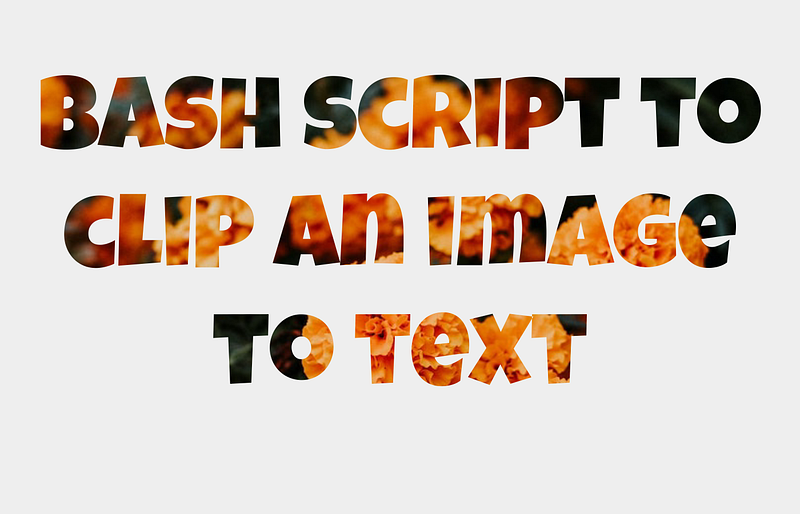
Create a stand-out article header image for your programming article
Introduction
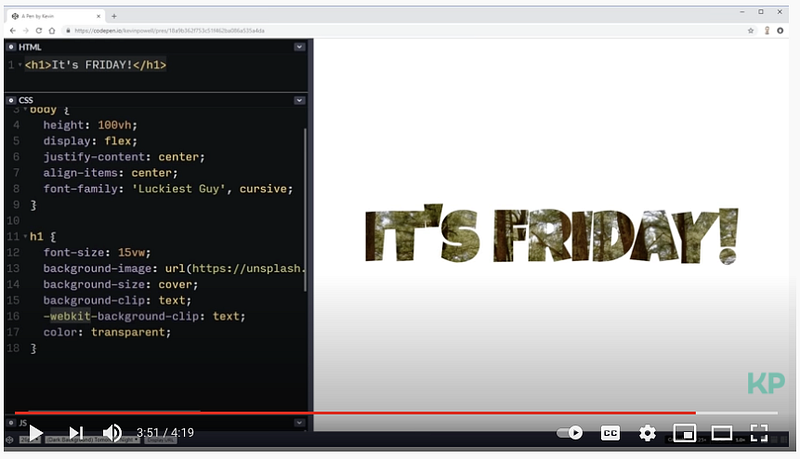
I like the text effect you see in this video. It creates a header image like the above and decided to make a Bash script for it. The video shows you how to clip an image to text using HTML and CSS. With my Bash script, you can create it from the terminal. I am going to use these images for my future articles with different background images and text.
Requirement
You need to install wkhtmltopdf/wkhtmltoimage. wkhtmltopdf/wkhtmltoimage are open source (LGPLv3) command line tools to render HTML into PDF/image formats using the Qt WebKit rendering engine.
I tried different methods, but I found wkhtmltopdf/wkhtmltoimage works reasonably well comparing to other options. Please note that wkhtmltopdf/wkhtmltoimageuse an old version of WebKit for its rendering engine, and it simply doesn’t support advanced CSS and Javascript.
I gave up using Firefox screenshot since it can’t handle CSS color: transparent.
Installation
Using Awesome package manager:
$ awesome install shinokada/cliptextOr you can DOWNLOAD IT.
Options
I used Getoptions for the Shell script option parser. It supports all POSIX shells, no limitations, no bashisms. It has high portability and supports all platforms.
OPTIONS                          DESCRIPTION
  -t,     --text TEXT              -t "Your Text to print"
  -f,     --font FONT              -f "Font Name"
  -s,     --size SIZE              -s 240  will set CSS font-size: 240px
  -i,     --image BKIMG            -i background-image.jpg
  -o,     --output OUTPUT          -o output-file-name
  -w,     --width WIDTH            -w 1240. The default width is 1920px.
  -h,     --height HEIGHT          -h 800. The default height is 1080px.
  -b,     --bold WEIGHT            -b 900. This sets the font weight. Choose from 500|700|900.
  -h,     --help
          --version
How to use cliptext
- The default text is “It’s Friday” and you can set your text using the
-toption. - The default font is Luckiest Guy and you can change it by using the
-foption. Select a font from Google font. - The default font-size is 240px and you can change it by using the
-soption. - The default output image name is myimg.jpg and you can change it by using the
-ooption. - The default background image is flower.jpg and you can change it by using the
-ioption. - The default width is 1920px and you can change it by using the
-woption. - The default height is 1080 and you can change it by using the
-hoption. - Some fonts have different weights. You can set it by using the
-boption and choose from 500, 700, or 900.
$ cliptext -t Cliptext -i ./forest.jpeg -s 140 -w 800 -h 300The above command results in the image below.

Bash script
Conclusion
Feel free to use it for your articles. Nowadays many articles use the same header images. If you want to stand out from the crowd, this script may help you.
Get full access to every story on Medium by becoming a member.


