
Using ChatGPT to learn SQL
And how to use this amazing tool to enhance our SQL skills

ChatGPT can do many cool things. One of them is writing code. You only need to give the right instruction and ChatGPT will do the job for you.
If you want to learn SQL, ChatGPT is a great resource to get started. It can help you create SQL queries using natural language, solve any coding questions you might have or even help you understand pre-defined queries that you do not understand.
In this article, I will outline how you can use ChatGPT to learn SQL and become proficient in this valuable skill.
Let’s figure it out together!👇🏻
First things first, so… what’s exactly ChatGPT?
ChatGPT is a large language model trained by OpenAI. It is capable of generating human-like text based on the input it receives and can be used to answer questions and engage in conversations with people.
So basically, we can take advantage of its knowledge — and its capacity to tell us anything in a very simple and human way — to understand SQL and learn from it.
#Step 1: Set up ChatGPT
To get started with ChatGPT, you’ll need to sign up for an account here.
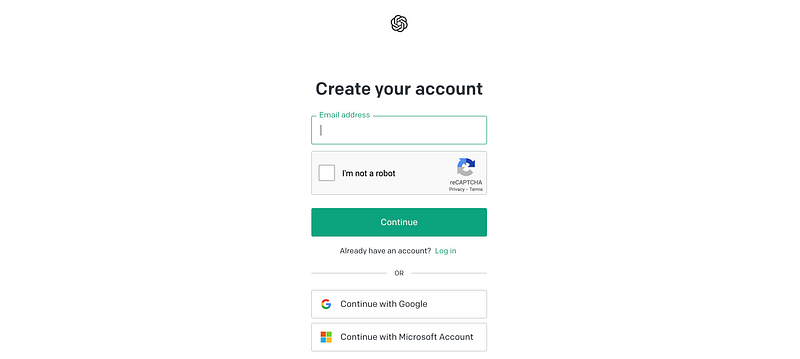
You’ll have to give your email address and phone number to start using ChatGPT.
#Step 2: Learn how to interact with ChatGPT
Once you have ChatGPT enabled, you should see the following display:
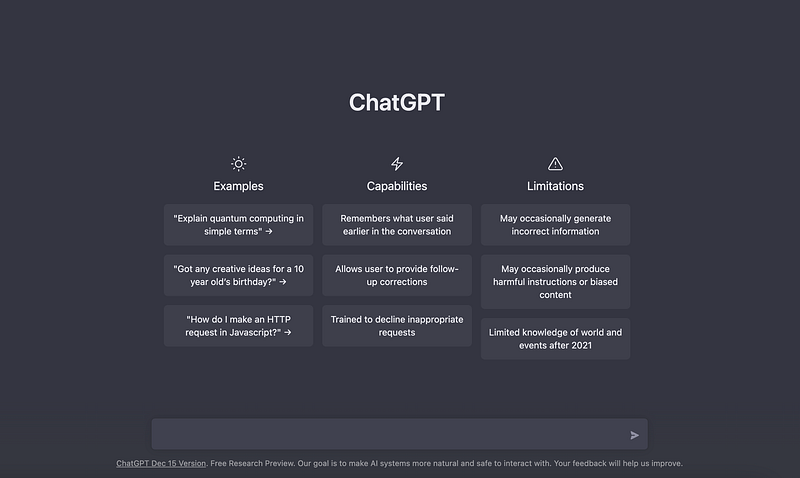
In the lower input box, we can write anything to start interacting with ChatGPT. As I will be disturbing her — or him — for a while, I’ll start apologizing in advance ;)

#Step 3: Ask anything you can imagine — and it will answer you.
So now, we can start asking ChatGPT anything. I will focus on learning SQL. There are 5 main things we can ask to improve our SQL skills by using ChatGPT.
1. Explain to us any concept or commands in SQL
When crashing into a new programming language, we usually have a lot of doubts and confusion about every command. ChatGPT can help us understand any command through easy explanations and give us as many examples of its usage as we request.
Let’s start with the most basic thing in SQL — the SELECT command.
Explain me shortly what is the
SELECTcommand and an example of how to use it
ChatGPT answers a short answer explaining the SELECT command and gives the most basic example: SELECT * FROM
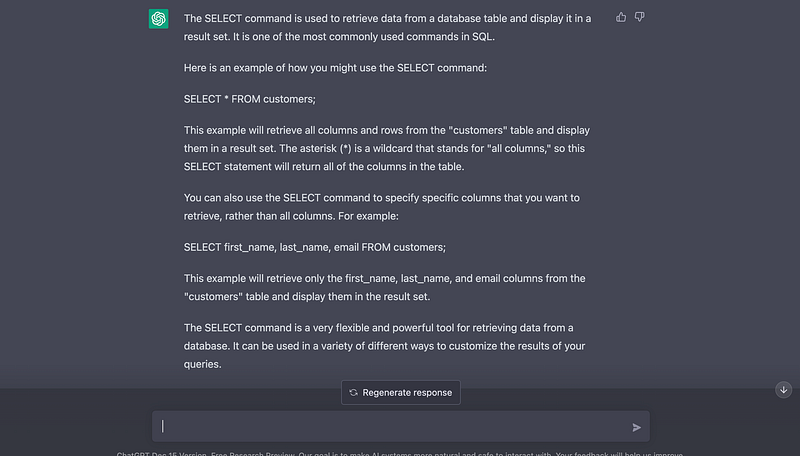
However, I can further ask for the SELECT command.
Explain me what is the
SELECTcommand and some examples showing how to use it
And as you can observe in the following image, ChatGPT explains us the basics of the command and gives us some examples of usage.
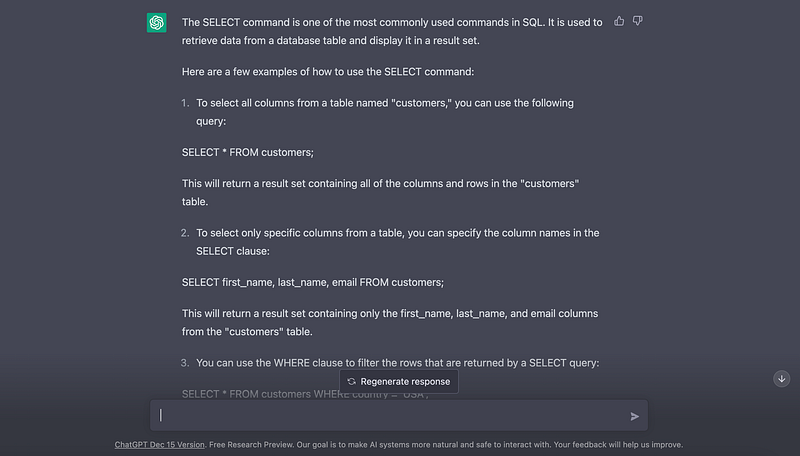
You can try to ask any command you can imagine of, for instance a more challenging command such as HAVING .
Give me some examples of the HAVING command in SQL
And ChatGPT answers with several examples like the following ones:
- To find the names and salaries of all employees who make more than the average salary, you might use a query like this:
SELECT
     name,
     salary
FROM employees
GROUP BY name
HAVING salary > (SELECT AVG(salary) FROM employees);
2. To find the names of all customers who have placed more than 10 orders in the past year, you might use a query like this.
SELECT
     name
FROM customers
WHERE customer_id
IN
(
  SELECT customer_id
  FROM orders
  WHERE date >= DATEADD(year, -1, GETDATE())
  GROUP BY customer_id
  HAVING COUNT(*) > 10
);
Of course, we can keep asking for more explanations and more examples. Try any other command you can think of, and it will answer right away.
2. You can ask how to do something in SQL and ChatGPT will let you know what command (or commands) to use.
I can ask for how to do a specific action, and ChatGPT will let me know what command I need to use.
I want to merge two tables, what command should I use in SQL?
And ChatGPT answers me to use any join command, as you can observe in the following picture.
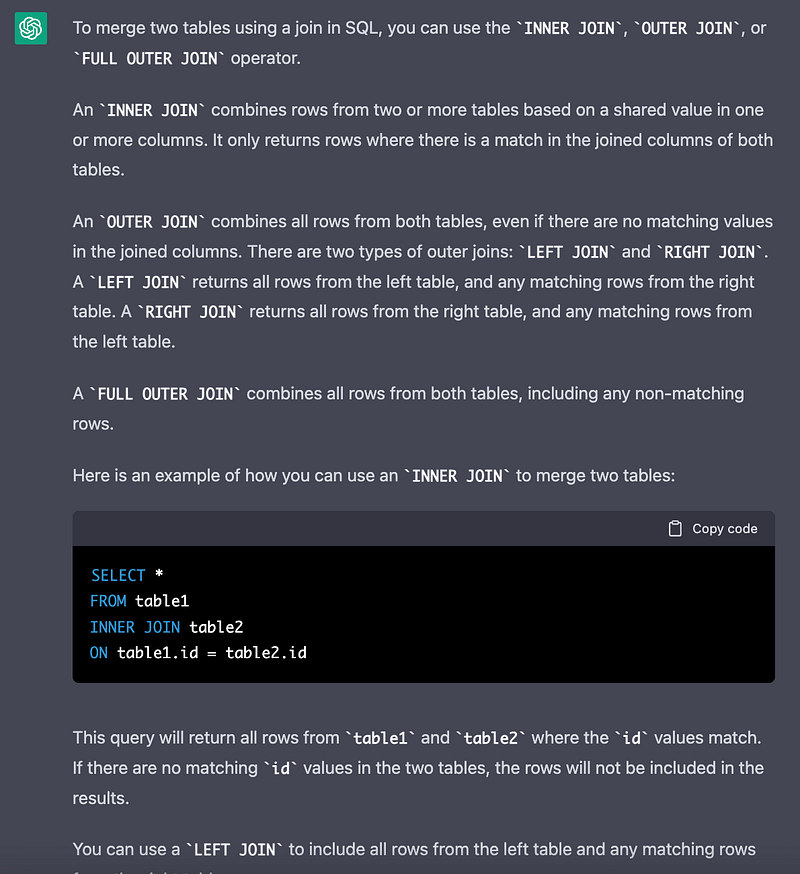
However, I know I just want to join two tables when the rows have coinciding values in some specific columns. In this case, I can ask again and get to know what command should I use.
I want to join two tables and just get the data that have coinciding values in some given columns.
Hence, ChatGPT let me know only the INNER JOINallows me to do that as you can observe in the following image:
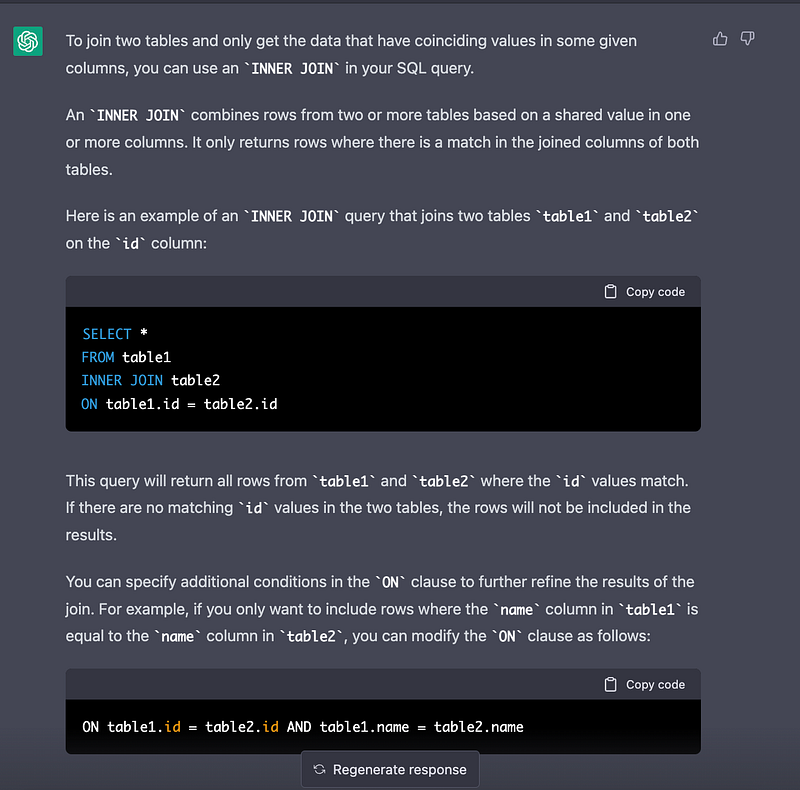
And it gives me the corresponding query:
SELECT
    *
FROM table1
INNER JOIN table2
   ON  table1.id = table2.id
   AND table1.name = table2.name;
3. You can ask ChatGPT to create a query using natural language
Now let’s imagine I know what result I need but I do not have any kind of idea how to formulate that query. I can simply explain what I want to do to ChatGPT and it will give me a structure to follow. Hence, I can learn how to structure queries following the examples of ChatGPT.
Explain to me how to create a SQL query that computes the most expensive cities in Europe having a table with the prices of different items in each city.
ChatGPT answers me right away, as you can observe in the following image.
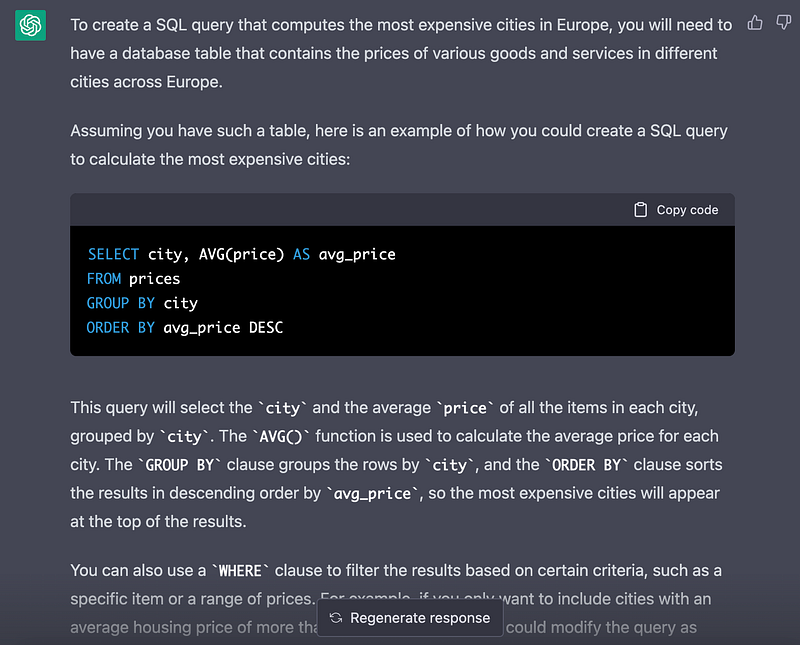
ChatGPT gives me an example of a query and explains what this query does.
4. You can ask ChatGPT that explains you how a query works.
Now let’s imagine you get to do the work from a workmate who is sick but you do not understand his queries — some people code in a messy way or you can just feel lazy and not want to waste a lot of time understanding other people’s queries.
That’s normal — and you can use ChatGPT to avoid this task. We can easily ask ChatGPT to explain a given query.
Let’s imagine we want to understand what the following query does:
What does the following query do: [Insert Query here]
ChatGPT just answers right away:
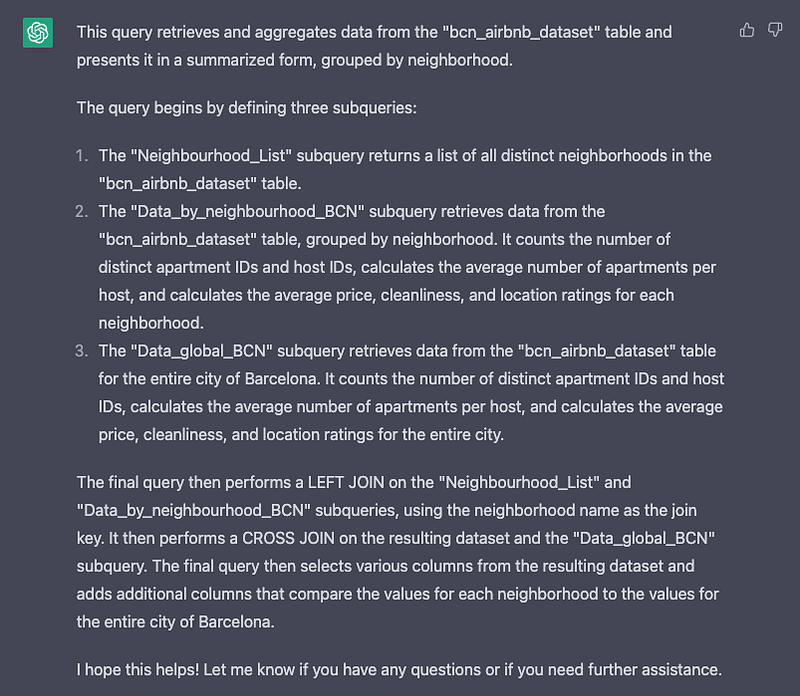
As you can observe in the previous image, ChatGPT explains what this query does step by step.
First, it explains all contained subqueries and what they do. Then it explains the final query and how it uses the previous subqueries to merge all the data. We can even ask for more detailed explanations in a given subquery.
Can you further explain what the second subquery of the previous query does?
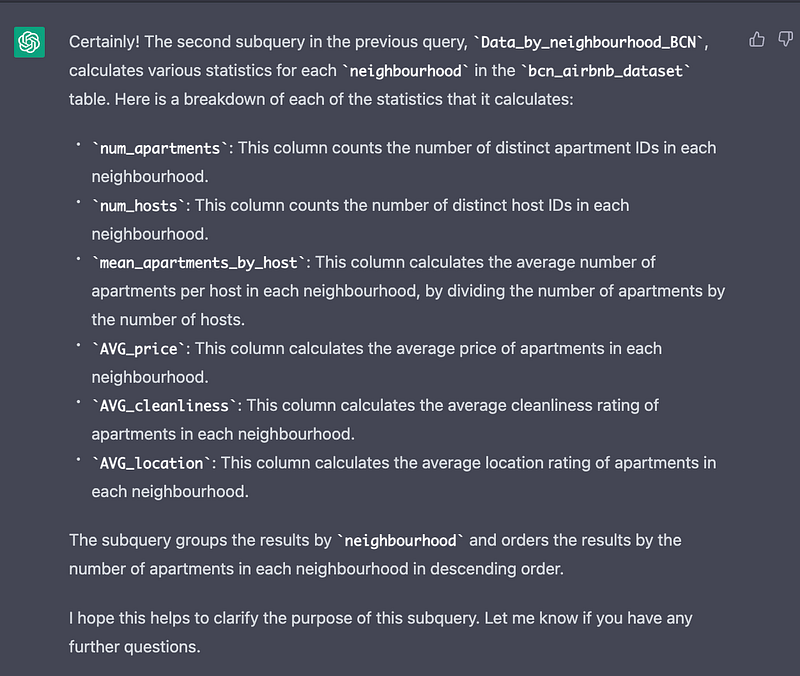
As you can observe in the previous image, ChatGPT explains in a detailed way what the second subquery performs.
You can challenge ChatGPT with any query you can imagine of!
5. You can ask ChatGPT to challenge you with exercises.
For me, the best part of ChatGPT is asking for some exercises and answers to practice and test your skills. It can even tell you when are you doing good — or not.
Can you give me some exercises to practice SQL
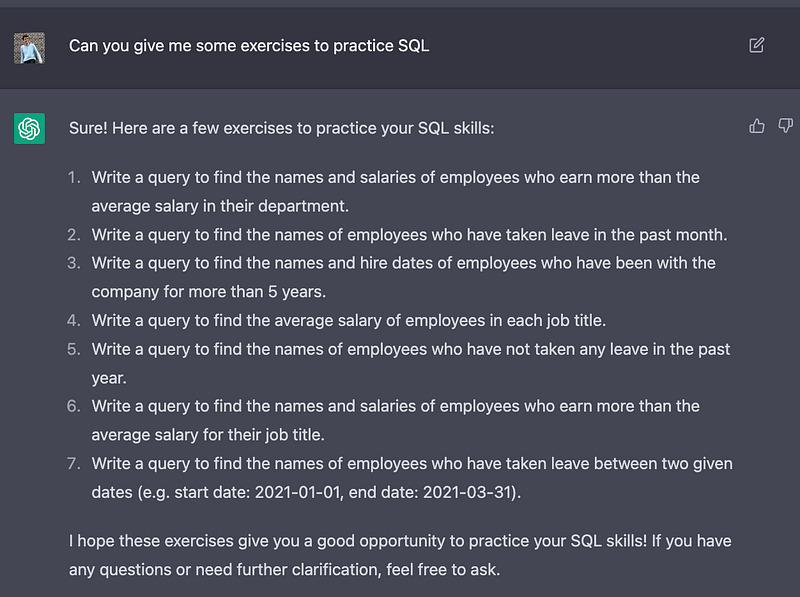
Now ChatGPT tells me some problems to perform. In this case, I can try to solve the first one and ask ChatGPT if my solution is correct.
Is the following query correct to the answer of the first previous exercise [Insert Query]
ChatGPT will answer and write away whether it is correct and why.
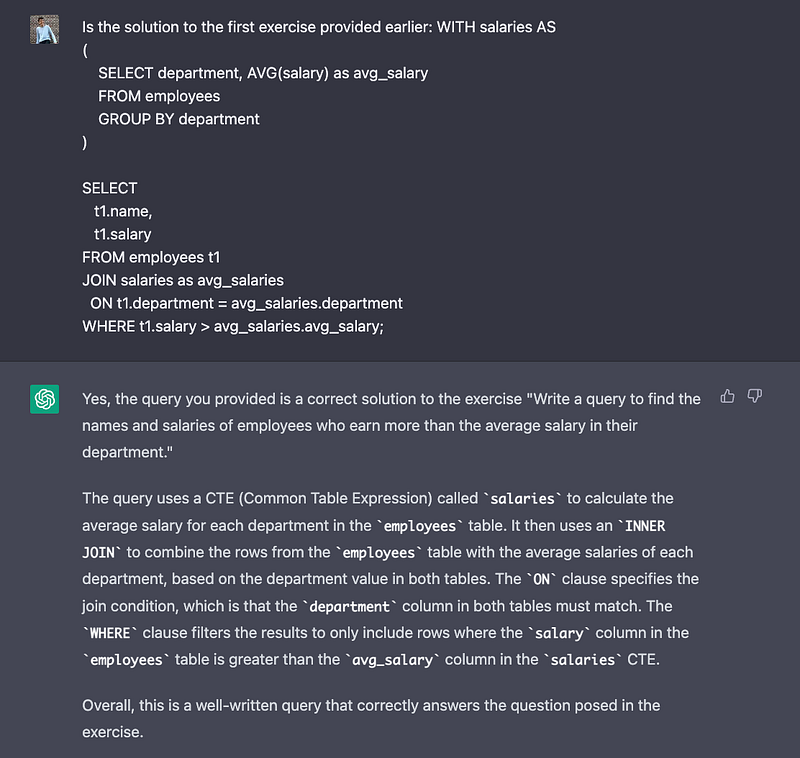
I can ask for the correct answer to each of the previous examples:
Can you give me the correct answer to the previous exercises?
And as you can observe in the following image, ChatGPT will give me all the correct queries to perform.
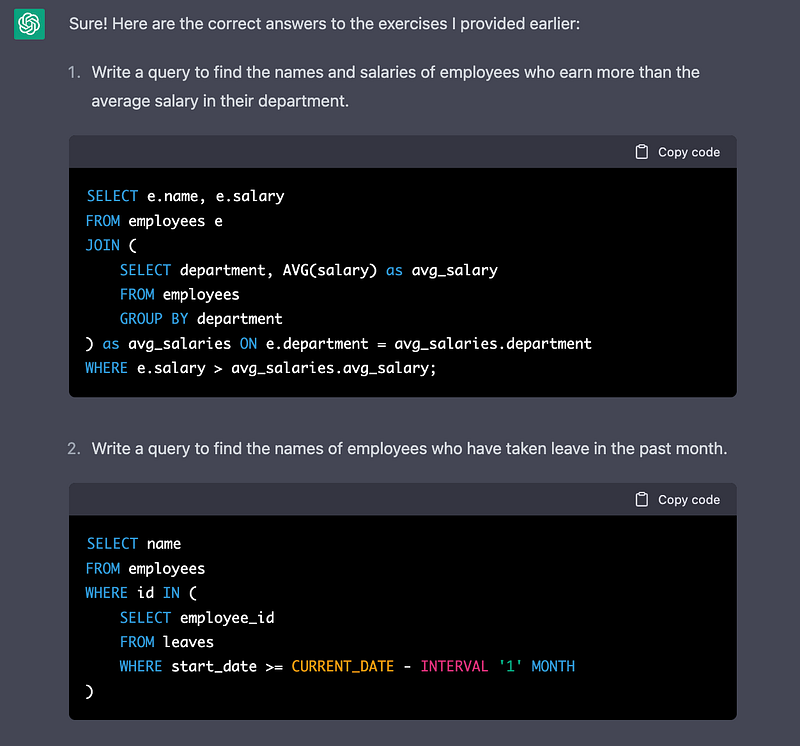
⚠️ Notice that the answer that ChatGPT is providing me and the one I provided to be checked are completely different.
Conclusion
SQL is a valuable skill to have in today’s data-driven world. By using ChatGPT to learn the basics and practice your skills, you can become proficient in SQL. With continued learning and practice, you can continue to expand your skills and perform a leap forward in your data professional life using this tool.
Let me know if ChatGPT surprises you with some other good features. I will read you in the comments! :D
Do you want to try the new AI autonomous model — AutoGPT?
Just give a look at the following article!
Data always has a better idea — trust it.
You can suscribe to my Medium Newsletter to stay tuned and receive my content. I promise it will be unique!
If you are not a full Medium member yet, just check it out here to support me and many other writers. It really helps :D
Some other nice medium related articles you should go check out! :D


