
🪂· Unlock Airdrops: LayerZero, zkSync & Polygon zkEVM with One Bridge
Unveiling the Master Triple Benefits Strategy
I have recently uncovered a method that enables me to carry out transactions across select LayerZero networks with low gas fees. What’s more, this approach also positions me to meet the necessary criteria for potential Airdrops on zkSync and Polygon zkEVM networks.
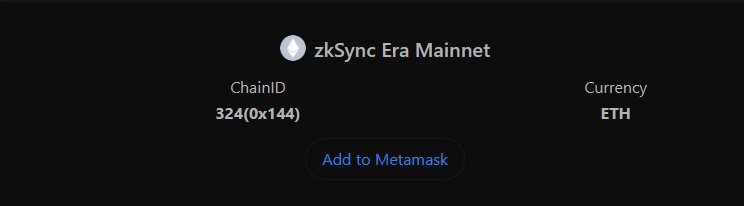
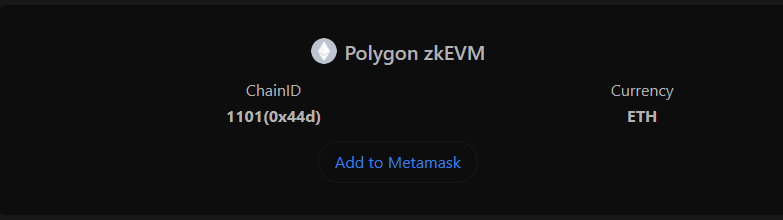
Please ensure zkSync Era Mainnet and Polygon zkEVM are added to your wallet.
1️⃣Use L2 Marathon
Step 1: Go to L2 Marathon and connect your wallet.
>> Select zkSync chain and mint your Runner NFT.
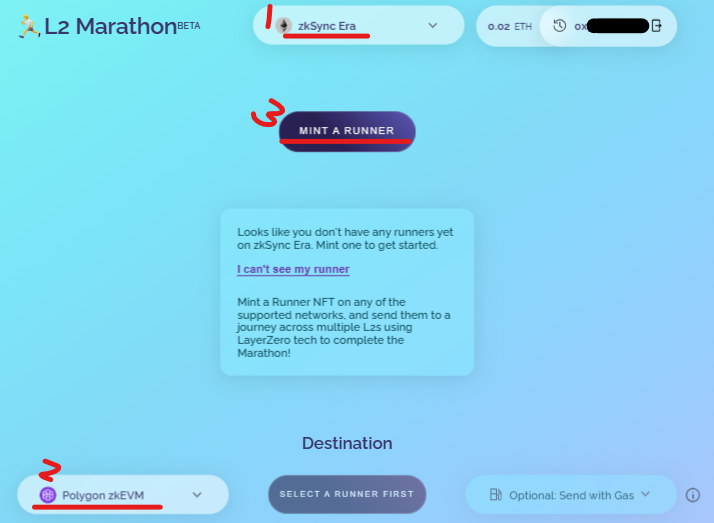
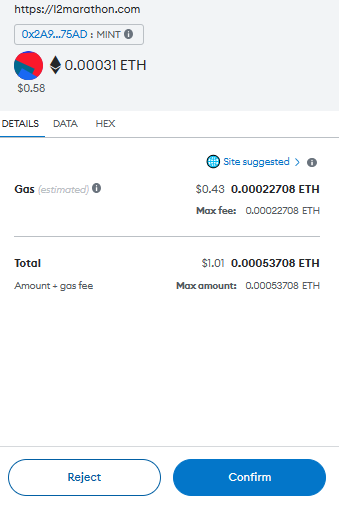
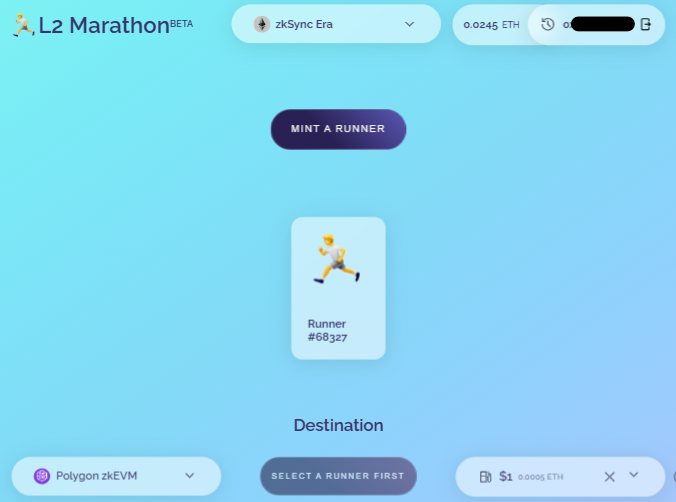
Step 2: Send your Runner from zkSync to Polygon zkEVM.
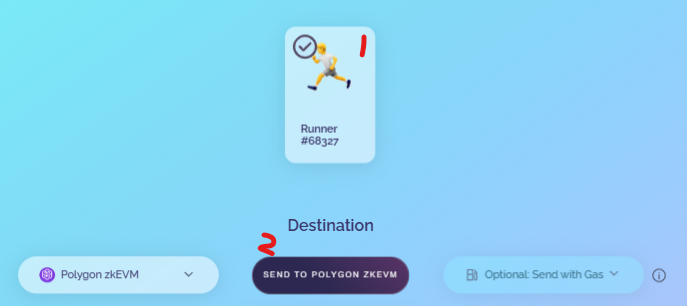
1> Click on Runner 2> Click on “Send To Polygon zkEVM” and confirm the transaction.
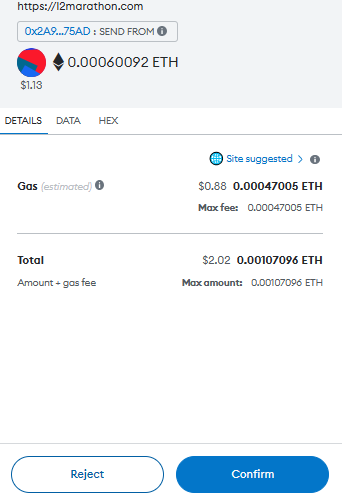
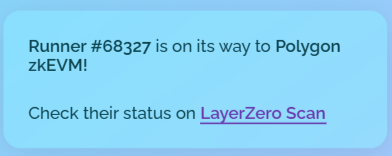
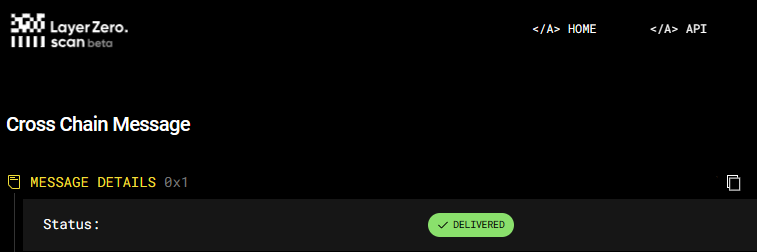
Now, we have successfully used LayerZero, zkSync and Polygon zkEVM in few minutes, you can send some gas fees with your Runner.
2️⃣Use Merkly
Step 1: Go to Merkly and connect your wallet. >> Select TurboBridge and zkSync Era, Polygon zkEVM
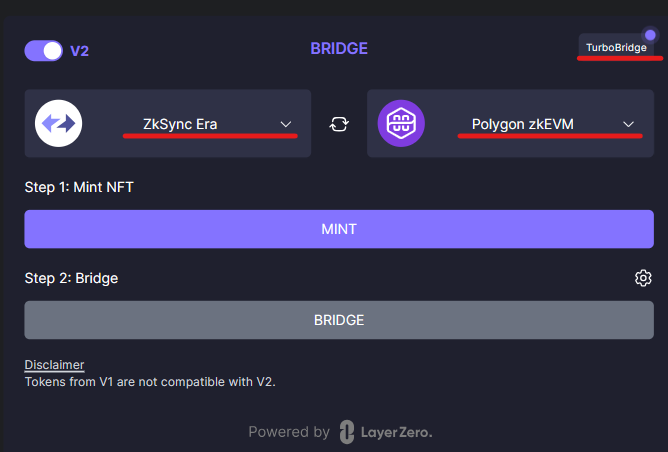
Step 2: Mint your NFT and confirm the transaction.
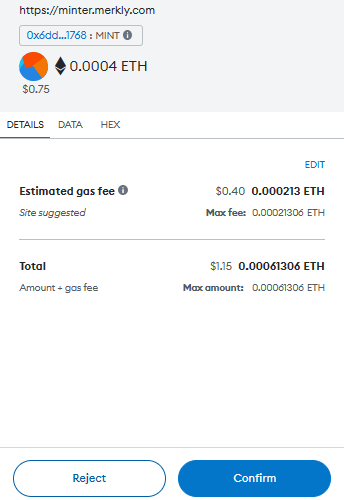
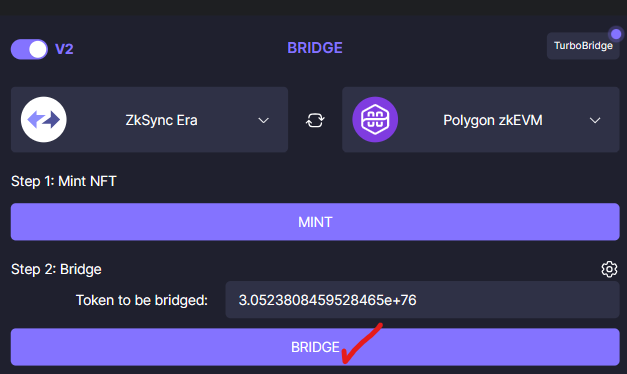
Step 3: Bridge your NFT confirm the transaction.
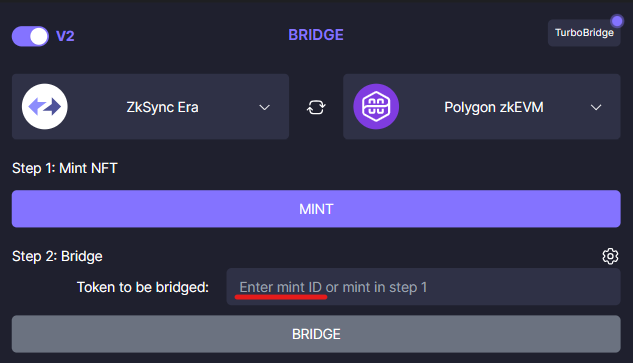
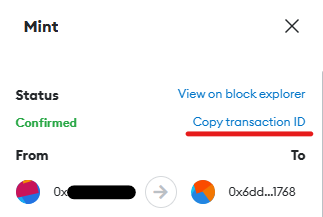
You can find your mint ID from your wallet, then copy and paste it into the box.
🔸 Unlock Airdrops: LayerZero, zkSync & Polygon zkEVM with One Bridge Part 2, Part 3
That’s it for today’s tutorial, you’re done!
⚠️We have no partnership with any projects. The information provided in this article is for educational and informational purposes only. NFA, DYOR. If you found this tutorial helpful, please give claps and share! Thank you!😄
📌Recommended Reading:
👉 Strategize for Big Profit : Unlock 100x Airdrop Projects for You 🔥 👉 Free Tabi NFT for Confirmed Airdrop Guide 👉 Polygon zkEVM the Next Big Airdrop Step-by-Step Guide 👉 How to Obtain 10 Goerli ETH Step-by-Step Guide 👉 Free to Mint XEN Tokens Step-by-Step Guide 👉 zkSync Era Testnet Step-by-Step Guide
Please follow me on ☂️Twitter and 📚Medium, turn on 🔔 as well, you can stay informed and be among the first to receive my latest shares and updates.


