
Airdrop | zkSync Era Testnet Step-by-Step Guide

zkSync is a Layer 2 scaling solution for Ethereum that uses zero-knowledge proofs to enable fast and low-cost transactions. It was developed by Matter Labs, a blockchain research and development company focused on improving the scalability and privacy of Ethereum.
Arbitrum airdrop was big, but zkSync will be huge.
$ZKS token is already confirmed ! Here’s how to be eligible for the airdrop.
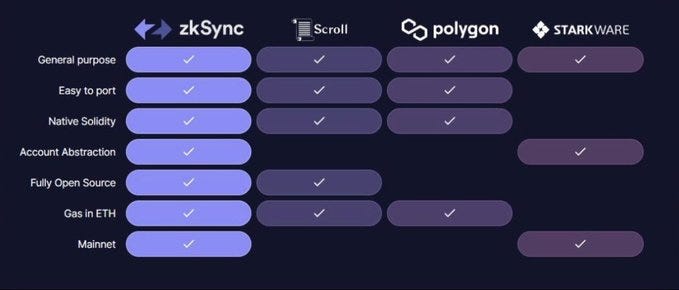
Tasks
▶How to Bridge to zkSync. ▶How to Use ZkSync Era. ▶How to create your own NFT
1️⃣ Wallet Setup:
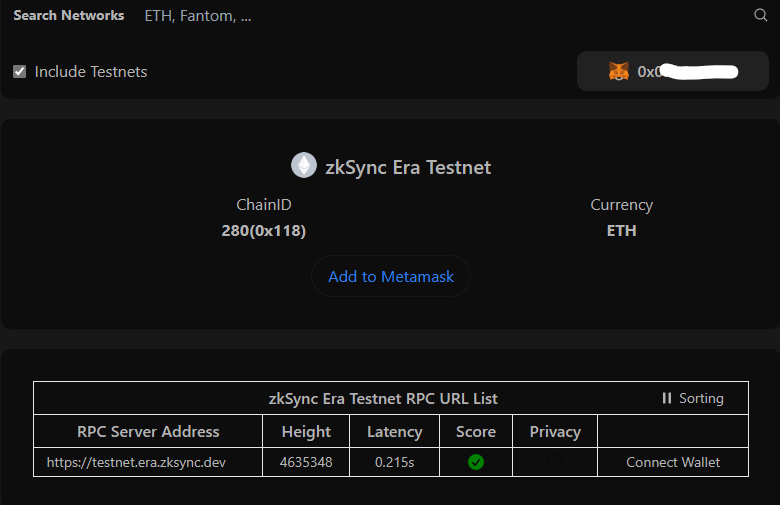
Step 1: Add networks.
👉 Go to Chainlist and Add zkSync Era Testnet to Metamask wallet.
Step 2: Get Goerli $ETH.
▶ Faucet Link 1 ▶ Faucet Link 2 ▶ Faucet Link 3 ▶ Faucet Link 4
You may review my previous articles for how to obtain Goerli ETHs.
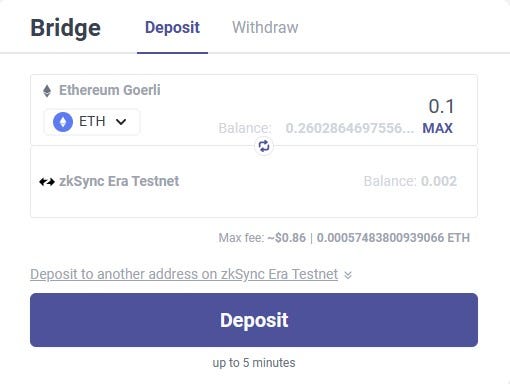
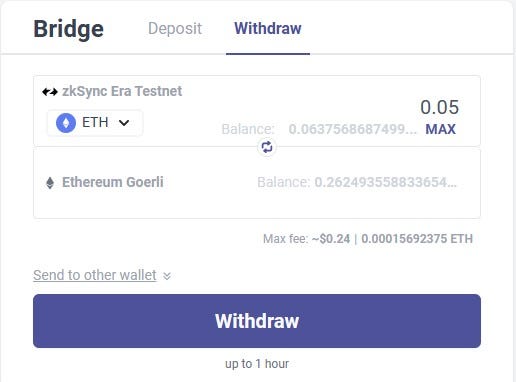
Step 3: Bridge your fund
▶ Deposit 0.1 $ETH from Goerli to zkSync.
▶ Withdraw $ETH from zkSync back to Goerli
2️⃣ Swap test tokens and provide liquidity
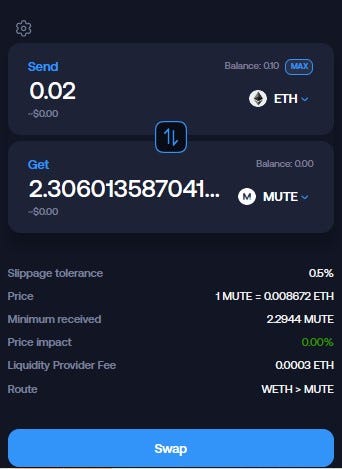
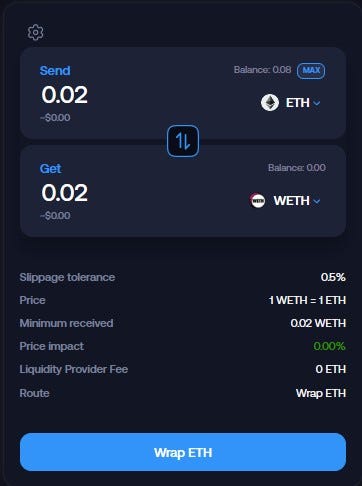
Step1: Go to Mute Switch, then Connect Wallet
▶Swap ETH to MUTE and WETH
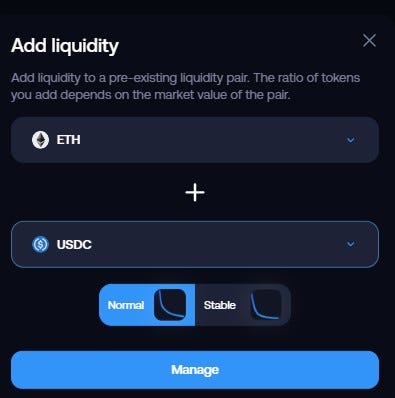
Step 2: provide liquidity (LP)
▶ add ETH/USDC pool

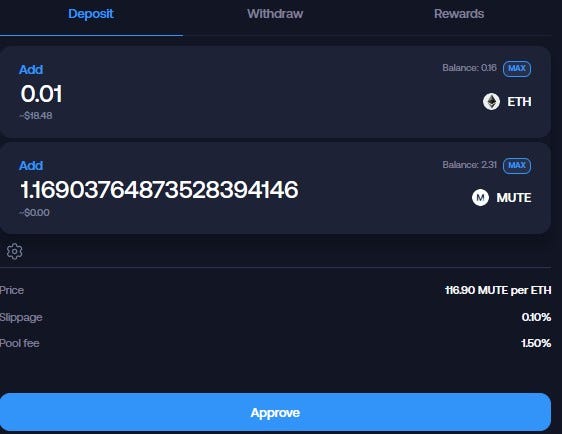
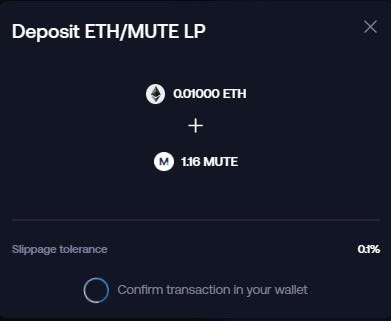
Note: It might take longer time to complete the transaction.
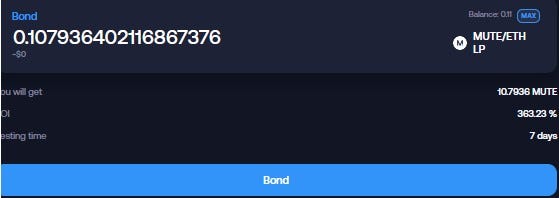
Step 3: 👉 Go to Bonds
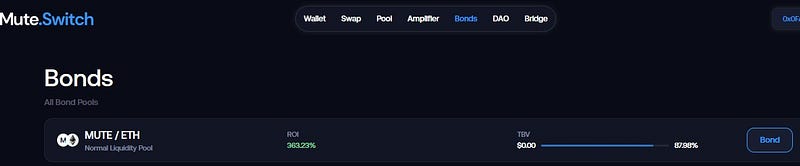
▶ Click “Bond” ▶ Click “Max” to stake MUTE/ETH LP👇
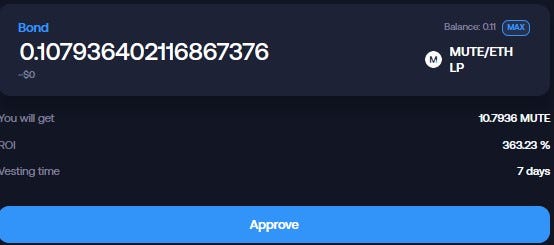
▶ Set a spending cap on your wallet 👇
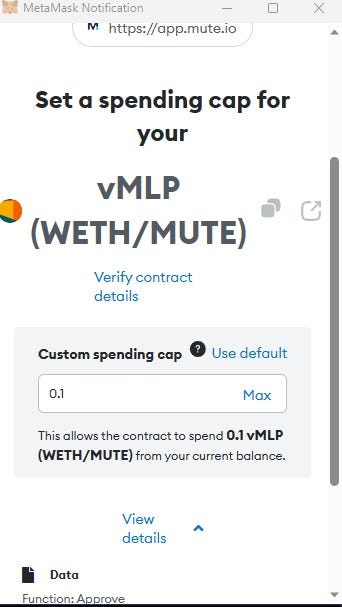
▶ then Click “Max” and Bond
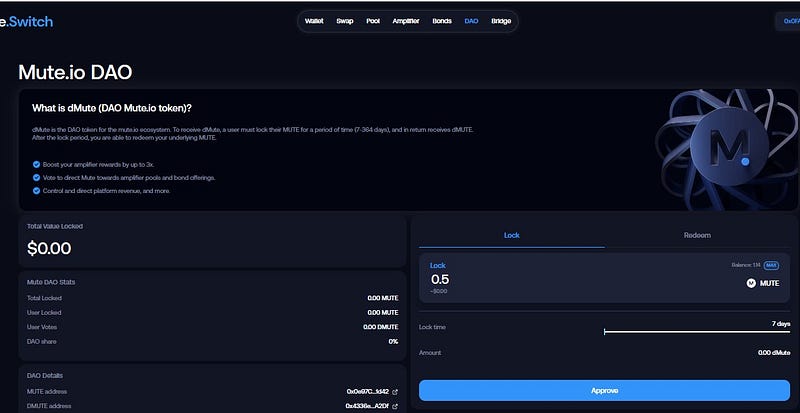
Step 4: 👉go to Dao
▶Lock 0.5MUTE ▶then Approve
3️⃣ SyncSwap
Step 1: Swap your funds
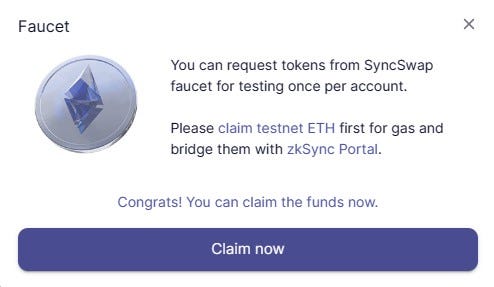
👉 Go to Syncswap and connect to your Wallet ▶ Click on Faucet to claim some tokens.

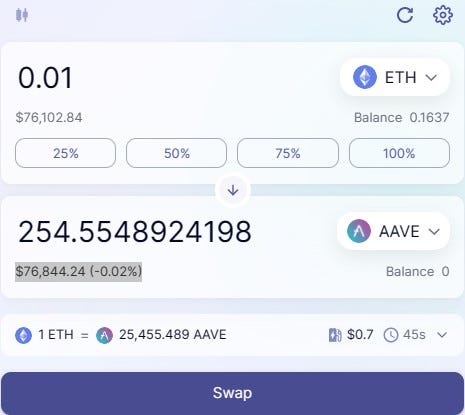
▶ Swap 0.01 ETH to AAVE
Step 2: Add your funds to Liquidity Pool (LP)
a) ETH/USDC Pool
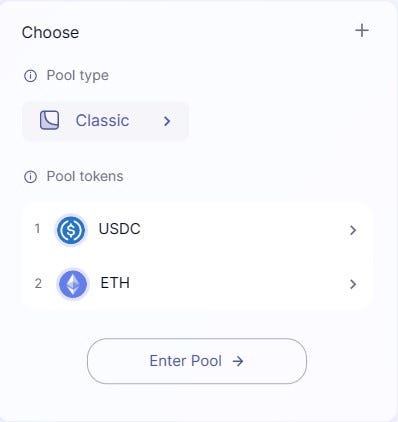
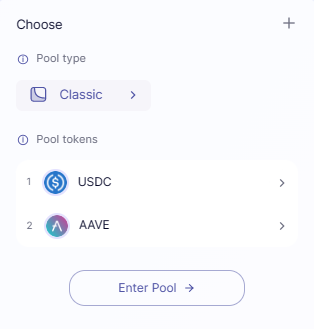
▶Click on “New Position” ▶Choose Tokens then click “Enter Pool”👇

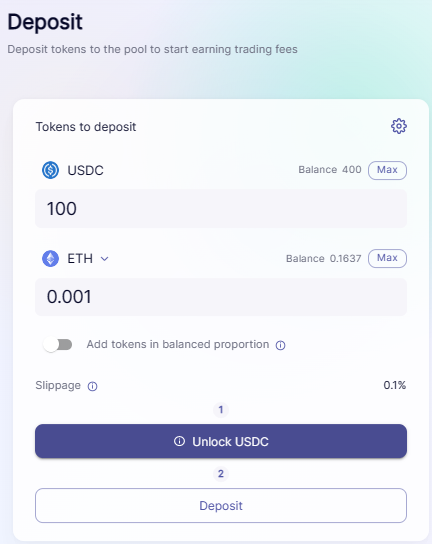
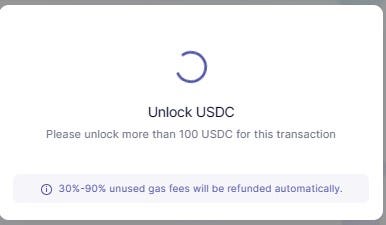
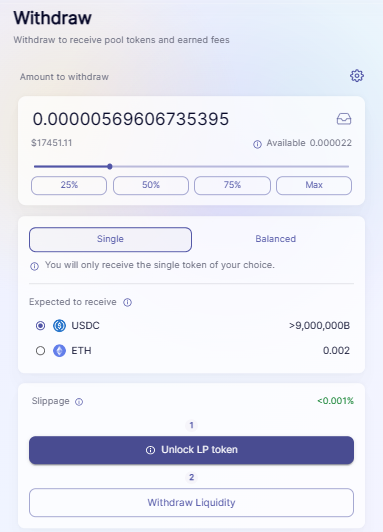
a-1) Deposit and unlock USDC👇
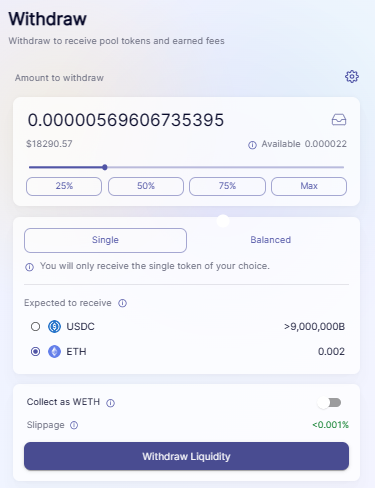
a-2) Withdraw👇
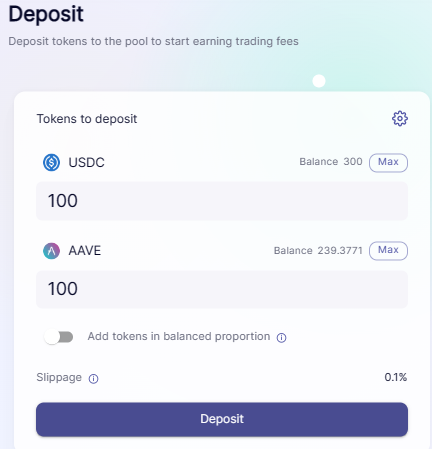
b) USDC/AAVE Pool
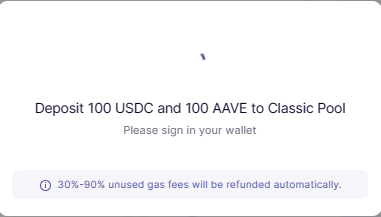
b-1) Deposit and unlock USDC and AAVE👇
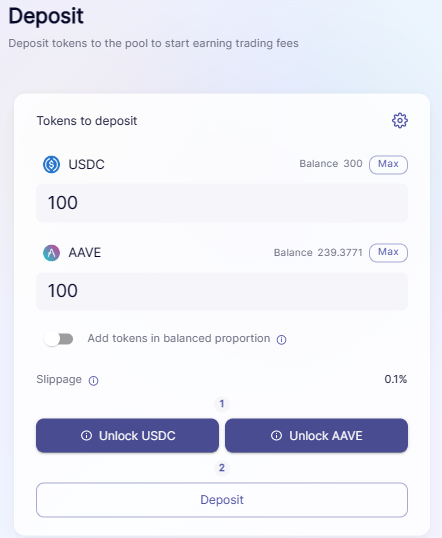
▶ then click Deposit👇
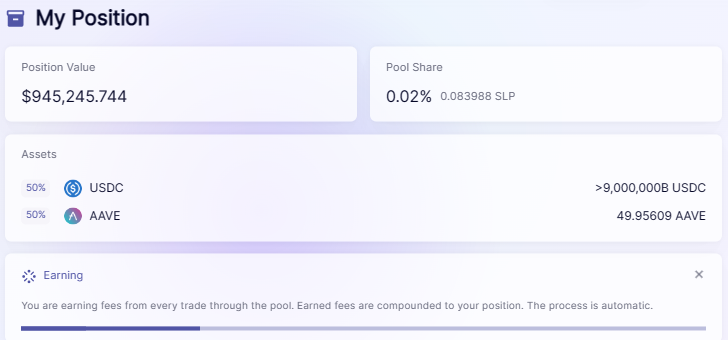
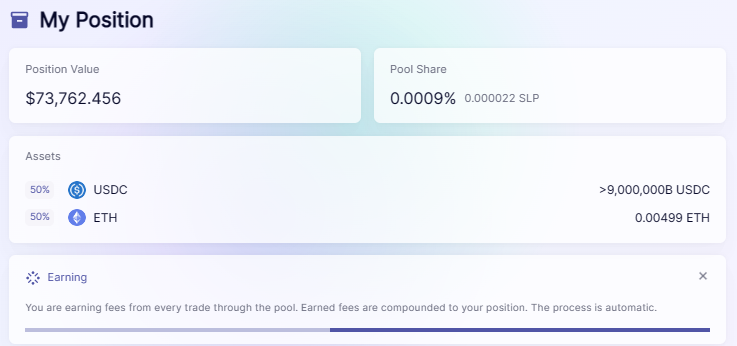
Step 3: Check your LP Positions
Note: repeat deposit and withdraw several times.
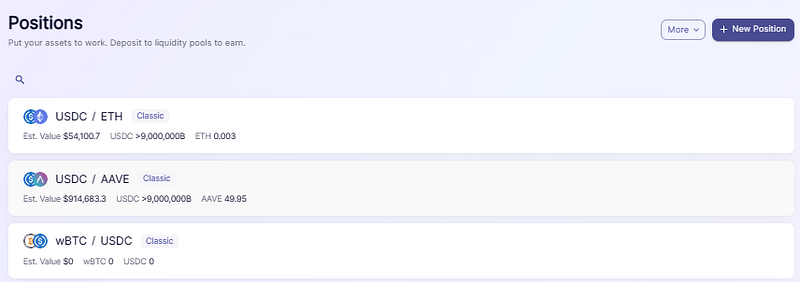
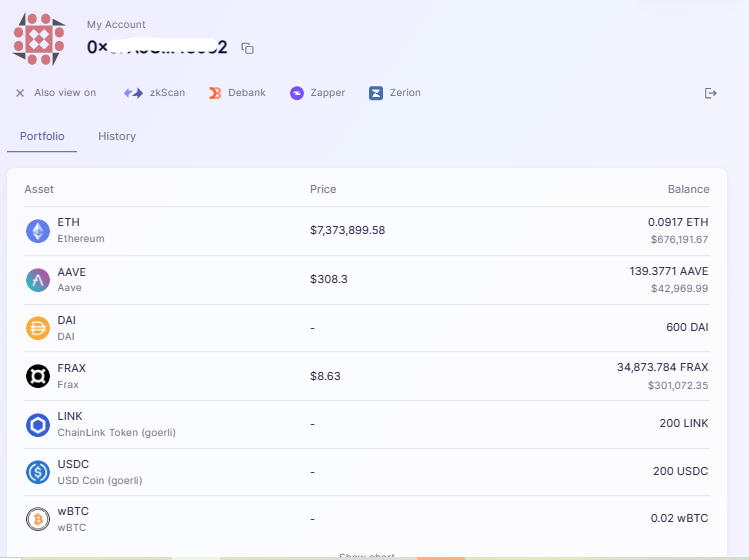
Step 4: Check your Portfolio
Repeat above Steps and transactios: Swap and LP between two tokens as many as you can.
4️⃣ Other Transactions (Optional)
▶ Go to Orbiter.Finance ▶ Go to SpaceFi ▶ Go to ZigZag
5️⃣ Mint NFT
5-a) 👉go to https://mintsquare.io/mint
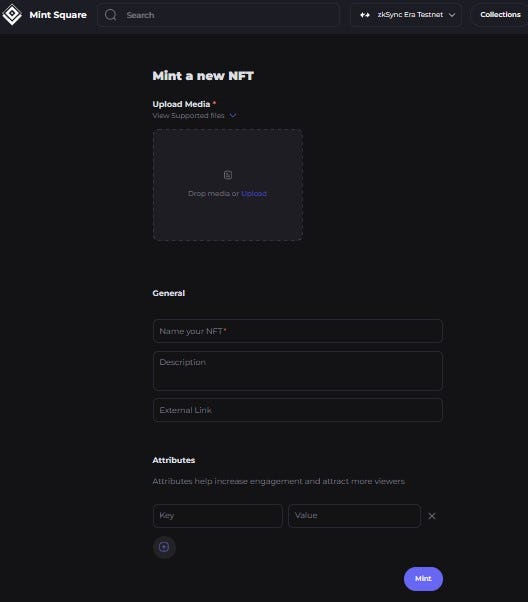
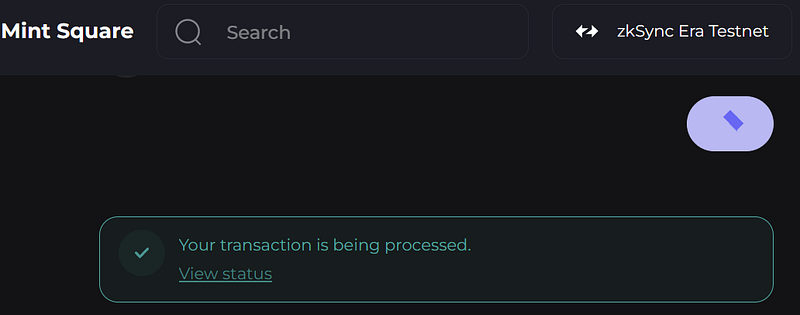
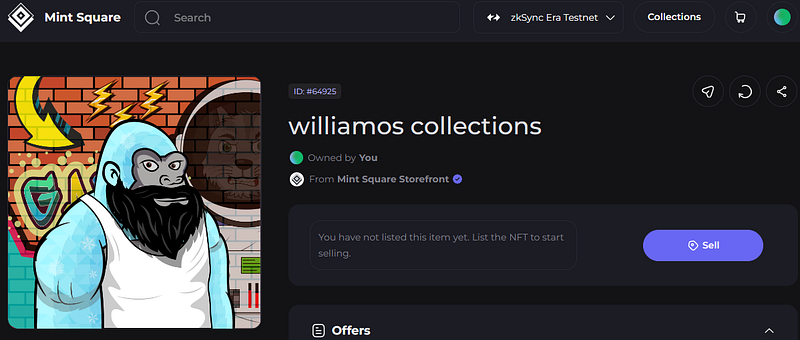
▶ Upload Media (any Image from your file) ▶ Name your NFT ▶ External Link: you can use your Twitter handle (e.g.: https://twitter.com/vaninvestor) ▶ Click on “Mint”
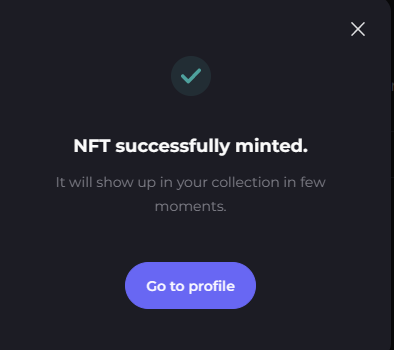
▶ then trade NFTs — Sell and Buy👇
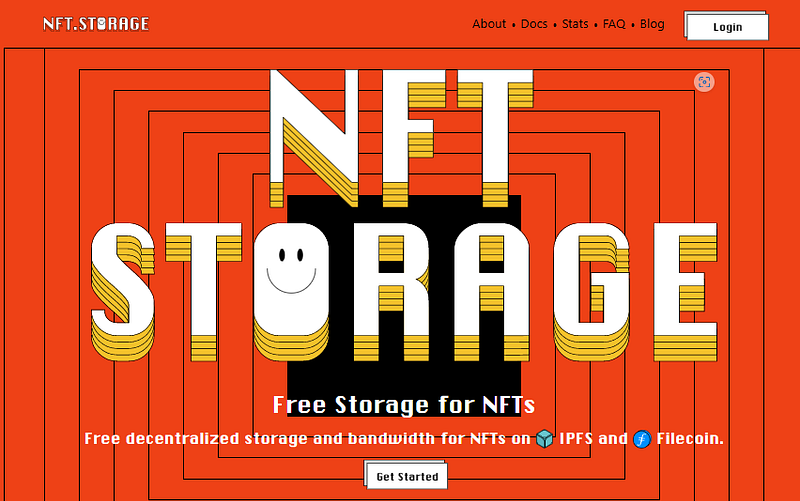
5-b) 👉 go to Nft.Storage
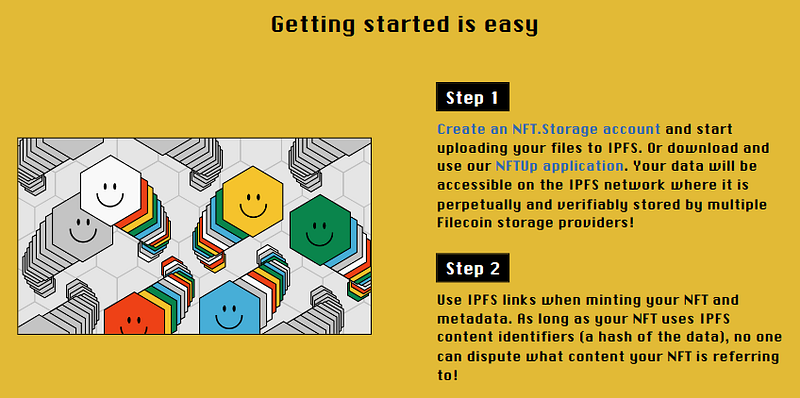
▶ Log in with your Email or GitHub Account ▶ Click on “Upload” and Choose any Image from your file
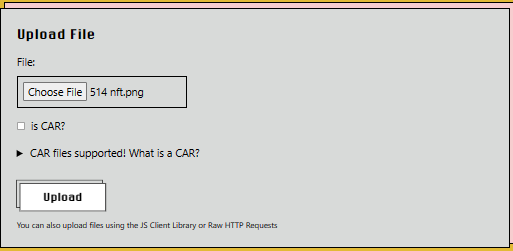
▶ Upload it by Clicking on “Upload” ▶ Copy your File CID 👇

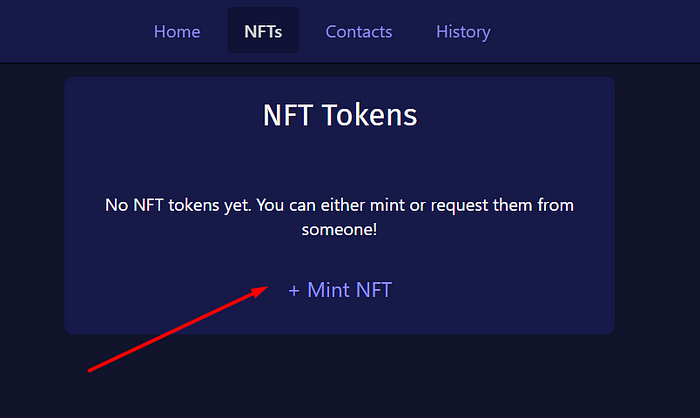
👉 then go to zkSync ▶ Connect Wallet ▶ Paste your Copied CID Number in Content Address Box ▶ Click on “Mint NFT”
6️⃣ Mint your .zk domain
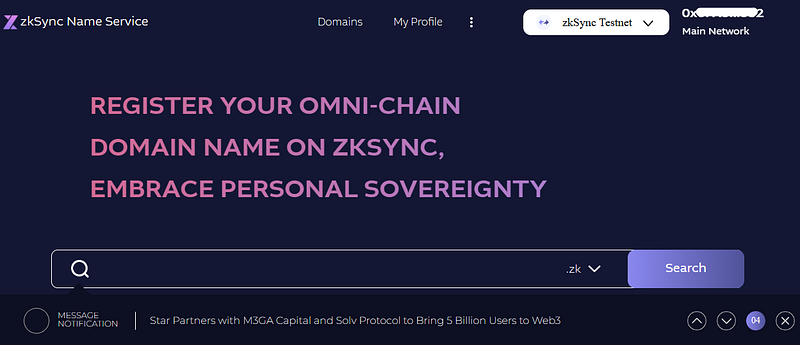
👉 go to http://app.zkns.domains
▶ Search your .zk name ▶ Register your domain name.
📌Related Articles:
👉 How to Obtain 10 Goerli ETH Step-by-Step Guide 👉 Get Your Free Web3 Email +Rewards Step-by-Step Guide 👉 Free to Mint XEN Tokens Step-by-Step Guide 👉 My $45 SUI Investment turned to $2000 👉 Linea L2 Testnet + Free NFT Guide
Please follow me on ☂️Twitter and 📚Medium, you will be the first to know about my shares and updates.


