
Shapes with Paths using SwiftUI Part4
A compendium of shapes using paths
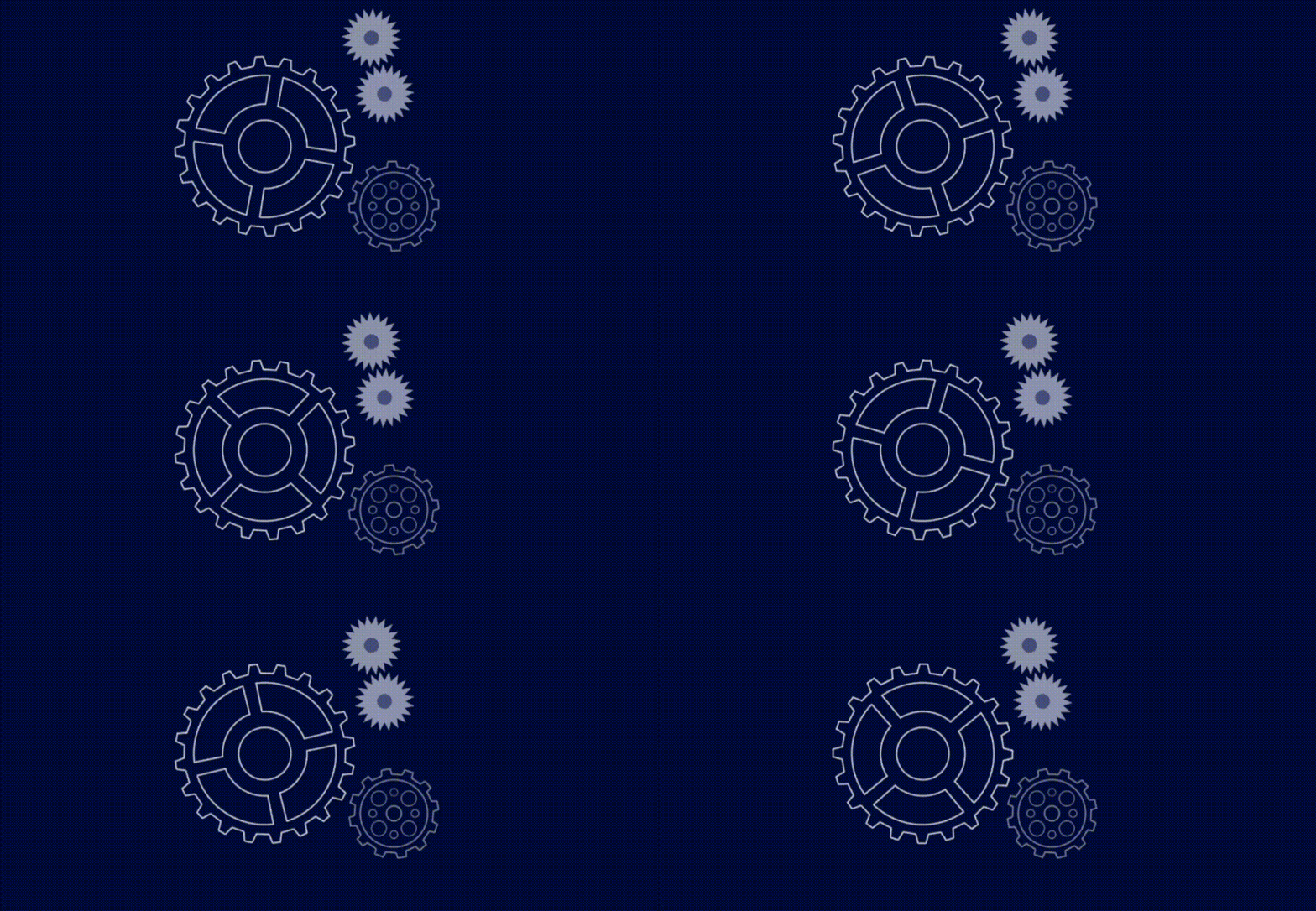
In part 1, 2 and 3 of this series I covered isosceles polygons, the majority of triangles you could imagine, parallelograms and trapezoids and even random polygons; putting together routines to build them using methods based on circles. You can find the stories here. Shapes that you can mutate and animate to your hearts content in code.
Bon. We done pretty well considering almost everything is based on a simple circle. What now. Well looking thru my client requirements for shapes he wants a star. We could use an SF Symbol. The code to do so looks like this.
struct ContentView: View {
  var body: some View {
  Image(systemName: "star")
    .font(.largeTitle)
    .foregroundColor(Color.red)
  }
}
Which looks ok — but.

Wait, this is an article all about using the path to build things, besides which the brief said he needed a star with eight points and this one has five. Can we do this with our magic circle.
Of course you can, although you need at least two circles this time, not just one.
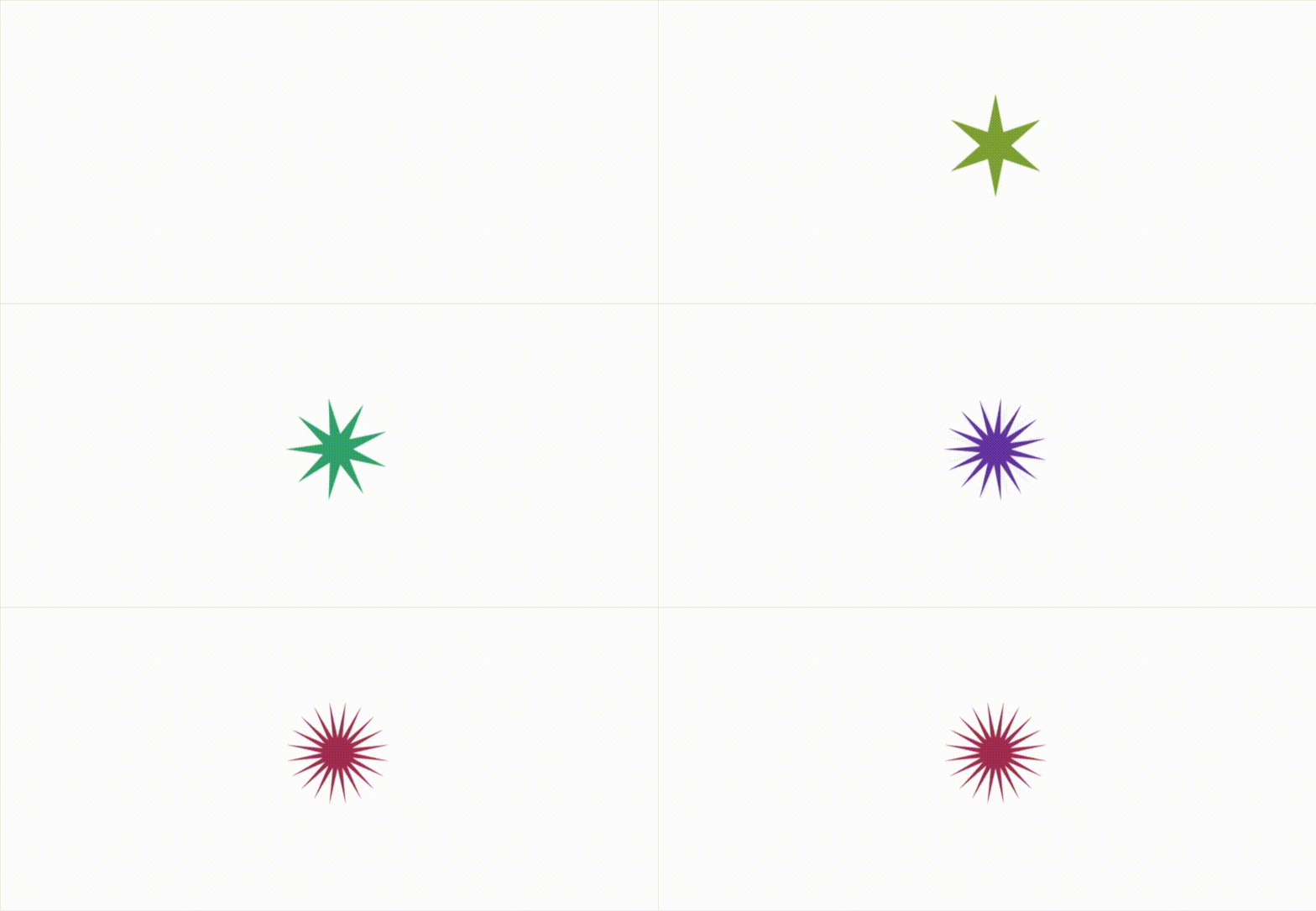
Yes, you counted correctly there are more than 8 points on this star when it finishes mutating, in fact with this method I can have a star with 360 points, which makes it look the sun, but no — that is a little too many, in this gif I limited the points to just 20.
So how do we this — basically the view uses two circles on which it calculates the number of points it needs [as in an 8 point star] in each circle. Skewing the placement of said points on the outer ring I then simply connect the dots.
With this code driving it. Note I used the repeat/while loop within this to ensure as I increased the number of points we used on the star, we would only use numbers that would be divisible by 360. Net net we got stars with five, six, eight, nine, ten, twelve, fifteen, eighteen and finally twenty points, at which point I stopped.
The parameters to the call dictate the number of points, the start angle, the width of star, the height of the star and the depth of the points relative to the body. Note the depth isn’t an absolute value, it is a percentage of the size.
Of course next in line next to star is the cross, which if you change the parameters in fact becomes a cog wheel. Sure I know, SF symbols has a cross too, but let’s ignore that and look at how we can do paths. The outcome will look like this.
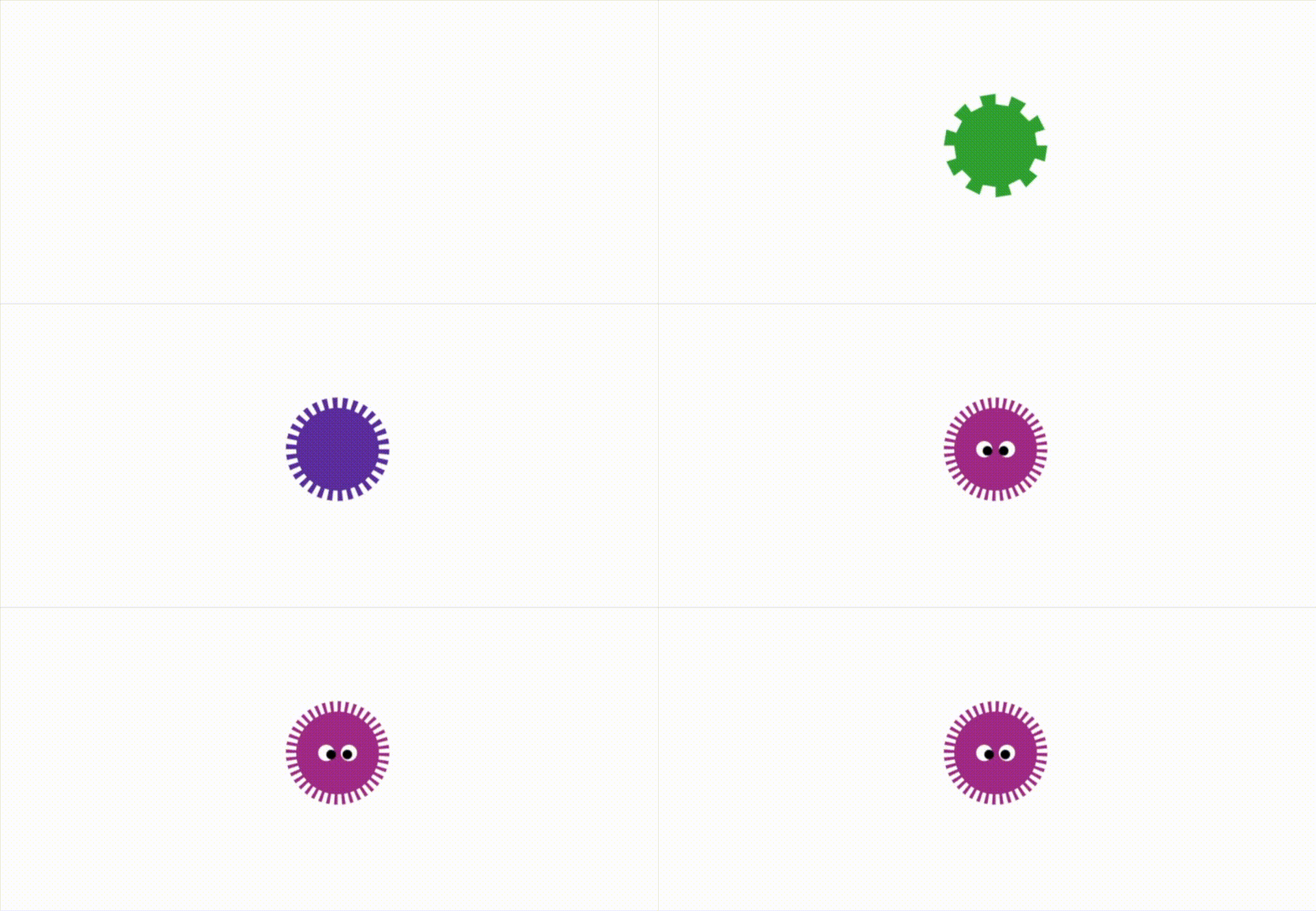
A image that looks strangely familiar oddly enough. With the code to build this here, code that is almost identical to the star, with two rings and different dots to connect.
The driving code for this is identical to the star, with the exception of course of the goggly eyes which I added with this small mod to the end, just for fun since it’s been a long week.
All of which brings me to the end of this article. The last shape I mention in this article, the gear or cog wheel has a good deal more in it. In my next article I going to try and cover some of those variations.
Subscribe to medium.com and follow me and get notified when I post my next article. I am trying to do at least one a week, sometimes I manage two.
Keep calm, keep coding


