
Shapes with Paths using SwiftUI Part2
A compendium of shapes using paths
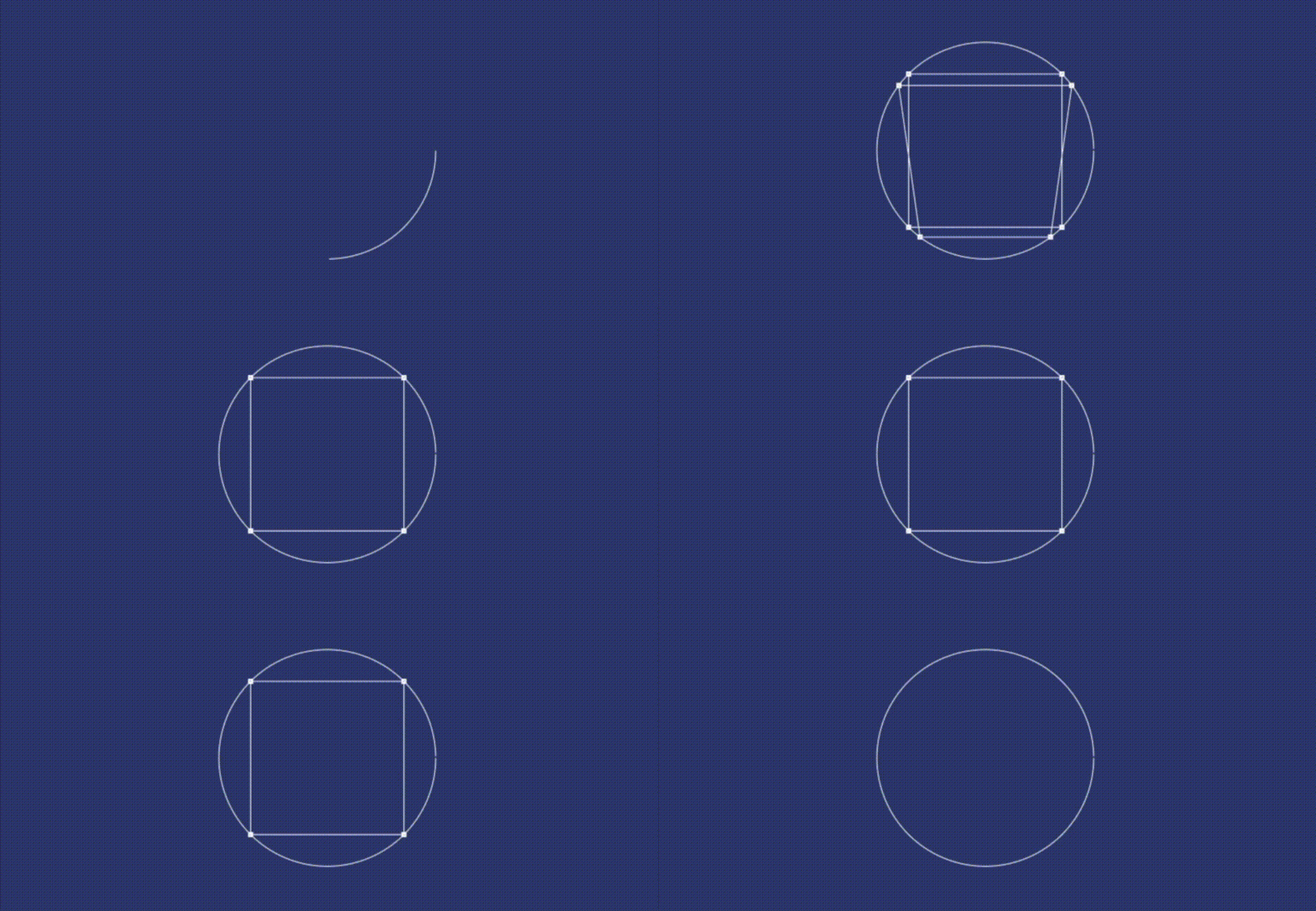
In part 1 of this series I covered polygons principally, putting together routines to build them using paths a couple of methods based on circles. You can find the story here. Shapes that you can mutate and animate to your hearts content in code.
We covered a lot shapes in fact in part one, but well we still got a few to think about. What’s missing. We don’t have a parallelogram or a trapezoid. Two shapes that are vary similar.
Here is an Apple text book answer for a parallelogram.
struct Parallelogram: Shape {
  @State var percent: Double
  func path(in rect: CGRect) -> Path {
    let edge = rect.width * CGFloat(percent/100)
    var path = Path()
    path.move(to: CGPoint(x: rect.minX + edge, y: rect.minY))
    path.addLine(to: CGPoint(x: rect.maxX + edge, y: rect.minY))
    path.addLine(to: CGPoint(x: rect.maxX - edge, y: rect.maxY ))
    path.addLine(to: CGPoint(x: rect.minX - edge, y: rect.maxY))
    path.closeSubpath()
    return path
  }
}
Obviously if you want it a different way around you can use rotateEffect() and indeed rotation3DEffect() to flip them over and get a mirrored version.

And this code for its cousin, a trapezoid.
struct Trapezoid: Shape {
  @State var percent: Double
  func path(in rect: CGRect) -> Path {
    var path = Path()
    let edge = rect.width * CGFloat(percent/100)
    path.move(to: CGPoint(x: rect.minX + edge, y: rect.minY))
    path.addLine(to: CGPoint(x: rect.maxX - edge, y: rect.minY ))
    path.addLine(to: CGPoint(x: rect.maxX, y: rect.maxY ))
    path.addLine(to: CGPoint(x: rect.minX, y: rect.maxY))
    path.closeSubpath()
    return path
  }
}
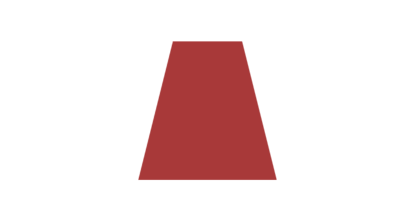
Which give us this. Same rules apply with the rotateEffect() and rotation3DEffect().
But as I pointed out in the other article this isn’t very flexible, we can make this work better with by repurposing our polygon code. You see it works like this, if you take three points in a circle you got a triangle, if you take four well you got a square.
But no your right, we got a square; A square we can warp with a little extra code into our polygon method. A solution for which I will use the combine framework. Exporting said values so that I can manage them externally.
Doing so and we killed two birds with one stone. We have a method in fact that we can use to build trapezoid or a parallelogram. One that will look like this.
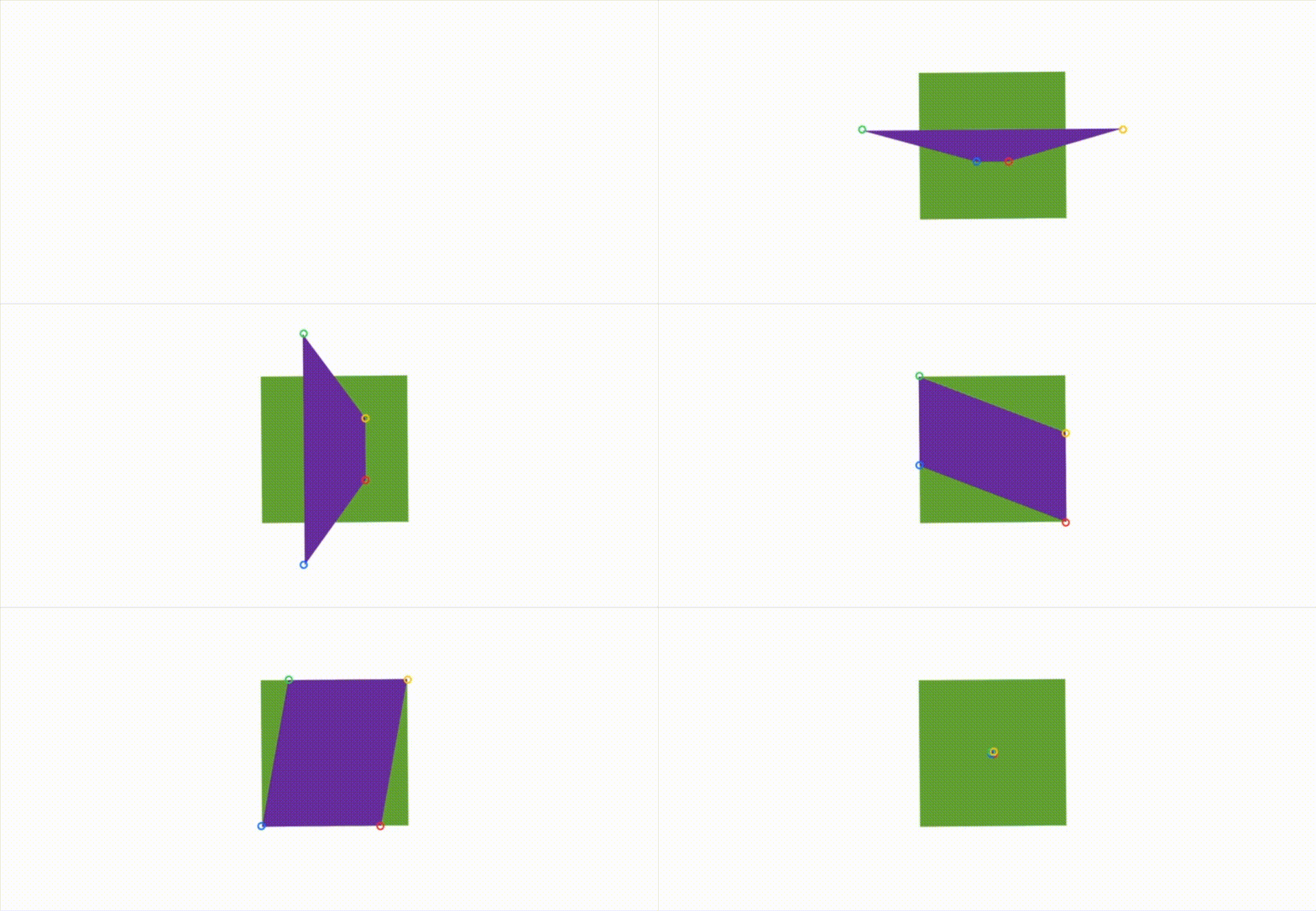
What are you looking at. Well I draw a green box first by taking four points from a circle. I record the points and have marked them with red, blue, green and yellow circles. I then run a second method to draw a second purple box using the co-ordinates I saved. I subsequently use a timer to adjust said co-ordinates again and again to get a shapeshifting trapezoid and a shapeshifting parallelogram. The code to do this looks like this.
We start off with a combine publisher.
let updatePoint = PassthroughSubject<(Int,CGPoint),Never>()A publisher we catch with this code.
Color.clear
  .onReceive(updatePoint) { ( updateData ) in
  let (index,value) = updateData
  points[index] = value
  backup[index] = value
  if points.count == 4 {
    showPoly = true
  }
  }.onAppear {
    calcPoly(rect: CGSize(width: 256, height: 256), sides: 4, angle: 0, radius: 128)
}
Having done so we call our drawPoly method, you see the full sequence here.
The calcPoly function looks like this.
func calcPoly(rect: CGSize, sides: Double, angle: Double, radius: Double) {
  let center:CGPoint = CGPoint(x: rect.width / 2, y: rect.height / 2)
  for i in stride(from: angle, to: (360 + angle), by: 360/sides) {
  let radians = Double(i) * Double.pi / 180.0
  let x = Double(center.x) + radius * cos(radians)
  let y = Double(center.y) + radius * sin(radians)
  let q = i/90
  updatePoint.send((Int(q),CGPoint(x:x,y:y)))
  }
}
And the DrawPoly view looks like this.
struct DrawPoly: Shape {
  let points:[CGPoint]
  func path(in rect: CGRect) -> Path {
    var path = Path()
      for i in 0..<points.count {
        if i == 0 {
          path.move(to: points[i])
        } else {
          path.addLine(to: points[i])
        }
      }
    path.closeSubpath()
    return path
  }
}
Which to be honest brings me to the end of this article, well almost. With the code above you’ll be able to draw a square and then warp it anyway that takes your fancy. Obviously should you want a trapeze or a parallelogram you need to change specific co-ordinates. In the animation I linked the changing of nextLing to a timer and added the rest to a switch statement.
A template which really does bring me to the end of this article but not the series. Please read on to find out how to build even more shapes. I hope you enjoyed reading this as much as I did writing it and indeed follow me to get updates to my musing on better coding.
Keep calm, keep coding.


