
Midjourney Explorations: #6 — Art Media, Photos!
Welcome back, Midjourney Enthusiasts! Today’s exploration is all about the fascinating world of photography and the rich range of possibilities it offers when using prompts in Midjourney.
Ever thought about how the choice of photographic technique can influence the final look and feel of an image? Each method comes with its own set of visual characteristics, bringing a distinct flavor to the artwork. In this guide, we’ll dive into these various photographic techniques, using curated examples to enhance your artistic understanding.
As always, it’s essential to remember that Midjourney’s approach may not strictly conform to traditional definitions. What you’ll find here is a unique blend of classic understanding and Midjourney’s own interpretative twist.
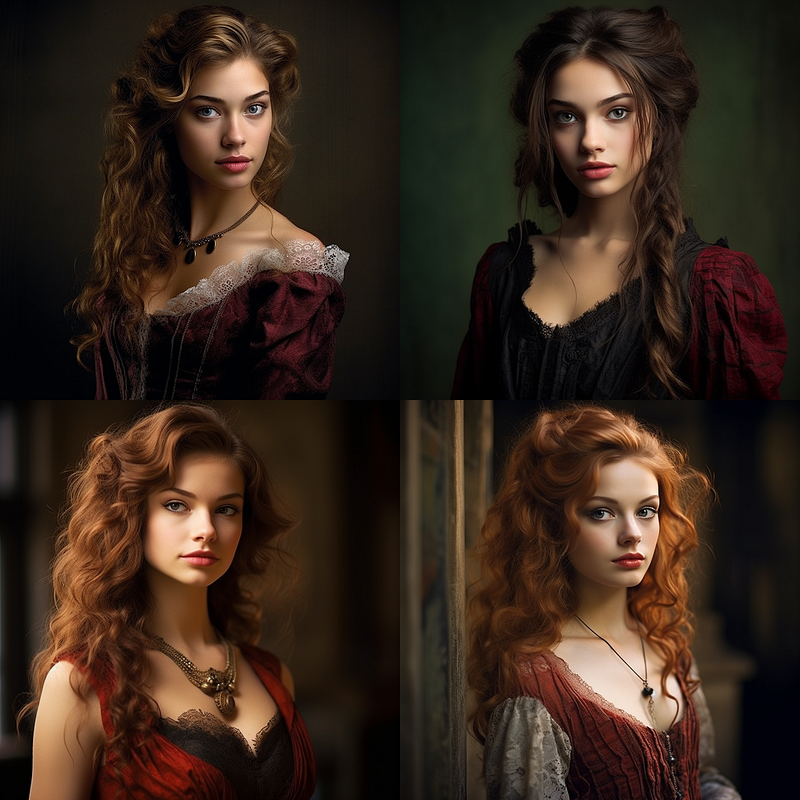
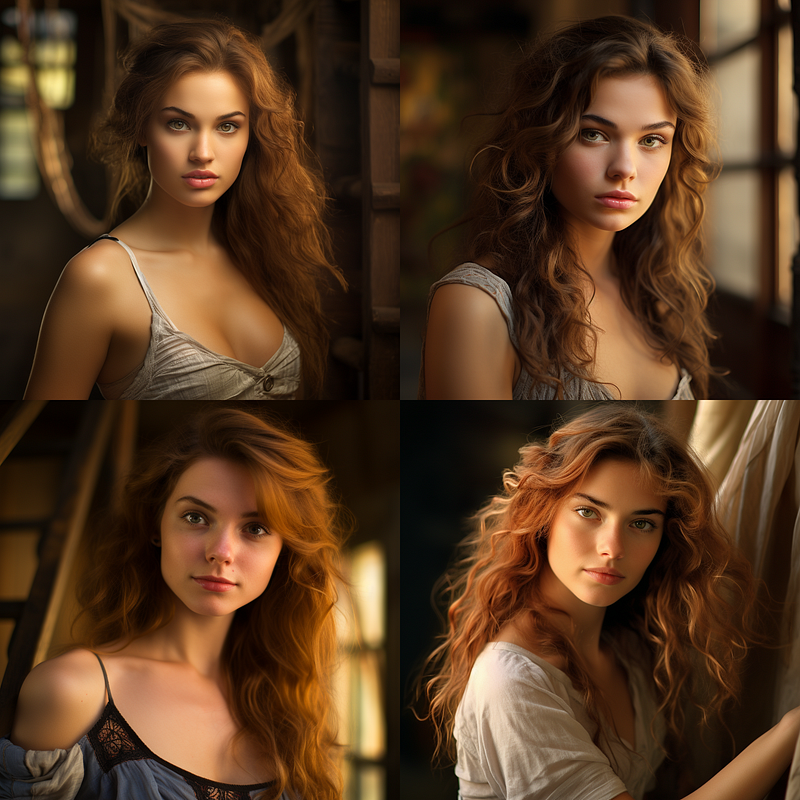
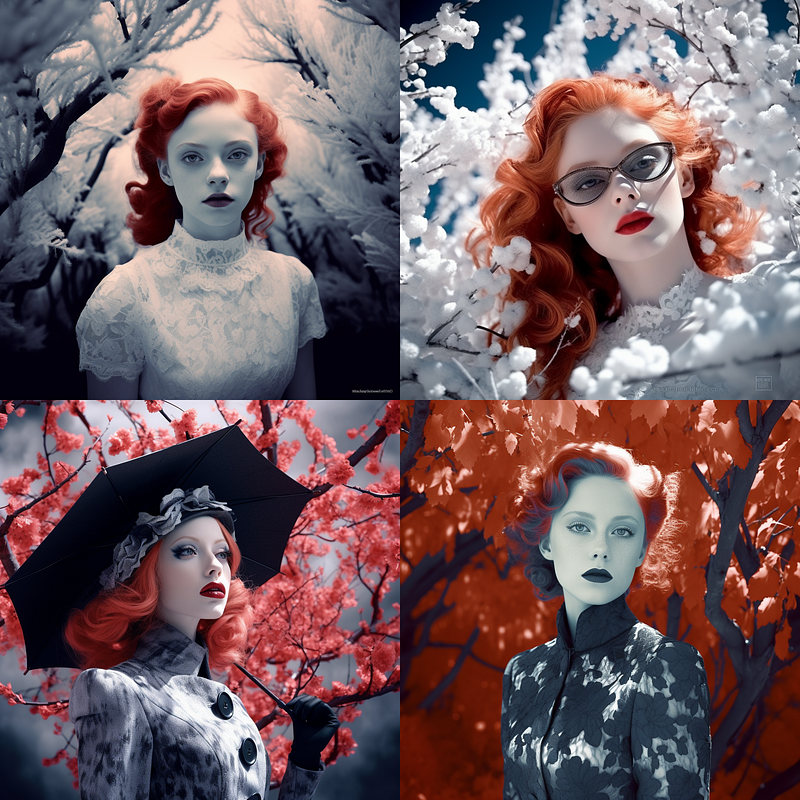
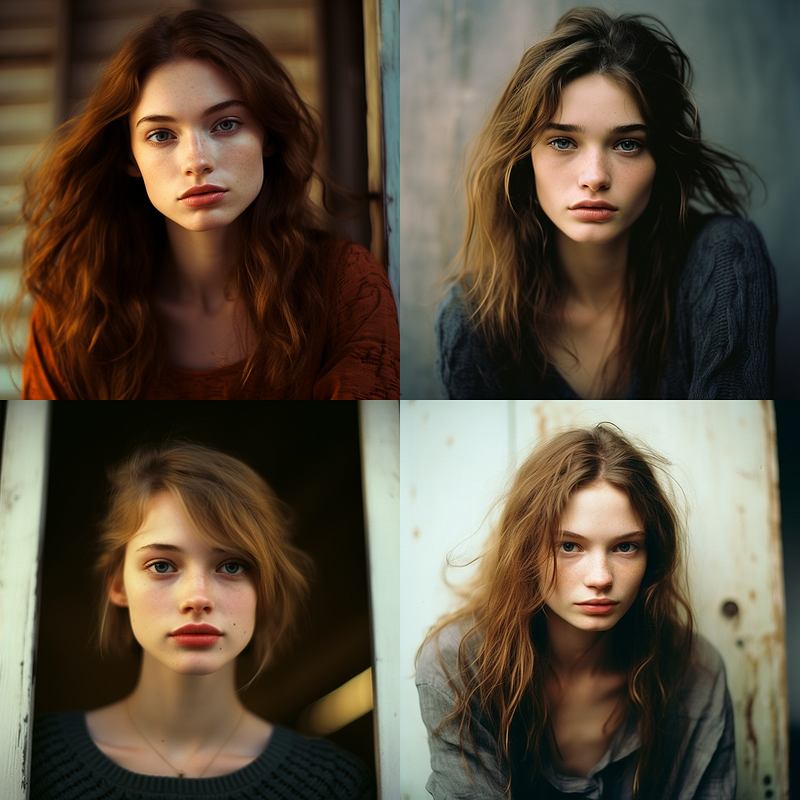
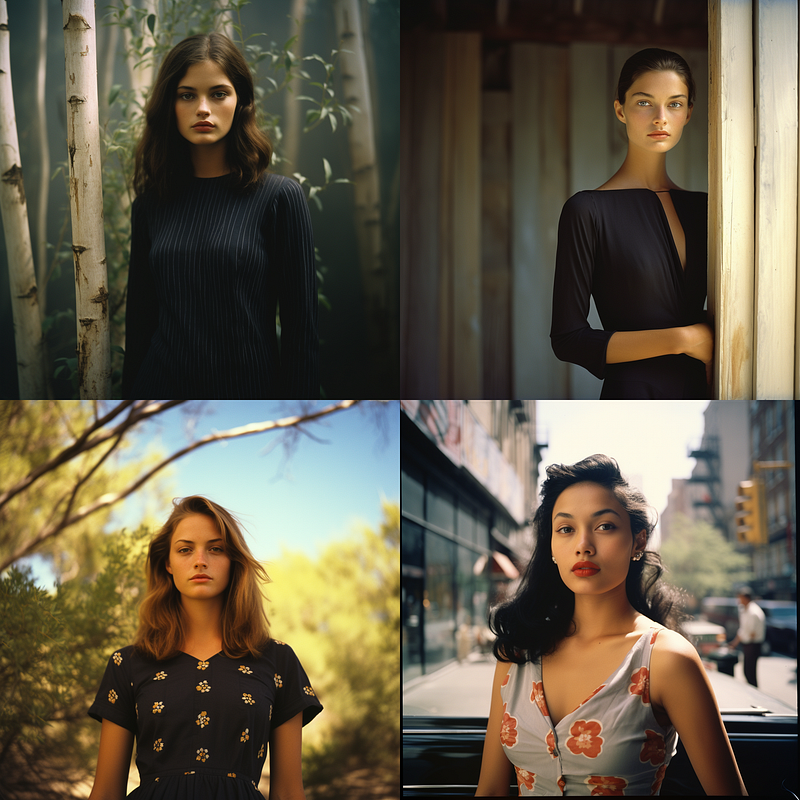
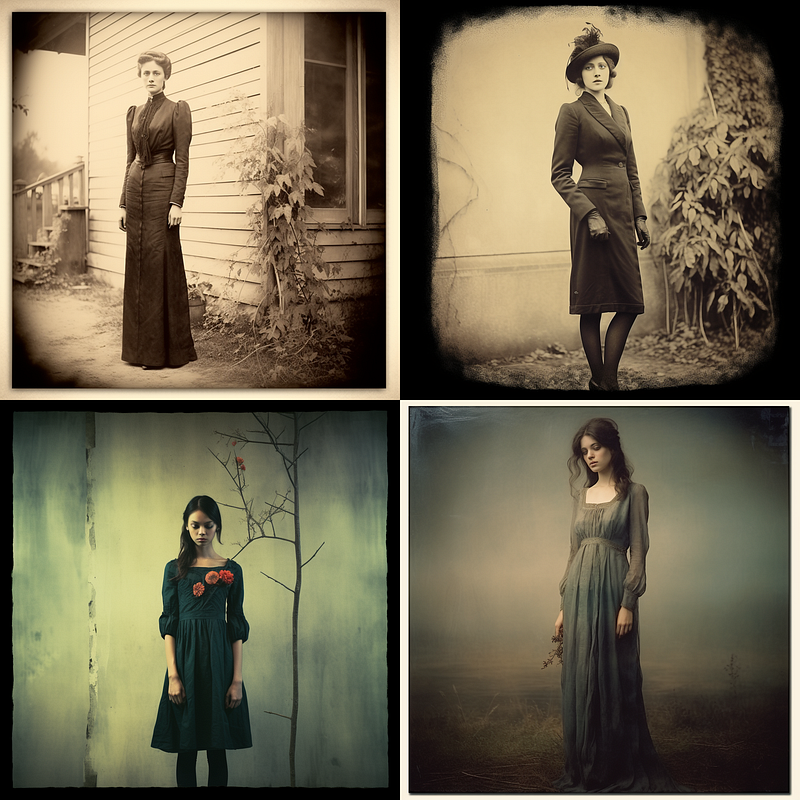
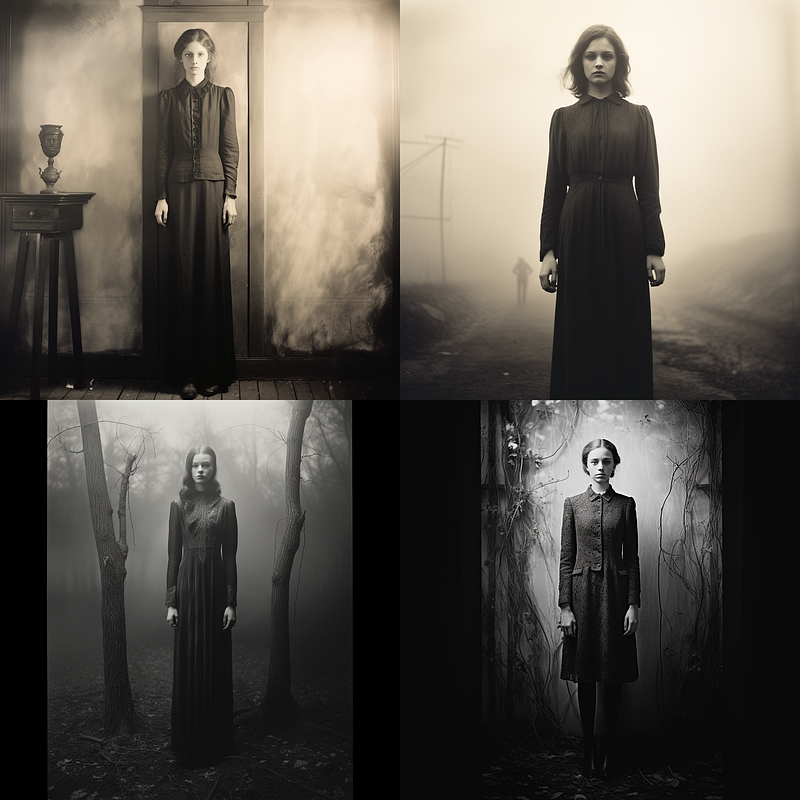
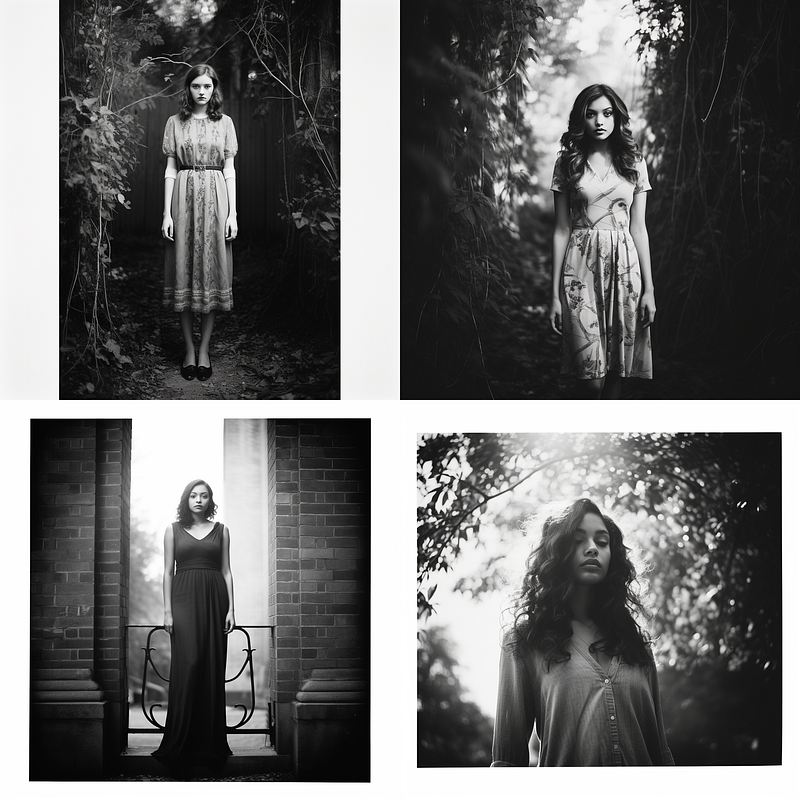
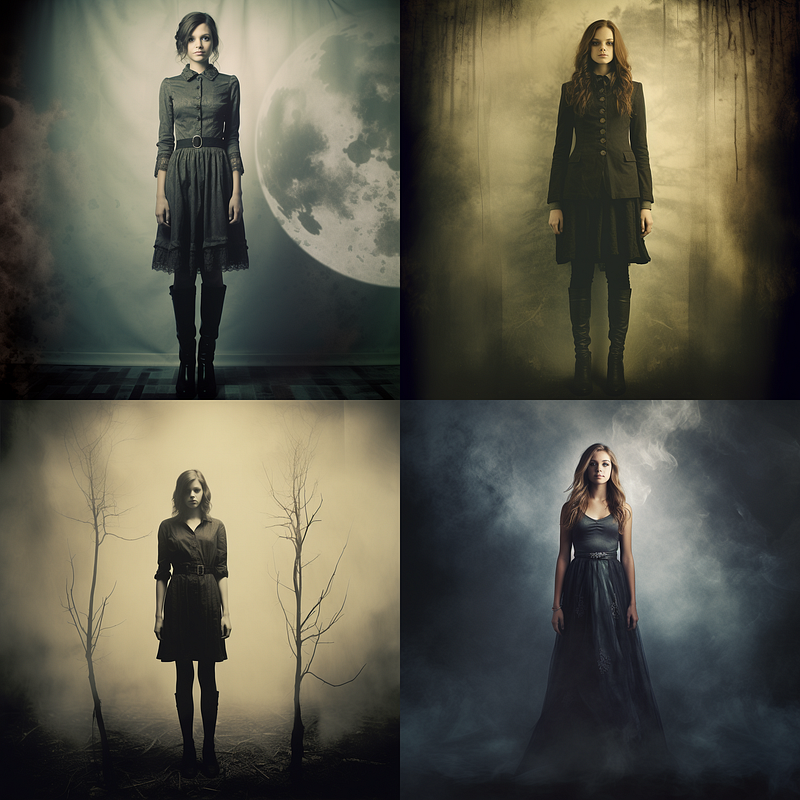
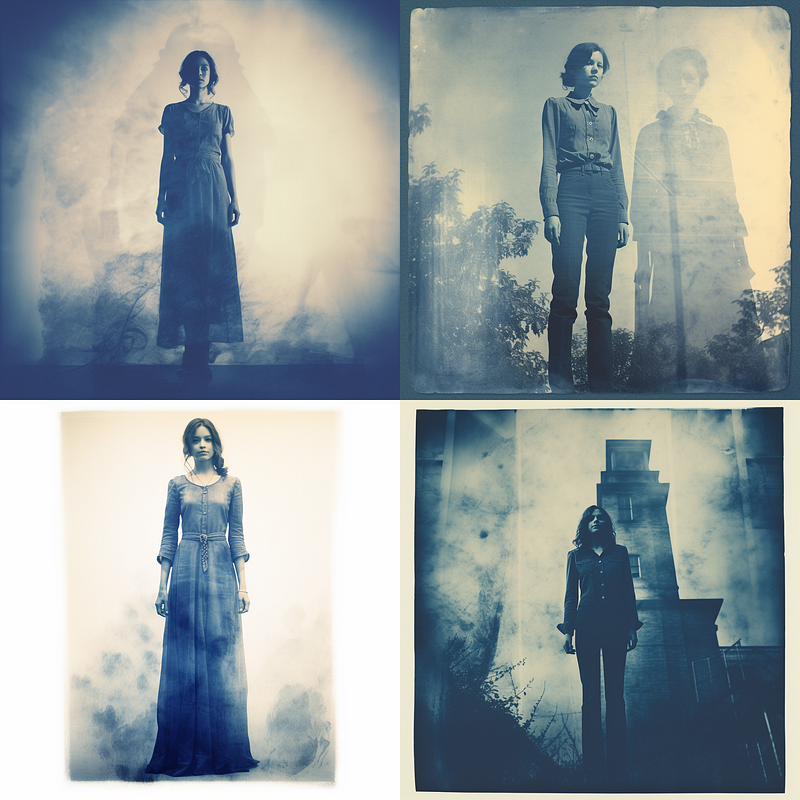
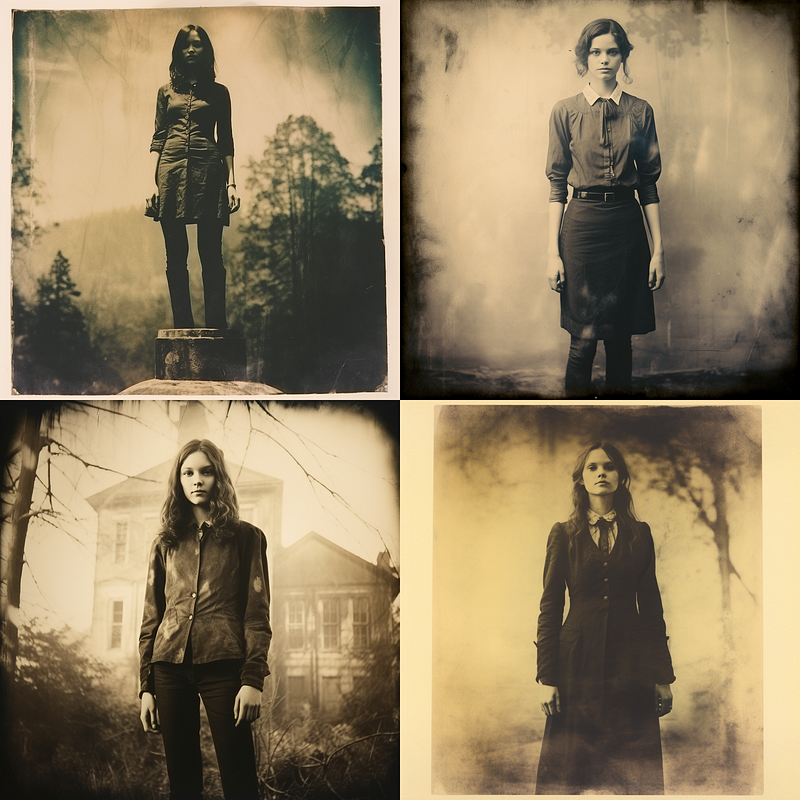
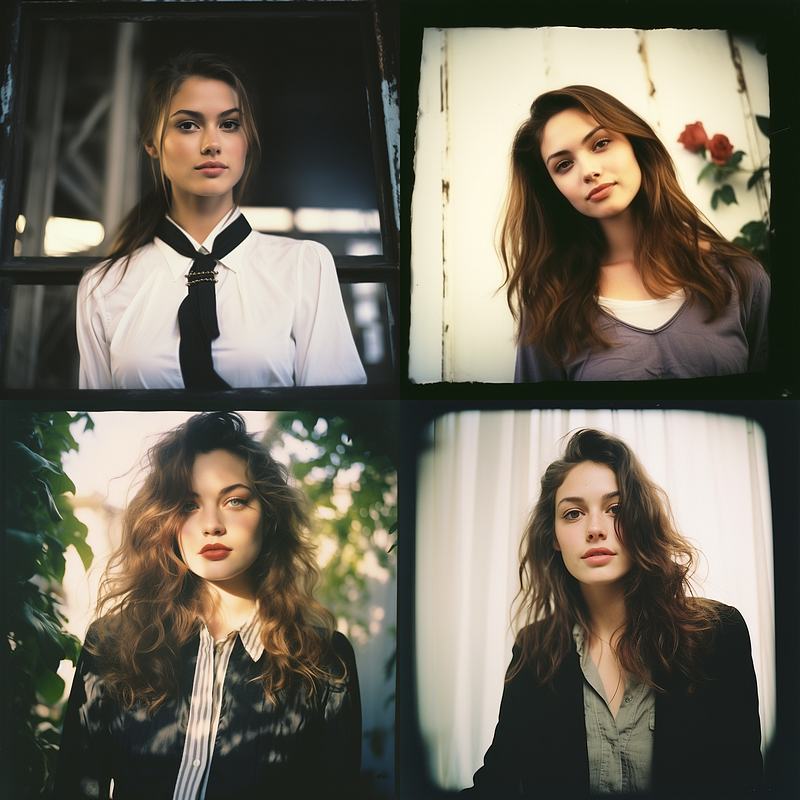
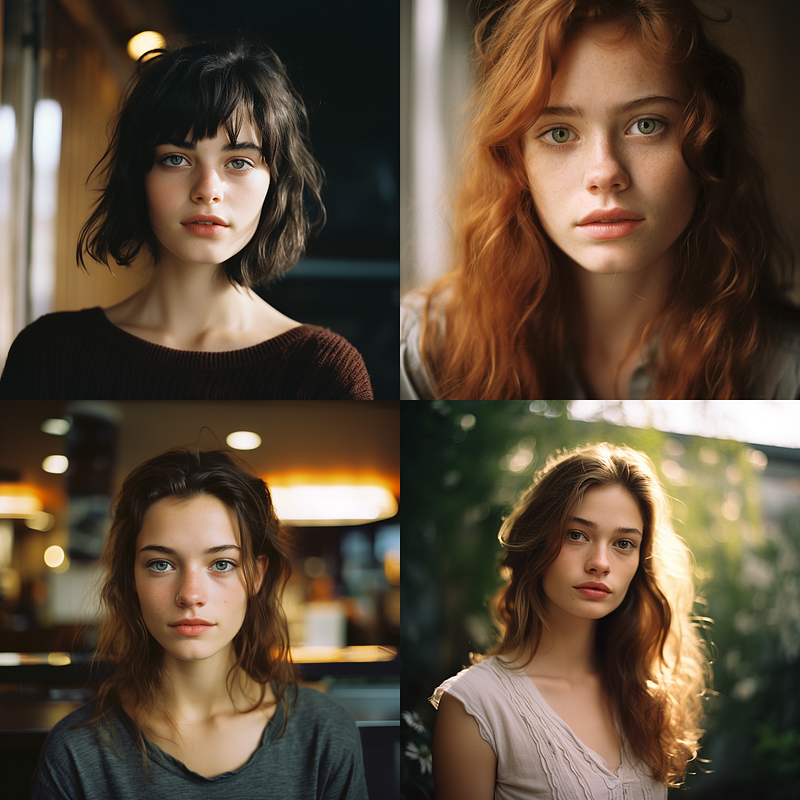
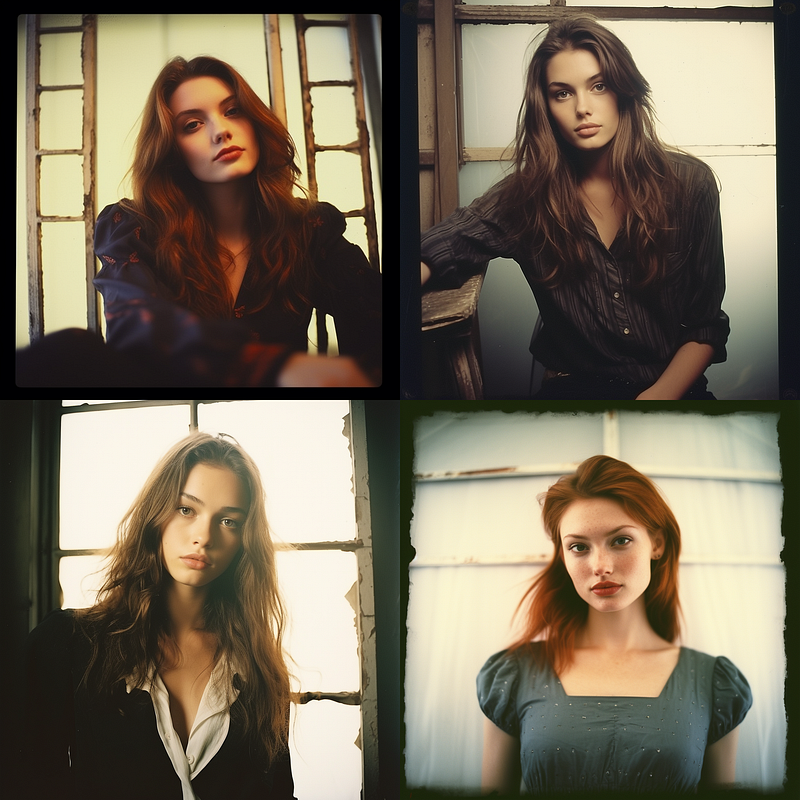
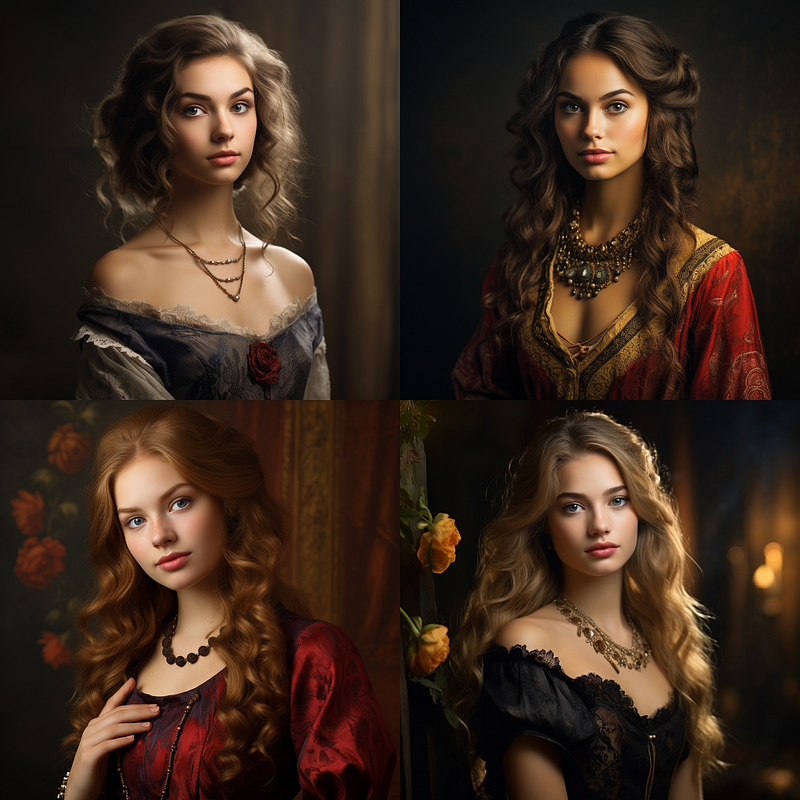
Join me as we explore the world of photography through the lens of Midjourney, examining its different forms and techniques under the recurring prompt: “A beautiful young woman posing for a portrait,______.” This consistent theme will make it easy for you to compare the variations among techniques and offer you an illustrative guide to Midjourney’s unique capabilities.
Table of Contents
- Digital and Modern Photography Techniques
- Specialized Photographic Techniques
- Early Photographic Processes
- Color Processes
- Black & White Processes
- Specialty and Artistic Processes
- Experimental and Alternative Processes
- Film Types
- Instant Photography
- Photographic Techniques and Styles
- About Cameras, Aperture/Depth of Field
- Conclusion
Digital and Modern Photography Techniques
In earlier days of Midjourney we were all putting in 10 photo and 3D terms in our prompts, with V5 that really is not needed. That said, adding one or two can help make your images less painterly and more photorealistic. With most of these sorts of terms, less is more!
Specialized Techniques
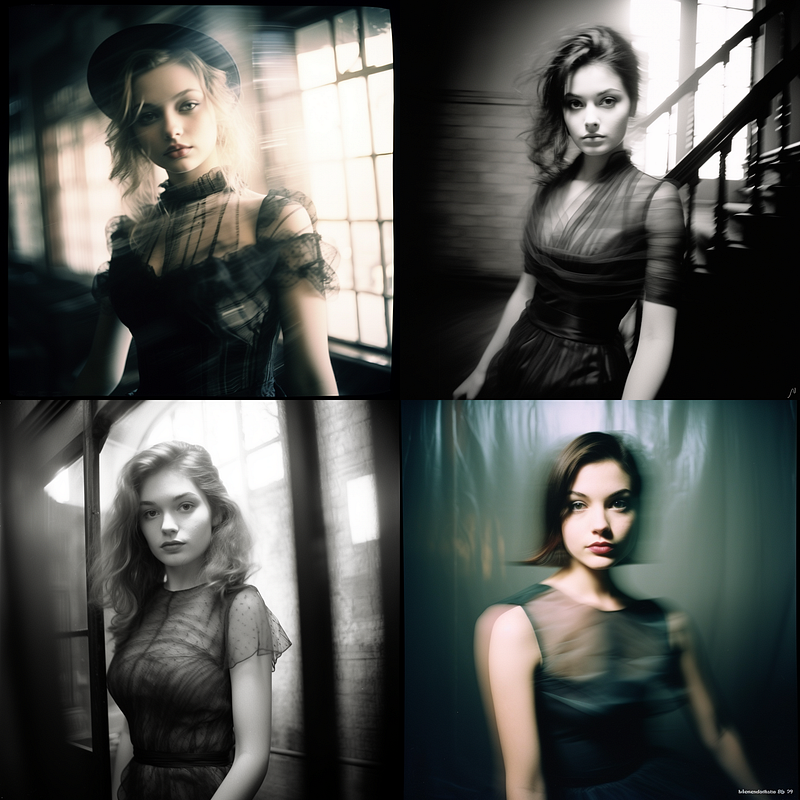
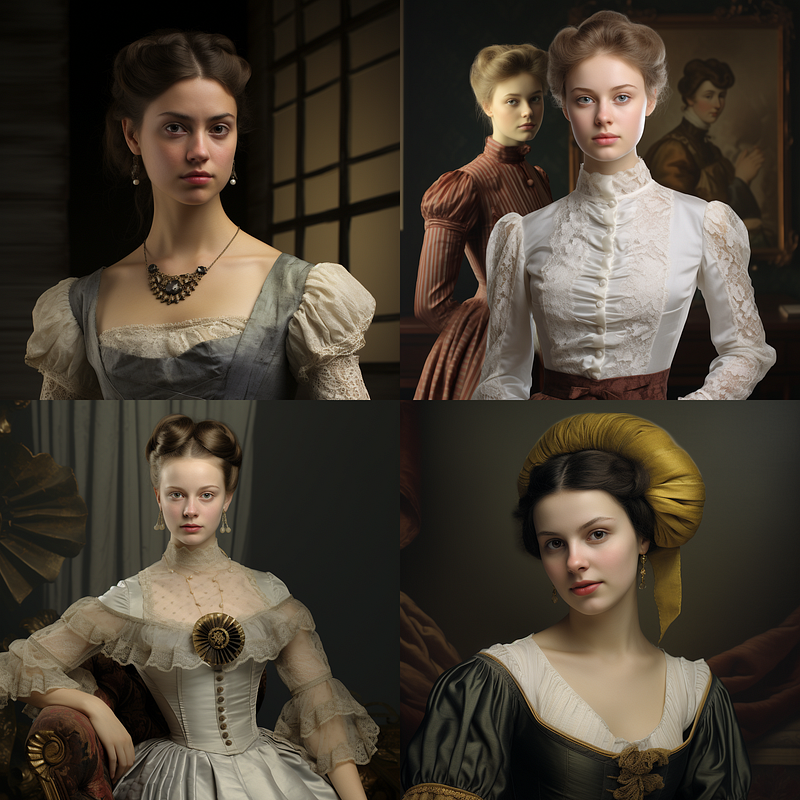
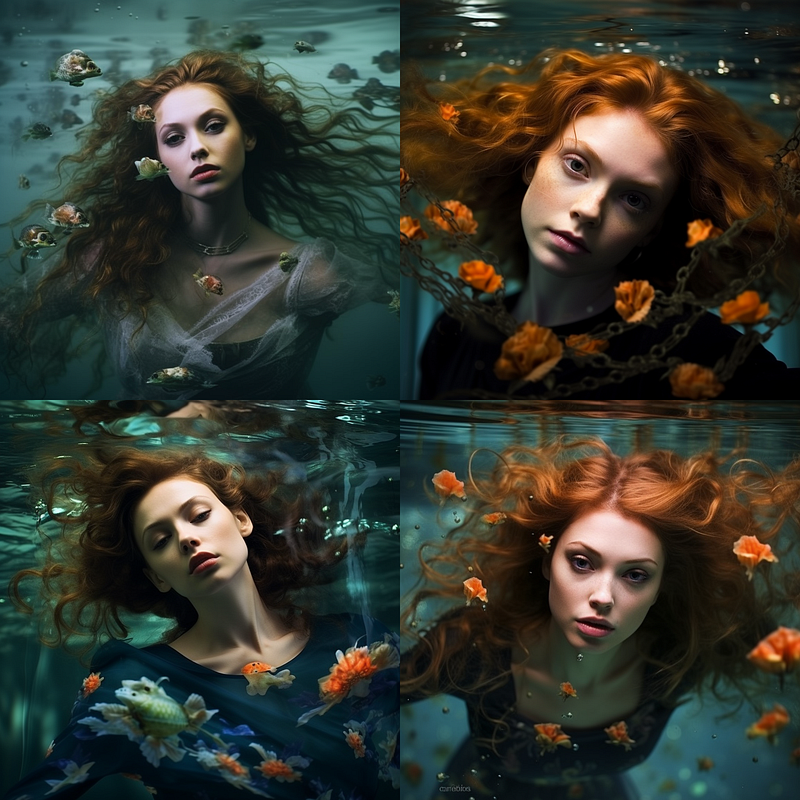
Early Photographic Processes
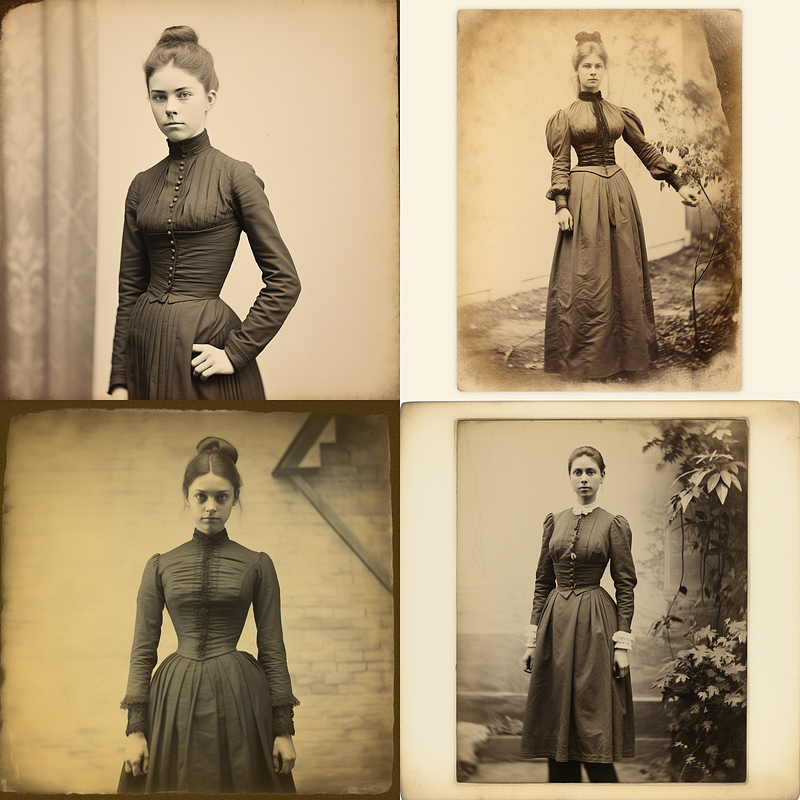
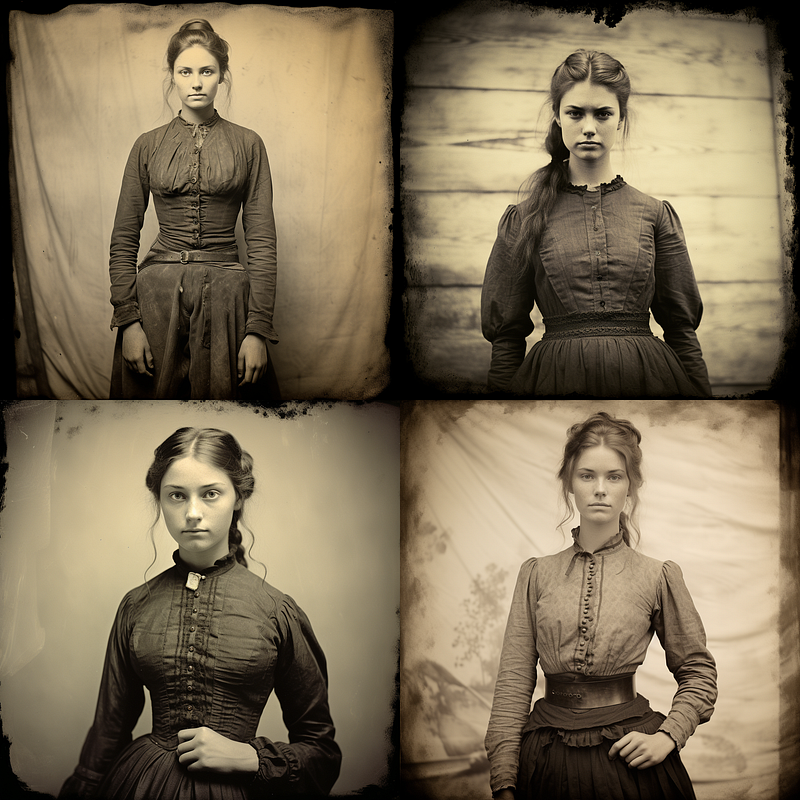
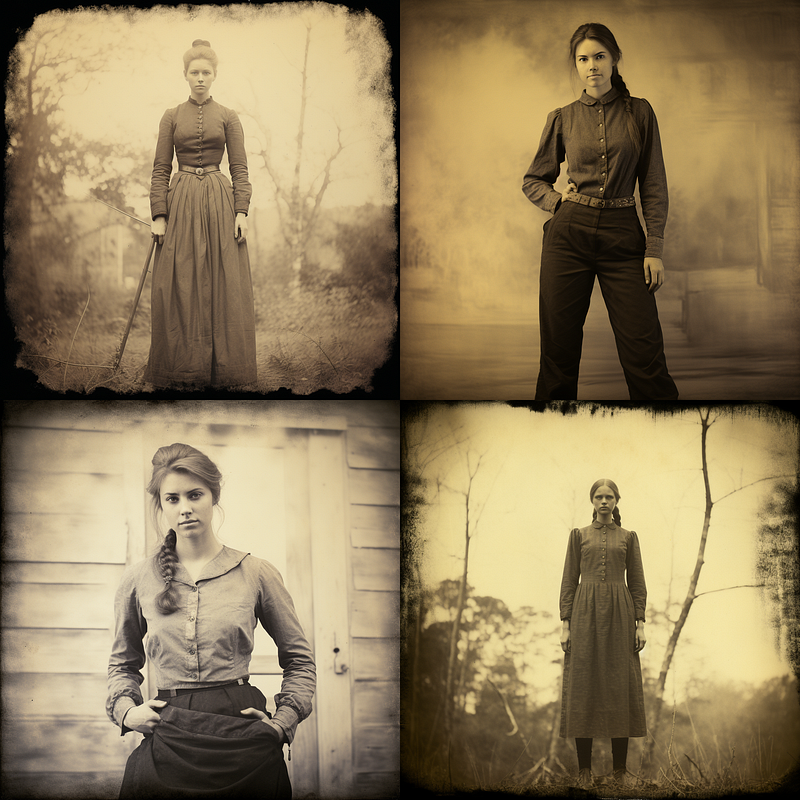
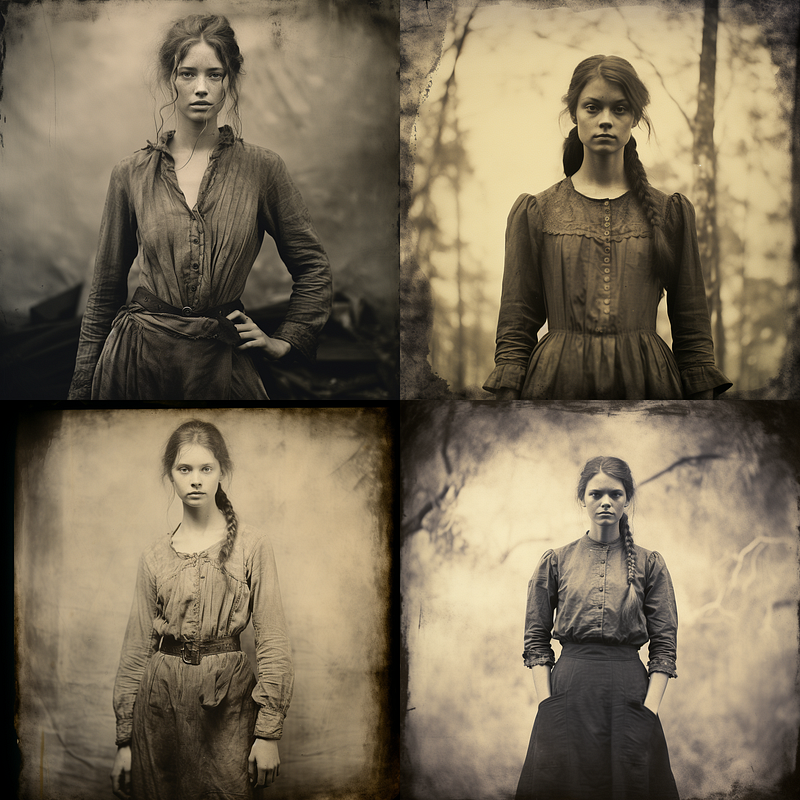
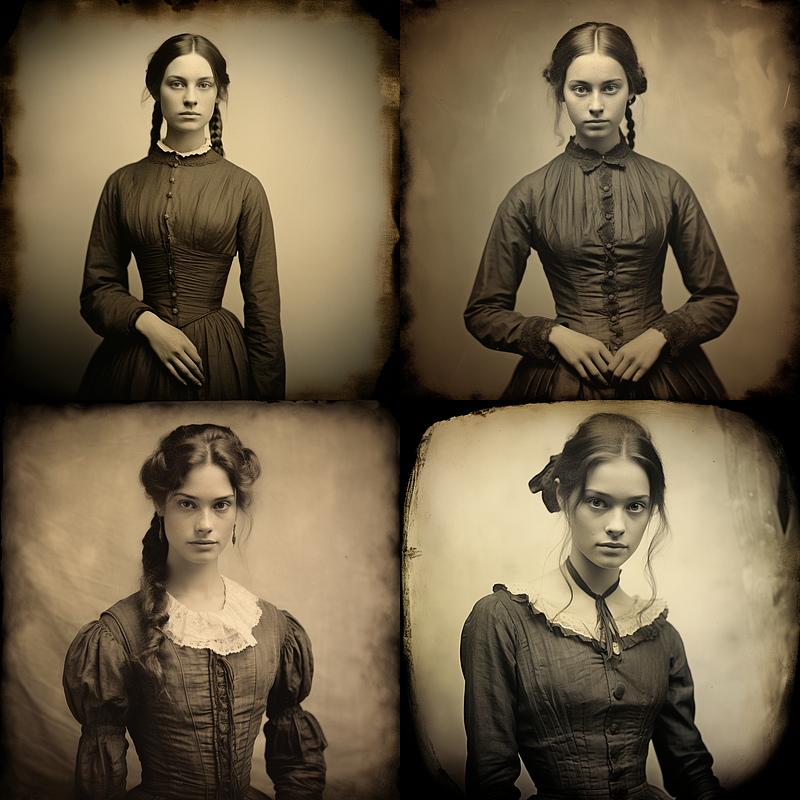
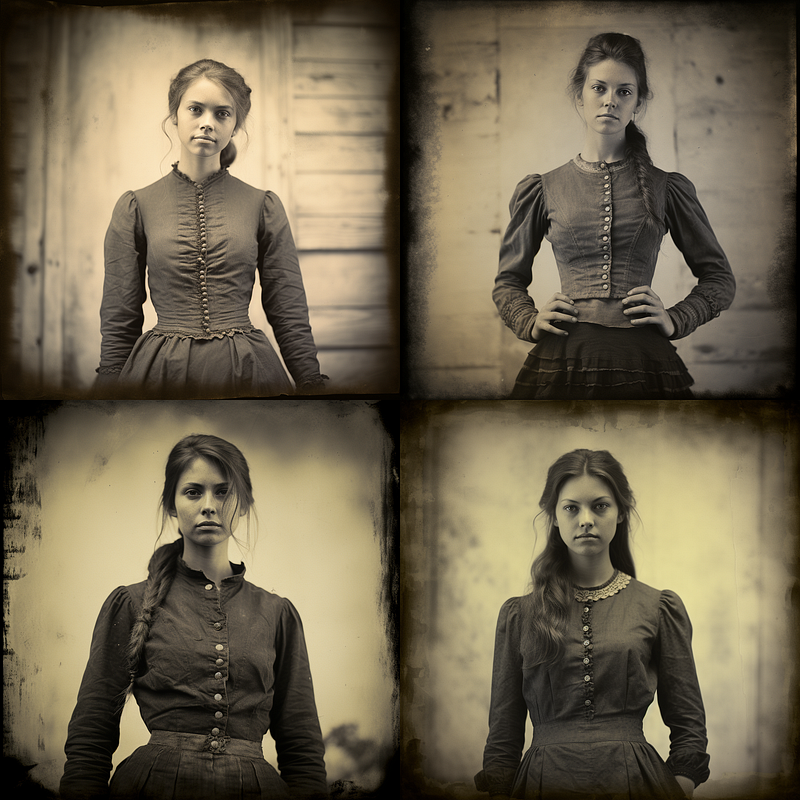
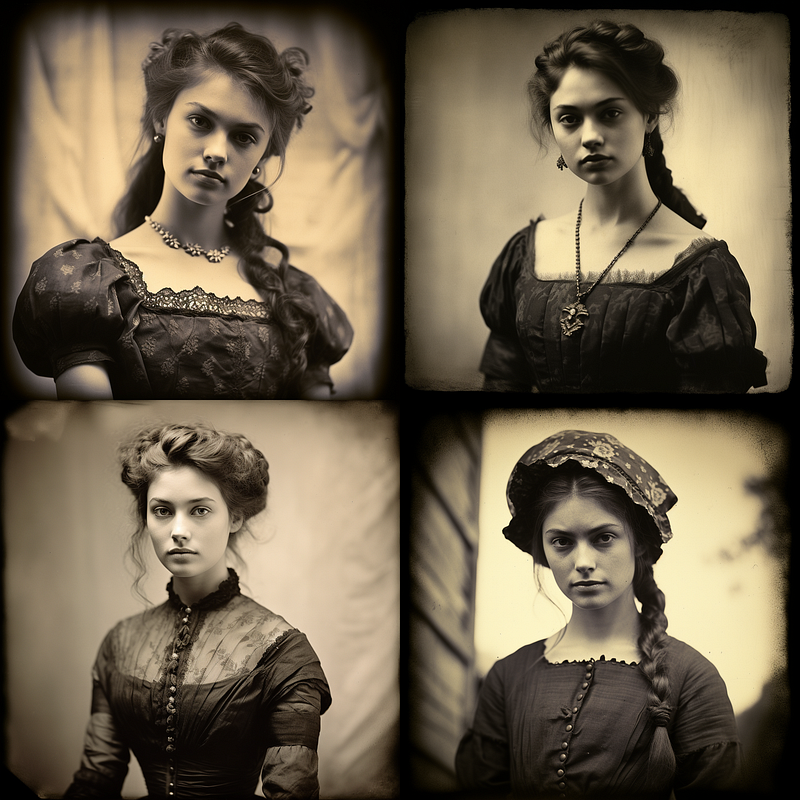
Color Processes
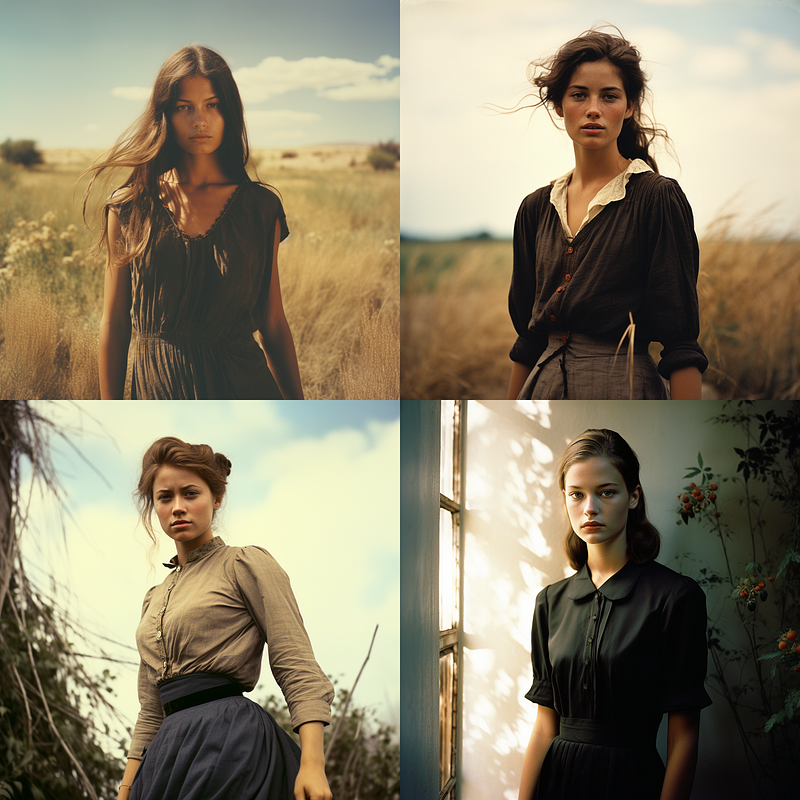
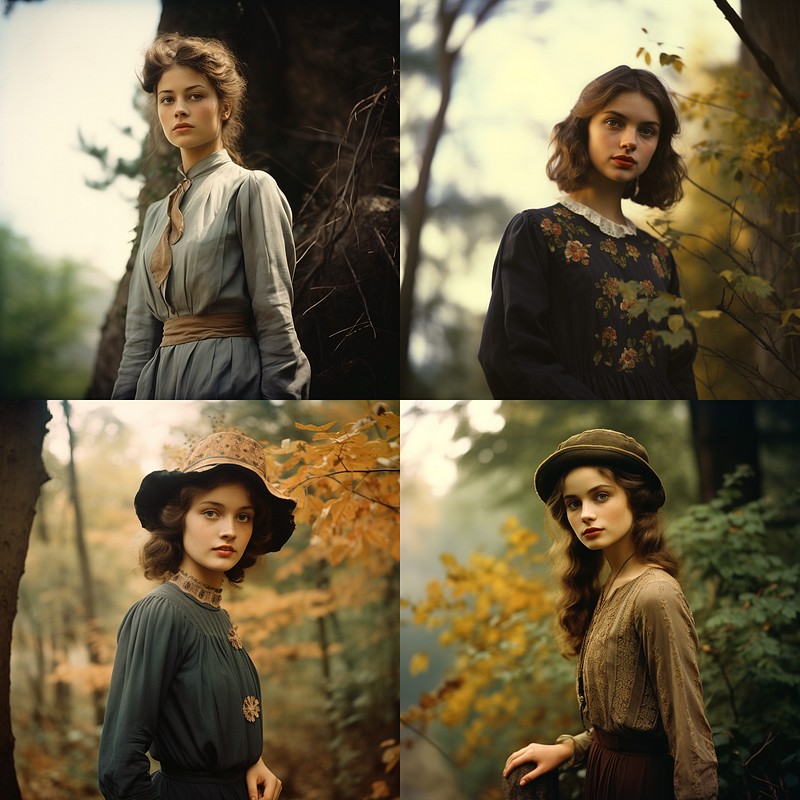
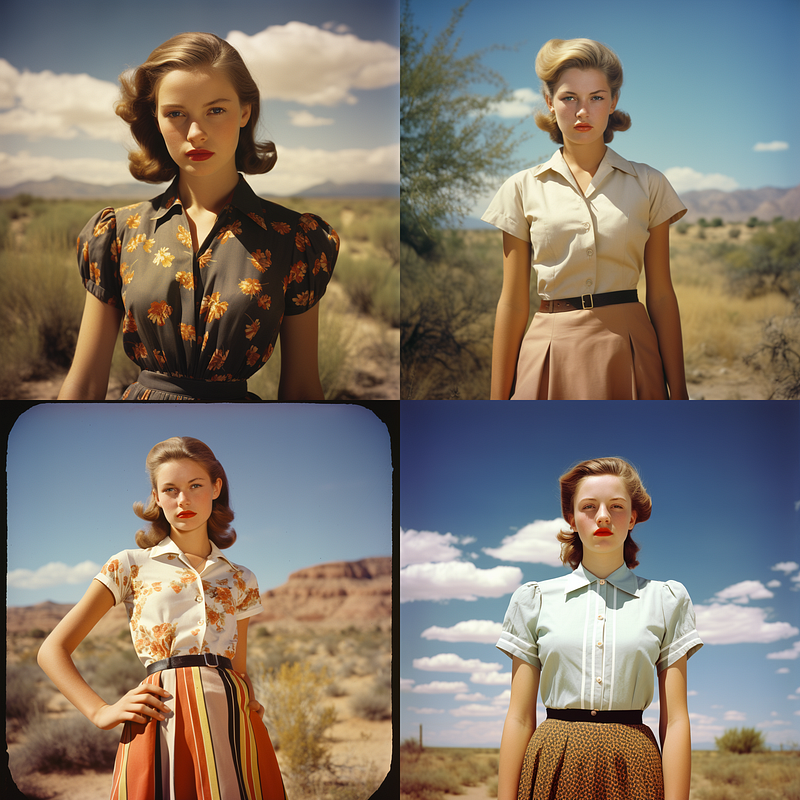
Black & White Processes
Specialty and Artistic Processes
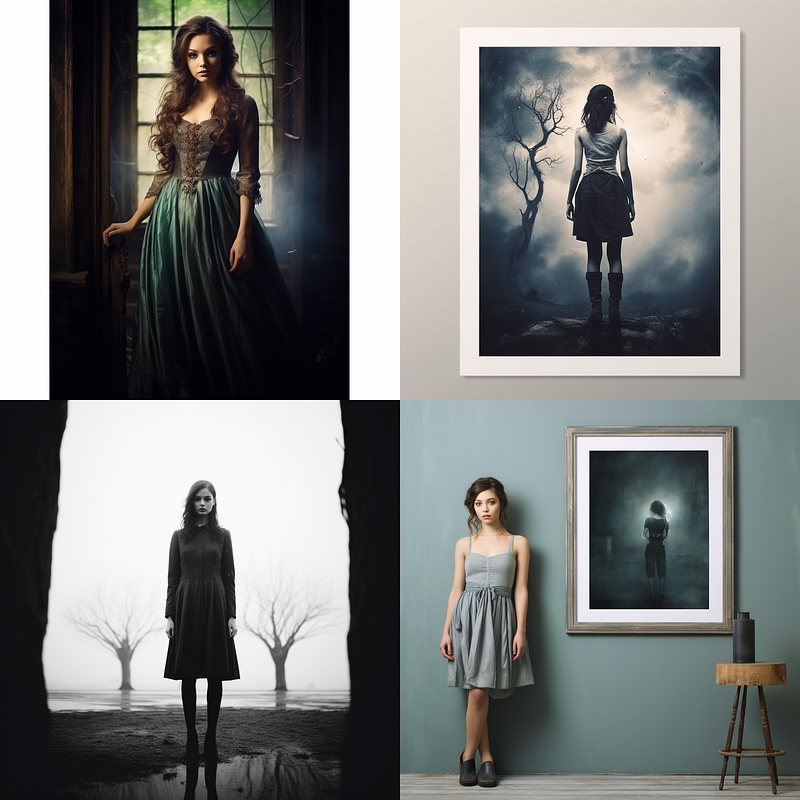
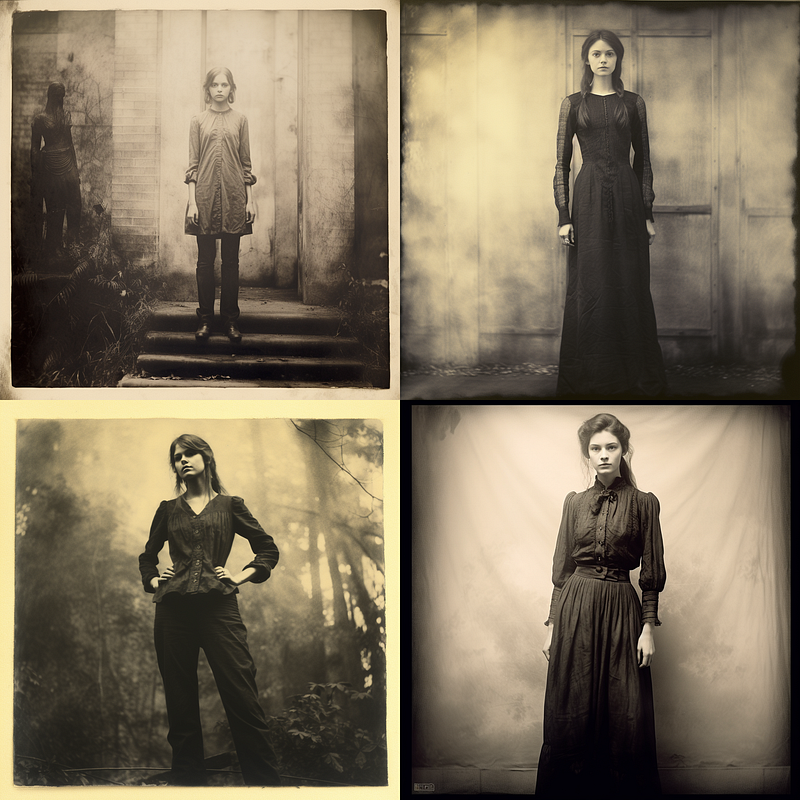
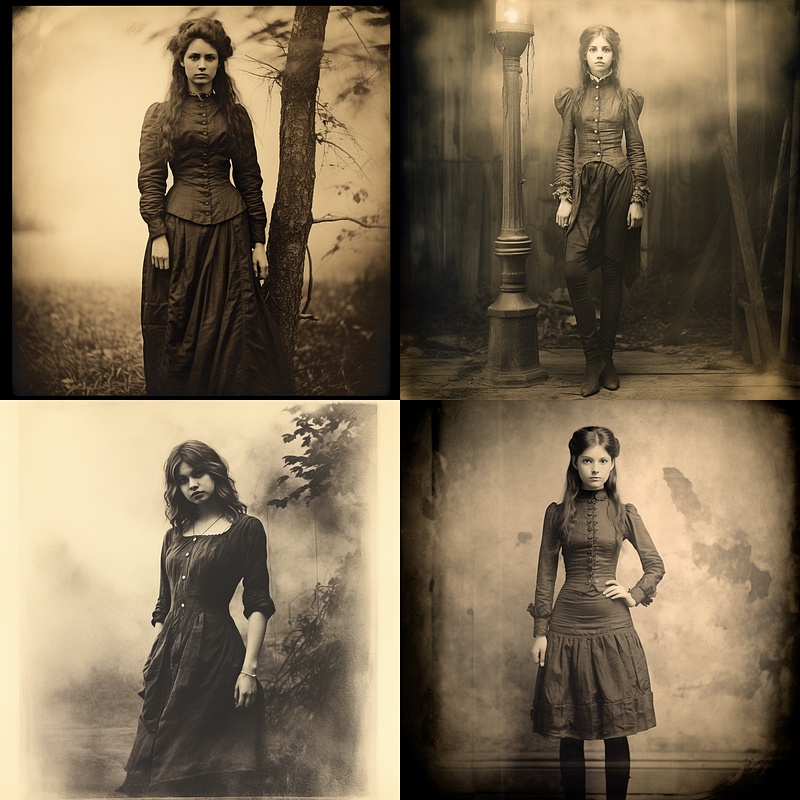
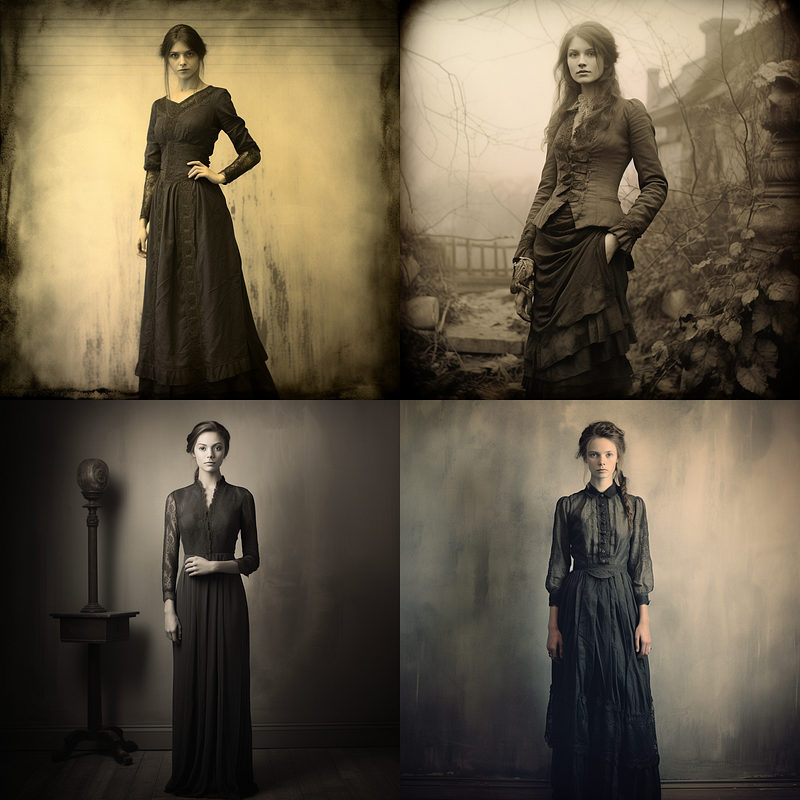
Experimental and Alternative Processes
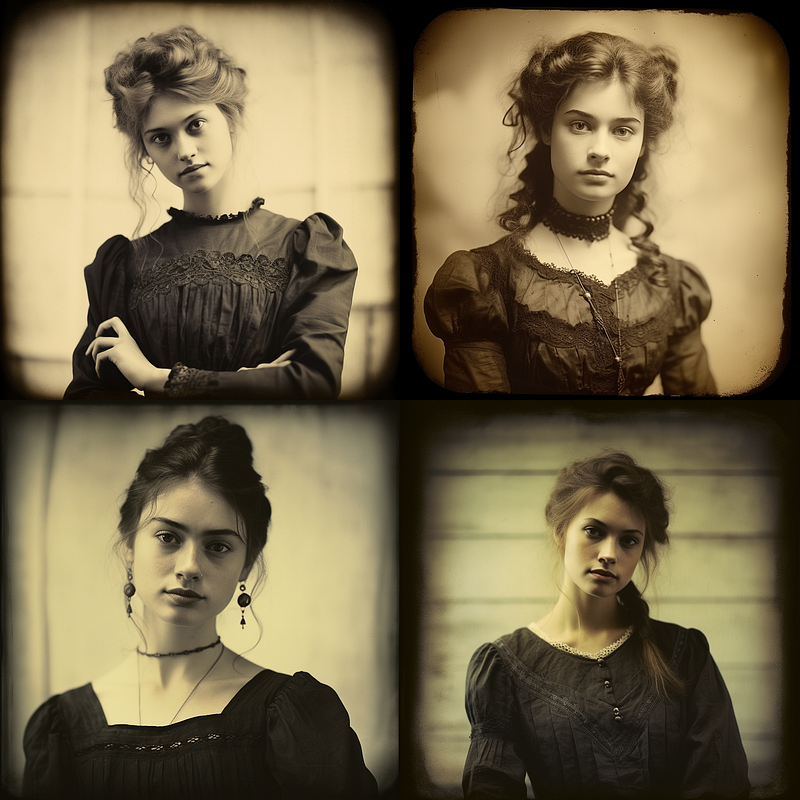
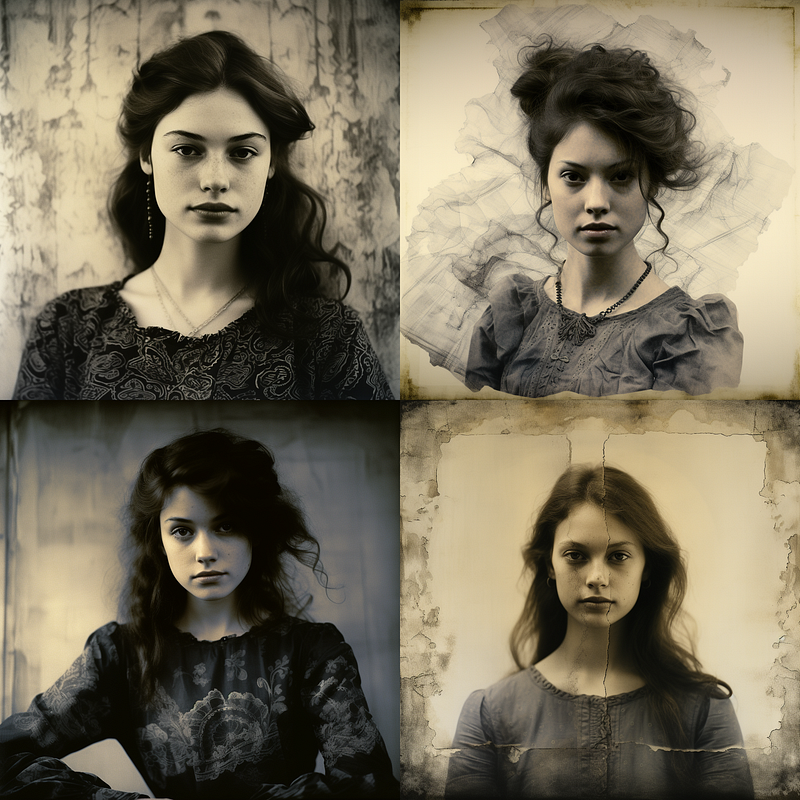
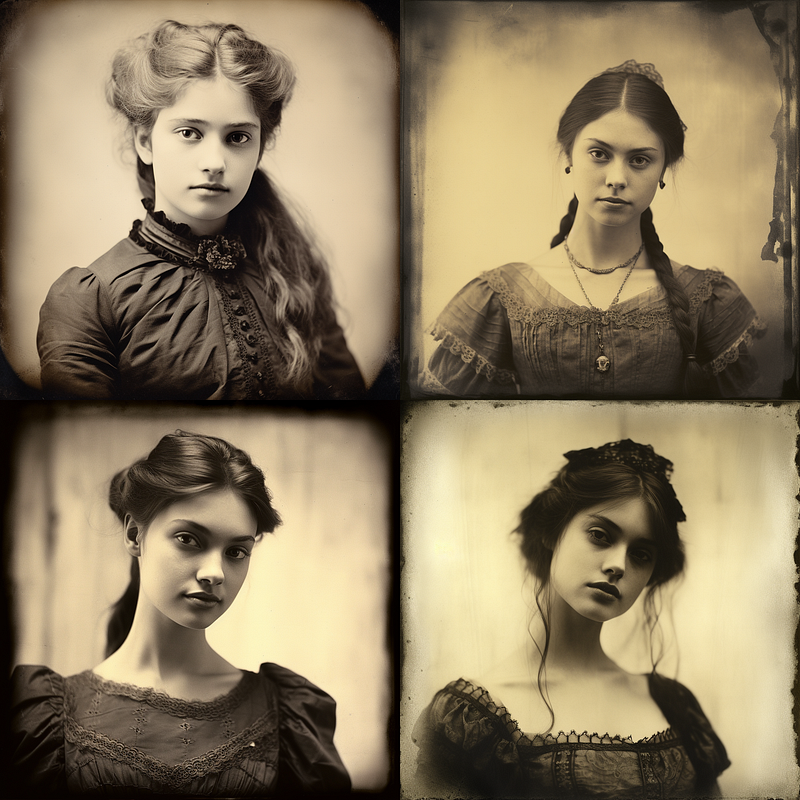
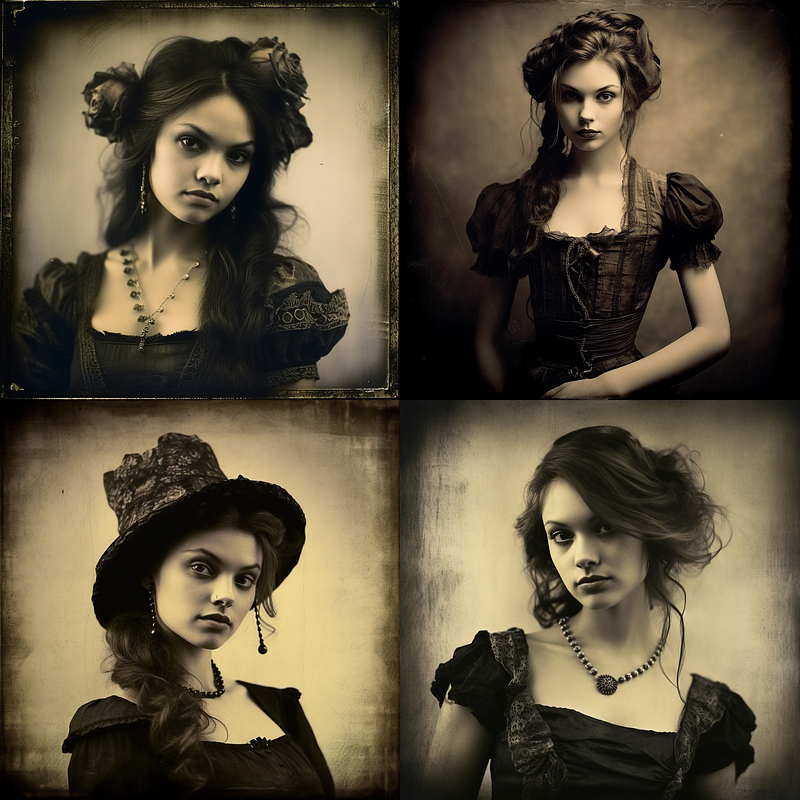
Film Types
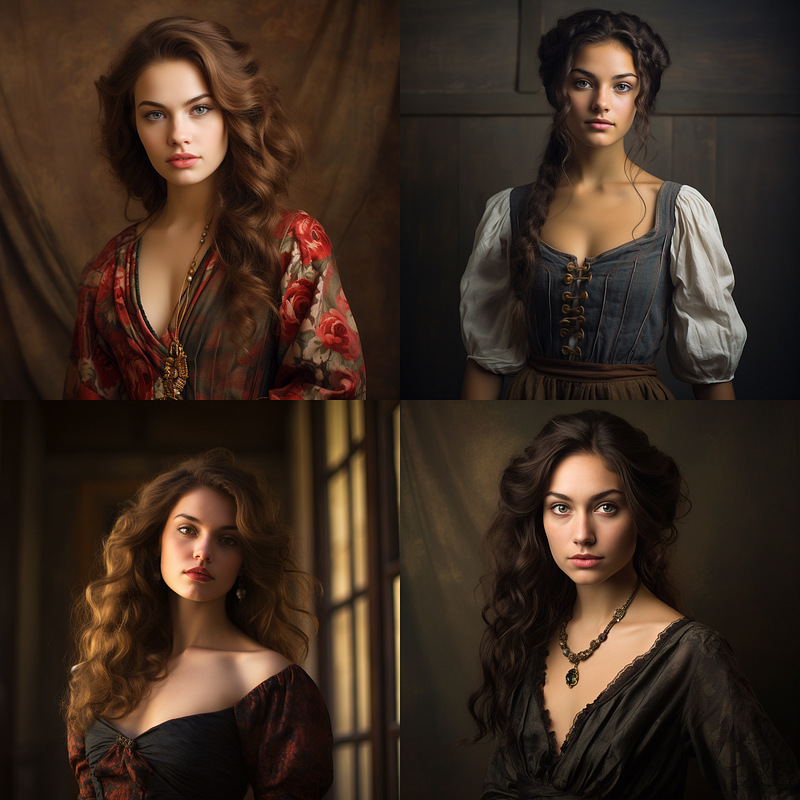
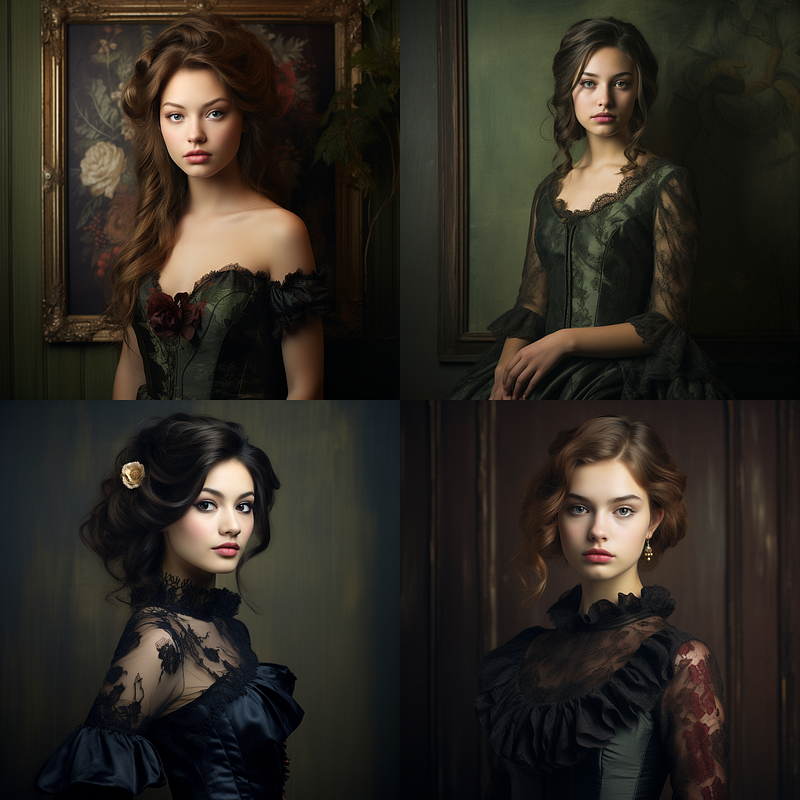
I realized after the fact with this one that “framed” was probably not a good word choice here. Notice the frames in the picture, this shows that the AI may have been taking that frame literally.
While I’ve touched on a few film types here, there’s a whole world out there to explore. If you think I’ve missed one that’s worth diving into, I encourage you to test it out in your own Midjourney experiments. If you find a film type that delivers exceptional results, please share it in the comments. Your feedback is invaluable, and it helps us all deepen our understanding of this ever-evolving platform.
Instant Photography
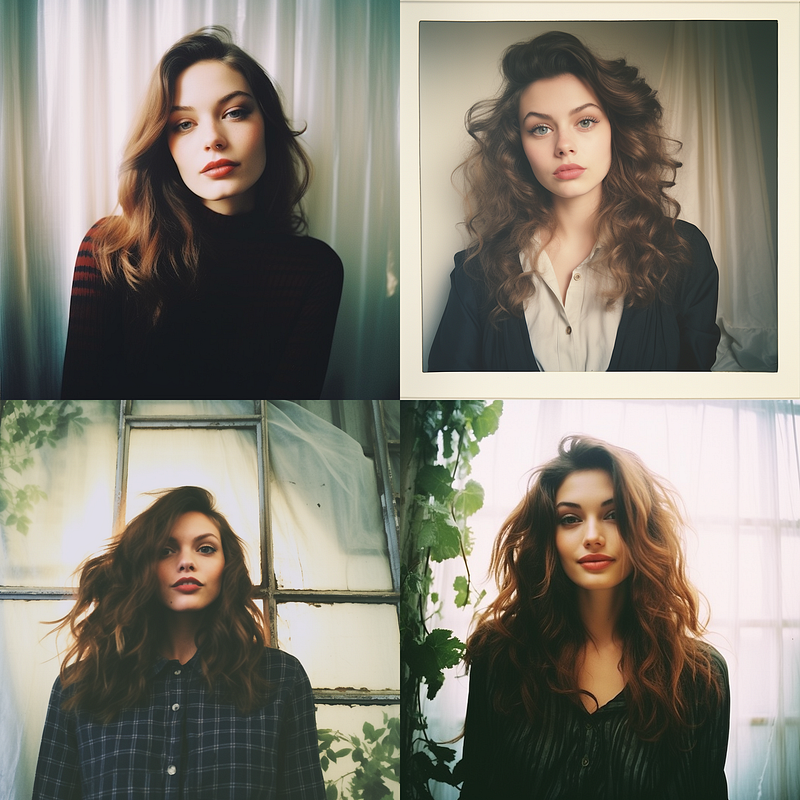
Photographic Techniques and Styles:
So you’re craving a dash of drama or a sprinkle of wow factor? No worries — here is a laundry list of photographic techniques and styles you can add to your Midjourney prompts. Imagine adding ‘Fashion-photography’ or ‘Macro-close-up-photography’ to really make your images come alive. Or how about ‘Wildlife-Photography’ to transport you straight into the great outdoors? Keep reading for more ideas!
· Bokeh Photography: Utilizing shallow depth of field to blur the background, highlighting the subject.
· Candid Photography: Spontaneous, unposed shots that capture genuine expressions and actions.
· Composite Photography: Combining different elements from multiple photographs into one composite image.
· Double Exposure: Overlaying two images to create a single, composite picture.
· Droste Effect: A specific kind of recursive picture, wherein a smaller version of the image contains an even smaller version of the image, and so forth.
· Food Photography: Specializing in capturing aesthetically pleasing images of food, often for advertising or culinary publications.
· Forced Perspective: Using optical illusions to make objects appear larger, smaller, closer, or farther away than they actually are.
· Golden Hour Photography: Shooting during the ‘golden hour,’ shortly after sunrise or before sunset, for softer, warmer lighting. (this is covered in my color article)
· HDR (High Dynamic Range): Combining multiple images taken at different exposure levels to create a single photo with more detail in both highlights and shadows.
· High-Speed Photography: Capturing very fast phenomena, often requiring specialized equipment and settings.
· Holga Photography: Using a Holga camera or a similar low-fidelity camera for unpredictable, lo-fi images.
· Hyperfocal Photography: Using hyperfocal distance to maximize depth of field, keeping both the foreground and background in focus.
· Intentional Camera Movement (ICM): Moving the camera intentionally while the shutter is open to create a sense of motion or abstraction.
· Light Painting: A long exposure technique where lights are moved around in front of the camera, creating streaks or patterns.
· Low-Key Photography: Photographs primarily composed of dark tones to create a moody atmosphere.
· Motion Blur: Capturing the apparent streaking of rapidly moving objects in a still image or a sequence of images.
· Multiple Exposure: Creating an image that superimposes more than two exposures to create a single image.
· Nature Photography: Focusing on natural elements such as flora, fauna, and landscapes.
· Night Photography: Shooting images in low light conditions, often requiring long exposure.
· Panning: Tracking a moving subject with the camera to create a sense of speed while keeping the subject in focus.
· Panorama: Stitching together multiple shots to create a wide-angle view.
· Pet Photography: Specializing in capturing images of domestic animals.
· Portrait Photography: Focusing on capturing a person’s likeness, typically their face.
· Silhouette Photography: Backlit subjects appearing dark against a lighter background, emphasizing shapes and forms.
· Street Photography: Capturing candid moments and scenes in public places.
· Time-Lapse Photography: A sequence of images captured over a period of time and played back at high speed.
· Toy Camera Photography: Using inexpensive, plastic-lens cameras for unpredictable and often dreamlike images.
· Underwater Photography: Shooting images while submerged underwater, often requiring specialized equipment.
· Vignetting: A reduction of an image’s brightness or saturation at its edges compared to its center.
· Warped Perspective: Distorting the natural proportions and angles of an image for an abstract effect.
· Zoom Burst: Creating motion blur by zooming in or out while taking a photo, giving the sense of movement.
Cameras
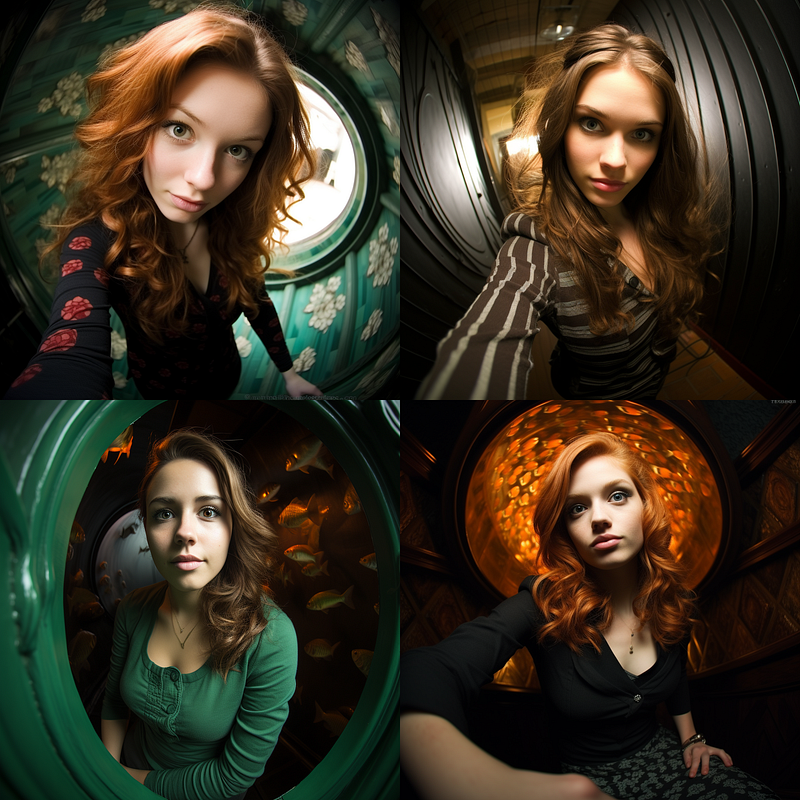
I have heard some people swear by using particular camera names in their prompts. I do not know enough about cameras to know if these claims are founded or not. I suspect that it is like many things in Midjourney in that your mileage may vary. I would expect using an old-fashioned camera or an iPhone would give you different results, so I ran those just to see. Note how including the word camera in the prompt gave us 3/4 with a camera in the image.
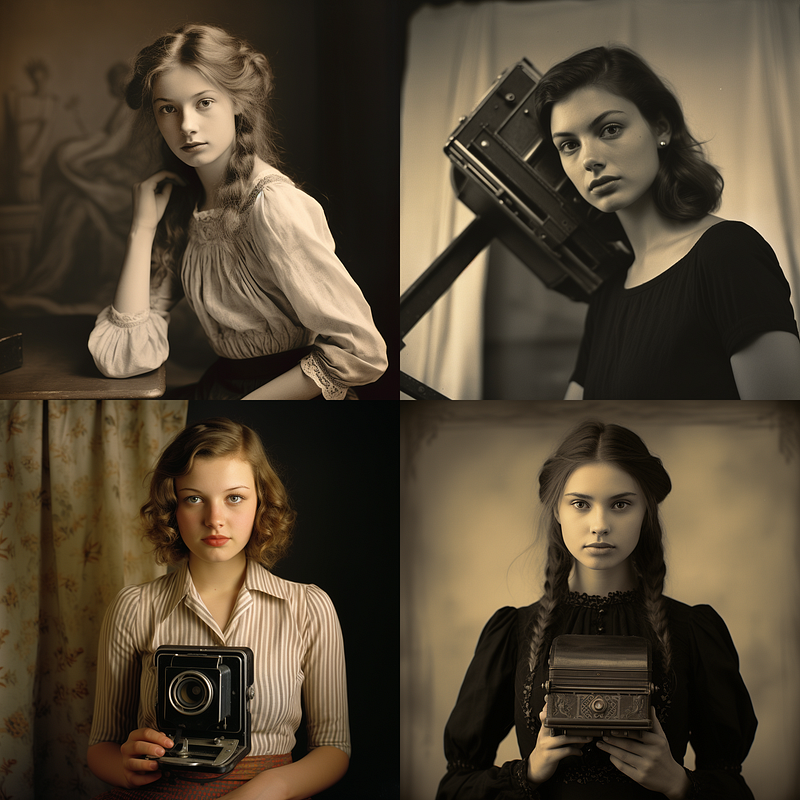
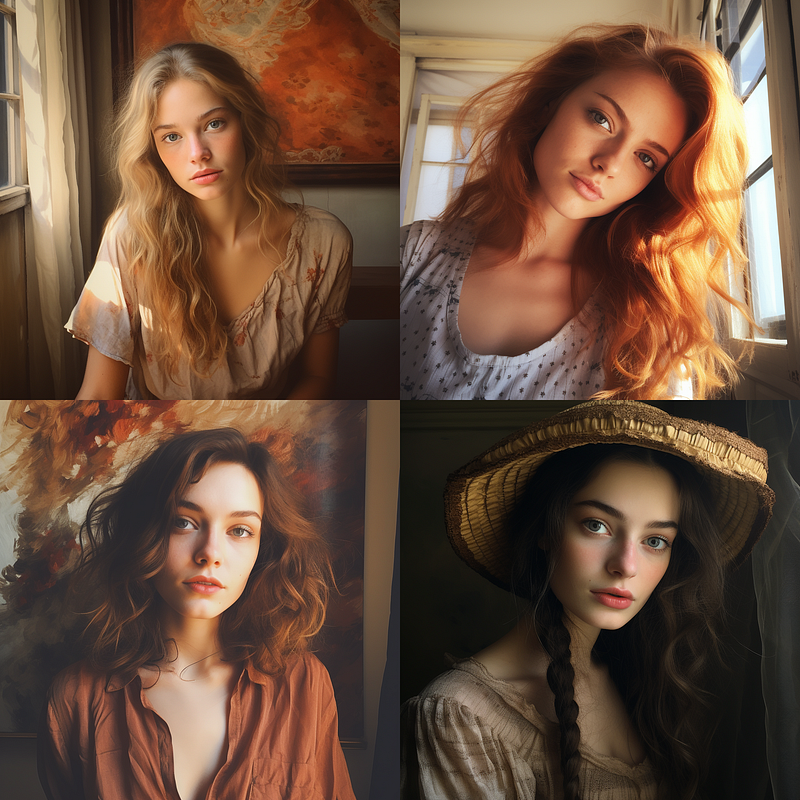
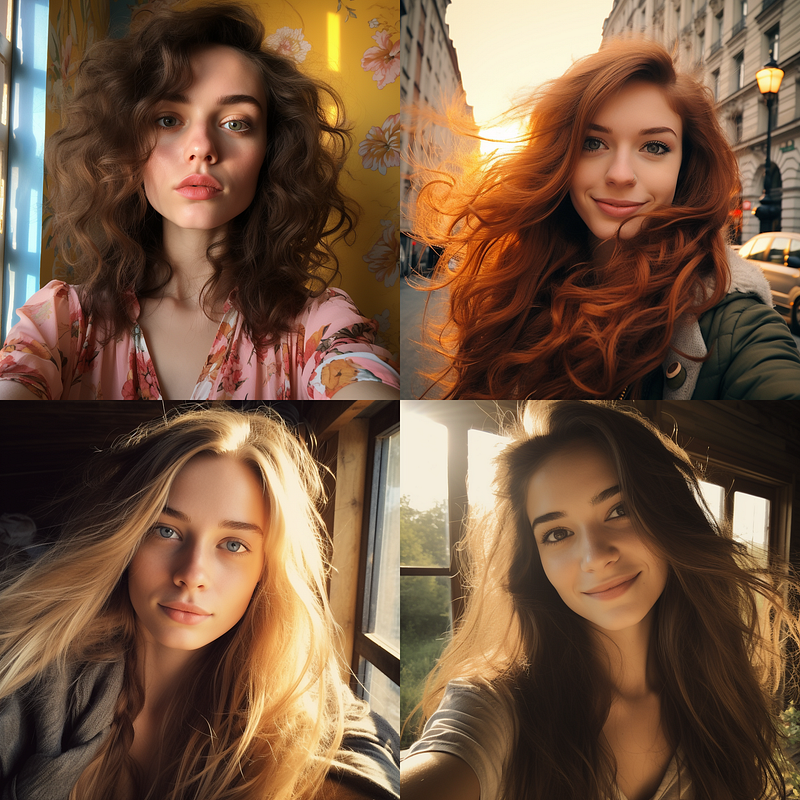
On a lark, I included a slightly altered prompt of a woman taking a selfie with her iPhone, which was fun and did affect the picture. Outside of that, I remain unconvinced that the camera info in the prompt does very much, but I am willing to make room for the idea that I am just not “doing it right” lol.
Aperture/Depth of Field
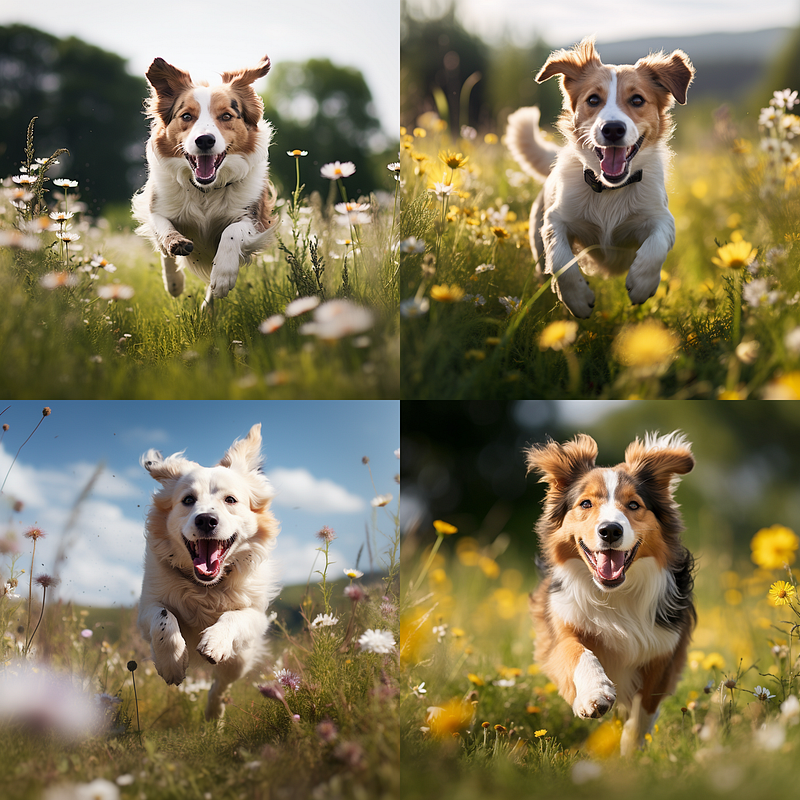
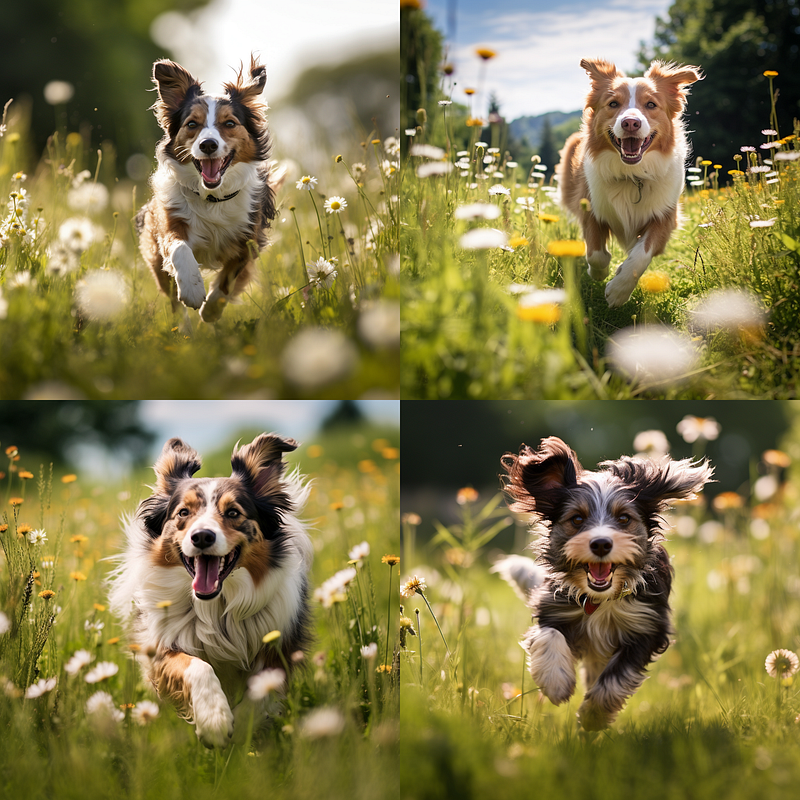
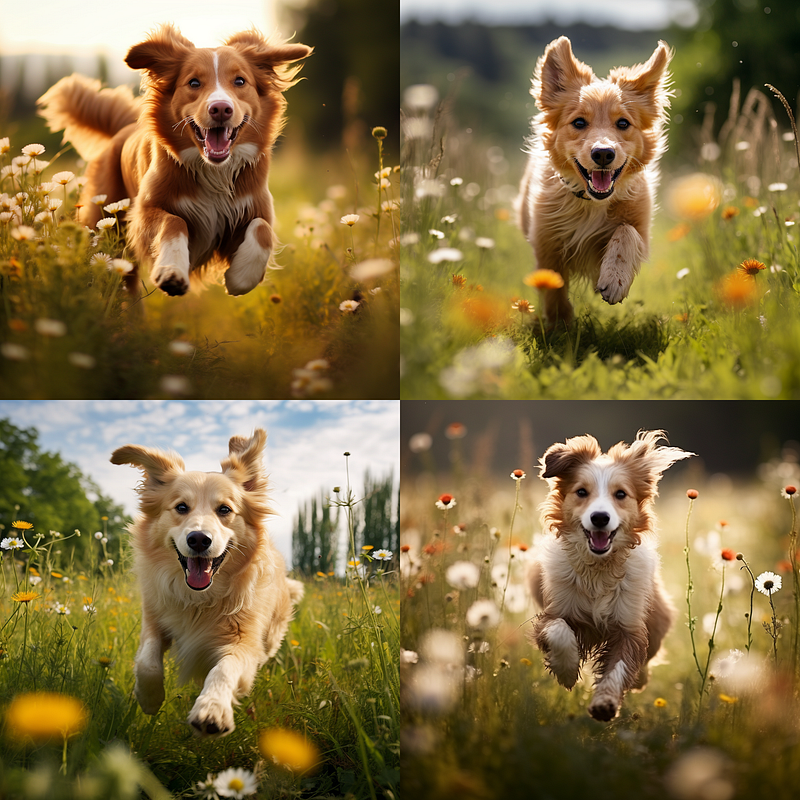
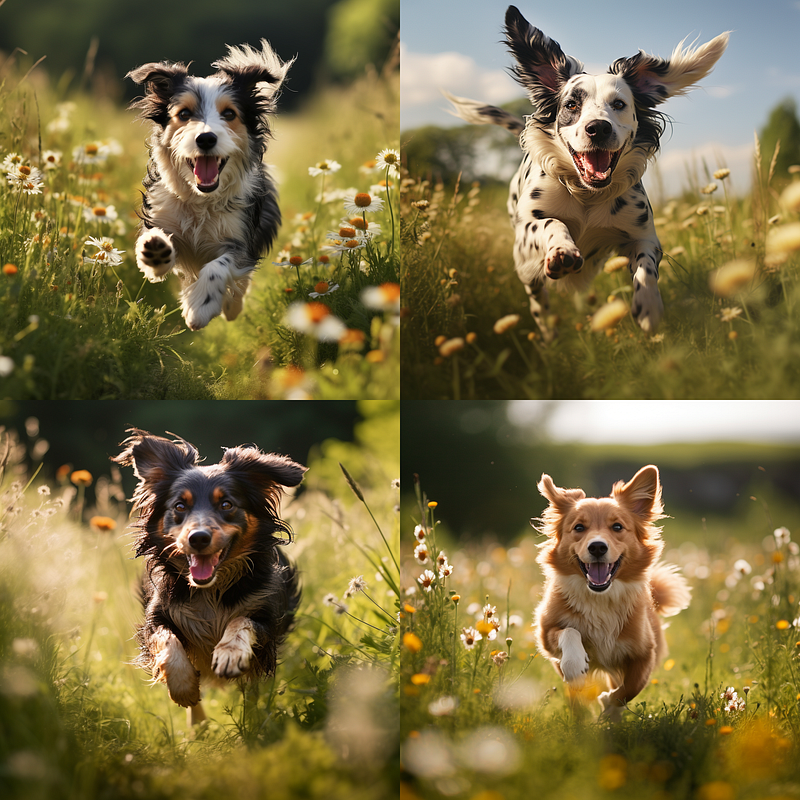
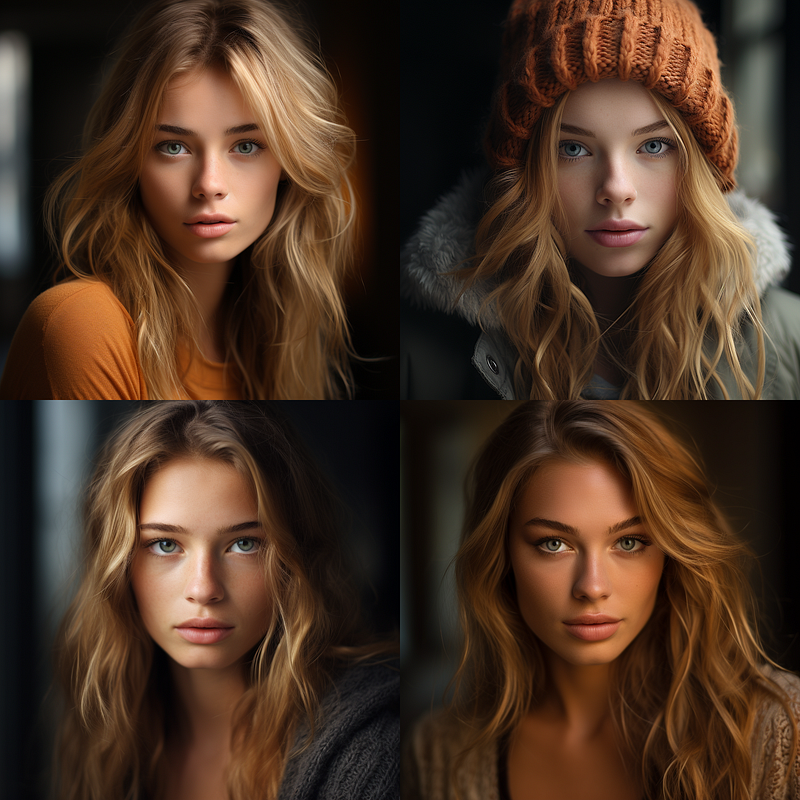
As with the camera I am not sure using the actual numbered F-stops does very much. It seems about equal when using “with-shallow-DoF-f/1.4” vs “with-shallow-DoF.” I did them both ways for shallow, medium and deep depth of field.
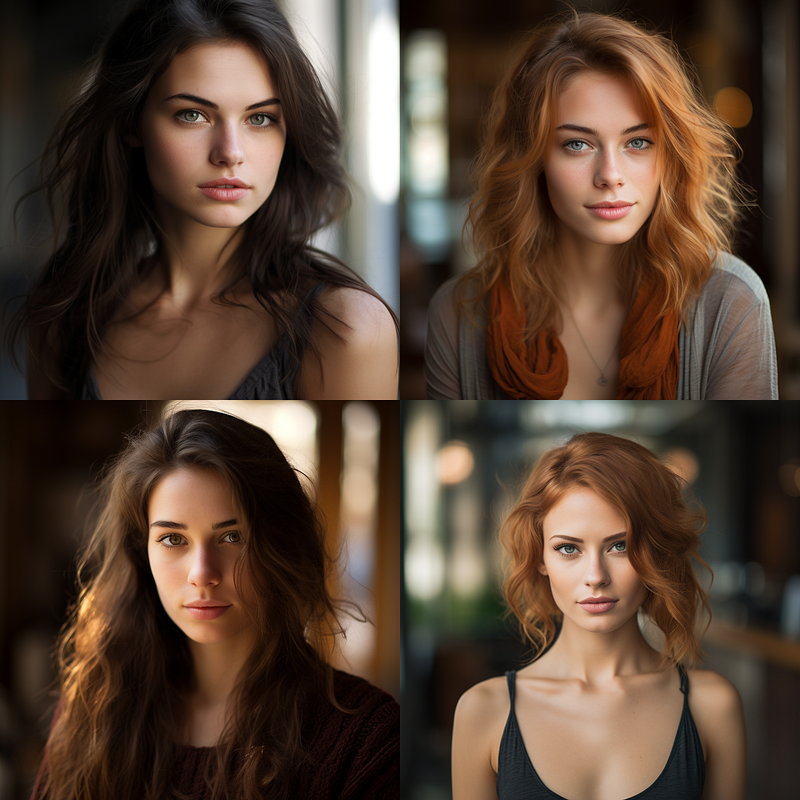
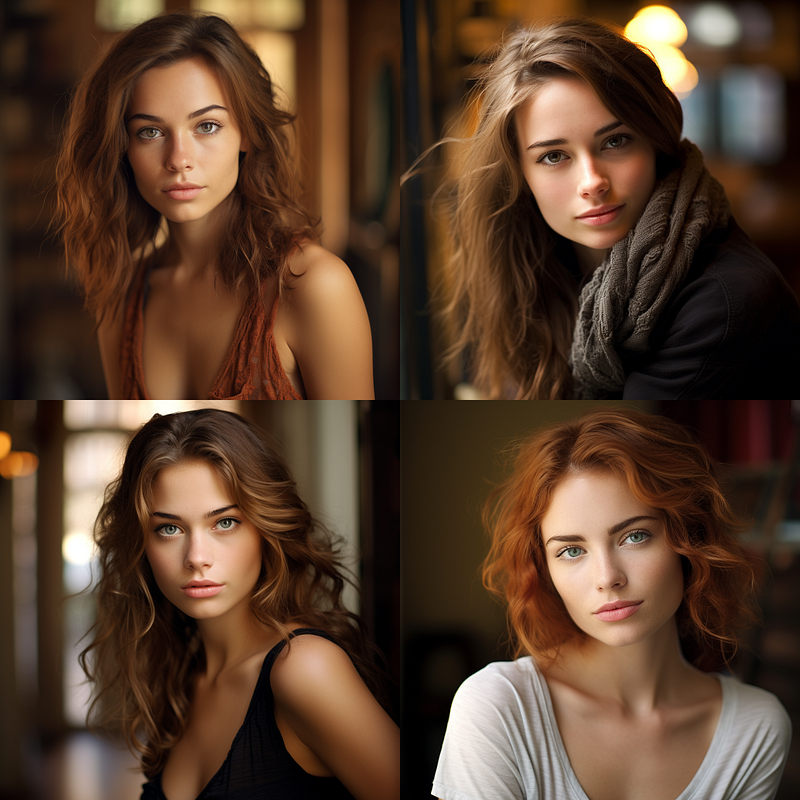
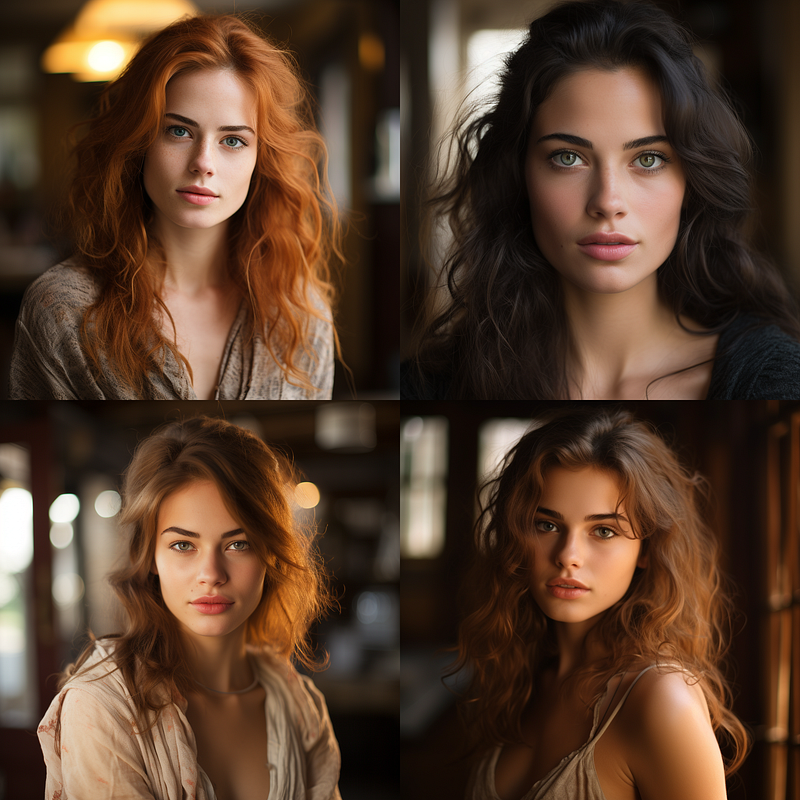
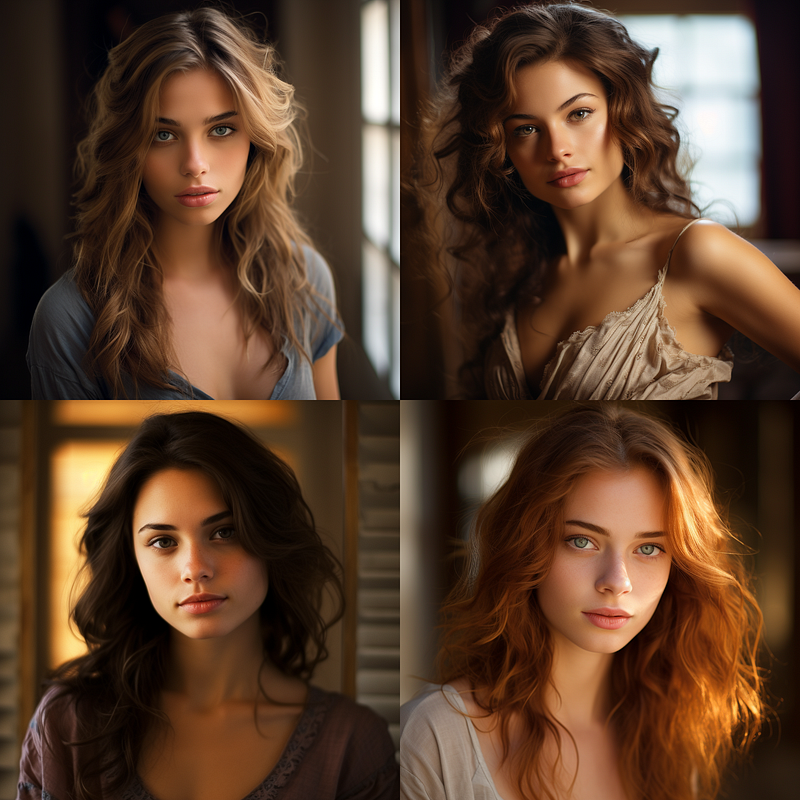
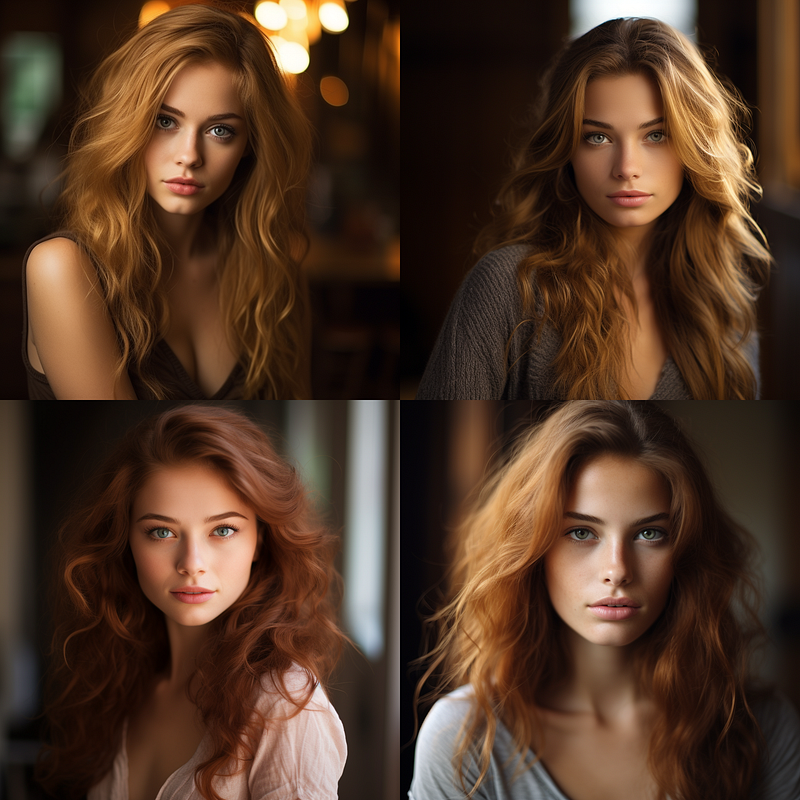
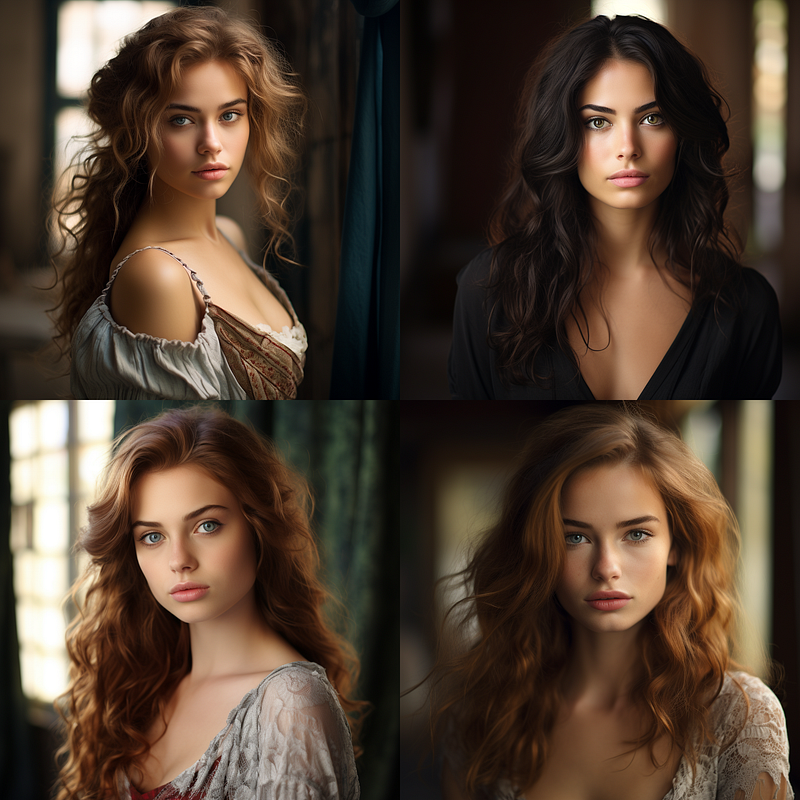
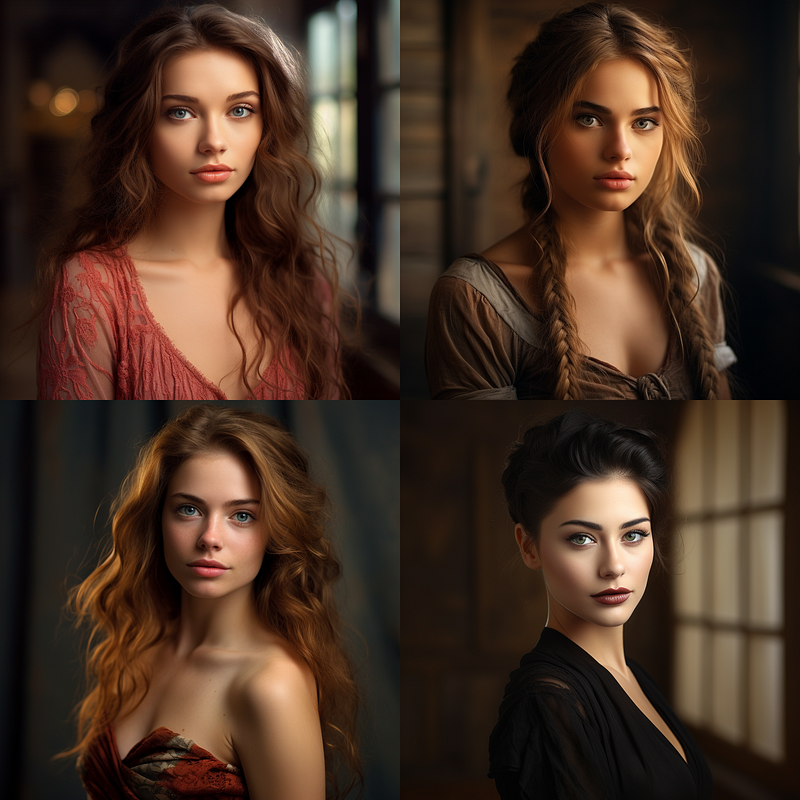
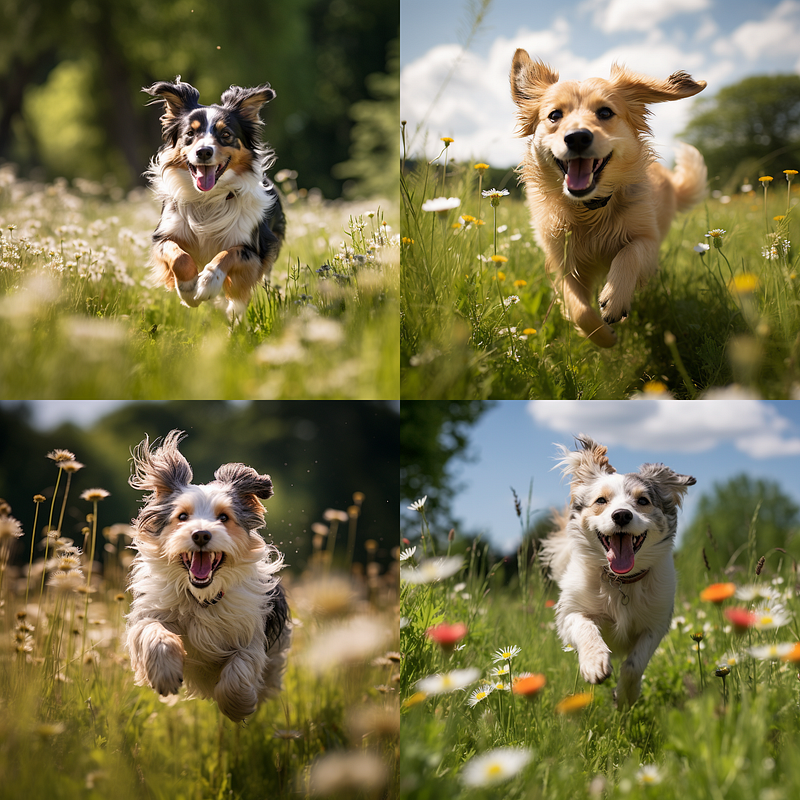
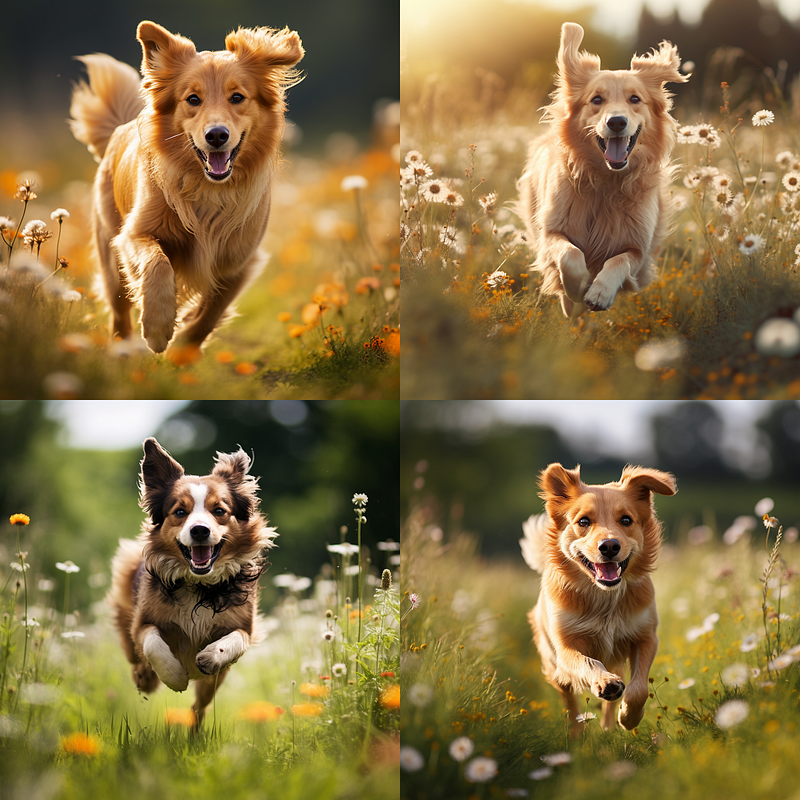
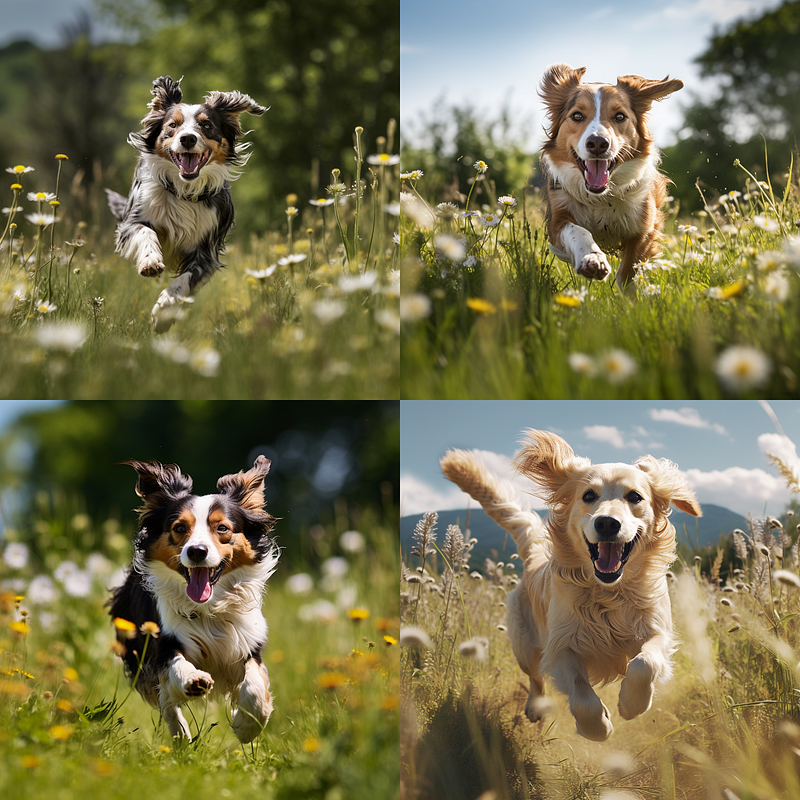
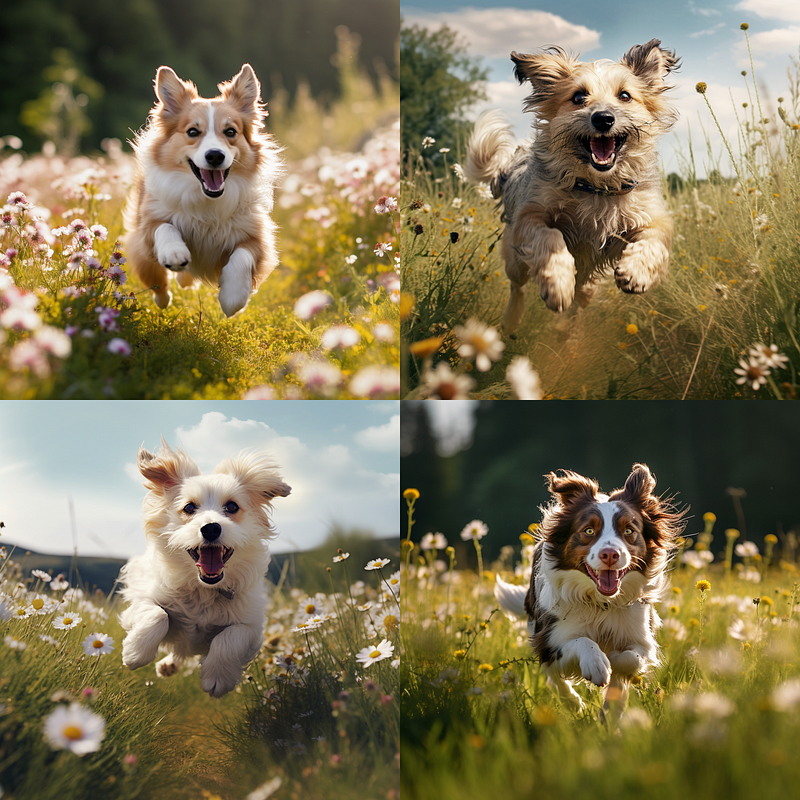
As I looked over the previous images, I noticed very little difference. It occurred to me that the word portrait might have been throwing the whole thing off, so I reran the exact DoF parts of the prompts but with a dog running through a meadow. There do seem to be some tiny differences, but on the whole, I am not so impressed. Your mileage may vary, for other prompts, it might make more difference.
Camera Lenses
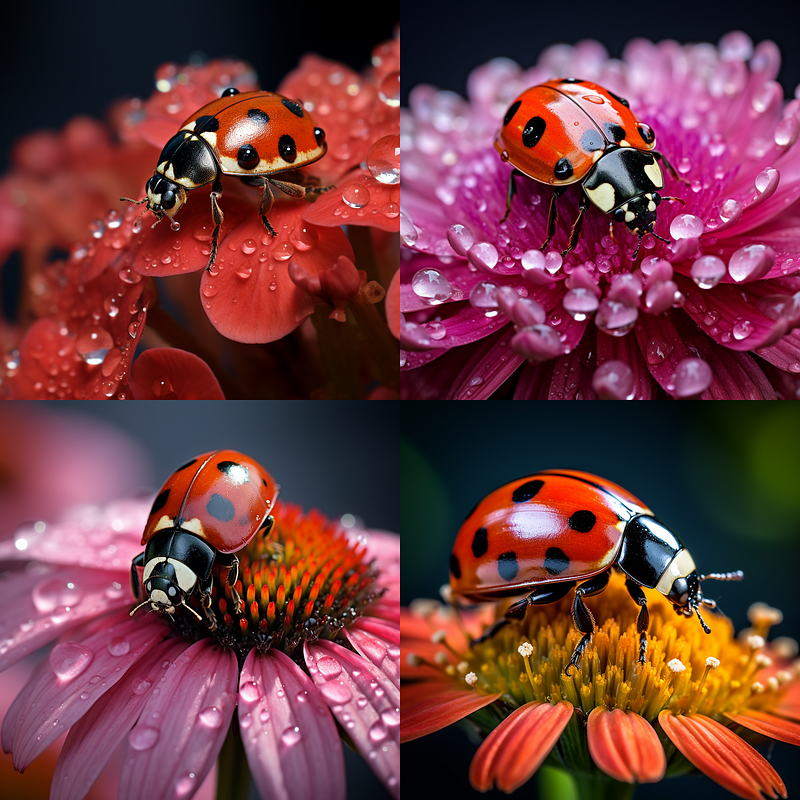
Since the subject of a beautiful woman doesn’t necessarily align with the macro lens style, I decided to run a different prompt for a better illustration. This brings me to an important point: the prompt you use can greatly influence the final output. Always approach these prompt-based techniques with a bit of caution, and don’t hesitate to experiment with your own subjects. Results can differ based on the prompt, the version of Midjourney you’re using, and many other factors.
I generated all these examples using Midjourney version 5.3 on default settings. Keep an eye out for version 6, slated to release later this year; it’s likely to bring a multitude of changes to how these various prompts work. So, always stay flexible and open to testing new versions and settings.
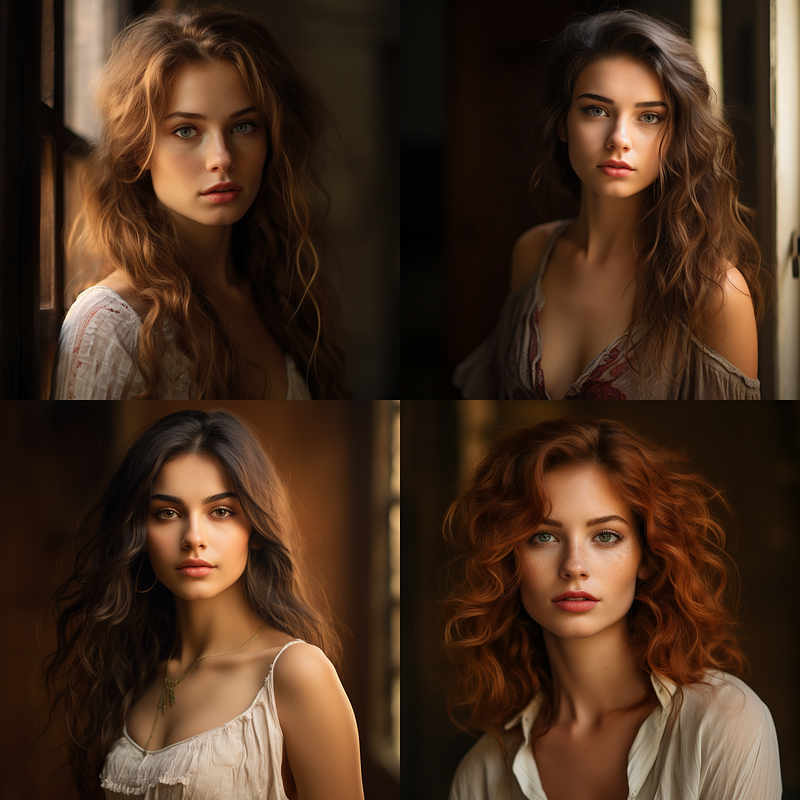
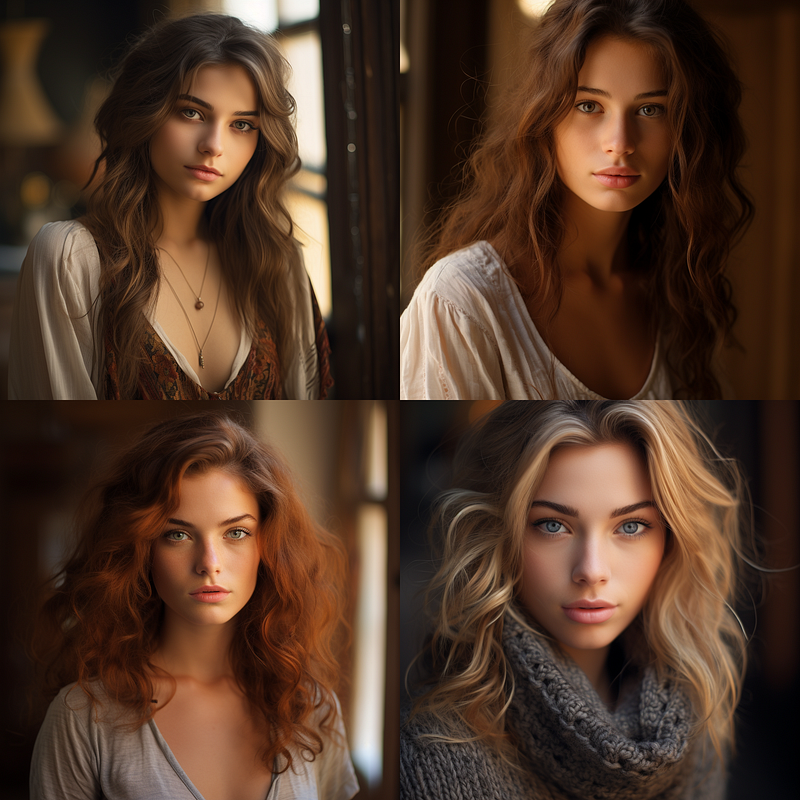
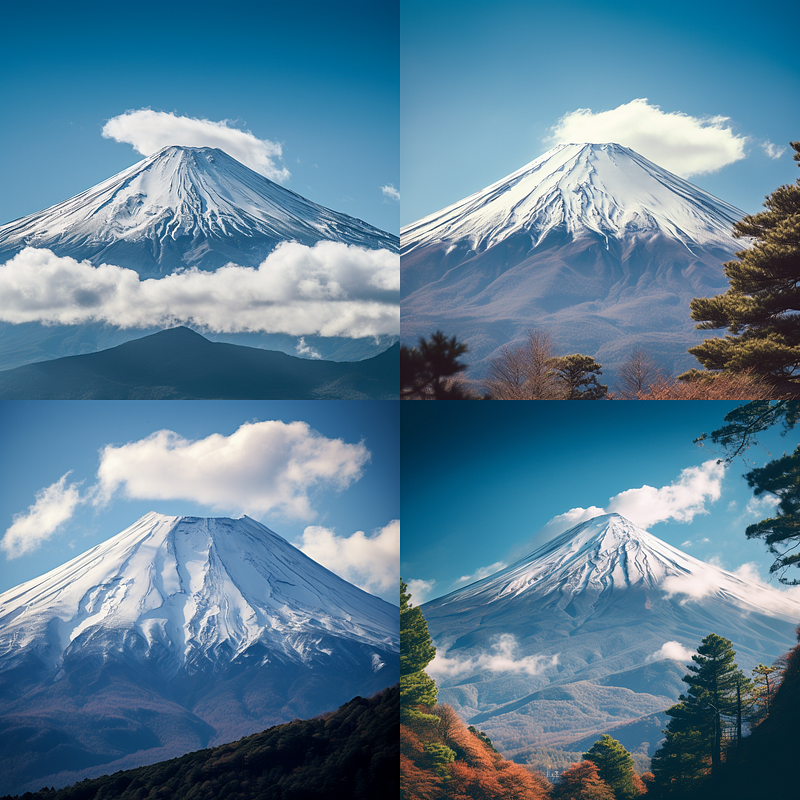
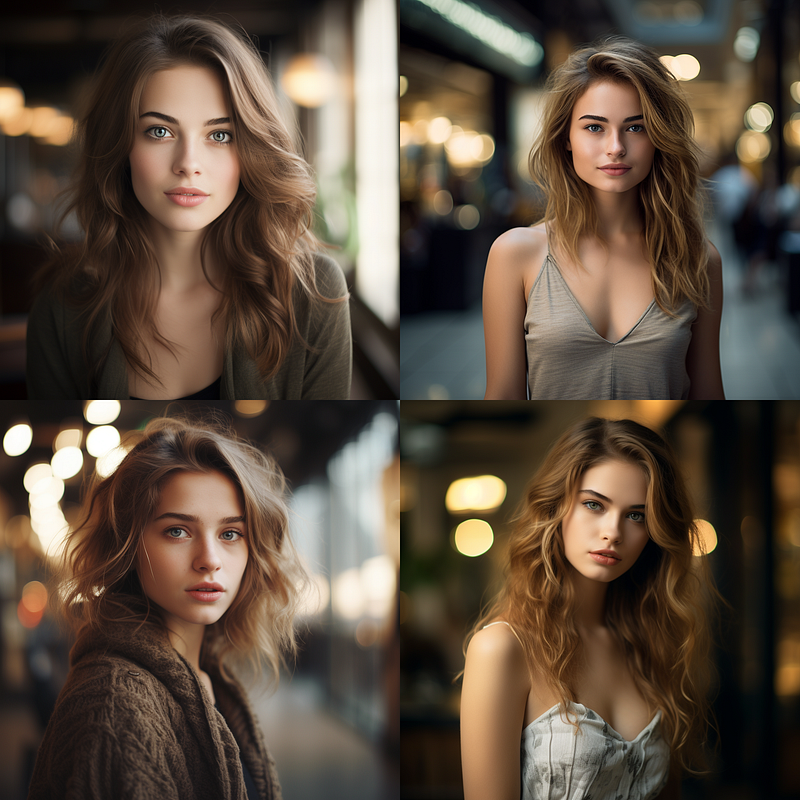
I was not sure if Tilt-Shift was doing something or not but left it in just in case.
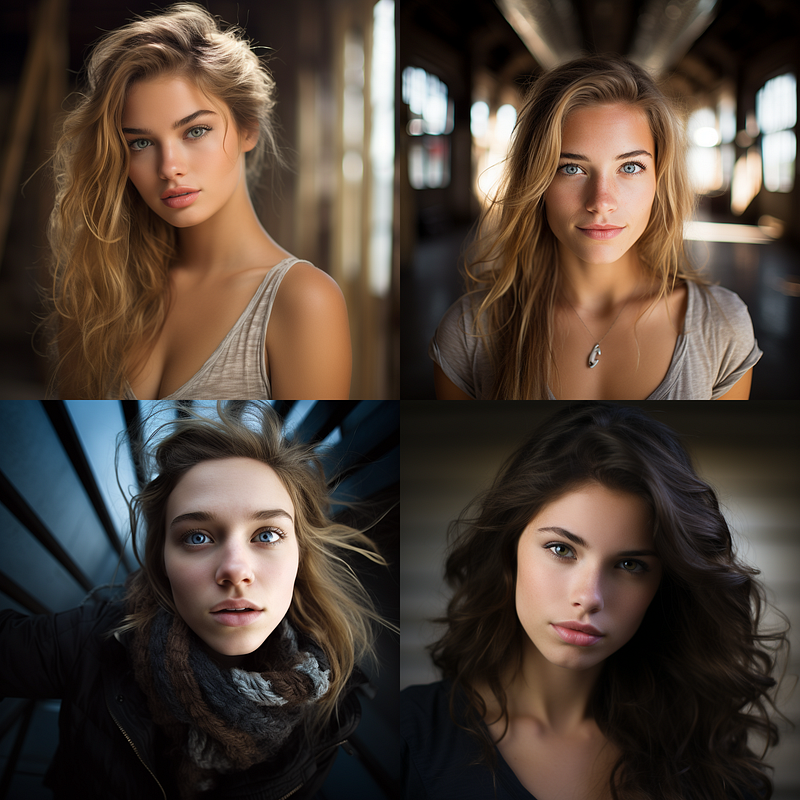
Putting “Wide-Angle-Shot” at the start of your prompt can help you capture a broader scene. It works like a charm for landscapes or any time you want to fit more into your frame. And don’t sleep on that aspect ratio trick. Adding ‐‐ar 3:2 at the end of your prompt changes the game. It stretches the image horizontally, giving you a wider view that feels more cinematic.
If you’re already familiar with my previous articles, you know the power of “Pan” and “Zoom Out” in Midjourney. Combine those features with a wide-angle and custom aspect ratio. You’re in for some seriously epic shots.
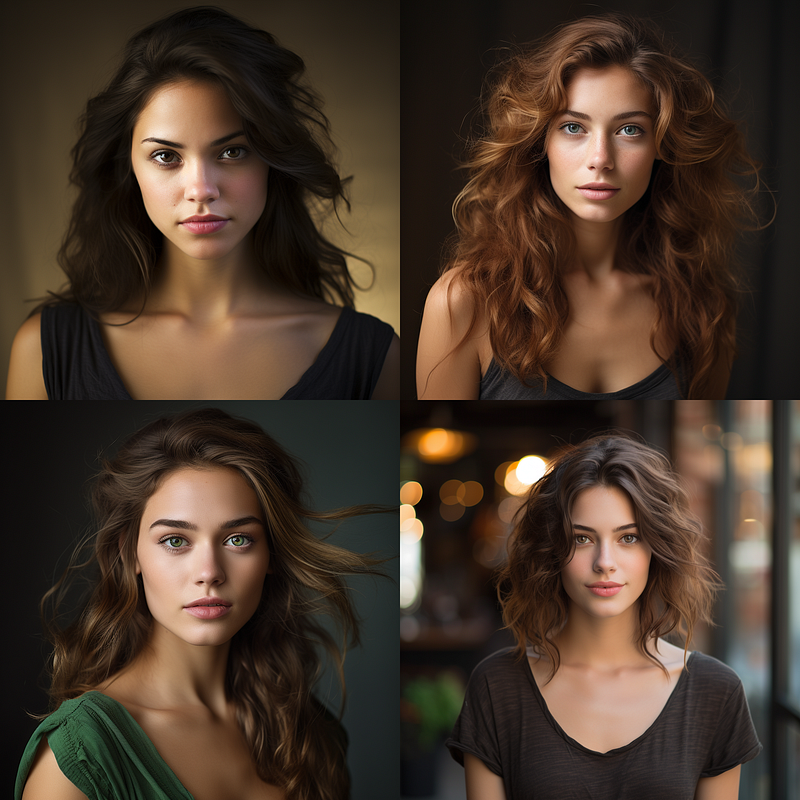
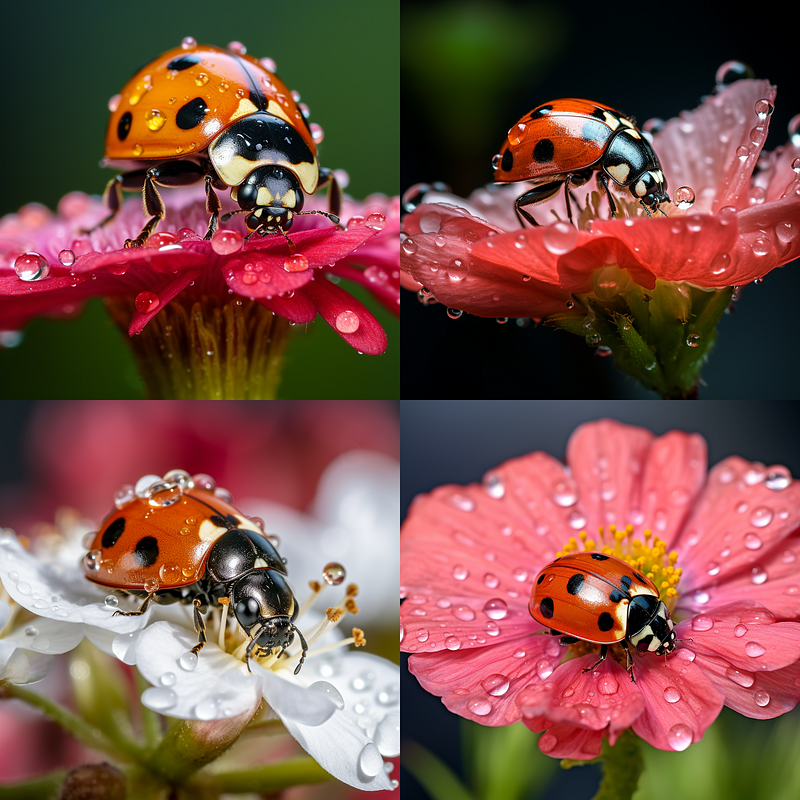
There are still photography terms/items I have not covered, like lens filters; Vignette, Polarizing, Color Filter, and more. Some of the ways to alter colors in your image will have been covered in my article on color. There are more ways to alter color than filters but it is something to keep in mind and play with if you feel it might create a particular effect in your images.
Conclusion
We’ve reached the end of this deep dive into ways to use photography in your prompts. With this insider info, you’re now well-equipped to elevate your Midjourney images to new heights. Think of each technique as both a new color in your palette and a unique filter for your lens. This specialized knowledge will help you paint richer, more nuanced visual stories and add layers of depth and emotion to your generated images. Isn’t it incredible how a dash of technical expertise can unlock a whole new realm of possibilities? I can’t wait to see the visual magic you’ll conjure up. Until our next exploration, keep that creative spark glowing!
If you enjoyed diving deep into this guide, don’t hesitate to give it a clap and share it with your fellow Midjourney Enthusiasts. Make sure to hit that “Follow” button so you won’t miss out on future creative adventures. Trust me, your journey through the imaginative universe is just getting started, and you’ll definitely want to see what comes next!
<< Previous Article: Midjourney Explorations: #5 — Art Media, Let’s Paint
Next Article: Midjourney Explorations: #7 >>
A Message from AI Mind

Thanks for being a part of our community! Before you go:
- 👏 Clap for the story and follow the author 👉
- 📰 View more content in the AI Mind Publication
- 🧠 Improve your AI prompts effortlessly and FREE
- 🧰 Discover Intuitive AI Tools