
Making Waves — Creating Audio Files From Text Prompts With an AI Image Generator (Image-To-Music)
A New Diffusion Model Trained On Spectrograms Lets You Create Audio Files from Text Prompts
Listen, we can now use Stable Diffusion to generate audio! Just when you thought that with stunning AI Art and GPT-3 you’ve seen everything that AI in 2022 had to offer, Seth Forsgren and Hayk Martiros present Riffusion, a text-to-image diffusion model fine-tuned on images of spectrograms paired with text. That’s right, you can use text prompts to generate spectrograms that can then be converted to audio files. Here’s how it works and how you can use it.
Spectrograms: From Sound To Image
A spectrogram is a graphical representation of sound. It plots frequencies across the y-axis (pitch and overtones) and time on the x-axis. The amplitude of a sound is represented by the color of the pixels (the darker, the louder). Et voilá, you have an image of sound that presents the eye all the information that usually is consumed by the ear.
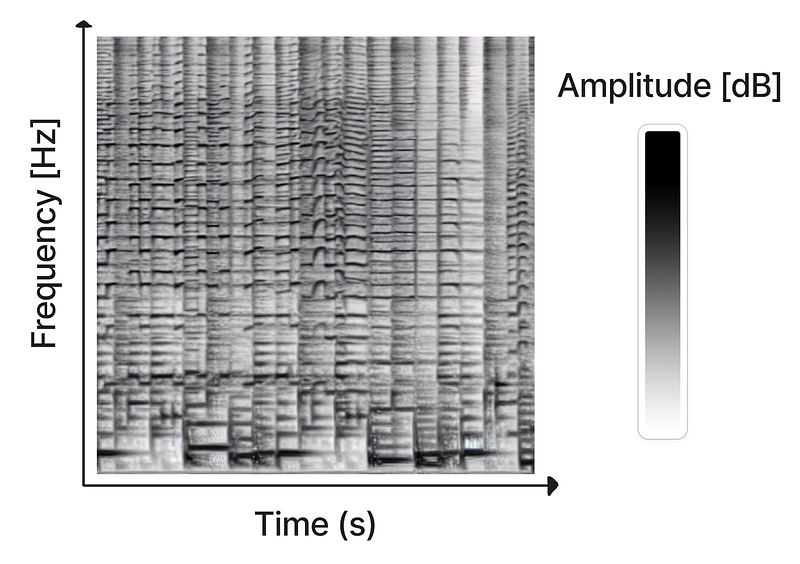
Any sound can be visualized using spectrograms. They are a frequent scientific tool to ornithologists, phoneticists and musicologists. Representing complex sound as a combination of sine waves with different amplitudes and phases also made spectrograms the perfect tool for seismology and speech recognition.
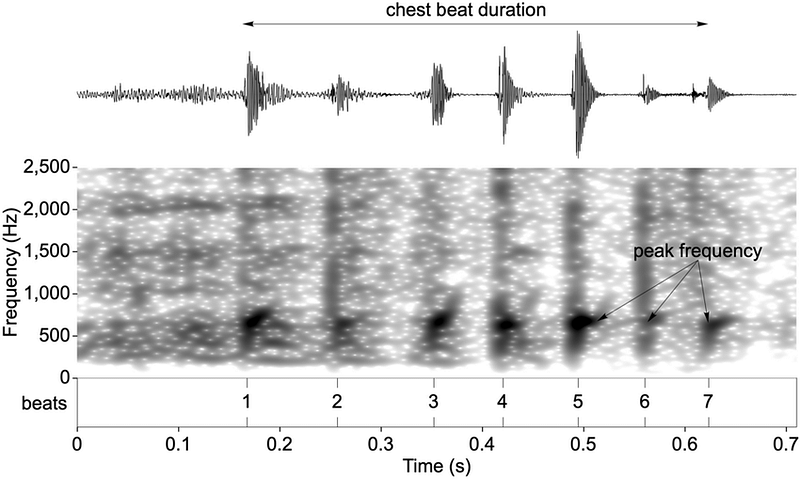
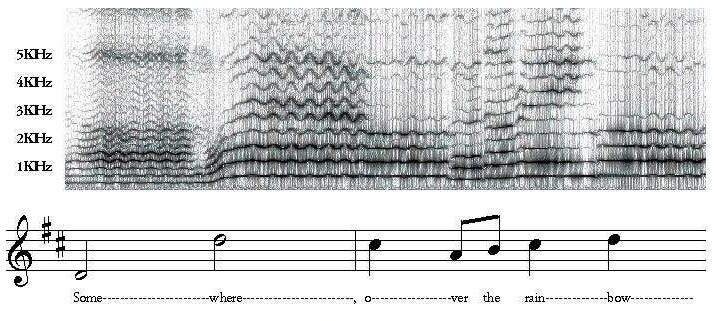
Representing complex sound as a combination of sine waves with different amplitudes and phases also made spectrograms the perfect tool for seismology and speech recognition.
Diffusion models: From text to image (and then to sound)
If 2022 has taught us one thing then how diffusion models work. Short story: given a noise pattern, models like Stable Diffusion or Midjourney dream their way toward an image that fits the prompt they were initially given.

Here is an example of the standard Stable Diffusion model using noise to generate an image from the prompt:
photograph of an astronaut riding a horse
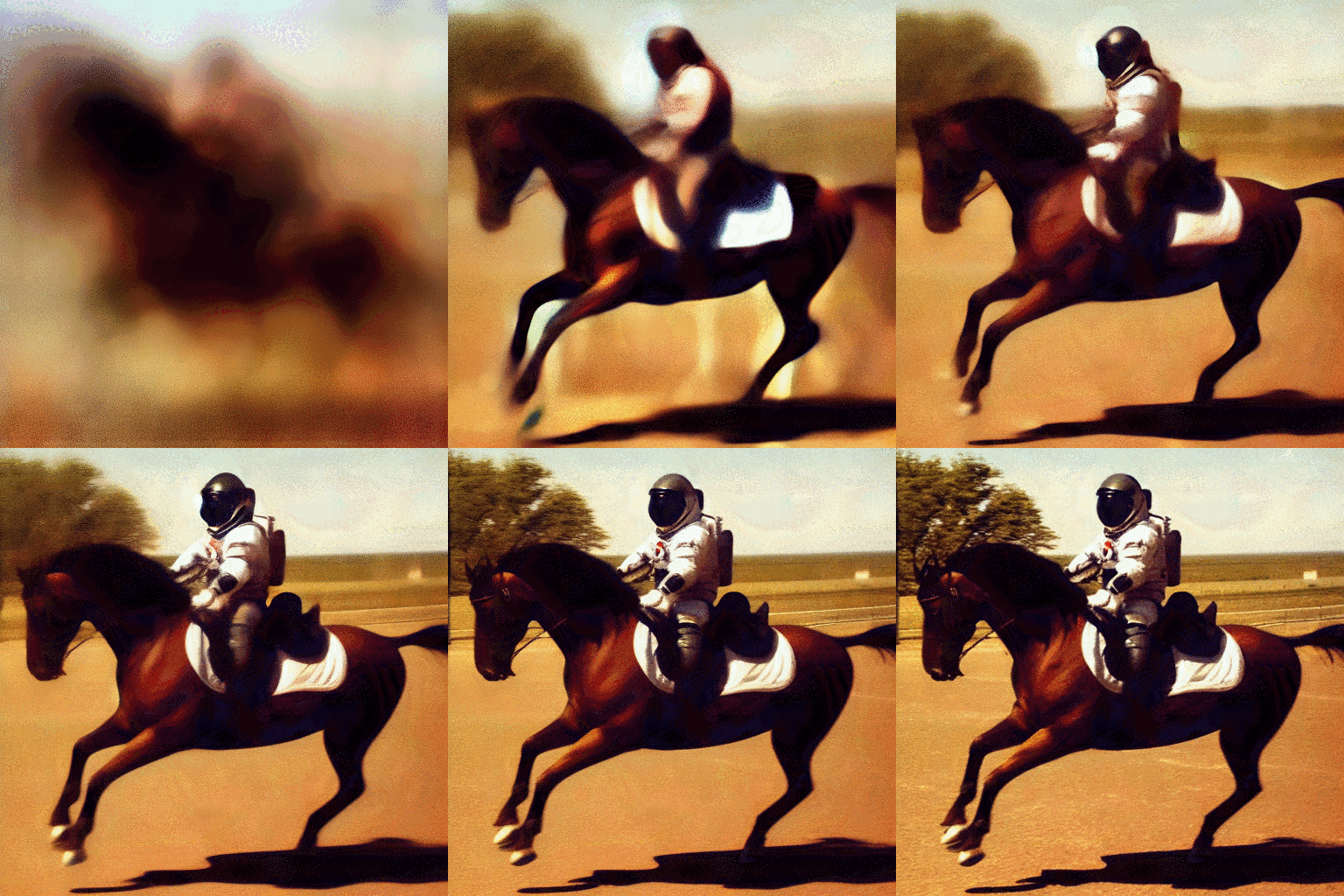
And that’s where the fun comes in: Why should AI image generation be limited to recreating famous artworks and techniques, or inventing amazing new blends of art styles? We can take any kind of visual representation and train an AI model to generate it from mere noise. The only important thing is that the model knows the “rules of the game” by which the image should be created: if a monkey is required, this kind of pixel arrangement is needed in order to let humans think, “Ah, that’s a pretty monkey!”; if a horse is required, that kind of pixel arrangement must be generated, etc. All we need are enough images of monkeys and horses to tell the model what it needs to do to make us happy.
That’s exactly what Seth Forsgren and Hayk Martiros did in fine-tuning the latest Stable Diffusion model with images of spectrograms combined with text. They told the model: If a bass drum is needed, create this kind of pixel arrangement so people will think, “Nice spectrogram of a bass drum!”; if a trumpet is needed, create that kind of pixel arrangement, etc.
So, here it is in action: the spectrogram-trained model generating an image from the prompt
“funk bassline with a jazzy saxophone solo”
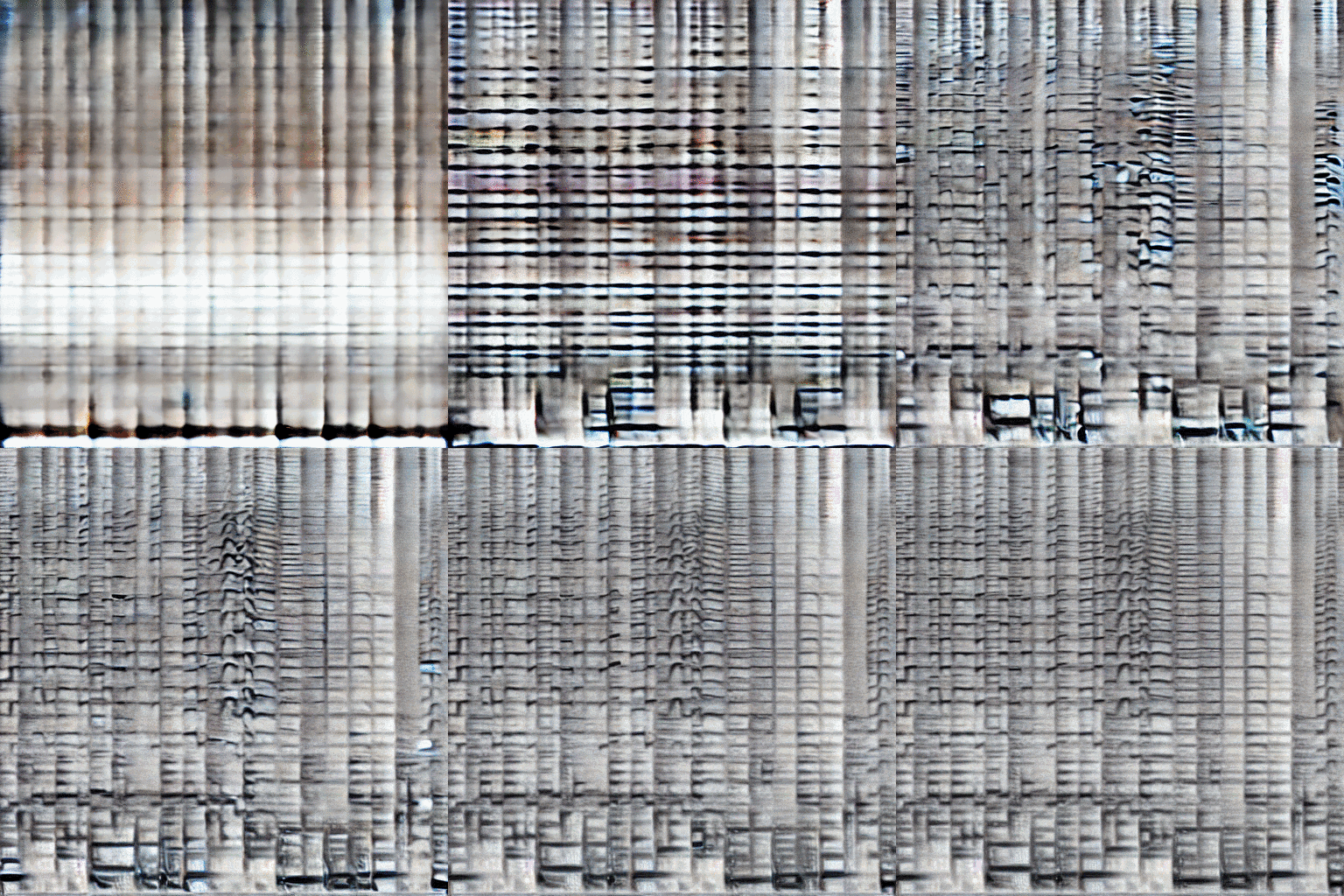
Since Riffusion has been trained with spectrograms of music paired with text, the results are not only musical but also fit the prompts amazingly well! Try it out for yourself and start creating some sounds:
a cat diva singing in a new york jazz club
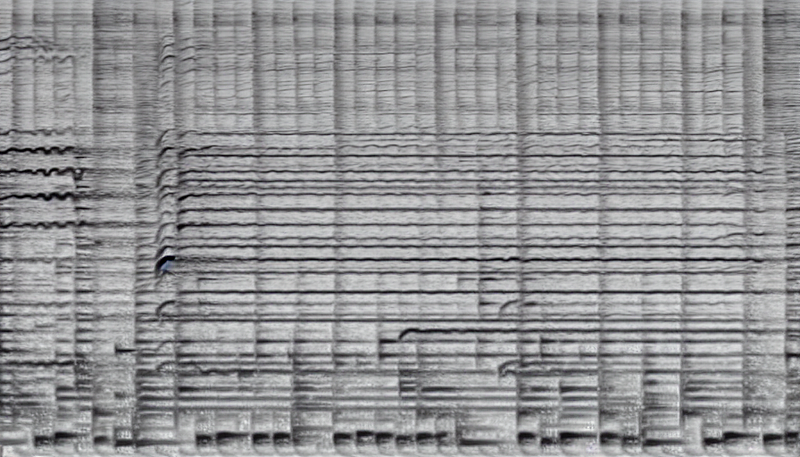
In addition to a Google Colab notebook and an app on Huggingface, the Riffusion model can also be used via a web application that allows users to enter prompts and generate audio in real time. A special gimmick here is the 3D spectrogram timeline that visualizes the results. Play with the parameters to tie the model to a beat, or experiment more freely with the sounds your prompt provides.
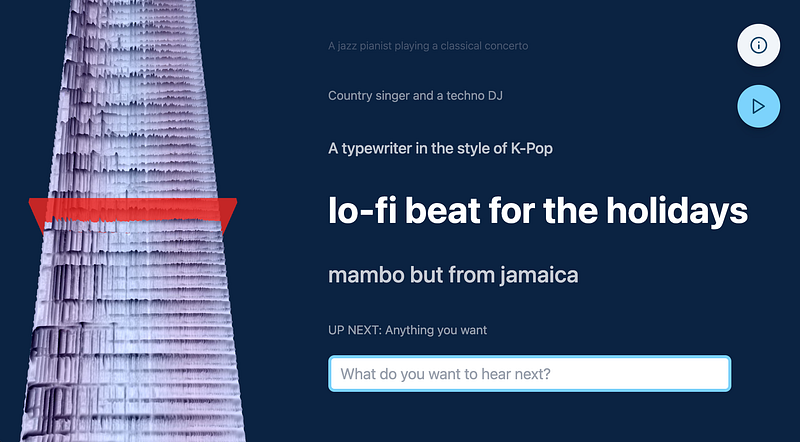
More Information: https://www.riffusion.com/about
Web app: https://www.riffusion.com
Github: https://github.com/hmartiro/ riffusion-app
Google Colab: https://colab.research.google.com/drive/1FhH3HlN8Ps_Pr9OR6Qcfbfz7utDvICl0
Gradio Web Demo: https://huggingface.co/spaces/fffiloni/spectrogram-to-music


