avatarTristan Wolff

Free AI web copilot to create summaries, insights and extended knowledge, download it at here

875

Abstract

src="https://cdn-images-1.readmedium.com/v2/resize:fit:800/1*hW-nF04CHyyi0msl34CMtA.png"><figcaption></figcaption></figure><figure id="7295"><img src="https://cdn-images-1.readmedium.com/v2/resize:fit:800/1*ZQvPmWqn52PTRc4_DnFvzw.png"><figcaption>Playground main window (left) and settings (right)</figcaption></figure><p id="b91e">You can now start prompting the model. The menu on the right lets you specify which model to use (latest GPT-3 model at the time of writing is “text-davinci-003” and should be selected by default) as well as other parameters.</p><figure id="c8d6"><img src="https://cdn-images-1.readmedium.com/v2/resize:fit:800/1*Gs6E7aJfUQ5eqkGJa6VDqA.png"><figcaption></figcaption></figure><figure id="55a3"><img src="https://cdn-images-1.readmedium.com/v2/resize:fit:800/1*hmfA1-KvrTMCKl8RawYtBA.png"><figcaption></figcaption></figure><figure id="26cf"><img

Options

src="https://cdn-images-1.readmedium.com/v2/resize:fit:800/1*UzfzYaOZbQIlQkA5IrA7Rg.png"><figcaption>Prompting GPT3 in the Playground main window</figcaption></figure><p id="4a36"><b>Step 3: Create an API key</b></p><p id="1843">To use a GPT-3 instance in your own app or connect your account to third-party software you will need an API key. To do this, go to your account settings by clicking “Personal” in the upper right corner and select “View API keys”. You can then “Create a new secret key”, copy it, and use it in your app of choice.</p><figure id="94f7"><img src="https://cdn-images-1.readmedium.com/v2/resize:fit:800/1*k7YvvcKPwHMN2PtoHRNQAg.png"><figcaption></figcaption></figure><figure id="50d4"><img src="https://cdn-images-1.readmedium.com/v2/resize:fit:800/1*v-1WVeWMzt7tHOXP9L0hlA.png"><figcaption>Creating an API key</figcaption></figure></article></body>

A Step-by-Step Guide to Setting Up and Using OpenAI’s GPT-3

Step 1: Sign up for an OpenAI account.

Go to https://openai.com/api/ and sign up with your email address or connect your Google account.
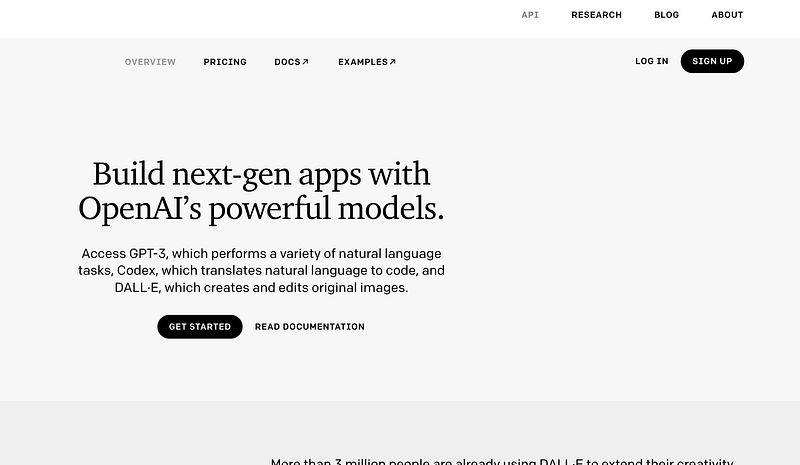
Enter the required information and verify your email address or phone number.

Step 2: Start using GPT-3 via OpenAI’s “Playground”
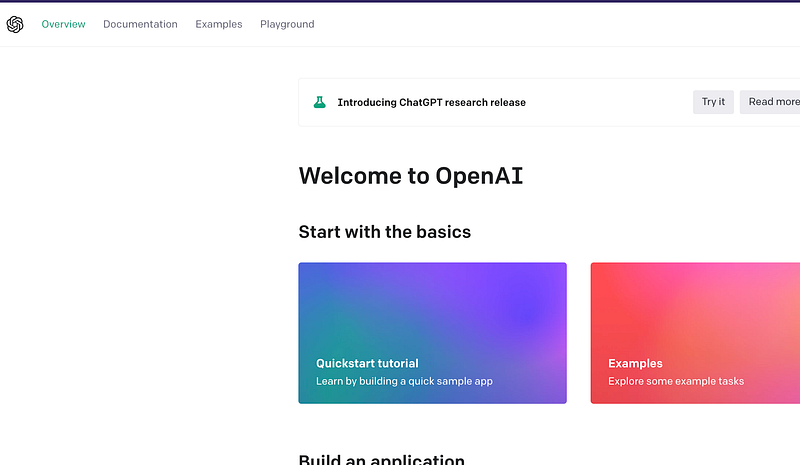
From the navigation bar on the top of the page select “Playground”.
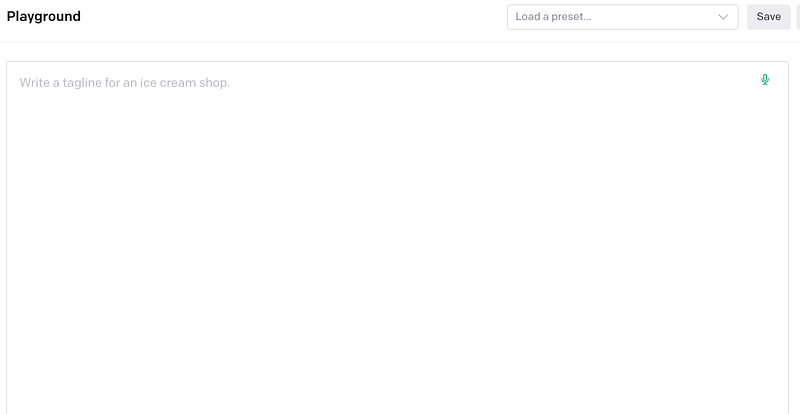
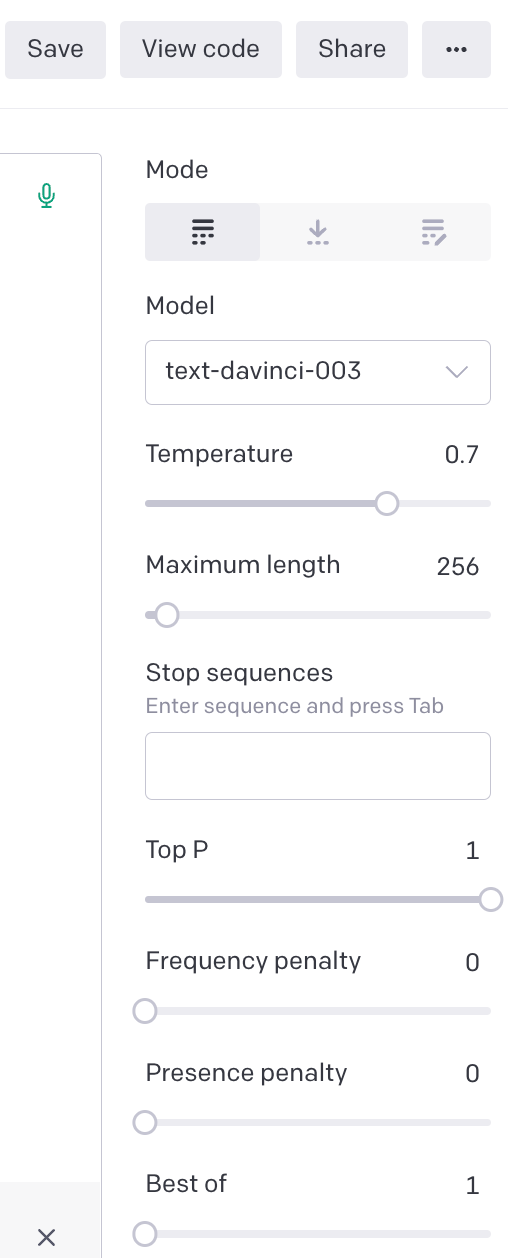
Playground main window (left) and settings (right)

You can now start prompting the model. The menu on the right lets you specify which model to use (latest GPT-3 model at the time of writing is “text-davinci-003” and should be selected by default) as well as other parameters.

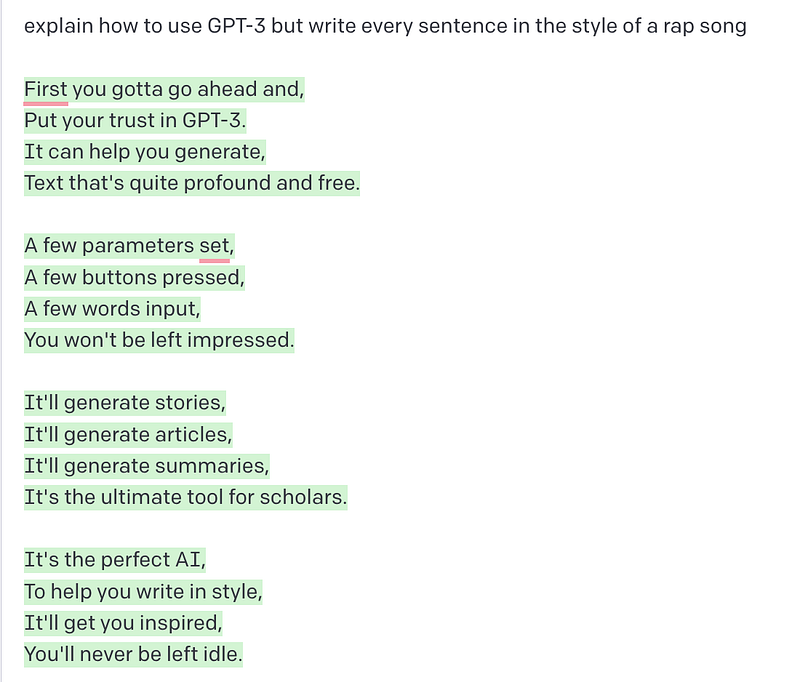
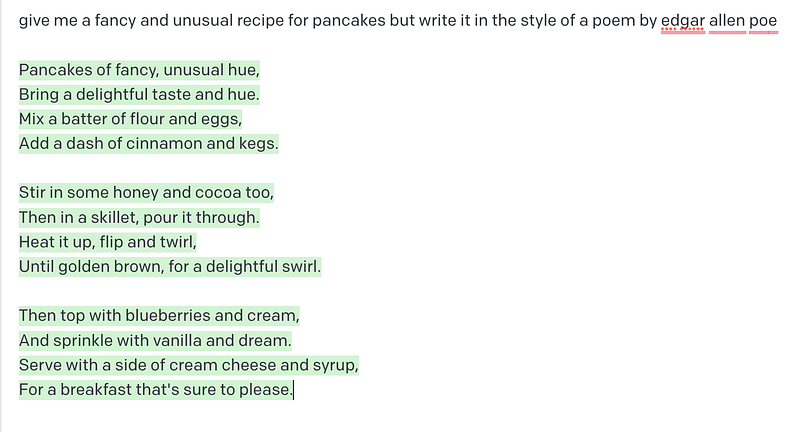
Prompting GPT3 in the Playground main window

Step 3: Create an API key

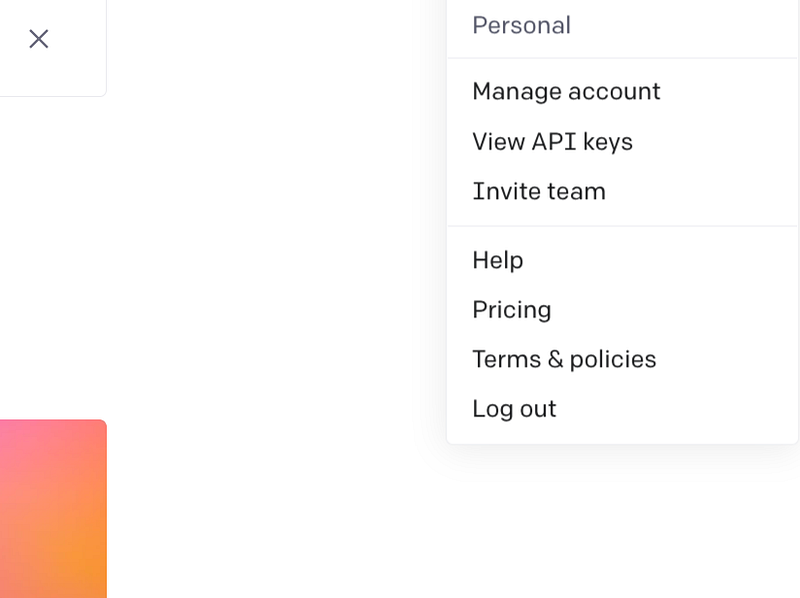
To use a GPT-3 instance in your own app or connect your account to third-party software you will need an API key. To do this, go to your account settings by clicking “Personal” in the upper right corner and select “View API keys”. You can then “Create a new secret key”, copy it, and use it in your app of choice.
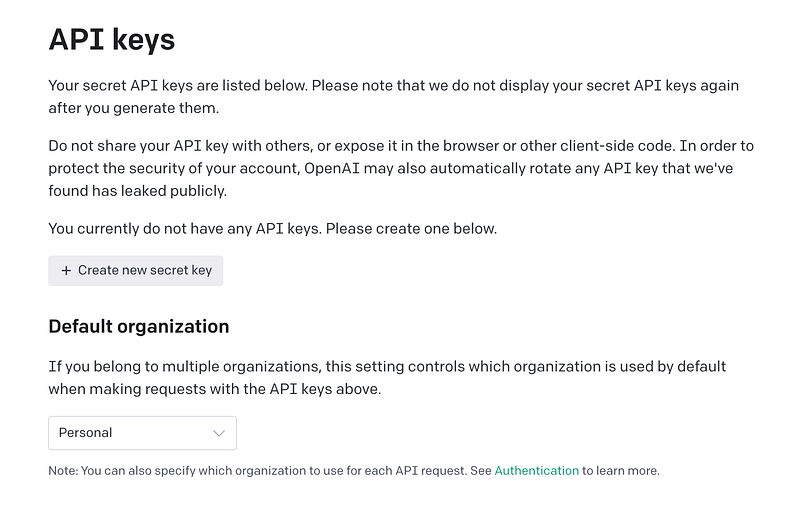
Creating an API key
Gpt 3
AI
Tutorial
Beginner
Beginners Guide
Recommended from ReadMedium