
Gen-1: Runway’s Game-Changing AI Video Generation Tool
Cutting-edge AI technology is about to shape the future of online video content
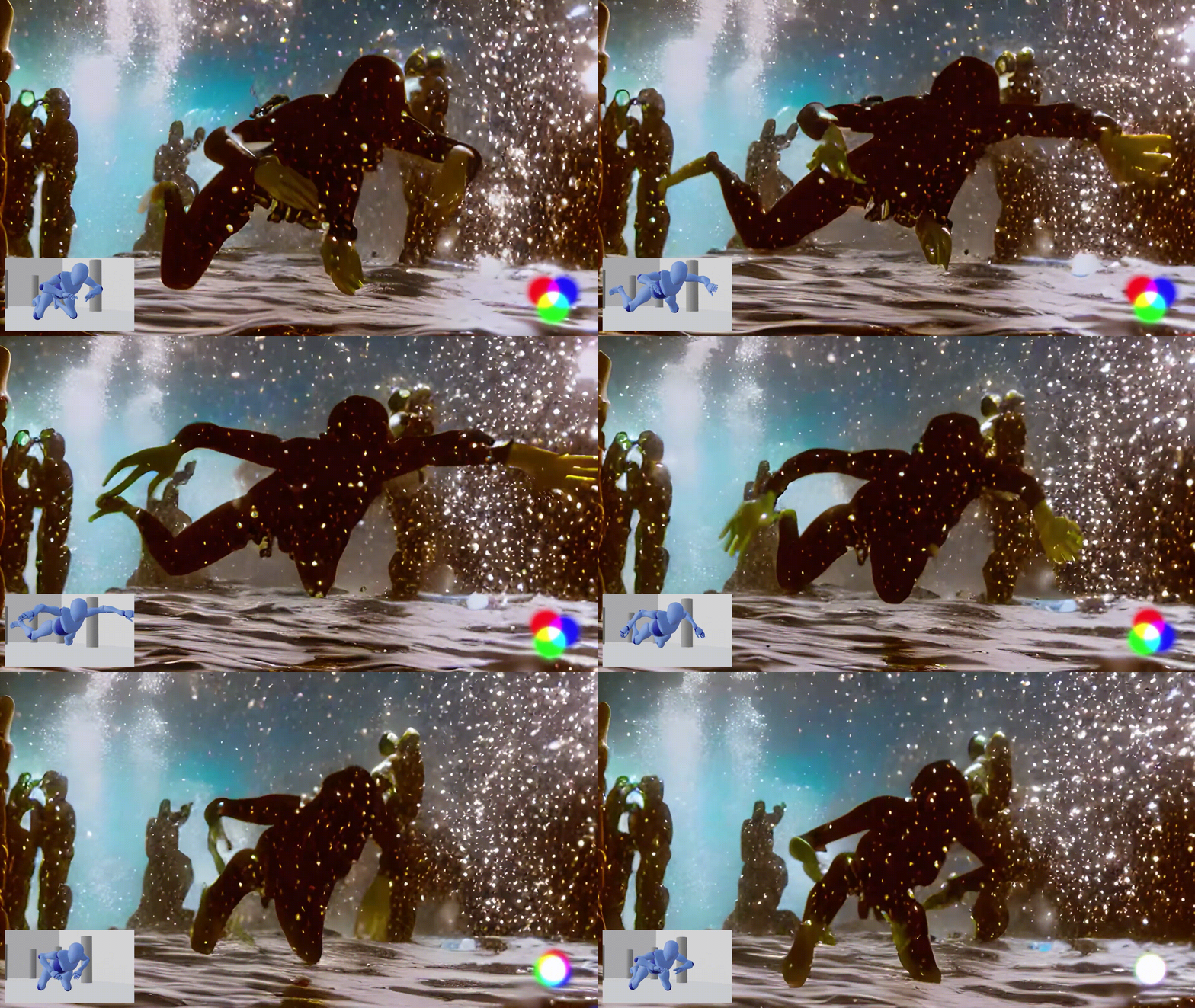
After weeks of eager anticipation and exclusive beta testing, Gen-1 is now available to all Runway users. This highly anticipated feature within the Runway web app allows you to regenerate an existing video in any style you can imagine, using just a text description (e.g., “claymation”) or an image as a style guide. Et voilà, AI magic unfolds.
What’s Gen-1?
Gen-1 is a groundbreaking AI model that transforms existing videos into new ones using text prompts or reference images. The potential of this approach has been showcased impressively over the last few weeks by Runway’s demo reel and users who participated in their beta testing round.
In fact, beta testing was an integral part of the development of the final Gen-1 product and provided Runway with valuable insights from community video editors, filmmakers, and VFX artists.
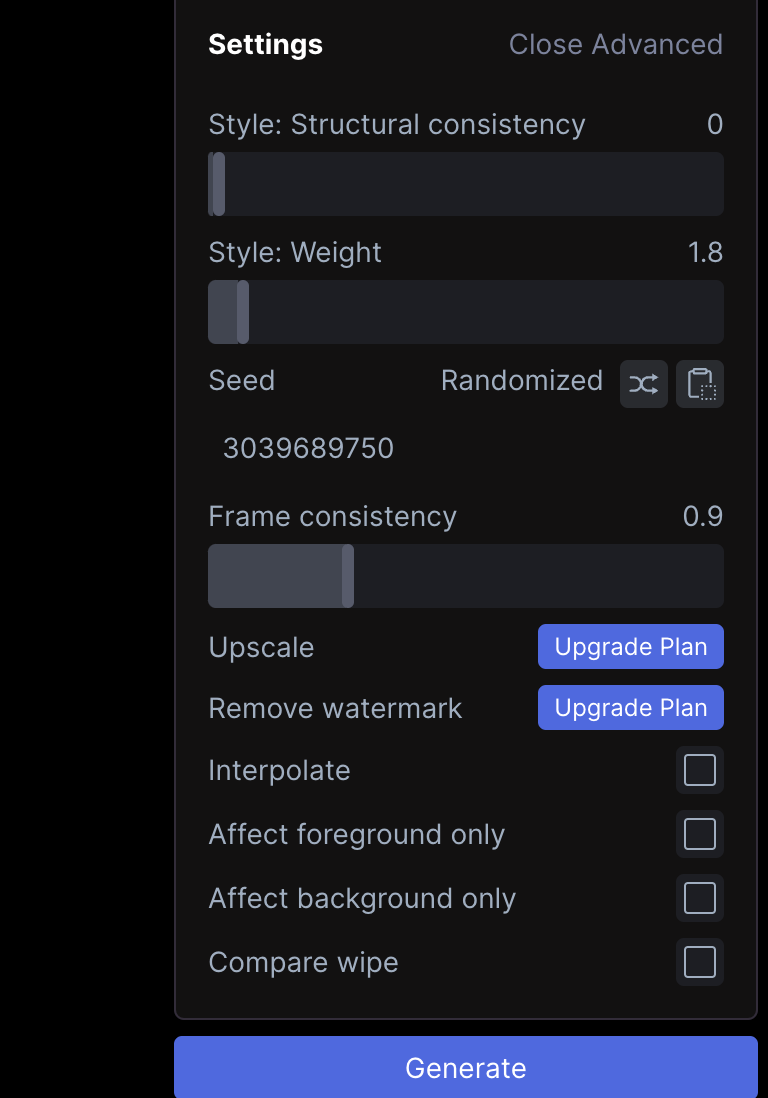
Gen-1 clearly stands out from other text-to-video models by offering higher quality by transforming existing footage. Plus, it’s easy to use from the beginning but also offers advanced options for the experienced user to fine-tune results or experiment with more extreme settings.
In fact, this new tool seems so accessible that it will likely lead to a transformative impact on AI-assisted video production on a wider scale. Especially if we consider that Runway has been developing AI tools since 2018 and has strong connections to TikTok content creators and major film studios (and, few people remember, Runway was once the initial AI startup behind the development of the text-to-image model Stable Diffusion).
With Gen-1, an exciting new future of AI-generated videos is finally here, in which most online content will be, to some degree, AI-generated or -assisted.
How to use Gen-1
Using Gen-1 is astonishingly simple:
- Open Runway and under AI Magic Tools, go to “Gen-1: Video to Video”
- Select or upload an input video.
- From there, you have three methods to choose from:
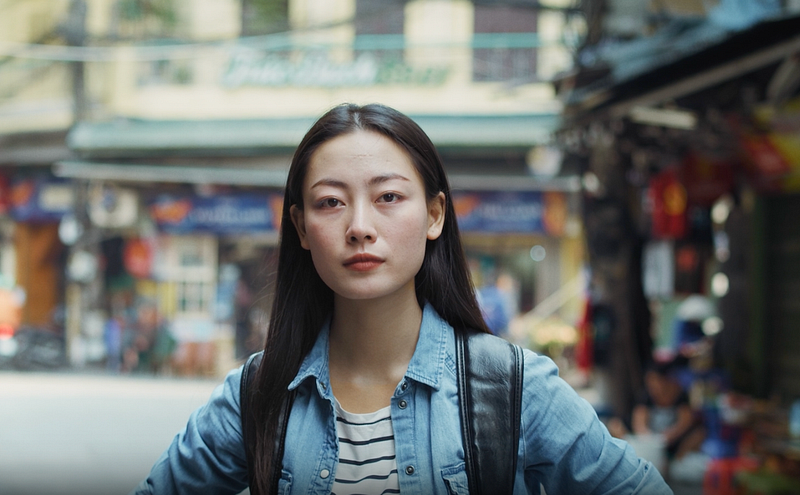
- You can upload a reference photo, based on which the AI will mimic the look and feel when creating a new style for your video.
- You can use a text prompt that describes the desired style.
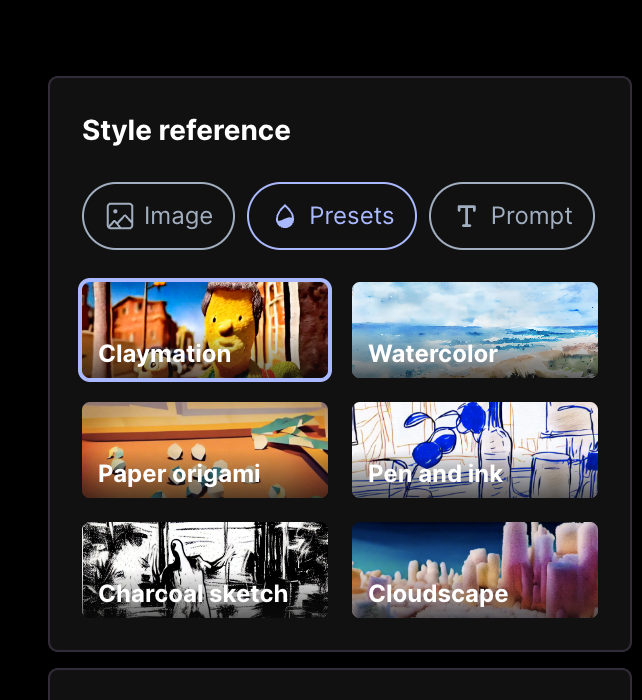
- Or you can choose from Runway’s preset styles.
The creative possibilities of this latest addition to the Runway AI toolset are virtually endless.
Here are two examples of presets:
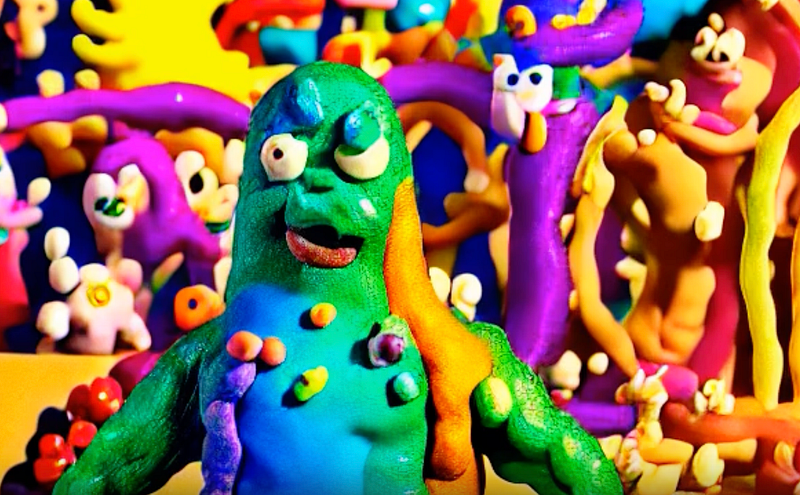
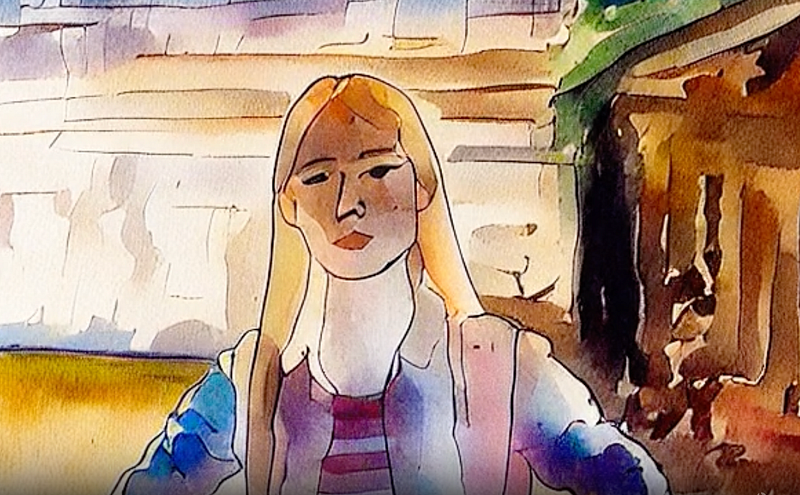
And here are some amazing results:
➡️ For more information about AI & Creativity, follow me on Twitter or Medium (use my referral link to get full access to all my articles and those of thousands of other writers).
➡️ If you like my content, why not leave a “clap” at the end of this article, so more people can see it?


