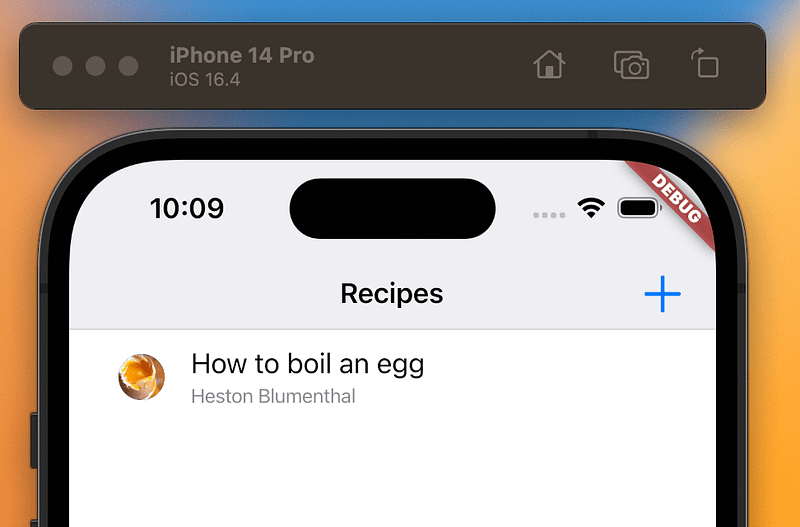
Flutter — Flutter_Data & MSAL Authentication
In previous articles we looked offline first with Flutter_Data and how to secure your API with Microsoft’s Identity Platform.
Now its time to authenticate the API requests made by Flutter Data.
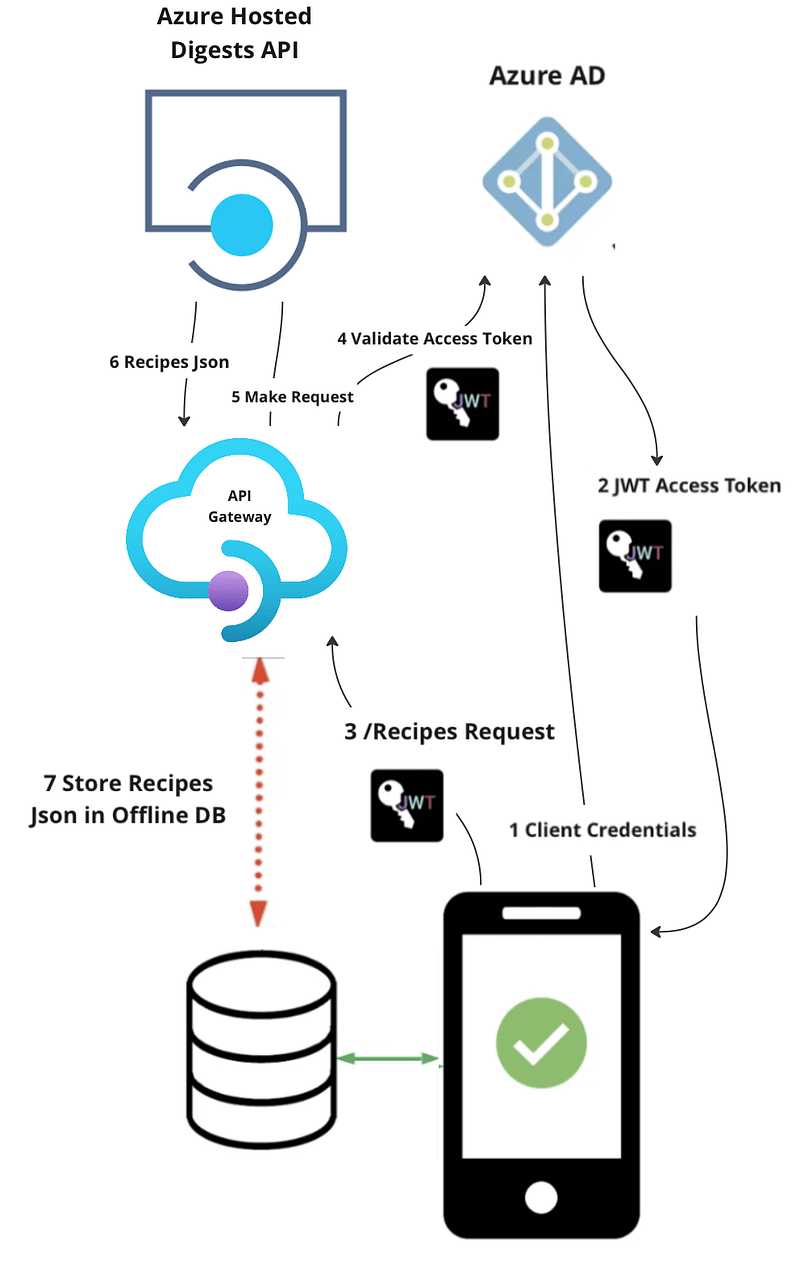
We are going to use the secured Digests API that we hosted previously in Azure:
https://<Your Azure API Domain>/digests/recipesResponse:
[
    {
        "id": 1,
        "title": "How to boil an egg",
        "recipeLink": "https://www.theguardian.com/lifeandstyle/2014/nov/11/how-to-boil-an-egg-the-heston-blumenthal-way",
        "author": "Heston Blumenthal",
        "duration": "00:10:30",
        "thumbnail": "https://i.guim.co.uk/img/static/sys-images/Guardian/Pix/pictures/2014/11/5/1415205733799/4bfbd71a-6cd0-4494-833f-eaaed20a15b3-1020x612.jpeg?width=620&quality=45&auto=format&fit=max&dpr=2&s=ca3a95d7e761d267eff1b79b58cc4849"
    }
]
To support authentication on API requests I updated the sign in methods in AuthenticationService implementations in DigestablePrologue package to attempt to login in silently first and to then login interactively if that fails:
userAdModel =
          await pca.acquireTokenSilent(scopes: authScopes).catchError((e) {
        return null;
      });
      userAdModel ??= await pca.acquireToken(scopes: authScopes);
It provides the access token from cache if it has not expired, or, silently attempts to acquire a new token when it has expired using the refresh token provided when the user last logged in.
MSAL provides a default implementation of the cache, which you can use out-of-the-box without any additional configuration. However, you can also customise the cache behaviour to meet your needs.
The final part was to create an adapter that adds the access token to each request to the API.
import 'dart:async';

import 'package:digestable_prologue/security/service/msal_authentication_service.dart'
    if (dart.library.js) 'package:digestable_prologue/security/service/msal_js_authentication_service.dart';
import 'package:flutter_data/flutter_data.dart';

mixin JsonServerAdapter<T extends DataModel<T>> on RemoteAdapter<T> {
  @override
  Future<Map<String, String>> get defaultHeaders async {
    var msalService = getAuthenticationService();
    var authResult = await msalService.signIn();
    var bearerToken = authResult.accessToken;

    // Return a map containing the bearer token in the Authorization header
    return {'Authorization': 'Bearer $bearerToken'};
  }

  @override
  String get baseUrl => "https://your-apim.azure-api.net/digests";
}
And use the adapter in the Recipe data model.
@JsonSerializable()
@DataRepository([JsonServerAdapter])
class Recipe extends DataModel<Recipe>
{
  ...
}
I hit one issue, each time I started the application and it requested the list of recipes from the server the recipe retrieved was add to the the local hive DB causing duplicates to be displayed.
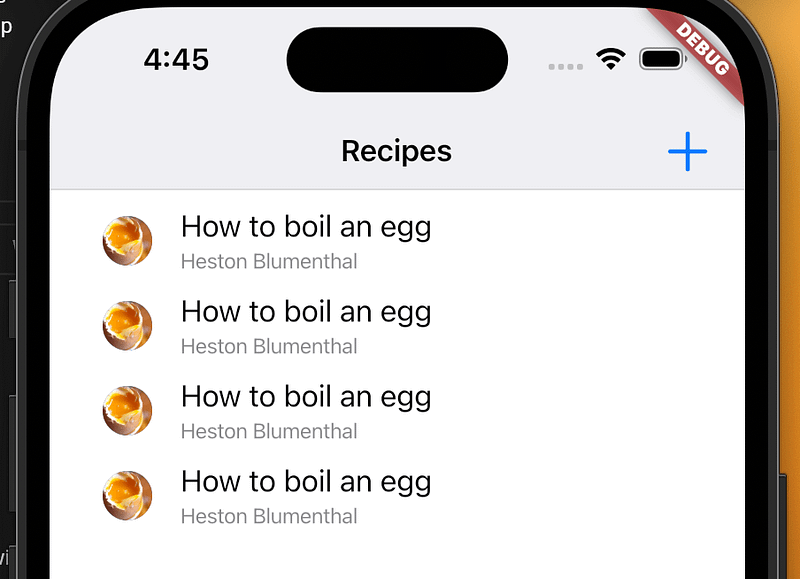
This was caused because I was not returning an id from the server for the records from the server so it could not identify the duplicates, once added it sync’d the records returned only display the single recipe.