Flutter and Bots (DialogFlow)
Flutter and Bots (DialogFlow)
As technology evolves, machines become powerful day by day. There was once a time where we used to dream about AI, and now
Here I am writing this article.
All in one Flutter Resource: https://flatteredwithflutter.com/merge-your-bots-in-flutter/
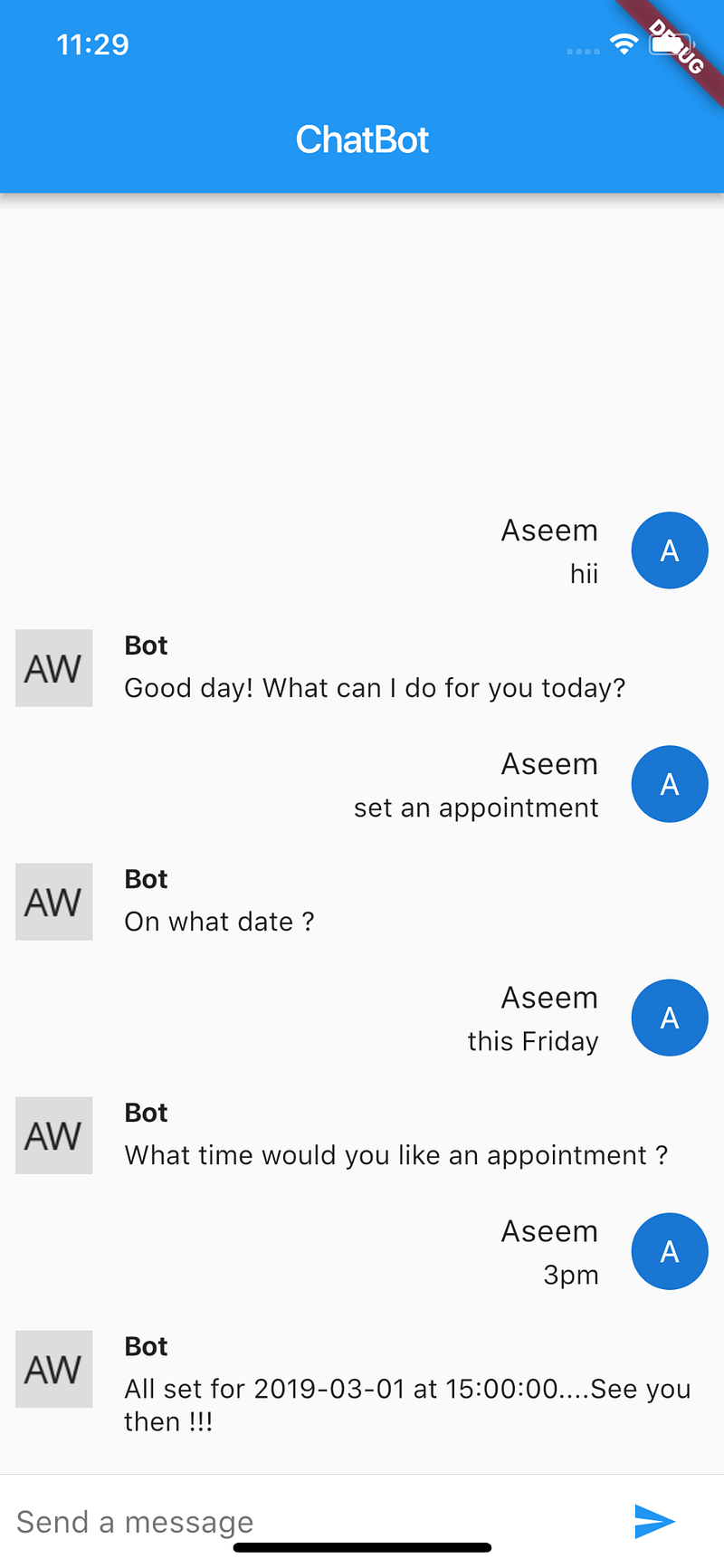
In this article, we will see how we can use the power of bots to merge with power of Flutter.
Begin…
Introducing Dialog Flow,
As per their official website, Dialog Flow allows us to
Build natural and rich conversational experiences
Give users new ways to interact with your product by building engaging voice and text-based conversational interfaces, such as voice apps and chatbots, powered by AI. Connect with users on your website, mobile app, the Google Assistant, Amazon Alexa, Facebook Messenger, and other popular platforms and devices.
Pre-Requisite:
Dialogflow uses intent and entities to recognize user needs.
An intent represents a mapping between what a user says and what action should be taken by your software.
Entities are used for extracting parameter values from natural language inputs.
An action corresponds to the step your application will take when a specific intent has been triggered by a user’s input.
Step 1 : Setting up DialogFlow
Click on Go to console at the top right corner.
You need to sign in and authorize with Google Account to use Dialogflow.
Finally click on Create.
Under the hood :
DialogFlow creates a GCP project, which you can view by going to Google Cloud Console.
Step 2 : Testing
As we clicked on Create (in step 1), we get 2 intents (by default:
- Default Welcome Intent : Helps to greet the users.
- Default Fallback Intent : Catches all the questions your bot does not understand.
Wanna Test !!!!???
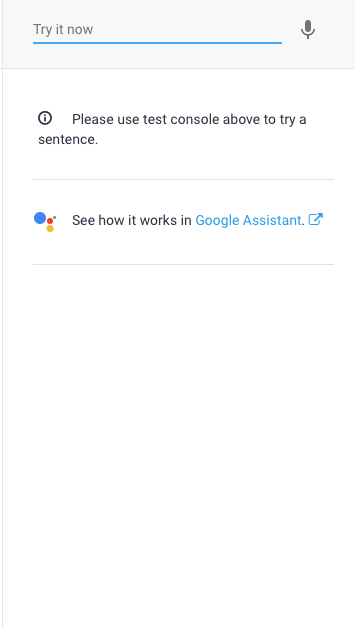
Enter hello, and see the bot responding back.
Step 3 : Create Intent

Click on Create Intent…
Give a name to the intent, say Schedule Appointment.
Step 4 : Add Training phrases
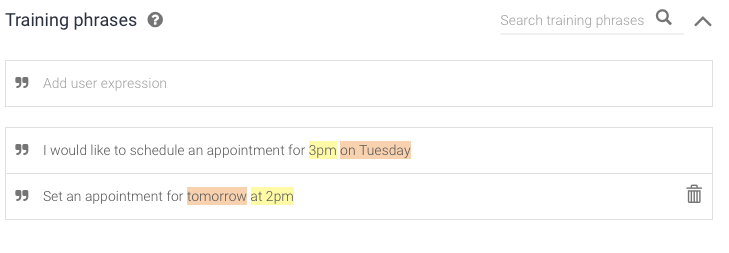
Enter some training phrases as per your use-case.
If you notice, there are some words which get highlighted in the training phrase. This is because these keywords are mapped to default entities of DialogFlow. (no need to set them up ) :)
DialogFlow uses Google’s ML (machine learning) and NLU (Natural language understanding), implying that you wont need to enter every training phrase.
DialogFlow takes care of that automatically……..:)
Step 5 : Add Response.
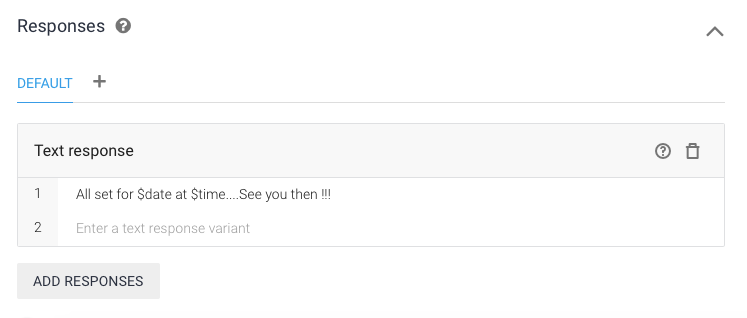
Adding $ sign helps to access the entity values…
Step 6 : Slot Filling
Situation : What if user asks something while not providing enough information.
e.g User -> Set an appointment.
Here, neither the date nor the time is specified. What to do now ???
Enter Slot Filling.
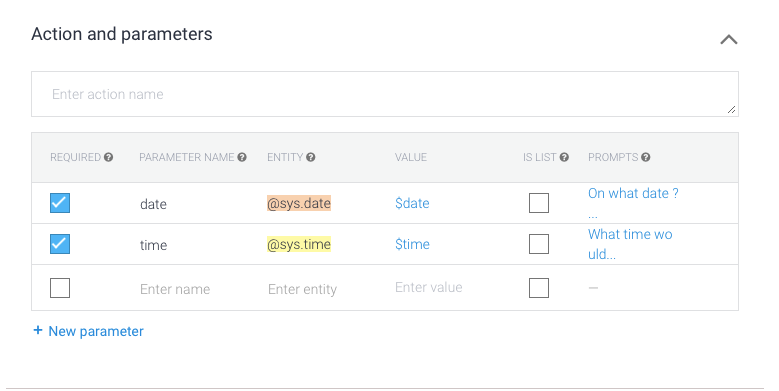
Go to Action and Parameters,
Left Hand Side, click on the required field and define prompt accordingly.
Prompt : What the bot asks if the required parameter is missing from the user
ALL SET……………….
BONUS:
Want to share this bot ?
Click on Integrations, and enable the Web Demo
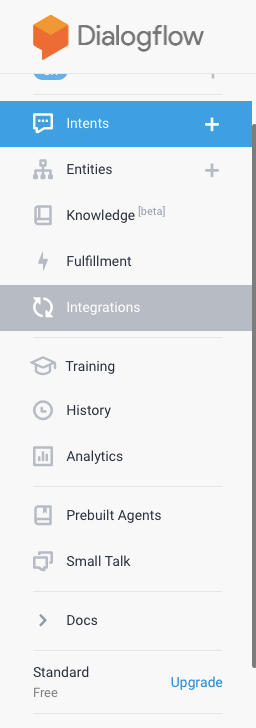
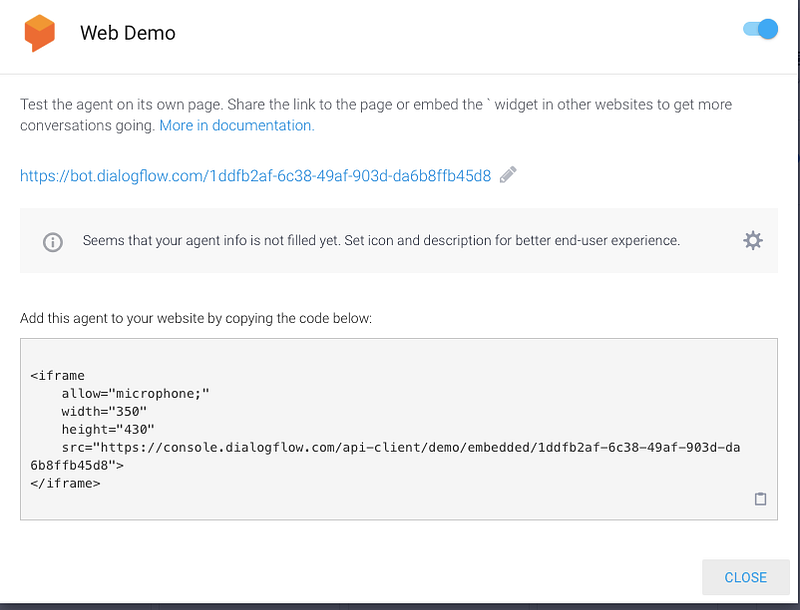
Click on the URL for live demo, or even integrate in your website using the iframe code.
Enter Flutter….
Step 1 : Package install
Install this package, flutter_dialogflow and
import 'package:flutter_dialogflow/dialogflow_v2.dart';Step 2 : Download JSON from GCP
Create or select an existing GCP project, in Console Google Cloud
From the GCP console, go to APIs and Services and click on credentials.
Click on Create credentials and choose Service account key.
Select your service account from the dropdown, choose JSON and click Create. This will download the JSON key to your computer. Save it securely.
Step 3 : Use the json file in app
- In your project create folder assets
- Move the json file (step 2) in assets folder.
- open file pubspec.yaml
e.g say you save the file as credentials.json, then
flutter:
  uses-material-design: true
  assets:
    - assets/credentials.json
NOTE :
The path here (in dart code), should be the same (fileJson: “assets/credentials.json”)
AuthGoogle authGoogle = await AuthGoogle(fileJson: "assets/credentials.json").build();Articles related to Flutter:

The Flutter Pub is a medium publication to bring you the latest and amazing resources such as articles, videos, codes, podcasts etc. about this great technology to teach you how to build beautiful apps with it. You can find us on Facebook, Twitter, and Medium or learn more about us here. We’d love to connect! And if you are a writer interested in writing for us, then you can do so through these guidelines.