avatarAseem Wangoo

Summary

The web content provides a comprehensive guide on integrating AR (Augmented Reality) into Flutter applications, with a focus on using the arcore plugin for Android devices, including setup instructions, sample apps, and troubleshooting for running on emulators.

Abstract

The article "Flutter and AR" serves as a detailed resource for developers looking to incorporate augmented reality into their Flutter apps. It introduces the concept of AR and its relevance in the context of modern app development. The guide emphasizes the use of the arcore plugin, which currently supports Android, and provides step-by-step instructions for setting up the development environment, including adjusting SDK versions. It directs readers to a sample app for testing AR functionality on actual Android devices and offers solutions for those without access to such hardware, including instructions for running AR apps on the Android Emulator with the necessary ARCore updates. Additionally, the article discusses how to insert AR elements into the ARView using the emulator's extended controls and suggests further reading on related Flutter topics through linked articles.

Opinions

  • The author suggests that developers should consider AR integration in their apps as the world prepares for a future with more virtual and augmented reality experiences.
  • For cross-platform AR app development, the author recommends using Unity as an alternative to Flutter, given the current Android-only support of the arcore plugin.
  • The author expresses that running AR apps on an emulator is possible with some effort, implying that developers without Android devices are not significantly hindered.
  • The article conveys enthusiasm about the potential of AR in Flutter applications, encouraging developers to explore and build with this technology.

Flutter and AR

Flutter and AR

All in one Flutter resource: https://flatteredwithflutter.com/how-to-create-ar-in-flutter/

As world prepares for Virtuality, should our apps also….?

Begin….

What’s AR ?

Augmented reality (AR) is an interactive experience of a real-world environment where the objects that reside in the real-world are “augmented” by computers..

Diving in….

Choose the right development IDE for your use-case
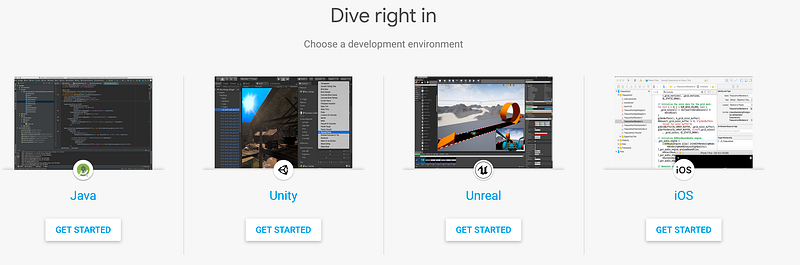
ARCore IDE’s

For more info, https://developers.google.com/ar/

Flutter and AR

Enter Flutter….

Note : Currently supports Android only….If your use-case is cross-platform, try Unity

Integrating AR in your app requires the below steps:

  1. Install the arcore plugin… (ARCORE)
  2. Change the minSdkVersion to 24 and compileSdkVersion to 28 (both available under app/build.gradle)

This is because arcore is inbuilt for android phones starting from Nougat (apiLevel 24)….

defaultConfig {
        ...     
        minSdkVersion 24
        ...
    }
android {
    compileSdkVersion 28
    ...
}

3. Try running the sample app available here,

https://github.com/khalithartmann/flutter_arcore_plugin/tree/master/arcore_plugin/example

If all good, you can see this….(on actual android device)
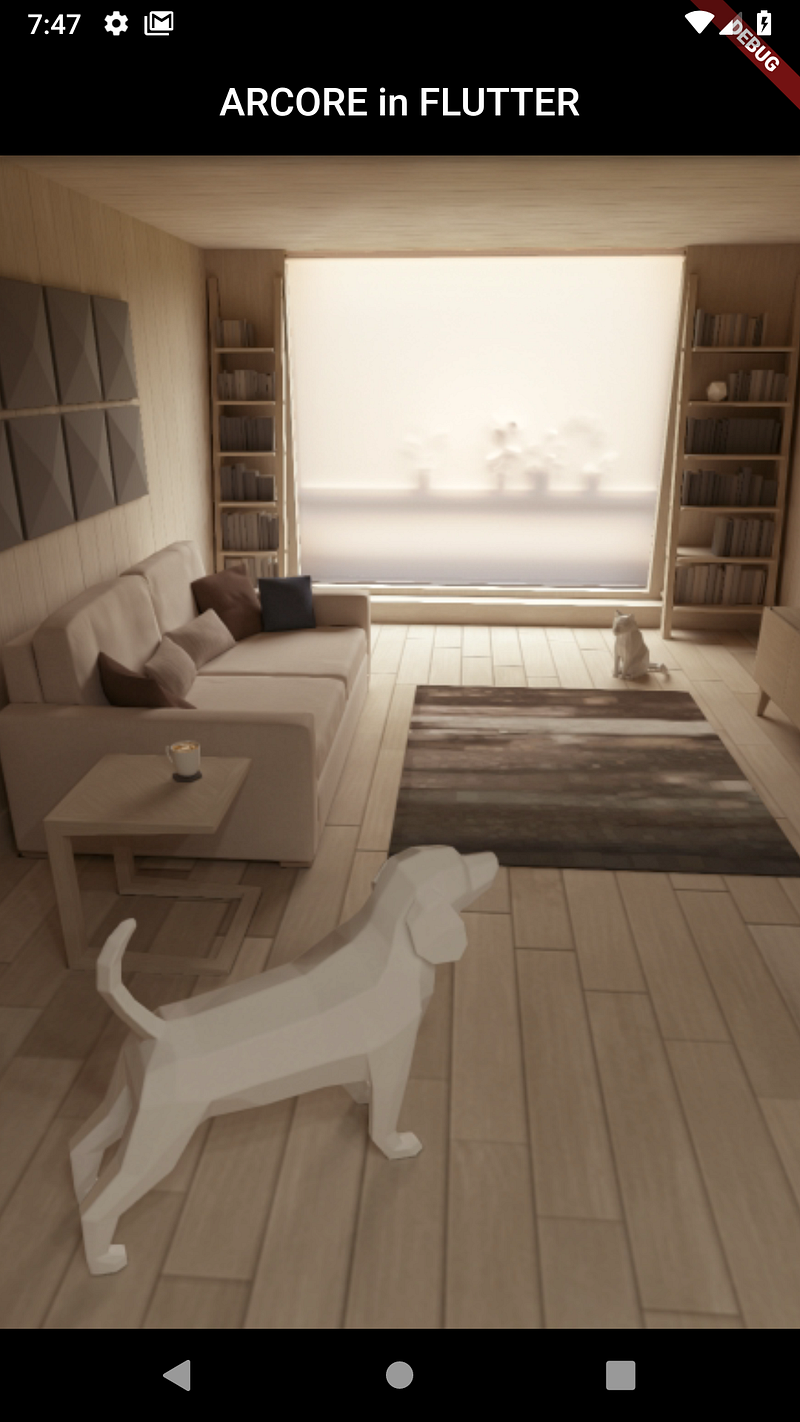
Flutter and AR…

But, I dont have an Android device..

No Android device…

You can even run the app on Android Emulator with some efforts !!!!!!

Run on Emulator….

  1. You need to sign into your Google account in Emulator
  2. Most likely your Android Emulator wont have the latest ARCore updates. When you launch the above app, it will ask you to update…
  3. Still not working??

Go to https://github.com/google-ar/arcore-android-sdk/releases/tag/v1.8.0
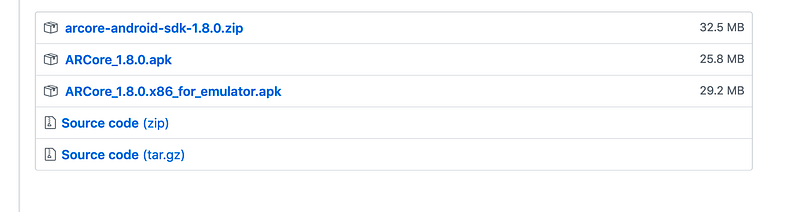
Android Emulator…

Click on the 3rd option, and download the apk..

— Drag and drop this apk into your emulator….

— It will install this apk, like any other…

— Wait for it to finish…

If still some issues, go to this,
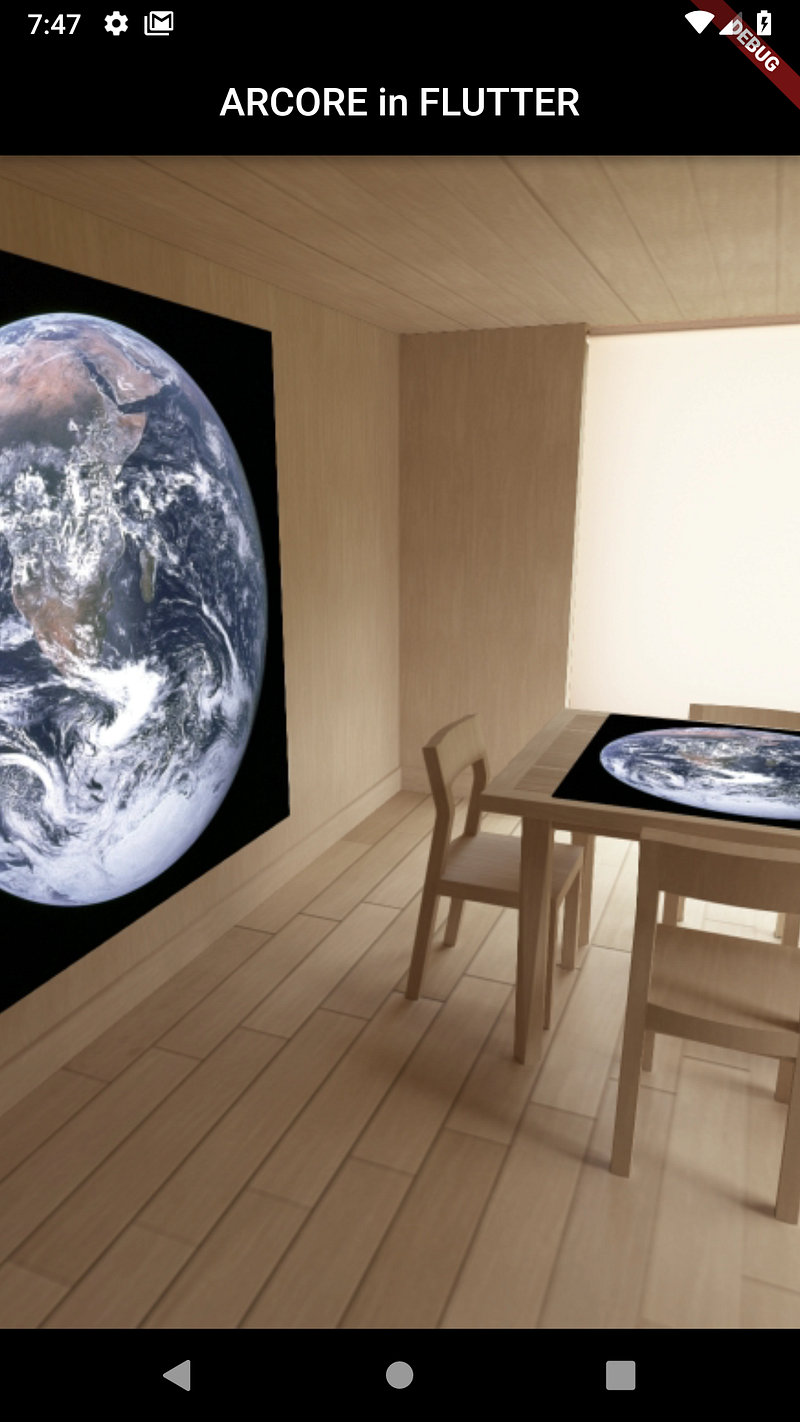
https://developers.google.com/ar/develop/java/emulator

Flutter and AR…

Insert in ARView…

  1. Click on the 3 dots available from Emulator,
  2. Use the Camera tab in Extended controls to add or modify Scene images.
  3. Two image locations, one on the wall and one on the table.

Image source : https://developers.google.com/ar/images/augmented-images-earth.jpg
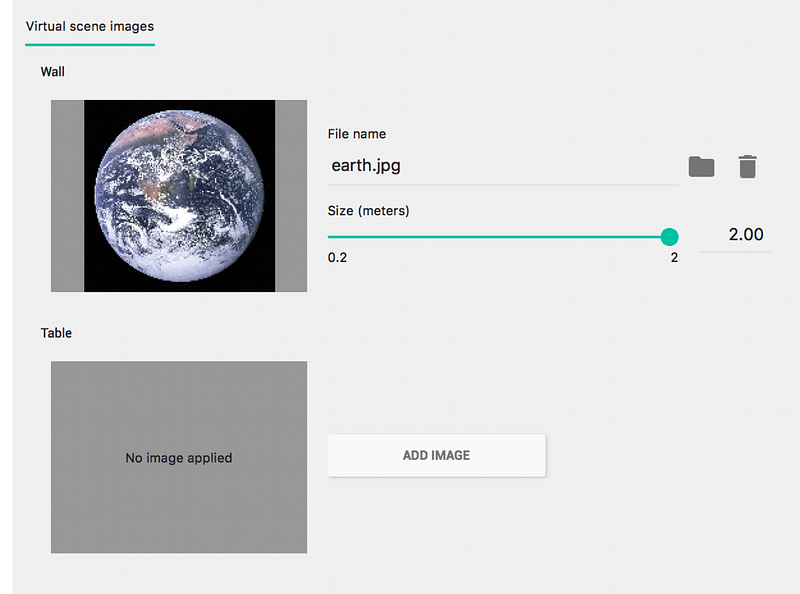
Augmented Image.

Articles related to Flutter:

Can’t wait to see what you build next….:)

Flutter
AR
Dart
Mobile App Development
Programming
Recommended from ReadMedium