
Flutter and AWS
Flutter and AWS
What if our organization does not want to use Firebase ? Hmmm…..
All in one Flutter resource: https://flatteredwithflutter.com/how-to-use-flutter-and-aws-s3-bucket/
This article sneak peeks into the world of Amazon, typically AWS…
Prerequisite…
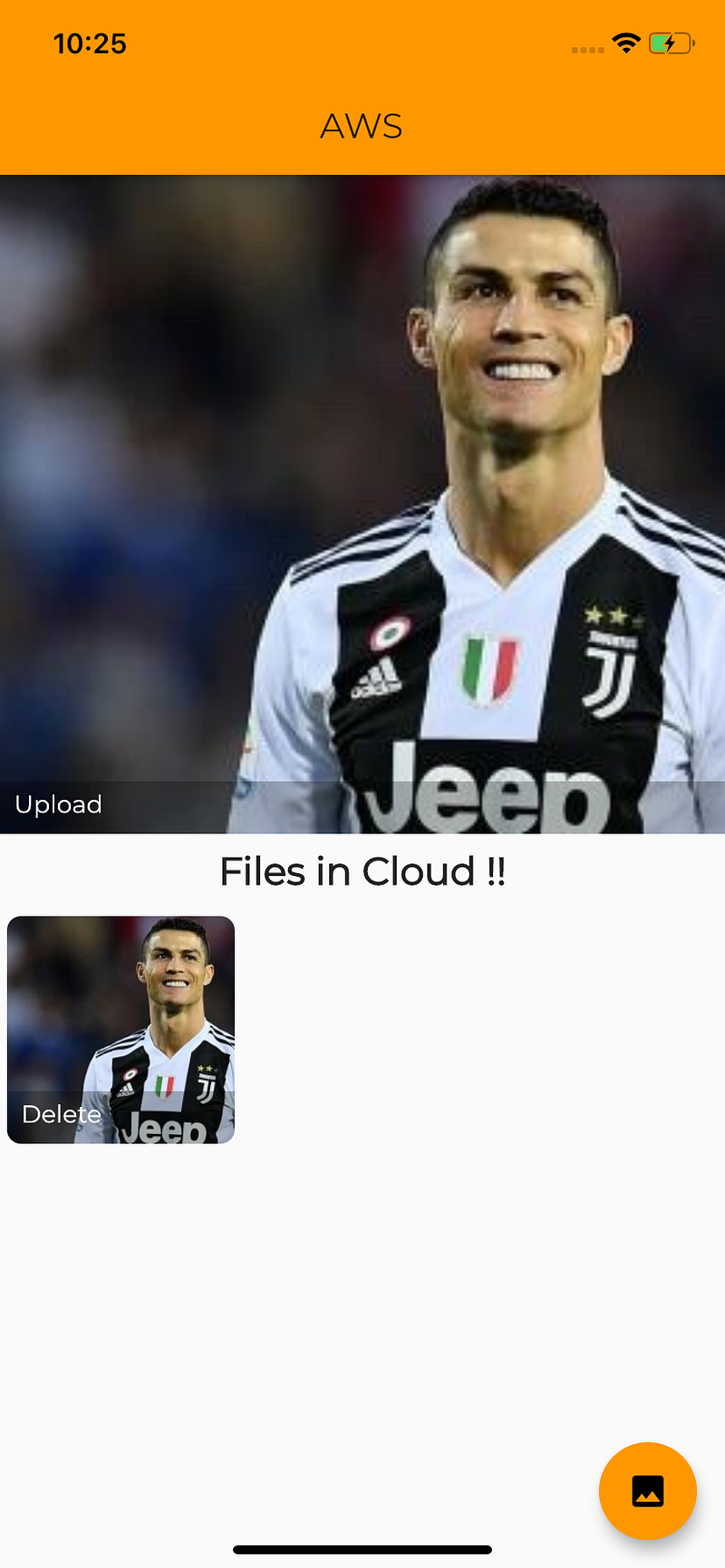
For the programming of this demo, we have used
- Amazon s3 Bucket
- Amazon Lambda Functions
- Obviously Flutter :p
Step 1:
Create an account on Amazon Developer Console…
Step 2:
Search for s3 in the Management console…
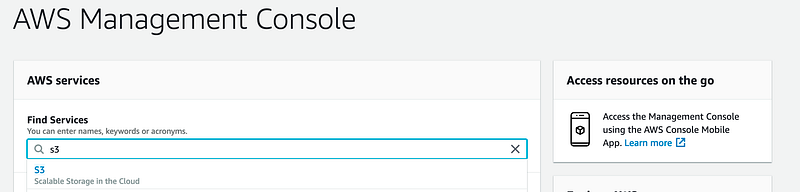
Create Bucket as per your choice…
By default the bucket is not public, so we need to make it…
Click on your bucket name (aseemwangoobucket) in my case….
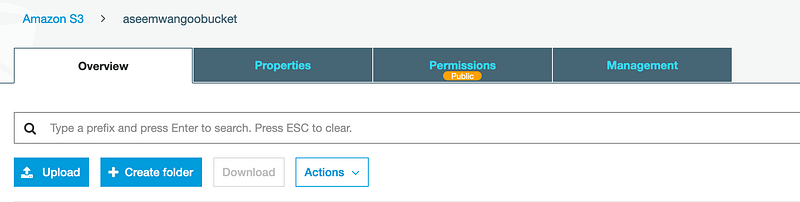
Click on Permissions Tab…
Turn off (Block all public access)…
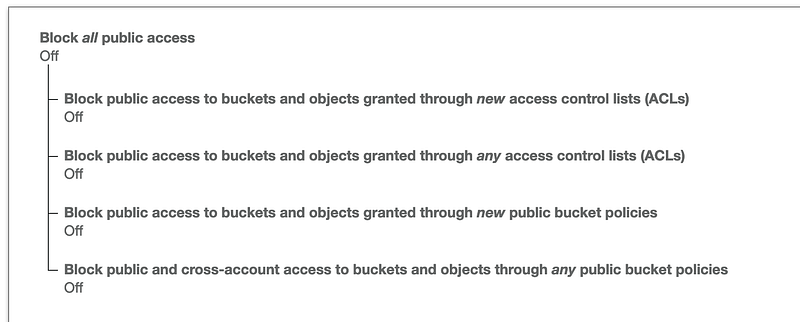
Next, go to Bucket policy…. and paste below
{
    "Version": "2012-10-17",
    "Statement": [
        {
            "Sid": "Stmt1405592139000",
            "Effect": "Allow",
            "Principal": "*",
            "Action": "s3:*",
            "Resource": [
                "arn:aws:s3:::'NAME OF YOUR BUCKET'/*",
                "arn:aws:s3:::'NAME OF YOUR BUCKET'"
            ]
        }
    ]
}
NOTE : Replace ‘NAME OF YOUR BUCKET’ with your bucket name…
This allows us to perform operations of any type on our bucket…
Step 3 :
We need to make APIs in order to perform operations on the bucket.
To make APIs, AWS offers Lambda similar to Cloud Functions….
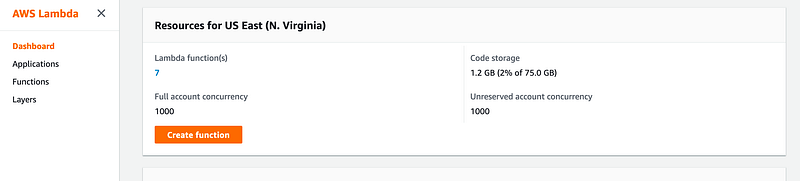
Go to AWS Console and search for Lambda….
How to write and deploy Lambdas…

- Install serverless: This is a nodeJS package which helps us to write Lambdas and deploy them onto AWS
npm install -g serverless2. Set up your AWS credentials…..(Follow this video)
serverless config credentials --provider aws --key 'YOUR AWS KEY' --secret 'YOUR AWS SECRET'You should get output as
Serverless: Setting up AWS...
Serverless: Saving your AWS profile in "~/.aws/credentials"...
Serverless: Success! Your AWS access keys were stored under the "default" profile.
3. Create a project (serverless)
# Create a new Serverless Service/Projectserverless create --template aws-nodejshandler.js -> Where you write your logic...
serverless.yml -> Where you describe your deployment...
functions:

  getAllFiles:
    handler: handler.getAllFiles
    events:
     - http:
         path: /getAllFiles
         method: get

  uploadFile:
    handler: handler.uploadFile
    events:
     - http:
         path: /uploadFile
         method: post
For instance, get and post url endpoints….
In the handler.js file…
Logic for getting all Files, from AWS storage…
module.exports.getAllFiles = async (event, context) => {

  let files = [];

  let params = {
    Bucket: process.env.BUCKET, /* required */
    Prefix: 'upload'
  };

  let result = await s3.listObjectsV2(params).promise();

  let data = result.Contents;
  Object.keys(data).forEach((key, index) => {

    let fileObject = data[key];

    files.push(`https://${result.Name}.s3.us-east-2.amazonaws.com/${fileObject.Key}`);
  });


  return {
    statusCode: 200,
    body: JSON.stringify({
      files: files,
      bucketName: `${result.Name}`,
      subFolder: `${result.Prefix}`,
    }, null, 2),
  };
};
Logic for uploading files to bucket…
module.exports.uploadFile = async (event, context) => {

  let request = event.body;
  let jsonData = JSON.parse(request);
  let base64String = jsonData.base64String;
  let buffer = Buffer.from(base64String, 'base64');
  let fileMime = fileType(buffer);

  if (fileMime == null) {
    return context.fail('The string supplied is not a file type.');
  }

  let file = getFile(fileMime, buffer);
//Extract file info in getFile//File.params would have
//{'params': params,uploadFile': uploadFile}; let params = file.params;
let result = await s3.putObject(params).promise();
return {
statusCode: 200,
body: JSON.stringify({
url: `${file.uploadFile.full_path}`,
}, null, 2),
};
};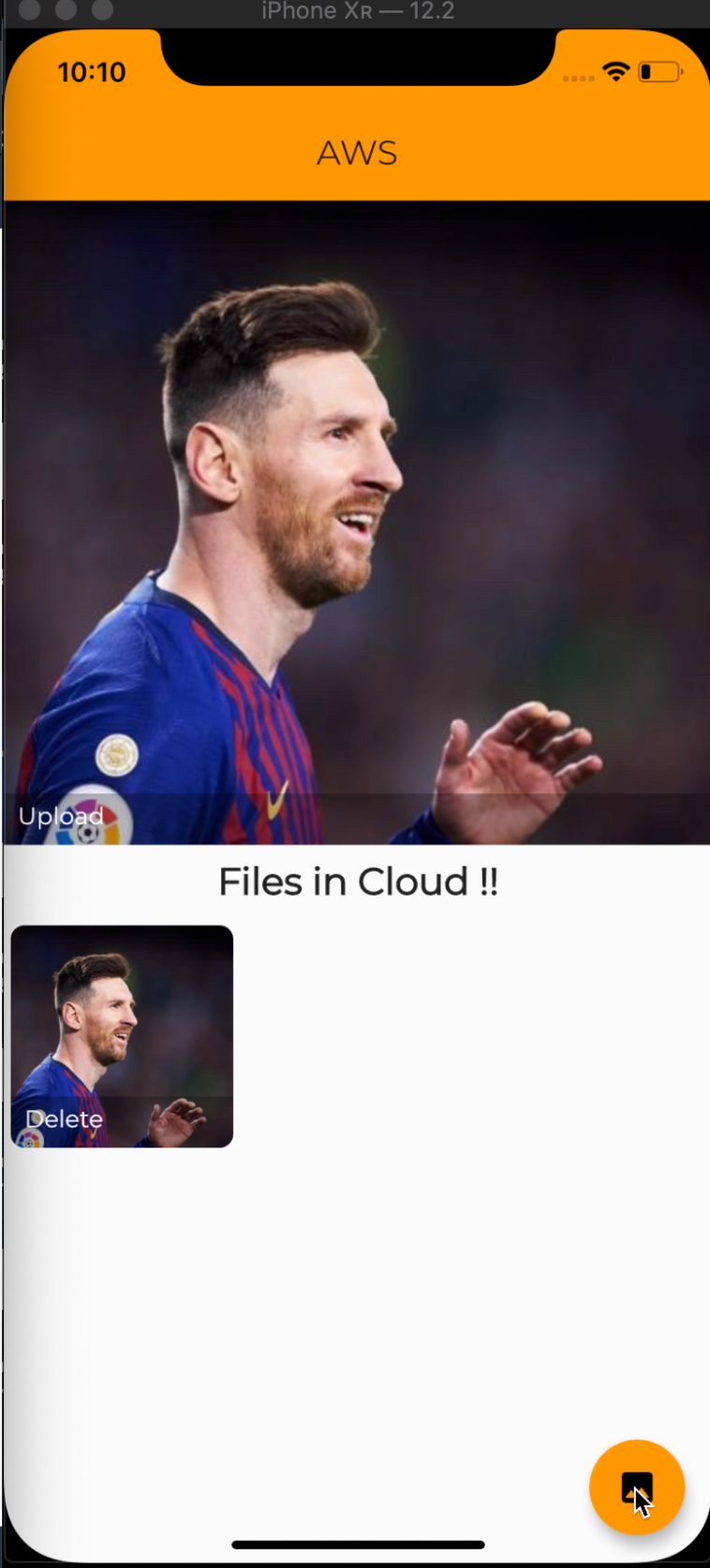
Note : Files will be saved or deleted from the S3 bucket, which you set earlier….
4. For deploying
serverless deployThis gives you the REST Url……
5. You can use this URL in the Flutter App for fetching, uploading, or deleting files from the S3 bucket….
Note : You don’t need to deploy separately for getting different urls. Just deploy once and you will get the endpoints on the basis of your serverless.yaml file
Articles related to Flutter:


