Free AI web copilot to create summaries, insights and extended knowledge, download it at here
2185
Abstract
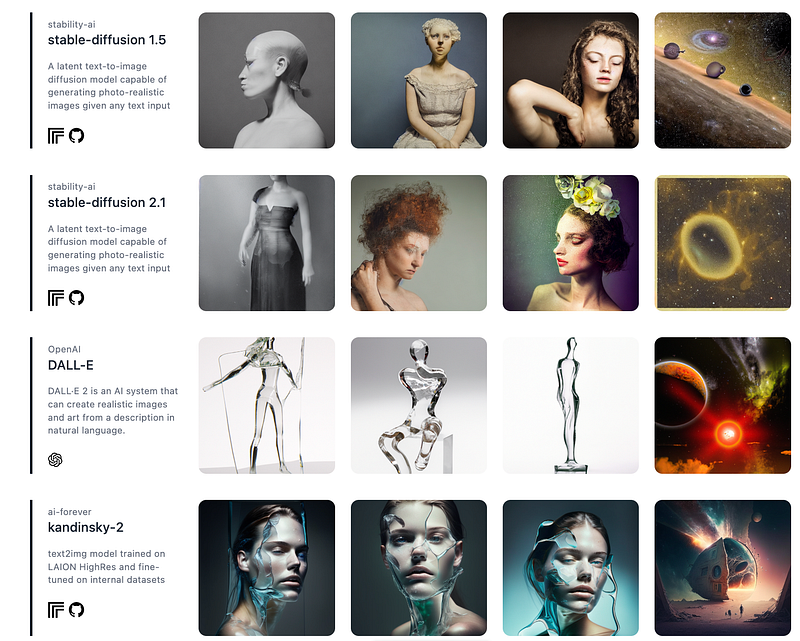
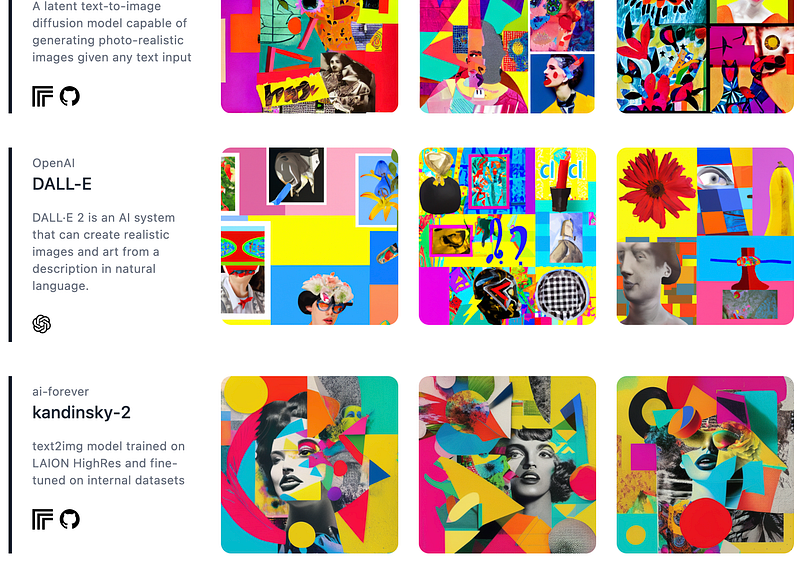
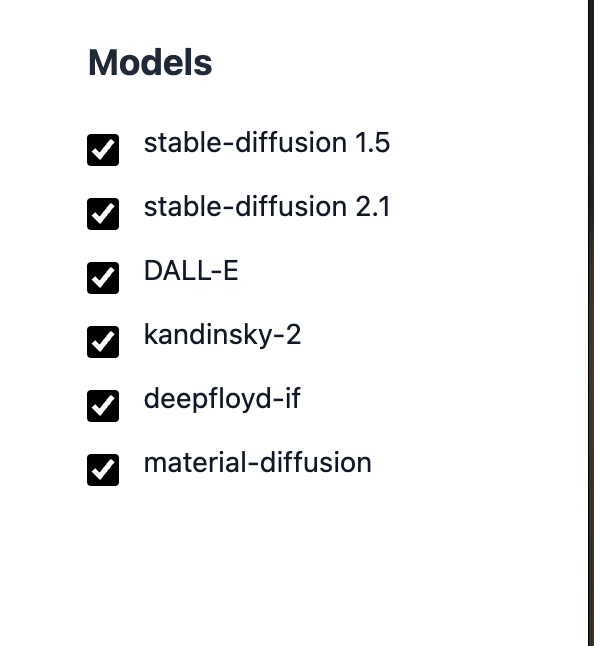
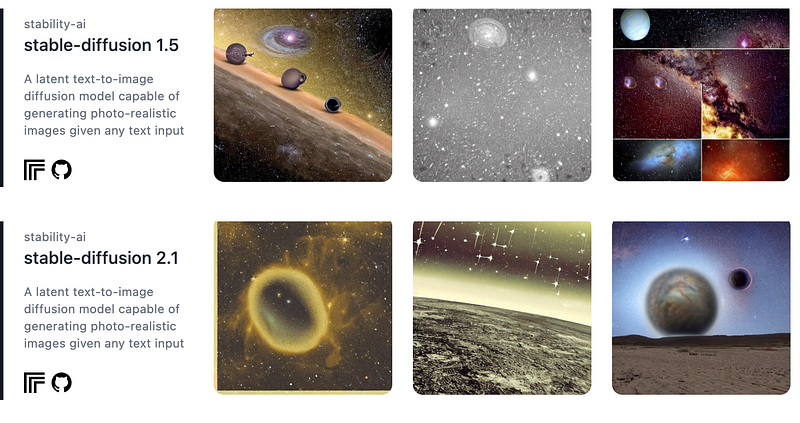
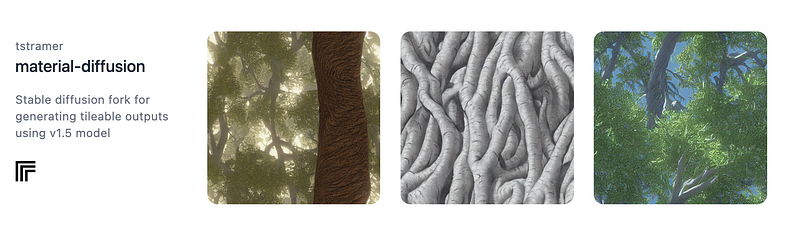
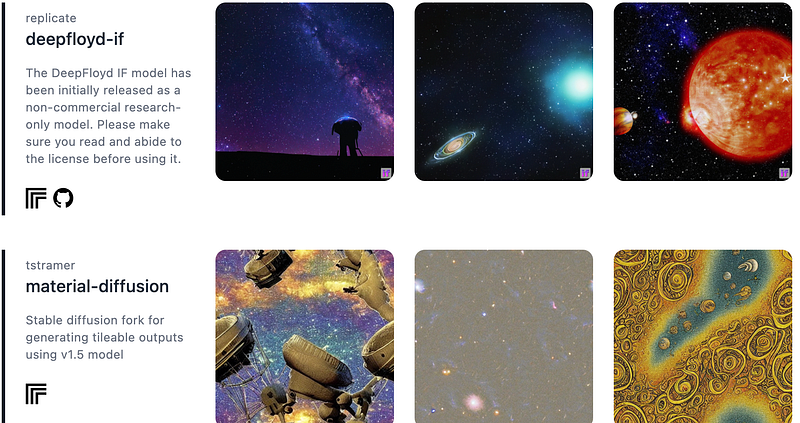
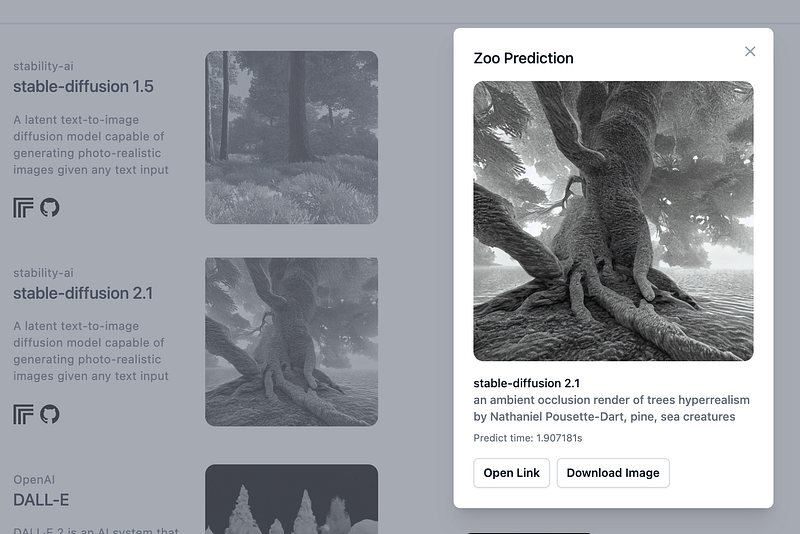
g.png"><figcaption>Screenshot from zoo.replicate.dev</figcaption></figure><p id="bfc7">Or the incredible results of <a href="https://generativeai.pub/introducing-kandinsky-2-1-stunning-open-source-ai-image-generation-model-baea07598279">Kandinsky</a> (an open-source model) which is reminiscent of old-school <a href="https://readmedium.com/midjourneys-new-describe-feature-makes-you-a-prompt-genius-e906ef12e86e">Midjourney</a> images in terms of composition, but more like <a href="https://readmedium.com/the-midjourney-cheat-sheet-v5-54b5fd92d2da">V4</a> in terms of quality.</p><figure id="cde3"><img src="https://cdn-images-1.readmedium.com/v2/resize:fit:800/1*FlHE5H04sHyiOlQGC5feiw.png"><figcaption>Screenshot from zoo.replicate.dev</figcaption></figure><p id="104b">Another interesting choice here is Material Diffusion, a Stable Diffusion fork for generating tileable outputs using the SD v1.5 model:</p><figure id="9ebb"><img src="https://cdn-images-1.readmedium.com/v2/resize:fit:800/1*cTHUkJIhHFpMljS6e7kOIA.png"><figcaption></figcaption></figure><figure id="7947"><img src="https://cdn-images-1.readmedium.com/v2/resize:fit:800/1*kh_VWJaA3Z8WfLY-OU9-PA.png"><figcaption>Screenshot from zoo.replicate.dev</figcaption></figure><h2 id="2ed8">Download</h2><p id="a675">As easy as it gets: click on any image to find a download link:</p><figure id="6339"><img src="https://cdn-images-1.readmedium.com/v2/resize:fit:800/1*2RSxHEjKe8EtP00bEeUh7w.png"><figcaption>Screenshot from zoo.replicate.dev</figcaption></figure><h2 id="daf9">Further Explorations</h2><p id="52fc">You can use ZOO to explore prompt variations until you find an interpretation you like, and then switch to another interface that allows further manipulation of parameters, options, and seed values.</p><p id="aff2">For example, here you will find Kandinsky and Stable Diffusion workspaces:</p><div id="6378" class="link-block">
<a href="https://generativeai.pub/introducing-kandinsky-2-1-stunning-open-source-ai-image-generation-model-baea07598279">
<div>
<div>
<h2>Introducing Kandinsky 2.1: Stunning Open-Source AI Image Generation Model</h2>
Options
<div><h3>A multi-lingual, open-source AI model with amazing blend features</h3></div>
<div><p>generativeai.pub</p></div>
</div>
<div>
<div style="background-image: url(https://miro.readmedium.com/v2/resize:fit:320/0*5CTld0O9chHvHg5g.png)"></div>
</div>
</div>
</a>
</div><div id="35ab" class="link-block">
<a href="https://readmedium.com/rundiffusion-com-a-no-code-solution-for-running-stable-diffusion-1051ba271b87">
<div>
<div>
<h2>Rundiffusion.com: A No-Code Solution For Running Stable Diffusion</h2>
<div><h3>Start Creating With The Latest Models & Add-Ons</h3></div>
<div><p>medium.com</p></div>
</div>
<div>
<div style="background-image: url(https://miro.readmedium.com/v2/resize:fit:320/1*xy-Y7u84ytn_xIg6tYmnhQ.png)"></div>
</div>
</div>
</a>
</div><p id="10a7">➡️ For more information about <a href="https://fabulous-maker-2733.ck.page/da150f448e">AI & Creativity</a>, follow me on <a href="http://twitter.com/tristwolff">Twitter</a> or Medium (<a href="https://medium.com/@tristwolff/membership">use my referral link to get full access to all my articles</a> and those of thousands of other writers).</p><div id="1639" class="link-block">
<a href="https://medium.com/@tristwolff/membership">
<div>
<div>
<h2>Join Medium with my referral link - Tristan Wolff</h2>
<div><h3>Read every story from Tristan Wolff (and thousands of other writers on Medium). Your membership fee directly supports…</h3></div>
<div><p>medium.com</p></div>
</div>
<div>
<div style="background-image: url(https://miro.readmedium.com/v2/resize:fit:320/0*sE3uyT9fyysWKexC)"></div>
</div>
</div>
</a>
</div><p id="7dbc">➡️ If you like my content, why not leave a “clap” at the end of this article, so more people can see it?</p></article></body>