
Check Out This Video Calling feature Coming to Android
Androids' “DeviceAsWebcam” feature is coming soon.
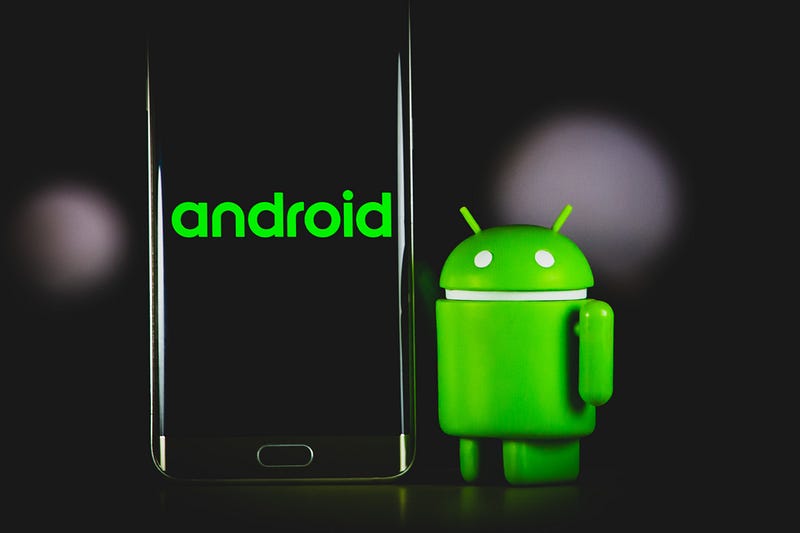
Ever since I saw Apple’s feature for their iPhone in which you can seamlessly use your iPhone as a webcam for your laptop, I have been eagerly waiting for a similar feature for Android phones.
But now it seems a feature just like this is finally coming for Android users.
In this post, I’ll be talking about Android's upcoming “DeviceAsWebcam” feature and what it entails.
About DeviceAsWebcam
Integrating the “DeviceAsWebcam” service in Android 14 is a significant step forward for smartphone users who need to participate in video calls.
The webcam on most laptops is of low quality, with 720p being the standard resolution. This is in sharp contrast to smartphone cameras, which have received significant investment from smartphone manufacturers.
For instance, the 48MP camera on the iPhone 14 Pro is a significant improvement over the webcam on a laptop, even the M1 MacBook Pro, considered a high-end device.
The integration of the “DeviceAsWebcam” service in Android 14 will allow Android users to use their phones instead of the low-quality webcam on their laptops. With high-end smartphones such as the Samsung Galaxy S23 Ultra, users will now be able to take advantage of the powerful camera technology on their devices to look better in video calls.
Using your phone as a webcam is as simple as selecting it as the camera in your video call and placing it in a position that won’t make your face look distorted. There are dedicated mounts available from companies like Belkin that allow you to securely attach your phone to your laptop or desktop display.
The release date for Android 14 is not yet confirmed, but based on previous releases, it is expected to be launched in August 2023, with beta releases in the spring. The “DeviceAsWebcam” service will likely receive more attention as the launch date approaches.
Final Words
The integration of the “DeviceAsWebcam” service in Android 14 is an exciting development for anyone who wants to look better in video calls.
By using the high-quality camera on their phone instead of the low-quality webcam on their laptop, users can ensure that they look their best during video calls, even when working from home.
If you enjoy my posts and would like to stay updated on the latest gaming-related news, technology advancements, design trends, and social media insights, I invite you to follow my profile.
I will continue to share my thoughts and insights on a wide range of topics in the world of entertainment and technology.
With that being said, thank you for reading my post, and have a good one.
About Me
I write articles in my field covering gaming, film-making, social media, and design. I am also a YouTuber. Thank you for subscribing to my account to get notifications when I post on Medium. I also created a new website to share my content for free and promote stories of writers contributing to my publications on Medium. Let’s connect on Twitter and LinkedIn.
I own two publications on Medium. One for video gamers and another for YouTubers and Podcasters. I also support Illumination Integrated Publications as a volunteer editor and participate in collaborative activities in the Slack Workspace. Writer applications for my publications can be sent via this weblink. Please add your Medium ID.
If you are new to Medium, you may join via my referral link. You may also consider being a Vocal+ member to monetize your content. I write for both platforms and repurpose my content to reach a larger audience. Here is more information about Vocal Media.
This post includes my Medium and Vocal Media referral links.


