avatarThon Ly

Free AI web copilot to create summaries, insights and extended knowledge, download it at here

45985

Abstract

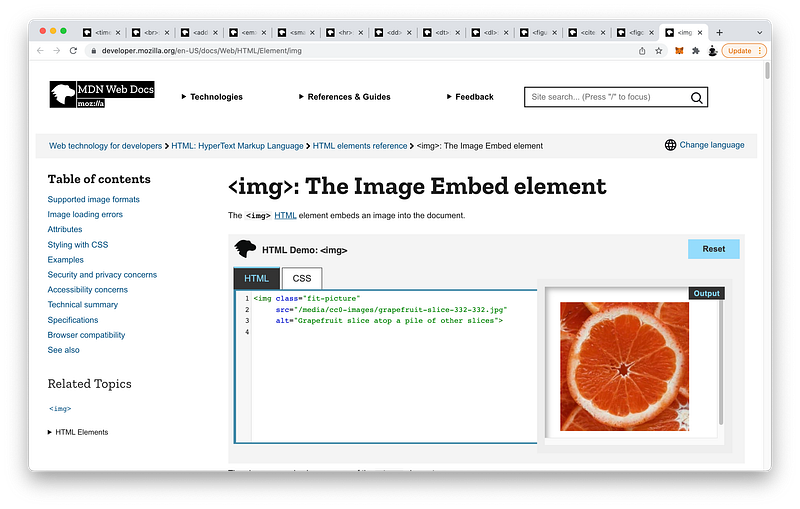
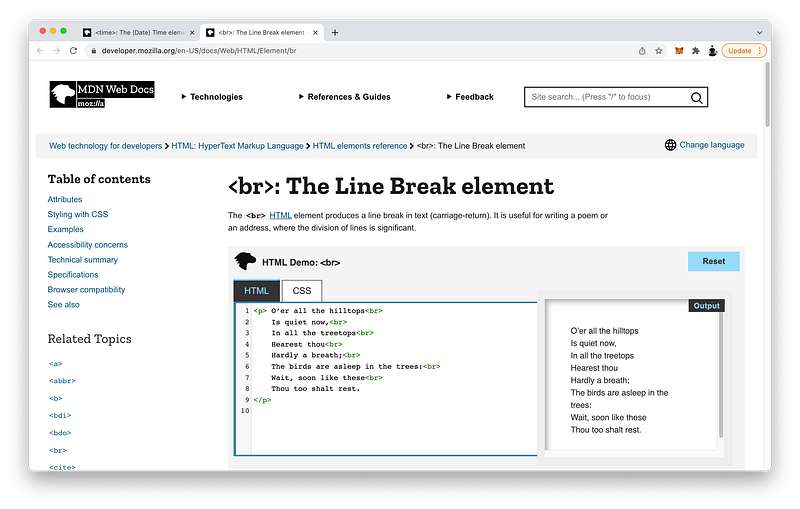
-name">header</span>></span> <span class="hljs-tag"><<span class="hljs-name">q</span> <span class="hljs-attr">cite</span>=<span class="hljs-string">"https://flat.io"</span>></span>Write music online, together.<span class="hljs-tag"></<span class="hljs-name">q</span>></span> <span class="hljs-tag"></<span class="hljs-name">header</span>></span> <span class="hljs-tag"><<span class="hljs-name">main</span>></span><span class="hljs-tag"></<span class="hljs-name">main</span>></span> <span class="hljs-tag"><<span class="hljs-name">footer</span>></span><span class="hljs-tag"></<span class="hljs-name">footer</span>></span> <span class="hljs-tag"></<span class="hljs-name">body</span>></span> <span class="hljs-tag"></<span class="hljs-name">html</span>></span></pre></div><p id="105d">To <b><i>emphasize</i></b> the text’s importance, we can surround it with a <code><b>strong</b></code> inline tag:</p><div id="7893"><pre><span class="hljs-tag"><<span class="hljs-name">html</span>></span> <span class="hljs-tag"><<span class="hljs-name">head</span>></span><span class="hljs-tag"></<span class="hljs-name">head</span>></span> <span class="hljs-tag"><<span class="hljs-name">body</span>></span> <span class="hljs-tag"><<span class="hljs-name">header</span>></span> <span class="hljs-tag"><<span class="hljs-name">q</span> <span class="hljs-attr">cite</span>=<span class="hljs-string">"https://flat.io"</span>></span> <span class="hljs-tag"><<span class="hljs-name">strong</span>></span>Write music online, together.<span class="hljs-tag"></<span class="hljs-name">strong</span>></span> <span class="hljs-tag"></<span class="hljs-name">q</span>></span> <span class="hljs-tag"></<span class="hljs-name">header</span>></span> <span class="hljs-tag"><<span class="hljs-name">main</span>></span><span class="hljs-tag"></<span class="hljs-name">main</span>></span> <span class="hljs-tag"><<span class="hljs-name">footer</span>></span><span class="hljs-tag"></<span class="hljs-name">footer</span>></span> <span class="hljs-tag"></<span class="hljs-name">body</span>></span> <span class="hljs-tag"></<span class="hljs-name">html</span>></span></pre></div><p id="ca75">If we want to <b><i>quote</i></b> this text as a <b><i>block</i></b> of quotation:</p><div id="6623"><pre>Flat <span class="hljs-keyword">is</span> a collaborative music notation <span class="hljs-keyword">platform</span> <span class="hljs-keyword">for</span> beginner composers <span class="hljs-keyword">and</span> professionals alike.</pre></div><p id="361e">We can use the <code><b>blockquote</b></code> tag like this:</p><div id="6145"><pre><span class="hljs-tag"><<span class="hljs-name">html</span>></span> <span class="hljs-tag"><<span class="hljs-name">head</span>></span><span class="hljs-tag"></<span class="hljs-name">head</span>></span> <span class="hljs-tag"><<span class="hljs-name">body</span>></span> <span class="hljs-tag"><<span class="hljs-name">header</span>></span> <span class="hljs-tag"><<span class="hljs-name">q</span> <span class="hljs-attr">cite</span>=<span class="hljs-string">"https://flat.io"</span>></span> <span class="hljs-tag"><<span class="hljs-name">strong</span>></span>Write music online, together.<span class="hljs-tag"></<span class="hljs-name">strong</span>></span> <span class="hljs-tag"></<span class="hljs-name">q</span>></span> <span class="hljs-tag"><<span class="hljs-name">blockquote</span>></span>Flat is a collaborative music notation platform for beginner composers and professionals alike.<span class="hljs-tag"></<span class="hljs-name">blockquote</span>></span> <span class="hljs-tag"></<span class="hljs-name">header</span>></span> <span class="hljs-tag"><<span class="hljs-name">main</span>></span><span class="hljs-tag"></<span class="hljs-name">main</span>></span> <span class="hljs-tag"><<span class="hljs-name">footer</span>></span><span class="hljs-tag"></<span class="hljs-name">footer</span>></span> <span class="hljs-tag"></<span class="hljs-name">body</span>></span> <span class="hljs-tag"></<span class="hljs-name">html</span>></span></pre></div><p id="59e2">Similarly, we can also provide a <b><i>reference</i></b> with:</p><div id="e27c"><pre><span class="hljs-tag"><<span class="hljs-name">html</span>></span> <span class="hljs-tag"><<span class="hljs-name">head</span>></span><span class="hljs-tag"></<span class="hljs-name">head</span>></span> <span class="hljs-tag"><<span class="hljs-name">body</span>></span> <span class="hljs-tag"><<span class="hljs-name">header</span>></span> <span class="hljs-tag"><<span class="hljs-name">q</span> <span class="hljs-attr">cite</span>=<span class="hljs-string">"https://flat.io"</span>></span> <span class="hljs-tag"><<span class="hljs-name">strong</span>></span>Write music online, together.<span class="hljs-tag"></<span class="hljs-name">strong</span>></span> <span class="hljs-tag"></<span class="hljs-name">q</span>></span> <span class="hljs-tag"><<span class="hljs-name">blockquote</span> <span class="hljs-attr">cite</span>=<span class="hljs-string">"https://flat.io"</span>></span>Flat is a collaborative music notation platform for beginner composers and professionals alike.<span class="hljs-tag"></<span class="hljs-name">blockquote</span>></span> <span class="hljs-tag"></<span class="hljs-name">header</span>></span> <span class="hljs-tag"><<span class="hljs-name">main</span>></span><span class="hljs-tag"></<span class="hljs-name">main</span>></span> <span class="hljs-tag"><<span class="hljs-name">footer</span>></span><span class="hljs-tag"></<span class="hljs-name">footer</span>></span> <span class="hljs-tag"></<span class="hljs-name">body</span>></span> <span class="hljs-tag"></<span class="hljs-name">html</span>></span></pre></div><p id="a953">If we want to <b><i>draw</i></b> <b><i>attention</i></b> to the word <code><i>Flat</i></code>, we can surround it with the <b>bold</b> inline tag:</p><div id="8a25"><pre><span class="hljs-tag"><<span class="hljs-name">html</span>></span> <span class="hljs-tag"><<span class="hljs-name">head</span>></span><span class="hljs-tag"></<span class="hljs-name">head</span>></span> <span class="hljs-tag"><<span class="hljs-name">body</span>></span> <span class="hljs-tag"><<span class="hljs-name">header</span>></span> <span class="hljs-tag"><<span class="hljs-name">q</span> <span class="hljs-attr">cite</span>=<span class="hljs-string">"https://flat.io"</span>></span> <span class="hljs-tag"><<span class="hljs-name">strong</span>></span>Write music online, together.<span class="hljs-tag"></<span class="hljs-name">strong</span>></span> <span class="hljs-tag"></<span class="hljs-name">q</span>></span> <span class="hljs-tag"><<span class="hljs-name">blockquote</span> <span class="hljs-attr">cite</span>=<span class="hljs-string">"https://flat.io"</span>></span> <span class="hljs-tag"><<span class="hljs-name">b</span>></span>Flat<span class="hljs-tag"></<span class="hljs-name">b</span>></span> is a collaborative music notation platform for beginner composers and professionals alike. <span class="hljs-tag"></<span class="hljs-name">blockquote</span>></span> <span class="hljs-tag"></<span class="hljs-name">header</span>></span> <span class="hljs-tag"><<span class="hljs-name">main</span>></span><span class="hljs-tag"></<span class="hljs-name">main</span>></span> <span class="hljs-tag"><<span class="hljs-name">footer</span>></span><span class="hljs-tag"></<span class="hljs-name">footer</span>></span> <span class="hljs-tag"></<span class="hljs-name">body</span>></span> <span class="hljs-tag"></<span class="hljs-name">html</span>></span></pre></div><blockquote id="c76d"><p>Ideally, to <b>semantically</b> draw attention, the <code><b>strong</b></code> tag should be used instead of the <code><b>b</b></code> tag. To simply change the formatting to <b>bold</b>, the best practice is to do so via CSS using the <code>font-weight</code> property (discussed in the next lesson).</p></blockquote><p id="182c">If we want to cross out the word <code><i>collaborative</i></code>, we can surround it with the <b><i>strikethrough</i></b> inline tag:</p><div id="5bb6"><pre><span class="hljs-tag"><<span class="hljs-name">html</span>></span> <span class="hljs-tag"><<span class="hljs-name">head</span>></span><span class="hljs-tag"></<span class="hljs-name">head</span>></span> <span class="hljs-tag"><<span class="hljs-name">body</span>></span> <span class="hljs-tag"><<span class="hljs-name">header</span>></span> <span class="hljs-tag"><<span class="hljs-name">q</span> <span class="hljs-attr">cite</span>=<span class="hljs-string">"https://flat.io"</span>></span> <span class="hljs-tag"><<span class="hljs-name">strong</span>></span>Write music online, together.<span class="hljs-tag"></<span class="hljs-name">strong</span>></span> <span class="hljs-tag"></<span class="hljs-name">q</span>></span> <span class="hljs-tag"><<span class="hljs-name">blockquote</span> <span class="hljs-attr">cite</span>=<span class="hljs-string">"https://flat.io"</span>></span> <span class="hljs-tag"><<span class="hljs-name">b</span>></span>Flat<span class="hljs-tag"></<span class="hljs-name">b</span>></span> is a <span class="hljs-tag"><<span class="hljs-name">s</span>></span>collaborative<span class="hljs-tag"></<span class="hljs-name">s</span>></span> music notation platform for beginner composers and professionals alike. <span class="hljs-tag"></<span class="hljs-name">blockquote</span>></span> <span class="hljs-tag"></<span class="hljs-name">header</span>></span> <span class="hljs-tag"><<span class="hljs-name">main</span>></span><span class="hljs-tag"></<span class="hljs-name">main</span>></span> <span class="hljs-tag"><<span class="hljs-name">footer</span>></span><span class="hljs-tag"></<span class="hljs-name">footer</span>></span> <span class="hljs-tag"></<span class="hljs-name">body</span>></span> <span class="hljs-tag"></<span class="hljs-name">html</span>></span></pre></div><p id="f927">If we want to highlight <code><i>for beginner composers and professionals alike<b>.</b></i></code>, we can surround it with the <code><b>mark</b></code> inline tag:</p><div id="f9e1"><pre><span class="hljs-tag"><<span class="hljs-name">html</span>></span> <span class="hljs-tag"><<span class="hljs-name">head</span>></span><span class="hljs-tag"></<span class="hljs-name">head</span>></span> <span class="hljs-tag"><<span class="hljs-name">body</span>></span> <span class="hljs-tag"><<span class="hljs-name">header</span>></span> <span class="hljs-tag"><<span class="hljs-name">q</span> <span class="hljs-attr">cite</span>=<span class="hljs-string">"https://flat.io"</span>></span> <span class="hljs-tag"><<span class="hljs-name">strong</span>></span>Write music online, together.<span class="hljs-tag"></<span class="hljs-name">strong</span>></span> <span class="hljs-tag"></<span class="hljs-name">q</span>></span> <span class="hljs-tag"><<span class="hljs-name">blockquote</span> <span class="hljs-attr">cite</span>=<span class="hljs-string">"https://flat.io"</span>></span> <span class="hljs-tag"><<span class="hljs-name">b</span>></span>Flat<span class="hljs-tag"></<span class="hljs-name">b</span>></span> is a <span class="hljs-tag"><<span class="hljs-name">s</span>></span>collaborative<span class="hljs-tag"></<span class="hljs-name">s</span>></span> music notation platform for <span class="hljs-tag"><<span class="hljs-name">mark</span>></span> beginner composers and professionals alike. <span class="hljs-tag"></<span class="hljs-name">mark</span>></span> <span class="hljs-tag"></<span class="hljs-name">blockquote</span>></span> <span class="hljs-tag"></<span class="hljs-name">header</span>></span> <span class="hljs-tag"><<span class="hljs-name">main</span>></span><span class="hljs-tag"></<span class="hljs-name">main</span>></span> <span class="hljs-tag"><<span class="hljs-name">footer</span>></span><span class="hljs-tag"></<span class="hljs-name">footer</span>></span> <span class="hljs-tag"></<span class="hljs-name">body</span>></span> <span class="hljs-tag"></<span class="hljs-name">html</span>></span></pre></div><p id="4588">If we want to <b><i>underline</i></b> <code><i>alike</i></code>, we can surround it with the <b>underline</b> inline tag:</p><div id="5b68"><pre><span class="hljs-tag"><<span class="hljs-name">html</span>></span> <span class="hljs-tag"><<span class="hljs-name">head</span>></span><span class="hljs-tag"></<span class="hljs-name">head</span>></span> <span class="hljs-tag"><<span class="hljs-name">body</span>></span> <span class="hljs-tag"><<span class="hljs-name">header</span>></span> <span class="hljs-tag"><<span class="hljs-name">q</span> <span class="hljs-attr">cite</span>=<span class="hljs-string">"https://flat.io"</span>></span> <span class="hljs-tag"><<span class="hljs-name">strong</span>></span>Write music online, together.<span class="hljs-tag"></<span class="hljs-name">strong</span>></span> <span class="hljs-tag"></<span class="hljs-name">q</span>></span> <span class="hljs-tag"><<span class="hljs-name">blockquote</span> <span class="hljs-attr">cite</span>=<span class="hljs-string">"https://flat.io"</span>></span> <span class="hljs-tag"><<span class="hljs-name">b</span>></span>Flat<span class="hljs-tag"></<span class="hljs-name">b</span>></span> is a <span class="hljs-tag"><<span class="hljs-name">s</span>></span>collaborative<span class="hljs-tag"></<span class="hljs-name">s</span>></span> music notation platform for <span class="hljs-tag"><<span class="hljs-name">mark</span>></span> beginner composers and professionals <span class="hljs-tag"><<span class="hljs-name">u</span>></span>alike.<span class="hljs-tag"></<span class="hljs-name">u</span>></span> <span class="hljs-tag"></<span class="hljs-name">mark</span>></span> <span class="hljs-tag"></<span class="hljs-name">blockquote</span>></span> <span class="hljs-tag"></<span class="hljs-name">header</span>></span> <span class="hljs-tag"><<span class="hljs-name">main</span>></span><span class="hljs-tag"></<span class="hljs-name">main</span>></span> <span class="hljs-tag"><<span class="hljs-name">footer</span>></span><span class="hljs-tag"></<span class="hljs-name">footer</span>></span> <span class="hljs-tag"></<span class="hljs-name">body</span>></span> <span class="hljs-tag"></<span class="hljs-name">html</span>></span></pre></div><p id="5fd9">And if we want to add a <b><i>superscript</i></b> for citation, we can use the <b>superscript</b> inline tag like this:</p><div id="c918"><pre><span class="hljs-tag"><<span class="hljs-name">html</span>></span> <span class="hljs-tag"><<span class="hljs-name">head</span>></span><span class="hljs-tag"></<span class="hljs-name">head</span>></span> <span class="hljs-tag"><<span class="hljs-name">body</span>></span> <span class="hljs-tag"><<span class="hljs-name">header</span>></span> <span class="hljs-tag"><<span class="hljs-name">q</span> <span class="hljs-attr">cite</span>=<span class="hljs-string">"https://flat.io"</span>></span> <span class="hljs-tag"><<span class="hljs-name">strong</span>></span>Write music online, together.<span class="hljs-tag"></<span class="hljs-name">strong</span>></span> <span class="hljs-tag"></<span class="hljs-name">q</span>></span> <span class="hljs-tag"><<span class="hljs-name">blockquote</span> <span class="hljs-attr">cite</span>=<span class="hljs-string">"https://flat.io"</span>></span> <span class="hljs-tag"><<span class="hljs-name">b</span>></span>Flat<span class="hljs-tag"></<span class="hljs-name">b</span>></span> is a <span class="hljs-tag"><<span class="hljs-name">s</span>></span>collaborative<span class="hljs-tag"></<span class="hljs-name">s</span>></span> music notation platform for <span class="hljs-tag"><<span class="hljs-name">mark</span>></span> beginner composers and professionals <span class="hljs-tag"><<span class="hljs-name">u</span>></span>alike.<span class="hljs-tag"></<span class="hljs-name">u</span>></span> <span class="hljs-tag"></<span class="hljs-name">mark</span>></span> <span class="hljs-tag"><<span class="hljs-name">sup</span>></span>[1]<span class="hljs-tag"></<span class="hljs-name">sup</span>></span> <span class="hljs-tag"></<span class="hljs-name">blockquote</span>></span> <span class="hljs-tag"><<span class="hljs-name">figure</span>></span> <span class="hljs-tag"><<span class="hljs-name">img</span> <span class="hljs-attr">src</span>=<span class="hljs-string">"https://prod-site.flat-cdn.com/img/f42b25c.webp"</span> <span class="hljs-attr">height</span>=<span class="hljs-string">"170"</span> /></span> <span class="hljs-tag"><<span class="hljs-name">figcaption</span>></span> [1] <span class="hljs-tag"><<span class="hljs-name">cite</span>></span>Flat.io<span class="hljs-tag"></<span class="hljs-name">cite</span>></span> <span class="hljs-tag"></<span class="hljs-name">figcaption</span>></span> <span class="hljs-tag"></<span class="hljs-name">figure</span>></span> <span class="hljs-tag"></<span class="hljs-name">header</span>></span> <span class="hljs-tag"><<span class="hljs-name">main</span>></span><span class="hljs-tag"></<span class="hljs-name">main</span>></span> <span class="hljs-tag"><<span class="hljs-name">footer</span>></span><span class="hljs-tag"></<span class="hljs-name">footer</span>></span> <span class="hljs-tag"></<span class="hljs-name">body</span>></span> <span class="hljs-tag"></<span class="hljs-name">html</span>></span></pre></div><p id="9483">As we have learned in <a href="https://readmedium.com/chapter-6-sectioning-tags-9199b48a3e77">Lesson 6</a>, if we want to add an <b><i>image</i></b>:</p><figure id="2a4f"><img src="https://cdn-images-1.readmedium.com/v2/resize:fit:800/1*xjXifoqRFEXgGGIcDtIlIA.png"><figcaption><a href="https://prod-site.flat-cdn.com/img/f42b25c.webp">https://prod-site.flat-cdn.com/img/f42b25c.webp</a></figcaption></figure><p id="3f8d">We can use the <code><b>img</b></code> inline tag like this:</p><div id="ffa5"><pre><span class="hljs-tag"><<span class="hljs-name">html</span>></span> <span class="hljs-tag"><<span class="hljs-name">head</span>></span><span class="hljs-tag"></<span class="hljs-name">head</span>></span> <span class="hljs-tag"><<span class="hljs-name">body</span>></span> <span class="hljs-tag"><<span class="hljs-name">header</span>></span> <span class="hljs-tag"><<span class="hljs-name">q</span> <span class="hljs-attr">cite</span>=<span class="hljs-string">"https://flat.io"</span>></span> <span class="hljs-tag"><<span class="hljs-name">strong</span>></span>Write music online, together.<span class="hljs-tag"></<span class="hljs-name">strong</span>></span> <span class="hljs-tag"></<span class="hljs-name">q</span>></span> <span class="hljs-tag"><<span class="hljs-name">blockquote</span> <span class="hljs-attr">cite</span>=<span class="hljs-string">"https://flat.io"</span>></span> <span class="hljs-tag"><<span class="hljs-name">b</span>></span>Flat<span class="hljs-tag"></<span class="hljs-name">b</span>></span> is a <span class="hljs-tag"><<span class="hljs-name">s</span>></span>collaborative<span class="hljs-tag"></<span class="hljs-name">s</span>></span> music notation platform for <span class="hljs-tag"><<span class="hljs-name">mark</span>></span> beginner composers and professionals <span class="hljs-tag"><<span class="hljs-name">u</span>></span>alike.<span class="hljs-tag"></<span class="hljs-name">u</span>></span> <span class="hljs-tag"></<span class="hljs-name">mark</span>></span> <span class="hljs-tag"><<span class="hljs-name">sup</span>></span>[1]<span class="hljs-tag"></<span class="hljs-name">sup</span>></span> <span class="hljs-tag"></<span class="hljs-name">blockquote</span>></span> <span class="hljs-tag"><<span class="hljs-name">img</span> <span class="hljs-attr">src</span>=<span class="hljs-string">"https://prod-site.flat-cdn.com/img/f42b25c.webp"</span> /></span> <span class="hljs-tag"></<span class="hljs-name">header</span>></span> <span class="hljs-tag"><<span class="hljs-name">main</span>></span><span class="hljs-tag"></<span class="hljs-name">main</span>></span> <span class="hljs-tag"><<span class="hljs-name">footer</span>></span><span class="hljs-tag"></<span class="hljs-name">footer</span>></span> <span class="hljs-tag"></<span class="hljs-name">body</span>></span> <span class="hljs-tag"></<span class="hljs-name">html</span>></span></pre></div><p id="8df4">For the <b>src</b> attribute, we specify the <b><i>link</i></b> to the image. To change the <b>height</b> of the image in <i>pixels</i>, for example, we can write:</p><div id="3f4c"><pre><span class="hljs-tag"><<span class="hljs-name">html</span>></span> <span class="hljs-tag"><<span class="hljs-name">head</span>></span><span class="hljs-tag"></<span class="hljs-name">head</span>></span> <span class="hljs-tag"><<span class="hljs-name">body</span>></span> <span class="hljs-tag"><<span class="hljs-name">header</span>></span> <span class="hljs-tag"><<span class="hljs-name">q</span> <span class="hljs-attr">cite</span>=<span class="hljs-string">"https://flat.io"</span>></span> <span class="hljs-tag"><<span class="hljs-name">strong</span>></span>Write music online, together.<span class="hljs-tag"></<span class="hljs-name">strong</span>></span> <span class="hljs-tag"></<span class="hljs-name">q</span>></span> <span class="hljs-tag"><<span class="hljs-name">blockquote</span> <span class="hljs-attr">cite</span>=<span class="hljs-string">"https://flat.io"</span>></span> <span class="hljs-tag"><<span class="hljs-name">b</span>></span>Flat<span class="hljs-tag"></<span class="hljs-name">b</span>></span> is a <span class="hljs-tag"><<span class="hljs-name">s</span>></span>collaborative<span class="hljs-tag"></<span class="hljs-name">s</span>></span> music notation platform for <span class="hljs-tag"><<span class="hljs-name">mark</span>></span> beginner composers and professionals <span class="hljs-tag"><<span class="hljs-name">u</span>></span>alike.<span class="hljs-tag"></<span class="hljs-name">u</span>></span> <span class="hljs-tag"></<span class="hljs-name">mark</span>></span> <span class="hljs-tag"><<span class="hljs-name">sup</span>></span>[1]<span class="hljs-tag"></<span class="hljs-name">sup</span>></span> <span class="hljs-tag"></<span class="hljs-name">blockquote</span>></span> <span class="hljs-tag"><<span class="hljs-name">img</span> <span class="hljs-attr">src</span>=<span class="hljs-string">"https://prod-site.flat-cdn.com/img/f42b25c.webp"</span> <span class="hljs-attr">height</span>=<span class="hljs-string">"170"</span> /></span> <span class="hljs-tag"></<span class="hljs-name">header</span>></span> <span class="hljs-tag"><<span class="hljs-name">main</span>></span><span class="hljs-tag"></<span class="hljs-name">main</span>></span> <span class="hljs-tag"><<span class="hljs-name">footer</span>></span><span class="hljs-tag"></<span class="hljs-name">footer</span>></span> <span class="hljs-tag"></<span class="hljs-name">body</span>></span> <span class="hljs-tag"></<span class="hljs-name">html</span>></span></pre></div><blockquote id="259c"><p>Remember, the <code><b>img</b></code> tag has <i>no</i> children. Therefore, it is <b>self-closing</b>.</p></blockquote><p id="719d">To add a <b><i>caption</i></b> for this image, we can use the <b>figure caption</b> block-level tag like this:</p><div id="26df"><pre><span class="hljs-tag"><<span class="hljs-name">html</span>></span> <span class="hljs-tag"><<span class="hljs-name">head</span>></span><span class="hljs-tag"></<span class="hljs-name">head</span>></span> <span class="hljs-tag"><<span class="hljs-name">body</span>></span> <span class="hljs-tag"><<span class="hljs-name">header</span>></span> <span class="hljs-tag"><<span class="hljs-name">q</span> <span class="hljs-attr">cite</span>=<span class="hljs-string">"https://flat.io"</span>></span> <span class="hljs-tag"><<span class="hljs-name">strong</span>></span>Write music online, together.<span class="hljs-tag"></<span class="hljs-name">strong</span>></span> <span class="hljs-tag"></<span class="hljs-name">q</span>></span> <span class="hljs-tag"><<span class="hljs-name">blockquote</span> <span class="hljs-attr">cite</span>=<span class="hljs-string">"https://flat.io"</span>></span> <span class="hljs-tag"><<span class="hljs-name">b</span>></span>Flat<span class="hljs-tag"></<span class="hljs-name">b</span>></span> is a <span class="hljs-tag"><<span class="hljs-name">s</span>></span>collaborative<span class="hljs-tag"></<span class="hljs-name">s</span>></span> music notation platform for <span class="hljs-tag"><<span class="hljs-name">mark</span>></span> beginner composers and professionals <span class="hljs-tag"><<span class="hljs-name">u</span>></span>alike.<span class="hljs-tag"></<span class="hljs-name">u</span>></span> <span class="hljs-tag"></<span class="hljs-name">mark</span>></span> <span class="hljs-tag"><<span class="hljs-name">sup</span>></span>[1]<span class="hljs-tag"></<span class="hljs-name">sup</span>></span> <span class="hljs-tag"></<span class="hljs-name">blockquote</span>></span> <span class="hljs-tag"><<span class="hljs-name">img</span> <span class="hljs-attr">src</span>=<span class="hljs-string">"https://prod-site.flat-cdn.com/img/f42b25c.webp"</span> <span class="hljs-attr">height</span>=<span class="hljs-string">"170"</span> /></span> <span class="hljs-tag"><<span class="hljs-name">figcaption</span>></span> [1] <span class="hljs-tag"><<span class="hljs-name">cite</span>></span>Flat.io<span class="hljs-tag"></<span class="hljs-name">cite</span>></span> <span class="hljs-tag"></<span class="hljs-name">figcaption</span>></span> <span class="hljs-tag"></<span class="hljs-name">header</span>></span> <span class="hljs-tag"><<span class="hljs-name">main</span>></span><span class="hljs-tag"></<span class="hljs-name">main</span>></span> <span class="hljs-tag"><<span class="hljs-name">footer</span>></span><span class="hljs-tag"></<span class="hljs-name">footer</span>></span> <span class="hljs-tag"></<span class="hljs-name">body</span>></span> <span class="hljs-tag"></<span class="hljs-name">html</span>></span></pre></div><p id="f63d">For example, the <code><i>[1]</i></code> textNode refers to the <i>first</i> <i>citation</i>, and a <code><b>cite</b></code> inline tag to <i>reference</i> <a href="http://flat.io"><co<i>de>Flat.io</co<i></a> as the author.</p><p id="6f71">To show that the <b><i>image</i></b> and <b><i>caption</i></b> belong together, we can <i>group</i> <i>them</i> using the <code><b>figure</b></code> block-level tag:</p><div id="ade3"><pre><span class="hljs-tag"><<span class="hljs-name">html</span>></span> <span class="hljs-tag"><<span class="hljs-name">head</span>></span><span class="hljs-tag"></<span class="hljs-name">head</span>></span> <span class="hljs-tag"><<span class="hljs-name">body</span>></span> <span class="hljs-tag"><<span class="hljs-name">header</span>></span> <span class="hljs-tag"><<span class="hljs-name">q</span> <span class="hljs-attr">cite</span>=<span class="hljs-string">"https://flat.io"</span>></span> <span class="hljs-tag"><<span class="hljs-name">strong</span>></span>Write music online, together.<span class="hljs-tag"></<span class="hljs-name">strong</span>></span> <span class="hljs-tag"></<span class="hljs-name">q</span>></span> <span class="hljs-tag"><<span class="hljs-name">blockquote</span> <span class="hljs-attr">cite</span>=<span class="hljs-string">"https://flat.io"</span>></span> <span class="hljs-tag"><<span class="hljs-name">b</span>></span>Flat<span class="hljs-tag"></<span class="hljs-name">b</span>></span> is a <span class="hljs-tag"><<span class="hljs-name">s</span>></span>collaborative<span class="hljs-tag"></<span class="hljs-name">s</span>></span> music notation platform for <span class="hljs-tag"><<span class="hljs-name">mark</span>></span> beginner composers and professionals <span class="hljs-tag"><<span class="hljs-name">u</span>></span>alike.<span class="hljs-tag"></<span class="hljs-name">u</span>></span> <span class="hljs-tag"></<span class="hljs-name">mark</span>></span> <span class="hljs-tag"><<span class="hljs-name">sup</span>></span>[1]<span class="hljs-tag"></<span class="hljs-name">sup</span>></span> <span class="hljs-tag"></<span class="hljs-name">blockquote</span>></span> <span class="hljs-tag"><<span class="hljs-name">figure</span>></span> <span class="hljs-tag"><<span class="hljs-name">img</span> <span class="hljs-attr">src</span>=<span class="hljs-string">"https://prod-site.flat-cdn.com/img/f42b25c.webp"</span> <span class="hljs-attr">height</span>=<span class="hljs-string">"170"</span> /></span> <span class="hljs-tag"><<span class="hljs-name">figcaption</span>></span> [1] <span class="hljs-tag"><<span class="hljs-name">cite</span>></span>Flat.io<span class="hljs-tag"></<span class="hljs-name">cite</span>></span> <span class="hljs-tag"></<span class="hljs-name">figcaption</span>></span> <span class="hljs-tag"></<span class="hljs-name">figure</span>></span> <span class="hljs-tag"></<span class="hljs-name">header</span>></span> <span class="hljs-tag"><<span class="hljs-name">main</span>></span><span class="hljs-tag"></<span class="hljs-name">main</span>></span> <span class="hljs-tag"><<span class="hljs-name">footer</span>></span><span class="hljs-tag"></<span class="hljs-name">footer</span>></span> <span class="hljs-tag"></<span class="hljs-name">body</span>></span> <span class="hljs-tag"></<span class="hljs-name">html</span>></span></pre></div><blockquote id="efd2"><p>Like <code><b>nav</b></code>, the <code><b>figure</b></code> tag is also a <b>subsectioning</b> <b>tag</b>!</p></blockquote><p id="7322">Again, we should use the <b><i>appropriate</i></b> <b>tags</b> around the <b><i>appropriate</i></b> <b>texts</b> as much as possible so that <b>search engines</b> and <b>screen readers</b> can understand our intent. Again, when tags are used in this way, they are known as <b><i>semantic</i> tags</b>.</p><p id="6e57">Let’s now explore some more tags inside the <code><b>main</b></code> section:</p><div id="04f4"><pre><span class="hljs-section"><html></span> <span class="hljs-section"><head></span><span class="hljs-section"></head></span> <span class="hljs-section"><body></span> <span class="hljs-section"><header></span><span class="hljs-section"></header></span> <span class="hljs-section"><main></span></pre></div><div id="e521"><pre> <span class="hljs-section"></main></span> <span class="hljs-section"><footer></span><span class="hljs-section"></footer></span> <span class="hljs-section"></body></span> <span class="hljs-section"></html></span></pre></div><p id="1784">If we want to create a <b>dictionary</b> of <b><i>terms</i></b> and <b><i>definitions</i></b>, we can use the <b>description</b> <b>list</b> block-level tag:</p><div id="8ac0"><pre><span class="hljs-section"><html></span> <span class="hljs-section"><head></span><span class="hljs-section"></head></span> <span class="hljs-section"><body></span> <span class="hljs-section"><header></span><span class="hljs-section"></header></span> <span class="hljs-section"><main></span> <span class="hljs-section"><dl></span><span class="hljs-section"></dl></span> <span class="hljs-section"></main></span> <span class="hljs-section"><footer></span><span class="hljs-section"></footer></span> <span class="hljs-section"></body></span> <span class="hljs-section"></html></span></pre></div><p id="5882">Then inside this tag, we can use the <b>description</b> <b>term</b> block-level tag for the <b><i>term</i></b>:</p><div id="2402"><pre><span class="hljs-section"><html></span> <span class="hljs-section"><head></span><span class="hljs-section"></head></span> <span class="hljs-section"><body></span> <span class="hljs-section"><header></span><span class="hljs-section"></header></span> <span class="hljs-section"><main></span> <span class="hljs-section"><dl></span> <span class="hljs-section"><dt></span><span class="hljs-section"></dt></span> <span class="hljs-section"></dl></span> <span class="hljs-section"></main></span> <span class="hljs-section"><footer></span><span class="hljs-section"></footer></span> <span class="hljs-section"></body></span> <span class="hljs-section"></html></span></pre></div><p id="2c56">And the <b>description</b> <b>detail</b> block-level tag for the <b><i>definition</i></b>:</p><div id="e913"><pre><span class="hljs-section"><html></span> <span class="hljs-section"><head></span><span class="hljs-section"></head></span> <span class="hljs-section"><body></span> <span class="hljs-section"><header></span><span class="hljs-section"></header></span> <span class="hljs-section"><main></span> <span class="hljs-section"><dl></span> <span class="hljs-section"><dt></span><span class="hljs-section"></dt></span> <span class="hljs-section"><dd></span><span class="hljs-section"></dd></span> <span class="hljs-section"></dl></span> <span class="hljs-section"></main></span> <span class="hljs-section"><footer></span><span class="hljs-section"></footer></span> <span class="hljs-section"></body></span> <span class="hljs-section"></html></span></pre></div><blockquote id="e597"><p>Since a <code><b>dl</b></code> tag groups together a <code><b>dt</b></code> tag and a <code><b>dd</b></code> tag, it is also another <b>subsectioning</b> <b>tag</b>!</p></blockquote><p id="3e7b">For example, a musical<b> note</b> <i>indicates a pitch and rhythmic value when written on a staff</i>.</p><div id="26b5"><pre><span class="hljs-tag"><<span class="hljs-name">html</span>></span> <span class="hljs-tag"><<span class="hljs-name">head</span>></span><span class="hljs-tag"></<span class="hljs-name">head</span>></span> <span class="hljs-tag"><<span class="hljs-name">body</span>></span> <span class="hljs-tag"><<span class="hljs-name">header</span>></span><span class="hljs-tag"></<span class="hljs-name">header</span>></span> <span class="hljs-tag"><<span class="hljs-name">main</span>></span> <span class="hljs-tag"><<span class="hljs-name">dl</span>></span> <span class="hljs-tag"><<span class="hljs-name">dt</span>></span>Note<span class="hljs-tag"></<span class="hljs-name">dt</span>></span> <span class="hljs-tag"><<span class="hljs-name">dd</span>></span>Indicates a pitch and rhythmic value when written on a staff.<span class="hljs-tag"></<span class="hljs-name">dd</span>></span> <span class="hljs-tag"></<span class="hljs-name">dl</span>></span> <span class="hljs-tag"></<span class="hljs-name">main</span>></span> <span class="hljs-tag"><<span class="hljs-name">footer</span>></span><span class="hljs-tag"></<span class="hljs-name">footer</span>></span> <span class="hljs-tag"></<span class="hljs-name">body</span>></span> <span class="hljs-tag"></<span class="hljs-name">html</span>></span></pre></div><p id="4c8e"><i>What is a <b>staff</b>?</i></p><p id="7c90">A <b>staff</b> <i>consists of five horizontal lines that are evenly spaced</i>.</p><div id="634c"><pre><span class="hljs-tag"><<span class="hljs-name">html</span>></span> <span class="hljs-tag"><<span class="hljs-name">head</span>></span><span class="hljs-tag"></<span class="hljs-name">head</span>></span> <span class="hljs-tag"><<span class="hljs-name">body</span>></span> <span class="hljs-tag"><<span class="hljs-name">header</span>></span><span class="hljs-tag"></<span class="hljs-name">header</span>></span> <span class="hljs-tag"><<span class="hljs-name">main</span>></span> <span class="hljs-tag"><<span class="hljs-name">dl</span>></span> <span class="hljs-tag"><<span class="hljs-name">dt</span>></span>Note<span class="hljs-tag"></<span class="hljs-name">dt</span>></span> <span class="hljs-tag"><<span class="hljs-name">dd</span>></span>Indicates a pitch and rhythmic value when written on a staff.<span class="hljs-tag"></<span class="hljs-name">dd</span>></span> <span class="hljs-tag"><<span class="hljs-name">dt</span>></span>Staff<span class="hljs-tag"></<span class="hljs-name">dt</span>></span> <span class="hljs-tag"><<span class="hljs-name">dd</span>></span>Consists of five horizontal lines that are evenly spaced.<span class="hljs-tag"></<span class="hljs-name">dd</span>></span> <span class="hljs-tag"></<span class="hljs-name">dl</span>></span> <span class="hljs-tag"></<span class="hljs-name">main</span>></span> <span class="hljs-tag"><<span class="hljs-name">footer</span>></span><span class="hljs-tag"></<span class="hljs-name">footer</span>></span> <span class="hljs-tag"></<span class="hljs-name">body</span>></span> <span class="hljs-tag"></<span class="hljs-name">html</span>></span></pre></div><p id="73e8">To create a <b><i>footnote</i></b>, we can use the <b>subscript</b> inline tag. For example:</p><div id="04c2"><pre><span class="hljs-tag"><<span class="hljs-name">html</span>></span> <span class="hljs-tag"><<span class="hljs-name">head</span>></span><span class="hljs-tag"></<span class="hljs-name">head</span>></span> <span class="hljs-tag"><<span class="hljs-name">body</span>></span> <span class="hljs-tag"><<span class="hljs-name">header</span>></span><span class="hljs-tag"></<span class="hljs-name">header</span>></span> <span class="hljs-tag"><<span class="hljs-name">main</span>></span> <span class="hljs-tag"><<span class="hljs-name">dl</span>></span> <span class="hljs-tag"><<span class="hljs-name">dt</span>></span>Note<span class="hljs-tag"></<span class="hljs-name">dt</span>></span> <span class="hljs-tag"><<span class="hljs-name">dd</span>></span>Indicates a pitch and rhythmic value when written on a staff.<span class="hljs-tag"></<span class="hljs-name">dd</span>></span> <span class="hljs-tag"><<span class="hljs-name">dt</span>></span> Staff <span class="hljs-tag"><<span class="hljs-name">sub</span>></span>[a]<span class="hljs-tag"></<span class="hljs-name">sub</span>></span> <span class="hljs-tag"></<span class="hljs-name">dt</span>></span> <span class="hljs-tag"><<span class="hljs-name">dd</span>></span>Consists of five horizontal lines that are evenly spaced.<span class="hljs-tag"></<span class="hljs-name">dd</span>></span> <span class="hljs-tag"></<span class="hljs-name">dl</span>></span> <span class="hljs-tag"></<span class="hljs-name">main</span>></span> <span class="hljs-tag"><<span class="hljs-name">footer</span>></span><span class="hljs-tag"></<span class="hljs-name">footer</span>></span> <span class="hljs-tag"></<span class="hljs-name">body</span>></span> <span class="hljs-tag"></<span class="hljs-name">html</span>></span></pre></div><p id="fa4b">Then at the bottom, we can use <b>horizontal</b> <b>line</b> block-level tags to create a <b><i>footnote</i> <i>section</i></b> like this:</p><div id="da69"><pre><span class="hljs-tag"><<span class="hljs-name">html</span>></span> <span class="hljs-tag"><<span class="hljs-name">head</span>></span><span class="hljs-tag"></<span class="hljs-name">head</span>></span> <span class="hljs-tag"><<span class="hljs-name">body</span>></span> <span class="hljs-tag"><<span class="hljs-name">header</span>></span><span class="hljs-tag"></<span class="hljs-name">header</span>></span> <span class="hljs-tag"><<span class="hljs-name">main</span>></span> <span class="hljs-tag"><<span class="hljs-name">dl</span>></span> <span class="hljs-tag"><<span class="hljs-name">dt</span>></span>Note<span class="hljs-tag"></<span class="hljs-name">dt</span>></span> <span class="hljs-tag"><<span class="hljs-name">dd</span>></span>Indicates a pitch and rhythmic value when written on a staff.<span class="hljs-tag"></<span class="hljs-name">dd</span>></span> <span class="hljs-tag"><<span class="hljs-name">dt</span>></span> Staff <span class="hljs-tag"><<span class="hljs-name">sub</span>></span>[a]<span class="hljs-tag"></<span class="hljs-name">sub</span>></span> <span class="hljs-tag"></<span class="hljs-name">dt</span>></span> <span class="hljs-tag"><<span class="hljs-name">dd</span>></span>Consists of five horizontal lines that are evenly spaced.<span class="hljs-tag"></<span class="hljs-name">dd</span>></span> <span class="hljs-tag"></<span class="hljs-name">dl</span>></span> <span class="hljs-tag"><<span class="hljs-name">hr</span> /></span>

<span class="hljs-tag"><<span class="hljs-name">hr</span> /></span> <span class="hljs-tag"></<span class="hljs-name">main</span>></span> <span class="hljs-tag"><<span class="hljs-name">footer</span>></span><span class="hljs-tag"></<span class="hljs-name">footer</span>></span> <span class="hljs-tag"></<span class="hljs-name">body</span>></span> <span class="hljs-tag"></<span class="hljs-name">html</span>></span></pre></div><blockquote id="3e9a"><p>Like <code><b>img</b></code>, <code><b>hr</b></code> has no children and therefore is also <b>self-closing</b>.</p></blockquote><p id="ffa8">For the <b>footnote</b>, we can use the <code><b>small</b></code> inline tag to write our <b><i>footnote</i></b> <b><i>description</i></b>:</p><div id="606a"><pre><span class="hljs-tag"><<span class="hljs-name">html</span>></span> <span class="hljs-tag"><<span class="hljs-name">head</span>></span><span class="hljs-tag"></<span class="hljs-name">head</span>></span> <span class="hljs-tag"><<span class="hljs-name">body</span>></span> <span class="hljs-tag"><<span class="hljs-name">header</span>></span><span class="hljs-tag"></<span class="hljs-name">header</span>></span> <span class="hljs-tag"><<span class="hljs-name">main</span>></span> <span class="hljs-tag"><<span class="hljs-name">dl</span>></span> <span class="hljs-tag"><<span class="hljs-name">dt</span>></span>Note<span class="hljs-tag"></<span class="hljs-name">dt</span>></span> <span class="hljs-tag"><<span class="hljs-name">dd</span>></span>Indicates a pitch and rhythmic value when written on a staff.<span class="hljs-tag"></<span class="hljs-name">dd</span>></span> <span class="hljs-tag"><<span class="hljs-name">dt</span>></span> Staff <span class="hljs-tag"><<span class="hljs-name">sub</span>></span>[a]<span class="hljs-tag"></<span class="hljs-name">sub</span>></span> <span class="hljs-tag"></<span class="hljs-name">dt</span>></span> <span class="hljs-tag"><<span class="hljs-name">dd</span>></span>Consists of five horizontal lines that are evenly spaced.<span class="hljs-tag"></<span class="hljs-name">dd</span>></span

Options

<span class="hljs-tag"></<span class="hljs-name">dl</span>></span> <span class="hljs-tag"><<span class="hljs-name">hr</span> /></span> <span class="hljs-tag"><<span class="hljs-name">small</span>></span>[a] The plural form of staff is staves.<span class="hljs-tag"></<span class="hljs-name">small</span>></span> <span class="hljs-tag"><<span class="hljs-name">hr</span> /></span> <span class="hljs-tag"></<span class="hljs-name">main</span>></span> <span class="hljs-tag"><<span class="hljs-name">footer</span>></span><span class="hljs-tag"></<span class="hljs-name">footer</span>></span> <span class="hljs-tag"></<span class="hljs-name">body</span>></span> <span class="hljs-tag"></<span class="hljs-name">html</span>></span></pre></div><p id="e950">As you can see, the <code><b>small</b></code> inline tag is perfect for writing <b><i>small print</i></b>.</p><p id="aab8">If we want to <b><i>italicize</i></b> <code><i>staff</i></code>, we can surround it with the <b>italicize</b> inline tag:</p><div id="033d"><pre><span class="hljs-tag"><<span class="hljs-name">html</span>></span> <span class="hljs-tag"><<span class="hljs-name">head</span>></span><span class="hljs-tag"></<span class="hljs-name">head</span>></span> <span class="hljs-tag"><<span class="hljs-name">body</span>></span> <span class="hljs-tag"><<span class="hljs-name">header</span>></span><span class="hljs-tag"></<span class="hljs-name">header</span>></span> <span class="hljs-tag"><<span class="hljs-name">main</span>></span> <span class="hljs-tag"><<span class="hljs-name">dl</span>></span> <span class="hljs-tag"><<span class="hljs-name">dt</span>></span>Note<span class="hljs-tag"></<span class="hljs-name">dt</span>></span> <span class="hljs-tag"><<span class="hljs-name">dd</span>></span>Indicates a pitch and rhythmic value when written on a staff.<span class="hljs-tag"></<span class="hljs-name">dd</span>></span> <span class="hljs-tag"><<span class="hljs-name">dt</span>></span> Staff <span class="hljs-tag"><<span class="hljs-name">sub</span>></span>[a]<span class="hljs-tag"></<span class="hljs-name">sub</span>></span> <span class="hljs-tag"></<span class="hljs-name">dt</span>></span> <span class="hljs-tag"><<span class="hljs-name">dd</span>></span>Consists of five horizontal lines that are evenly spaced.<span class="hljs-tag"></<span class="hljs-name">dd</span>></span> <span class="hljs-tag"></<span class="hljs-name">dl</span>></span> <span class="hljs-tag"><<span class="hljs-name">hr</span> /></span> <span class="hljs-tag"><<span class="hljs-name">small</span>></span> [a] The plural form of <span class="hljs-tag"><<span class="hljs-name">i</span>></span>staff<span class="hljs-tag"></<span class="hljs-name">i</span>></span> is staves. <span class="hljs-tag"></<span class="hljs-name">small</span>></span> <span class="hljs-tag"><<span class="hljs-name">hr</span> /></span> <span class="hljs-tag"></<span class="hljs-name">main</span>></span> <span class="hljs-tag"><<span class="hljs-name">footer</span>></span><span class="hljs-tag"></<span class="hljs-name">footer</span>></span> <span class="hljs-tag"></<span class="hljs-name">body</span>></span> <span class="hljs-tag"></<span class="hljs-name">html</span>></span></pre></div><p id="1ca6">And if we want to <b><i>emphasize</i></b> <code><i>staves</i></code>, we can surround it with the <b>emphasize</b> inline tag:</p><div id="cd65"><pre><span class="hljs-tag"><<span class="hljs-name">html</span>></span> <span class="hljs-tag"><<span class="hljs-name">head</span>></span><span class="hljs-tag"></<span class="hljs-name">head</span>></span> <span class="hljs-tag"><<span class="hljs-name">body</span>></span> <span class="hljs-tag"><<span class="hljs-name">header</span>></span><span class="hljs-tag"></<span class="hljs-name">header</span>></span> <span class="hljs-tag"><<span class="hljs-name">main</span>></span> <span class="hljs-tag"><<span class="hljs-name">dl</span>></span> <span class="hljs-tag"><<span class="hljs-name">dt</span>></span>Note<span class="hljs-tag"></<span class="hljs-name">dt</span>></span> <span class="hljs-tag"><<span class="hljs-name">dd</span>></span>Indicates a pitch and rhythmic value when written on a staff.<span class="hljs-tag"></<span class="hljs-name">dd</span>></span> <span class="hljs-tag"><<span class="hljs-name">dt</span>></span> Staff <span class="hljs-tag"><<span class="hljs-name">sub</span>></span>[a]<span class="hljs-tag"></<span class="hljs-name">sub</span>></span> <span class="hljs-tag"></<span class="hljs-name">dt</span>></span> <span class="hljs-tag"><<span class="hljs-name">dd</span>></span>Consists of five horizontal lines that are evenly spaced.<span class="hljs-tag"></<span class="hljs-name">dd</span>></span> <span class="hljs-tag"></<span class="hljs-name">dl</span>></span> <span class="hljs-tag"><<span class="hljs-name">hr</span> /></span> <span class="hljs-tag"><<span class="hljs-name">small</span>></span> [a] The plural form of <span class="hljs-tag"><<span class="hljs-name">i</span>></span>staff<span class="hljs-tag"></<span class="hljs-name">i</span>></span> is <span class="hljs-tag"><<span class="hljs-name">em</span>></span>staves.<span class="hljs-tag"></<span class="hljs-name">em</span>></span> <span class="hljs-tag"></<span class="hljs-name">small</span>></span> <span class="hljs-tag"><<span class="hljs-name">hr</span> /></span> <span class="hljs-tag"></<span class="hljs-name">main</span>></span> <span class="hljs-tag"><<span class="hljs-name">footer</span>></span><span class="hljs-tag"></<span class="hljs-name">footer</span>></span> <span class="hljs-tag"></<span class="hljs-name">body</span>></span> <span class="hljs-tag"></<span class="hljs-name">html</span>></span></pre></div><blockquote id="496c"><p>Likewise, to <b>semantically</b> emphasize a text, the <code><b><i>em</i></b></code> tag should be used instead of the <code><b>i</b></code> tag. To simply change the formatting to <b>italic</b>, the best practice is to do so via CSS using the <code><i>font-style</i></code> property (discussed in the next lesson).</p></blockquote><p id="e9d7">Inside the <code><b>footer</b></code>, let’s learn a few more <b><i>semantic</i> tags</b>:</p><div id="910f"><pre><span class="hljs-section"><html></span> <span class="hljs-section"><head></span><span class="hljs-section"></head></span> <span class="hljs-section"><body></span> <span class="hljs-section"><header></span><span class="hljs-section"></header></span> <span class="hljs-section"><main></span><span class="hljs-section"></main></span> <span class="hljs-section"><footer></span>

<span class="hljs-section"></footer></span> <span class="hljs-section"></body></span> <span class="hljs-section"></html></span></pre></div><p id="2ebf">If we want to specify an <b><i>address</i></b>, we can use the <code><b>address</b></code> block-level tag. For example:</p><div id="7f5a"><pre><span class="hljs-variable"><html></span> <span class="hljs-variable"><head></span><span class="hljs-variable"></head></span> <span class="hljs-variable"><body></span> <span class="hljs-variable"><header></span><span class="hljs-variable"></header></span> <span class="hljs-variable"><main></span><span class="hljs-variable"></main></span> <span class="hljs-variable"><footer></span> <span class="hljs-variable"><address></span> hello<span class="hljs-meta">@flat.io</span> <span class="hljs-variable"></address></span> <span class="hljs-variable"></footer></span> <span class="hljs-variable"></body></span> <span class="hljs-variable"></html></span></pre></div><p id="c463">Located in <code><i>London, England</i></code>:</p><div id="1dcc"><pre><span class="hljs-variable"><html></span> <span class="hljs-variable"><head></span><span class="hljs-variable"></head></span> <span class="hljs-variable"><body></span> <span class="hljs-variable"><header></span><span class="hljs-variable"></header></span> <span class="hljs-variable"><main></span><span class="hljs-variable"></main></span> <span class="hljs-variable"><footer></span> <span class="hljs-variable"><address></span> hello<span class="hljs-meta">@flat.io</span> London, England <span class="hljs-variable"></address></span> <span class="hljs-variable"></footer></span> <span class="hljs-variable"></body></span> <span class="hljs-variable"></html></span></pre></div><p id="67a4">To make the <i>location</i> appear on the <b><i>next line</i></b>, we can use a <b>break</b> tag:</p><div id="6d21"><pre><span class="hljs-variable"><html></span> <span class="hljs-variable"><head></span><span class="hljs-variable"></head></span> <span class="hljs-variable"><body></span> <span class="hljs-variable"><header></span><span class="hljs-variable"></header></span> <span class="hljs-variable"><main></span><span class="hljs-variable"></main></span> <span class="hljs-variable"><footer></span> <span class="hljs-variable"><address></span> hello<span class="hljs-meta">@flat.io</span> <span class="hljs-variable"><br /></span> London, England <span class="hljs-variable"></address></span> <span class="hljs-variable"></footer></span> <span class="hljs-variable"></body></span> <span class="hljs-variable"></html></span></pre></div><blockquote id="508d"><p>Like <code><b><i>hr</i></b></code>, <code><b><i>br</i></b></code> has no children and therefore is also <b>self-closing</b>.</p></blockquote><p id="8a74">If we like, we can turn the <i>email</i> <i>address</i> into a <b>link</b>:</p><div id="6d87"><pre><span class="hljs-tag"><<span class="hljs-name">html</span>></span> <span class="hljs-tag"><<span class="hljs-name">head</span>></span><span class="hljs-tag"></<span class="hljs-name">head</span>></span> <span class="hljs-tag"><<span class="hljs-name">body</span>></span> <span class="hljs-tag"><<span class="hljs-name">header</span>></span><span class="hljs-tag"></<span class="hljs-name">header</span>></span> <span class="hljs-tag"><<span class="hljs-name">main</span>></span><span class="hljs-tag"></<span class="hljs-name">main</span>></span> <span class="hljs-tag"><<span class="hljs-name">footer</span>></span> <span class="hljs-tag"><<span class="hljs-name">address</span>></span> <span class="hljs-tag"><<span class="hljs-name">a</span>></span>[email protected]<span class="hljs-tag"></<span class="hljs-name">a</span>></span> <span class="hljs-tag"><<span class="hljs-name">br</span> /></span> London, England <span class="hljs-tag"></<span class="hljs-name">address</span>></span> <span class="hljs-tag"></<span class="hljs-name">footer</span>></span> <span class="hljs-tag"></<span class="hljs-name">body</span>></span> <span class="hljs-tag"></<span class="hljs-name">html</span>></span></pre></div><p id="8dc3">And if we make the <b>href</b> equal to:</p><div id="2e66"><pre><span class="hljs-tag"><<span class="hljs-name">html</span>></span> <span class="hljs-tag"><<span class="hljs-name">head</span>></span><span class="hljs-tag"></<span class="hljs-name">head</span>></span> <span class="hljs-tag"><<span class="hljs-name">body</span>></span> <span class="hljs-tag"><<span class="hljs-name">header</span>></span><span class="hljs-tag"></<span class="hljs-name">header</span>></span> <span class="hljs-tag"><<span class="hljs-name">main</span>></span><span class="hljs-tag"></<span class="hljs-name">main</span>></span> <span class="hljs-tag"><<span class="hljs-name">footer</span>></span> <span class="hljs-tag"><<span class="hljs-name">address</span>></span> <span class="hljs-tag"><<span class="hljs-name">a</span> <span class="hljs-attr">href</span>=<span class="hljs-string">"mailto:[email protected]"</span>></span>[email protected]<span class="hljs-tag"></<span class="hljs-name">a</span>></span> <span class="hljs-tag"><<span class="hljs-name">br</span> /></span> London, England <span class="hljs-tag"></<span class="hljs-name">address</span>></span> <span class="hljs-tag"></<span class="hljs-name">footer</span>></span> <span class="hljs-tag"></<span class="hljs-name">body</span>></span> <span class="hljs-tag"></<span class="hljs-name">html</span>></span></pre></div><p id="c666">When a user <i>clicks</i> the link, it will open the user’s default <i>email</i> <i>program</i>.</p><blockquote id="f375"><p>Used in this way, this <code><b>address</b></code> tag is another example of a <b>subsectioning</b> <b>tag</b>!</p></blockquote><p id="2490">To add a <b><i>copyright</i></b> notice, we can also take advantage of the <b>small</b> inline tag. For example:</p><div id="55a7"><pre><span class="hljs-tag"><<span class="hljs-name">html</span>></span> <span class="hljs-tag"><<span class="hljs-name">head</span>></span><span class="hljs-tag"></<span class="hljs-name">head</span>></span> <span class="hljs-tag"><<span class="hljs-name">body</span>></span> <span class="hljs-tag"><<span class="hljs-name">header</span>></span><span class="hljs-tag"></<span class="hljs-name">header</span>></span> <span class="hljs-tag"><<span class="hljs-name">main</span>></span><span class="hljs-tag"></<span class="hljs-name">main</span>></span> <span class="hljs-tag"><<span class="hljs-name">footer</span>></span> <span class="hljs-tag"><<span class="hljs-name">address</span>></span> <span class="hljs-tag"><<span class="hljs-name">a</span> <span class="hljs-attr">href</span>=<span class="hljs-string">"mailto:[email protected]"</span>></span>[email protected]<span class="hljs-tag"></<span class="hljs-name">a</span>></span> <span class="hljs-tag"><<span class="hljs-name">br</span> /></span> London, England <span class="hljs-tag"></<span class="hljs-name">address</span>></span> <span class="hljs-tag"><<span class="hljs-name">small</span>></span> <span class="hljs-symbol">&copy;</span> 2021 <span class="hljs-tag"><<span class="hljs-name">br</span> /></span> Last edited on <span class="hljs-tag"><<span class="hljs-name">time</span>></span>9/7/21<span class="hljs-tag"></<span class="hljs-name">time</span>></span> <span class="hljs-tag"></<span class="hljs-name">small</span>></span> <span class="hljs-tag"></<span class="hljs-name">footer</span>></span> <span class="hljs-tag"></<span class="hljs-name">body</span>></span> <span class="hljs-tag"></<span class="hljs-name">html</span>></span></pre></div><p id="1060"><code><i>©</i></code> is another <i>special character</i> written as a <b>HTML character code</b>. HTML character codes always start with <code><i>&</i></code> and end with <code><i>;</i></code></p><p id="b4b6">We can write the <b><i>date</i></b> inside a <code><b>time</b></code> inline tag.</p><p id="4b48">If we want to make the <code><b>address</b></code> appear on the <b><i>right</i></b> <b>side</b>:</p><div id="7fa3"><pre><span class="hljs-selector-tag">address</span> {

}</pre></div><p id="e492">We can use:</p><div id="c747"><pre><span class="hljs-selector-tag">address</span> { <span class="hljs-attribute">float</span>: right; }</pre></div><p id="bcba">Notice how this makes the <code><b>small</b></code> tag and the <code><b>address</b></code> tag appear on the <b><i>same</i></b> <b>line</b>. In other words, the <b>float</b> property has changed the <code><b>address</b></code> into an <i>inline</i> tag too!</p><blockquote id="761b"><p>Although the <code><b><i>small</i></b></code> tag is used like a <b>subsectioning</b> <b>tag</b> here, it is <i>not</i> one. As you have witnessed over and over, <b>content</b> <b>tags</b> generally contain other inline tags.</p></blockquote><p id="fe0c">The finished <a href="https://codepen.io/thonly/pen/ExmBOvr?editors=1100">Codepen</a>:</p> <figure id="a75b"> <div> <div> <img class="ratio" src="http://placehold.it/16x9"> <iframe class="" src="https://cdn.embedly.com/widgets/media.html?src=https%3A%2F%2Fcodepen.io%2Fthonly%2Fembed%2Fpreview%2FExmBOvr%3Fdefault-tabs%3Dhtml%252Cresult%26height%3D600%26host%3Dhttps%253A%252F%252Fcodepen.io%26slug-hash%3DExmBOvr&amp;display_name=CodePen&amp;url=https%3A%2F%2Fcodepen.io%2Fthonly%2Fpen%2FExmBOvr%3Feditors%3D1100&amp;key=a19fcc184b9711e1b4764040d3dc5c07&amp;type=text%2Fhtml&amp;schema=codepen" allowfullscreen="" frameborder="0" height="600" width="800"> </div> </div> </figure></iframe></div></div></figure><p id="dcb7">To recap, <i>whenever possible</i>, we should use <b><i>semantic</i></b> <b>tags</b> around <i>as much of our content </i>as appropriate so that <b>screen readers</b> and <b>search engines</b> understand the <b><i>meaning</i></b> of our content.</p><h1 id="6fc6">Summary</h1><p id="d5cd">Let’s summarize what we have learned using MDN.</p><h2 id="3ea6">Semantic Tags</h2><p id="a9cf">In this lesson, we explored both <b><i>common</i></b> and <b><i>not-so-common</i></b> <b>semantic</b> <b>tags</b>. Let’s begin with the <b>most common</b>:</p><p id="34c1">The <code><b>p</b></code> tags for writing <b><i>blocks</i></b> <b><i>of paragraph</i></b> <b>texts</b>:</p><figure id="5747"><img src="https://cdn-images-1.readmedium.com/v2/resize:fit:800/1*WkAZnmM3F8ulkMgj7gKUkA.png"><figcaption><a href="https://developer.mozilla.org/en-US/docs/Web/HTML/Element/p">https://developer.mozilla.org/en-US/docs/Web/HTML/Element/p</a></figcaption></figure><p id="d946">The <code><b>span</b></code> tags for writing <b><i>inline</i></b> <b>texts</b>:</p><figure id="6419"><img src="https://cdn-images-1.readmedium.com/v2/resize:fit:800/1*L2Pg74hX8X5VKvQ6ZxbfAA.png"><figcaption><a href="https://developer.mozilla.org/en-US/docs/Web/HTML/Element/span">https://developer.mozilla.org/en-US/docs/Web/HTML/Element/span</a></figcaption></figure><p id="322c"><code><b>h1</b></code> through <code><b>h6</b></code> block-level tags for writing <b><i>section</i></b> <b>headings</b>:</p><figure id="63f6"><img src="https://cdn-images-1.readmedium.com/v2/resize:fit:800/1*bZEpCwObkXtb5SGngQQnAQ.png"><figcaption><a href="https://developer.mozilla.org/en-US/docs/Web/HTML/Element/Heading_Elements">https://developer.mozilla.org/en-US/docs/Web/HTML/Element/Heading_Elements</a></figcaption></figure><p id="8bf4">And the <code><b>a</b></code> inline tags for adding <b><i>links</i></b> to <b>texts</b>:</p><figure id="486f"><img src="https://cdn-images-1.readmedium.com/v2/resize:fit:800/1*4JUSMNcv__H8GvGOvoizJw.png"><figcaption><a href="https://developer.mozilla.org/en-US/docs/Web/HTML/Element/a">https://developer.mozilla.org/en-US/docs/Web/HTML/Element/a</a></figcaption></figure><p id="6416">We also showed how to use the <code><b>a</b></code> inline tags to <i>link</i> to different parts of the same document using the <code>id</code> attributes:</p><figure id="5923"><img src="https://cdn-images-1.readmedium.com/v2/resize:fit:800/1*4dUUpxn7cGXPtqfaoLxzeA.png"><figcaption><a href="https://developer.mozilla.org/en-US/docs/Web/HTML/Element/a#linking_to_an_element_on_the_same_page">https://developer.mozilla.org/en-US/docs/Web/HTML/Element/a#linking_to_an_element_on_the_same_page</a></figcaption></figure><p id="3385">Some <b><i>not-so-common</i></b> <b>semantic</b> <b>tags</b> are:</p><p id="c473">The <code><b>blockquote</b></code> tags for creating <b><i>blocks</i></b><i> </i>of<i> </i><b>quotations</b>:</p><figure id="c2ae"><img src="https://cdn-images-1.readmedium.com/v2/resize:fit:800/1*-woD2cv7zKc8Ta4HVlTUZQ.png"><figcaption><a href="https://developer.mozilla.org/en-US/docs/Web/HTML/Element/blockquote">https://developer.mozilla.org/en-US/docs/Web/HTML/Element/blockquote</a></figcaption></figure><p id="027c">The <code><b>q</b></code> tags for creating <b><i>inline </i>quotations</b>:</p><figure id="7720"><img src="https://cdn-images-1.readmedium.com/v2/resize:fit:800/1*LwlongF52KlESMa6CnmsvQ.png"><figcaption><a href="https://developer.mozilla.org/en-US/docs/Web/HTML/Element/q">https://developer.mozilla.org/en-US/docs/Web/HTML/Element/q</a></figcaption></figure><p id="452a">The <code><b>strong</b></code> inline tags for showing <i>semantic</i> <b><i>importance</i></b>:</p><figure id="cdce"><img src="https://cdn-images-1.readmedium.com/v2/resize:fit:800/1*E1UF92bHnhdqOFRD7KNxzQ.png"><figcaption><a href="https://developer.mozilla.org/en-US/docs/Web/HTML/Element/strong">https://developer.mozilla.org/en-US/docs/Web/HTML/Element/strong</a></figcaption></figure><p id="b1b8">The <code><b>b</b></code> inline tags for <i>drawing</i> <b><i>attention</i></b>:</p><figure id="da94"><img src="https://cdn-images-1.readmedium.com/v2/resize:fit:800/1*yf0TvLhFjAEzKv_5ypS-oA.png"><figcaption><a href="https://developer.mozilla.org/en-US/docs/Web/HTML/Element/b">https://developer.mozilla.org/en-US/docs/Web/HTML/Element/b</a></figcaption></figure><p id="1a8a">The <code><b>s</b></code> inline tags to <b><i>strike through</i></b> <b>texts</b>:</p><figure id="5a01"><img src="https://cdn-images-1.readmedium.com/v2/resize:fit:800/1*yqPWPUDKlTSTGvJdaYLQRg.png"><figcaption><a href="https://developer.mozilla.org/en-US/docs/Web/HTML/Element/s">https://developer.mozilla.org/en-US/docs/Web/HTML/Element/s</a></figcaption></figure><p id="1064">The <code><b>mark</b></code> inline tags to <b><i>highlight</i></b> <b>texts</b>:</p><figure id="cc31"><img src="https://cdn-images-1.readmedium.com/v2/resize:fit:800/1*RER2lTd_Qs3zA4g8D2FsmA.png"><figcaption><a href="https://developer.mozilla.org/en-US/docs/Web/HTML/Element/mark">https://developer.mozilla.org/en-US/docs/Web/HTML/Element/mark</a></figcaption></figure><p id="31d6">The <code><b>u</b></code> inline tags to <b><i>underline</i></b> <b>texts</b>:</p><figure id="d1e0"><img src="https://cdn-images-1.readmedium.com/v2/resize:fit:800/1*O2LLLZMKPCVmUkI9J3cPaQ.png"><figcaption><a href="https://developer.mozilla.org/en-US/docs/Web/HTML/Element/u">https://developer.mozilla.org/en-US/docs/Web/HTML/Element/u</a></figcaption></figure><p id="88a9">The <code><b>sup</b></code> inline tags to write <b><i>superscripts</i></b>:</p><figure id="bf14"><img src="https://cdn-images-1.readmedium.com/v2/resize:fit:800/1*HGDEzwYu9Z_jMR80ZJQgYg.png"><figcaption><a href="https://developer.mozilla.org/en-US/docs/Web/HTML/Element/sup">https://developer.mozilla.org/en-US/docs/Web/HTML/Element/sup</a></figcaption></figure><p id="287b">The <code><b>sub</b></code> inline tags to write <b><i>subscripts</i></b>:</p><figure id="e6d7"><img src="https://cdn-images-1.readmedium.com/v2/resize:fit:800/1*_2nVuV3fHyPziHFXyXnKfw.png"><figcaption><a href="https://developer.mozilla.org/en-US/docs/Web/HTML/Element/sub">https://developer.mozilla.org/en-US/docs/Web/HTML/Element/sub</a></figcaption></figure><p id="e8e4">The <code><b>img</b></code> inline tags to add <b><i>images</i></b>:</p><figure id="0337"><img src="https://cdn-images-1.readmedium.com/v2/resize:fit:800/1*g2D-a2sSOanqgekXfRTGcw.png"><figcaption><a href="https://developer.mozilla.org/en-US/docs/Web/HTML/Element/img">https://developer.mozilla.org/en-US/docs/Web/HTML/Element/img</a></figcaption></figure><p id="3f04">The <code><b>figcaption</b></code> block-level tags to add <b><i>captions</i></b> to our <b>images</b>:</p><figure id="a4f8"><img src="https://cdn-images-1.readmedium.com/v2/resize:fit:800/1*D78ub3u5979UTt63UyZVeg.png"><figcaption><a href="https://developer.mozilla.org/en-US/docs/Web/HTML/Element/figcaption">https://developer.mozilla.org/en-US/docs/Web/HTML/Element/figcaption</a></figcaption></figure><p id="f521">The <code><b>cite</b></code> inline tags to add <b><i>citations</i></b>:</p><figure id="700e"><img src="https://cdn-images-1.readmedium.com/v2/resize:fit:800/1*mJ_ik3QrPsTQkI9iBrn-Uw.png"><figcaption><a href="https://developer.mozilla.org/en-US/docs/Web/HTML/Element/cite">https://developer.mozilla.org/en-US/docs/Web/HTML/Element/cite</a></figcaption></figure><p id="7dd3">The <code><b>figure</b></code> <i>subsectioning</i> tags to <i>group</i> and <i>relate</i> the <code>img</code> tags and <code>figcaption</code> tags together:</p><figure id="d657"><img src="https://cdn-images-1.readmedium.com/v2/resize:fit:800/1*zGrRNVmOl2exvh6sk0tfRA.png"><figcaption><a href="https://developer.mozilla.org/en-US/docs/Web/HTML/Element/figure">https://developer.mozilla.org/en-US/docs/Web/HTML/Element/figure</a></figcaption></figure><p id="cf19">The <code><b>dl</b></code> <i>subsectioning</i> tags to create <b><i>description</i></b> <b><i>lists</i></b>:</p><figure id="a4b9"><img src="https://cdn-images-1.readmedium.com/v2/resize:fit:800/1*dnBvqCM4suzDPYL5Mmfgxg.png"><figcaption><a href="https://developer.mozilla.org/en-US/docs/Web/HTML/Element/dl">https://developer.mozilla.org/en-US/docs/Web/HTML/Element/dl</a></figcaption></figure><p id="ddc8">Consisting of <code><b>dt</b></code> block-level tags for the <b><i>terms</i></b>:</p><figure id="f986"><img src="https://cdn-images-1.readmedium.com/v2/resize:fit:800/1*KuaqTb_BoNsCMZFVhUNxVw.png"><figcaption><a href="https://developer.mozilla.org/en-US/docs/Web/HTML/Element/dt">https://developer.mozilla.org/en-US/docs/Web/HTML/Element/dt</a></figcaption></figure><p id="1705">And <code><b>dd</b></code> block-level tags for the <b><i>details</i></b>:</p><figure id="7d95"><img src="https://cdn-images-1.readmedium.com/v2/resize:fit:800/1*w4qoBE8vfSOIUYHbVd6OUw.png"><figcaption><a href="https://developer.mozilla.org/en-US/docs/Web/HTML/Element/dd">https://developer.mozilla.org/en-US/docs/Web/HTML/Element/dd</a></figcaption></figure><p id="4d63">The <code><b>hr</b></code> block-level tags to create <b><i>horizontal</i></b> <b>lines</b>:</p><figure id="75cb"><img src="https://cdn-images-1.readmedium.com/v2/resize:fit:800/1*NTxd-APA7JOua4mrc1wekQ.png"><figcaption><a href="https://developer.mozilla.org/en-US/docs/Web/HTML/Element/hr">https://developer.mozilla.org/en-US/docs/Web/HTML/Element/hr</a></figcaption></figure><p id="b22e">The <code><b>small</b></code> inline tags to write <b><i>small</i></b> <b>prints</b>:</p><figure id="5b91"><img src="https://cdn-images-1.readmedium.com/v2/resize:fit:800/1*NcI3tajWQ4JGVGiv_INIzw.png"><figcaption><a href="https://developer.mozilla.org/en-US/docs/Web/HTML/Element/small">https://developer.mozilla.org/en-US/docs/Web/HTML/Element/small</a></figcaption></figure><p id="8cbf">The <code><b>em</b></code> inline tags to <i>semantically</i> <b><i>emphasize</i></b> <b>texts</b>:</p><figure id="f3cc"><img src="https://cdn-images-1.readmedium.com/v2/resize:fit:800/1*kduaWQsFiv5LXp4vIdMr4Q.png"><figcaption><a href="https://developer.mozilla.org/en-US/docs/Web/HTML/Element/em">https://developer.mozilla.org/en-US/docs/Web/HTML/Element/em</a></figcaption></figure><p id="a842">The <code><b>i</b></code> inline tags to <b><i>italicize</i></b> <b>texts</b>:</p><figure id="fae0"><img src="https://cdn-images-1.readmedium.com/v2/resize:fit:800/1*rhZhmoUm5G0l-kllkYdRiw.png"><figcaption></figcaption></figure><p id="50c2">The <code><b>address</b></code> <i>subsectioning</i> tags to <i>enclose</i> the <b><i>contact</i></b> <b>informations</b>:</p><figure id="50d1"><img src="https://cdn-images-1.readmedium.com/v2/resize:fit:800/1*blWOnvdviNz7YFeGEHtrPQ.png"><figcaption><a href="https://developer.mozilla.org/en-US/docs/Web/HTML/Element/address">https://developer.mozilla.org/en-US/docs/Web/HTML/Element/address</a></figcaption></figure><p id="0052">The <code><b>br</b></code> tags to create <b><i>line</i></b> <b><i>breaks</i></b>:</p><figure id="f25c"><img src="https://cdn-images-1.readmedium.com/v2/resize:fit:800/1*LQtjPlkJ30v5HxyxzXWZTg.png"><figcaption><a href="https://developer.mozilla.org/en-US/docs/Web/HTML/Element/br">https://developer.mozilla.org/en-US/docs/Web/HTML/Element/br</a></figcaption></figure><p id="fdf1">And finally the <code><b>time</b></code> inline tags to specify the <b><i>date </i></b><i>and/or<b> time</b></i>:</p><figure id="ee87"><img src="https://cdn-images-1.readmedium.com/v2/resize:fit:800/1*imlPqmrIO7TIf0ZeQbEDxQ.png"><figcaption><a href="https://developer.mozilla.org/en-US/docs/Web/HTML/Element/time">https://developer.mozilla.org/en-US/docs/Web/HTML/Element/time</a></figcaption></figure><p id="dcfe">To summarize, the <i>best practice</i> is to use <b><i>semantic</i></b> <b>tags</b> around <i>all the plain texts</i> <i>we write</i> so that <b>screen readers</b> and <b>search engines</b> can understand the <b><i>meaning</i></b> of our content.</p><h2 id="c138">CSS Properties</h2><p id="be6a">For all our <b>textNodes</b>, CSS lets us control a <b><i>variety</i></b> of <b><i>styles</i></b>.</p><p id="9693">With <code>text-indent</code>, we can set the <i>amount</i> of <i>indentation</i>:</p><figure id="865d"><img src="https://cdn-images-1.readmedium.com/v2/resize:fit:800/1*4mhlQmvzPEryZXQBaHiuog.png"><figcaption><a href="https://developer.mozilla.org/en-US/docs/Web/CSS/text-indent">https://developer.mozilla.org/en-US/docs/Web/CSS/text-indent</a></figcaption></figure><p id="7191">With <code>text-align</code>, we can set the <i>horizontal</i> <i>alignment</i> of the text:</p><figure id="0c68"><img src="https://cdn-images-1.readmedium.com/v2/resize:fit:800/1*W9O-RLkdDU2jFolFg8CM_w.png"><figcaption><a href="https://developer.mozilla.org/en-US/docs/Web/CSS/text-align">https://developer.mozilla.org/en-US/docs/Web/CSS/text-align</a></figcaption></figure><p id="2b49">With <code>text-align-last</code>, we can set the <i>horizontal</i> <i>alignment</i> of just the <b><i>last line</i></b> of the text:</p><figure id="7e62"><img src="https://cdn-images-1.readmedium.com/v2/resize:fit:800/1*n4vFhgSXhbiiYl2wduN_5A.png"><figcaption><a href="https://developer.mozilla.org/en-US/docs/Web/CSS/text-align-last">https://developer.mozilla.org/en-US/docs/Web/CSS/text-align-last</a></figcaption></figure><p id="a1c0">With <code>text-shadow</code>, we can add <i>shadows</i> to texts:</p><figure id="8132"><img src="https://cdn-images-1.readmedium.com/v2/resize:fit:800/1*IeEhCpVv7yfd96r8Km7yEQ.png"><figcaption><a href="https://developer.mozilla.org/en-US/docs/Web/CSS/text-shadow">https://developer.mozilla.org/en-US/docs/Web/CSS/text-shadow</a></figcaption></figure><p id="9b53">With <code>text-emphasis</code>, we can create <i>accent</i> <i>marks</i>:</p><figure id="eb54"><img src="https://cdn-images-1.readmedium.com/v2/resize:fit:800/1*nM1xiQnAVnuBqmtVYmTMqg.png"><figcaption><a href="https://developer.mozilla.org/en-US/docs/Web/CSS/text-emphasis">https://developer.mozilla.org/en-US/docs/Web/CSS/text-emphasis</a></figcaption></figure><p id="8b91">With <code>writing-mode</code>, we can set how <i>lines of texts</i> are <i>laid out</i>:</p><figure id="1b4b"><img src="https://cdn-images-1.readmedium.com/v2/resize:fit:800/1*NF4ljRpmWOyKkkOxL2eVeg.png"><figcaption><a href="https://developer.mozilla.org/en-US/docs/Web/CSS/writing-mode">https://developer.mozilla.org/en-US/docs/Web/CSS/writing-mode</a></figcaption></figure><p id="09c7">When the <b>writing-mode</b> is set to <b><i>vertical</i></b> (<code>vertical-rl</code> or <code>vertical-lr</code>), we can also control the <b>orientation</b> of the <b><i>text</i></b> <b><i>characters</i></b>:</p><figure id="7dff"><img src="https://cdn-images-1.readmedium.com/v2/resize:fit:800/1*mk3_8aweMGMUu40UFhc7yQ.png"><figcaption><a href="https://developer.mozilla.org/en-US/docs/Web/CSS/text-orientation">https://developer.mozilla.org/en-US/docs/Web/CSS/text-orientation</a></figcaption></figure><p id="7847">With <code>white-space</code>, we can set how <i>white spaces</i> are handled:</p><figure id="971a"><img src="https://cdn-images-1.readmedium.com/v2/resize:fit:800/1*qvd1ctMP53vHtomkPOflkA.png"><figcaption><a href="https://developer.mozilla.org/en-US/docs/Web/CSS/white-space">https://developer.mozilla.org/en-US/docs/Web/CSS/white-space</a></figcaption></figure><p id="ded0">With <code>text-overflow</code>, we can set how the <i>overflowed text</i> is displayed:</p><figure id="e9bf"><img src="https://cdn-images-1.readmedium.com/v2/resize:fit:800/1*-jHqaNYJnudFTCDY_AHRuw.png"><figcaption><a href="https://developer.mozilla.org/en-US/docs/Web/CSS/text-overflow">https://developer.mozilla.org/en-US/docs/Web/CSS/text-overflow</a></figcaption></figure><p id="f73c">With <code>overflow-wrap</code>, we can even <i>break up</i> words to fit the parent:</p><figure id="5c37"><img src="https://cdn-images-1.readmedium.com/v2/resize:fit:800/1*OinkrxUHKkkFS6-43RAWaA.png"><figcaption><a href="https://developer.mozilla.org/en-US/docs/Web/CSS/overflow-wrap">https://developer.mozilla.org/en-US/docs/Web/CSS/overflow-wrap</a></figcaption></figure><p id="4443">With <code>text-transform</code>, we can specify how to <i>capitalize</i> the text:</p><figure id="c700"><img src="https://cdn-images-1.readmedium.com/v2/resize:fit:800/1*QBnQS-i2Z1DFKMFw7N4-0A.png"><figcaption><a href="https://developer.mozilla.org/en-US/docs/Web/CSS/text-transform">https://developer.mozilla.org/en-US/docs/Web/CSS/text-transform</a></figcaption></figure><p id="d5ee">With <code>text-decoration</code>, we can <i>underline</i> texts and set its <i>appearance</i>:</p><figure id="9f64"><img src="https://cdn-images-1.readmedium.com/v2/resize:fit:800/1*k7k_wf8HRKsn2-IecuD_Mw.png"><figcaption><a href="https://developer.mozilla.org/en-US/docs/Web/CSS/text-decoration">https://developer.mozilla.org/en-US/docs/Web/CSS/text-decoration</a></figcaption></figure><p id="1c79">With <code>float</code>, we can <i>place</i> an element to the <i>left</i> or <i>right</i>, and force other <i>inline</i> elements to wrap around it:</p><figure id="00af"><img src="https://cdn-images-1.readmedium.com/v2/resize:fit:800/1*3nN7Sieh3xuowzLCot0iFw.png"><figcaption><a href="https://developer.mozilla.org/en-US/docs/Web/CSS/float">https://developer.mozilla.org/en-US/docs/Web/CSS/float</a></figcaption></figure><p id="15be">With <code>cursor</code>, with can set the <i>type</i> of <i>mouse</i> <i>cursor</i> to show when <i>hovering</i> over an element:</p><figure id="f74a"><img src="https://cdn-images-1.readmedium.com/v2/resize:fit:800/1*peJjUpJBsMBOrolAURqv5w.png"><figcaption><a href="https://developer.mozilla.org/en-US/docs/Web/CSS/cursor">https://developer.mozilla.org/en-US/docs/Web/CSS/cursor</a></figcaption></figure><p id="b44b">Finally, with the pseudo-class <code>:hover</code>, we can create a special <b>CSS selector</b> that matches when the mouse <i>hovers</i> <i>over</i> an element:</p><figure id="75d2"><img src="https://cdn-images-1.readmedium.com/v2/resize:fit:800/1*_heBc7awegqLlqgNL7FGig.png"><figcaption><a href="https://developer.mozilla.org/en-US/docs/Web/CSS/:hover">https://developer.mozilla.org/en-US/docs/Web/CSS/:hover</a></figcaption></figure><blockquote id="b7ce"><p>Again, we will explore many more <b>pseudo-classes</b> in Unit 3!</p></blockquote><h1 id="5937">Concept Quiz</h1><p id="c1ed">Take my <a href="https://frontend.siliconwat.com/#learn-chapter17"><b>Programming Concept Quiz</b></a> to check your understanding! For every correct choice, you will earn <b>SW Coins</b> which you can redeem for <b><i>coupons</i></b> towards the purchase of any of my <a href="https://siliconwat.com">Udemy courses</a>!</p><p id="15e5"><b><i>Sample</i></b> Quiz Questions for <b>Lesson 17</b>:</p><h2 id="5138">Question 1:</h2><p id="6680">Which tag takes up the <i>entire</i> <b>block</b>?</p><ol><li><code><b>p</b></code></li><li><code><b>span</b></code></li></ol><h2 id="fb6c">Question 2:</h2><p id="eb49"><b>text-indent</b> only works on <i>blocks</i> of texts?</p><ol><li>True</li><li>False</li></ol><h2 id="4ee1">Question 3:</h2><p id="270c">Which CSS property controls the <i>horizontal</i> <i>alignment</i> of just the <b><i>last</i> <i>line</i></b> of texts:</p><ol><li><b>text-align</b></li><li><b>text-align-last</b></li></ol><h2 id="40c2">Question 4:</h2><p id="3c9a">Which section <b>heading</b> is the <i>smallest</i>?</p><ol><li><code><b>h1</b></code></li><li><code><b>h2</b></code></li><li><code><b>h3</b></code></li><li><code><b>h4</b></code></li><li><code><b>h5</b></code></li><li><code><b>h6</b></code></li></ol><h2 id="a997">Question 5:</h2><p id="5d3b">Which CSS property lets us create <i>accent</i> <i>marks</i>?</p><ol><li><b>text-shadow</b></li><li><b>text-emphasis</b></li></ol><h2 id="00ff">Question 6:</h2><p id="767e">To change the <b>text-orientation</b>, the <b>writing-mode</b> must be:</p><ol><li>horizontal</li><li>vertical</li></ol><h2 id="6b9b">Question 7:</h2><p id="8aef">If the parent element is too short, which CSS property lets us <i>break up</i> the words to fit the parent?</p><ol><li><b>white-space</b></li><li><b>overflow-wrap</b></li></ol><h2 id="1f23">Question 8:</h2><p id="94de">To use <b>text-overflow</b>, the <b>overflow</b> must first be set to:</p><ol><li><code>visible</code></li><li><code>hidden</code></li></ol><h2 id="8551">Question 9:</h2><p id="5b59">Which value of <b>text-transform</b> will <i>capitalize</i> every letter:</p><ol><li><code>uppercase</code></li><li><code>lowercase</code></li><li><code>capitalize</code></li></ol><h2 id="f86f">Question 10:</h2><p id="1319">Which CSS property lets us <i>underline</i> texts?</p><ol><li><b>text-decoration</b></li><li><b>float</b></li></ol><h2 id="c9d4">Question 11:</h2><p id="d4fc">Which <b>pseudo-class</b> selects an element when the mouse cursor <i>hovers</i> <i>over</i> it?</p><ol><li><code>:hover</code></li><li><b>cursor</b></li></ol><h2 id="ec91">Question 12:</h2><p id="3ba1">Which <b>attribute</b> lets us <i>link</i> to a different part of the same document?</p><ol><li><b>href</b></li><li><b>id</b></li></ol><h2 id="1e08">Question 13:</h2><p id="8549">Which tag lets us add <i>inline</i> quotations?</p><ol><li><code><b>blockquote</b></code></li><li><code><b>q</b></code></li></ol><h2 id="677d">Question 14:</h2><p id="912f">Which tag gives <i>semantic</i> importance?</p><ol><li><code><b>b</b></code></li><li><code><b>strong</b></code></li></ol><h2 id="3832">Question 15:</h2><p id="09ab">Which tag is used to <i>strikethrough</i> texts?</p><ol><li><code><b>mark</b></code></li><li><code><b>s</b></code></li><li><code><b>u</b></code></li></ol><h2 id="0373">Question 16:</h2><p id="18fc">Which tag is used to <i>underline</i> texts?</p><ol><li><code><b>mark</b></code></li><li><code><b>s</b></code></li><li><code><b>u</b></code></li></ol><h2 id="cebc">Question 17:</h2><p id="665e">Which tag is used to <i>highlight</i> texts?</p><ol><li><code><b>mark</b></code></li><li><code><b>s</b></code></li><li><code><b>u</b></code></li></ol><h2 id="a396">Question 18:</h2><p id="7622">Which tag is used to write <i>subscripts</i>?</p><ol><li><code><b>sup</b></code></li><li><code><b>sub</b></code></li></ol><h2 id="894c">Question 19:</h2><p id="6c2e">The <code><b>figure</b></code> tag can be used to group the following tags EXCEPT:</p><ol><li><code><b>img</b></code></li><li><code><b>figcaption</b></code></li><li><code><b>main</b></code></li><li><code><b>cite</b></code></li></ol><h2 id="1aeb">Question 20:</h2><p id="e934">The <code><b>dl</b></code> tag is NOT used to group:</p><ol><li><code><b>dt</b></code></li><li><code><b>hr</b></code></li><li><code><b>dd</b></code></li></ol><h2 id="cb9b">Question 21:</h2><p id="b3a0">Which tag creates <i>horizontal</i> lines?</p><ol><li><code><b>br</b></code></li><li><code><b>hr</b></code></li></ol><h2 id="17e0">Question 22:</h2><p id="2be0">Which tag is used to write <i>small</i> prints?</p><ol><li><code><b>em</b></code></li><li><code><b>small</b></code></li></ol><h2 id="17d4">Question 23:</h2><p id="6df7">Which tag is used to <i>semantically</i> <i>emphasize</i> texts?</p><ol><li><code><b>em</b></code></li><li><code><b>i</b></code></li></ol><h2 id="fd93">Question 24:</h2><p id="96e7">Which tag is used to write <i>contact</i> informations?</p><ol><li><code><b>address</b></code></li><li><code><b>time</b></code></li></ol><h2 id="4157">Question 25:</h2><p id="3452">Which tag is used to write the <i>date</i> or <i>time</i>?</p><ol><li><code><b>address</b></code></li><li><code><b>time</b></code></li></ol><h2 id="8442">Question 26:</h2><p id="b878">Which tag is NOT a <i>subsectioning</i> tag:</p><ol><li><code><b>figure</b></code></li><li><code><b>dl</b></code></li><li><code><b>dt</b></code></li><li><code><b>address</b></code></li></ol><h2 id="eb18">Question 27:</h2><p id="30e3">We should avoid using <i>semantic</i> tags as much as possible.</p><ol><li>True</li><li>False</li></ol><h2 id="5fbe">Question 28:</h2><p id="ca1a">Search engines and screen readers depend on <i>semantic</i> tags.</p><ol><li>True</li><li>False</li></ol><p id="5cfc"><a href="https://frontend.siliconwat.com/#learn-chapter17">Programming Concept Quiz for Chapter 17</a></p><h1 id="547c">Coding Exercises</h1><p id="28d1">Check out my <a href="https://frontend.siliconwat.com/#practice-chapter17"><b>Interactive Coding Exercises</b></a> to put to practice what you have learned! There, you will also find <b><i>interactive hints</i></b> to help you understand<i> each line of code. </i>Likewise, for every correct solution, you will earn <b>SW Coins</b> which you can redeem for <b><i>coupons</i></b> towards the purchase of any of my <a href="https://siliconwat.com">Udemy courses</a>!</p><p id="b26c"><a href="https://frontend.siliconwat.com/#practice-chapter17">Interactive Coding Exercises for Chapter 17</a></p><h1 id="da70">Syntax Flashcards</h1><p id="ebac">Review what you have learned by playing my <a href="https://frontend.siliconwat.com/#review-chapter17"><b>Syntax Flashcard Game</b></a>! These flashcards are designed to help you <b><i>commit to memory</i></b> all the <b><i>new</i></b> <b>code</b> <b>syntaxes</b> you learned in this lesson. Likewise, for every correct answer, you will earn <b>SW Coins</b> which you can redeem for <b><i>coupons</i></b> towards the purchase of any of my <a href="https://siliconwat.com">Udemy courses</a>!</p><p id="20ad"><a href="https://frontend.siliconwat.com/#review-chapter17">Syntax Flashcard Game for Chapter 17</a></p><h1 id="e0f1">Next Steps</h1><p id="acdf">Congrats on completing <b>Unit 2:</b> <b>Lesson 12 of 13</b>! 🎉</p><div id="9f05"><pre><span class="hljs-attribute">Unit</span> <span class="hljs-number">1</span>: <span class="hljs-number">100</span>% Completed <span class="hljs-attribute">Unit</span> <span class="hljs-number">2</span>: <span class="hljs-number">92</span>% Completed <span class="hljs-attribute">Unit</span> <span class="hljs-number">3</span>: <span class="hljs-number">0</span>% Completed <span class="hljs-attribute">Unit</span> <span class="hljs-number">4</span>: <span class="hljs-number">0</span>% Completed <span class="hljs-attribute">Unit</span> <span class="hljs-number">5</span>: <span class="hljs-number">0</span>% Completed <span class="hljs-attribute">Bonus</span> Unit <span class="hljs-number">6</span>: <span class="hljs-number">0</span>% Completed <span class="hljs-attribute">Bonus</span> Unit <span class="hljs-number">7</span>: <span class="hljs-number">0</span>% Completed</pre></div><div id="5403"><pre><span class="hljs-attribute">Overall</span> Progress: <span class="hljs-number">17</span>% Completed</pre></div><p id="b416"><a href="https://frontend.siliconwat.org">Join Remote Frontend Cohort Program</a></p><h2 id="c823">Next Lesson</h2><p id="9a0e">In this lesson, we finally learned how to add <b><i>real</i></b> <b>content</b> to our page layout. In the next lesson, we will learn how to manipulate the overall <b>font</b> and <b>color</b> of all our <b><i>text</i></b> <b>contents</b>! Get ready to see the awesome culmination of all your hard work until now in the final lesson of this Unit! 😎</p><p id="53ec"><b><a href="https://readmedium.com/chapter-18-css-web-fonts-2d93bfb83bc3">Chapter 18: CSS Web Fonts and Colors</a></b></p><p id="8722"><b><a href="https://frontend.siliconwat.com">Table of Contents</a></b></p><div id="f916" class="link-block"> <a href="https://medium.com/@thonly/membership"> <div> <div> <h2>Join Medium with my referral link — Thon Ly</h2> <div><h3>As a Medium member, a portion of your membership fee goes to writers you read, and you get full access to every story…</h3></div> <div><p>medium.com</p></div> </div> <div> <div style="background-image: url(https://miro.readmedium.com/v2/resize:fit:320/0*gOmGdkmkAHn0xYBV)"></div> </div> </div> </a> </div><blockquote id="0a07"><p>When you use my <a href="https://medium.com/@thonly/membership">referral link</a> above 👆 to become a Medium member, <b>all proceeds</b> will be donated towards the construction of the <a href="https://siliconwat.org">Silicon Wat Campus</a> for children in <b>Ukraine</b> and <b>Cambodia</b> ❤️</p></blockquote></article></body>

Chapter 17: HTML Content Tags and Styles

A Complete Frontend Developer Textbook for Beginners (2023 Edition)

This is the textbook version of Lesson 17 of 100 from the Udemy video course: A Complete Frontend Developer Course for Beginners

Chapter 16: HTML Text Nodes in JavaScript

Table of Contents

Overview

This lesson covers the following HTML tags, CSS properties, and JavaScript commands for the first time:

HTML

  1. span
  2. q
  3. blockquote
  4. b
  5. strong
  6. s
  7. mark
  8. u
  9. sup
  10. sub
  11. figure
  12. figcaption
  13. cite
  14. dl
  15. dt
  16. dd
  17. i
  18. em
  19. small
  20. address
  21. time
  22. hr
  23. br
  24. id (attribute)
  25. href (attribute)

CSS

  1. text-indent
  2. text-align
  3. text-align-last
  4. text-shadow
  5. text-emphasis
  6. text-decoration
  7. text-transform
  8. text-overflow
  9. text-orientation
  10. writing-mode
  11. white-space
  12. overflow-wrap
  13. float
  14. cursor
  15. :hover

JS

None.

This lesson begins with this Codepen. Code along with me to increase retention!

Lecture

In this lesson, we start by exploring the most common content tags and related CSS properties. Then, we explore the not-so-common content tags.

HTML Window:
<html>
 <head></head>
 <body>
  <header></header>
  <main></main>
  <footer></footer>
 </body>
</html>

My goal is to simply expose you to some of the possibilities. For the complete list of all available tags and how to appropriately use them, check out this MDN article.

Let’s begin!

Common Content Tags and CSS Properties

The paragraph tag (p) is perfect for containing many related sentences together:

<html>
 <head></head>
 <body>
  <header></header>
  <main>
    <p>Lorem ipsum dolor sit amet, consectetur adipiscing elit, sed do eiusmod tempor incididunt ut labore et dolore magna aliqua. Ut enim ad minim veniam, quis nostrud exercitation ullamco laboris nisi ut aliquip ex ea commodo consequat.</p>
  </main>
  <footer></footer>
 </body>
</html>

However, if we want to contain just a word or two, it may be better to use the span tag instead:

<html>
 <head></head>
 <body>
  <header></header>
  <main>
   <p>Lorem ipsum dolor sit amet, consectetur adipiscing elit, sed do eiusmod tempor incididunt ut labore et dolore magna aliqua. Ut enim ad minim veniam, quis nostrud exercitation ullamco laboris nisi ut aliquip ex ea commodo consequat.</p>
   <span>Hello World</span>
  </main>
  <footer></footer>
 </body>
</html>

What’s the difference between p and span?

p {
 
}
span {
 
}

Firstly, the p tag takes up the entire block as you can see:

p {
 background-color: yellow;
}

Whereas the span tag does not as you can see:

span {
 background-color: pink;
}

As we have learned in previous lessons, this is controlled by the display property.

For the p tag, the default is block:

p {
 background-color: yellow;
 display: block;
}

Whereas for the span tag, the default is inline:

span {
 background-color: pink;
 display: inline;
}

If we want, we can easily reverse the way they are displayed:

p {
 background-color: yellow;
 display: inline;
}
span {
 background-color: pink;
 display: block;
}

Ideally, we should use the right tag for the right purpose because search engines and screen readers expect certain tags to infer certain meanings.

p {
 background-color: yellow;
 display: block;
}
span {
 background-color: pink;
 display: inline;
}

As these two examples demonstrate, there are two types of content tags:

  1. block-level tags
  2. inline tags

As a block of text, it is possible to set a text-indent to 20px for example:

p {
 background-color: yellow;
 display: block;
 text-indent: 20px;
}

In the next lesson, we will learn a better unit to use for texts than px!

As an inline text, text-indent of 20px does not work as you can see:

span {
 background-color: pink;
 display: inline;
 text-indent: 20px;
}

As such, inline tags such as span are generally used within block-level tags!

As a block of text, it is also possible to set a text-align to center for example:

p {
 background-color: yellow;
 display: block;
 text-indent: 20px;
 text-align: center;
}

This affects every line.

Or, a text-align-last to right for example:

p {
 background-color: yellow;
 display: block;
 text-indent: 20px;
 line-height: 30px;
 text-align: center;
 text-align-last: right;
}

This affects only the last line.

Another common set of block-level content tags are the heading tags, and there are 6 possible levels as we have learned in Lesson 6:

<html>
 <head></head>
 <body>
  <header>
   <h1>Heading 1</h1>
   <h2>Heading 2</h2>
   <h3>Heading 3</h3>
   <h4>Heading 4</h4>
   <h5>Heading 5</h5>
   <h6>Heading 6</h6>
  </header>
  <main>
   <p>Lorem ipsum dolor sit amet, consectetur adipiscing elit, sed do eiusmod tempor incididunt ut labore et dolore magna aliqua. Ut enim ad minim veniam, quis nostrud exercitation ullamco laboris nisi ut aliquip ex ea commodo consequat.</p>
   <span>Hello World</span>
  </main>
  <footer></footer>
 </body>
</html>

On any textNode:

h1 {
}

We can give it a text-shadow. For example:

  • red for the color
  • 2px for the offset in the x-direction
  • 3px for the offset in the y-direction
  • and 5px for the amount of blurring
h1 {
 text-shadow: red 2px 3px 5px;
}

On any textNode:

h2 {
}

We can also give it a text-emphasis. For example:

  • blue for the color
  • and double-circle for the style
h2 {
 text-emphasis: blue double-circle;
}

As you can see, text-emphasis lets us add accent marks.

On any textNode:

h3 {
}

We can also change the writing-mode. For example, to vertical-rl:

h3 {
 writing-mode: vertical-rl;
}

Additionally, we can also change the text-orientation to upright for example:

h3 {
 writing-mode: vertical-rl;
 text-orientation: upright;
}

If our content tag is too short, for example, a width of 30px:

h4 {
 width: 30px;
}

The overflowed text will automatically go to the next line. We can stop this with:

h4 {
 width: 30px;
 white-space: nowrap;
}

As we have learned in previous lessons, we can also hide the overflowed text using:

h4 {
 width: 30px;
 white-space: nowrap;
 overflow: hidden;
}

In such cases when the overflow is hidden, we also have the option to add ellipsis using:

h4 {
 width: 30px;
 white-space: nowrap;
 overflow: hidden;
 text-overflow: ellipsis;
}

Moreover, if our content tag is too short, for example, a width of 30px:

h5 {
 width: 30px;
}

We also have the option to break up the word to make it fit using:

h5 {
 width: 30px;
 overflow-wrap: break-word;
}

On any textNode, we can also use text-transform. For example, uppercase to capitalize every letter:

h6 {
 text-transform: uppercase;
}

Finally, let’s look at another very common content tag, the anchor inline tag:

<html>
 <head></head>
 <body>
  <header>
   <h1>Heading 1</h1>
   <h2>Heading 2</h2>
   <h3>Heading 3</h3>
   <h4>Heading 4</h4>
   <h5>Heading 5</h5>
   <h6>Heading 6</h6>
  </header>
  <main>
   <p>Lorem ipsum dolor sit amet, consectetur adipiscing elit, sed do eiusmod tempor incididunt ut labore et dolore magna aliqua. Ut enim ad minim veniam, quis nostrud exercitation ullamco laboris nisi ut aliquip ex ea commodo consequat.</p>
   <span>Hello World</span>
  </main>
  <footer>
   <a></a>
  </footer>
 </body>
</html>

With this tag, we can turn any text into a link:

<html>
 <head></head>
 <body>
  <header>
   <h1>Heading 1</h1>
   <h2>Heading 2</h2>
   <h3>Heading 3</h3>
   <h4>Heading 4</h4>
   <h5>Heading 5</h5>
   <h6>Heading 6</h6>
  </header>
  <main>
   <p>Lorem ipsum dolor sit amet, consectetur adipiscing elit, sed do eiusmod tempor incididunt ut labore et dolore magna aliqua. Ut enim ad minim veniam, quis nostrud exercitation ullamco laboris nisi ut aliquip ex ea commodo consequat.</p>
   <span>Hello World</span>
  </main>
  <footer>
   <a>Link</a>
  </footer>
 </body>
</html>

For example, let’s link it to MDN by setting the href to the address:

<html>
 <head></head>
 <body>
  <header>
   <h1>Heading 1</h1>
   <h2>Heading 2</h2>
   <h3>Heading 3</h3>
   <h4>Heading 4</h4>
   <h5>Heading 5</h5>
   <h6>Heading 6</h6>
  </header>
  <main>
   <p>Lorem ipsum dolor sit amet, consectetur adipiscing elit, sed do eiusmod tempor incididunt ut labore et dolore magna aliqua. Ut enim ad minim veniam, quis nostrud exercitation ullamco laboris nisi ut aliquip ex ea commodo consequat.</p>
   <span>Hello World</span>
  </main>
  <footer>
   <a href="https://developer.mozilla.org/en-US/docs/Web/HTML/Element/a">Link</a>
  </footer>
 </body>
</html>

As you can see, the plain text changed to a link. If we want, we can change these default styles.

For example, instead of the color purple, we can make it:

a {
 color: green;
}

The color property can be used to set any textNode’s color, and even other properties indirectly. The next lesson will cover this interesting property in detail!

We can underline it differently as well using text-decoration. For example:

  • line-through for the line
  • red for the color
  • and wavy for the style
a {
 color: green;
 text-decoration: line-through red wavy;
}

We can also change how the mouse pointer looks as it hovers over the link with another pseudo-class called :hover:

a:hover {
 
}

We can then change the cursor to zoom-in for example:

a:hover {
 cursor: zoom-in;
}

Pseudo-classes are quite amazing so we will study them in great detail in Unit 3.

Lastly, instead of linking to another page, it is possible to link to any tag within the same page.

On the tag that we want to link to:

<html>
 <head></head>
 <body>
  <header>
   <h1>Heading 1</h1>
   <h2>Heading 2</h2>
   <h3>Heading 3</h3>
   <h4>Heading 4</h4>
   <h5>Heading 5</h5>
   <h6>Heading 6</h6>
  </header>
  <main>
   <p>Lorem ipsum dolor sit amet, consectetur adipiscing elit, sed do eiusmod tempor incididunt ut labore et dolore magna aliqua. Ut enim ad minim veniam, quis nostrud exercitation ullamco laboris nisi ut aliquip ex ea commodo consequat.</p>
   <span>Hello World</span>
  </main>
  <footer>
   <a>Link</a>
  </footer>
 </body>
</html>

First, we give it a unique ID:

<html>
 <head></head>
 <body>
  <header>
   <h1 id="">Heading 1</h1>
   <h2>Heading 2</h2>
   <h3>Heading 3</h3>
   <h4>Heading 4</h4>
   <h5>Heading 5</h5>
   <h6>Heading 6</h6>
  </header>
  <main>
   <p>Lorem ipsum dolor sit amet, consectetur adipiscing elit, sed do eiusmod tempor incididunt ut labore et dolore magna aliqua. Ut enim ad minim veniam, quis nostrud exercitation ullamco laboris nisi ut aliquip ex ea commodo consequat.</p>
   <span>Hello World</span>
  </main>
  <footer>
   <a>Link</a>
  </footer>
 </body>
</html>

For example: h1

<html>
 <head></head>
 <body>
  <header>
   <h1 id="h1">Heading 1</h1>
   <h2>Heading 2</h2>
   <h3>Heading 3</h3>
   <h4>Heading 4</h4>
   <h5>Heading 5</h5>
   <h6>Heading 6</h6>
  </header>
  <main>
   <p>Lorem ipsum dolor sit amet, consectetur adipiscing elit, sed do eiusmod tempor incididunt ut labore et dolore magna aliqua. Ut enim ad minim veniam, quis nostrud exercitation ullamco laboris nisi ut aliquip ex ea commodo consequat.</p>
   <span>Lorem ipsum</span>
  </main>
  <footer>
   <a>Link</a>
  </footer>
 </body>
</html>

Then, in the href, we simply write: #h1

<html>
 <head></head>
 <body>
  <header>
   <h1 id="h1">Heading 1</h1>
   <h2>Heading 2</h2>
   <h3>Heading 3</h3>
   <h4>Heading 4</h4>
   <h5>Heading 5</h5>
   <h6>Heading 6</h6>
  </header>
  <main>
   <p>Lorem ipsum dolor sit amet, consectetur adipiscing elit, sed do eiusmod tempor incididunt ut labore et dolore magna aliqua. Ut enim ad minim veniam, quis nostrud exercitation ullamco laboris nisi ut aliquip ex ea commodo consequat.</p>
   <span>Hello World</span>
  </main>
  <footer>
   <a href="#h1">Link</a>
  </footer>
 </body>
</html>

If we click the link, it will jump to that specific part of the page.

Formally, #h1 is called a fragment identifier. There are other cool things we can do with IDs which we will study in great detail in Unit 3.

The finished Codepen:

In the next lecture, we will cover the not-so-common content tags and more subsectioning tags in addition to section and nav that we learned in Lesson 6.

Not-So-Common Content Tags and Subsectioning Tags

Now let’s look at some not-so-common tags using Flat as a reference.

https://flat.io

If we want to quote this text as an inline quotation:

Write music online, together.

We can use the inline quote tag like this:

<html>
 <head></head>
 <body>
  <header>
   <q>Write music online, together.</q>
  </header>
  <main></main>
  <footer></footer>
 </body>
</html>

We can also provide a reference with:

<html>
 <head></head>
 <body>
  <header>
   <q cite="https://flat.io">Write music online, together.</q>
  </header>
  <main></main>
  <footer></footer>
 </body>
</html>

To emphasize the text’s importance, we can surround it with a strong inline tag:

<html>
 <head></head>
 <body>
  <header>
   <q cite="https://flat.io">
    <strong>Write music online, together.</strong>
   </q>
  </header>
  <main></main>
  <footer></footer>
 </body>
</html>

If we want to quote this text as a block of quotation:

Flat is a collaborative music notation platform for beginner composers and professionals alike.

We can use the blockquote tag like this:

<html>
 <head></head>
 <body>
  <header>
   <q cite="https://flat.io">
    <strong>Write music online, together.</strong>
   </q>
   <blockquote>Flat is a collaborative music notation platform for beginner composers and professionals alike.</blockquote>
  </header>
  <main></main>
  <footer></footer>
 </body>
</html>

Similarly, we can also provide a reference with:

<html>
 <head></head>
 <body>
  <header>
   <q cite="https://flat.io">
    <strong>Write music online, together.</strong>
   </q>
   <blockquote cite="https://flat.io">Flat is a collaborative music notation platform for beginner composers and professionals alike.</blockquote>
  </header>
  <main></main>
  <footer></footer>
 </body>
</html>

If we want to draw attention to the word Flat, we can surround it with the bold inline tag:

<html>
 <head></head>
 <body>
  <header>
   <q cite="https://flat.io">
    <strong>Write music online, together.</strong>
   </q>
   <blockquote cite="https://flat.io">
    <b>Flat</b> 
    is a collaborative music notation platform for beginner composers and professionals alike.
   </blockquote>
  </header>
  <main></main>
  <footer></footer>
 </body>
</html>

Ideally, to semantically draw attention, the strong tag should be used instead of the b tag. To simply change the formatting to bold, the best practice is to do so via CSS using the font-weight property (discussed in the next lesson).

If we want to cross out the word collaborative, we can surround it with the strikethrough inline tag:

<html>
 <head></head>
 <body>
  <header>
   <q cite="https://flat.io">
    <strong>Write music online, together.</strong>
   </q>
   <blockquote cite="https://flat.io">
    <b>Flat</b> 
    is a 
    <s>collaborative</s>
    music notation platform for beginner composers and professionals alike.
   </blockquote>
  </header>
  <main></main>
  <footer></footer>
 </body>
</html>

If we want to highlight for beginner composers and professionals alike., we can surround it with the mark inline tag:

<html>
 <head></head>
 <body>
  <header>
   <q cite="https://flat.io">
    <strong>Write music online, together.</strong>
   </q>
   <blockquote cite="https://flat.io">
    <b>Flat</b> 
    is a 
    <s>collaborative</s>
    music notation platform for 
    <mark>
     beginner composers and professionals alike.
    </mark>
   </blockquote>
  </header>
  <main></main>
  <footer></footer>
 </body>
</html>

If we want to underline alike, we can surround it with the underline inline tag:

<html>
 <head></head>
 <body>
  <header>
   <q cite="https://flat.io">
    <strong>Write music online, together.</strong>
   </q>
   <blockquote cite="https://flat.io">
    <b>Flat</b> 
    is a 
    <s>collaborative</s>
    music notation platform for 
    <mark>
     beginner composers and professionals 
     <u>alike.</u>
    </mark>
   </blockquote>
  </header>
  <main></main>
  <footer></footer>
 </body>
</html>

And if we want to add a superscript for citation, we can use the superscript inline tag like this:

<html>
 <head></head>
 <body>
  <header>
   <q cite="https://flat.io">
    <strong>Write music online, together.</strong>
   </q>
   <blockquote cite="https://flat.io">
    <b>Flat</b> 
    is a 
    <s>collaborative</s>
    music notation platform for 
    <mark>
     beginner composers and professionals 
     <u>alike.</u>
    </mark>
    <sup>[1]</sup>
   </blockquote>
   <figure>
    <img src="https://prod-site.flat-cdn.com/img/f42b25c.webp" height="170" />
    <figcaption>
     [1]
     <cite>Flat.io</cite>
    </figcaption>
   </figure>
  </header>
  <main></main>
  <footer></footer>
 </body>
</html>

As we have learned in Lesson 6, if we want to add an image:

https://prod-site.flat-cdn.com/img/f42b25c.webp

We can use the img inline tag like this:

<html>
 <head></head>
 <body>
  <header>
   <q cite="https://flat.io">
    <strong>Write music online, together.</strong>
   </q>
   <blockquote cite="https://flat.io">
    <b>Flat</b> 
    is a 
    <s>collaborative</s>
    music notation platform for 
    <mark>
     beginner composers and professionals 
     <u>alike.</u>
    </mark>
    <sup>[1]</sup>
   </blockquote>
   <img src="https://prod-site.flat-cdn.com/img/f42b25c.webp" />
  </header>
  <main></main>
  <footer></footer>
 </body>
</html>

For the src attribute, we specify the link to the image. To change the height of the image in pixels, for example, we can write:

<html>
 <head></head>
 <body>
  <header>
   <q cite="https://flat.io">
    <strong>Write music online, together.</strong>
   </q>
   <blockquote cite="https://flat.io">
    <b>Flat</b> 
    is a 
    <s>collaborative</s>
    music notation platform for 
    <mark>
     beginner composers and professionals 
     <u>alike.</u>
    </mark>
    <sup>[1]</sup>
   </blockquote>
   <img src="https://prod-site.flat-cdn.com/img/f42b25c.webp" height="170" />
  </header>
  <main></main>
  <footer></footer>
 </body>
</html>

Remember, the img tag has no children. Therefore, it is self-closing.

To add a caption for this image, we can use the figure caption block-level tag like this:

<html>
 <head></head>
 <body>
  <header>
   <q cite="https://flat.io">
    <strong>Write music online, together.</strong>
   </q>
   <blockquote cite="https://flat.io">
    <b>Flat</b> 
    is a 
    <s>collaborative</s>
    music notation platform for 
    <mark>
     beginner composers and professionals 
     <u>alike.</u>
    </mark>
    <sup>[1]</sup>
   </blockquote>
   <img src="https://prod-site.flat-cdn.com/img/f42b25c.webp" height="170" />
   <figcaption>
    [1]
    <cite>Flat.io</cite>
   </figcaption>
  </header>
  <main></main>
  <footer></footer>
 </body>
</html>

For example, the [1] textNode refers to the first citation, and a cite inline tag to reference de>Flat.io as the author.

To show that the image and caption belong together, we can group them using the figure block-level tag:

<html>
 <head></head>
 <body>
  <header>
   <q cite="https://flat.io">
    <strong>Write music online, together.</strong>
   </q>
   <blockquote cite="https://flat.io">
    <b>Flat</b> 
    is a 
    <s>collaborative</s>
    music notation platform for 
    <mark>
     beginner composers and professionals 
     <u>alike.</u>
    </mark>
    <sup>[1]</sup>
   </blockquote>
   <figure>
    <img src="https://prod-site.flat-cdn.com/img/f42b25c.webp" height="170" />
    <figcaption>
     [1]
     <cite>Flat.io</cite>
    </figcaption>
   </figure>
  </header>
  <main></main>
  <footer></footer>
 </body>
</html>

Like nav, the figure tag is also a subsectioning tag!

Again, we should use the appropriate tags around the appropriate texts as much as possible so that search engines and screen readers can understand our intent. Again, when tags are used in this way, they are known as semantic tags.

Let’s now explore some more tags inside the main section:

<html>
 <head></head>
 <body>
  <header></header>
  <main>
  </main>
  <footer></footer>
 </body>
</html>

If we want to create a dictionary of terms and definitions, we can use the description list block-level tag:

<html>
 <head></head>
 <body>
  <header></header>
  <main>
   <dl></dl>
  </main>
  <footer></footer>
 </body>
</html>

Then inside this tag, we can use the description term block-level tag for the term:

<html>
 <head></head>
 <body>
  <header></header>
  <main>
   <dl>
    <dt></dt>
   </dl>
  </main>
  <footer></footer>
 </body>
</html>

And the description detail block-level tag for the definition:

<html>
 <head></head>
 <body>
  <header></header>
  <main>
   <dl>
    <dt></dt>
    <dd></dd>
   </dl>
  </main>
  <footer></footer>
 </body>
</html>

Since a dl tag groups together a dt tag and a dd tag, it is also another subsectioning tag!

For example, a musical note indicates a pitch and rhythmic value when written on a staff.

<html>
 <head></head>
 <body>
  <header></header>
  <main>
   <dl>
    <dt>Note</dt>
    <dd>Indicates a pitch and rhythmic value when written on a staff.</dd>
   </dl>
  </main>
  <footer></footer>
 </body>
</html>

What is a staff?

A staff consists of five horizontal lines that are evenly spaced.

<html>
 <head></head>
 <body>
  <header></header>
  <main>
   <dl>
    <dt>Note</dt>
    <dd>Indicates a pitch and rhythmic value when written on a staff.</dd>
    <dt>Staff</dt>
    <dd>Consists of five horizontal lines that are evenly spaced.</dd>
   </dl>
  </main>
  <footer></footer>
 </body>
</html>

To create a footnote, we can use the subscript inline tag. For example:

<html>
 <head></head>
 <body>
  <header></header>
  <main>
   <dl>
    <dt>Note</dt>
    <dd>Indicates a pitch and rhythmic value when written on a staff.</dd>
    <dt>
     Staff
     <sub>[a]</sub>
    </dt>
    <dd>Consists of five horizontal lines that are evenly spaced.</dd>
   </dl>
  </main>
  <footer></footer>
 </body>
</html>

Then at the bottom, we can use horizontal line block-level tags to create a footnote section like this:

<html>
 <head></head>
 <body>
  <header></header>
  <main>
   <dl>
    <dt>Note</dt>
    <dd>Indicates a pitch and rhythmic value when written on a staff.</dd>
    <dt>
     Staff
     <sub>[a]</sub>
    </dt>
    <dd>Consists of five horizontal lines that are evenly spaced.</dd>
   </dl>
   <hr />
 
   <hr />
  </main>
  <footer></footer>
 </body>
</html>

Like img, hr has no children and therefore is also self-closing.

For the footnote, we can use the small inline tag to write our footnote description:

<html>
 <head></head>
 <body>
  <header></header>
  <main>
   <dl>
    <dt>Note</dt>
    <dd>Indicates a pitch and rhythmic value when written on a staff.</dd>
    <dt>
     Staff
     <sub>[a]</sub>
    </dt>
    <dd>Consists of five horizontal lines that are evenly spaced.</dd>
   </dl>
   <hr />
   <small>[a] The plural form of staff is staves.</small>
   <hr />
  </main>
  <footer></footer>
 </body>
</html>

As you can see, the small inline tag is perfect for writing small print.

If we want to italicize staff, we can surround it with the italicize inline tag:

<html>
 <head></head>
 <body>
  <header></header>
  <main>
   <dl>
    <dt>Note</dt>
    <dd>Indicates a pitch and rhythmic value when written on a staff.</dd>
    <dt>
     Staff
     <sub>[a]</sub>
    </dt>
    <dd>Consists of five horizontal lines that are evenly spaced.</dd>
   </dl>
   <hr />
   <small>
    [a] The plural form of 
    <i>staff</i> 
    is staves.
   </small>
   <hr />
  </main>
  <footer></footer>
 </body>
</html>

And if we want to emphasize staves, we can surround it with the emphasize inline tag:

<html>
 <head></head>
 <body>
  <header></header>
  <main>
   <dl>
    <dt>Note</dt>
    <dd>Indicates a pitch and rhythmic value when written on a staff.</dd>
    <dt>
     Staff
     <sub>[a]</sub>
    </dt>
    <dd>Consists of five horizontal lines that are evenly spaced.</dd>
   </dl>
   <hr />
   <small>
    [a] The plural form of 
    <i>staff</i>
    is 
    <em>staves.</em>
   </small>
   <hr />
  </main>
  <footer></footer>
 </body>
</html>

Likewise, to semantically emphasize a text, the em tag should be used instead of the i tag. To simply change the formatting to italic, the best practice is to do so via CSS using the font-style property (discussed in the next lesson).

Inside the footer, let’s learn a few more semantic tags:

<html>
 <head></head>
 <body>
  <header></header>
  <main></main>
  <footer>
   
  </footer>
 </body>
</html>

If we want to specify an address, we can use the address block-level tag. For example:

<html>
 <head></head>
 <body>
  <header></header>
  <main></main>
  <footer>
   <address>
     hello@flat.io
   </address>
  </footer>
 </body>
</html>

Located in London, England:

<html>
 <head></head>
 <body>
  <header></header>
  <main></main>
  <footer>
   <address>
     hello@flat.io
     London, England
   </address>
  </footer>
 </body>
</html>

To make the location appear on the next line, we can use a break tag:

<html>
 <head></head>
 <body>
  <header></header>
  <main></main>
  <footer>
   <address>
    hello@flat.io
    <br />
    London, England
   </address>
  </footer>
 </body>
</html>

Like hr, br has no children and therefore is also self-closing.

If we like, we can turn the email address into a link:

<html>
 <head></head>
 <body>
  <header></header>
  <main></main>
  <footer>
   <address>
    <a>[email protected]</a>
    <br />
    London, England
   </address>
  </footer>
 </body>
</html>

And if we make the href equal to:

<html>
 <head></head>
 <body>
  <header></header>
  <main></main>
  <footer>
   <address>
    <a href="mailto:[email protected]">[email protected]</a>
    <br />
    London, England
   </address>
  </footer>
 </body>
</html>

When a user clicks the link, it will open the user’s default email program.

Used in this way, this address tag is another example of a subsectioning tag!

To add a copyright notice, we can also take advantage of the small inline tag. For example:

<html>
 <head></head>
 <body>
  <header></header>
  <main></main>
  <footer>
   <address>
    <a href="mailto:[email protected]">[email protected]</a>
    <br />
    London, England
   </address>
   <small>
    &copy; 2021
    <br />
    Last edited on 
    <time>9/7/21</time>
   </small>
  </footer>
 </body>
</html>

© is another special character written as a HTML character code. HTML character codes always start with & and end with ;

We can write the date inside a time inline tag.

If we want to make the address appear on the right side:

address {
 
}

We can use:

address {
 float: right;
}

Notice how this makes the small tag and the address tag appear on the same line. In other words, the float property has changed the address into an inline tag too!

Although the small tag is used like a subsectioning tag here, it is not one. As you have witnessed over and over, content tags generally contain other inline tags.

The finished Codepen:

To recap, whenever possible, we should use semantic tags around as much of our content as appropriate so that screen readers and search engines understand the meaning of our content.

Summary

Let’s summarize what we have learned using MDN.

Semantic Tags

In this lesson, we explored both common and not-so-common semantic tags. Let’s begin with the most common:

The p tags for writing blocks of paragraph texts:
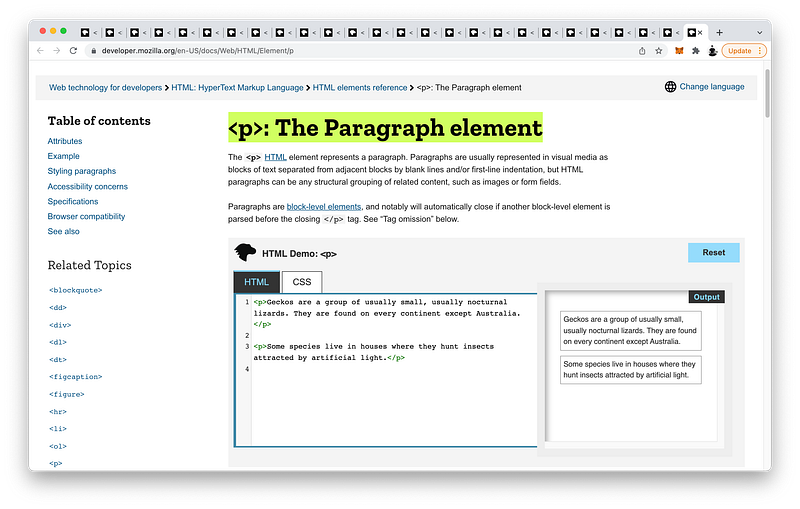
https://developer.mozilla.org/en-US/docs/Web/HTML/Element/p

The span tags for writing inline texts:
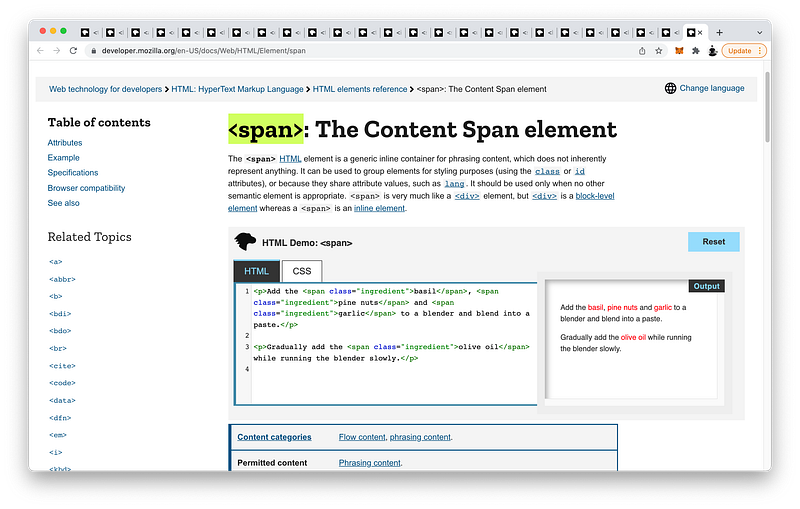
https://developer.mozilla.org/en-US/docs/Web/HTML/Element/span

h1 through h6 block-level tags for writing section headings:
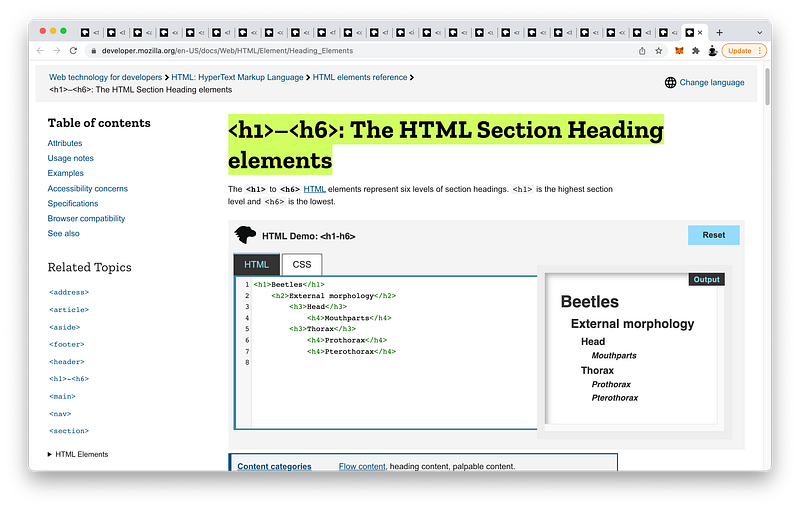
https://developer.mozilla.org/en-US/docs/Web/HTML/Element/Heading_Elements

And the a inline tags for adding links to texts:
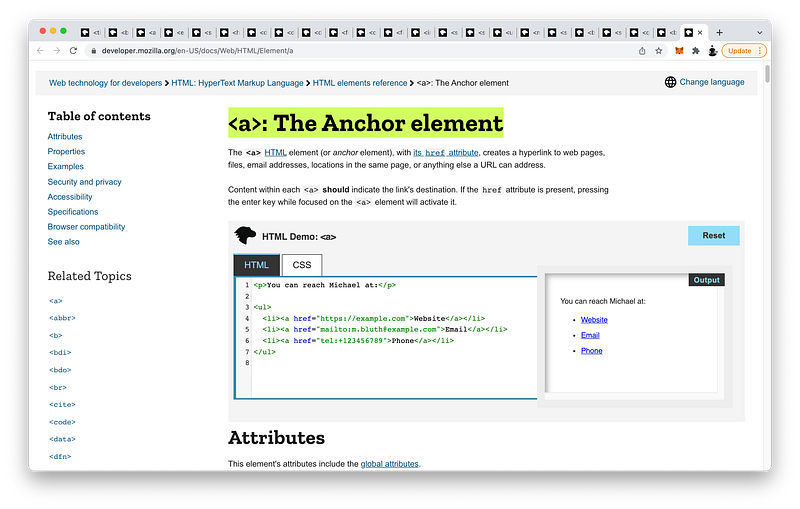
https://developer.mozilla.org/en-US/docs/Web/HTML/Element/a

We also showed how to use the a inline tags to link to different parts of the same document using the id attributes:
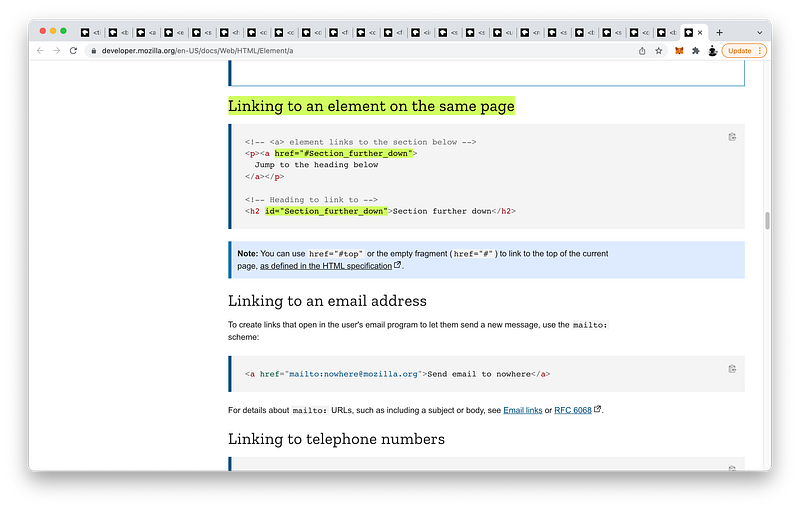
https://developer.mozilla.org/en-US/docs/Web/HTML/Element/a#linking_to_an_element_on_the_same_page

Some not-so-common semantic tags are:

The blockquote tags for creating blocks of quotations:
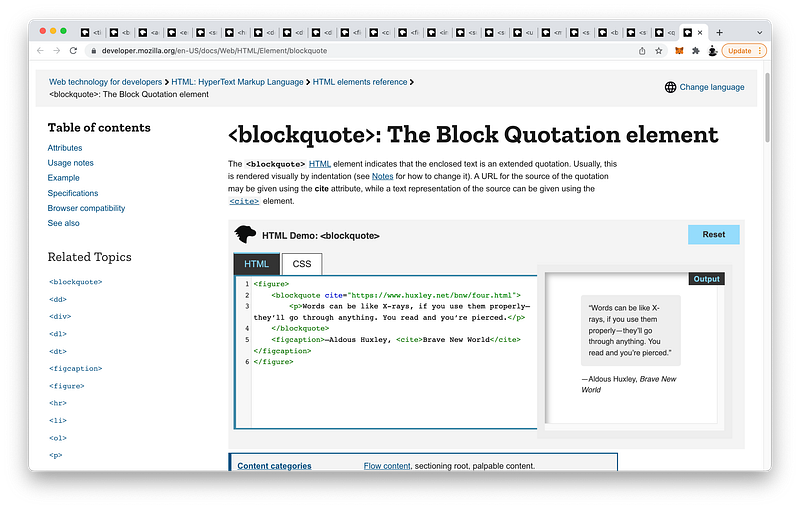
https://developer.mozilla.org/en-US/docs/Web/HTML/Element/blockquote

The q tags for creating inline quotations:
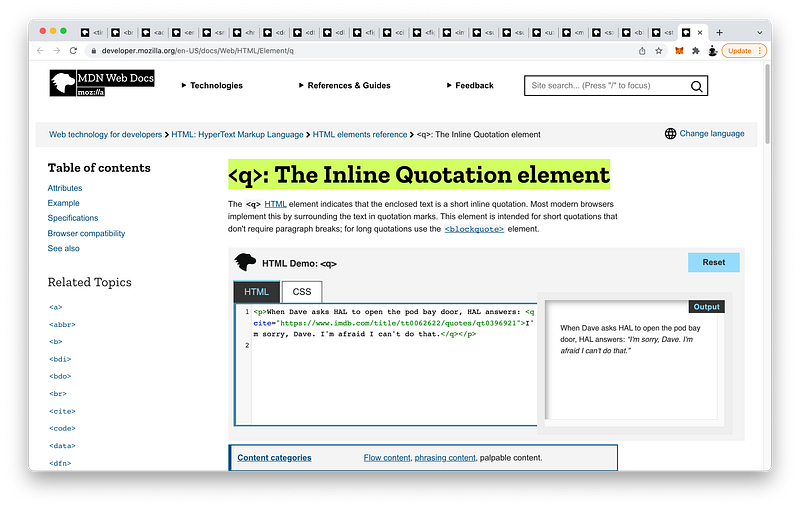
https://developer.mozilla.org/en-US/docs/Web/HTML/Element/q

The strong inline tags for showing semantic importance:
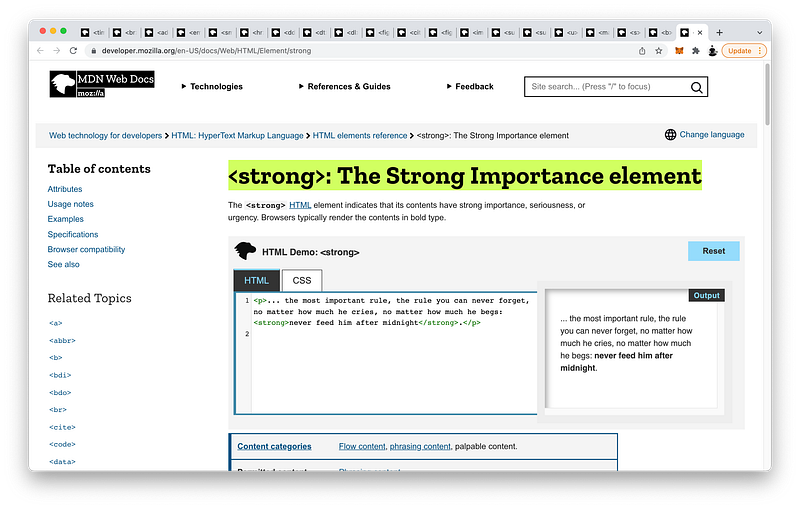
https://developer.mozilla.org/en-US/docs/Web/HTML/Element/strong

The b inline tags for drawing attention:
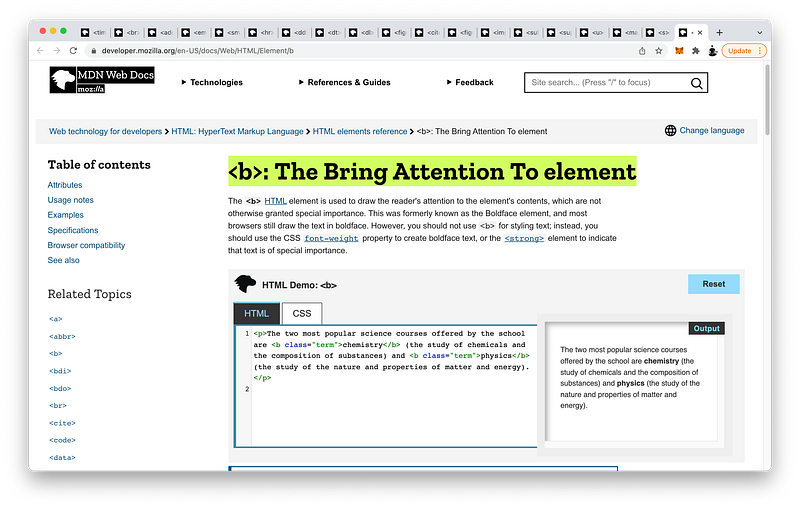
https://developer.mozilla.org/en-US/docs/Web/HTML/Element/b

The s inline tags to strike through texts:
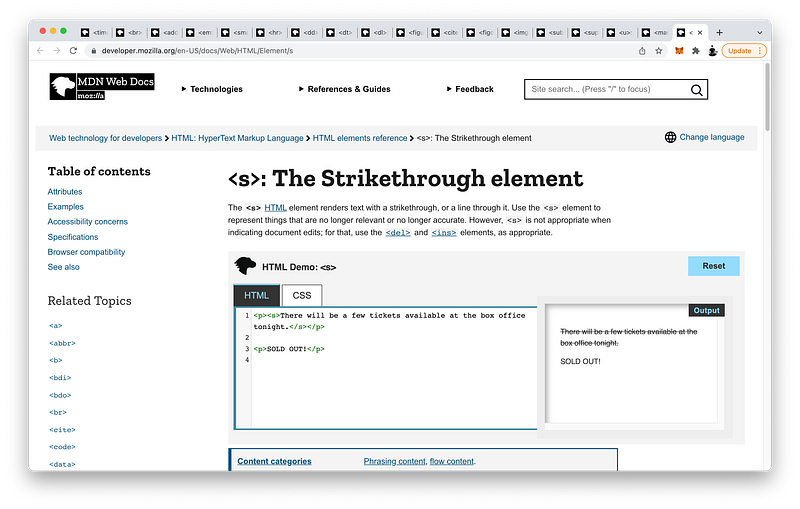
https://developer.mozilla.org/en-US/docs/Web/HTML/Element/s

The mark inline tags to highlight texts:
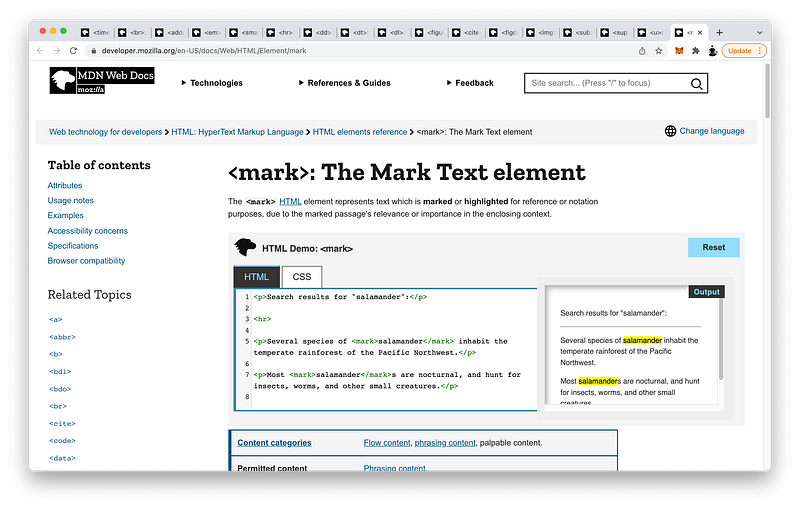
https://developer.mozilla.org/en-US/docs/Web/HTML/Element/mark

The u inline tags to underline texts:
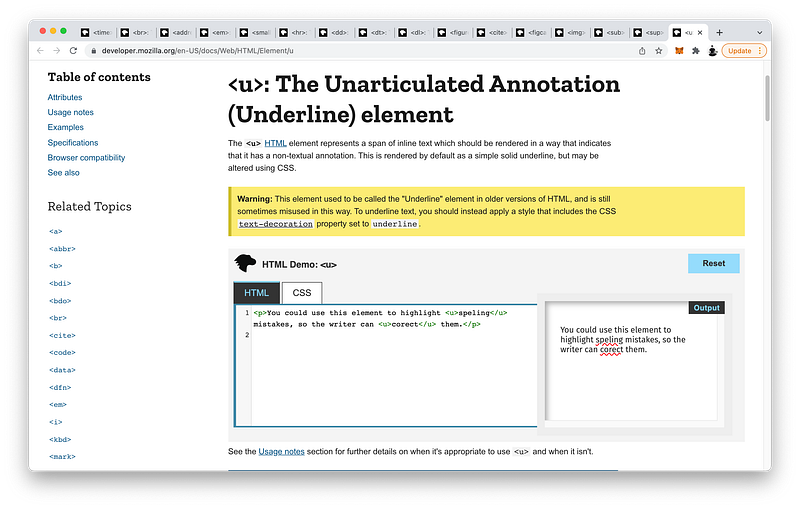
https://developer.mozilla.org/en-US/docs/Web/HTML/Element/u

The sup inline tags to write superscripts:
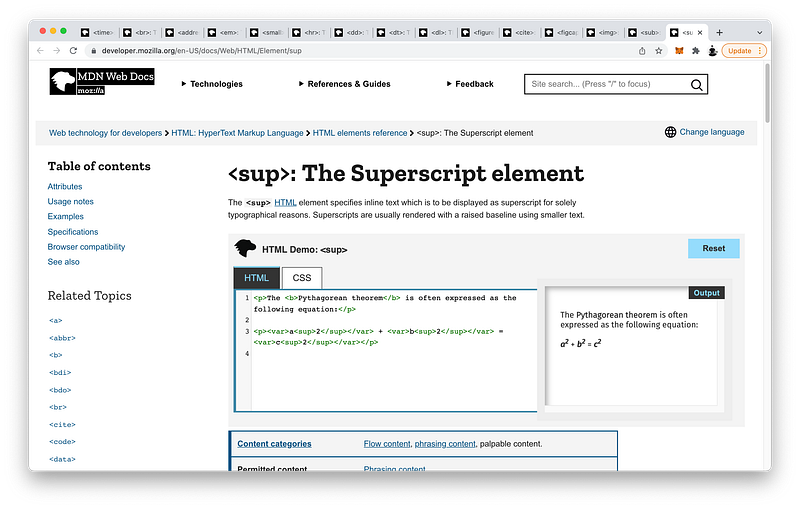
https://developer.mozilla.org/en-US/docs/Web/HTML/Element/sup

The sub inline tags to write subscripts:
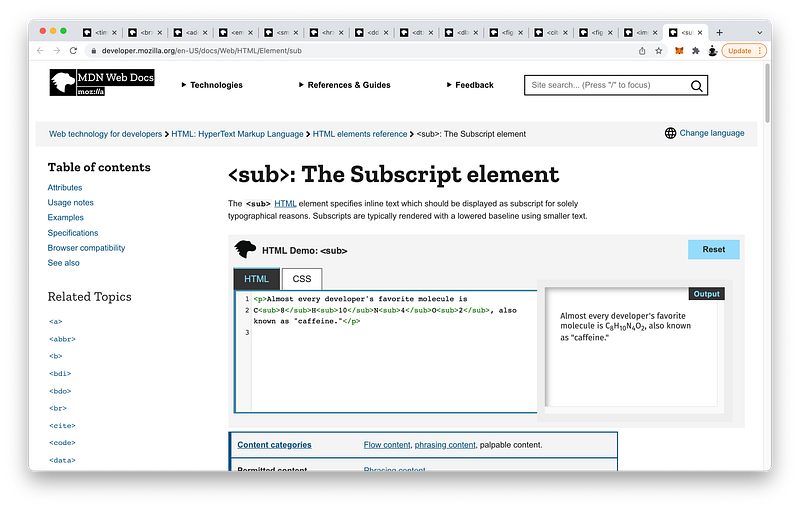
https://developer.mozilla.org/en-US/docs/Web/HTML/Element/sub

The img inline tags to add images:

https://developer.mozilla.org/en-US/docs/Web/HTML/Element/img

The figcaption block-level tags to add captions to our images:
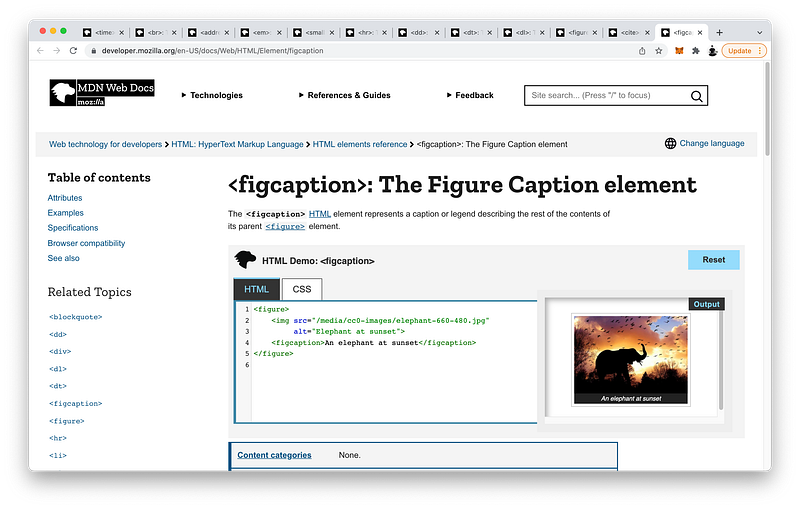
https://developer.mozilla.org/en-US/docs/Web/HTML/Element/figcaption

The cite inline tags to add citations:
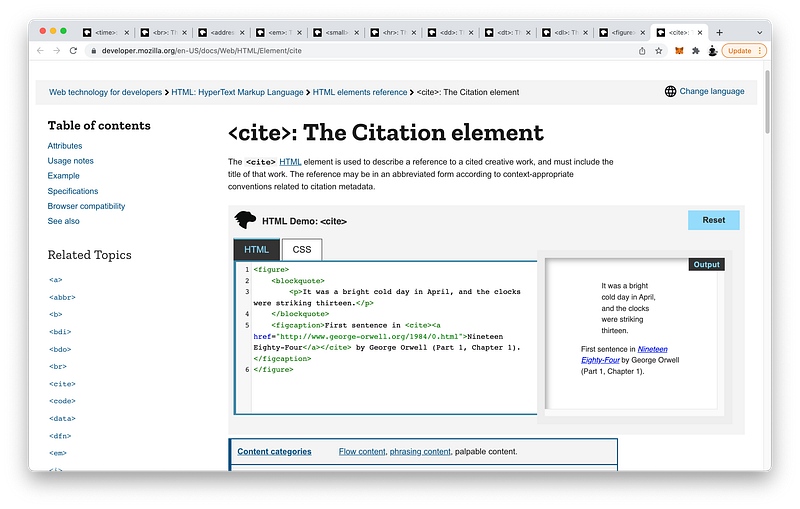
https://developer.mozilla.org/en-US/docs/Web/HTML/Element/cite

The figure subsectioning tags to group and relate the img tags and figcaption tags together:
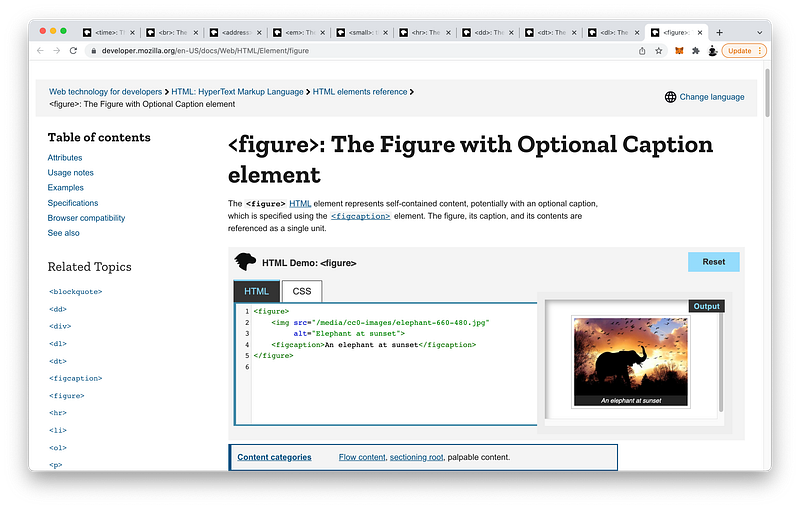
https://developer.mozilla.org/en-US/docs/Web/HTML/Element/figure

The dl subsectioning tags to create description lists:
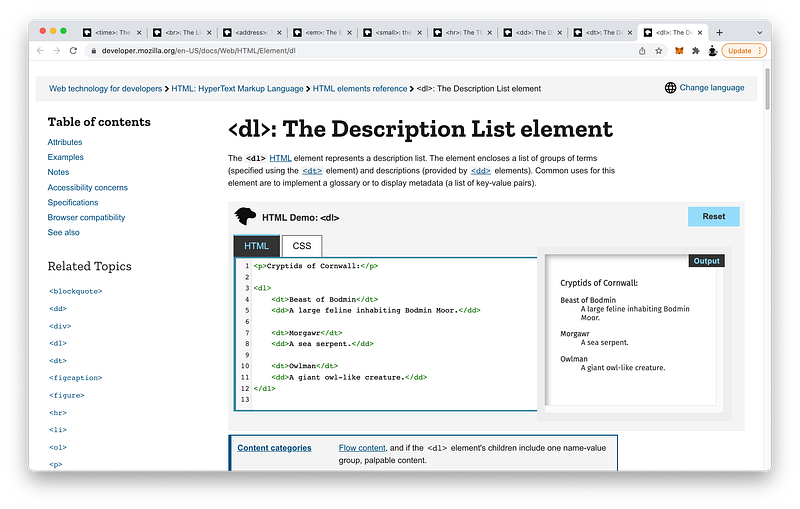
https://developer.mozilla.org/en-US/docs/Web/HTML/Element/dl

Consisting of dt block-level tags for the terms:
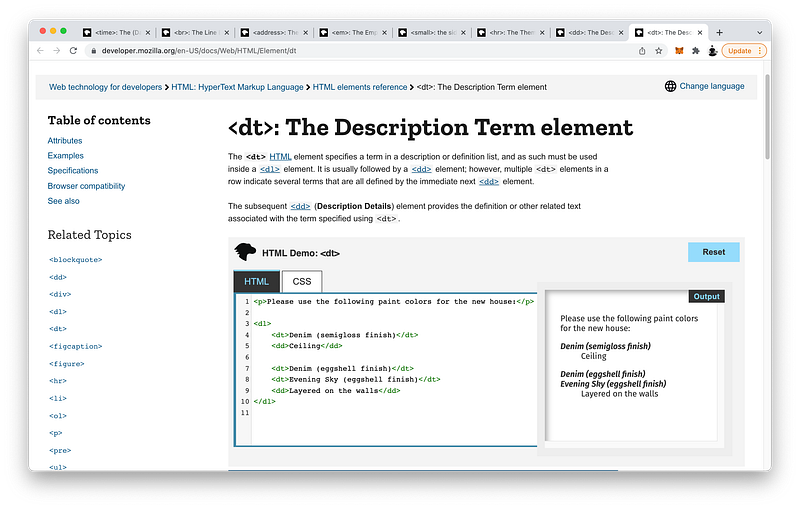
https://developer.mozilla.org/en-US/docs/Web/HTML/Element/dt

And dd block-level tags for the details:
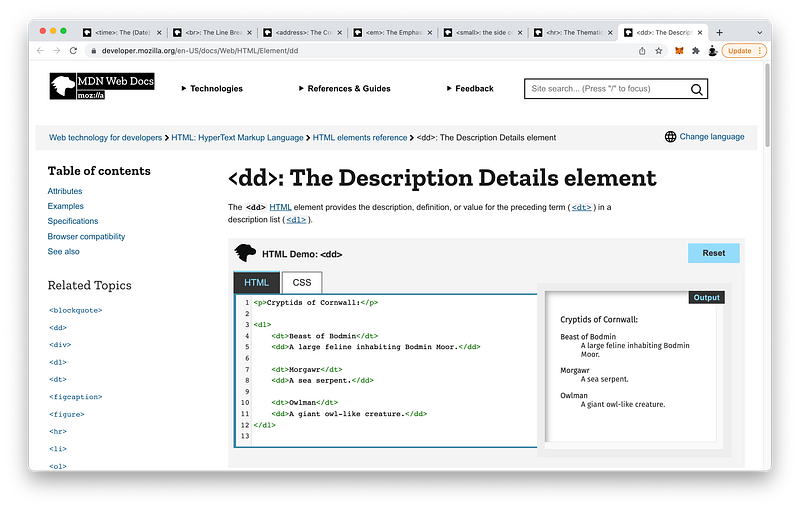
https://developer.mozilla.org/en-US/docs/Web/HTML/Element/dd

The hr block-level tags to create horizontal lines:
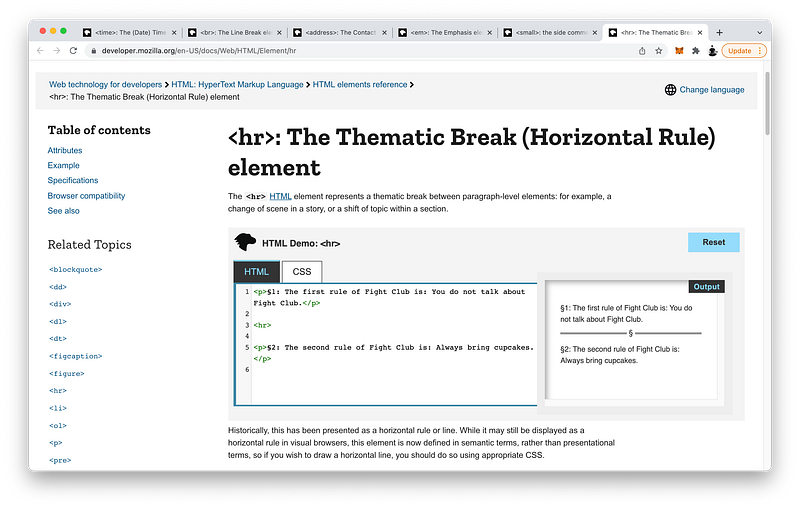
https://developer.mozilla.org/en-US/docs/Web/HTML/Element/hr

The small inline tags to write small prints:
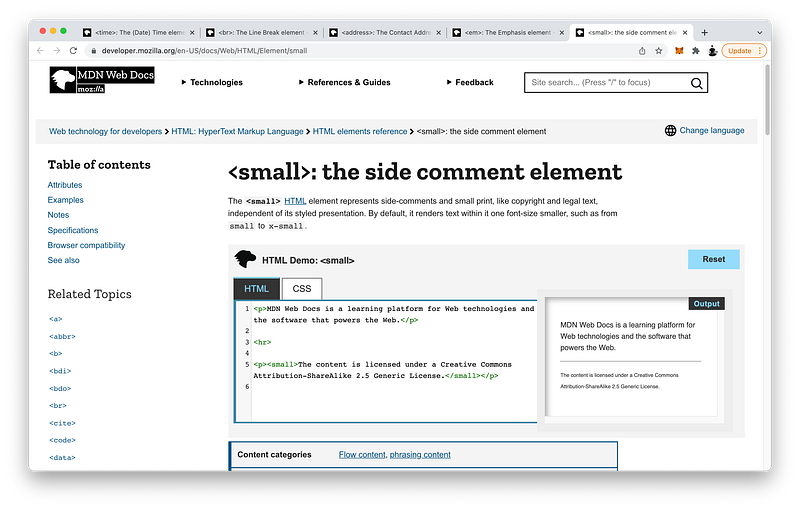
https://developer.mozilla.org/en-US/docs/Web/HTML/Element/small

The em inline tags to semantically emphasize texts:
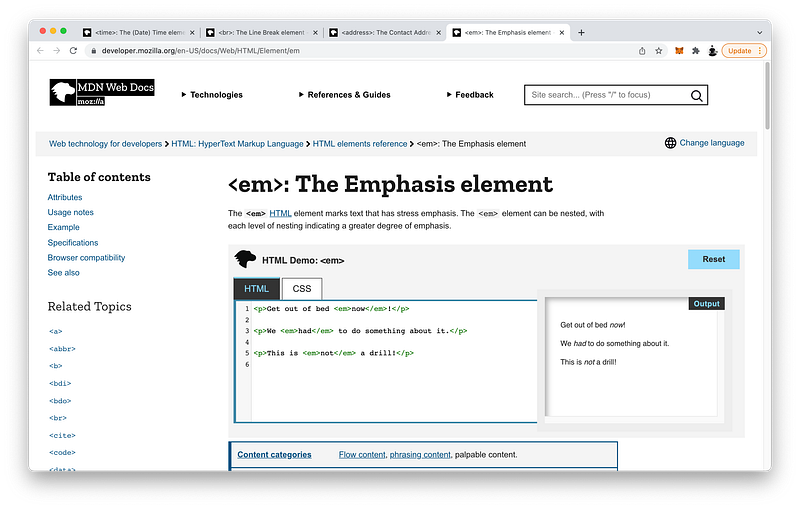
https://developer.mozilla.org/en-US/docs/Web/HTML/Element/em

The i inline tags to italicize texts:
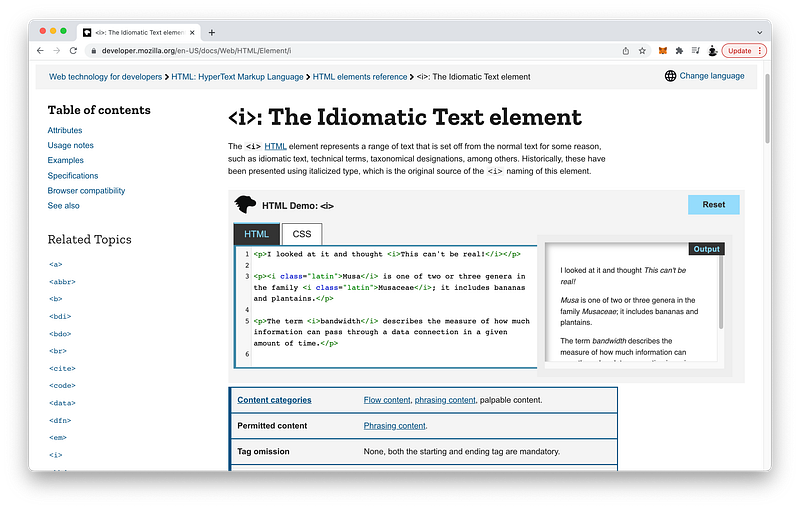
The address subsectioning tags to enclose the contact informations:
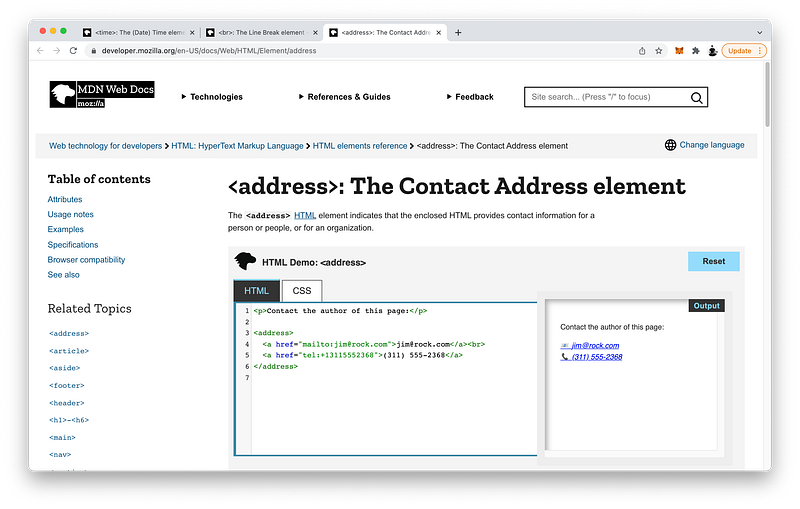
https://developer.mozilla.org/en-US/docs/Web/HTML/Element/address

The br tags to create line breaks:

https://developer.mozilla.org/en-US/docs/Web/HTML/Element/br

And finally the time inline tags to specify the date and/or time:
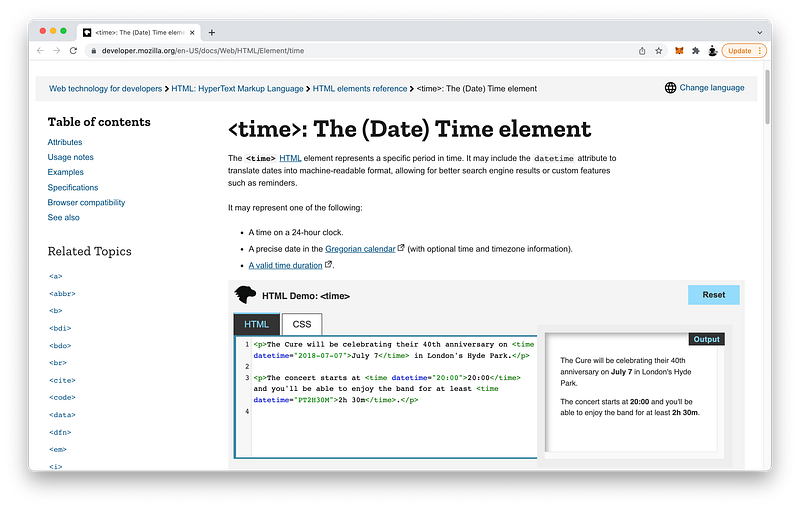
https://developer.mozilla.org/en-US/docs/Web/HTML/Element/time

To summarize, the best practice is to use semantic tags around all the plain texts we write so that screen readers and search engines can understand the meaning of our content.

CSS Properties

For all our textNodes, CSS lets us control a variety of styles.

With text-indent, we can set the amount of indentation:
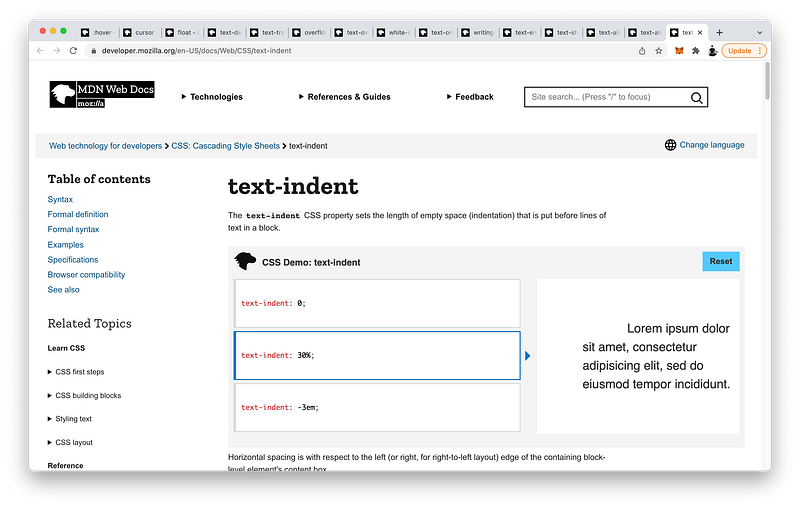
https://developer.mozilla.org/en-US/docs/Web/CSS/text-indent

With text-align, we can set the horizontal alignment of the text:
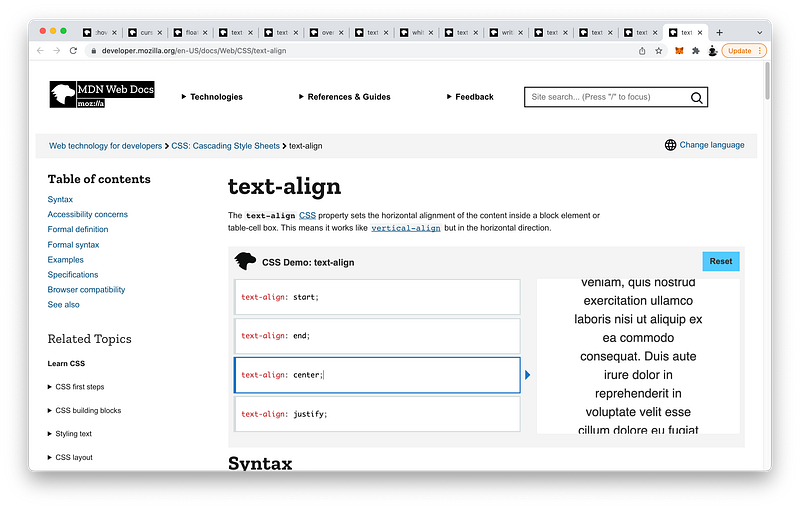
https://developer.mozilla.org/en-US/docs/Web/CSS/text-align

With text-align-last, we can set the horizontal alignment of just the last line of the text:
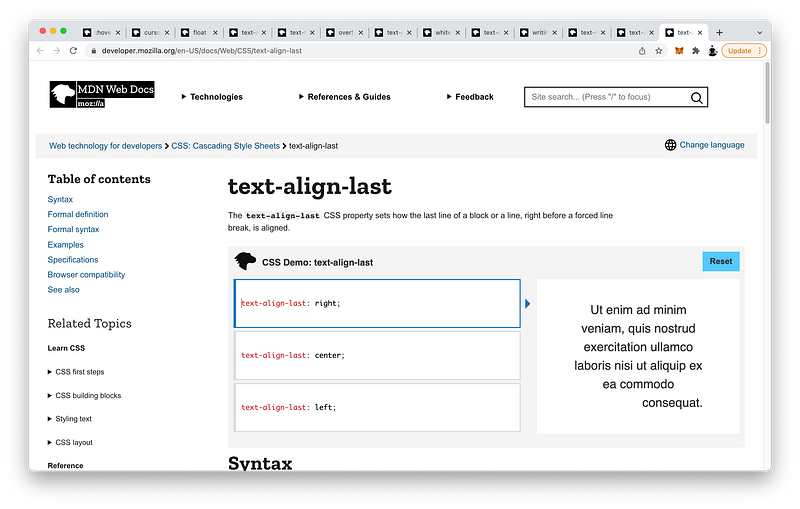
https://developer.mozilla.org/en-US/docs/Web/CSS/text-align-last

With text-shadow, we can add shadows to texts:
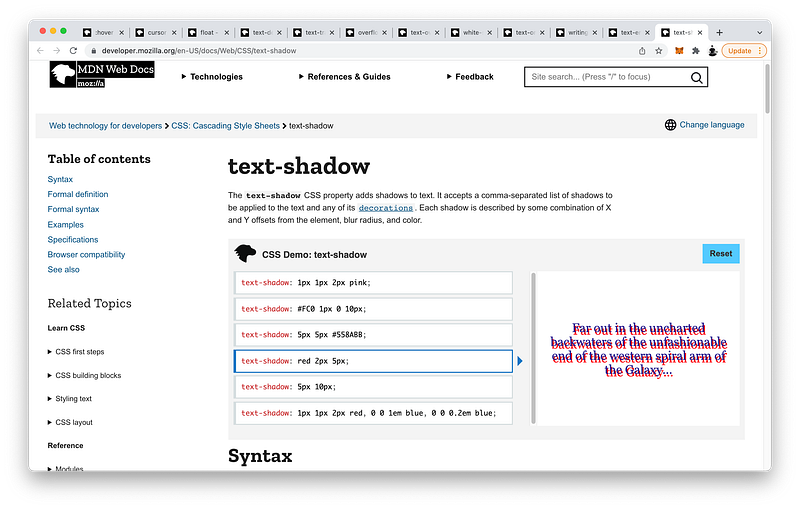
https://developer.mozilla.org/en-US/docs/Web/CSS/text-shadow

With text-emphasis, we can create accent marks:
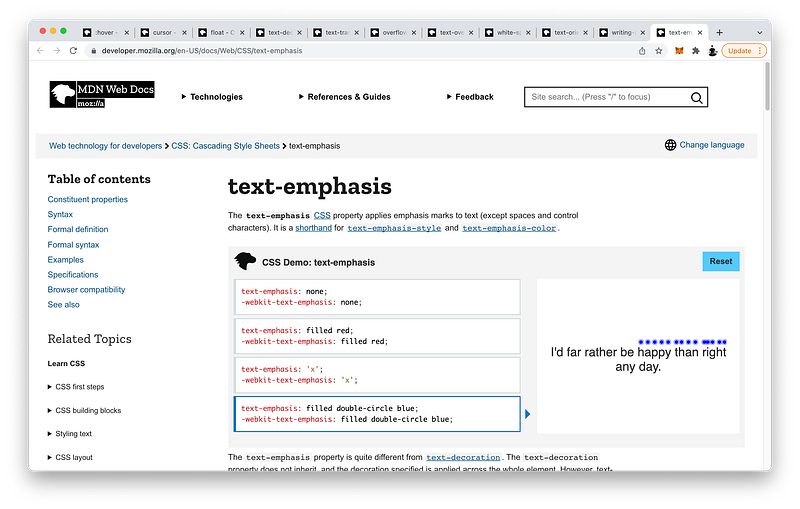
https://developer.mozilla.org/en-US/docs/Web/CSS/text-emphasis

With writing-mode, we can set how lines of texts are laid out:
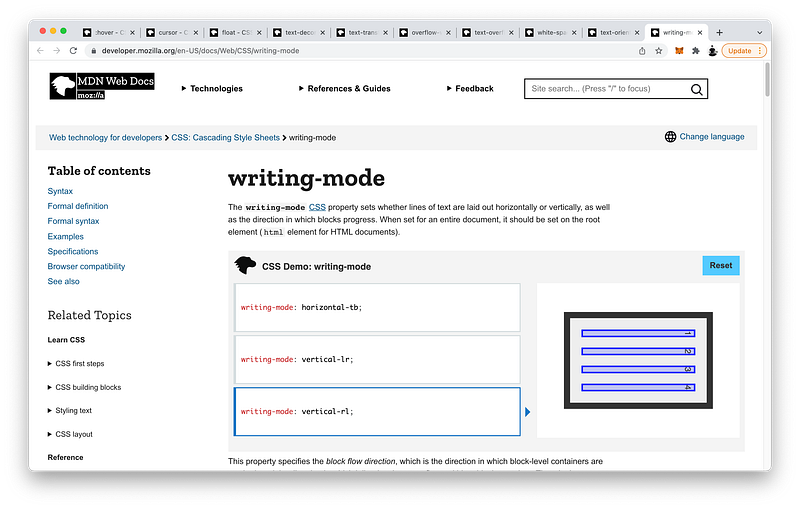
https://developer.mozilla.org/en-US/docs/Web/CSS/writing-mode

When the writing-mode is set to vertical (vertical-rl or vertical-lr), we can also control the orientation of the text characters:
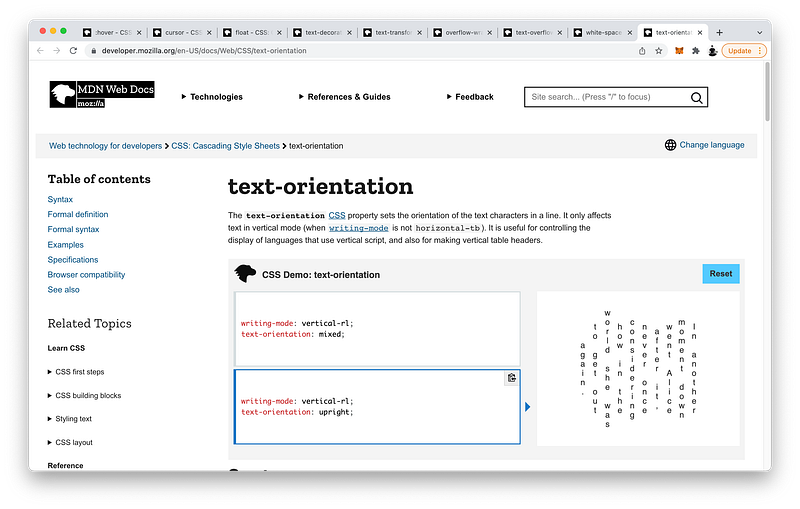
https://developer.mozilla.org/en-US/docs/Web/CSS/text-orientation

With white-space, we can set how white spaces are handled:
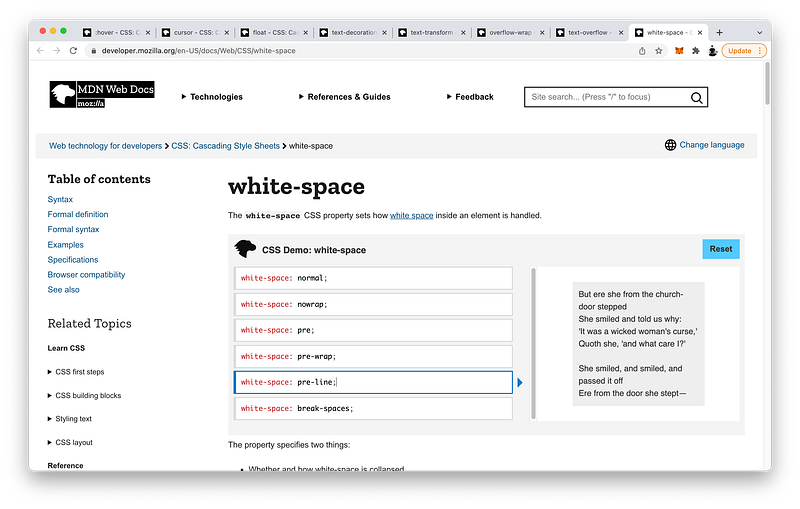
https://developer.mozilla.org/en-US/docs/Web/CSS/white-space

With text-overflow, we can set how the overflowed text is displayed:
https://developer.mozilla.org/en-US/docs/Web/CSS/text-overflow

With overflow-wrap, we can even break up words to fit the parent:
https://developer.mozilla.org/en-US/docs/Web/CSS/overflow-wrap

With text-transform, we can specify how to capitalize the text:
https://developer.mozilla.org/en-US/docs/Web/CSS/text-transform

With text-decoration, we can underline texts and set its appearance:
https://developer.mozilla.org/en-US/docs/Web/CSS/text-decoration

With float, we can place an element to the left or right, and force other inline elements to wrap around it:
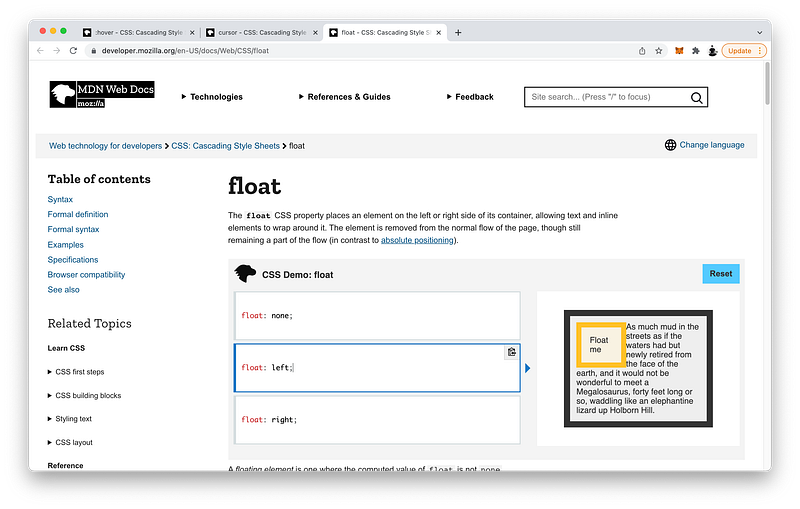
https://developer.mozilla.org/en-US/docs/Web/CSS/float

With cursor, with can set the type of mouse cursor to show when hovering over an element:
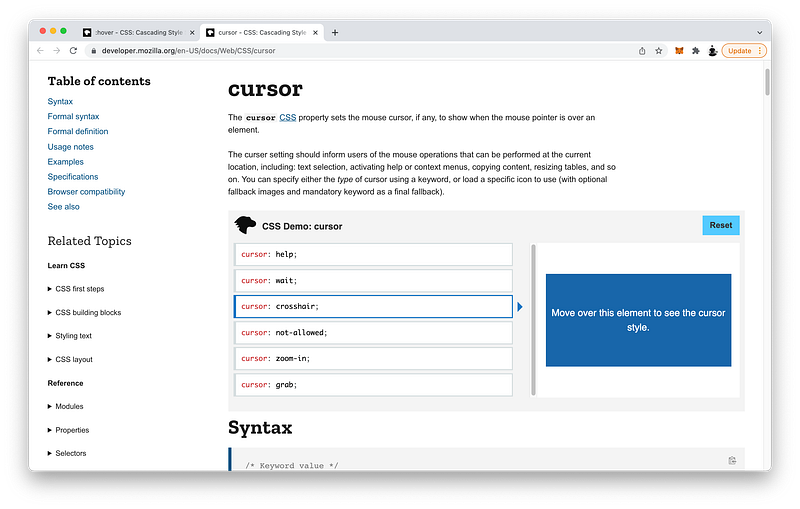
https://developer.mozilla.org/en-US/docs/Web/CSS/cursor

Finally, with the pseudo-class :hover, we can create a special CSS selector that matches when the mouse hovers over an element:
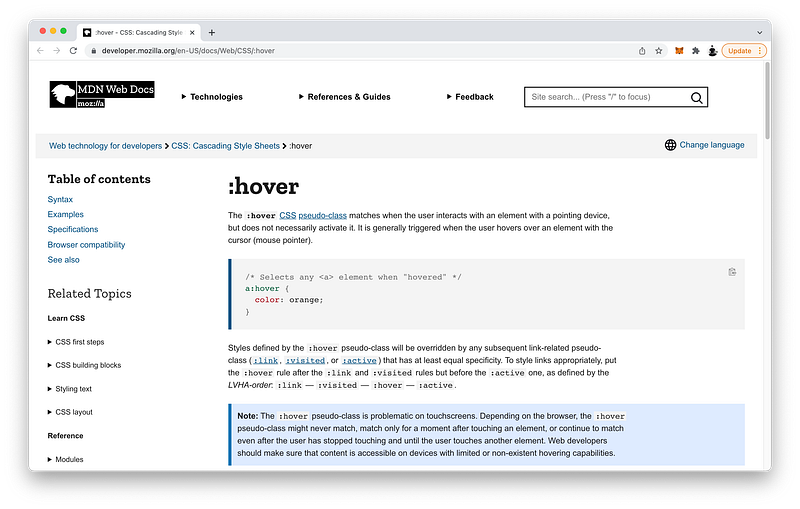
https://developer.mozilla.org/en-US/docs/Web/CSS/:hover

Again, we will explore many more pseudo-classes in Unit 3!

Concept Quiz

Take my Programming Concept Quiz to check your understanding! For every correct choice, you will earn SW Coins which you can redeem for coupons towards the purchase of any of my Udemy courses!

Sample Quiz Questions for Lesson 17:

Question 1:

Which tag takes up the entire block?

  1. p
  2. span

Question 2:

text-indent only works on blocks of texts?

  1. True
  2. False

Question 3:

Which CSS property controls the horizontal alignment of just the last line of texts:

  1. text-align
  2. text-align-last

Question 4:

Which section heading is the smallest?

  1. h1
  2. h2
  3. h3
  4. h4
  5. h5
  6. h6

Question 5:

Which CSS property lets us create accent marks?

  1. text-shadow
  2. text-emphasis

Question 6:

To change the text-orientation, the writing-mode must be:

  1. horizontal
  2. vertical

Question 7:

If the parent element is too short, which CSS property lets us break up the words to fit the parent?

  1. white-space
  2. overflow-wrap

Question 8:

To use text-overflow, the overflow must first be set to:

  1. visible
  2. hidden

Question 9:

Which value of text-transform will capitalize every letter:

  1. uppercase
  2. lowercase
  3. capitalize

Question 10:

Which CSS property lets us underline texts?

  1. text-decoration
  2. float

Question 11:

Which pseudo-class selects an element when the mouse cursor hovers over it?

  1. :hover
  2. cursor

Question 12:

Which attribute lets us link to a different part of the same document?

  1. href
  2. id

Question 13:

Which tag lets us add inline quotations?

  1. blockquote
  2. q

Question 14:

Which tag gives semantic importance?

  1. b
  2. strong

Question 15:

Which tag is used to strikethrough texts?

  1. mark
  2. s
  3. u

Question 16:

Which tag is used to underline texts?

  1. mark
  2. s
  3. u

Question 17:

Which tag is used to highlight texts?

  1. mark
  2. s
  3. u

Question 18:

Which tag is used to write subscripts?

  1. sup
  2. sub

Question 19:

The figure tag can be used to group the following tags EXCEPT:

  1. img
  2. figcaption
  3. main
  4. cite

Question 20:

The dl tag is NOT used to group:

  1. dt
  2. hr
  3. dd

Question 21:

Which tag creates horizontal lines?

  1. br
  2. hr

Question 22:

Which tag is used to write small prints?

  1. em
  2. small

Question 23:

Which tag is used to semantically emphasize texts?

  1. em
  2. i

Question 24:

Which tag is used to write contact informations?

  1. address
  2. time

Question 25:

Which tag is used to write the date or time?

  1. address
  2. time

Question 26:

Which tag is NOT a subsectioning tag:

  1. figure
  2. dl
  3. dt
  4. address

Question 27:

We should avoid using semantic tags as much as possible.

  1. True
  2. False

Question 28:

Search engines and screen readers depend on semantic tags.

  1. True
  2. False

Programming Concept Quiz for Chapter 17

Coding Exercises

Check out my Interactive Coding Exercises to put to practice what you have learned! There, you will also find interactive hints to help you understand each line of code. Likewise, for every correct solution, you will earn SW Coins which you can redeem for coupons towards the purchase of any of my Udemy courses!

Interactive Coding Exercises for Chapter 17

Syntax Flashcards

Review what you have learned by playing my Syntax Flashcard Game! These flashcards are designed to help you commit to memory all the new code syntaxes you learned in this lesson. Likewise, for every correct answer, you will earn SW Coins which you can redeem for coupons towards the purchase of any of my Udemy courses!

Syntax Flashcard Game for Chapter 17

Next Steps

Congrats on completing Unit 2: Lesson 12 of 13! 🎉

Unit 1: 100% Completed
Unit 2: 92% Completed
Unit 3: 0% Completed
Unit 4: 0% Completed
Unit 5: 0% Completed
Bonus Unit 6: 0% Completed
Bonus Unit 7: 0% Completed
Overall Progress: 17% Completed

Join Remote Frontend Cohort Program

Next Lesson

In this lesson, we finally learned how to add real content to our page layout. In the next lesson, we will learn how to manipulate the overall font and color of all our text contents! Get ready to see the awesome culmination of all your hard work until now in the final lesson of this Unit! 😎

Chapter 18: CSS Web Fonts and Colors

Table of Contents

When you use my referral link above 👆 to become a Medium member, all proceeds will be donated towards the construction of the Silicon Wat Campus for children in Ukraine and Cambodia ❤️

HTML
CSS
JavaScript
Front End Development
Programming
Recommended from ReadMedium