
Adobe Generative Fill is Out! The Game Changer!
Finally, the generative fill is out! I just downloaded the Photoshop Beta.
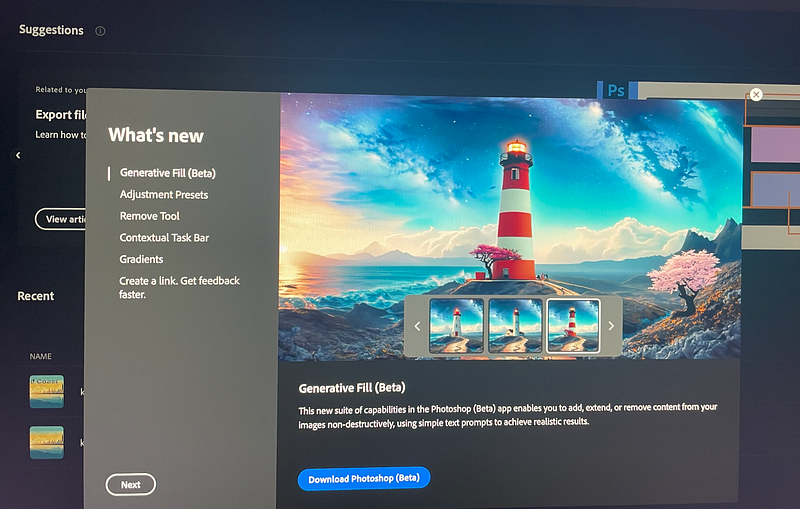
When I updated my PS, there was an option asking me to try PS Beta like this:
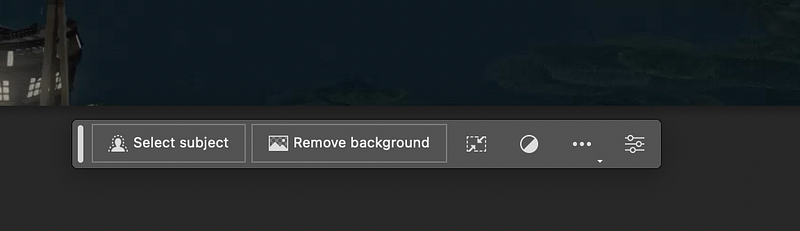
After downloading and updating to the Beta version, I dragged an image into PS as usual. There was a generative fill bar on the screen.
I tried to turn this star into the moon:
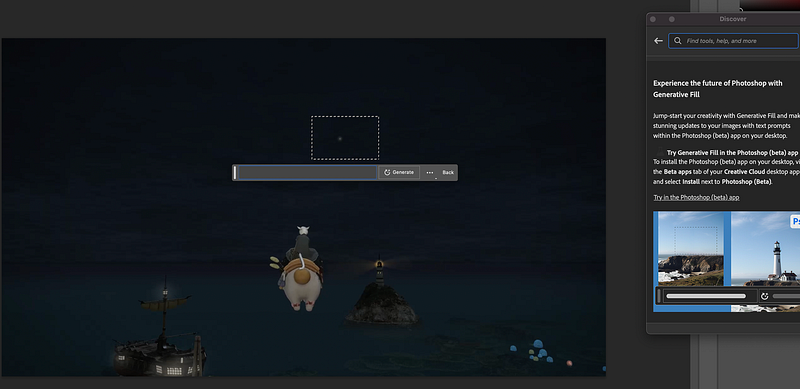
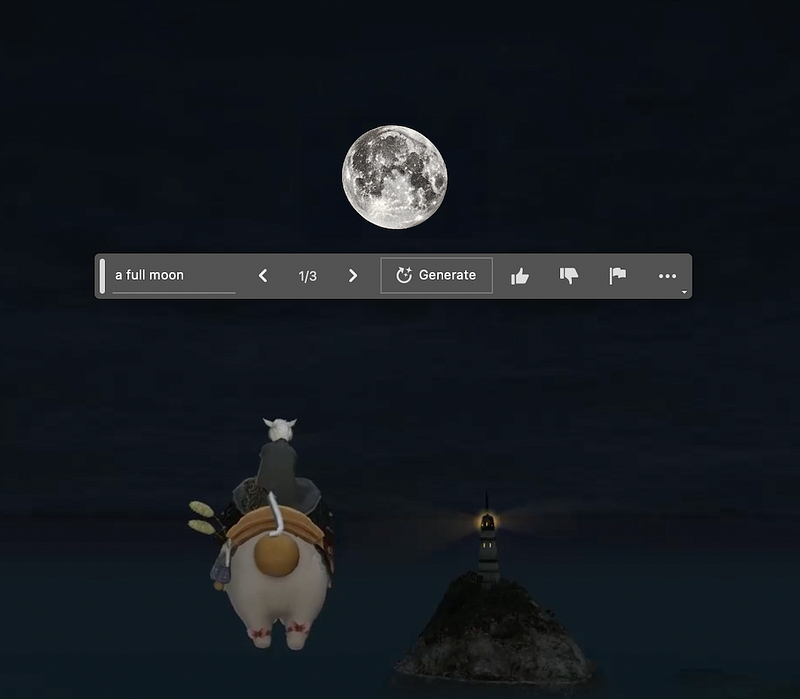
And it generated three of them for you to choose from.
I have been waiting for it for two months (Adobe Firefly is All You Need), as I am really bad at using software like PS. I don’t have the patience to edit the image bit by bit. I hate those complicated tools. But now, it is super easy and fun.
Finally, we have an AI tool that provides more control over the design process! That’s why I think it is a game-changer. Combined with text-to-image tools like Midjourney or Adobe’s own text-to-image, you can produce images closer to your imagination!
Here is the official step-by-step tutorial about using the generative fill and expanding feature.
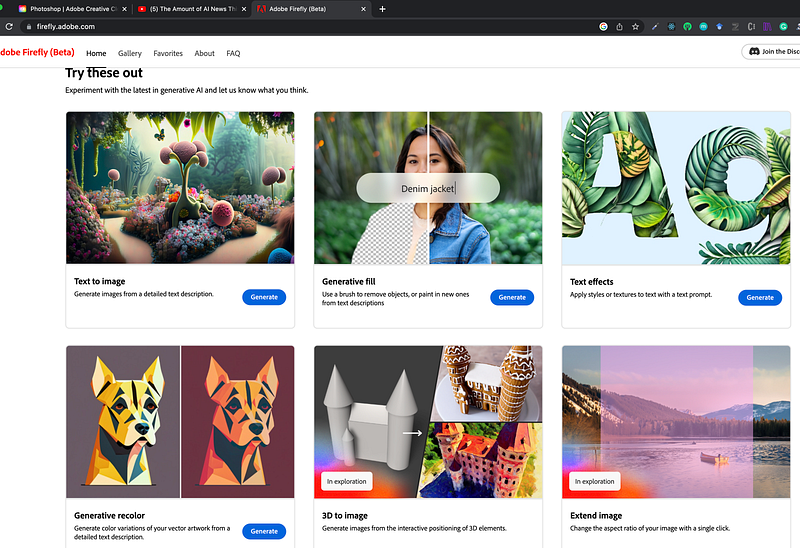
I guess these features are expanded from Adobe Firefly to all Adobe applications.
The other related posts on exploring how to use AI tools:
- Three Ways to Upload PDF to ChatGPT to Analyze or Summarize
- How to Use ChatGPT to Accelerate Literature Review
- The Ultimate Midjourney Prompt Guide 2023
- What is Prompt Engineering? Will it Last Long? Do We Need to Learn It?
- ChatGPT in Healthcare
- ChatGPT in healthcare: diagnosis of mental issues like stress, burnout, procrastination and depression
- Using ChatGPT+MidJourney+Adobe Firefly to Create Posters